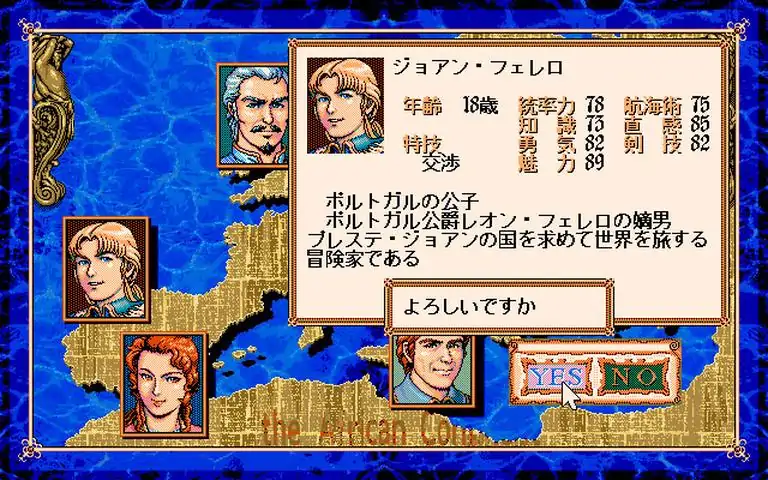
在非日语版Windows 11系统上运行时,应用标题、菜单和文件名显示正常。
使用Locale Emulator运行:
1. 获取Locale Emulator。
2. 在库中右键点击属性,将启动选项更改为“<你的路径>Locale.Emulator.2.5.0.1 LEProc.exe” %command%,或者直接创建快捷方式在Steam外部运行,路径为“<你的路径>Locale.Emulator.2.5.0.1 LEProc.exe” “<你的Steam库路径>steamapps common Daikoukai2 Daikoukai2_Launcher.exe”。
3. 完成设置。
此方法不会进行翻译,但至少能使%HOMEPATH%OneDrive Documents Koei 35th下的文件名显示正常。