
本文将介绍Steam平台上的优质内容。我已经筛选了不少,希望大家能喜欢。 在开始之前。

需要说明的是,本文并非由作者原创,而只是其他作者文章的汇编。作者无意侵占他人材料,仅为方便读者而引用这些文章。 如果您对此没有异议,那么我们就开始吧。
头像: ● Steam头像选择: https://cspromogame.ru/avatars/steam (海量按尺寸和主题分类的头像选择) ● 头像设计: https://steamcommunity.com/sharedfiles/filedetails/?id=1347396817 (可通过PSD文件或PNG文件在Photoshop中添加昵称和边框) ● 使用Steam点数兑换的头像动画边框:https://store.steampowered.com/points/shop/c/avatar/cluster/1 个人资料背景:
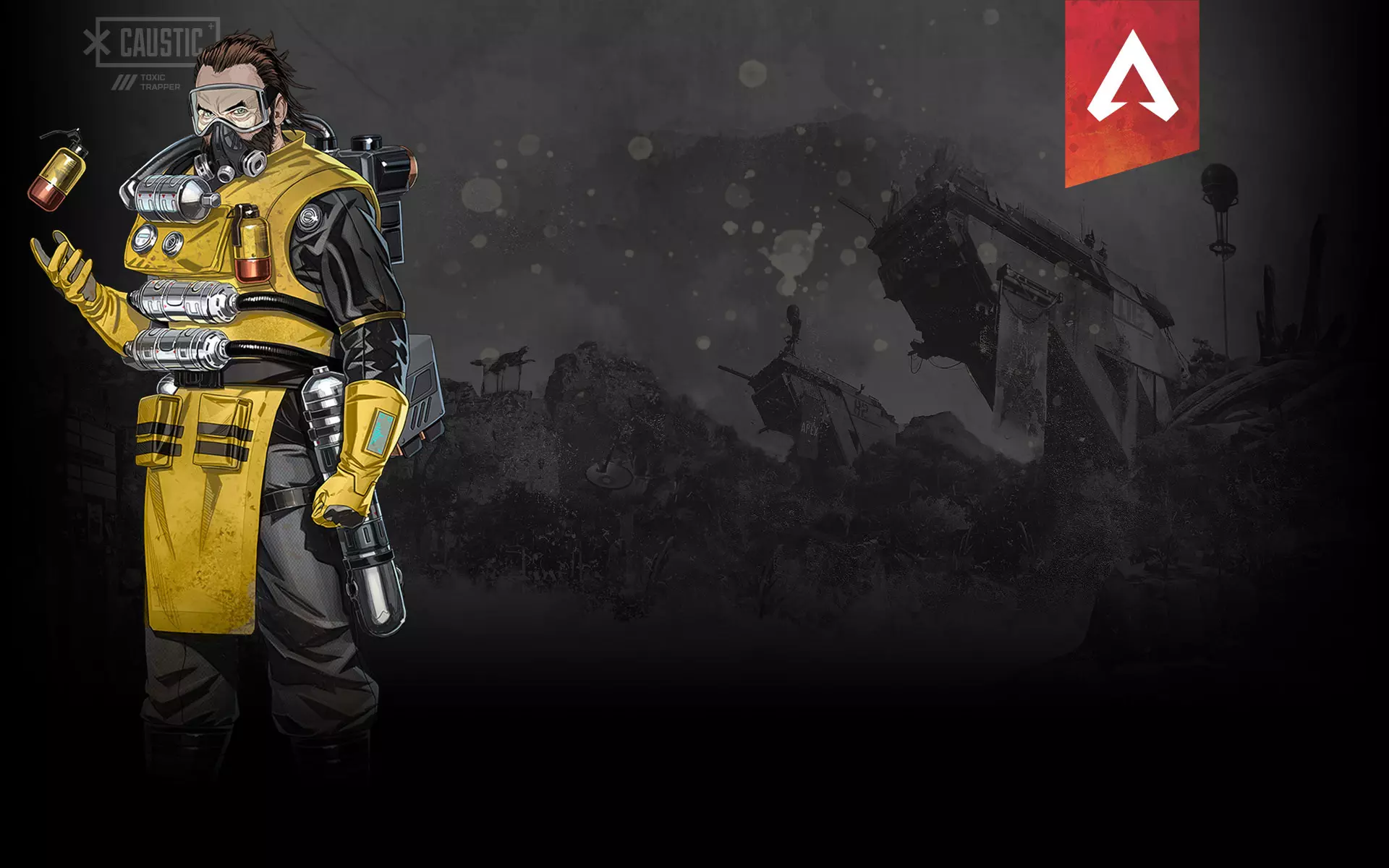
● 经济型个人资料背景合集: https://steamcommunity.com/sharedfiles/filedetails/?id=1937918674 ● 精美背景大列表: https://steamcommunity.com/sharedfiles/filedetails/?id=1374624603 ● Steam主题背景合集: https://steamprofiledesign.com/backgrounds/ 此外,别忘了可以用Steam点数兑换的动态背景:https://store.steampowered.com/points/shop/c/backgrounds/cluster/0 关于个人简介: 个人资料中位于头像下方的“个人简介”栏,也可以进行有趣的设计。
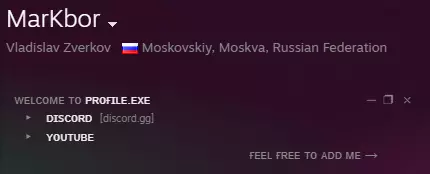
● 美观装饰模板: https://steamcommunity.com/sharedfiles/filedetails/?id=1622815199 ● 将标准字体更改为美观字体: https://lingojam.com/FancyTextGenerator (大多数字体主要适用于拉丁字母) 个人资料展示区: ⛔ 首先,要在个人资料中添加展示区,需要Steam等级至少达到10级!(每10级+1个个人资料展示柜) ● Steam上的展示柜种类确实很多,下面我们将结合各种展示柜来介绍不同的个人资料设置方案! **插图展示柜:** 在大多数情况下,个人资料设置中会将插图与个人资料背景结合使用 (插图可从相关资源处下载,背景则可在交易市场购买) ● 不同主题的插图: https://steamcommunity.com/sharedfiles/filedetails/?id=934635534 ● 大量游戏主题插画:https://steamcommunity.com/sharedfiles/filedetails/?id=1374624603 ● 动画插画,适配动画背景:https://steamcommunity.com/sharedfiles/filedetails/?id=2144899743 ● 精选插画,适配所选背景:https://steam.design/ 此外,还可以通过添加动画昵称或贴纸来自定义插画:https://giphy.com/create/gifmaker ❓如何添加此类大型插画: 1. 前往此处:https://steamcommunity.com/sharedfiles/edititem/767/3/ 2. 为插图命名并添加文件 3. 打开控制台(F12键),在“Console”(控制台)选项卡中粘贴以下代码: $J('#image_width').val('1000');$J('#image_height').val('1'); 并按一次Enter键 (此代码用于支持添加大尺寸插图) 成就展示柜:

存在一些专门用于获取大量成就的游戏!(例如,可借助这些游戏来装饰个人资料,比如拼写自己的昵称)。这类游戏的价格在15到30卢布之间,要获取成就,大约需要游玩游戏一小时。 ● 带有字母和数字的成就: https://steamcommunity.com/stats/617670/achievements (在“Zup!”系列的其他游戏中,可以找到其他类型的字母:https://store.steampowered.com/developer/zup ● 纪念性成就+字母与数字: https://steamcommunity.com/stats/401190/achievements ● 俄文字母与表情符号: https://steamcommunity.com/stats/604490/achievements 再次说明!游戏价格为15到30卢布。要获取成就,需要游玩游戏约一小时。 展示区包含其自身信息:
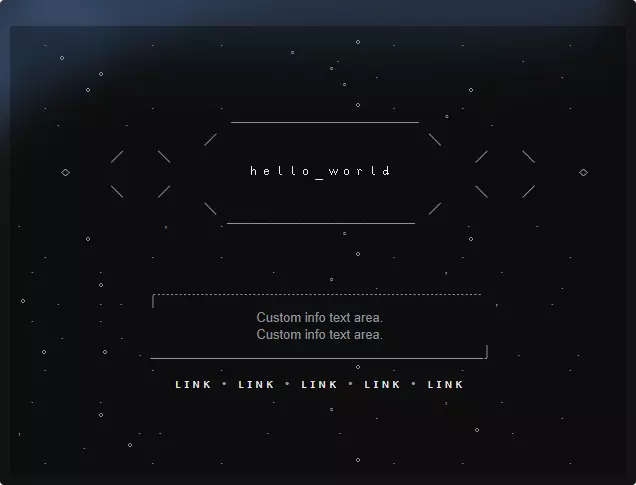
在这个展示区,你可以简单介绍一下自己,并留下你的社交网络链接 ● 美观信息排版模板:https://steamcommunity.com/sharedfiles/filedetails/?id=1922401556 ● 另一批排版模板: https://steamcommunity.com/sharedfiles/filedetails/?id=1422595134 此外,你还可以在这个展示区用符号或表情符号制作图案: ● 符号图案: https://steamcommunity.com/sharedfiles/filedetails/?id=1163784425 ● 表情符号图案: https://steam.工坊橱窗: 您还可以制作动画工坊橱窗! ● 橱窗动画: https://steamcommunity.com/sharedfiles/filedetails/?id=1655512977 添加插图的代码: $J('#ConsumerAppID').val(480),$J('[name=file_type]').val(0),$J('[name=visibility]').val(0); 其他所有操作与添加“插图橱窗”类似 ✅ 如有疑问,请留言。我还会为您准备几篇包含素材的文章。 Discord[discord.gg] Steam Youtube