换一换
换一换 


新手玩家入门指南:游戏基础概述 简介
《三角洲特种部队》是一款免费游玩的第一人称战术射击游戏。玩家在战场上扮演拥有独特能力的军事操作员。游戏提供32对32玩家在巨大地图上的战斗,以及更多战术游戏模式,如撤离射击和单人战役。本质上,这是一种全能的第一人称射击游戏体验。 对于新手来说,一开始可能会感到无所适从。因此,我编写了本指南,以帮助首次接触第一人称射击游戏或此类游戏的新手。我将专注于游戏的基本方面,帮助你轻松入门。一旦开始游玩,你很快就能掌握窍门。 游戏模式
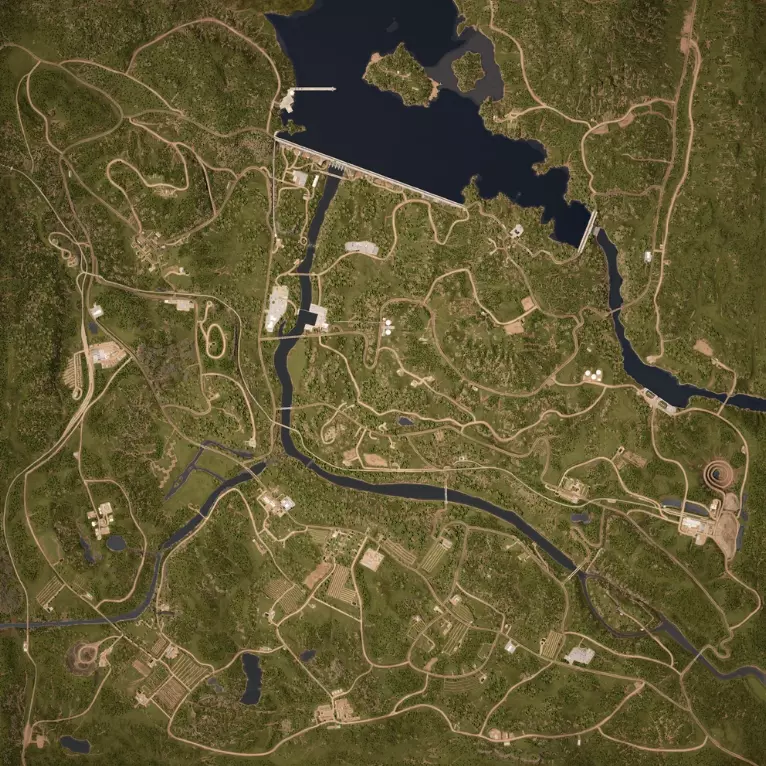
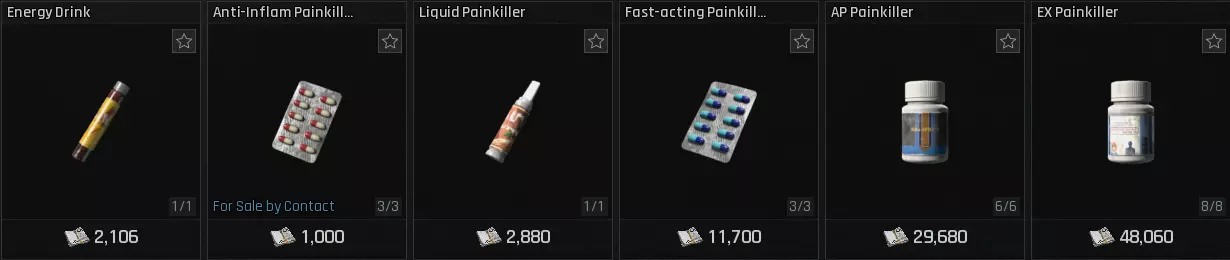
WarefareWarfare delivers intense, combined arms combat, blending infantry and vehicle action in a style familiar to fans of large-scale shooters. Players choose an operator, each with a specialized class, and customize their loadout before joining a squad. Progression allows for unlocking new weapons and modifications. Matches revolve around eliminating enemies and completing objectives, earning points that can be used for powerful call-ins. These call-ins, such as Guided Missiles or Tactical Beacons, offer strategic advantages similar to scorestreaks in other games. Warfare offers a variety of game modes, some of which are featured in a rotating or limited-time schedule. Active ModeAttack and Defend: Attackers must secure two key objectives within a designated sector to advance their assault, facing limited reinforcements. Defenders must staunch the advance at all costs, with unlimited respawns. King of the Hill: Teams clash over sectors containing multiple objectives. Capturing all objectives within a sector provides valuable strategic resources. The team that accumulates the target amount of resources wins the match. Knife Edge Only: Attack and Defend mode, exclusively played on the Knife Edge map. Battle Practice: A Player versus Environment (PvE) version of the Attack and Defend mode, designed for training and familiarization, and does not grant experience points. Rotaional ModeAttack and Defend – Shafted: This variation of Attack and Defend confines the battle to the Shafted map, offering a distinct tactical experience. Attack and Defend – Threshold:Combat in this Attack and Defend mode is exclusively held on the Threshold map, presenting unique challenges. Attack and Defend – Trench Lines: Players engage in Attack and Defend, with the fighting restricted to the Trench Lines map. Hill of Iron: A heavier version of King of the Hill, emphasizing armored warfare with an increased presence of tanks and other heavy vehicles. King of the Hill – Shafted: This King of the Hill variant is played solely on the Shafted map, providing a focused combat scenario. Blitz: A fast-paced iteration of King of the Hill, featuring a reduced number of objectives and unpredictable base respawn locations. Siege: Designed to simulate a final stand, Siege concentrates multiple objectives within a condensed map sector, reminiscent of the decisive moments in standard Attack and Defend. Top Voted: A community-driven mode, where the selected game type and map rotate every 48 hours based on player votes. OperationsOperations offers a diverse blend of gameplay experiences. While it initially launched as an extraction-focused mode, reminiscent of games like Escape from Tarkov, it has since expanded to cater to a wider range of player preferences. Essentially, it's an extraction shooter. Imagine landing on a large, open map, searching for valuable loot, engaging in tense firefights with other players, and then successfully extracting with your team via a designated point. In Delta Force terms, it’s 'loot, shoot, and time to scoot scoot.' Compared to the fast-paced action of Warfare, Operations emphasizes a more tactical approach. Expect longer ability cooldowns, impactful injury systems, and a generally more deliberate pace. From the Operations mode menu, you have the flexibility to select any map you desire. Some maps will become unlocked as you progress and level up. Beyond the standard extraction experience, Operations also features a PvE Raid mode. This mode presents challenging objective-based missions, providing a cooperative experience against AI opponents. Operations features three core gameplay experiences: Hazard Operation: This is the extraction heart of Operations. You'll venture into a map, gather valuable resources, tackle optional side missions, or engage rival players. To secure your acquired loot, you must successfully reach and utilize a designated extraction point. Your extracted items can be used in future Hazard Operations and Raids, exchanged for Tekniq Alloys, or utilized to enhance and craft gear at your base. A death results in the loss of all carried items, excluding those stored in your Safe Box. However, you'll receive Gear Tickets upon death, providing a basic equipment setup for your next attempt. Raid: Raids provide cooperative, Player versus Environment (PvE) missions. Utilize your stored gear to progress through multi-stage objectives, battling AI opponents. Unlike Hazard Operations, death in Raids does not result in the loss of your equipment. Hot Zone: This is a fast-paced, 3v3v3 Player versus Player (PvP) mode played on compact maps. Victory is achieved by eliminating all opposing teams or securing the MandelCell. The first team to win three rounds claims the match. In Hot Zone, predetermined gear sets are used instead of your personal stash. Black Hawk Down (Campaign)Black Hawk Down is a cooperative campaign mode designed to test player skill through challenging scenarios. It emphasizes tactical gameplay and high-stakes combat, where player survival is not guaranteed. The campaign is a reimagining of the 2001 film and draws inspiration from the 2003 game Delta Force: Black Hawk Down. It aims to recreate key story elements and moments from those sources. Players will form squads, select character classes, and customize their equipment. Success in the campaign relies heavily on coordinated team movement and effective unit tactics to overcome difficult objectives. Note: Black Hawk Down is a separate DLC. You must download the DLC to play the campaign. If you cannot find the DLC, you can find it here. Operators and Classes
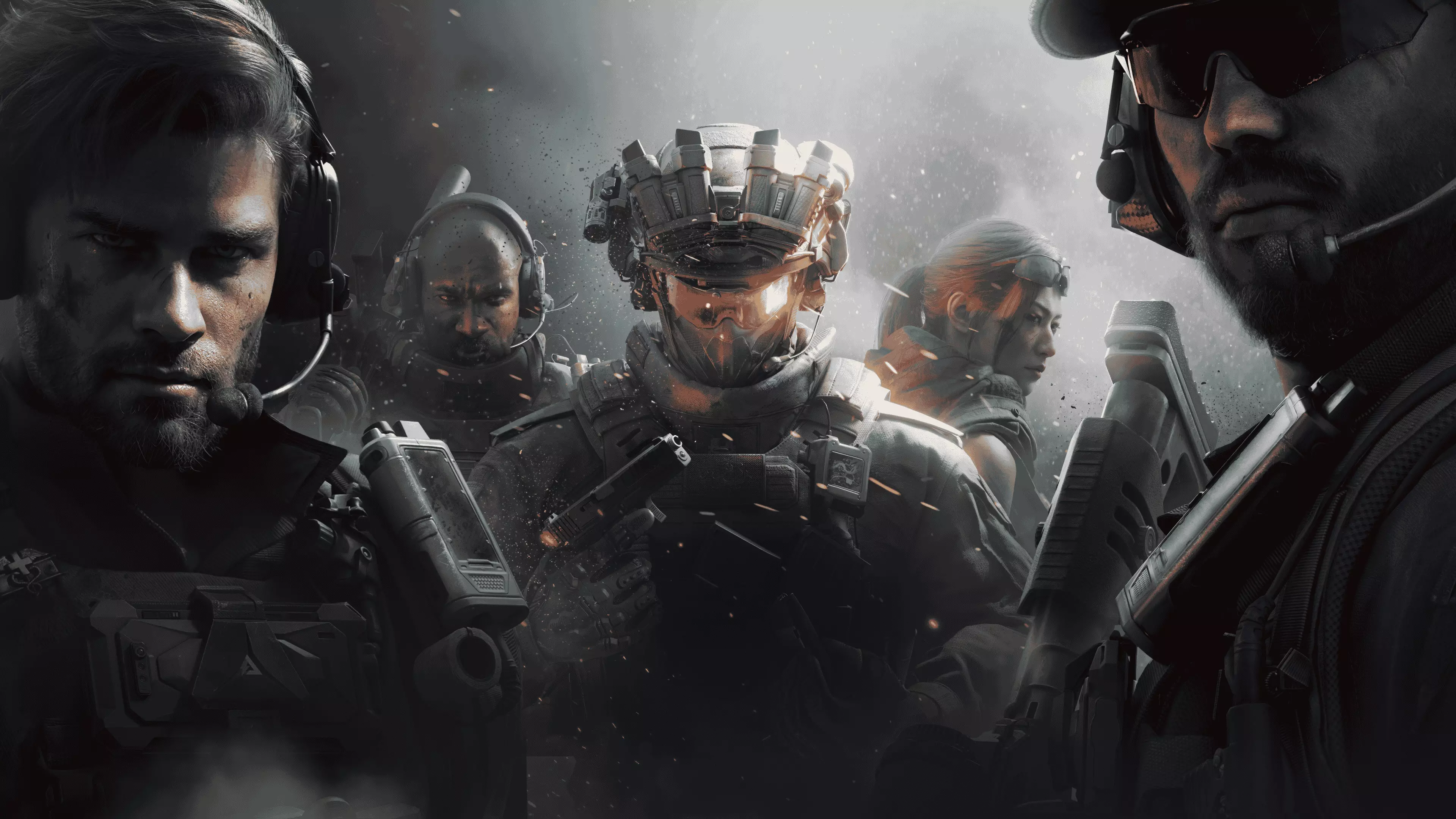
Delta Force game operators are special characters with unique abilities, gadgets, and weapons. They belong to four classes: AssaultAssault operators have faster aiming and movement speeds than other classes. They excel at breaking through enemy defenses, taking out opponents, and quickly relocating to cover. They can use the AT4 in Havoc Warfare mode. Engineer Engineers can use welding guns to cut through wired fences, repair vehicles, and construct defenses. They can also use the AT4 and Stinger. Recon Recon operators can use radios to scout the map and deploy Respawn Beacons, allowing teammates to respawn at specific locations. Support Support operators can quickly revive downed teammates and deploy ammo crates to keep their allies supplied." Rank Progression There are 7 main ranks in Delta Force, ranging from Private to General. Lower ranks have 3 tiers, while higher ranks have up to 5 tiers. RP is required for progression. You can earn RP by playing well in matches, assist your teammates, completing objectives, and winning games. Higher RP unlocks rewards such as weapon skins, avatars and Weapon XP Coin. RankRank Points (RP) Private III 0–299 Private II 300–599 Private I 600–899 Corporal III 900–1199 Corporal II 1200–1499 Corporal I 1500–1799 Sergeant IV 1800–2099 Sergeant III 2100–2399 Sergeant II 2400–2699 Sergeant I 2700–2999 Lieutenant IV 3000–3299 Lieutenant III 3300–3599 Lieutenant II 3600–3899 Lieutenant I 3900–4199 Colonel V 4200–4499 Colonel IV 4500–4799 Colonel III 4800–5099 Colonel II 5100–5399 Colonel I 5400–5699 General V 5700–5999 General IV 6000–6299 General III 6300–6599 General II 6600–6899 General I 6900–7199 General of the Army 7200+ Movement Walking and Running: Use the W, A, S, and D keys to move your character. Hold down Shift to sprint. Crouching and Prone: Press Ctrl to crouch and Z to go prone. These positions offer better cover and accuracy. Leaning: While crouched or prone, use Q and E to lean left and right, respectively. This allows you to peek around corners without exposing your full body. Shooting Aiming: Use your mouse to aim. Firing: Left-click to fire your primary weapon. Zooming: Right-click to zoom in with your scope. Reloading: Press R to reload your weapon. Additional Tips Communication is Key: Use voice chat to coordinate with your teammates. Utilize Cover: Seek cover behind objects to protect yourself from enemy fire. Adapt to the Environment: Use the terrain to your advantage. Warm up in the Firing Range: Use the Firing Range at the Operations Black Site to learn the armor and ammo system and practice your aim for Warfare mode. Calibrate Your Attachments: Adjust weapon attachments like the optic, foregrip, and stock to modify visual and gameplay effects. Experiment and use the Firing Range to test how the changes feel. Play the Objective: Focus on team play and objectives to gain points and level up faster. Use Suppressed Weapons: Suppressors can make it harder for enemies to locate you and reduce muzzle flash, improving your aim. Be Unpredictable: Play like a new player and avoid overthinking situations. Focus on One Weapon: Concentrate on mastering a single weapon to familiarize yourself with its recoil, range, and optimal attachments. Learn Map Layouts Gradually: Familiarize yourself with the maps to improve navigation and avoid getting caught off guard. Choose Easy Operators: Select operators with straightforward abilities, such as healing or enemy marking, to start with. Bring Plenty of Ammo: Ensure you have enough ammunition to avoid running out during crucial moments. Experiment with Game Modes: Try out different game modes to discover which ones best suit your play style. Take it Slow and Methodical: Approach gameplay cautiously rather than rushing into firefights. Play with Friends: Team up with friends for support and to avoid negative interactions with random players . Optimize Graphics Settings: Improve your game's performance by turning off motion blur, setting the game to Fullscreen, and disabling V-Sync. Stay Tuned This is just the beginning of your Delta Force adventure. I'll continue to update this guide with more advanced tactics, weapon tips, and mission strategies.