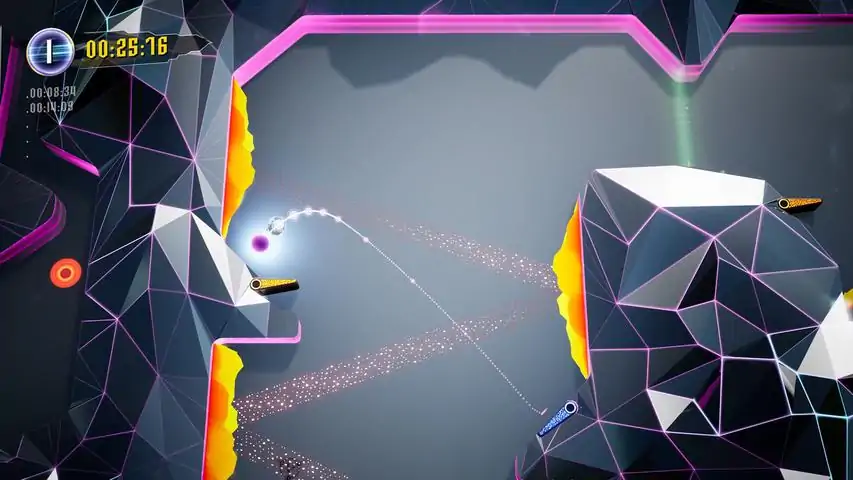
以下是《超级高球:弹珠台平台》竖屏模式使用指南
适用于弹珠台机柜上Nailbusters的Pinup Popper
设置步骤:
1. 打开PinUpSetup.exe
2. 进入Popper设置
3. 选择模拟器
4. 添加新模拟器,配置路径
5. 启动脚本设置:
设置"SteamExe="
设置"SteamPath="
添加以下命令行:
For /F "Tokens=1,2*" %%A In ('Reg Query HKCU SOFTWARE Valve Steam') Do (
If "%%A" Equ "SteamExe" Set "SteamExe=%%C"
If "%%A" Equ "SteamPath" Set "SteamPath=%%C")
START "" "[STARTDIR]Launch display.exe" /device 1 /rotate 90
timeout 2
cd /d "%SteamPath%"
START "" "%SteamExe%" -applaunch 719930
START "" "[STARTDIR]Launch VPXSTARTER.exe" 10 10 5 "Super High Pinball" 3 0 5
6.CloseScript
START "" "[STARTDIR]Launch display.exe" /device 1 /rotate 0timeout 2
"[STARTDIR]LAUNCH PUPCLOSER.EXE" WINTIT "超级弹珠台" 5 1
taskkill /f /im "超级弹珠台"
taskkill /f /im "SHB.exe"
我的关闭脚本并不完美。也许有人可以调整一下。请正常退出游戏,不要使用Pupclose按钮。
7. 添加到游戏管理器并创建你的播放列表。
8. 在使用Pinup Popper启动游戏之前。
首次旋转至竖屏并通过Steam启动。
在选项中使用正确的分辨率并保存。
返回横屏模式,使用Pinup Popper。
现在尽情享受吧。
所有功劳归于Emberstone Interactive。
很棒的游戏!