Professor Teaches Windows 10

--

+关注

--

热度

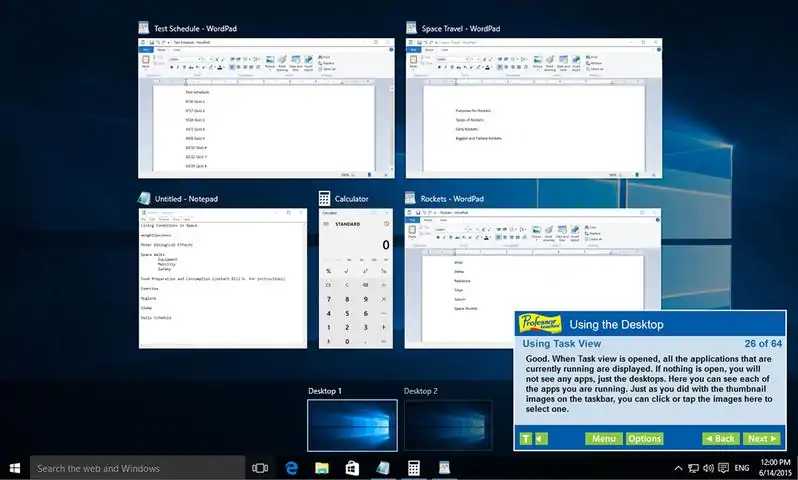
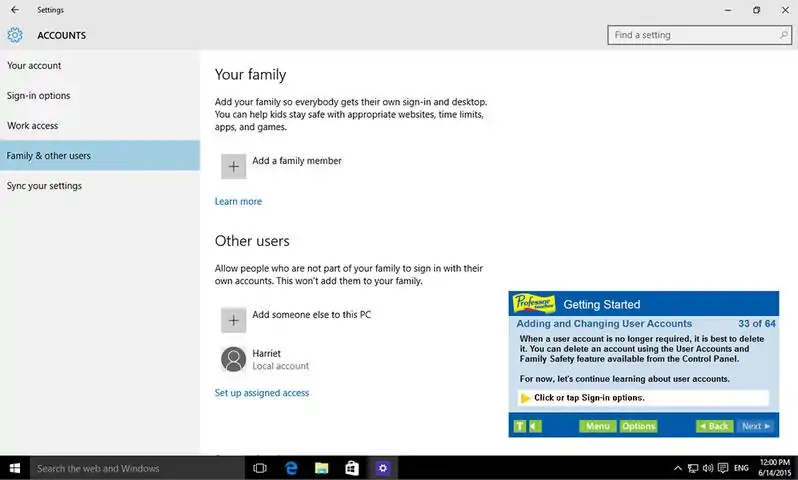
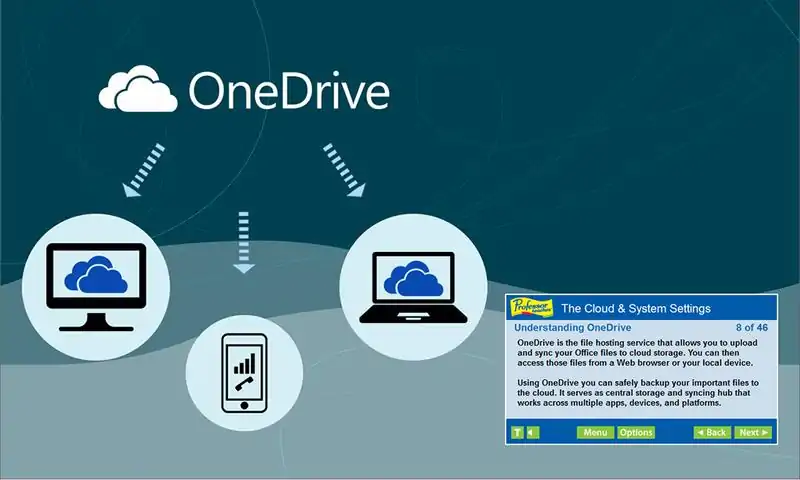
Professor Teaches, the leading brand of training, provides realistic, interactive, and complete training for Windows 10. Build your skills with Professor Teaches tutorials and learn everything you’ll need, from beginning to advanced lessons. Each interactive tutorial is organized for fast and easy learning with practical exercises that build skills quickly and effectively. The Most Realistic, Interactive, and Complete Computer Training Windows 10 offers a new interface and features to connect users with their information and people from multiple Windows 10 devices. The Start Menu is back in this new operating system, along with many new features. Professor Teaches Windows 10 trains users on this new interface and teaches them all of the features in Windows 10. Learn to Use All the Features of Windows 10 — Build Your Skills & Increase Your Productivity Windows 10 allows you to access and share your information in new ways when you learn the new features from Professor Teaches. This comprehensive training tutorial with over 60 lessons will show you how to navigate Windows 10, including using the Start Menu, how to access new Action Center notifications, using universal apps, new controls for minimizing, maximizing, and closing apps, using the personal assistant Cortana, navigating Edge, the new world of internet browsing, using virtual desktops, organizing your workspace with multiple desktops, using navigation continuum, and more! This fully interactive and complete tutorial is organized for fast and easy learning with practical exercises to help you build new skills and become proficient using Windows 10. Windows 10 — over 60 lessons! • Adding and Changing User Accounts • Introduction to Apps • Getting to Know the Windows Store • Getting Help • Shutting Down your Computer • Using Windows 10 on Touch Devices • Understanding Gestures • Getting to Know the Desktop • Exploring the Taskbar • Customizing the Taskbar • Using Task View • Managing Multiple Windows • Creating Shortcuts • Utilizing Virtual Desktops • Personalizing the Start Menu • Removing Tiles from the Start Menu • Resizing and Moving Tiles • Customizing Your Settings • Personalizing User Accounts • Exploring the Control Panel • Personalizing the Desktop • Changing the Monitor Resolution • Modifying Folder Options • Getting to Know the Calendar App • E-mailing with Windows 10 • Using the Pictures Library • Using the Video App • and more No Other Training is More Complete! • Hundreds of Learning Topics • 4 to 8 Hours of Training per Course • Beginner to Advanced Topics • Self-Paced Learning Objectives • Introductions and Summaries • Interactive Exercises • Professional Voice Narration • Realistic Simulation of Software • End-of-Chapter Quiz Questions

下载233乐园APP

专心推荐好游戏

关于我们 · 联系我们 · 隐私政策 · 营业执照

侵权投诉 · 开发者中心 · 用户协议 · 免责声明

不良信息举报中心

纠纷处理及不良内容举报电话:

4006600910 (工作时间: 9:00-12:30,14:00-18:00)

北京市朝阳区启阳路4号院2号楼15层1803室

本公司产品适合10周岁以上玩家使用 未成年人家长监护

首页 / Professor Teaches Windows 10

抵制不良游戏 拒绝盗版游戏

注意自我保护 谨防受骗上当

适度游戏益脑 沉迷游戏伤身

合理安排时间 享受健康生活

京ICP备18003564号-3

经营许可证编号:京B2-20181741

京公网安备:11010502052873

Copyright © 2025 233leyuan.com All Rights Reserved

北京龙威互动科技有限公司版权所有

热门游戏: 我的世界 | 三角洲行动 | 原神 | 王者荣耀 | 超自然行动组 | 蛋仔派对 | 和平精英 | 火影忍者 | 二重螺旋 | 英雄联盟 | 梦幻西游 | 明日方舟 | 斗罗大陆 | 光遇 | 鸣潮 | 无畏契约 | 模拟山羊3 | 樱花校园模拟器

下载233乐园APP

专心推荐好游戏

关于我们 · 联系我们 · 隐私政策 · 营业执照

侵权投诉 · 开发者中心 · 用户协议 · 免责声明

不良信息举报中心

纠纷处理及不良内容举报电话:

4006600910 (工作时间: 9:00-12:30,14:00-18:00)

北京市朝阳区启阳路4号院2号楼15层1803室

本公司产品适合10周岁以上玩家使用 未成年人家长监护

首页 / Professor Teaches Windows 10

抵制不良游戏 拒绝盗版游戏

注意自我保护 谨防受骗上当

适度游戏益脑 沉迷游戏伤身

合理安排时间 享受健康生活

京ICP备18003564号-3

经营许可证编号:京B2-20181741

京公网安备:11010502052873

Copyright © 2025 233leyuan.com All Rights Reserved

北京龙威互动科技有限公司版权所有

热门游戏: 我的世界 | 三角洲行动 | 原神 | 王者荣耀 | 超自然行动组 | 蛋仔派对 | 和平精英 | 火影忍者 | 二重螺旋 | 英雄联盟 | 梦幻西游 | 明日方舟 | 斗罗大陆 | 光遇 | 鸣潮 | 无畏契约 | 模拟山羊3 | 樱花校园模拟器