Steam Deck家庭共享可用手柄

--

+关注

--

热度

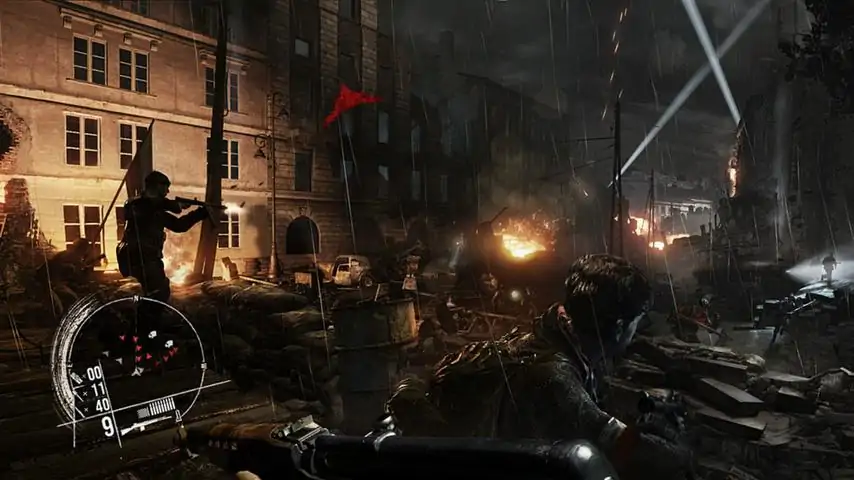
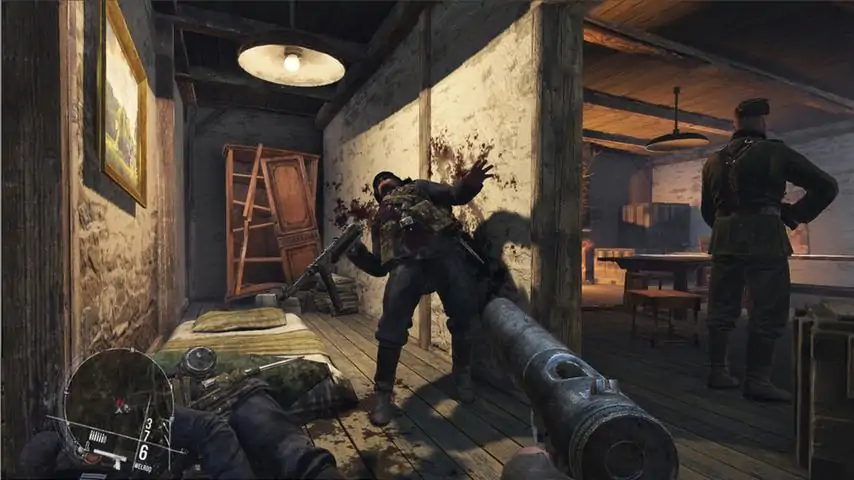
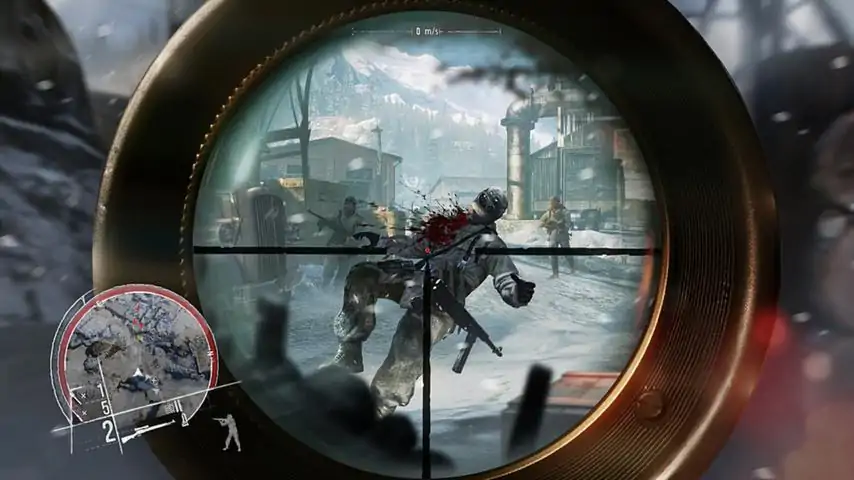
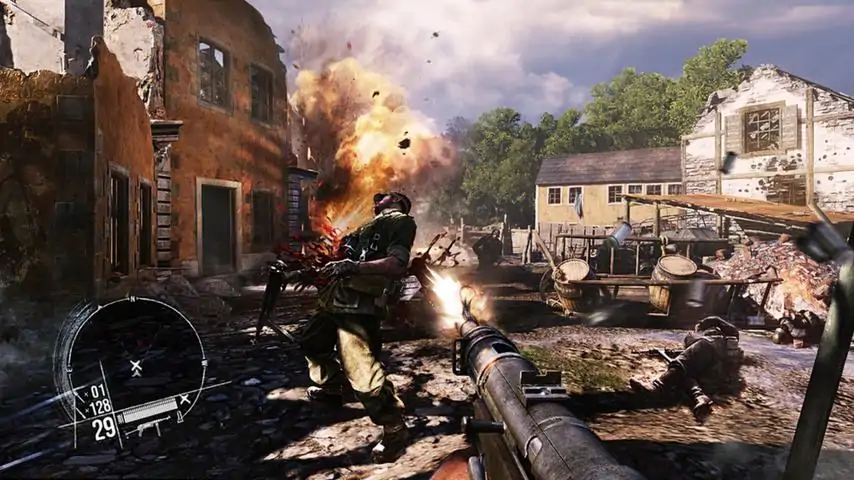
ENEMY FRONT is the first truly modern WW2 FPS, featuring stunning visuals, open-ended levels and a richly interactive combat experience that breaks out of the standard model of highly linear scripted FPS experiences, giving the player full freedom to own their playing style. Intense Combat, Sniping, Stealth and Sabotage – all are viable approaches for the player, maximizing player engagement and replayability. Against the visceral backdrop of breathtaking European locales, the player takes on the role of American Robert Hawkins, as he fights hand in hand with Resistance Fighters opposing the Nazi juggernaut in France, Germany, Norway, and during the Warsaw Uprising. Choose your own fight: gameplay blends fast-paced FPS action with precision sniping thrilling stealth, and deadly sabotage in the first open-ended WW2 game. Deal death from afar: use sniper rifles to decimate enemy ranks and pick off officers, enemy snipers and heavy weapons gunners with deadly precision. Breathtaking visuals, interactive environments and spectacular action across many iconic Resistance operations of WW2. Choose your own weapon: full arsenal of WW2 weaponry across all categories of hand-guns, SMGs, assault rifles, sniper rifles, as well as signature Resistance weapons including the Sten gun, Welrod Silenced Pistol, and Lightning SMG. Own the battlefield: combine reconnaissance, explosives and marksmanship to prepare, misdirect and ambush numerically superior Nazi troops. Engaging, destructible environments and advanced tactical AI means combat is always a rewarding and dynamic experience. Highly replayable 10 hour Single-Player Campaign and 12-player Online Multiplayer, all powered by CRYENGINE technology.
游戏圈
共11条帖子
星霜
2026-04-02 10:00:13 · 发布在 「Enemy Front」
帧率解决方案
《敌军前线》,60 FPS,DirectX 11 步骤1 - 基础视频设置 游戏菜单选项: 分辨率:1920 x 1080 全屏:是 垂直同步:是 所有高级视频设置均调至最高。第二步 - 配置文件 编辑system.cfg文件: r_Driver=DX11 r_Fullscreen=0 r_Width=1920 r_Height=1080 完成上述操作后,游戏应会以窗口模式启动,并自动切换为全屏模式,同时运行在60 FPS。在此解决方法之前,游戏会被锁定在24 FPS。
爱心小蛋糕
2026-04-02 10:00:14 · 发布在 「Enemy Front」
无开场动画修复
本教程介绍如何跳过所有开场动画。 主要方法: 要跳过所有开场动画,只需删除或重命名IntroMovies.pak文件,该文件位于【Enemy Front】的Game2_FastLoad目录中。
会长天下第二
2026-04-01 04:00:23 · 发布在 「Enemy Front」
使用外部软件(自动热键)切换瞄准模式
开发者在这个主机移植版游戏中没有费心添加瞄准切换功能,所以这里是我使用的AutoHotkey脚本。如果有开发者看到这个,请考虑在你们的第一人称射击游戏中加入瞄准切换功能,因为有些玩家(比如我)很难长时间按住鼠标右键。 设置、运行和退出脚本的方法: 首先安装第三方软件AutoHotkey 创建一个新文件,用记事本打开并粘贴以下脚本: #NoEnv ; 推荐用于提升性能和与未来AutoHotkey版本的兼容性。 SendMode Input ; 推荐用于新脚本,因其具有更出色的速度和可靠性。 SetWorkingDir %A_ScriptDir% ; 确保一致的起始目录。LShift::Control *RButton:: if (Toggle == False) { Send, {P Down} Toggle := True } else { Send, {P Up} Toggle := False } return 将此文件保存为任意名称,但扩展名为.ahk 在游戏中,将瞄准绑定到P键,将奔跑绑定到CTRL键 注意事项 由于某种原因,按下Shift键会取消瞄准(此行为似乎是游戏硬编码的),因此建议将奔跑绑定到CTRL键。以下代码会使Autohotkey将所有Shift键的按下操作识别为Ctrl键的按下操作: LShift::Control 如果你喜欢将Ctrl键用于其他功能(例如蹲伏),这会引发问题,你需要自行编辑脚本。 要在游戏中调出Steam界面,你必须使用右Shift键和Tab键,在聊天中想要输入大写字母等情况时也是如此。 总结 希望你现在能享受这款游戏,而不会患上腕管综合征! 记住,如果你发现右键和左Shift键出现异常,很可能是你退出游戏后忘记退出Autohotkey了:D
被收录在以下游戏单

下载233乐园APP

专心推荐好游戏

关于我们 · 联系我们 · 隐私政策 · 营业执照

侵权投诉 · 开发者中心 · 用户协议 · 免责声明

不良信息举报中心

纠纷处理及不良内容举报电话:

4006600910 (工作时间: 9:00-12:30,14:00-18:00)

北京市朝阳区启阳路4号院2号楼15层1803室

本公司产品适合10周岁以上玩家使用 未成年人家长监护

首页 / Enemy Front

抵制不良游戏 拒绝盗版游戏

注意自我保护 谨防受骗上当

适度游戏益脑 沉迷游戏伤身

合理安排时间 享受健康生活

京ICP备18003564号-3

经营许可证编号:京B2-20181741

京公网安备:11010502052873

Copyright © 2026 233leyuan.com All Rights Reserved

北京龙威互动科技有限公司版权所有

热门游戏: 我的世界 | 三角洲行动 | 原神 | 王者荣耀 | 超自然行动组 | 蛋仔派对 | 和平精英 | 火影忍者 | 二重螺旋 | 英雄联盟 | 梦幻西游 | 明日方舟 | 斗罗大陆 | 光遇 | 鸣潮 | 无畏契约 | 模拟山羊3 | 樱花校园模拟器