
VEGAS Pro 18 Edit Steam Edition

Steam Deck

--

+关注

--

热度

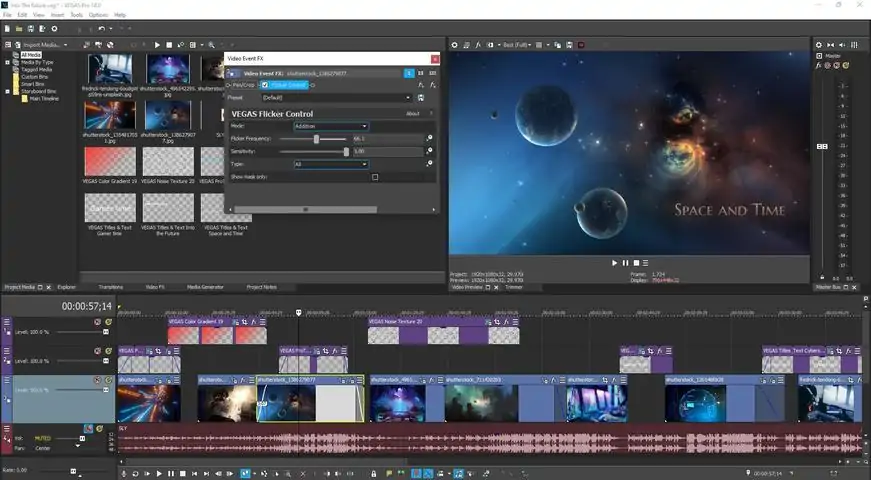
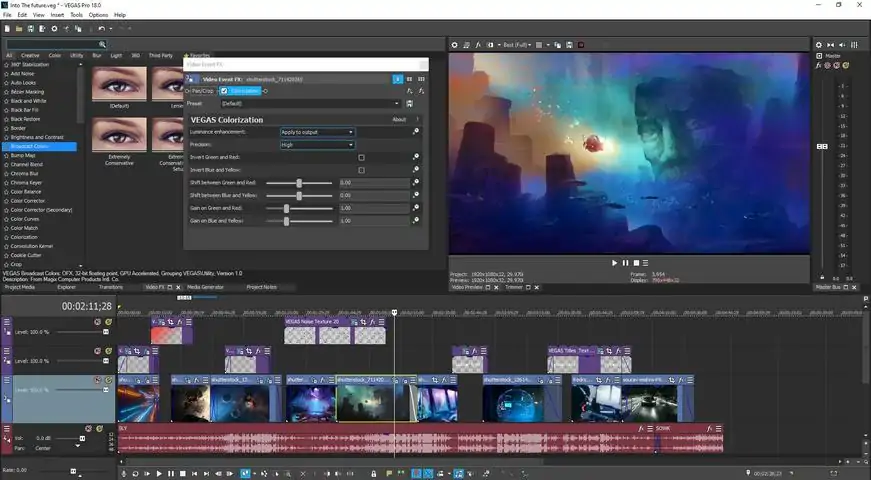
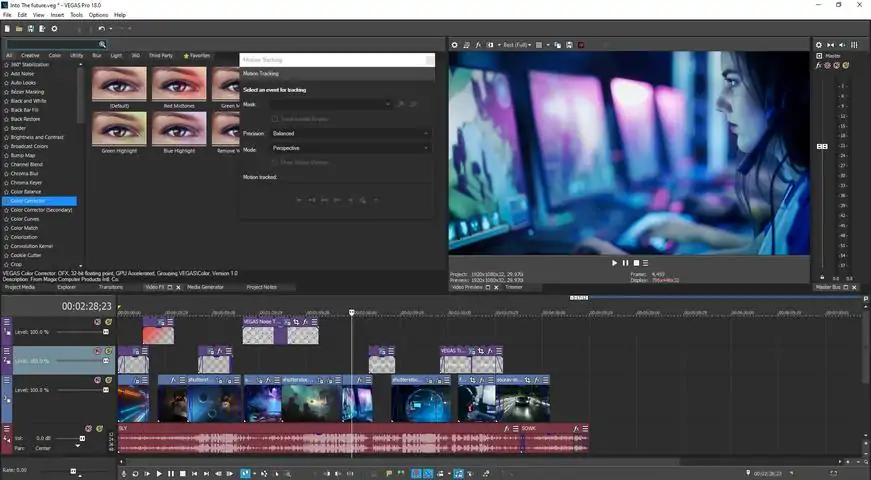
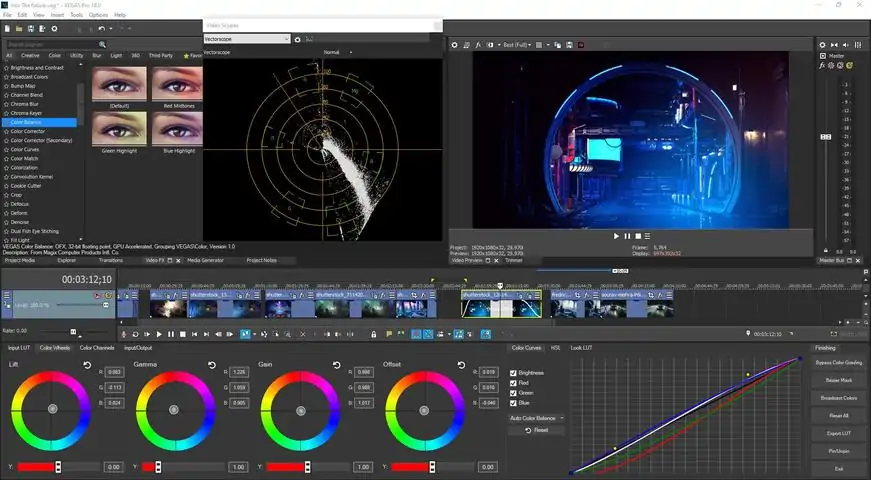
New Version关于软件VEGAS Pro 18 Edit – Steam Edition enables you to create gaming videos quickly at a high level of efficiency. The brand-new screen capture tool and audio synchronization for multicam editing let you record and edit your Let's Plays in no time at all. Discover a fast and seamless decoding/encoding workflow powered by hardware acceleration: VEGAS Pro automatically configures your GPU for the highest possible performance. With the new enhancement for driver detection, drivers for your GPU are kept up to date at all times, which offers maximum performance for video production as well as all other tasks. Make your gaming videos stand out from the crowd by adding dozens of special effects and transitions. What are you waiting for? Dive right in and get started on your next video today!Highlights Essential functions in VEGAS Pro 18 Edit – Steam Edition: GPU acceleration for decoding/encoding for Nvidia®, AMD® and Intel® Comprehensive screen capturing tool Audio synchronization for multicam editing AI-driven tools such as Style Transfer and Colorization Advanced options for color grading Full HDR support (ACES 1.1 & HLG) Slow motion tool Planar motion tracking Nested Timelines for better organization in large projects Professional audio plug-ins Intuitive drag and drop workflowVideo and audio productionInnovative editing tools. Full creative freedomEdit your gameplays natively in resolutions of up to 8K using drag-and-drop functionality. Thanks to the flexible user interface, you can customize your workspace to include all the features you need – get to the right features fast without loads of clicking around. Powerful audio editing tools provide your gaming videos with the perfect sound with professional audio effects.
游戏圈
共1条帖子
杀死女巫
2026-04-02 04:00:15 · 发布在 「VEGAS Pro 18 Edit Steam Edition」
《VEGAS Pro 18 Edit Steam Edition》错误-59修复方法
本指南可修复-59错误【无使用该软件的许可证】,无需修改注册表或下载外部文件。 警告 如果您按照本指南操作,即表示您同意自行承担操作风险与责任。对于可能出现的任何问题,我不承担任何责任。 操作步骤 更新:此方法适用于Windows 10和Windows 11系统 1. 首先,如果您已安装Vegas Pro 18 Edit Steam Edition,请打开【控制面板】(按下Win+S键并输入“控制面板”),然后进入【卸载程序】。 2. 现在您需要找到所有Vegas Steam相关程序并卸载它们(参见图片)。3. 然后前往以下路径: C: Program Files (x86) Steam steamapps common C: Program Files (x86) C: Program Files C: Users YOURADMINUSER AppData Roaming 并仅删除Vegas和MAGIX文件夹。 (为确保删除所有Vegas文件,请检查电脑上每个用户的AppData Roaming文件夹。) 4. 重启电脑。 5. 使用管理员用户登录(要修复Vegas错误-59,必须使用具有管理员权限的用户进行安装)。 6. 以管理员身份启动Steam。 7. 从Steam下载并安装Vegas。 8. 从Steam启动Vegas。 9. 如果Vegas能够正常运行,那么错误-59应该已在电脑的所有用户中修复。

下载233乐园APP

专心推荐好游戏

关于我们 · 联系我们 · 隐私政策 · 营业执照

侵权投诉 · 开发者中心 · 用户协议 · 免责声明

不良信息举报中心

纠纷处理及不良内容举报电话:

4006600910 (工作时间: 9:00-12:30,14:00-18:00)

北京市朝阳区启阳路4号院2号楼15层1803室

本公司产品适合10周岁以上玩家使用 未成年人家长监护

首页 / VEGAS Pro 18 Edit Steam Edition

抵制不良游戏 拒绝盗版游戏

注意自我保护 谨防受骗上当

适度游戏益脑 沉迷游戏伤身

合理安排时间 享受健康生活

京ICP备18003564号-3

经营许可证编号:京B2-20181741

京公网安备:11010502052873

Copyright © 2026 233leyuan.com All Rights Reserved

北京龙威互动科技有限公司版权所有

热门游戏: 我的世界 | 三角洲行动 | 原神 | 王者荣耀 | 超自然行动组 | 蛋仔派对 | 和平精英 | 火影忍者 | 二重螺旋 | 英雄联盟 | 梦幻西游 | 明日方舟 | 斗罗大陆 | 光遇 | 鸣潮 | 无畏契约 | 模拟山羊3 | 樱花校园模拟器