
Piano Practice
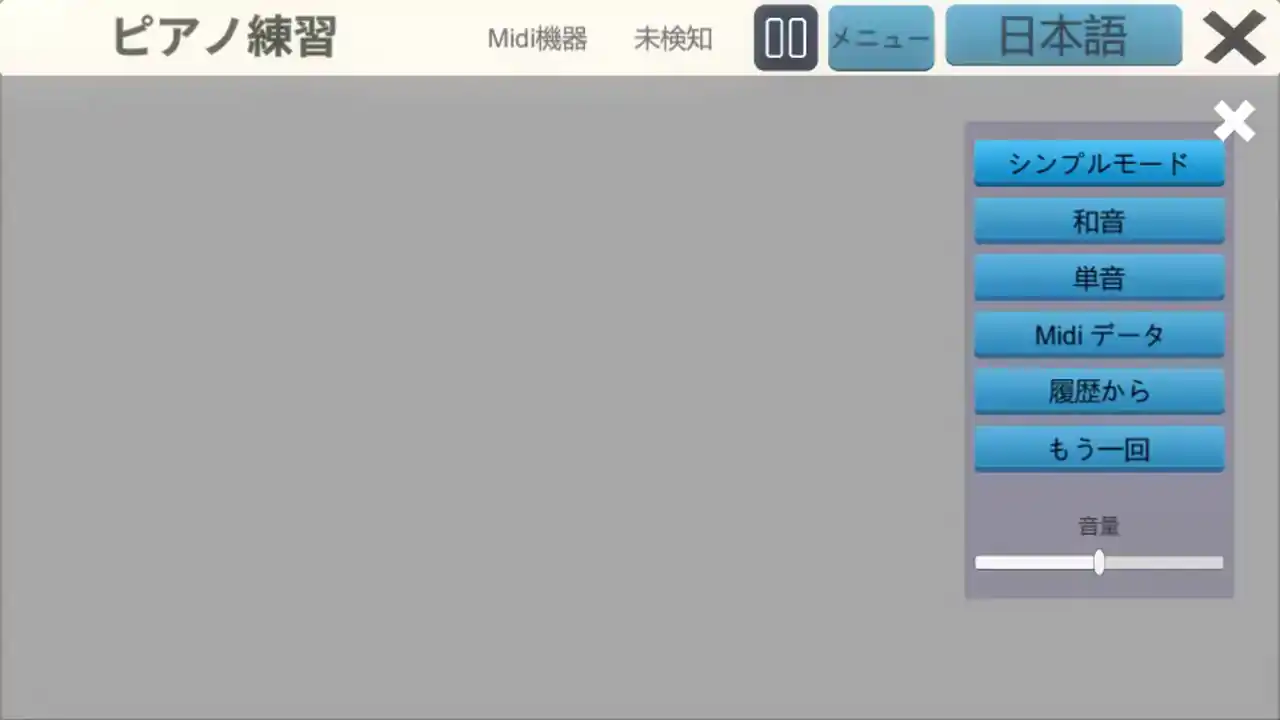
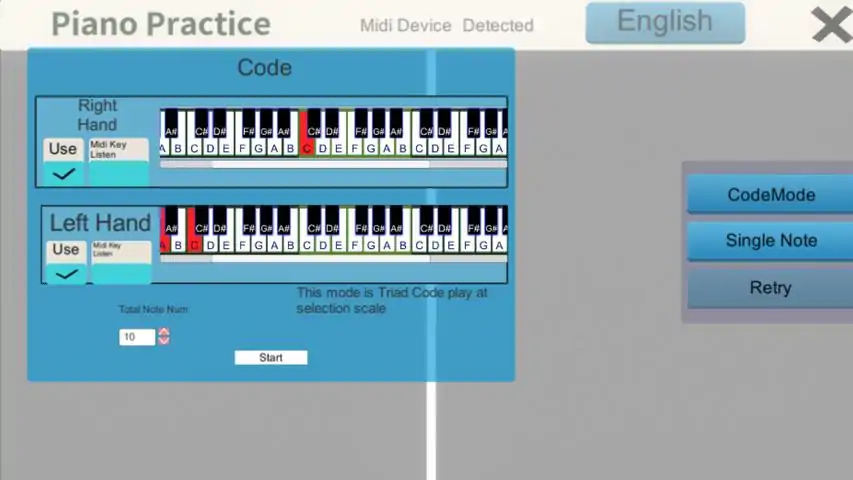
This is an app for practicing piano. The notes are displayed on a staff, and you press the key of the corresponding scale. It's a simple app. You can load a file from a Midi file and display the score. You can practice from distributed Midi files. You can also set your own scales and display the score, although it is only a simple score. This is useful for reading music and learning keyboard positions. Attention! :. This is an app for practicing piano using a Midi keyboard, so you need a Midi keyboard to play. Please make sure you have a Midi keyboard before playing. How to play When you press the menu button, a UI will appear to select what mode you want to play in. Simple mode. Set the maximum and minimum scales for the right and left hands, respectively. Set the number of notes. When you press the Start button, notes will be randomly generated for the number of notes, within the range of the scale you set. Chords. Selects a note at random and creates a triad chord based on the selected note. If the "Take Midi key input" checkbox is checked, the scale will be selected when the Midi key is pressed. You can also select it by clicking on the Midi keyboard displayed on the screen. When you press the Start button, notes will be created for the number of notes you have entered. Single note The selected note will be displayed as a single note. Midi Data When you select a Midi file, its notes will be displayed. You can practice using Midi files that you have created from your DAW or distributed Midi files. Note: You can only select one channel. Only one channel can be selected. From History Select a Midi file from the history of your previous plays. Press the play button to start playing the song. While playing, press the Midi keyboard to display the notes corresponding to the score displayed on the screen. The Midi keyboard at the bottom of the screen will change the color of the key you are pressing. If the "Midi device" at the top of the screen is "undetected," you will not be able to play. You will need to press a key on the Midi keyboard to make it "detected". *** Translated with
下载233乐园APP
专心推荐好游戏
纠纷处理及不良内容举报电话:
4006600910 (工作时间: 9:00-12:30,14:00-18:00)
北京市朝阳区启阳路4号院2号楼15层1803室
本公司产品适合10周岁以上玩家使用 未成年人家长监护