back-top

未验证家庭共享可用手柄

--

+关注

--

热度

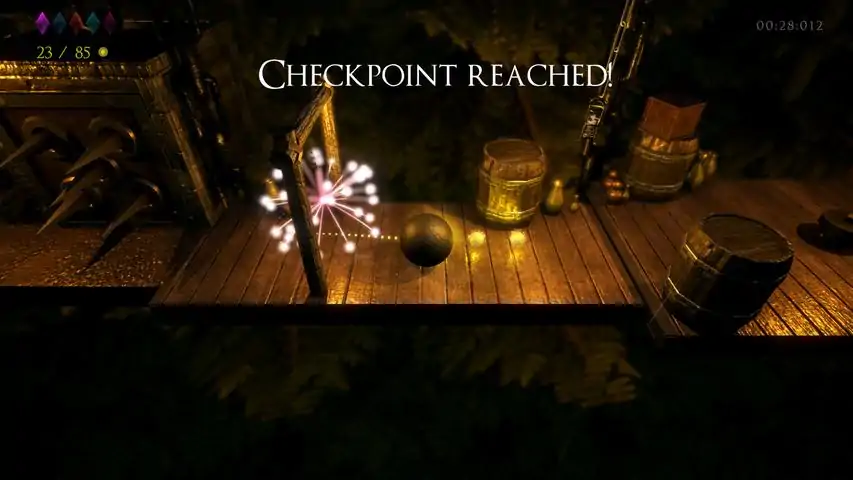
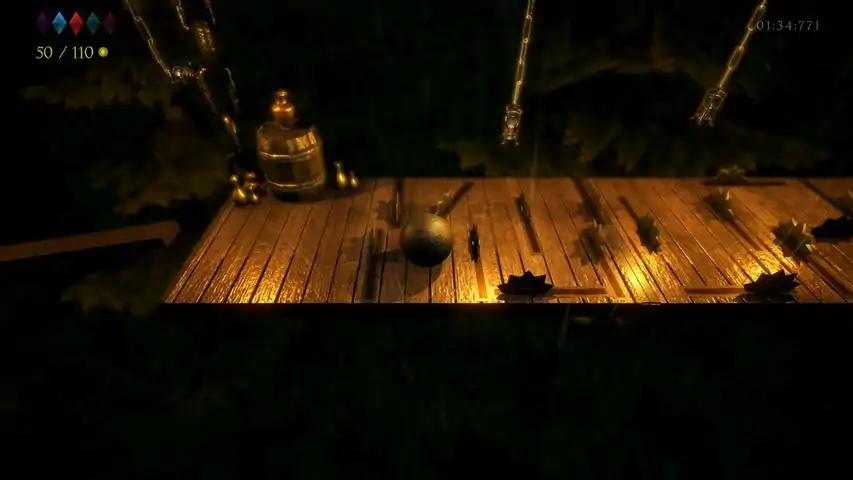
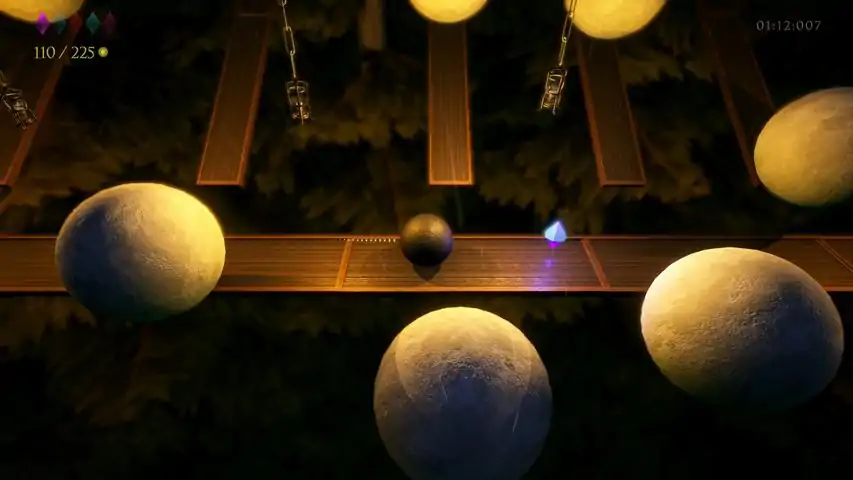
Help Ballard roll through the danger filled levels towards the house of Ballerina, the love of his life!AtmaSphere is roll-a-ball game set in a medieval world filled with dangerous traps and uncertain paths! Roll all you want, but be careful not to fall off!Collect all the diamonds to impress Ballerina and pick up yellow coins for bragging points!But be careful, as you progress through the levels they become harder and more challenging, your skills will be tested by a variety of engaging traps and puzzles 30 challenging, handcrafted levels! Forgiving yet challenging gameplay! Unique visual style paired with soothing sounds of rain in the background gives a beautiful relaxing "atmasphere" :^) With every level comes a unique, wonderful soundtrack!Steam Trading CardsJoin Ballard on the adventure and overcome all nasty troubles and help them become one!
游戏圈
共9条帖子
悠悠
2026-02-20 04:00:06 · 发布在 「AtmaSphere」
成就修复
This guide will help you fix the issue if achievements are not unlocking. The solution has been confirmed and is up-to-date as of April 16, 2025, but it may be patched in the future. A key feature is that if you've already completed the levels, the achievements will be granted automatically — no need to replay them. Это руководство поможет вам решить проблему, если не засчитываются достижения. Решение подтверждено и актуально на 16 апреля 2025 года, но в будущем проблема может быть исправлена. Особенность заключается в том, что если вы уже прошли уровни, достижения будут выданы автоматически — повторно проходить ничего не нужно. Fixing Achievement Issues Guide to Restoring an Older Game VersionThis guide will help you fix issues with achievements and other errors in the game AtmaSphere by downloading an older game build through the Steam console. Step 1: Opening the Steam Console Press Win + R on your keyboard. In the window that appears, enter the command: steam://open/console Press Enter to open the Steam console. Step 2: Downloading the Old Game ManifestIn the Steam console, enter the following command to download the game build from January 26, 2020, 16:18:25 UTC (5.3 years ago): download_depot 753660 753661 2921215440243731643After executing the command, Steam will start downloading the depot. Example console output: 引用自 Steam Console:download_depot 753660 753661 2921215440243731643 Downloading depot 753661 (467 files, 588 MB) ... Depot download complete: "C: Program Files (x86) Steam steamapps content app_753660 depot_753661" (manifest 2921215440243731643) Step 3: Copying Files Locate the folder with the downloaded files. It is usually located at: C: Program Files (x86) Steam steamapps content app_753660 depot_753661 Copy all files from this folder. Paste them into the folder with the installed game: C: Program Files (x86) Steam steamapps common AtmaSphere Note: The path may vary depending on the drive where Steam is installed. For me, the path was: D: game steam steamapps content app_753660 depot_753661 Important: If you have already completed the levels, after performing all the described actions, the achievements will be granted automatically upon launching the game. You won't need to replay the levels! Enjoy the game! Устранение проблем с достижениями Инструкция по восстановлению старой версии игрыЭта инструкция поможет вам исправить проблемы с достижениями и другими ошибками в игре AtmaSphere путём загрузки старой сборки игры через консоль Steam. Шаг 1: Открытие консоли Steam Нажмите Win + R на клавиатуре. В появившемся окне введите команду: steam://open/console Нажмите Enter, чтобы открыть консоль Steam. Шаг 2: Загрузка старого манифеста игрыВ консоли Steam введите следующую команду, чтобы скачать сборку игры от 26 января 2020, 16:18:25 UTC (5.3 года назад): download_depot 753660 753661 2921215440243731643После выполнения команды Steam начнёт загрузку депо. Пример вывода в консоли: 引用自 Steam Console:download_depot 753660 753661 2921215440243731643 Загрузка депо 753661 (467 файлов, 588 МБ) ... Загрузка депо завершена: "C: Program Files (x86) Steam steamapps content app_753660 depot_753661" (манифест 2921215440243731643) Шаг 3: Копирование файлов Найдите папку с загруженными файлами. Обычно она находится по пути: C: Program Files (x86) Steam steamapps content app_753660 depot_753661 Скопируйте все файлы из этой папки. Вставьте их в папку с установленной игрой: C: Program Files (x86) Steam steamapps common AtmaSphere Примечание: Путь может отличаться в зависимости от диска, на котором установлен Steam. У меня этот путь был такой: D: game steam steamapps content app_753660 depot_753661 Важно: Если вы уже прошли уровни, то после выполнения всех указанных действий достижения будут выданы автоматически при запуске игры. Повторно проходить уровни не потребуется! Наслаждайтесь игрой!
杀死女巫
2026-02-19 07:00:20 · 发布在 「AtmaSphere」
如何游玩?
这里你将了解如何游玩这款游戏 菜单 游戏的主菜单如下所示:这是关卡列表的样子(在通过几关后我决定退出到菜单,再次进入关卡时,除了第一关之外的所有关卡都被锁定了,就好像我根本没通过它们一样)图形和控制设置如下所示:关卡元素 游戏本身就是这样的在这款游戏中,我们需要操控球体从地图的一端移动到另一端,收集硬币和水晶以继续游戏。上方显示的是水晶数量,下方显示的是已收集的硬币数量。水晶的外观就是这样。它们的形状相同,但颜色各异。玩家需要在关卡中收集所有水晶才能进入下一关。错过它们会很困难。金币的外观就是这样(当球碰到金币时,金币不会消失,而是留在原地,因此可以再次碰到它,并且会被计入数量。由于这个原因,在关卡结束时,你收集到的金币数量可能会比所需数量多几个)。此外,该游戏中设有【检查点】。成就 游戏中有很多类似“通过某关卡”“收集一定数量金币”等类型的成就,但我在通过几关后退出游戏,发现成就并未解锁。之后我尝试重新通关这些关卡,依然没有获得成就。所以我不知道该如何解锁它们。 成就已修复,现在会自动发放。 结束
被收录在以下游戏单

下载233乐园APP

专心推荐好游戏

关于我们 · 联系我们 · 隐私政策 · 营业执照

侵权投诉 · 开发者中心 · 用户协议 · 免责声明

不良信息举报中心

纠纷处理及不良内容举报电话:

4006600910 (工作时间: 9:00-12:30,14:00-18:00)

北京市朝阳区启阳路4号院2号楼15层1803室

本公司产品适合10周岁以上玩家使用 未成年人家长监护

首页 / AtmaSphere

抵制不良游戏 拒绝盗版游戏

注意自我保护 谨防受骗上当

适度游戏益脑 沉迷游戏伤身

合理安排时间 享受健康生活

京ICP备18003564号-3

经营许可证编号:京B2-20181741

京公网安备:11010502052873

Copyright © 2025 233leyuan.com All Rights Reserved

北京龙威互动科技有限公司版权所有

热门游戏: 我的世界 | 三角洲行动 | 原神 | 王者荣耀 | 超自然行动组 | 蛋仔派对 | 和平精英 | 火影忍者 | 二重螺旋 | 英雄联盟 | 梦幻西游 | 明日方舟 | 斗罗大陆 | 光遇 | 鸣潮 | 无畏契约 | 模拟山羊3 | 樱花校园模拟器