VIVE Console for SteamVR

虚拟现实
实用工具

--

+关注

--

热度

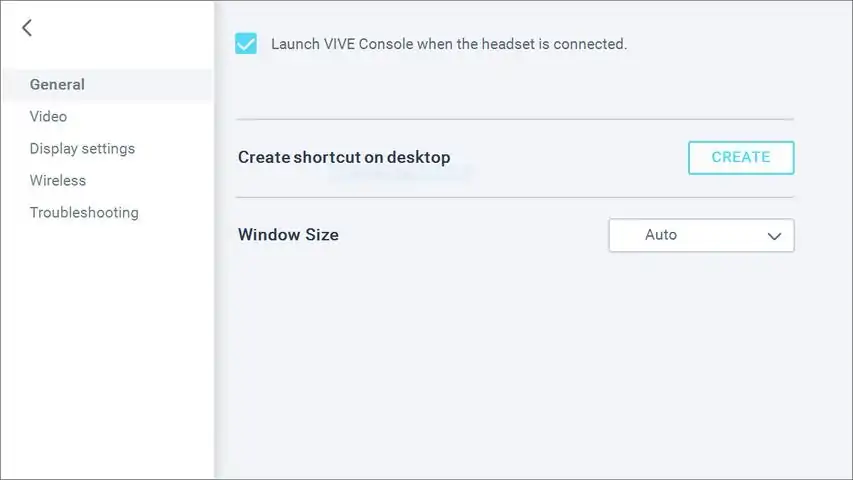
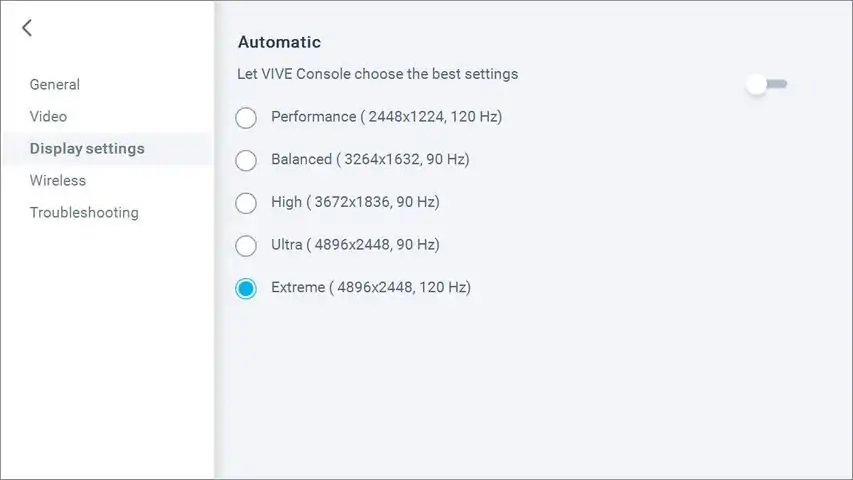
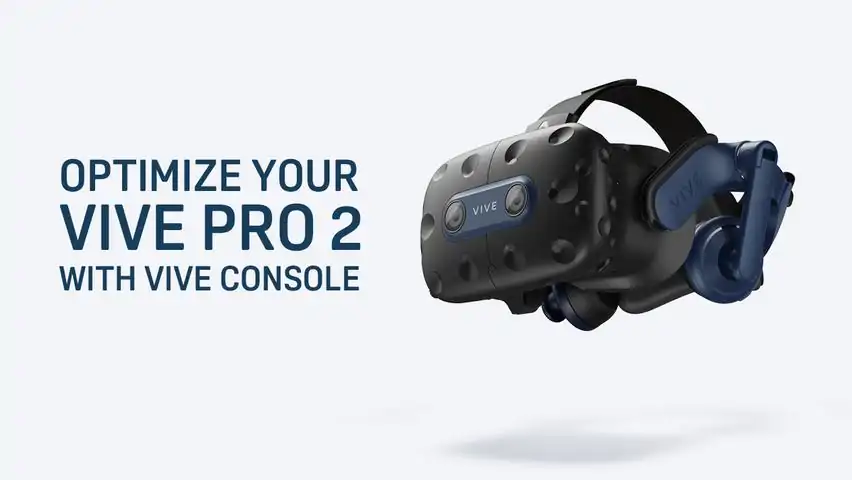
Get the most out of your VIVE Pro 2 with VIVE Console. Video settings feature motion compensation which reduces computing time while still keeping the frame rate at 90Hz. This helps provide a smooth experience when using less than ideal hardware specs. Turn on mirror VR to show what you see inside the headset on your computer screen. Select automatic in the display settings to let VIVE Console choose the best setting based on your hardware or manually set the resolution and frame rate you want. Join the Beta program to be eligible to receive preview builds and provide feedback. VIVE Console has troubleshooting options to remove and reinstall drivers used by your VR hardware. It also lets you report an issue or send feedback directly from the app. Install VIVE Console and get the best performance for your VIVE Pro 2.

下载233乐园APP

专心推荐好游戏

关于我们 · 联系我们 · 隐私政策 · 营业执照

侵权投诉 · 开发者中心 · 用户协议 · 免责声明

不良信息举报中心

纠纷处理及不良内容举报电话:

4006600910 (工作时间: 9:00-12:30,14:00-18:00)

北京市朝阳区启阳路4号院2号楼15层1803室

本公司产品适合10周岁以上玩家使用 未成年人家长监护

首页 / VIVE Console for SteamVR

抵制不良游戏 拒绝盗版游戏

注意自我保护 谨防受骗上当

适度游戏益脑 沉迷游戏伤身

合理安排时间 享受健康生活

京ICP备18003564号-3

经营许可证编号:京B2-20181741

京公网安备:11010502052873

Copyright © 2025 233leyuan.com All Rights Reserved

北京龙威互动科技有限公司版权所有

热门游戏: 我的世界 | 三角洲行动 | 原神 | 王者荣耀 | 超自然行动组 | 蛋仔派对 | 和平精英 | 火影忍者 | 二重螺旋 | 英雄联盟 | 梦幻西游 | 明日方舟 | 斗罗大陆 | 光遇 | 鸣潮 | 无畏契约 | 模拟山羊3 | 樱花校园模拟器