换一换
换一换 


If you have trouble with game graphic with Ultra Setting try to use this for real ultra setting you need 8GB VRAM on your graphic card or more. Engine.ini First, you need open explorer and go to path C: Users YOUR NAME AppData Local WayOfTheHunter Saved Config WindowsNoEditor (for YOURNAME need you set your desktop name) make a copy or save from engine.ini before you edit the file. open engine.ini to edit.. (best with notepad++) add this after last entry [SystemSettings] r.ScreenPercentage=100 r.ViewDistanceScale=1.0 r.PostProcessAAQuality=6 r.PostProcessAllowBlendModes=0 r.StaticMeshLODDistanceScale=0.50 foliage.LODDistanceScale=2 foliage.DensityScale=1.0 grass.densityScale=1.0 r.SkeletalMeshLODBias=-4 r.MaterialQualityLevel=1 r.EyeAdaptationQuality=2 r.HighQualityLightMaps=1 r.MaxAnisotropy=16 r.LandscapeLOD0DistributionScale=4 r.LandscapeLODDistributionScale=4 r.MotionBlurQuality=0 r.MotionBlur.Max=-1 r.MotionBlurSoftEdgeSize=0 r.DefaultFeature.MotionBlur=0 r.DepthOfFieldQuality=2 r.TemporalAA.Algorithm=1 r.TemporalAACatmullRom=1 r.TemporalAASharpness=2.0 r.TemporalAASamples=8 r.TemporalAAFilterSize=1.0 r.TemporalAAPauseCorrect=1 r.SceneColorFringe.Max=0 r.SceneColorFringeQuality=0 r.TonemapperQuality=1 r.ToneMapper.Sharpen=0.1 r.Tonemapper.GrainQuantization=1 r.ShadowQuality=5 r.Shadow.DistanceScale=1.0 r.Shadow.TransitionScale=1 r.Shadow.CSM.TransitionScale=1 r.Shadow.MaxResolution=4096 r.Shadow.MaxCSMResolution=4096 r.Shadow.CSM.MaxCascades=16 r.Shadow.RadiusThreshold=0.06 r.SSR.Quality=4 r.BloomQuality=5 r.Color.Max=1.0 r.Color.Mid=0.5 r.Color.Min=0 r.SkylightIntensityMultiplier=0.5 r.LightMaxDrawDistanceScale=3 r.ShadowQuality=5 r.DetailMode=2 r.RefractionQuality=4 r.temporalaacurrentframeweight=0.4 r.DefaultFeature.LensFlare=False r.SSAOSmartBlur=1 r.DefaultFeature.AmbientOcclusion=True r.HZBOcclusion=1 r.TrueSkyQuality=5 r.TextureStreaming=0 r.Streaming.FullyLoadUsedTextures=1 r.Streaming.HLODStrategy=2 r.Streaming.UseFixedPoolSize=0 r.Streaming.PoolSize=1000 r.Streaming.Boost=0 r.Streaming.LimitPoolSizeToVRAM=1 r.Streaming.FramesForFullUpdate=60 r.TranslucencyLightingVolumeDim=88 r.Shaders.Optimize=1 r.Shaders.FastMath=1 r.UseShaderCaching=1 r.UseShaderPredraw=1 r.TargetPrecompileFrameTime=13 r.PredrawBatchTime=13 r.AccelPredrawBatchTime=0 r.AccelTargetPrecompileFrameTime=0 r.customdepth=1 r.AmbientOcclusionLevels=4 r.RefractionQuality=3 r.Atmosphere=1 r.Fog=1 r.VolumetricFog=1 r.BasePassOutputsVelocity=1 r.FastBlurThreshold=100 r.BlurGBuffer=-2 r.RenderTargetPoolMin=1200 r.VolumetricScatteringIntensity=1 r.LightFunctionQuality=3 r.MipMapLodBias=-2 r.TranslucencyVolumeBlur=0 r.TranslucentLightingVolume=1 r.ReflectionEnvironment=0 r.MSAA.CompositingSampleCount=8 r.Cache.UpdateEveryFrame=1 r.Cache.LightingCacheMovableObjectAllocationSize=3 r.IndirectLightingCache=1 r.SSS.SampleSet=2 r.SSS.Filter==1 save and close the file, go in explorer and set on the engine.ini "write protection" flag ( so cant the game rewrite /overrite this file again have you fps probs can you reduce some entrys to lower ... r.ViewDistanceScale=1.0 =100% range.. possible too... 0.1-0.9 grass.densityScale=1.0 =100% range possible too 0.1-0.9 r.Shadow.DistanceScale=1.0 =100% range.. possible too 0.1-0.9 shadoquality=5 you can set for lower shadow 1-4 GameUserSettings.ini First, you need open explorer and go to path C: Users YOUR NAME AppData Local WayOfTheHunter Saved Config WindowsNoEditor (for YOURNAME need you set your desktop name) make a copy or save from gameusersettings.ini before you edit the file. open gameusersettings.ini to edit.. (best with notepad++) overrite or change all entrys under [ScalabilityGroups] to this sg.ResolutionQuality=100.000000 sg.ViewDistanceQuality=4 sg.AntiAliasingQuality=4 sg.ShadowQuality=5 sg.PostProcessQuality=3 sg.TextureQuality=3 sg.EffectsQuality=3 sg.FoliageQuality=3 sg.ShadingQuality=3 sg.TrueSkyQuality=3 sg.GlobalIlluminationQuality=3 save now go under entrys [/script/engine.gameusersettings] add this bUseDFAO=True bUseSSAO=True save and close file go in explorer and set on GameUserSettings.ini "write protection" flag if you have fps trouble can you set under [ScalabilityGroups] "...quality" values lower 1-3 graphic card driver settings go to your grafic card tool and go to global settings activate this anisitrope filter ->x16 AntialiasingFXAA->on antialiasingeffect ->x8 AAGammacorrection->ON AATranparency ->x8Supersample MultiframeSuperSampeAA -> on Texturefilter -LOD Bias -> Clamp Texturefilter Quality - high save settings.. have fun
通过超高设置实现游戏内图形最大化

2026-02-15 07:00:16
转载

导读
本文为《猎人之路》(WayOfTheHunter)玩家提供了通过修改Engine.ini、GameUserSettings.ini文件及显卡驱动设置,实现游戏超高画质的详细教程,需显卡拥有8GB及以上显存,还给出了掉帧时的参数调整建议。

评论
共0条评论

针对低配电脑的显卡设置
本指南应该能显著帮助你提升帧率,即使是像我这样使用1050显卡的情况。 我会努力寻找更多优化方法,本指南将定期补充和编辑。 附言:目前我暂时还不知道如何进一步优…
2026-04-05 13:000赞 · 0评论
土豆模式
仅包含性能优化和出色的低配模式风格。 低配标题 现在,低配电脑可以通过这些优化使用FSR超分辨率技术,大幅提升帧率,让你的低配电脑体验更佳。
2026-02-25 02:010赞 · 0评论
禁用泛光
快速调整以禁用泛光效果。 1. 导航至C: Users Name AppData Local CCFF7R Saved Config WindowsNoEdit…
2026-04-07 19:000赞 · 0评论
äźĺ
我尝试了一些看似不可能的操作,并且成功对游戏进行了优化。按照以下提示操作,可以为你的游戏提升额外的帧率。希望这能帮到很多人! 注意!根据本指南中的配置不同,优化…
2026-04-02 22:000赞 · 0评论
如何去除/降低锐化效果
该游戏的后期处理锐化效果非常强烈,与DLSS尤其是DLAA搭配时观感很差。可以通过修改一个.ini文件来移除或减弱锐化效果: 1. 前往路径:C: Users …
2026-02-19 10:000赞 · 0评论

最高纹理质量快速指南
各位皇牌机师们, 这是一份关于如何提升《皇牌空战7》纹理质量的快速指南。游戏在纹理质量管理方面有时显得不一致,甚至可以说根本没有管理。本指南将展示游戏内拍摄的修…
2026-02-18 10:000赞 · 0评论
可能的崩溃修复
《沙丘:觉醒》随机崩溃问题的可能修复方法 一个可能与显存相关的解决方案。 一段时间以来,我们一直受到随时随地可能发生的频繁崩溃问题的困扰。经过一些研究和测试,似…
2026-02-15 16:010赞 · 0评论
如何在《龙息神寂》中关闭泛光效果并调整其他图形设置
这些自定义配置修改可以禁用泛光效果以及其他当前游戏内菜单中未提供的隐藏图形设置,有助于提升性能并减少视觉杂乱。 欢迎 如何在《RSDragonwilds》中关闭…
2026-02-14 13:000赞 · 0评论
关闭胶片颗粒、色差、模糊效果,并解除帧率上限
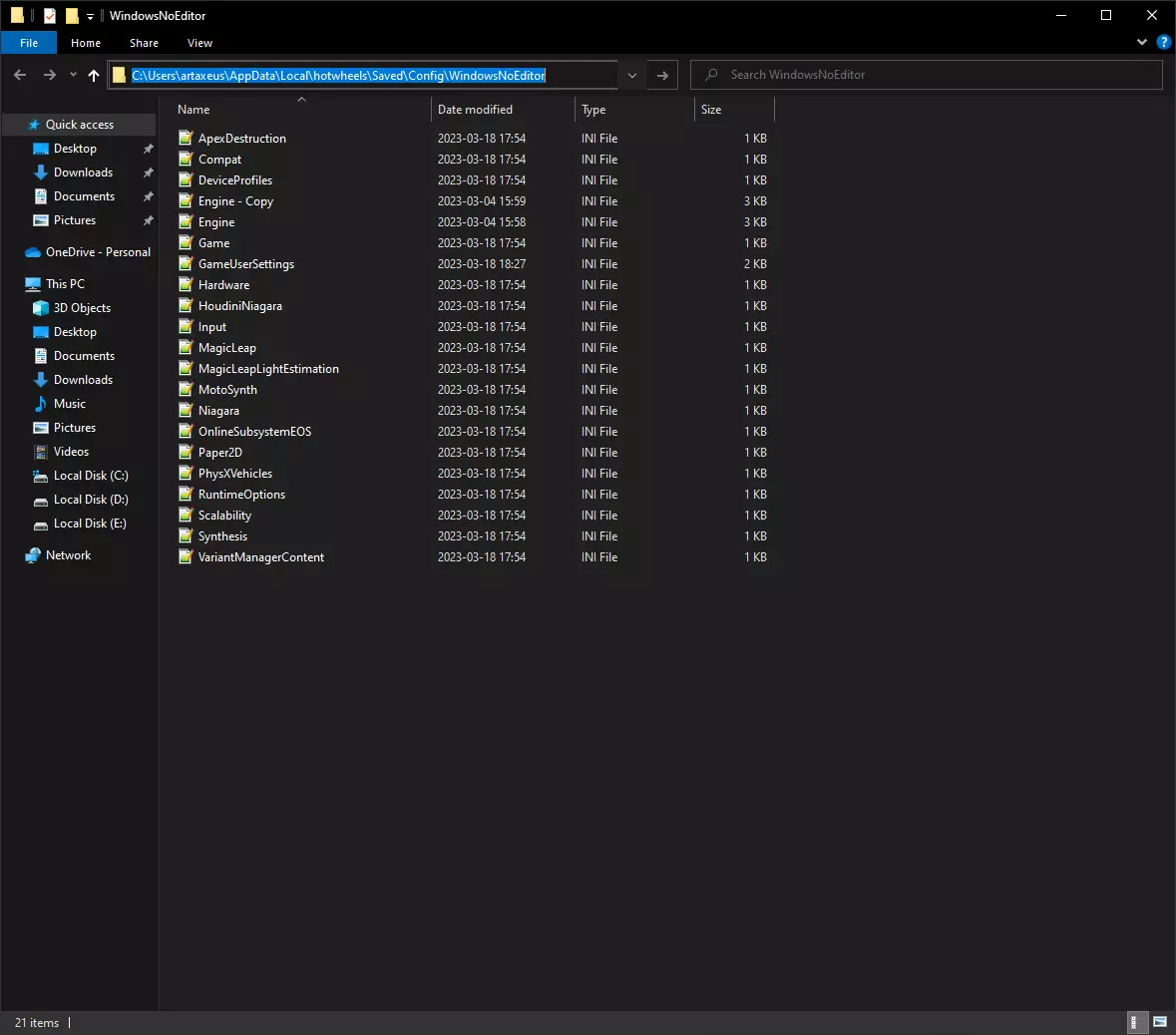
快速指南:如何禁用糟糕的胶片颗粒、色差和模糊效果。 步骤如下: 步骤1:打开路径:C: Users <你的用户名> AppData Local hotwheel…
2026-04-07 01:000赞 · 0评论
解除帧率(FPS)限制
我下载了游戏并在自己的电脑上进行了测试,发现游戏有帧率限制,于是决定分享解除帧率限制的方法。 操作步骤如下: 1. 打开路径:C: Users 你的用户名 Ap…
2026-04-05 16:000赞 · 0评论
暂无更多
最新更新
- 动物栖息地 / 动物地图 — 游戏内动物栖息地地图 / 动物地图 内兹珀斯山谷
- 《猎人之路》 — 《猎人之路》
- 教程:如何寻找动物? — 对于《猎人之路》的新手来说,追踪动物并非易事,这很容易让人感到沮丧。在其他狩猎游戏中,寻找和猎杀动物要简单得多。因此,我制作了一个小教程来帮助大家追踪动物。希望…
- 基础控制、21:9及超宽屏视野设置和手动按键绑定 — 按键绑定 控制: WASD - 移动 上箭头 - 抬高瞄准镜归零 下箭头 - 降低瞄准镜归零 按C - 蹲下 按住C - 趴下 按X - 探索标记 按住X - …
- 《猎人之路》非方块化图形优化 — Эта настройка оптимизирована под моё оборудование. Возможно, она подойдёт и друг…
- 《猎人之路》入门指南 — 猎人之路指南,不定时更新 游戏目标是什么? 淘汰地图内奖杯等级较低的动物,提高动物整体奖杯评级 狩猎地图内奖杯等级最高的动物,制作/展示动物标本 动物奖杯是什么…
- 猎人之路 — 无法识别或无法翻译,已删除。
- 基因系统与畜群管理 — 在本指南中,你将了解《猎人之路》的基因潜力系统和兽群管理机制,这也是你在游戏中看不到五星 trophy 动物的原因。 什么是游戏中的基因潜力?
- 动物成长 — 动物生长随年龄变化详情 遗传 遗传指数在个体的整个生命周期中不会改变。 动物在出生时获得遗传指数,并保持到死亡。 体重 体重在个体的整个生命周期中会定期增加。 …
- 林图科托岛上所有【低语】位置 - Forbidden Knowledge 成就 — 一段展示林图科托所有可收集品【低语】位置的视频,这些是解锁成就所需的!林图科托所有可收集品【低语】的位置如下:视频展示了林图科托地图上所有可收集品的位置,收集全…