换一换
换一换 


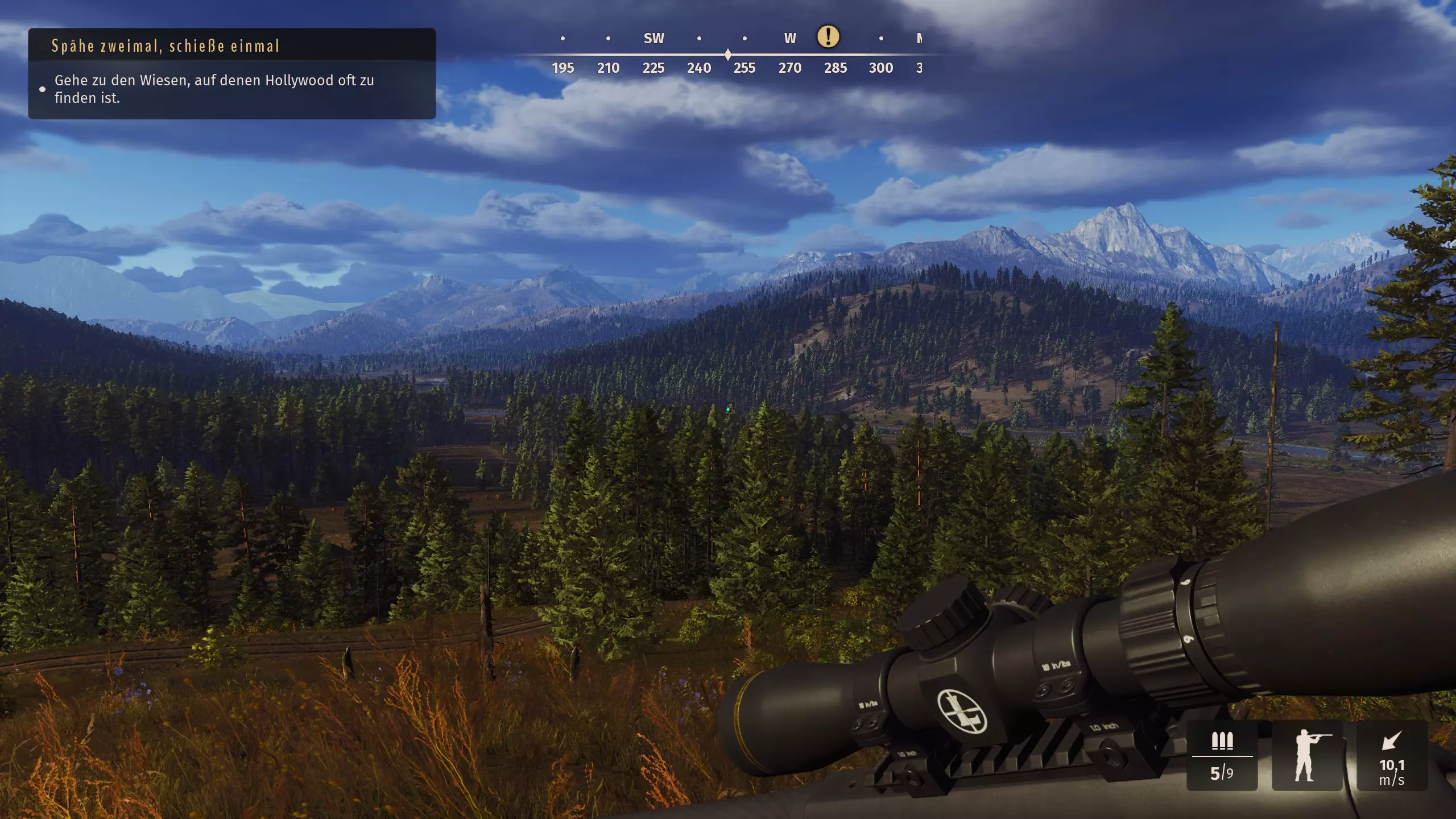
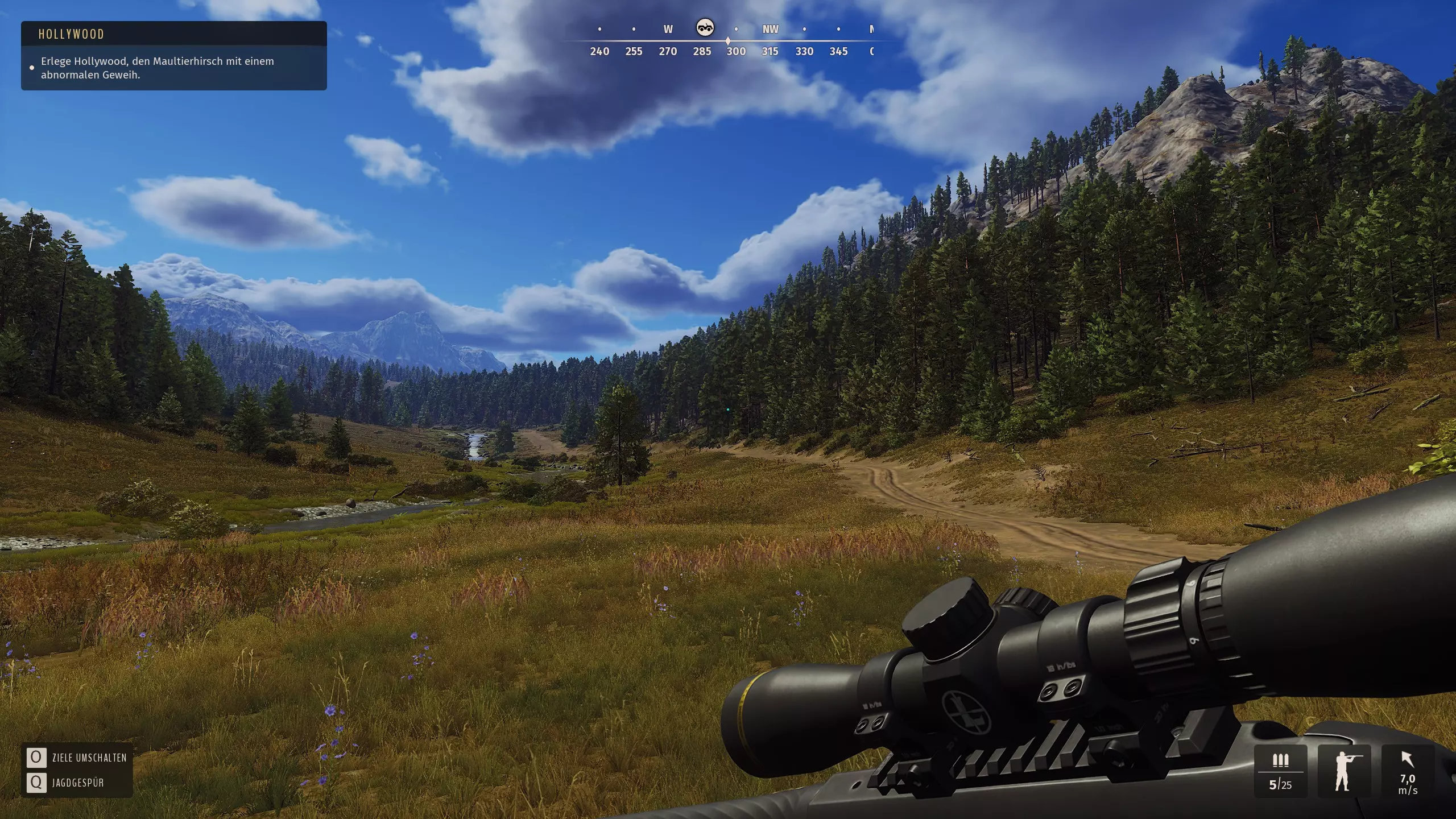
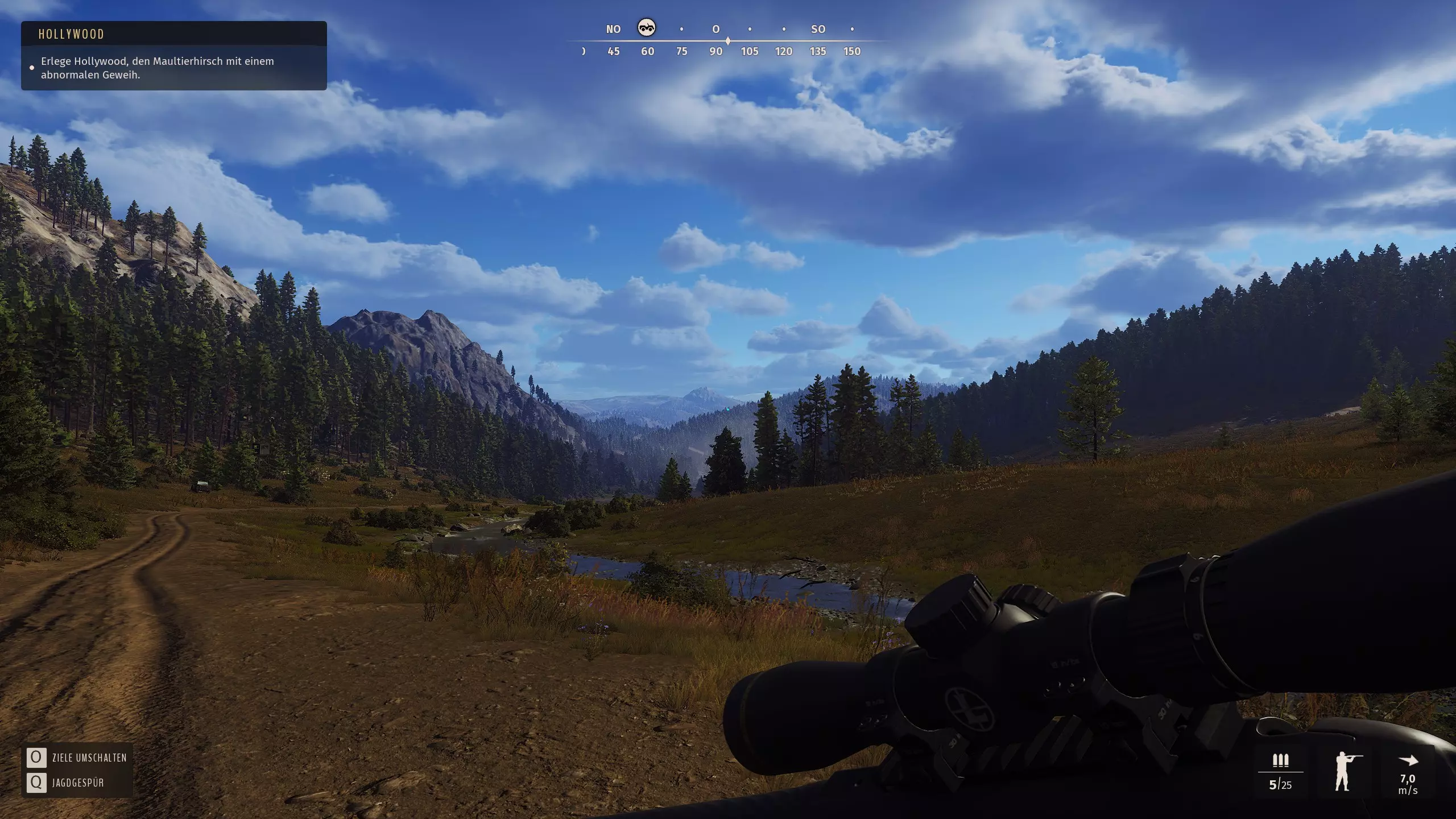
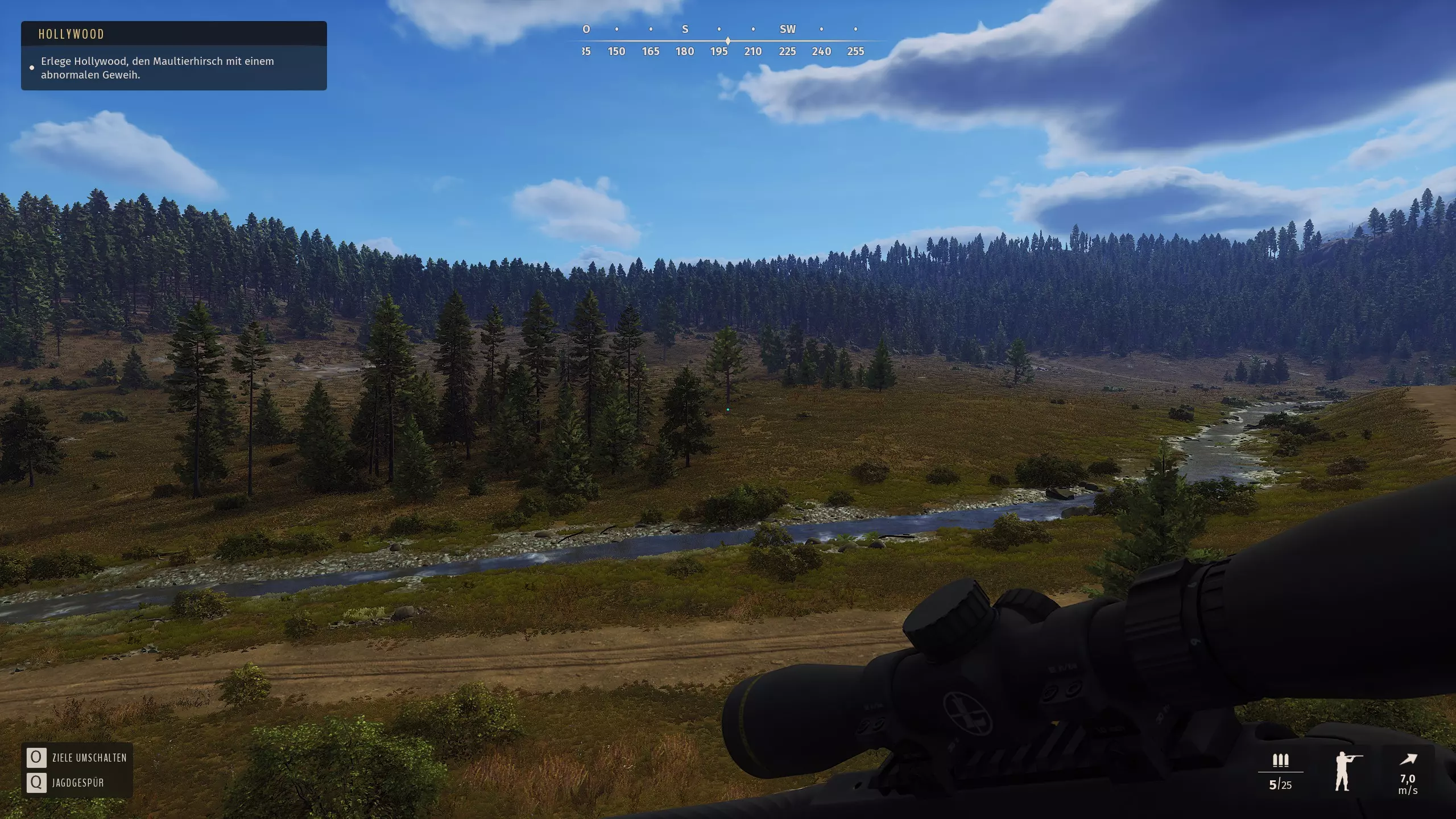
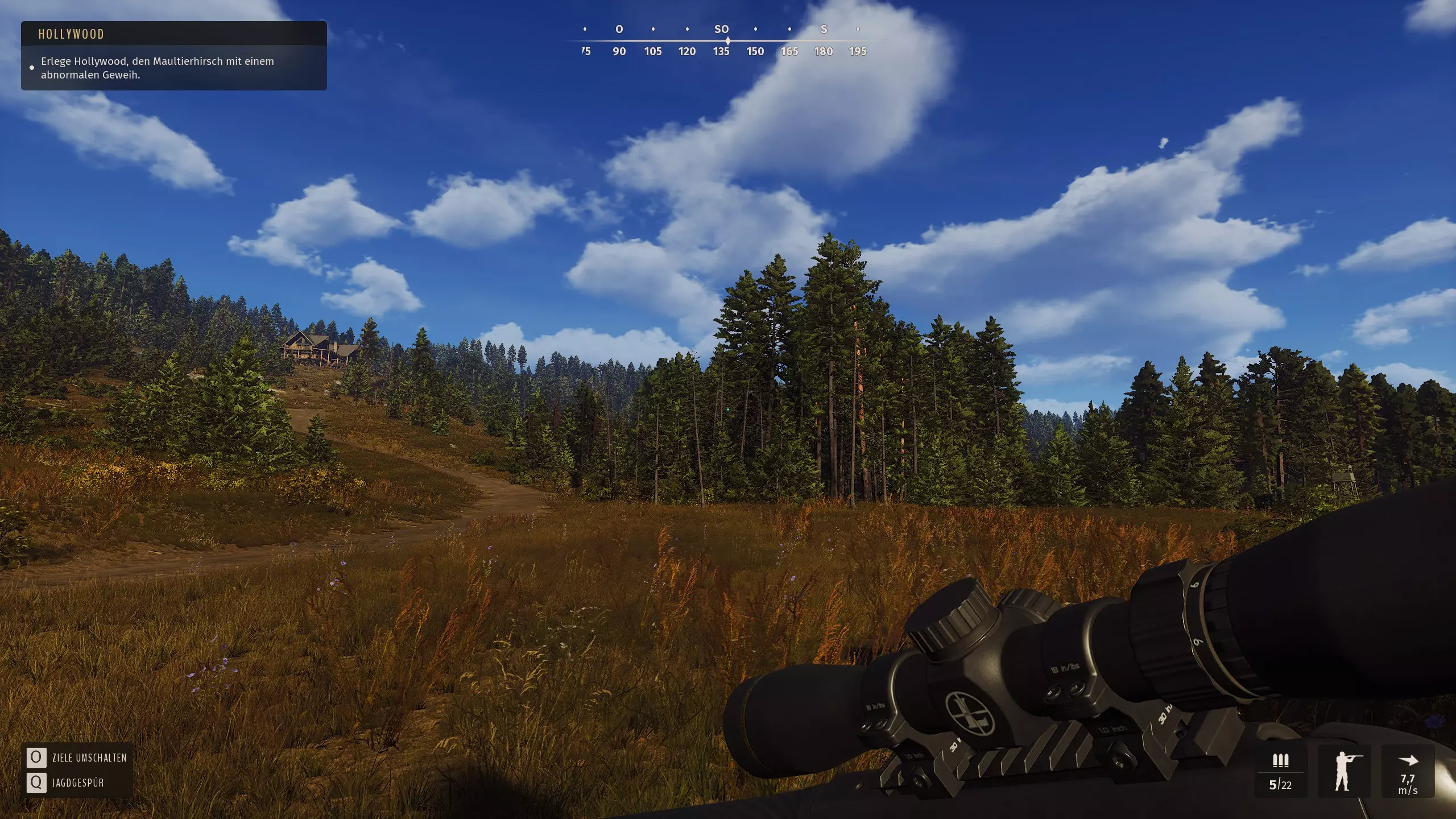
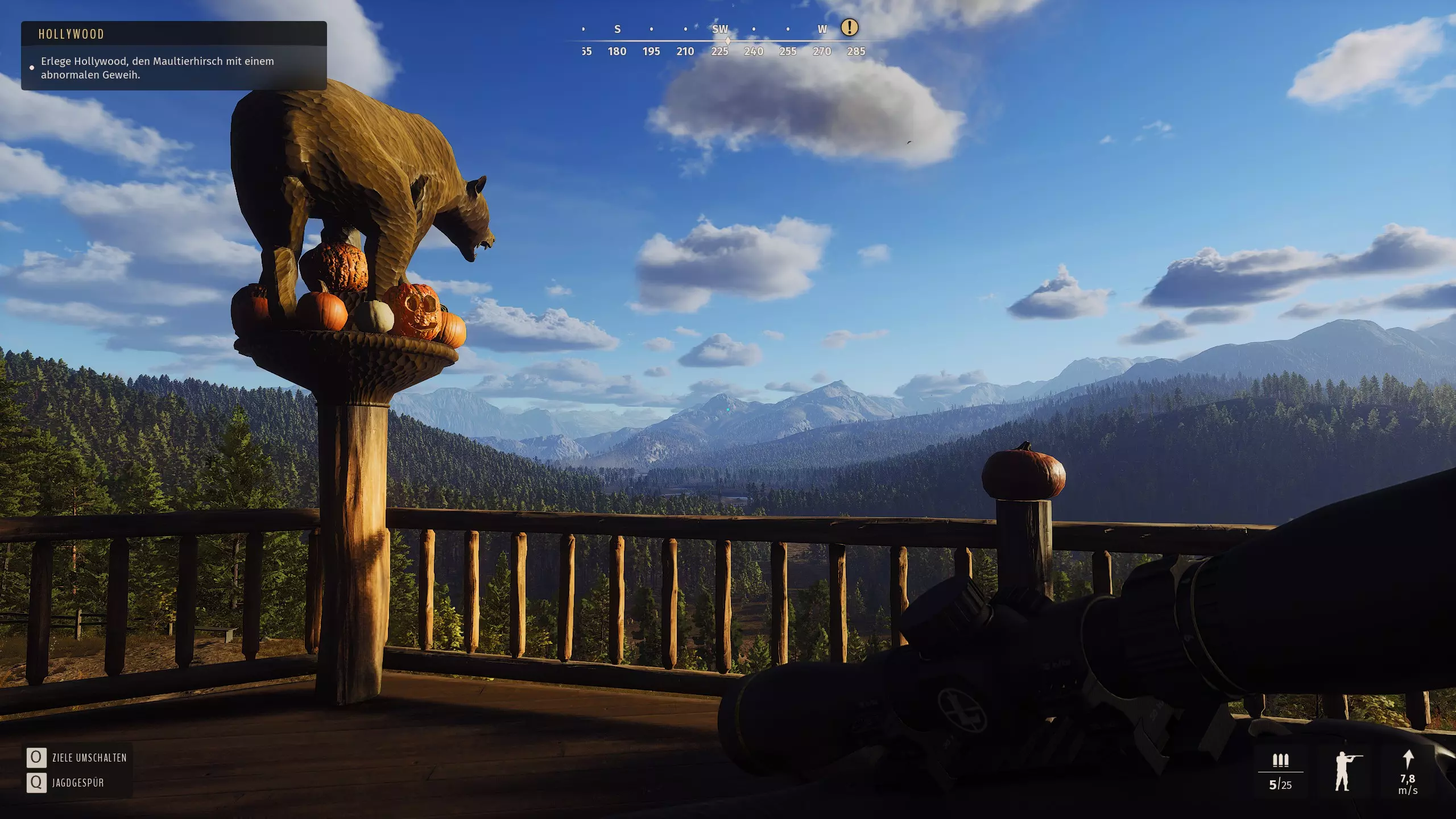
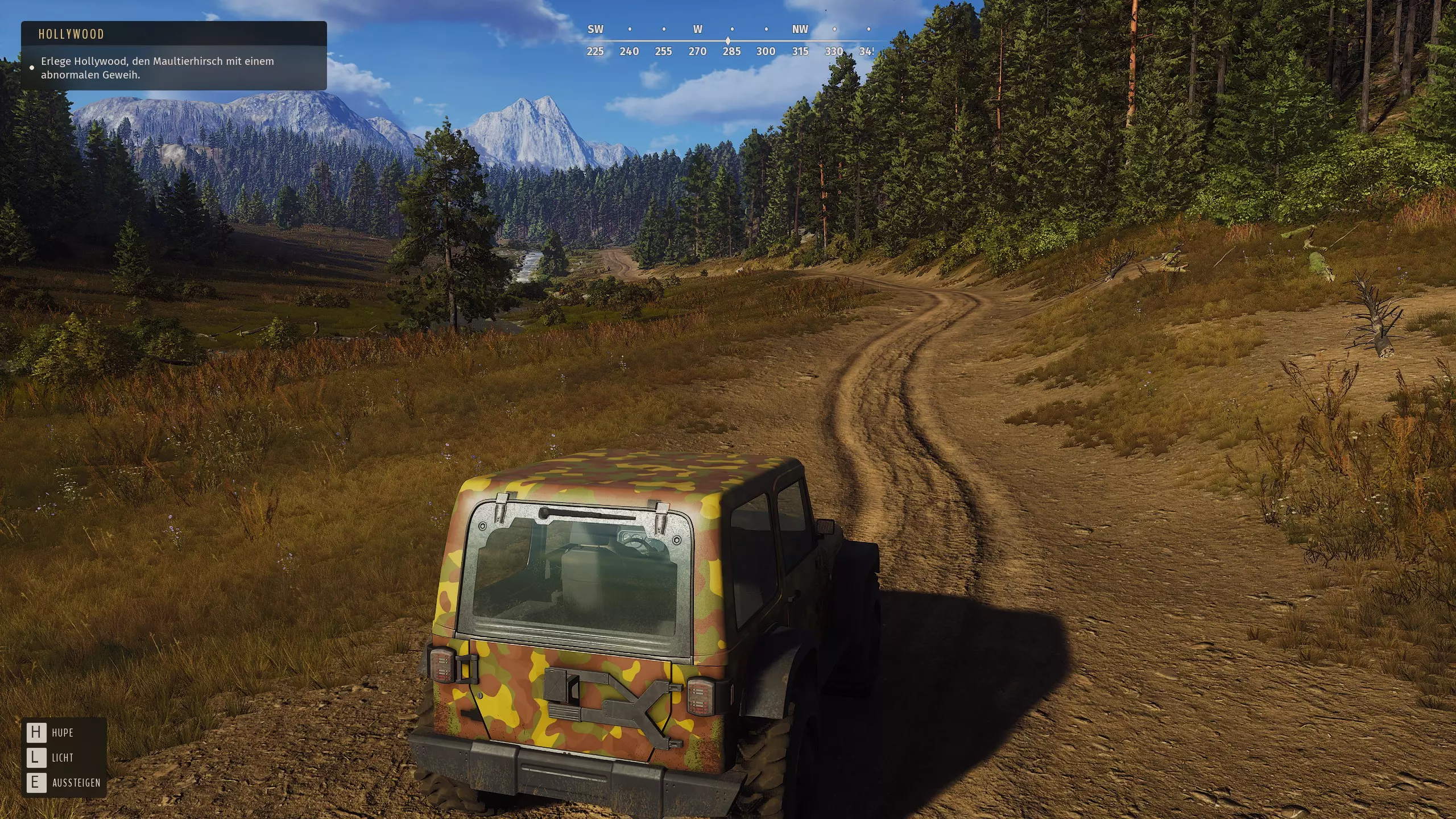
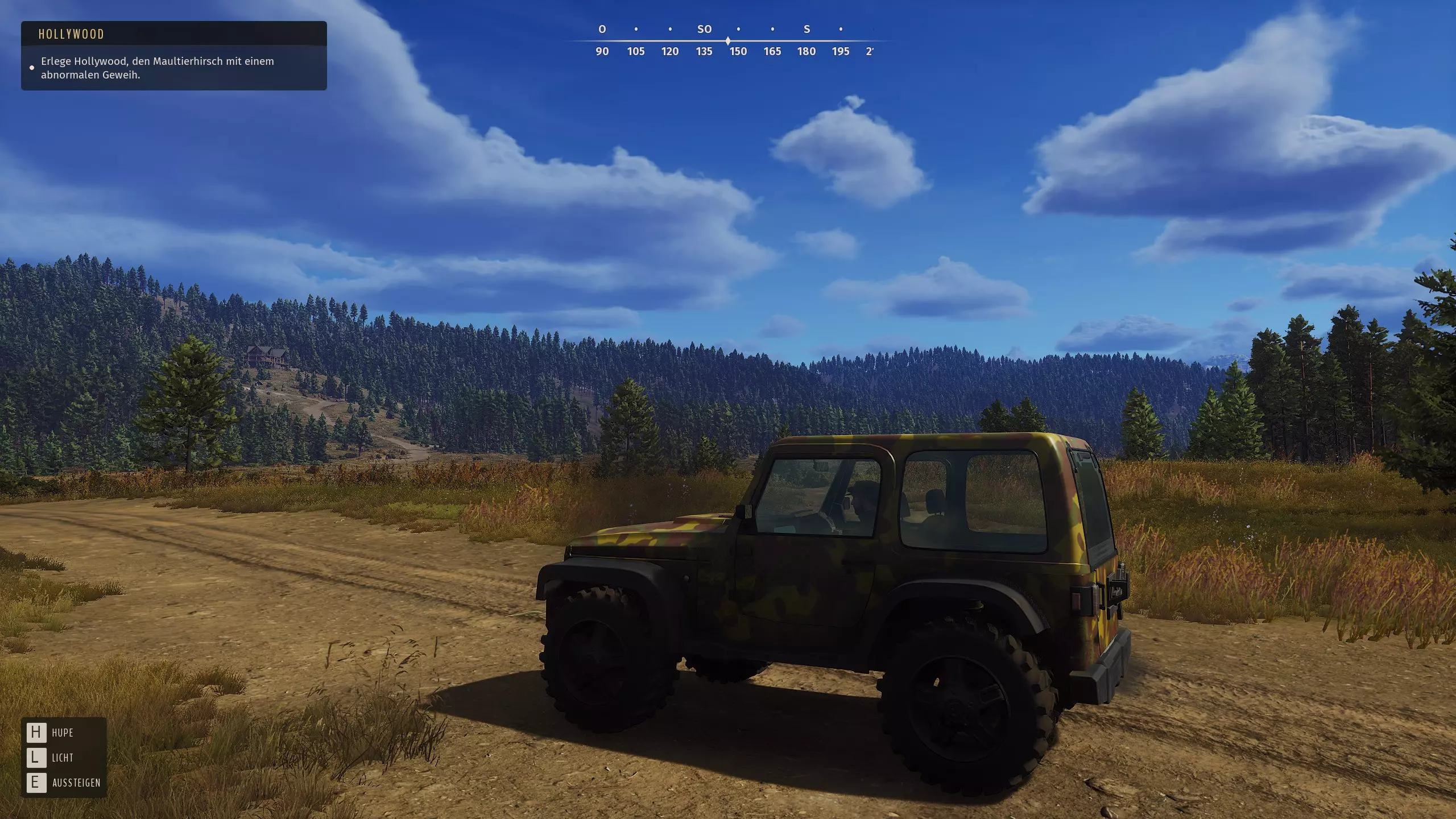
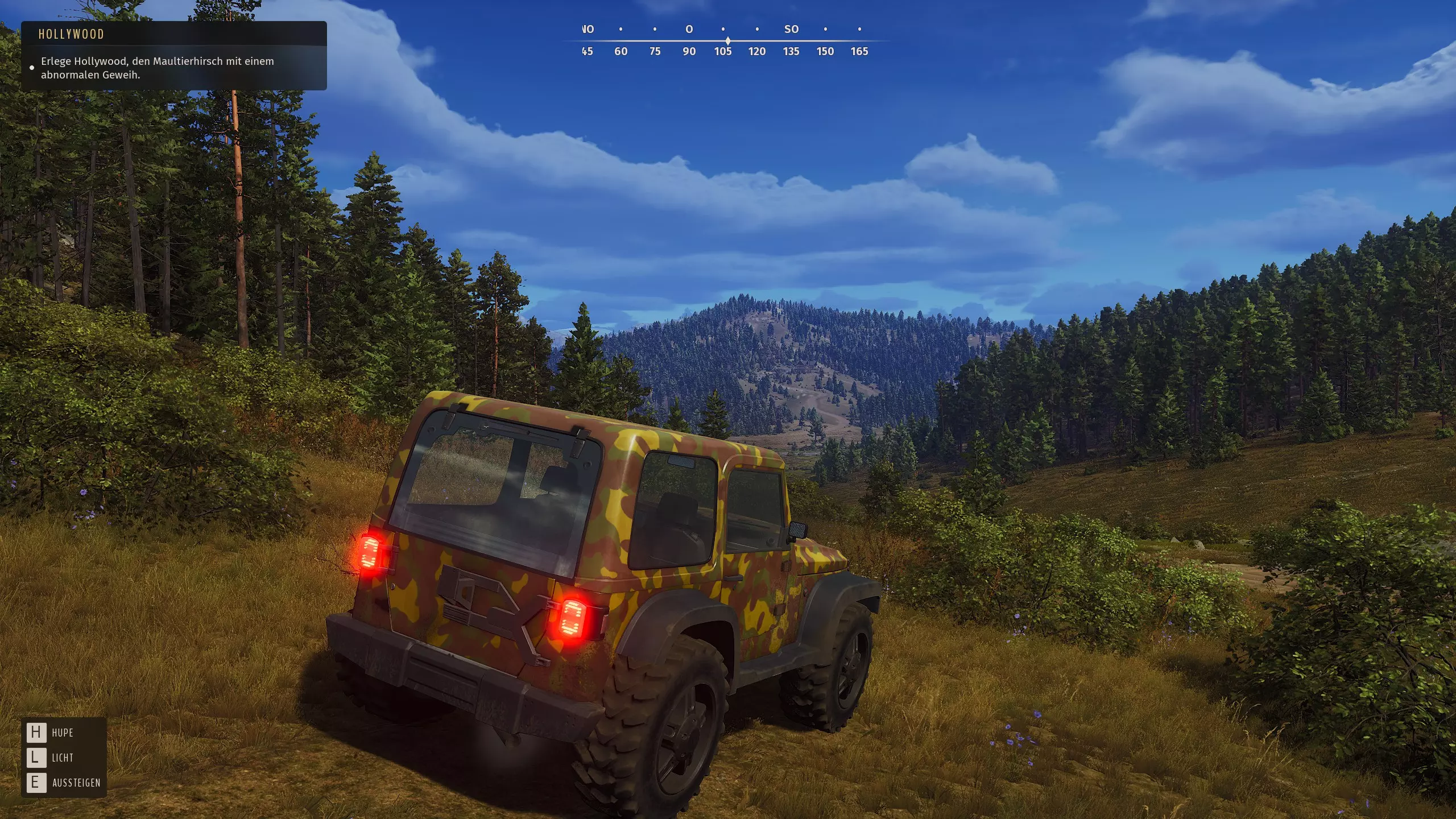
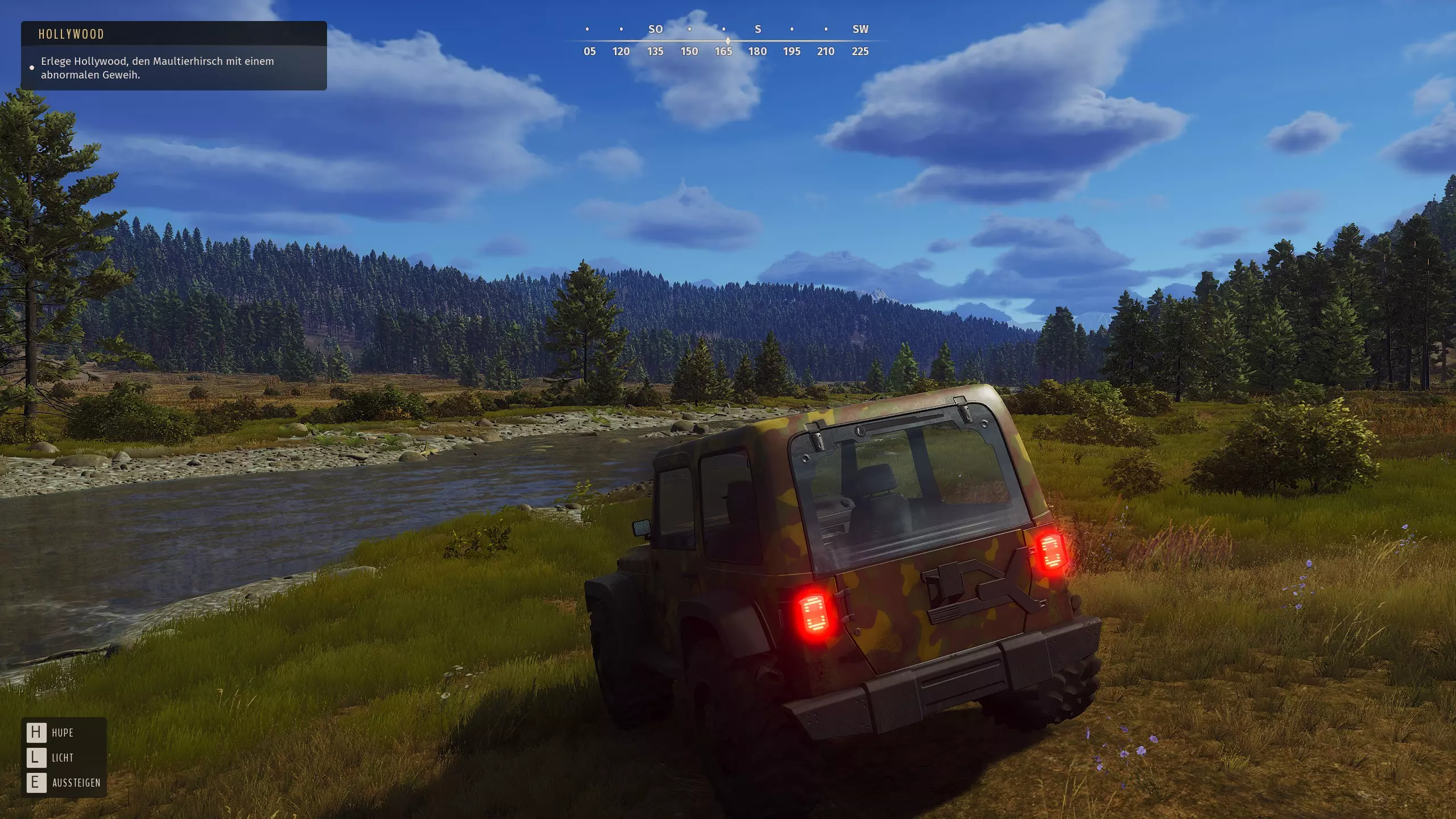
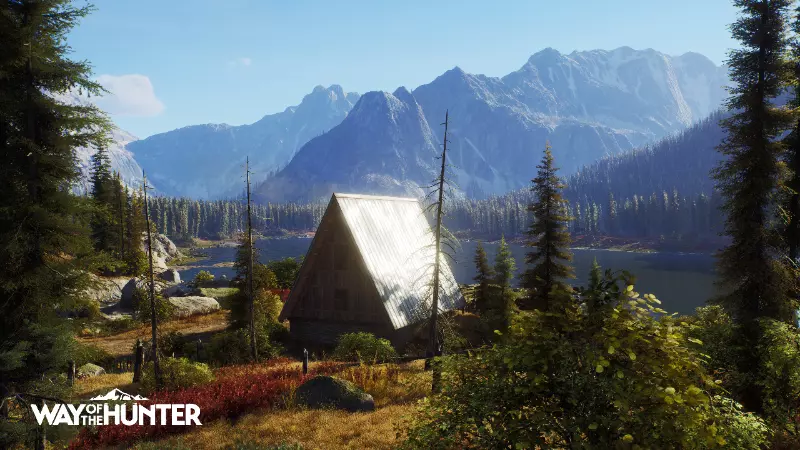
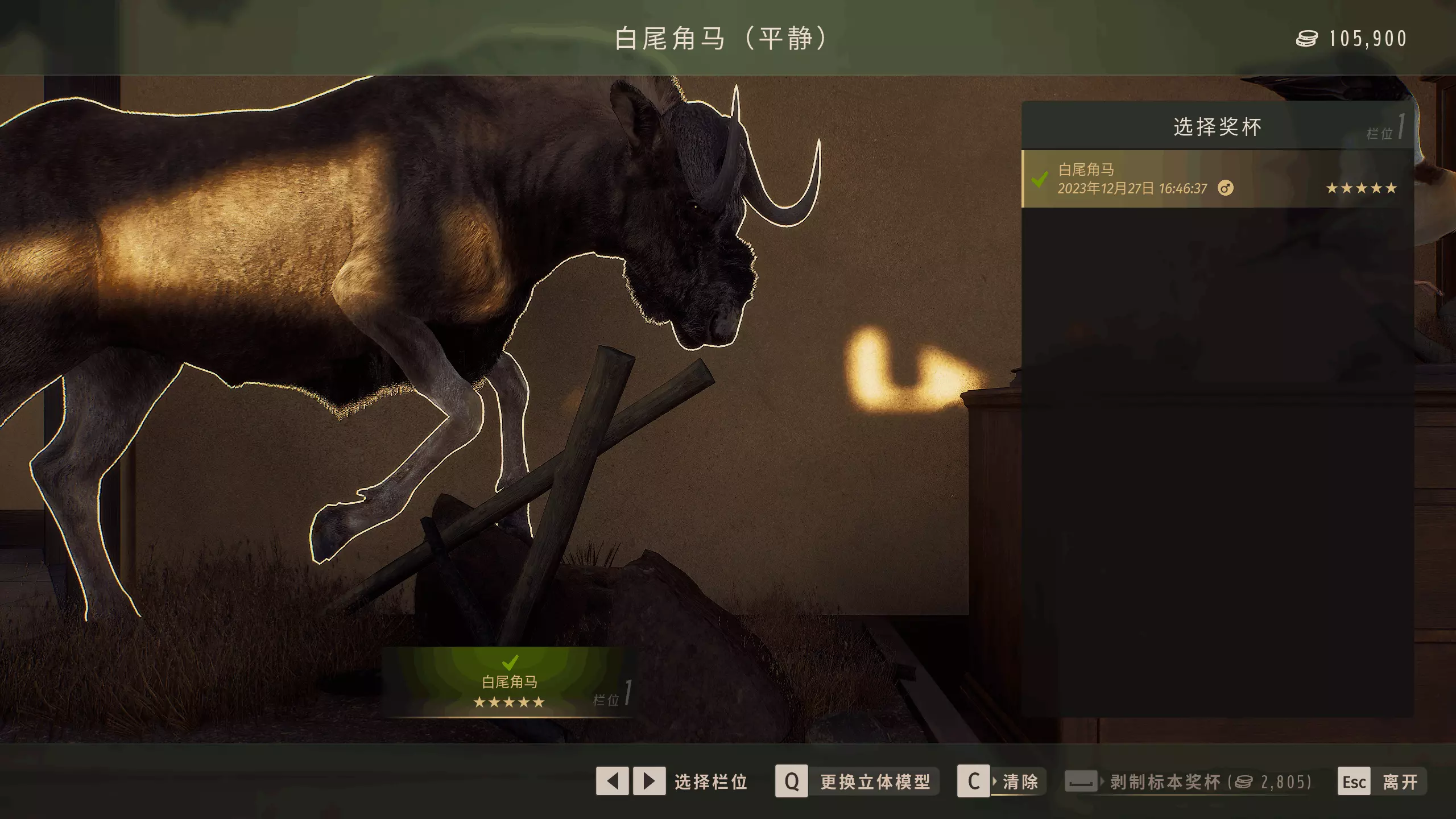
I made some improvements to the graphics: What is important for my optimization: I get the performance where nobody visually notices it, since it's lod that nobody sees (this takes a lot of resources), UE4 is very power-hungry in lighting, and like me in recent years remarked, very few studios can do that, of course the volumetric fog, with dm you can also get a lot of performance. I then invest that in better grass, and unpopin trees and bushes, and the rest is extra fps. In addition, most UE4 games are set much too brightly and are not optimized for colors. And of course to get a lot of performance with grass density and the right lod settings, it's important to me that you don't notice it visually. That's basically my job. ▬▬▬▬▬▬▬▬▬▬▬▬▬▬▬▬▬▬▬▬▬▬▬▬▬⠀▬▬▬⠀▬▬⠀▬ The engini.ini guide have: Better cpu load which brings a fps boost. Optimized and faster texture streaming. Better shadow distance, resolution and shadow fading removed. Improved grass shadows in detail, which are quite pixelated by default. Improved grass density for better performance. Pop up details, fixed corpses. Better and optimized Lod distance of buildings and other details. Better datails and Textures Quailiy. Volumetric fog density reduced, visually more realistic and fps boost. Improved colors, fade removed. Post process effects like motion blur, grain, chromatic aberration and depth of field disabled. Better and optimized TAA (anti aliasing). Added anisotropic filtering 16x for sharper textures at distance. Ui scale set to 75%. FOV (Widescreen-) Fix added. Ambient occlusion, Particle and screen space reflections optimized for Performance. Hairs better Quailiy: I also noticed (Animals...) that the hair often looks pixelated. This is now fixed. Better sky and clouds (better quality and color). No Audio when minimized is fixed. Lighting (sunrise and sunset) and Flashlight Performance optimized (+ ~20 fps). Optimized Water Shader. Tesslation: I noticed that this looked a bit blurry, especially noticeable on the tire grooves. This is now fixed and looks far sharper now. Grid Distance Shadows 100 % removed and fixed. Volumetric fog optimized: Less dense - more realistic, better performance. I noticed that the game has no dlss quality levels. I have now changed this: Added Dlss quality levels and sharpness. I'll give a short guide below. Quality viewing distance ultra setting Performance optimized details (bias) + 10 fps. ▬▬▬▬▬▬▬▬▬▬▬▬▬▬▬▬▬▬▬▬▬▬▬▬▬⠀▬▬▬⠀▬▬⠀▬ Go to the following folder: C:/Users/Name/appdata/local/WayOfTheHunter/Saved/Config/WindowsNoEditor Open the engine.ini. If you don't see the AppData folder, you have to activate show all hidden files and folders in windows via advanced folder options. Leave a space and copy it under the script below. Add the following: [SystemSettings] r.Streaming.Boost=1 r.FastVRam.EyeAdaptation=1 r.bForceCPUAccessToGPUSkinVerts=1 r.Streaming.HLODStrategy=0 r.Streaming.LimitPoolSizeToVRAM=1 r.Streaming.MaxEffectiveScreenSize=0 r.Streaming.UseFixedPoolSize=1 r.Streaming.PoolSize=6144 r.Streaming.MipBias=0 r.Streaming.DefragDynamicBounds=1 r.HZBOcclusion=1 r.MaterialQualityLevel=1 r.EmitterSpawnRateScale=2.0 r.DetailMode=2 r.MipMapLODBias=0 r.HLOD=1 r.HLOD.DistanceScale=1.5 r.HLOD.MaximumLevel=1 r.MaxAnisotropy=16 r.ViewDistance=2 r.ViewDistanceScale=2 r.LandscapeLODDistributionScale=2 r.LandscapeLOD0DistributionScale=2 foliage.LODDistanceScale=2 foliage.DitheredLOD=1 grass.CullDistanceScale=1.5 foliage.MaxOcclusionQueriesPerComponent=128 foliage.MinInstancesPerOcclusionQuery=65536 foliage.MinimumScreenSize=0.00000001 r.StaticMeshLODDistanceScale=0.50 r.SkeletalMeshLODBias=-2 grass.DisableDynamicShadows=1 grass.DensityScale=0.75 foliage.DensityScale=1.0 r.Water.WaterMesh.TessFactorBias=12 r.TessellationAdaptivePixelsPerTriangle=128 r.HairStrands.DeepShadow.SuperSampling=1 r.Fog=1 r.FogDensity=0.02 r.FogStartDistance=4 r.VolumetricFog.GridDivisor=30 r.VolumetricFog.GridPixelSize=8 r.VolumetricFog.GridSizeZ=64 r.VolumetricFog.Jitter=1 r.VolumetricFog.InjectShadowedLightsSeparately=1 r.VolumetricFog.InverseSquaredLightDistanceBiasScale=1.000000 r.VolumetricFog.LightFunctionSupersampleScale=2.000000 r.TrueSkyQuality=1 r.SkyLightingQuality=1 r.SkylightIntensityMultiplier=0.4 r.VolumetricRenderTarget=2 r.ShadowQuality=4 r.Shadow.CSMDepthBias=20 r.Shadow.FilterMethod=0 r.Shadow.DistanceScale=2.0 r.Shadow.RadiusThreshold=0.01 r.Shadow.MinResolution=2048 r.Shadow.MaxResolution=2048 r.Shadow.FadeResolution=2048 r.Shadow.PreShadowResolutionFactor=1.0 r.Shadow.AllowForegroundShadows=1 r.CapsuleShadows=1 r.CapsuleMaxDirectOcclusionDistance=600.000000 r.CapsuleMaxIndirectOcclusionDistance=400.000000 r.CapsuleShadowsFullResolution=1 r.Shadow.PerObject=1 r.DistanceFieldShadowing=1 r.DFShadowQuality=4 r.DFFullResolution=1 r.ContactShadows=0 r.DistanceFieldAO=1 r.AllowLandscapeShadows=1 r.AmbientOcclusionLevels=2 r.DefaultFeature.AntiAliasing=2 r.PostProcessAAQuality=6 r.ScreenPercentage=100 r.TemporalAASamples=32 r.TemporalAACurrentFrameWeight=0.12 r.TemporalAAFilterSize=1.0 r.TemporalAACatmullRom=1 r.TemporalAAPauseCorrect=1 r.NGX.Enable=1 r.NGX.DLSS.Quality=1 r.NGX.DLSS.Sharpness=0.25 r.NGX.DLSS.EnableAutoExposure=1 r.BloomQuality=4 r.ParticleLightQuality=2 r.RefractionQuality=2 r.LensFlareQuality=3 r.LightShafts=1 r.LightShaftQuality=2 r.LightMaxDrawDistanceScale=3 r.TransluzenzLightingVolumeDim=4 r.EyeAdaptationQuality=2 r.SSR.Quality=3 r.SSR.MaxRoughness=1 r.SSS.Scale=1 r.SSS.SampleSet=2 r.SSGI.Quality=3 r.Color.Mid=0.35 r.SceneColorFormat=4 r.TonemapperGamma=2.2 r.Tonemapper.Quality=3 r.TonemapperFilm=1 r.FastBlurThreshold=0 r.MotionBlurQuality=0 r.MotionBlur.Amount=0 r.MotionBlurSeparable=0 r.DepthOfFieldQuality=0 r.DepthOfField.FarBlur=0 r.DefaultFeature.MotionBlur=0 r.SceneColorFringe.Max=0 r.SceneColorFringeQuality=0 r.MotionBlur.Max=0 r.Tonemapper.GrainQuantization=0 [/script/engine.localplayer] AspectRatioAxisConstraint=AspectRatio_MaintainYFOV [/script/engine.userinterfacesettings] ApplicationScale=0.75 [Audio] UnfocusedVolumeMultiplier=1 Close and save. ▬▬▬▬▬▬▬▬▬▬▬▬▬▬▬▬▬▬▬▬▬▬▬▬▬⠀▬▬▬⠀▬▬⠀▬ DLSS: r.NGX.Enable=1 or 0 DLSS - Enable to use DLSS when you need more performance. Turn off for better image and no ghosting. DLSS quality=1 Ultra Performance=-2, Performance (default)=-1, Balanced=0, Quality=1, Ultra Quality=2 r.NGX.DLSS.Sharpness=0.25 Enable to allow DLSS to adjust auto exposure to reduce ghosting. 0 is disabled and no arming, maximum value is 1.0. r.NGX.DLSS.EnableAutoExposure=1 Enable these too when enabling dlss ▬▬▬▬▬▬▬▬▬▬▬▬▬▬▬▬▬▬▬▬▬▬▬▬▬⠀▬▬▬⠀▬▬⠀▬ Change Brightness: r.Color.Mid= to 0.40-0.50 ▬▬▬▬▬▬▬▬▬▬▬▬▬▬▬▬▬▬▬▬▬▬▬▬▬⠀▬▬▬⠀▬▬⠀▬ Color and brightness optimization of the system: Nvidia: Go to digital color enhancement (desktop color setting) and select a value between 60-80%. Go to Change Resolution, scroll down and select: Nvidia Color Setting. Dynamic Output Range: Full. Color format: RGB. ▬▬▬▬▬▬▬▬▬▬▬▬▬▬▬▬▬▬▬▬▬▬▬▬▬⠀▬▬▬⠀▬▬⠀▬ Have fun. New graphic and color: