



无法识别或无法翻译,已删除。
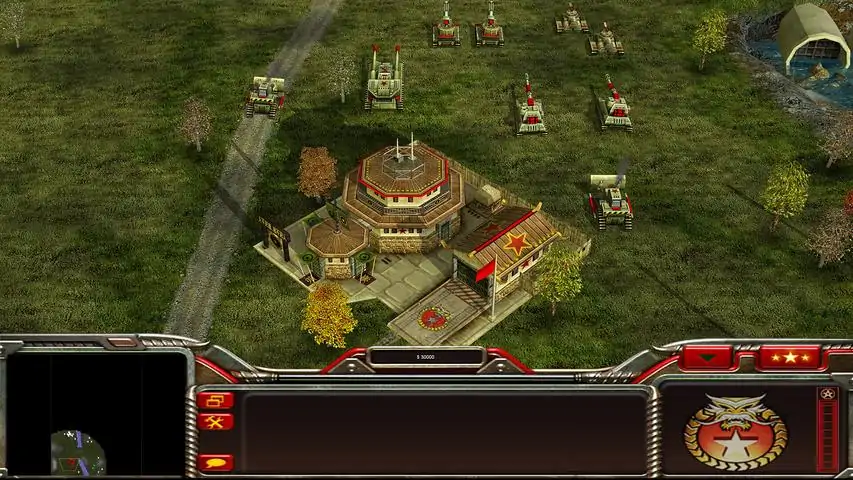
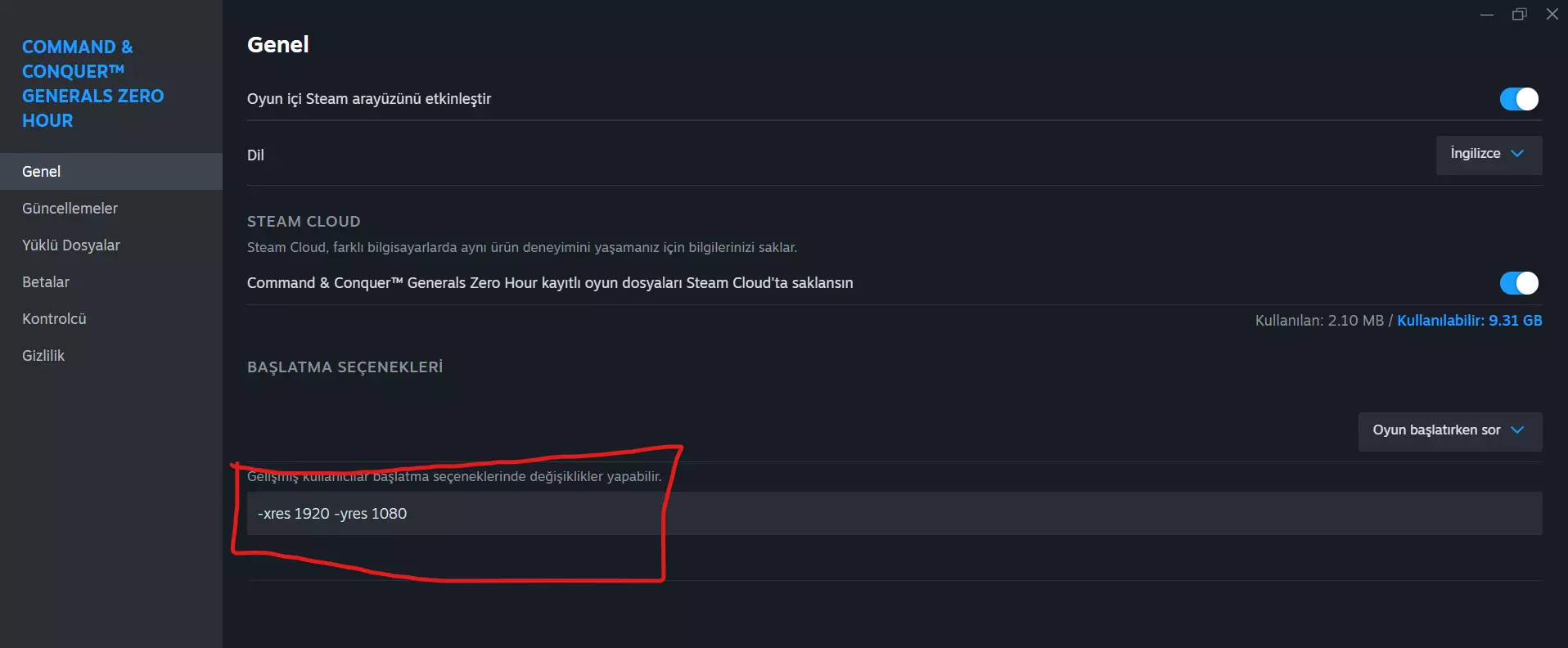
大家好,我为我们童年的游戏《命令与征服:将军 绝命时刻》无法启动和分辨率问题写下了解决方法,祝游戏愉快。 无法启动问题 打开文件位置(在你的库中右键点击游戏名称,打开属性,即可到达文件位置),右键点击generals.exe并打开属性,在兼容性选项卡中更改兼容模式,尝试Windows XP Service Pack 2或3,然后以管理员身份运行generals.exe。(如果无效,可以尝试我为分辨率问题写下的解决方法,在某些情况下它也能解决无法启动的问题。) 分辨率提升 1. 解决方法 打开文件位置,进入RedistInstallers Options_Helper文件夹中的option。打开该文件并在其中粘贴以下内容: AntiAliasing = 4 BuildingOcclusion = yes CampaignDifficulty = 1 DynamicLOD = yes ExtraAnimations = no GameSpyIPAddress = 0.0.0.0 Gamma = 50 HeatEffects = no IPAddress = 0.0.0.0 IdealStaticGameLOD = High LanguageFilter = false MaxParticleCount = 1000 MusicVolume = 55 Resolution = 2560 1440 Retaliation = yes SFX3DVolume = 79 SFXVolume = 71 ScrollFactor = 58 SendDelay = no ShowSoftWaterEdge = no ShowTrees = no StaticGameLOD = High TextureReduction = 2 UseAlternateMouse = yes UseCloudMap = no UseDoubleClickAttackMove = no UseLightMap = no UseShadowDecals = no UseShadowVolumes = no VoiceVolume = 70 完成后,您可以在游戏内进行所需的设置调整。 2. 解决方案 1.按照同样的方法,在你的库中右键点击游戏,进入属性,然后在启动选项中粘贴 -xres 1920 -yres 1080(你可以将1920 1080替换为你想要的分辨率)。游戏将直接以你设置的分辨率启动。
2026-02-19 13:00:31 发布在  《命令与征服:将军零点》
说点好听的...
收藏
0
0