换一换
换一换 



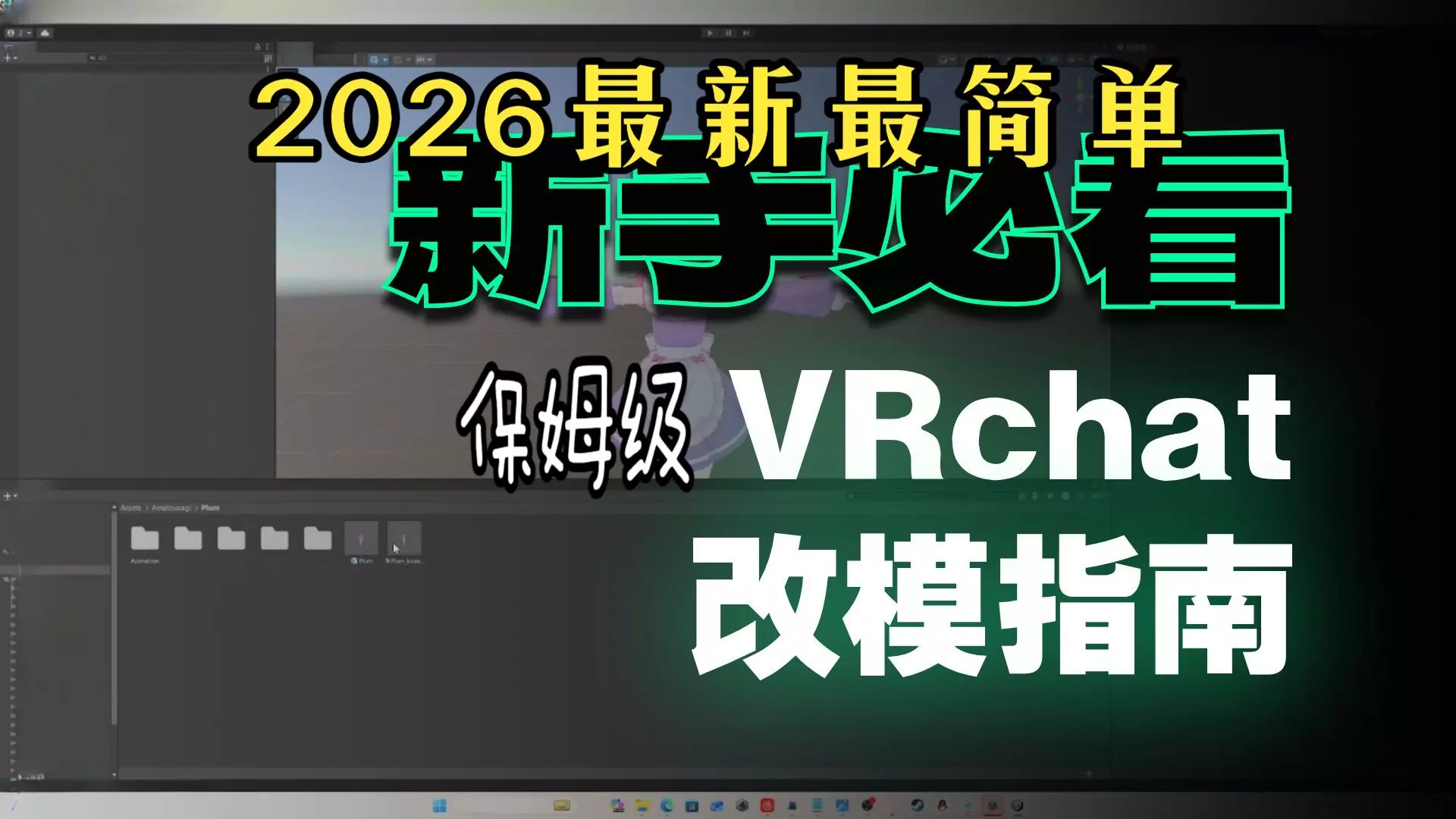
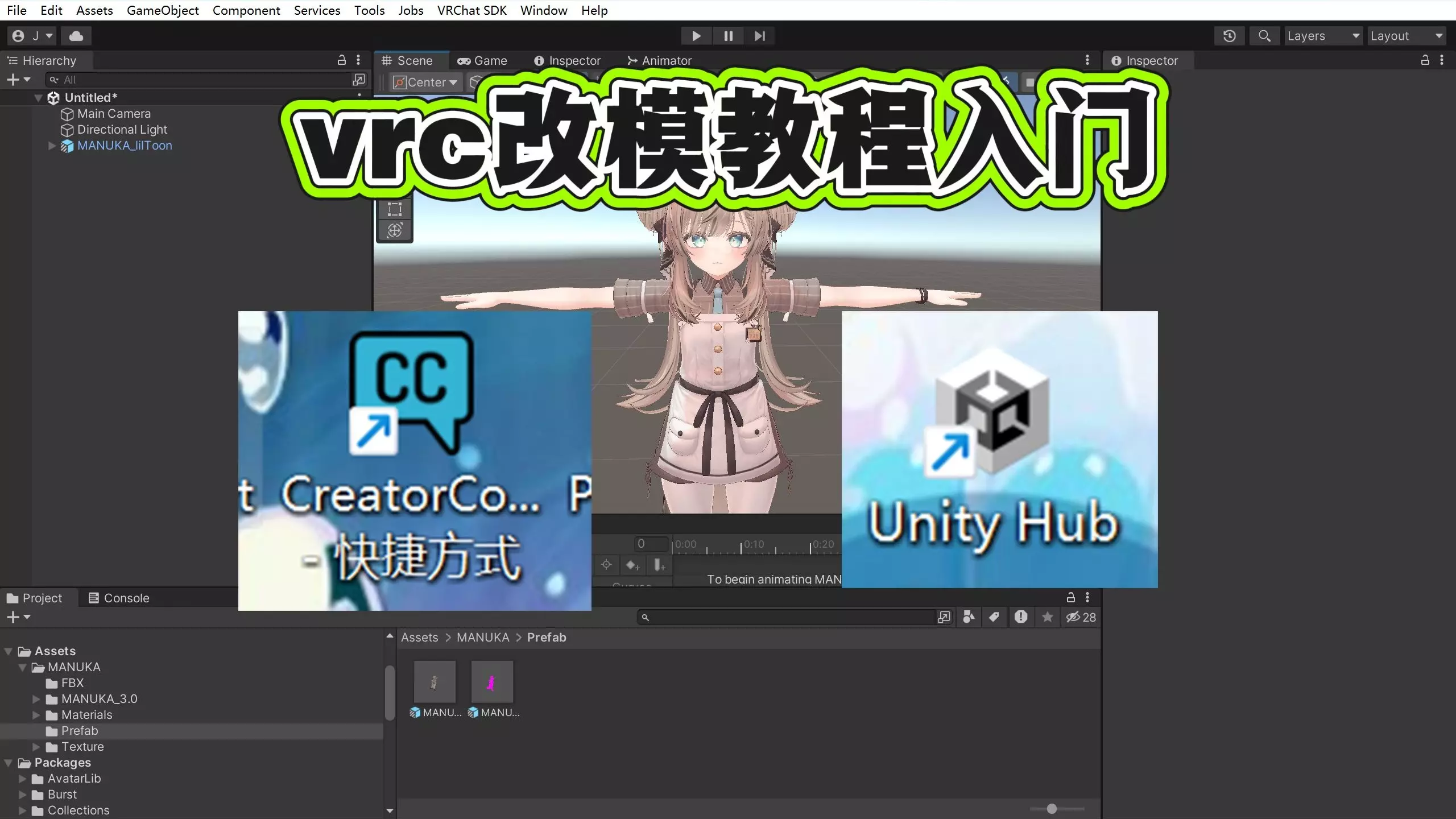
VRChat改模型怎么做?2026最新保姆级新手教程来了! 第一步:安装Steam++工具。 第二步:下载VRChat Creator Companion (VCC),官方链接:https://vrchat.com/download/vcc 备用网盘链接:baidu.com/disk/main#/index?category=all 第三步:安装Unity Hub。 官方网页:https://unity.com/download 直接下载链接:https://public-cdn.cloud.unity3d.com/hub/prod/UnityHubSetup.exe 第四步:在Unity Hub中安装Unity 2022.3.22f1版本。 第五步:在VCC中进行基础设置。 添加必备插件:Gesture Manager(用于轮盘手势测试)和Avatars 3.0 Manager。 第六步:寻找并导入你喜欢的原始模型文件。 第七步:为模型穿衣和绑骨。 推荐使用三大工具: ① Modular Avatar:一键穿衣和特效安装,地址:https://modular-avatar.nadena.dev/ ② VRC Fury:功能强大的模型编辑工具,地址:https://vrcfury.com/download ③ 如梦工具箱:用于穿衣服和绑定动画,地址:https://gitee.com/cmoyuer/vrchat-avatar-toolkit/releases/tag/v2.1.2 第八步:应用着色器让模型更精美。 ① lilToon着色器:日本风格模型通用,效果优秀,地址:https://lilxyzw.github.io/lilToon/ ② Poiyomi着色器:欧美风格模型通用,功能强大,地址:https://www.poiyomi.com/ 按照以上步骤,即使是新手也能快速上手VRChat模型制作与修改!