



Arma 2: Operation Arrowhead
 Steam Deck
 可用手柄
可用手柄


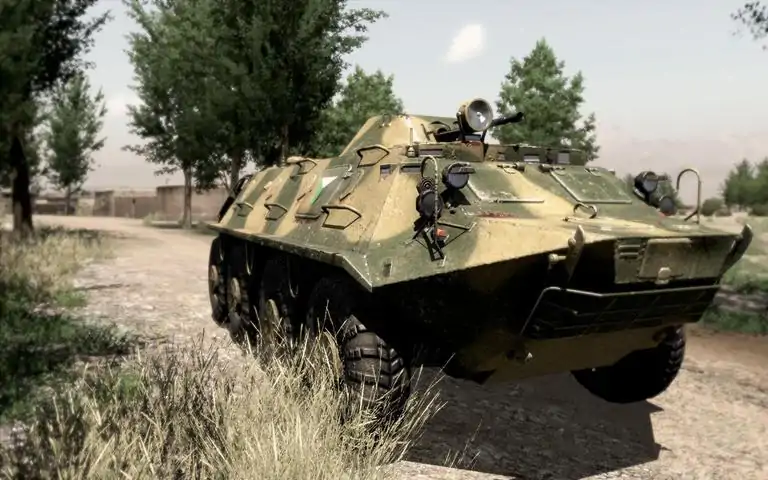
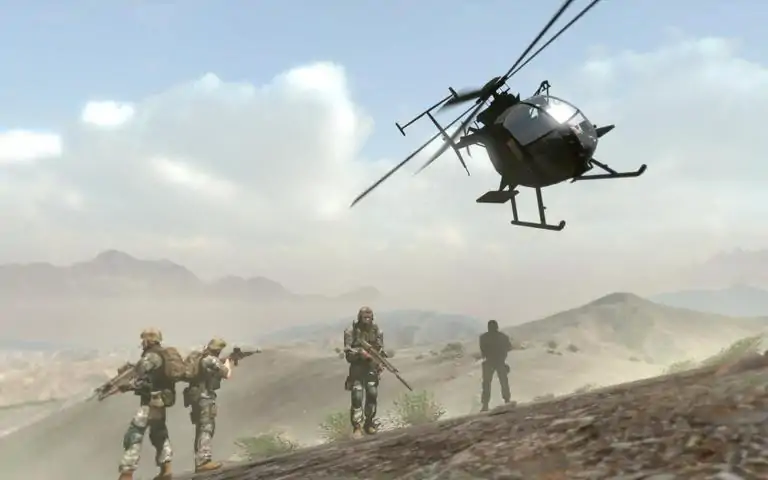

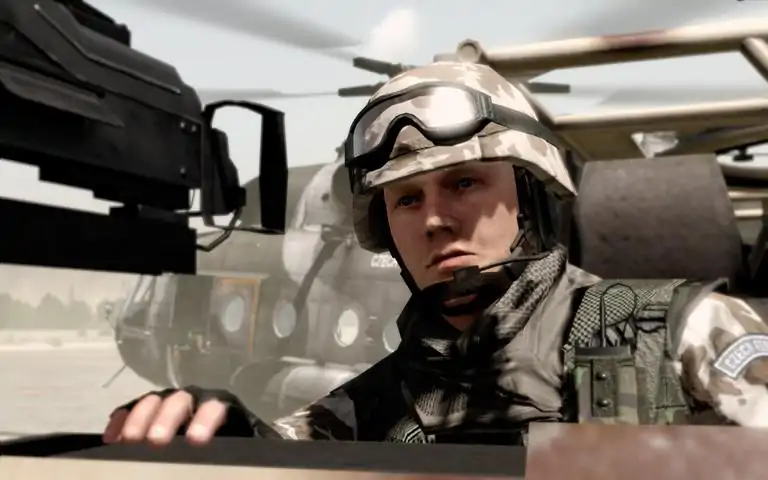
Three years after the conflict in Chernarus, portrayed in the original Arma 2, a new flashpoint explodes in the Green Sea Region. Coalition forces led by the US Army are deployed to Takistan to quickly restore peace and prevent further civilian casualties. You will enlist into various roles within the US Army, from basic infantrymen, through special operatives, to pilots and tank crew in this new installment in the award winning line up of military simulators for PC from Bohemia Interactive. Building on 10 years of experience and constant engine development, Arma 2: Operation Arrowhead boasts the most realistic combat environment in the world. It models real world ballistics & round deflection, thermal imaging, materials penetration, features a realtime day/night cycle and dynamic wind, weather and environmental effects. NOTE: Arma 2: Operation Arrowhead is a standalone product and does not require the original Arma 2.Key features: NEW PLAYABLE CONTENT: New story campaign for both SP and MP gameplay. Wide range of new tutorials, single scenarios and multiplayer

下载233乐园APP
专心推荐好游戏
纠纷处理及不良内容举报电话:
4006600910 (工作时间: 9:00-12:30,14:00-18:00)
北京市朝阳区启阳路4号院2号楼15层1803室
本公司产品适合10周岁以上玩家使用 未成年人家长监护