


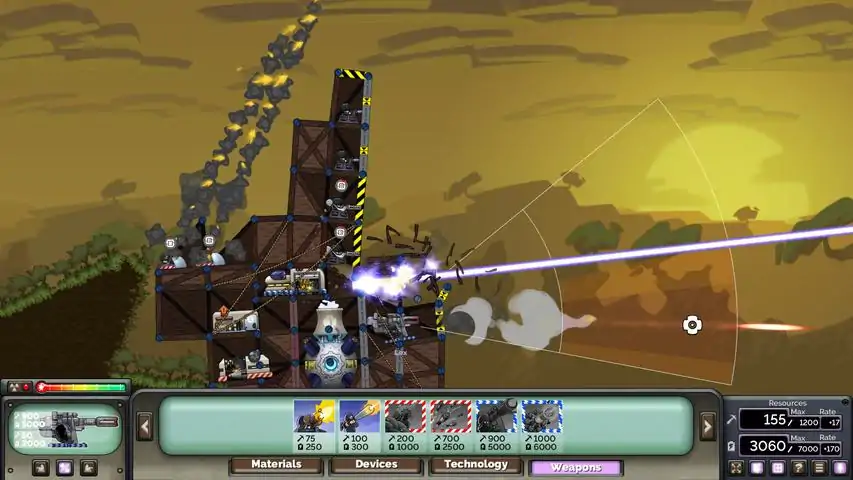

结构文件格式(.spr)
A quick guide on how Forts reads structure files How to read this Everything is little-endian <int32> 32bit signed integer <float> single precision floating point number <char> 1 byte ascii character <byte> 8bit integer/bool or generic 8bit unknown (?) this suffix means I'm not sure about it or it needs confirmation // Additional info/comments Header 23 <byte> constant(?) 1600 0000 cdcc cc3e ffff ffff 0001 0100 0000 0100 0000 00 //might include version, dlcs, whether this is a 'detailed' file Nodes <int32> number of nodes for each node: <int32> nodeId <int32> teamId <float> x-coordinate <float> y-coordinate <float> z-coordinate(?) // defaults to 0, causes links to be stressed, appear thinner // and rotate 4 <byte> unknown <float> unknown // x-coordinate of snap vector with some multiplier <float> unknown // y-coordinate of snap vector with some multiplier // if the 0th link deviates from it too much the node will snap 4 <byte> unknown // always(?) 0x0000 0000 <float> unknown // very likely an angle of sorts; clipped between 0 and -2pi 4 <byte> unknown // always(?) 0x0000 0000 <float>(?) unknown // always(?) -1.0 4 <byte> unknown // always(?) 0x0000 0000 <byte> unknown // always(?) 0x00 <byte> unknown // always(?) 0x01 Devices <byte> unknown // perhaps allignment of sorts (always present though) <int32> number of devices for each device: <int32> savename length <char[]> savename // untested with non-ascii characters <int32> teamId <int32> sideId(?) <int32> health // full health: 1.0; no health: 0.0 if device is a ground device: // checked on load only(?) <float> x-coordinate <float> y-coordinate 4 <byte> unknown // always(?) 0x0000 0000 (limited sample size) <float> angle // pi/2 is upright <int32> deviceId // if set to <0 game will clip it to 0 Materials <int32> number of material types for each material: <int32> savename length <char[]> savename // untested with non-ascii characters Links for each node: // 'NodeA' for the following links <int32> number of links // !! FROM THIS SPECIFIC NODE, not globally for each link: <byte> linkId // Game doesn't actually have linkIds // Think of it as a semi-hidden ordering of links // 0-th link is important for values below <int32> nodeB // !! NOT nodeId, but node's index from section 'Nodes' <int32> material // material's index from section 'Materials' <int32> number of triangles // triangles this link is part of for each triangle: <int32> node // index of the node that completes the triangle // This part is still being updated, it's just that weird, ok? // What you see is what I currently thing is happening, it's likely wrong though // It will allow you to read the correct amount of bytes, but I don't know why <int32> device index // if duplicate, the last one will apply // leaving previous ones without a link // this is -1 if no device // This is a confusing part which needs explanation if device index != -1: <bool>(?) strange_unknown1 // important! for reading bytes correctly if strange_unknown1 == 0: <float> device link position // 0.0 is on NodeA; 1.0 is on NodeB <float> length // relaxed length of the link 4 <byte> strange_unknown2 else: <float> length // relaxed length of the link <float> device link position // 0.0 is on NodeA; 1.0 is on NodeB <float> normal angle(?) // angle of the link's normal vector <float> unknown angle // between 0 and 2pi <float> health // 0.0 is no health; 1.0 is full; can go past full <float>(?) unknown // defaults to 0.5 <int32> portal-nodeId A // works even when not a portal <int32> portal-nodeId B // cannot link between teams though <float> unknown angle // between 0 and 2pi <byte> unknown // haven't seen this go past 10 IMPROVEMENTS If you find any mistakes or can confirm/deny something, please shoot me a message. Anywhere is fine. I'll respond the quickest if it's on discord. You can find me on the official discord @spaghetsie. Rant, tools used and a cool project This is the first time I've tried reverse engineering a binary and man is it tough. It doesn't help that there is a severe lack of tools for reading and comparing binaries. This website [www.diffnow.com] is honestly the best and most straightforward tool for comparing binaries I could find. Anything else looked like it would take just as long to learn how to use, as it took to do this entire thing. For a hex editor, I've used Binary Ninja[binary.ninja]. It's good enough. I can't thank enough gregstoll[gregstoll.com] for quickly and easily reading floats. Thanks to this I've now memorized(read: tortured into memorizing) a handful of common floats in hex. By far the worst part were those nested conditionals in section Links. Making the chunks inconsistently long AND not a multiple of 4 so now everything afterwards is read with an offset of one byte and turns everything to junk is just pure evil. If you've read this far, I think you will enjoy what I used this for. Once I make a video about it I'll post it here. For now you can find it in the official discord here[discord.com]
结构文件格式(.spr)
2026-02-13 19:00:14 发布在  Forts
Forts


说点好听的...
收藏
0
0