换一换
换一换 


使用《反恐精英:起源》中的控制台及指令列表 主要视频
介绍 AymericTheNightmare的留言: 请记住,作弊是不好的行为。 仅在单人游戏中使用代码,不要在多人游戏中作弊。 不要尝试在多人游戏中作弊,这是行不通的。 使用作弊代码时将无法解锁成就。 你不会因此被VAC封禁。
本指南由AymericTheNightmare撰写,创意源自Childeric_Bantu。我们测试了这些代码并从中获得了许多乐趣。希望你也能喜欢本指南和这些代码!
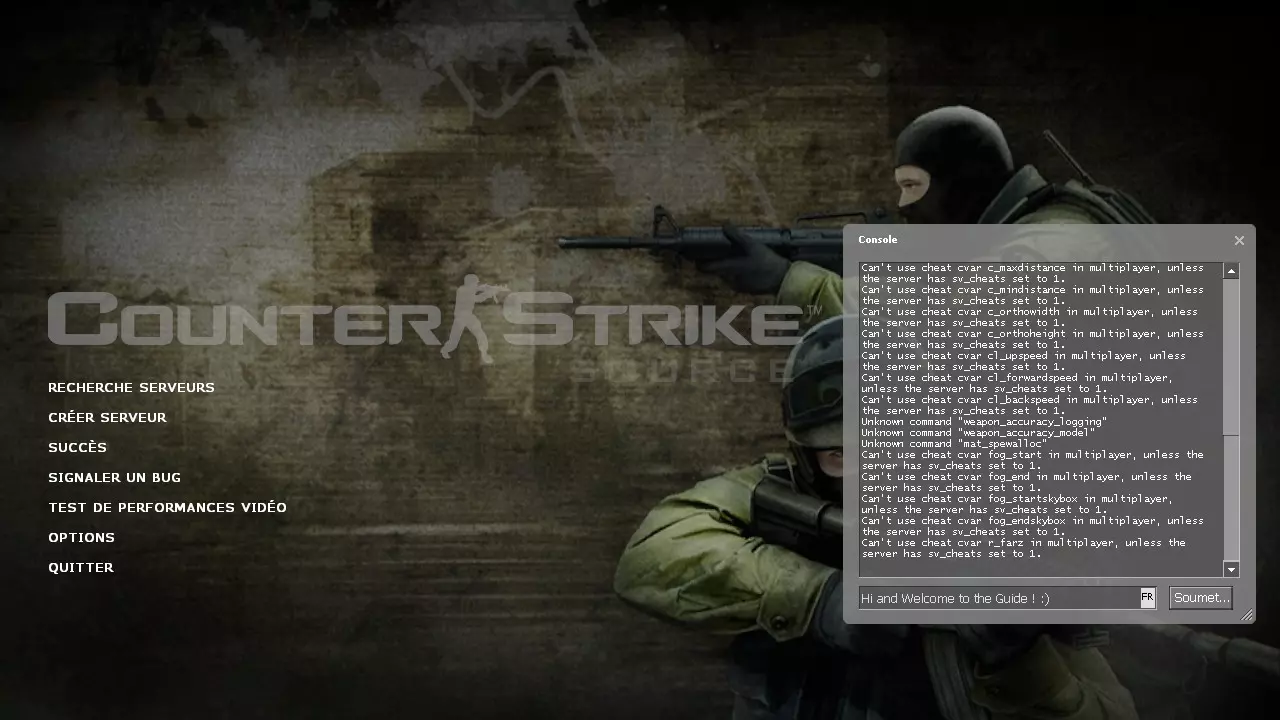
如何解锁控制台 在游戏的启动选项中添加“-console”。
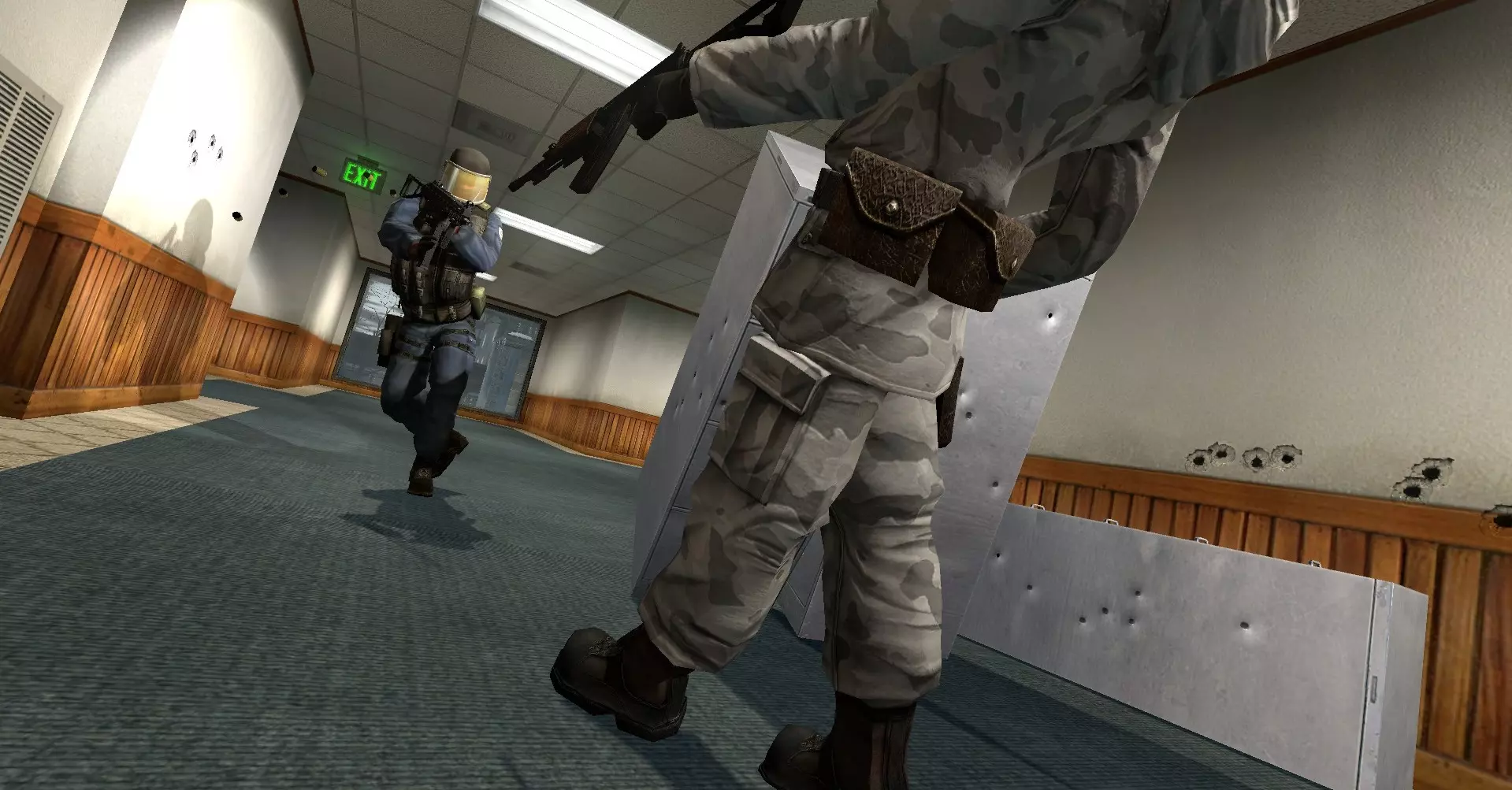
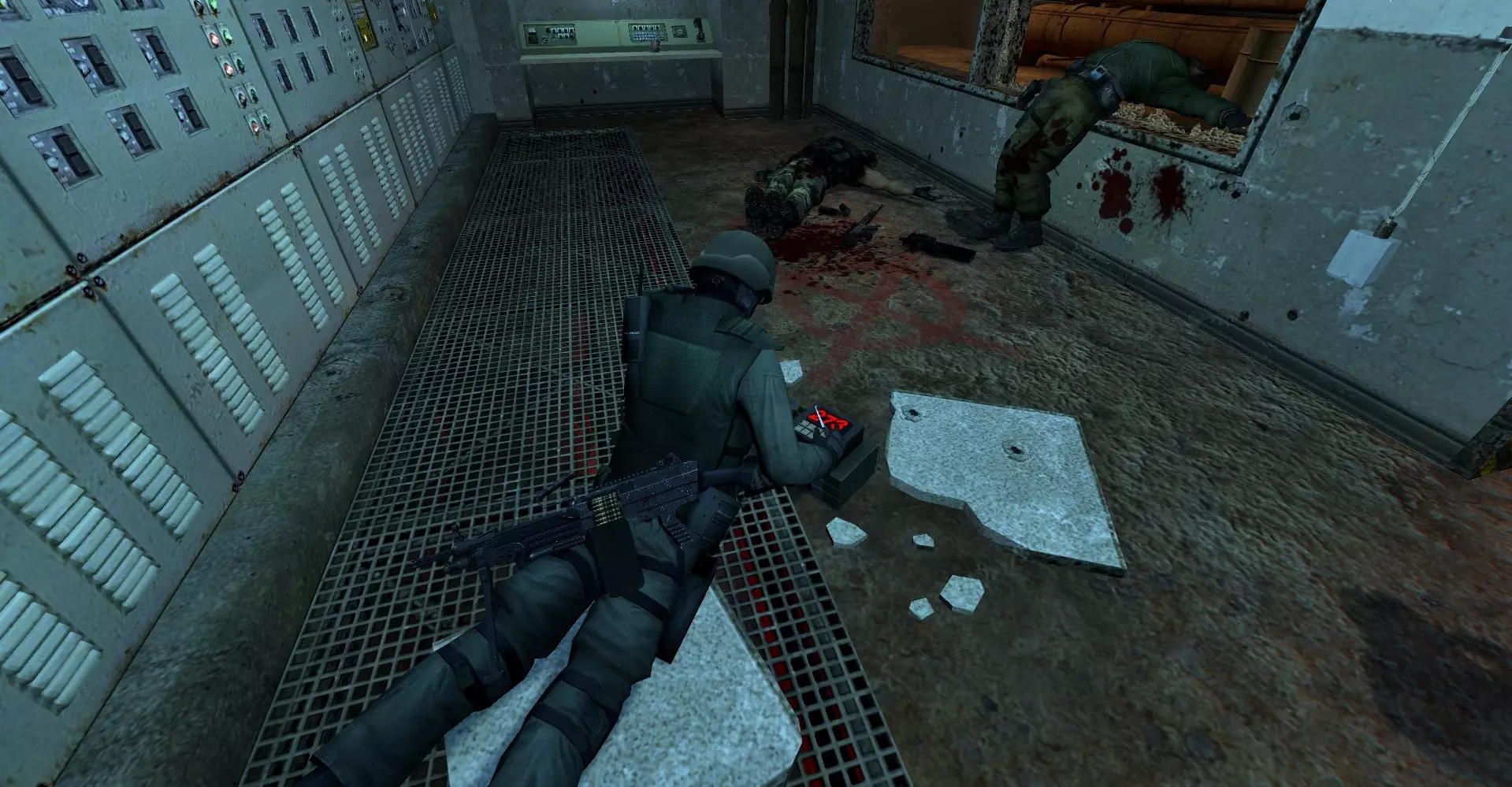
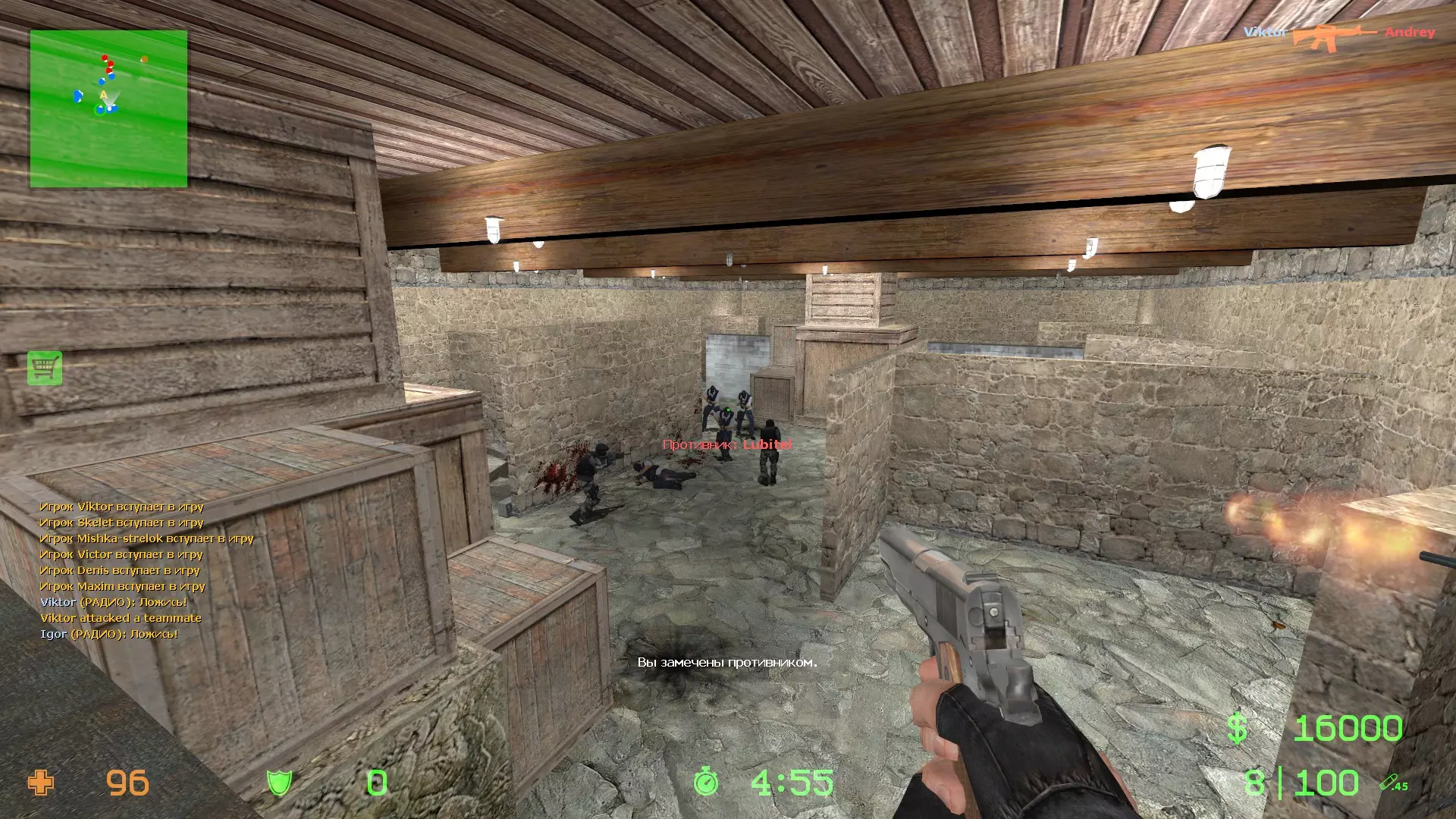
Master Code Enable Cheat Codes : sv_cheats 1 Disable Cheat Codes : sv_cheats 0 Weapons To get a weapon from the console, write "give weapon_" with the name of the weapon. Example : give weapon_ak47 You can have all weapons for both Counter-Terrorists and Terrorists. Weapons Codes: Grenades: give weapon_flashbang give weapon_hegrenade give weapon_smokegrenade Rifles: give weapon_galil give weapon_ak47 give weapon_sg552 give weapon_famas give weapon_m4a1 give weapon_aug Snipers: give weapon_awp give weapon_g3sg1 give weapon_sg550 give weapon_scout Pistols: give weapon_glock give weapon_usp give weapon_p228 give weapon_deagle give weapon_elite give weapon_fiveseven Shotguns: give weapon_m3 give weapon_xm1014 SMGs: give weapon_mac10 give weapon_tmp give weapon_mp5navy give weapon_ump45 give weapon_p90 Miniguns: give weapon_m249 Others: give item_assaultsuit give weapon_knife give weapon_c4 How to have no weapons at all (no guns, no knife) It's easy, type "kill" in the console to die, then use two weapons codes before the respawn. Use the codes while you're dead. The game will understand that the two guns are your default weapons. You will not have the knife, and just drop the weapons. Now don't have any weapons. Example : kill give weapon_ak47 give weapon_deagle Then drop our weapons, you will have no weapons. Maps To launch the map by the console, just write : "map" then the map name. Example : map cs_office Bomb Defuse or "de_" maps: "map de_aztec", to launch Aztec "map de_cbble", to launch Cobblestone "map de_chateau", to launch Chateau "map de_dust", to launch Dust "map de_dust2", to launch Dust2 "map de_piranesi", to launch Piranesi "map de_prodigy", to launch Prodigy "map de_tides", to launch Tides "map de_train", to launch Train "map de_inferno", to launch Inferno "map de_port", to launch Port "map de_nuke", to launch Nuke Hostage Rescue or "cs_" maps: "map de_havana", to launch Havana "map de_italy", to launch Italy "map de_office", to launch Office "map de_compound", to launch Compound "map de_assault", to launch Assault "map de_militia", to launch Militia Bonus Maps "map test_hardware" - This map allows you to benchmark your computer. "map test_speakers" - This map allows you to test your speakers. Bots, Teams, Players "mp_limitteams 0" - You can add all the enemies bots that you want, with the following codes. "bot_add" - adds a random bot, CT or T. "bot_add_ct" - adds a CT bot. bot_add_t" - adds a CT bot. "mp_autoteambalance 1" - enable team autobalance "mp_autoteambalance 0" - disable team autobalance "bot_mimic" - the bots do the same things as you "bot_stop 1" - disable A.I. "bot_stop 0" - enable A.I. "bot_kill" - Kills all the bots "bot_kick" - Kick all bots from game and leaves humans to play "bot_pistols_only 1" - bots using pistols only "bot_pistols_only 0" - disable the previous code "bot_snipers_only 1" - bots using snipers only "bot_snipers_only 0" - disable the previous code "bot_knives_only" - Bots use only knives "bot_auto_follow" - Bot automatically follows you if you do not give them orders "bot_defer_to_human 1" - Bots will not do mission objectives and will expect humans to do it "bot_prefix <prefix>" - Bots have a prefix in their name "bot_zombie 1" - bots can't move, but they can shoot POV "firstperson" - Normal view, you see your weapons in your hands. "thirdperson" - You see your character from back instead. Visual Codes "Wallhack" Mode: "r_drawothermodels 0" - Invisible Characters "r_drawothermodels 1" - Normal Mode "r_drawothermodels 2" - Wallhack Mode "Wireframe" Mode: "mat_wireframe 0" - Normal Mode "mat_wireframe 1" - Wireframe Mode 1 "mat_wireframe 2" - Wireframe Mode 2 "mat_wireframe 3" - Wireframe Mode 3 "mat_wireframe 4" - Wireframe Mode 4 "mat_fillrate 1" - You see the map in red color, weird graphics. "r_showenvcubemap 1" - Chrome props, items and NPCs "mat_fullbright 1" - maximum lighting "mat_fullbright 0" - disable the previous code "cl_drawhud 1" - shows hud "cl_drawhud 0" - disable hud "mat_proxy 1" - Invisible Map Mode 1 "mat_proxy 2" - Invisible Map Mode 2 "mat_proxy 3" - Invisible Map Mode 3 "mat_proxy 0" - Disabled "sv_showimpacts 1" - shows the bullet impacts See upside down : "cl_pitchup 800; cl_pitchdown 800" Default : "cl_pitchdown 89" ; "cl_pitchup 89" Game Speed (Bullet time / Fast Forward) "host_timescale 1.0" - Normal Speed "host_timescale 0.1" to "host_timescale 0.9" - Your game is slower. (Bullet Time) "host_timescale 1.1" or above - Your game is faster. (Fast Forward) "host_framerate 2" or above - You're very fast. "host_framerate 0" - You're at normal speed. Gravity Change gravity : "sv_gravity 800" - Normal Gravity "sv_gravity 0" - No Gravity "sv_gravity 200" - Lunar Gravity "sv_gravity 15000" - Extreme Gravity Create or Remove props / characters Remove: To remove something, look at the item that you want to delete, and write : "ent_remove" You can also bind it: "bind x ent_remove" Create: Create an hostage. "ent_create hostage_entity" Create skulls "impulse 102" Explosive Barrel: prop_physics_create /props_c17/oildrum001_explosive.mdl Container: prop_physics_create props_wasteland/cargo_container01.mdl Cabinet #1: prop_physics_create props_wasteland/cargo_container01.mdl Cabinet #2: prop_physics_create props/cs_office/file_cabinet2.mdl Cabinet #3: prop_physics_create props/cs_office/file_cabinet3.mdl Bathtub: prop_physics_create /props_c17/FurnitureBathtub001a.mdl WheelBarrow: prop_physics_create props_junk/Wheebarrow01a.mdl Car: prop_physics_create props_vehicles/car001a_phy.mdl Barricade: prop_physics_create props_wasteland/barricade001a.mdl VendingMachine: prop_physics_create props_interiors/VendingMachineSoda01a.mdl Bed: prop_physics_create /props_c17/FurnitureBed001a.mdl Mattress: prop_physics_create /props_c17/FurnitureMattress001a.mdl Garbage Glass Bottle: prop_physics_create props_junk/garbage_glassbottle001a.mdl Sofa: prop_physics_create /props_c17/FurnitureCouch001a.mdl Computer Keyboard: prop_physics_create /props_c17/computer01_keyboard.mdl Boat: prop_physics_create /props_canal/boat001b.mdl Traffic Cone: prop_physics_create /props_junk/TrafficCone001a.mdl Propane Tank: prop_physics_create /props_junk/propane_tank001a.mdl Hard Drive: prop_physics_create /props_lab/harddrive01.mdl Monitor: prop_physics_create /props_lab/monitor01a.mdl Wood Crate: prop_physics_create /props_junk/wood_crate001a.mdl Table: prop_physics_create /props_c17/FurnitureTable001a.mdl Table: prop_physics_create /props_c17/chair02a.mdl Cash Register: prop_physics_create /props_c17/cashregister01a.mdl Gascan: prop_physics_create /props_junk/gascan001a.mdl Coffee Mug: prop_physics_create /props_junk/garbage_coffeemug001a.mdl Cinder Block: prop_physics_create /props_junk/CinderBlock01a.mdl Others: prop_physics_create /props_c17/signpole001.mdl prop_dynamic_create props/cs_office/vending_machine.mdl prop_dynamic_create props/cs_militia/toilet.mdl prop_physics_create props_junk/watermelon01.mdl Other Codes noclip - You can fly through walls sv_friction -1 - no friction mp_c4timer 10 - bomb timer = 10 seconds sv_airaccelerate -300 - press backwards button & jump for huge acceleration impulse 101 - gives you $16000 phys_pushscale 1000 - shoot a prop with huge power Credits
AymericTheNightmare(编剧+测试员)和Childeric_Bantu(测试员)