换一换
换一换 




这是一份关于在Godot 4.4.1中制作外壳纹理的指南。 截图 链接已屏蔽 链接2已屏蔽
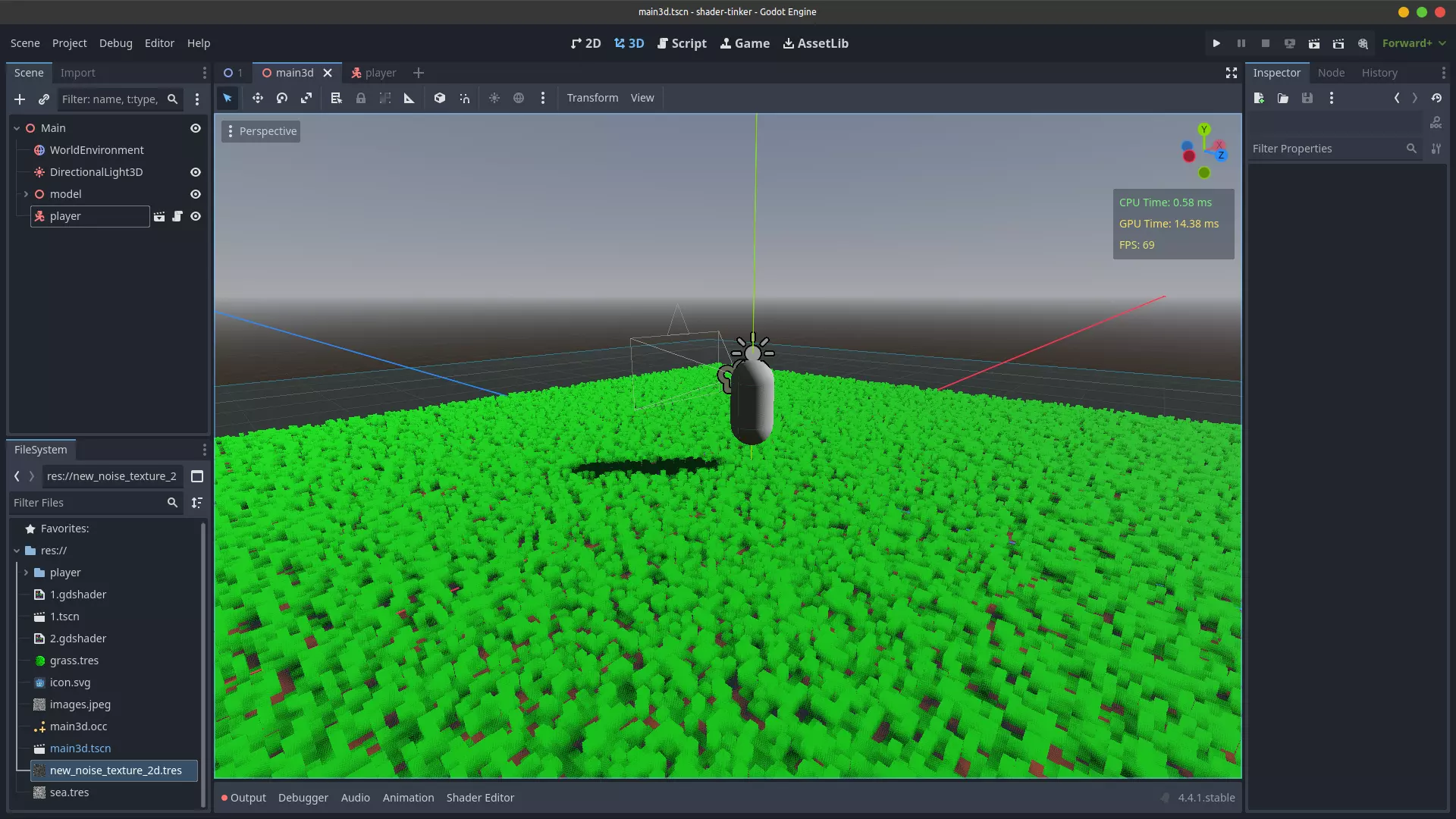
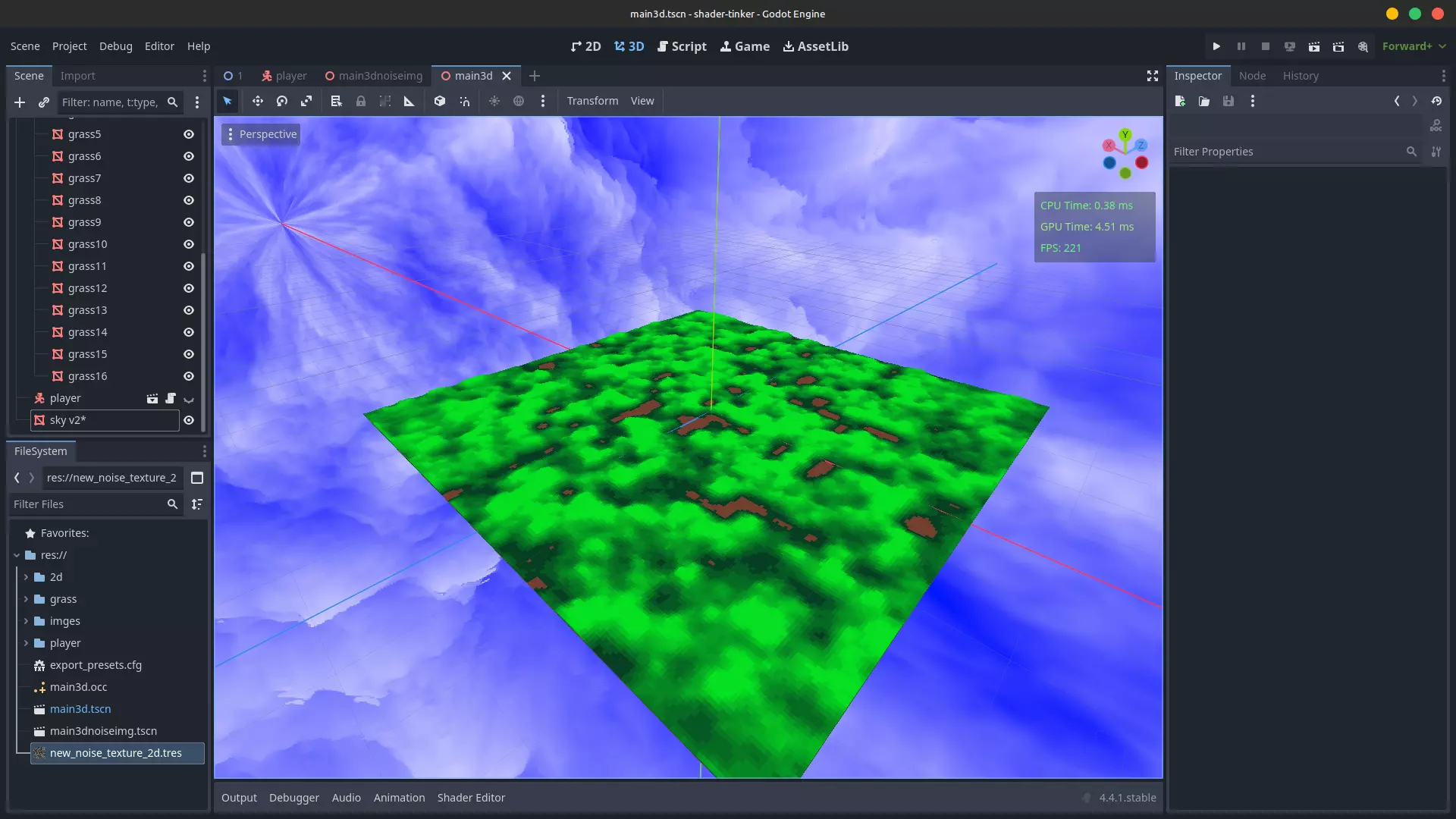
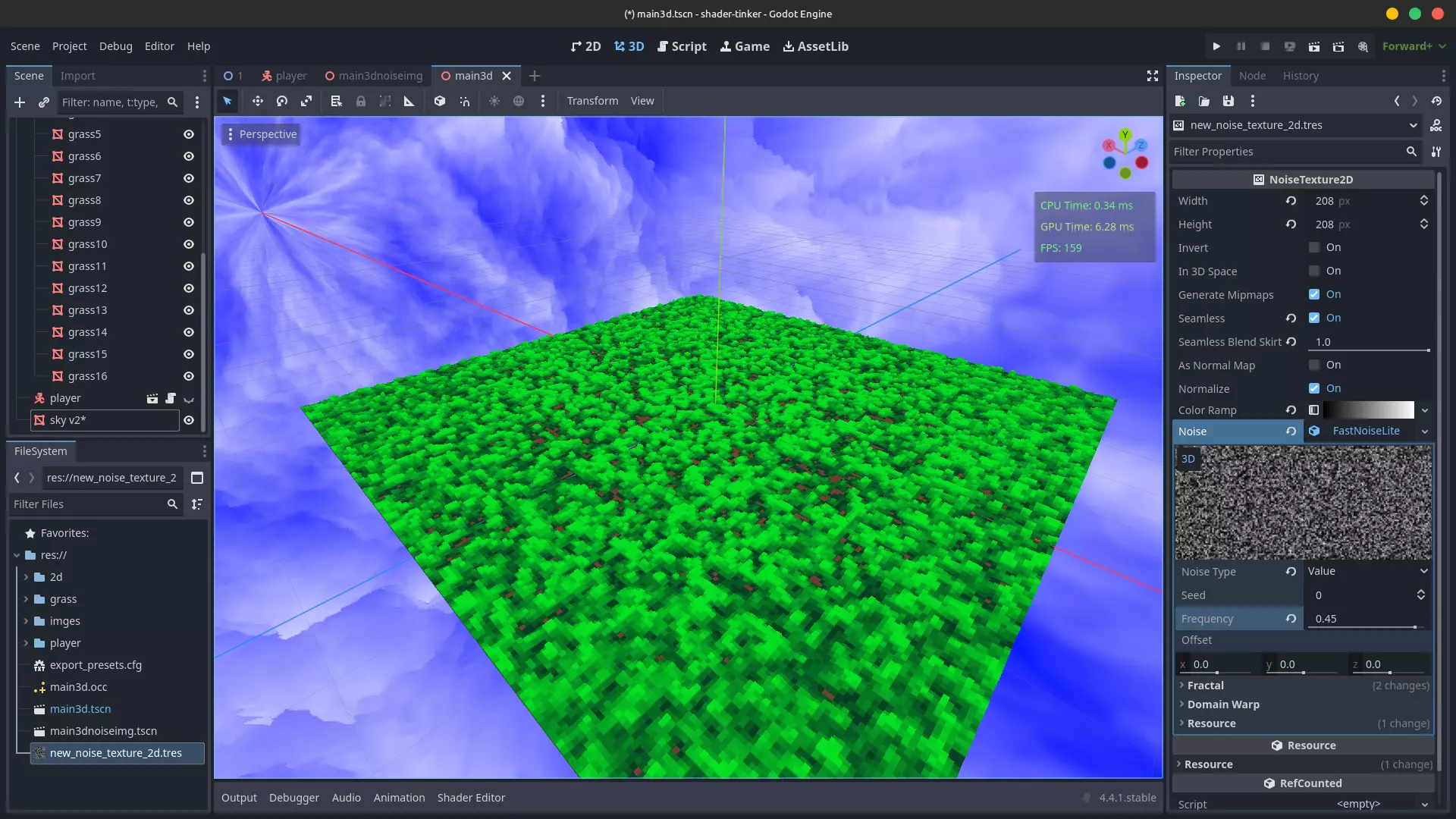
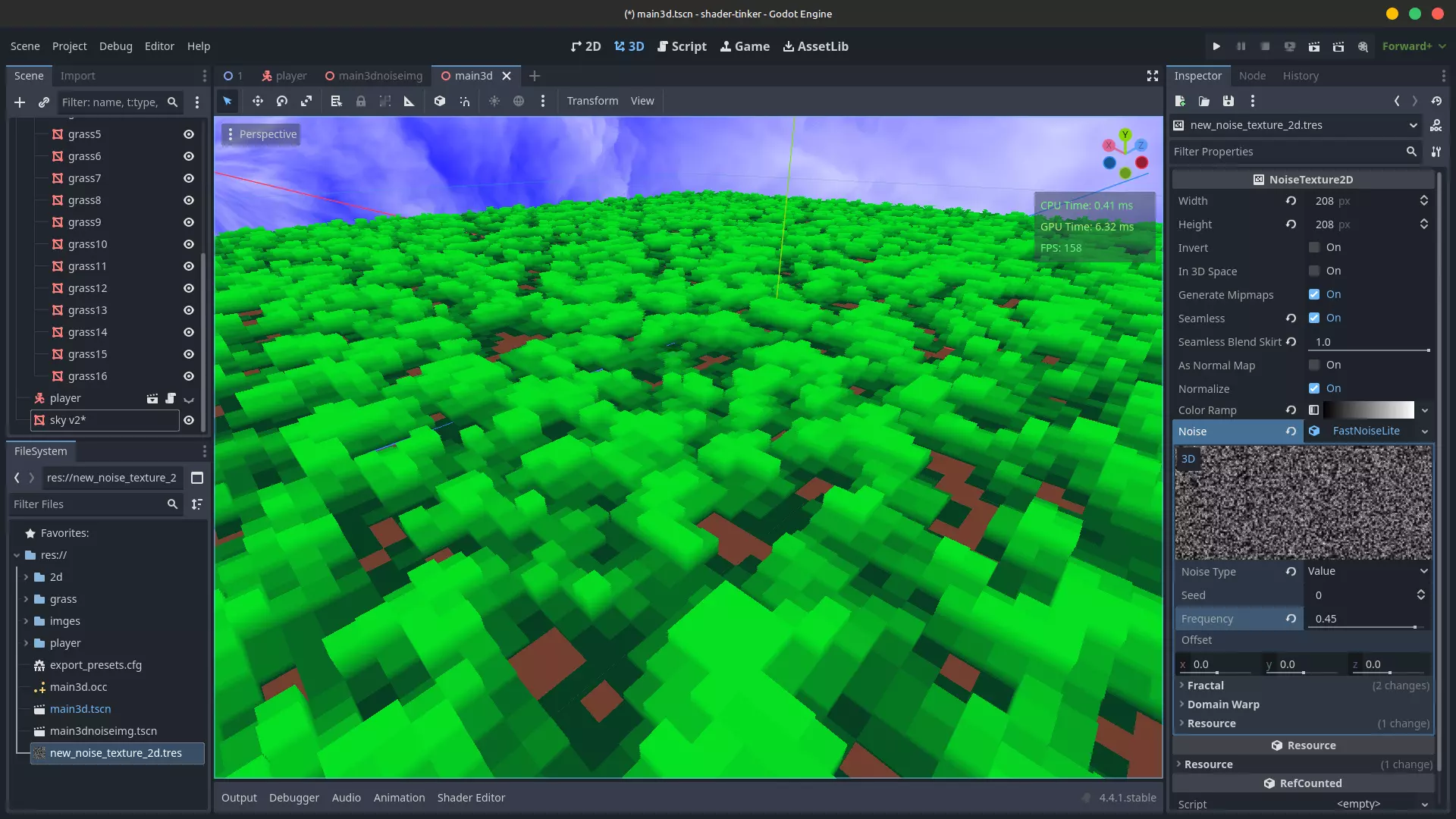
教程:高端电脑专用 // 着色器参数 // ↓ shader_type spatial; uniform vec4 albedo : source_color; uniform sampler2D texture_albedo : source_color, filter_nearest, repeat_enable; uniform float hight = 0.01; render_mode blend_mix, depth_draw_opaque, cull_back, diffuse_burley, specular_schlick_ggx; uniform vec3 uv1_scale = vec3(1,1,1); uniform vec3 uv1_offset; uniform vec3 uv2_scale = vec3(1,1,1); uniform vec3 uv2_offset; // 纹理缩放建议x,y,z轴均设为1 // | // ↓ void vertex() { UV = UV * uv1_scale.xy + uv1_offset.xy; } // 着色器从此处开始!!!// | // ↓ void fragment() { // 这张图片主要是白噪音,你可以在Godot中通过添加噪点纹理来制作,点击噪点纹理时会显示相关选项。 // ↓ vec4 input_color = texture(texture_albedo, UV); // 将高度与这张黑白图片的颜色进行比较,然后根据高度参数移除像素。 // ↓ if (input_color.r > hight && input_color.g > hight && input_color.b > hight) { input_color = vec4(0.0,1.0,0.0,1.0); // 如果像素不够高,我们就丢弃它。 // ↓ }else{ discard; } // 给剩余的像素赋予if语句上方设置的颜色,即"input_color = vec4(0.0,1.0,0.0,1.0);" // ↓ ALBEDO = input_color.rgb; } 这是为低端电脑准备的 // 着色器参数 // ↓ shader_type spatial; uniform vec4 albedo : source_color; uniform sampler2D texture_albedo : source_color, filter_nearest, repeat_enable; uniform float hight = 0.01; render_mode blend_mix, depth_draw_opaque, cull_back, diffuse_burley, specular_schlick_ggx; uniform vec3 uv1_scale = vec3(1,1,1); uniform vec3 uv1_offset; uniform vec3 uv2_scale = vec3(1,1,1); uniform vec3 uv2_offset; // 纹理的缩放,建议x,y,z轴都使用1 // | // ↓ void vertex() { UV = UV * uv1_scale.xy + uv1_offset.xy; } // 着色器从这里开始!!!// | // ↓ void fragment() { // 主要为白噪声的图像,可在Godot中通过添加噪声纹理制作,点击纹理时可在选项中找到。 // ↓ vec4 input_color = texture(texture_albedo, UV); // 将高度与黑白图像的颜色进行比较,然后根据高度参数移除像素。 // ↓ if (input_color.r > hight && input_color.g > hight && input_color.b > hight) { input_color = vec4(0.0,1.0,0.0,1.0); // 这里产生光照的视觉效果,适用于低端电脑和GPU性能优化,移除后可获得真实光照:D。 // ↓ input_color.rgb = input_color.rgb * hight / 0.1; // 如果像素高度不够,则丢弃该像素。// ↓ }else{ 丢弃; } // 使剩余像素获得if条件后顶部的颜色,即“input_color = vec4(0.0,1.0,0.0,1.0);” // ↓ 反照率 = input_color.rgb; }