换一换
换一换 


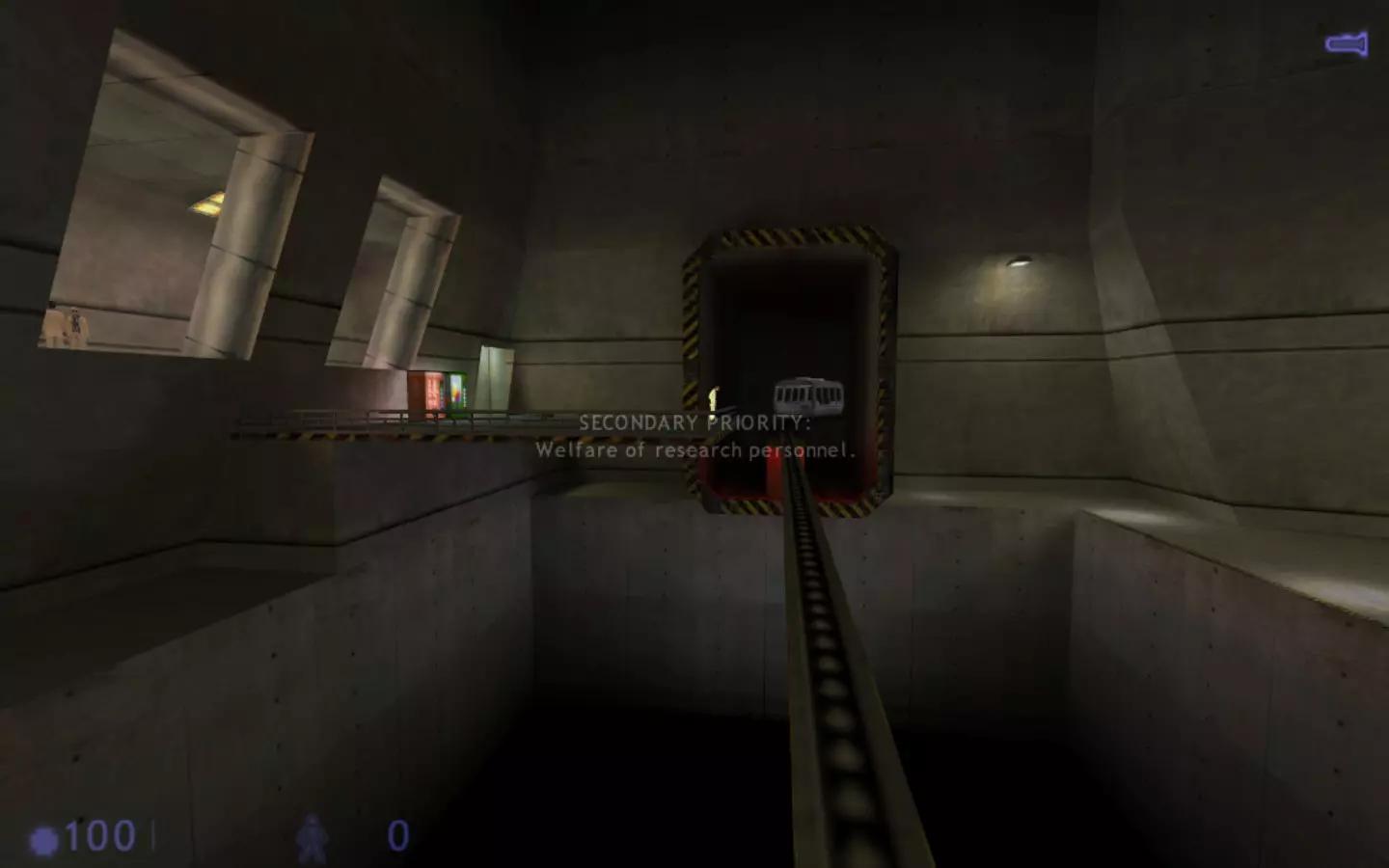
本指南将为你介绍《半条命:蓝色沸点》,包括如何到达游戏中的任意地点、获取任意武器和物品、使用控制台命令以及安装模组的方法。 简介与故事 《半条命:蓝色沸点》是《半条命》的第二款资料片,最初计划作为Dreamcast主机的独占内容,类似于《半条命:衰变》,后由Gearbox于2001年6月12日在PC平台发行。 故事 游戏主角是保安巴尼·卡尔霍恩,他是戈登的好友。故事发生在“共振 cascade”事件期间,与戈登和艾德里安的经历同步。巴尼必须穿越研究所,避开戈登和艾德里安已经闯过的危险区域,最终找到罗森伯格并成功逃生。历史 《蓝色沸点》最初是作为《半条命》在Dreamcast平台上的独占模式开始开发的,类似于《衰变》,但随着《半条命》Dreamcast移植版的取消,该项目最终被搁置。之后,它成为了《半条命》的零售扩展包,作为第二款资料片于2001年推出,紧随其后的是《衰变》。 完整流程 ShiftingTheBar 2024年8月24日,《蓝色沸点》在ShiftingTheBar也举办了自己的玩家峰值活动。
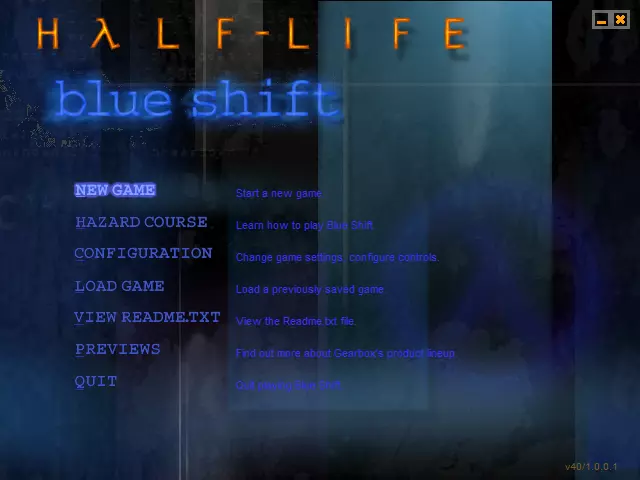
Blue Shift Remake If you're looking for a modern remake of Blue Shift you can check out Black Mesa: Blue Shift - A full remake made by HECU Collective available on the Workshop. You need to own Black Mesa to play but is highly recommended. https://steamcommunity.com/sharedfiles/filedetails/?id=2424633574 Commands & Launch Options Open the Developer Console with "~" and then type sv_cheats 1 before entering any commands. If the dev console doesn't open by default, locate the config file and make sure BIND "~" toggleconsole is there or add it to launch options. sv_cheats 1 - Enables Cheats God - Invincibility Noclip - Fly through walls Impulse 101 - Gives all weapons Impulse 102 - Gives the HEV Suit Impulse 200 - Removes Items Notarget - NPC's ignore you Maps * - Shows list of maps map "map name" - loads the desired map *Note you will load with no weapons or suit* Restart - restarts the current map Disconnect - Ends your SP or MP session Developer 1 - Enables Dev mode / 0 disables Dev_overview 1 - Enables top down view of the current map / 0 disables fps_override 1 - Overrides the FPS limit / 0 disables fps_max - Lets you set the FPS limit give weapon_ - Gives weapon of choice give item_ - Gives item of choice Chase active_1 - Thirdperson over the shoulder / 0 disables Thirdperson - Play in Thirdperson! Firstperson - Play the default perspective gl_texturemode gl_nearest - Turns off Texture filtering Default_fov - Set Viewmodel Distance (Default is 90, while 106 is the correct Ratio for 16:9-1080p. I reccomend 110 for 1440p) hud_draw 1 - Turns on HUD while 0 turns it off violence_agibs 1 violence_ablood 1 violence_hblood 1 violence_hgibs 1 These 4 can enable the Violence and Blood for NPC's. 0 Disables it Will add more! Launch OptionsIf you wish to have stuff automatically set for you you can add them to the launch options peramaters instead. Locate the game in your library, click on properties and in the "Launch Option" field add whatever you want with - infront of it like this for example -noborder -windowed -w1920 -h1080 Borderless Fullscreen To play Half-Life: Blue Shift in Windowed Borderless Fullscreen it works the same for other GoldSrce and Source games. Library > Half-Life: BS > Properties > Launch Options -windowed -noborderAfter this, launch the game and enjoy! This also works for all GoldSrce and Source games like Sven Co-op or Team Fortress 2. FOV As of November 17th, 2023 Valve has fixed FOV for the 25th Anniversary Update. The game now has the Widescreen FOV option that you can just use instead. Half-Life's FOV by Default is 90. So keep it at 90 if you have the Widescreen option enabled If you want a higher FOV of 110 then make sure to disable it Change Game Option Normally in the menu the option to change your game appears allowing you to switch to a mod, TFC, CS or Day of Defeat for ex. For whatever reason it disappears but through a small code edit you can bring this back. Step 1: Locate your Half-Life: Blue Shift directory Step 2: inside bshift/resource you should find "GameMenu.res" edit this with notepad Step 3: Find line "14" and delete "notsteam" "notsingle" "notmulti" keyvalues Step 4: Restart the game and you should see the change game option Custom Game Menu Within Half-Life's files you'll find GameMenu. This txt doc in particular will let you change how the main menu appears depending on what you want changed. Whether it be extra buttons, an option that launches a specific map, re-adding the change game option or anything else you might want/need for modding. Locate it in steamapps/common/Half-Life/bshift/Resource/GameMenu If you want your main menu to resemble WON even further with the 25th Update, you can use this custom GameMenu code { "1" { "label" "#GameUI_GameMenu_ResumeGame" "command" "ResumeGame" "OnlyInGame" "1" } "5" { "label" "#GameUI_GameMenu_PlayerList" "command" "OpenPlayerListDialog" "OnlyInGame" "1" "notsingle" "1" } "7" { "label" "#GameUI_GameMenu_NewGame" "command" "OpenNewGameDialog" "notmulti" "1" "notsingle" "1" "HelpText" "#GameUI_MainMenu_Hint_NewGame" } "8" { "label" "Hazard course" "command" "engine map t0a0" "HelpText" "Learn how to play Half-Life." } "18" { "label" "Configuration" "command" "OpenOptionsDialog" "HelpText" "#GameUI_MainMenu_Hint_Configuration" } "10" { "label" "#GameUI_GameMenu_SaveGame" "command" "OpenSaveGameDialog" "notmulti" "1" "OnlyInGame" "1" } "11" { "label" "#GameUI_GameMenu_LoadGame" "command" "OpenLoadGameDialog" "notmulti" "1" "HelpText" "#GameUI_MainMenu_Hint_LoadGame" } "14" { } "15" { "label" "Custom game" "command" "OpenChangeGameDialog" "notsingle" "1" "notmulti" "1" "HelpText" "Select a custom game, search the internet for custom games." } "16" { "label" "#GameUI_GameMenu_Disconnect" "command" "Disconnect" "OnlyInGame" "1" "notsingle" "1" } "20" { "label" "#GameUI_GameMenu_LeaveGame" "command" "Disconnect" "OnlyInGame" "1" "notmulti" "1" } "21" { "label" "#GameUI_GameMenu_Quit" "command" "Quit" "HelpText" "#GameUI_MainMenu_Hint_QuitGame" } } SAVE If you're looking to wipe your saves and start a fresh playthrough or even backup saves, its super easy and not hard to find. First, go to your library and the game. Open the properties on it and browse local files. From there you want to locate the Gearbox folder then "SAVE". Within this folder is all your local saves that you can do with as you please. NOTE: Steam Cloud will also save them so if you don't want them pre-saved disable the Cloud until you wipe the folder and then re-enable it. Hope this helps! Chapter Select Hazard Course ba_hazard1 ba_hazard2 ba_hazard3 ba_hazard4 ba_hazard5 ba_hazard6 Living Quarters Outbound ba_tram1 ba_tram2 ba_tram3 Insecurity ba_security1 ba_security2 ba_maint ba_elevator Duty Calls ba_canal1 ba_canal1b ba_canal2 ba_canal3 Captive Freight ba_yard1 ba_yard2 ba_yard3a ba_yard3b ba_yard3 ba_yard4 ba_yard4a ba_yard5 ba_yard5a ba_teleport1Focal Point ba_xen1 ba_xen2 ba_xen3 ba_xen4 ba_xen5 ba_xen6 ba_teleport2Power Struggle ba_power1 ba_power2 A Leap of Faith ba_teleport2 Deliverance ba_outro Weapons & Items Weapons Crowbar - give weapon_crowbar Glock - give weapon_glock Revolver - give weapon_357 MP5 - give weapon_mp5 Shotgun - give weapon_shotgun Crossbow - give weapon_crossbow RPG - give weapon_rpg Gauss Rifle - give weapon_gauss Gluon Gun - give weapon_egon Hive Hand - give weapon_hornetgun Grenade - give weapon_handgrenade Satchel Charge - give weapon_satchel Tripwire Grenade - give weapon_tripmine Snark - give weapon_snarkAmmo give ammo_9mmclip give ammo_357 give ammo_glockclip give ammo_9mmbox give ammo_crossbow give ammo_Egonclip give ammo_gaussclip give ammo_9mmAR give ammo_RPGclip give ammo_buckshot give ammo_ARgrenades give ammo_mp5grenadesItems HEV Suit - give item_suit HEV Health - give item_healthkit HEV Battery - give item_battery HEV Long Jump Module - give item_longjump Antidote - give item_antidote Oxygen - item_airtank Passport - item_security SODA - item_sodacan Achievements After my HL and OF achievements here's some Blue Shift ones for fun. (Valve please add achievements to all 3 GoldSrce Half-Life games -- HL1>BS) 1. BLUE SHIFT Complete the game on Hard 2. BADGE CERTIFIED Complete Training 3. B. CALHOUN Acquire your vest and sidearm 4. GUARD DUTY In for a long shift 5. DAMSEL IN A BOX Find and rescue Rosenberg 6. FOCAL POINT Enter Xen 7. DIRTY WORK Travel below to recharge a battery 8. DELIVERANCE Escape The Revitalized Modpack Add-ons & Mods Installing mods/addons for Blue Shift is pretty easy and the same as Half-Life 1. Installing a Mod or Add-on for SteamMods Step 1) Find the mod you want from ModDB and download it Step 2) Locate your Half-Life directory. Normally it's in steam/steamapps/common/Half-Life/bshift. This is where "Mods" wlill be unzipped or dragged into. Restart steam and enojy Addons For add-ons, GameBanana and ModDB host tons of stuff to find. Once downloaded drop it into the bshift_addons folder and restart the game. Recommended ModsAzure Sheep Challengers Deep The Masked Prisoner Infinite Shift Black Shift Shift Two Cinematogrophy If you're interested in taking cool screenshots or recording background footage thats cinematic, this guide should help out. Shout out to the creator. https://steamcommunity.com/sharedfiles/filedetails/?id=1172439308 Other Guides For Complete guides on Half-Life and Opposing Force you can check them out below https://steamcommunity.com/sharedfiles/filedetails/?id=2308109435 https://steamcommunity.com/sharedfiles/filedetails/?id=2308135369 Link Half-Life Website[www.half-life.com] ModDB TWHL[twhl.info] LambdaGen[community.lambdageneration.com] PCGamingWiki[www.pcgamingwiki.com] STEAM GROUPS LambdaGeneration BlackMesa MisfireSven