换一换
换一换 



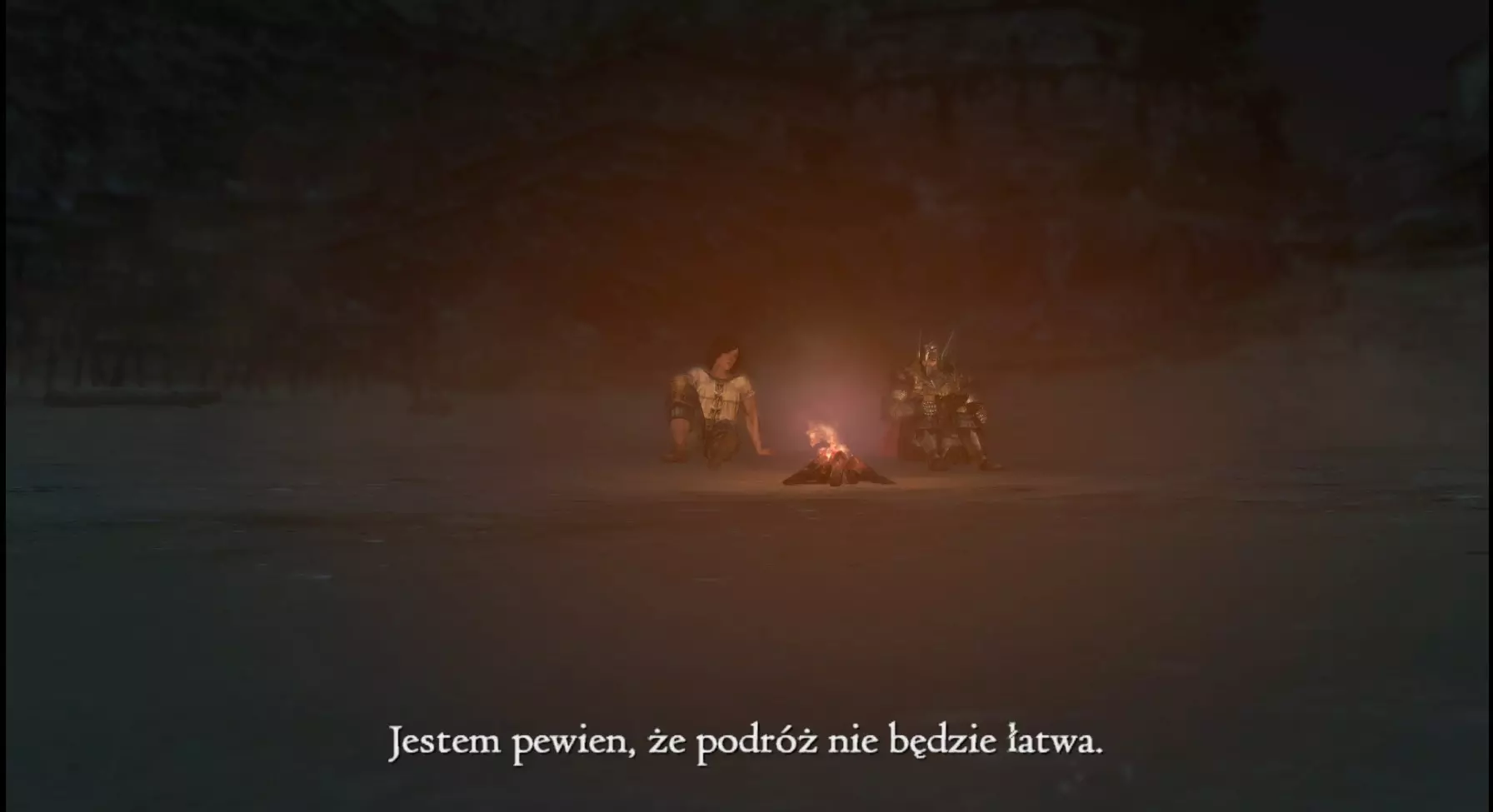
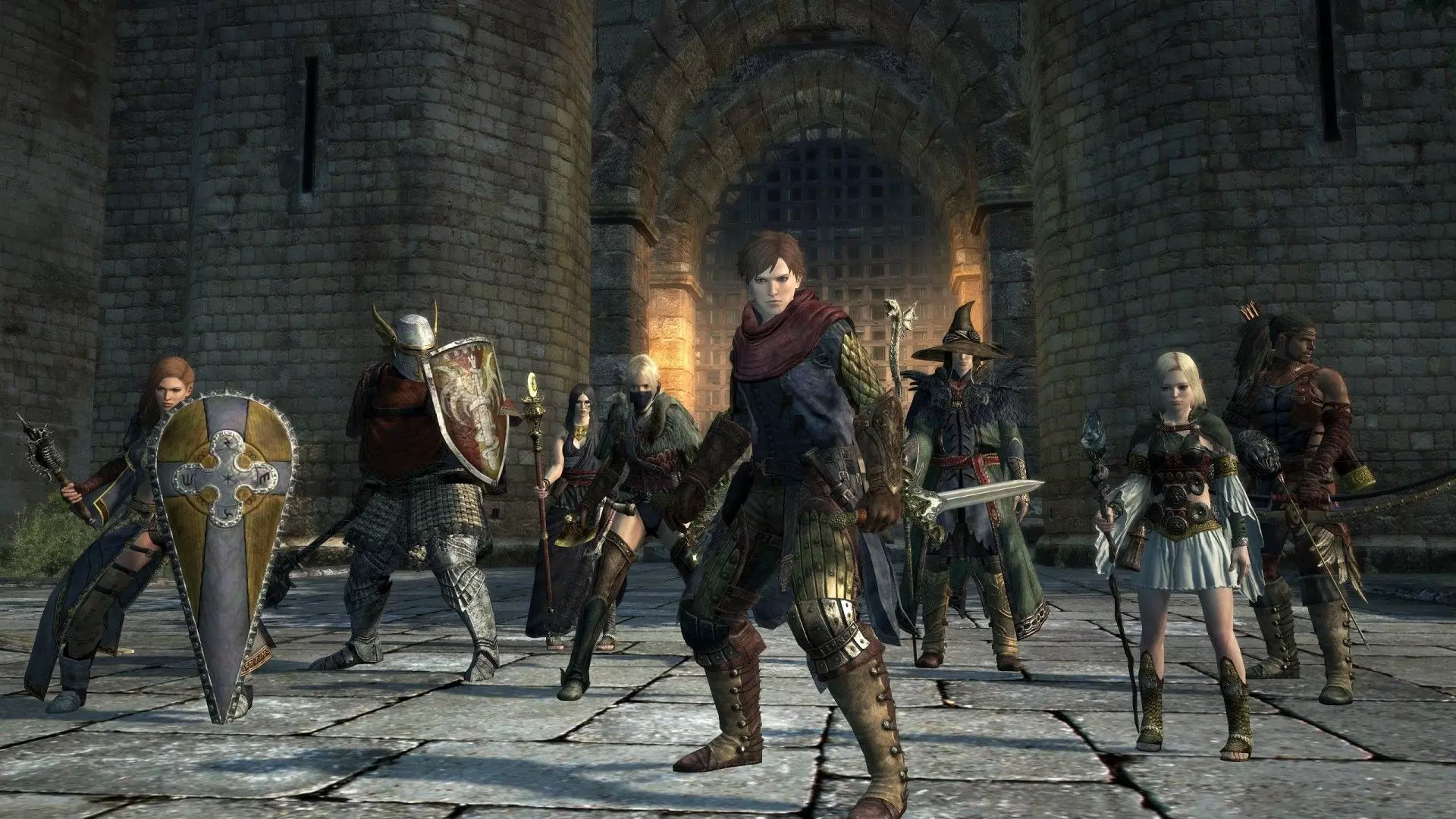
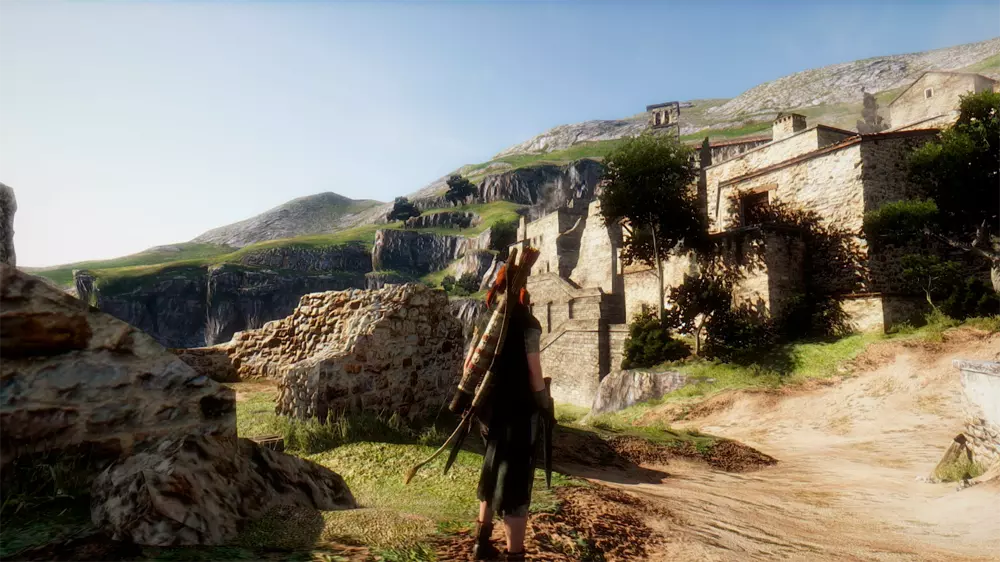
厌倦了《龙之信条:黑暗崛起》的常规体验?如果你想改变一下,本文将展示我在自己游玩过程中使用的模组列表。2023年游玩时画面表现出色,而且对性能要求也不高。 《龙之信条:黑暗崛起》- 终极重制指南
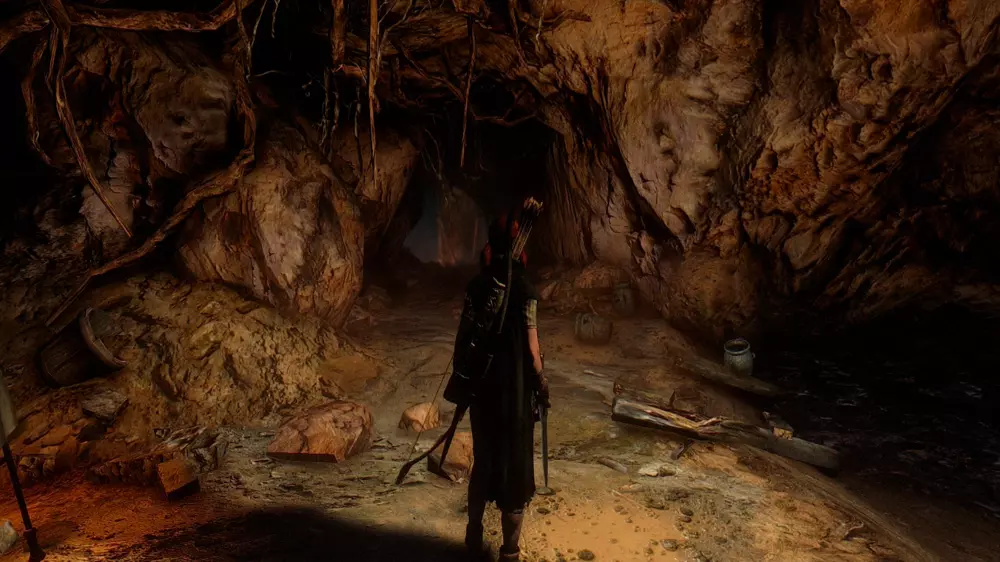
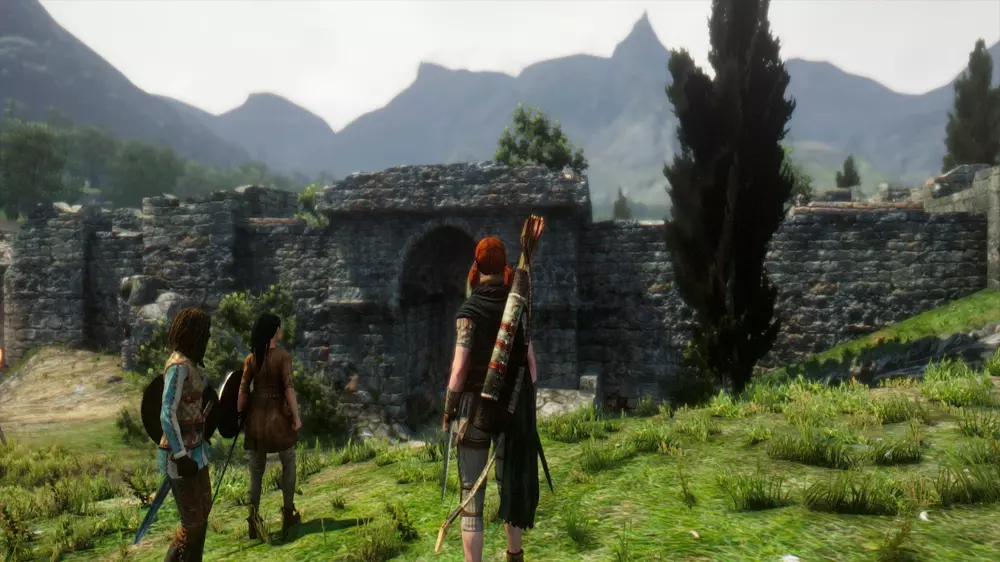
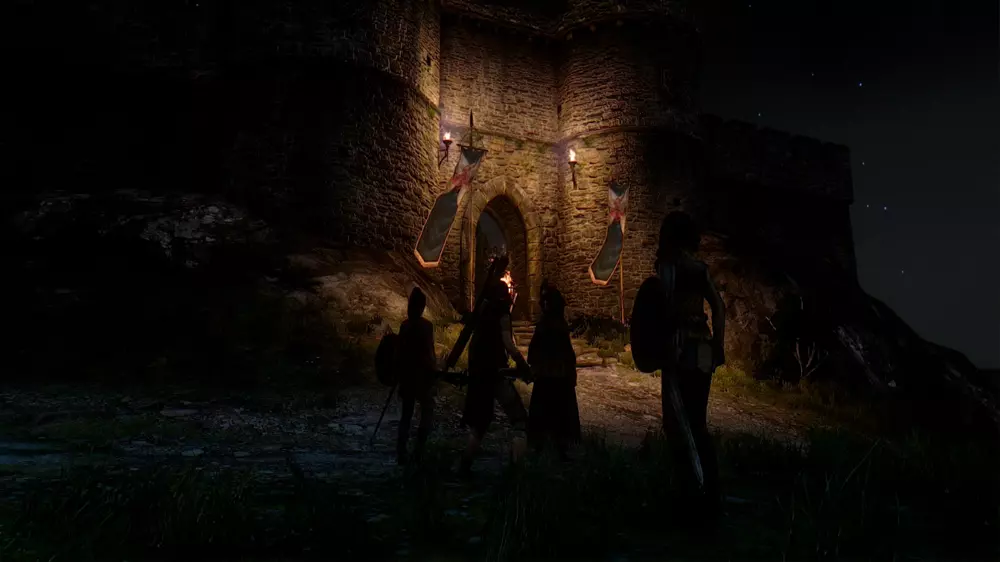
ENB Download[enbdev.com]ENBSeries graphic modifications and patches are different. Patch is fixing specific bugs in the game it was developed for, but some of my patches work with other games, because frequently game developers do the same mistakes. For example, patches for Silent Hill Homecoming, Deus Ex Human Revolution and TES Skyrim may help to reduce lags, stuttering, crashes, bsods, increase performance, fix strange bugs on single core cpu systems. Graphic modifications do not have patch code in most cases, unless specified in documentation, they are changing graphic effects of the games and adding new effects, so they are decrease frame rate. Convertor is special library which translate old graphic technologies to newest supported by ENBSeries, convertor standalone do not add any graphic effect. Some versions of convertor included in graphic mods, check them also if target game won't work properly with convertor you are using. At this moment only direct3d8 to direct3d9 (dx8 to dx9) convertor is done, but i'm still planning to create versions for dx5,6,7 and opengl. Convertors to dx10 or d11 are useless, because graphic modifications not existing for them. Old versions of ENBSeries may work with many games which are using direct3d8 or direct3d9 (dx8, dx9), newest versions in most cases will not work for other games, as they are hardcoded to be compatible with one game only or games which use same game engine without much changes. Versions for TES Skyrim, GTA 4, Deus Ex Human Revolution are not working as generic for different games. If you wish to modify some game, download several versions of ENBSeries and try them all, which will look better, without graphic artifacts and with as much effects as possible. Of course manual tweaking of configuration file must be done, it's up to you. Not all versions of ENBSeries are listed here, some were developed exclusively and not available to public or were not named. In most cases they are for indie games and engines like FPS shooter. Check also customized versions of the mod with presets made by users. My presets are not configured for fast performance or quality, because everyone have own taste and to spend time for tweaking is not interesting me. Also some versions available on the forum. Installing Do not put d3d8.dll or d3d9.dll from ENBSeries to system folder of Windows!!! Open game folder. You can manually locate it in browser or to open in properties of desktop link to the game. For injector based versions of ENBSeries, you should setup proper name of game executable in configuration file of ENBSeries, this required to inject in to game process. In most cases, non modified games for which mod is developed, working properly without editing. Injector version can be installed to any folder, but for better compability recommended to extract to game folder (some files may not work). For d3d9.dll based versions of ENBSeries, check if game executable (file with .exe extention) is in same folder, some games have binary executable files in custom folders like bin, bin32, system and in main folder only launchers or .bat files. ENBSeries files must to be extracted and placed where game .exe file is or where game .dll libraries, otherwise it will not work. If you can't find .exe file, perhaps extentions are hidden by properties in OS, just ignore this and put files in game folder for experiment. d3dx9_26.dll, d3dx9_40.dll, d3dx9_43.dll - required to run ENBSeries, if game won't start with modification and display error message, download DirectX Runtime from microsoft.com web site, they are not exist in system only for those users, who did not update DirectX several years or did clear installation of OS recently. If you need them, unpack to same folder, where ENBSeries is. Also you can put these files in to system folder of your windows installation. Uninstalling Do not remove d3d8.dll or d3d9.dll from system folder of Windows!!! Remove all ENBSeries files. If you don't remember their names, just remove d3d9.dll file from game folder. If the game use DirectX8 for rendering, then delete d3d8.dll. ARCtool Download[www.nexusmods.com]Tool for extracting and repacking ARC container files, with support for converting XFS, LOT, TEX, and GMD files. https://steamcommunity.com/sharedfiles/filedetails/?id=601818667 Created by FluffyQuack Arc Extractor and Repacker and Image Viewer Download[www.nexusmods.com]Tool made to help open arc files, extract texture files and repack them quickly Quick notes to keep in mind... When extracting or repacking files, please make sure that none of your folders have and spaces in the name. I will fix this later on, but for now. NO SPACES! This program can take some time to run if you are extracting mass amounts of tex files. Please have patience. Error messages are displayed in the box in the top right. Please pay close attention to these. Quick Tutorial: Arc Files: Extract Single Arc File: Simple, Select the file you want to extract and hit the extract arc button. Extract All Tex from ^that file: This will Extract all of the Tex Files from the selected Arc File Extract multiple Arc Files: To do this, open the folder that holds all of the Arc files you want to extract. Select one of them and hit Extract all Arc Repack Arc File: When you are finished editing everything that you want, Make sure that you still have the Arc file selected and hit repack. Tex Files: Extract Single Tex File: This is used when you want to edit a single file's image. Just select your Tex file and hit extract. If you used the Extract all Arc button above, this function is run on ALL tex files found in the Arc Open Image File: Use this when you want to edit the image. This button will open the image with whatever program you have set as a default for the .dds file type. I use Photoshop. Repack Image File: When you are finished editing the dds file, us this to repack the image back into the Tex File. Created by FluffyQuack and chrisco Rudy ENB Download[www.nexusmods.com]Preset for the latest ENB libraries, providing good performance and, of course, stunning visuals News: 1.5 version for the ENB v0300. Redownload updated ENB binary!!! Tweaked the post-game weather plus some minor changes. In this version custom Depth of Field effect is turned off by default ( a few frames more ). You can enable it in the GUI (Shift+Enter), in the effects section - just check "EnableDepthOfField". You can also use the Game Depth Of Field shader maded by Boris. Check only "EnableGameDepthOfField" and turn DOF on in the game options menu. Installation: Important Make sure that the game video options are maxed and HDR is set to high - especially this parameter is essential for for my mod. Otherwise ENB will not work. I use Camera FOV plus 5. This parameter may affect ENB DOF, remember that the auto focus point is set to the center of the screen. You can change this in the GUI - enbeffectprepass.fx. DOF in the game options should be turned off if you want to use the DOF effect from my preset ( expect the loss of a few frames, no depth of field effect in the cutscenes and when the character targeting with the bows ). If you use ENB v.0.300 or later, you can use game depth of field shader maded by Boris. You need to enable DOF in the game options. In the ENB effects section in the GUI ( shift + enter ) turn on EnableGameDepthOfField and turn off EnableDepthOfField. AA - I play with FXAA, but it is also your choice. STEP 1: Download v.0.297 ENB or v0300 ENB for the latest version, ( a black arrow at the bottom of the page ). From this page you can also donate to the author of the ENB :) Appreciate his really hard and useful work. You can try the Boris work - ENBSeries v.0.300 is a full preset contains weather system, skylighting and ambient occlusion enabled. Unzip it. Inside you will find two folders : "WrapperVersion" and "InjectorVersion". Copy only "d3d9.dll" from the "WrapperVersion" folder ( POSTING THE ENBSERIES BINARY FILES ON NEXUS SITES IS STRICTLY PROHIBITED ), into your Dragon's Dogma root directory ( usually: x: program files (x86) Steam steamapps common DDDA ). Sometimes other software doesn't allow to use d3d9.dll, then you just need the files from "InjectorVersion". Copy "enbseries.dll" ( don't use "d3d9.dll" ), "ENBInjector.exe" and "enbinjector.ini" from the "InjectorVersion" folder into your Dragon's Dogma root directory, then lunch "ENBInjector.exe" before starting the game. STEP 2: Download my mod. Extract it. Choose one version. Select all files from [ DDDA folder ] Copy selected files into your Dragon's Dogma root directory.STEP 3: Play the game IMPORTANT THINGS: Custom Depth of Field effect is turned off by defoult ( a few frames more ). You can enable it in the GUI ( Shift+Enter ), effects section - "EnableDepthOfField". If you use ENB v. 0.300, you can use game DOF In the Perfomance version I turned off "HighPrecisionRendering", expect Colour Banding at night. DOF Shadows and Detailed Shadows are also turned off Insert - the defoult key for the screenshots ( 45 ), they are stored in the same folder where the DDDA.exe is located. You can change this key in the enblocal.ini. F10 - on/off switch for the Game GUI Shift+Enter - ENB GUI Shift+F12 - ENB off In the shaders menu expand the effect.txt, there you can adjust, or turn off - Noise, Sharpening, Lumasharpen, Color Shift and Vignette. I use Letterbox effect, but it seems working only with the in-game FXAA turned on.
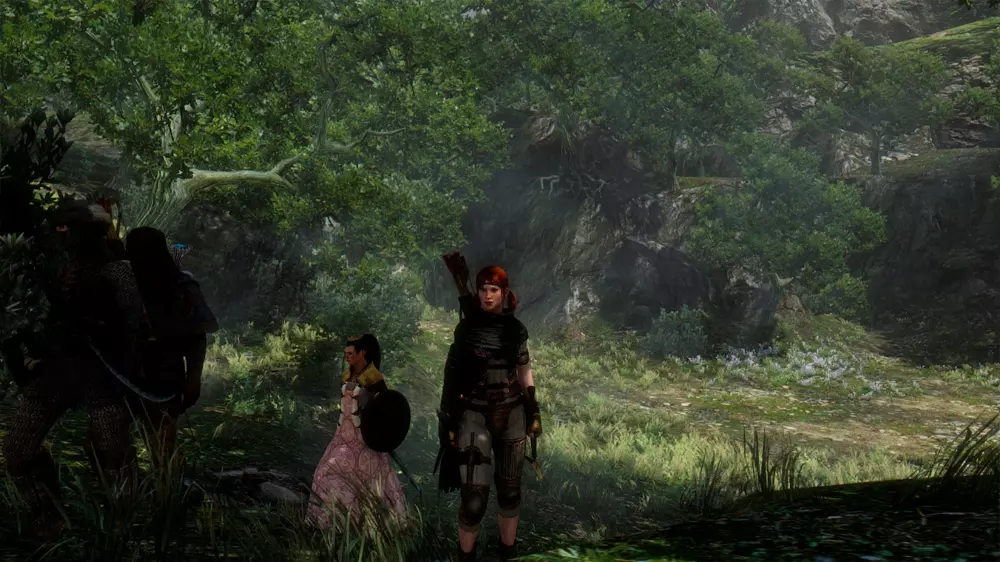
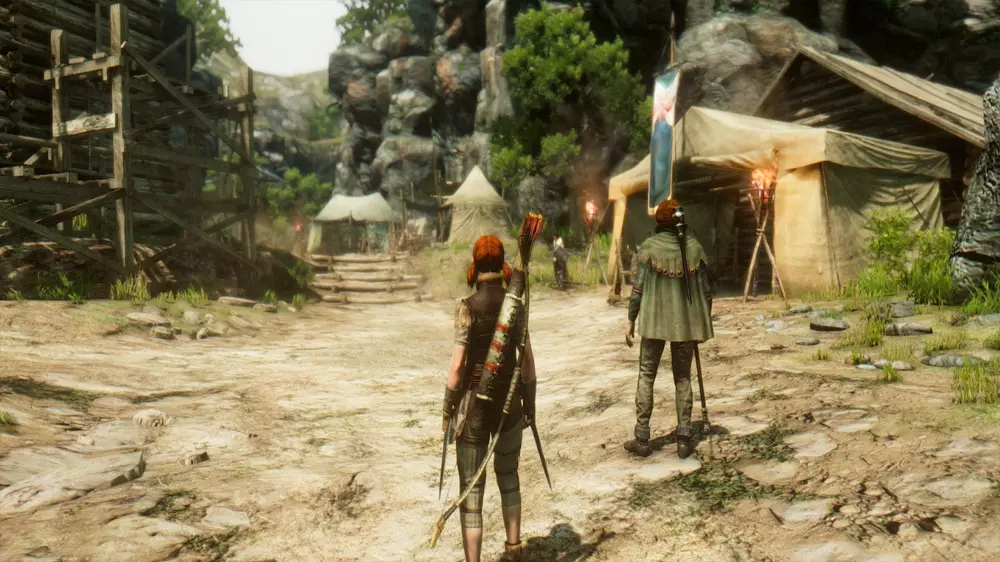
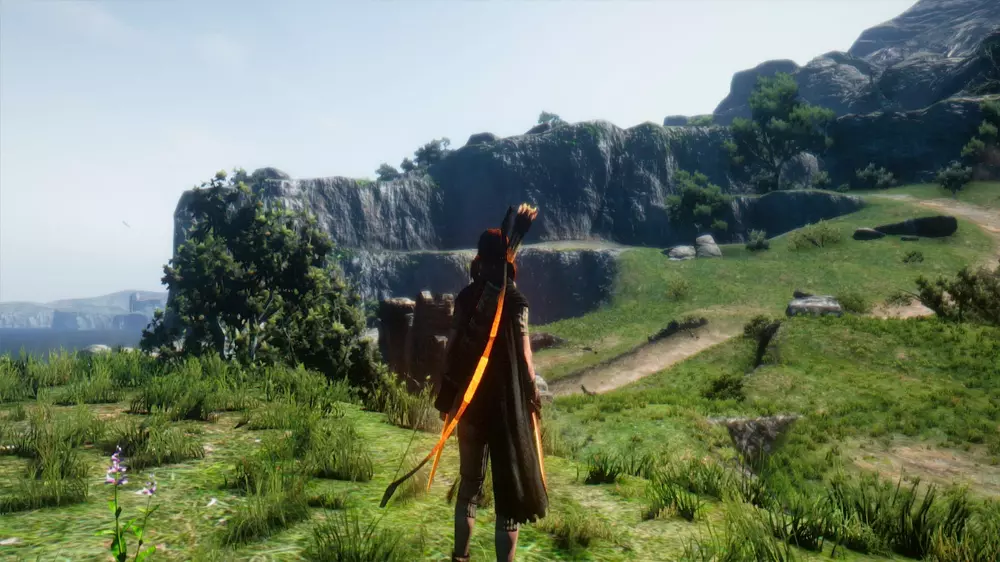
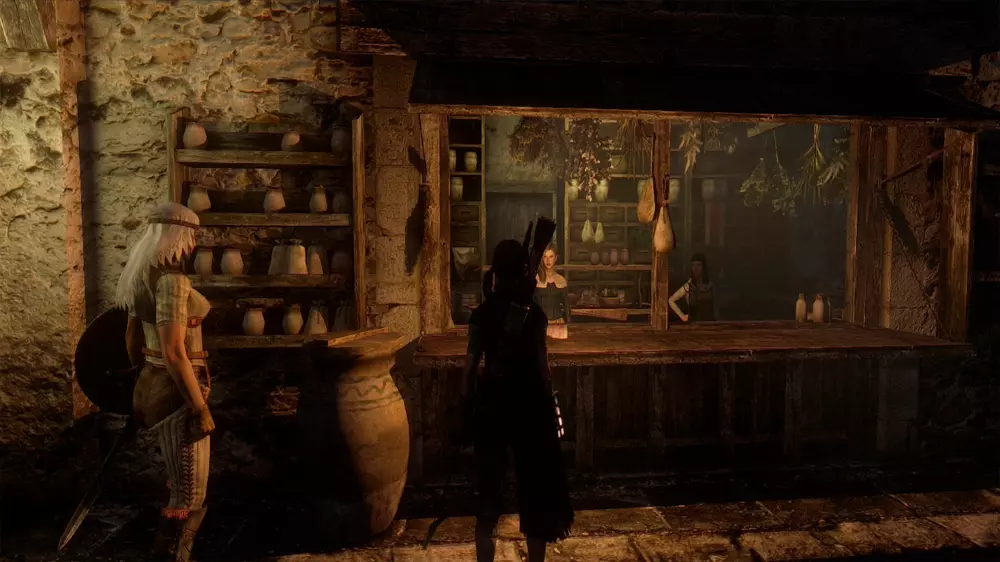
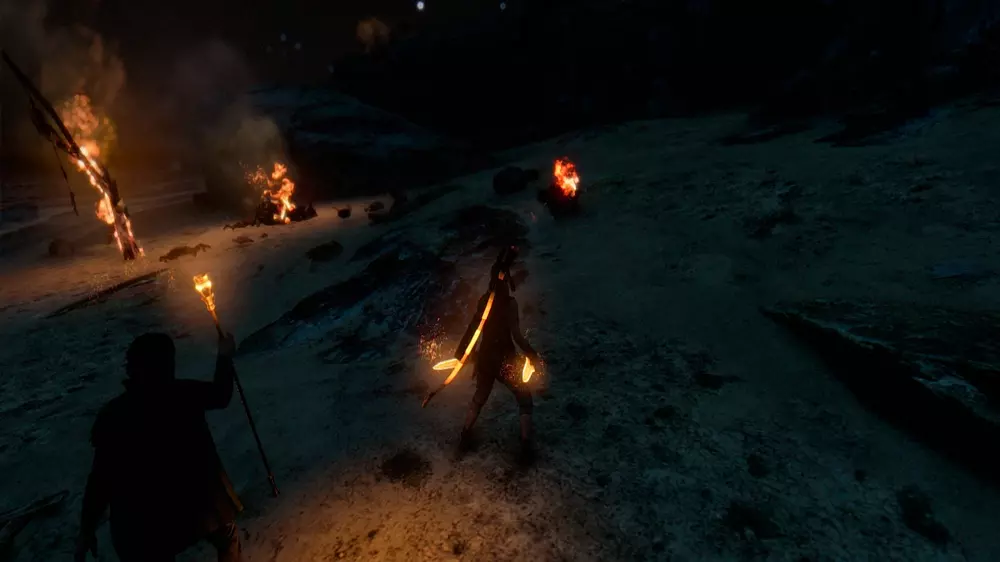
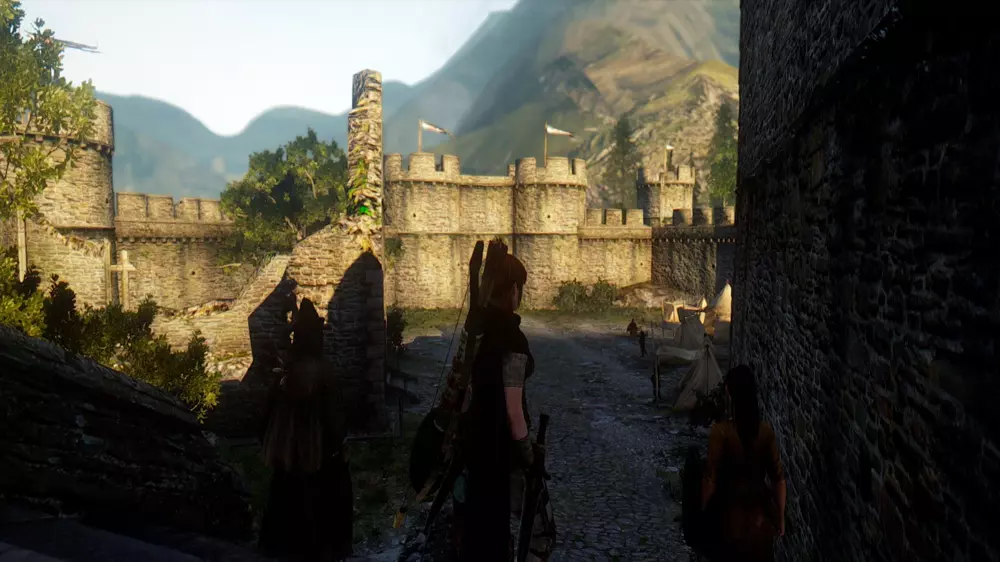
展示 由 Rudy102 制作 所有功劳归于: - Boris Vorontsov - Opethfeldt - Kyo - JawZ - gp65cj04 - ericking1992 - arsil - Scegielski - ZeroKing - Midhras - Trillville - Insomnia - CeeJay.dk - prod80 - MTichenor/IndigoNeko - Marty McFly - Matso - Miratheus - kingeric1992 - OtisInf - Kermles 别晃瞎我 精简版(1.2.2) 精简版仅修改灯笼和武器附魔的发光效果。 你可以在“低”和“中”两种变体之间选择。查看图片进行对比! 完整版(1.2.2) 完整版(几乎)修改所有战斗发光效果。 这里你也可以在“低”和“中”两种变体之间选择。查看图片进行对比!注意:我并未测试该版本的所有技能/法术。如果任何技能/法术存在视觉问题,请告知我,以便我进行调查。此外,此版本仅修改了【发光效果】,无其他改动。
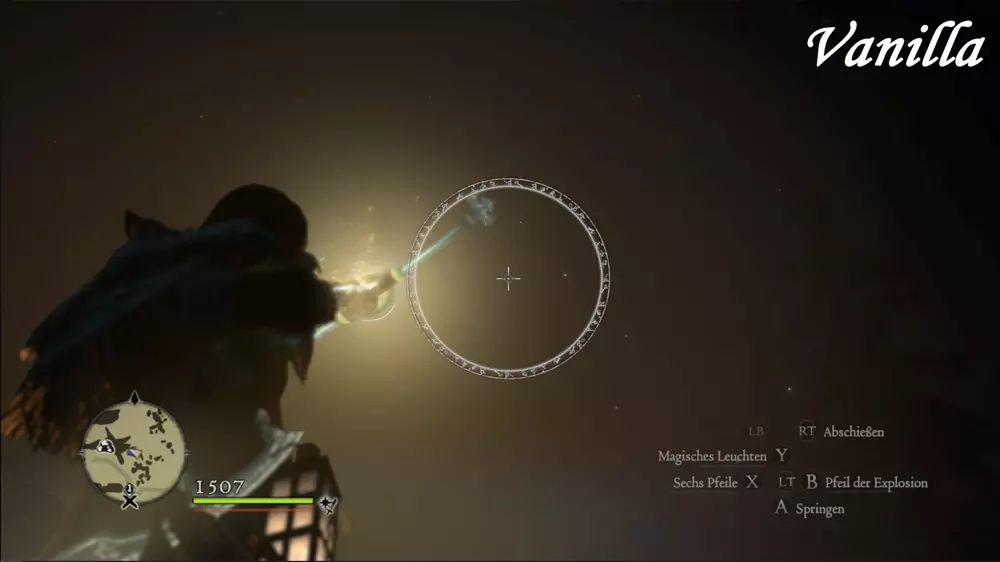
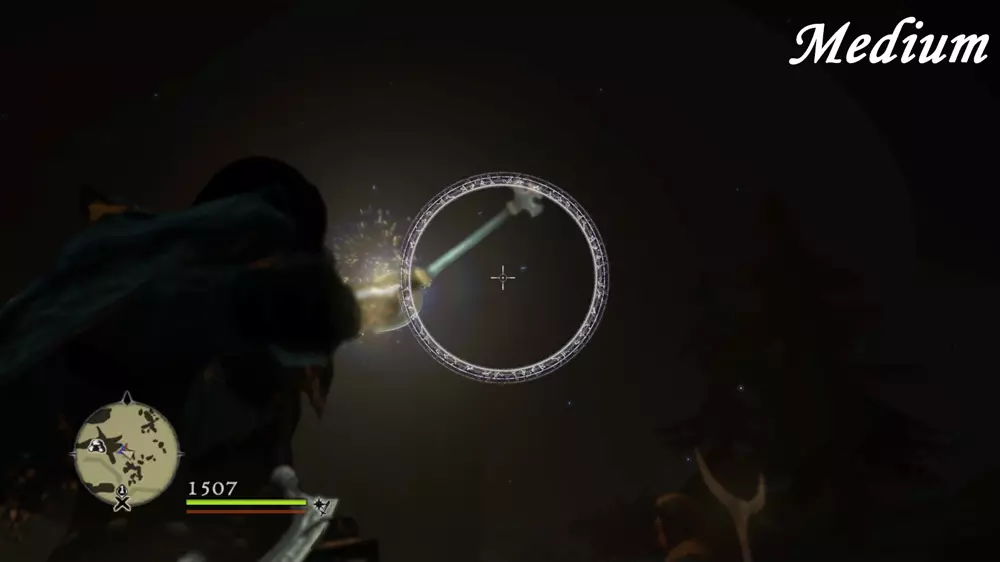
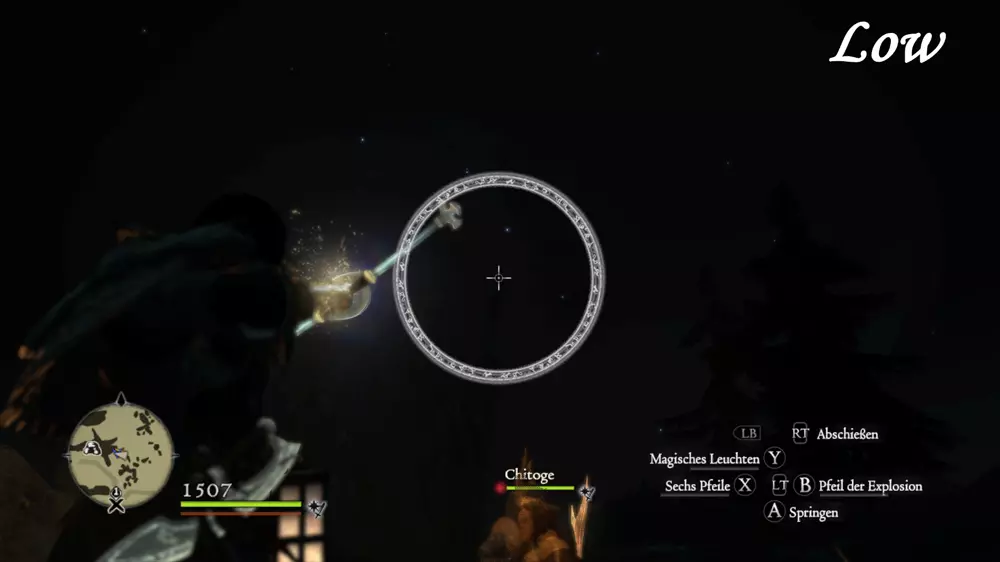
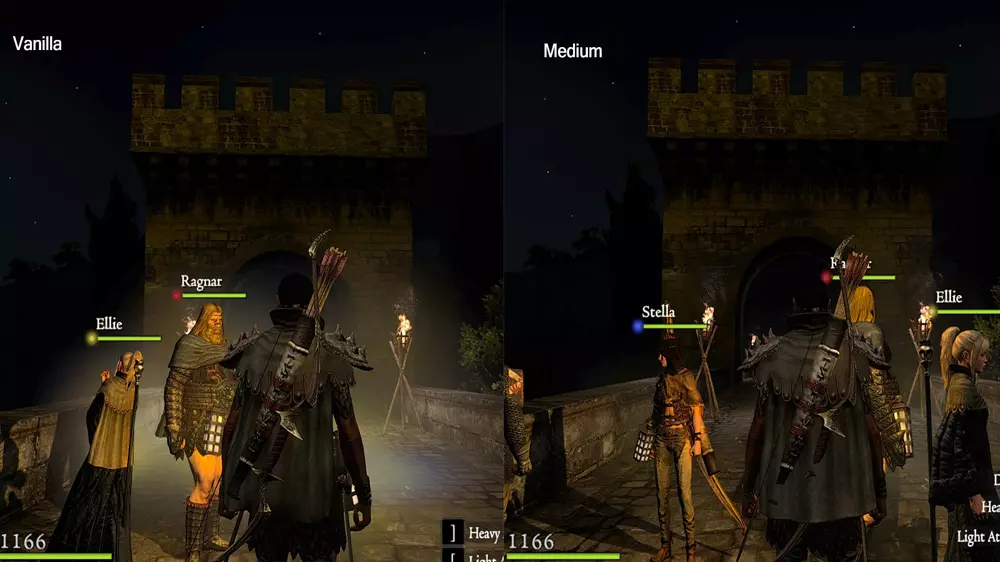
安装步骤 1. 进入游戏安装的根目录。 2. 将“nativePC”文件夹放入该目录并覆盖。 3. 完成! 已知问题 精简版:部分固定光源(灯笼、火把)的亮度也会降低。由于它们共用同一纹理,此问题无法解决。 技能【下谷之雨】标记的透明度也会降低。由于共用同一纹理,此问题无法解决。但仍能清晰看到!画面效果:低/中等。 高好感度NPC的粉色光环亮度也会降低。由于共用同一纹理,此问题无法解决。 完整版:许多固定光源(几乎所有)的亮度都会降低。由于它们共用同一纹理,此问题无法解决。由offline2007创建 黑色材质重制及更多内容 使部分物品颜色更黑,让刺客角色真正拥有深色服装/护甲。 提供男性和女性角色的不同版本!(119个可选文件) 此外:可将部分装备设置为透明 重要提示 请备份原始文件
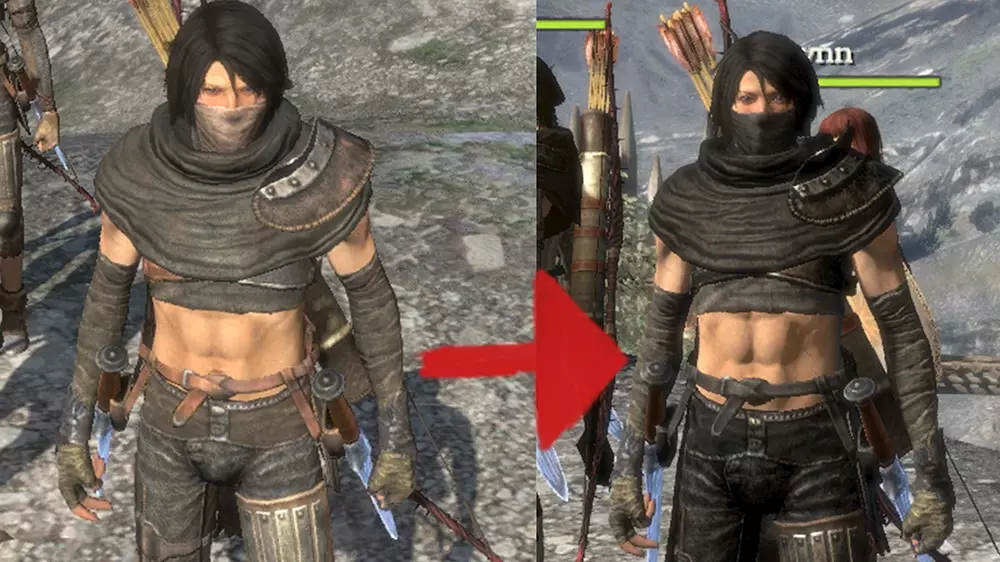
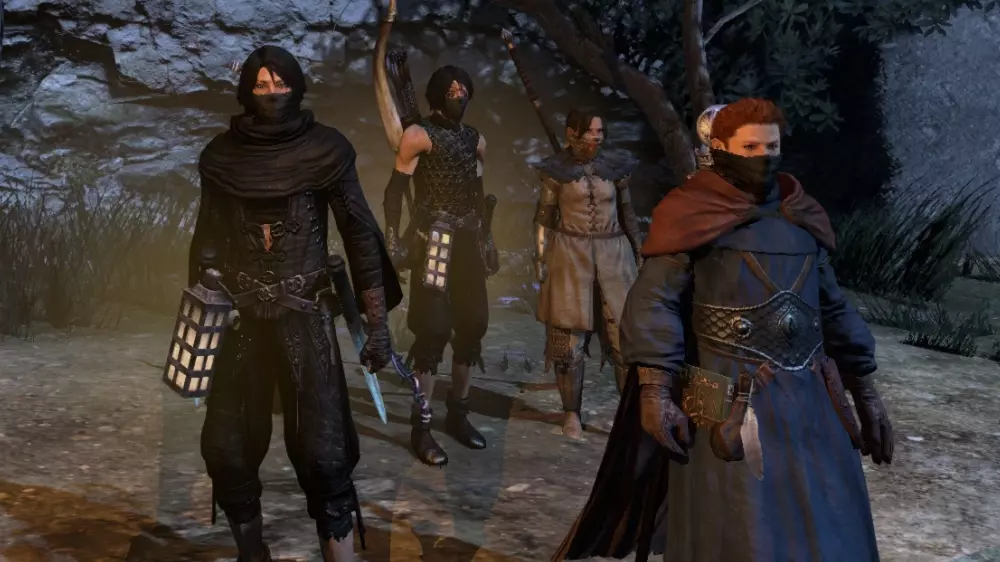
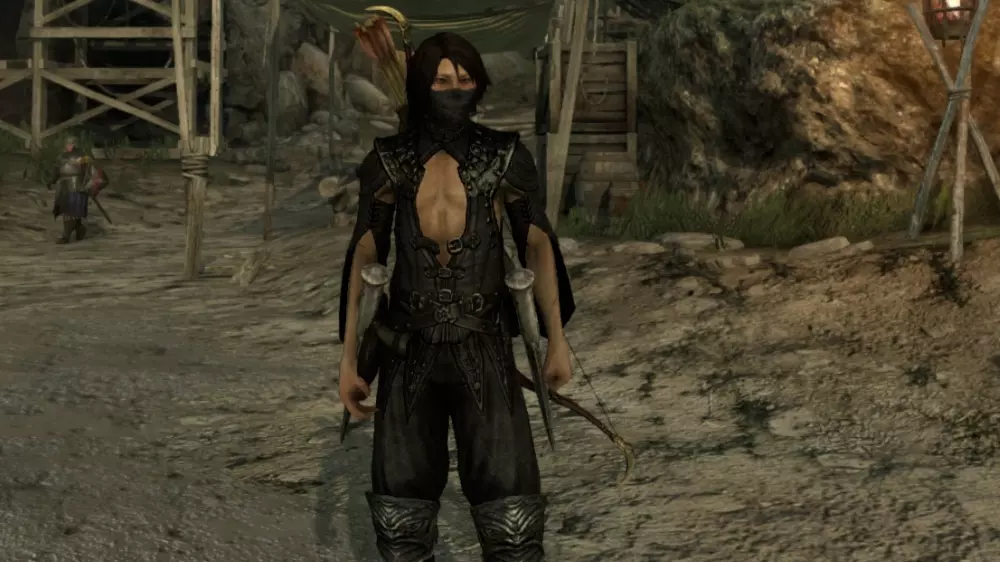
由Akalor制作 背包 该模组提供3个具有护甲属性的背包。这是对3款原版披风的重制版,原版披风因带有斗篷而显得十分难看。
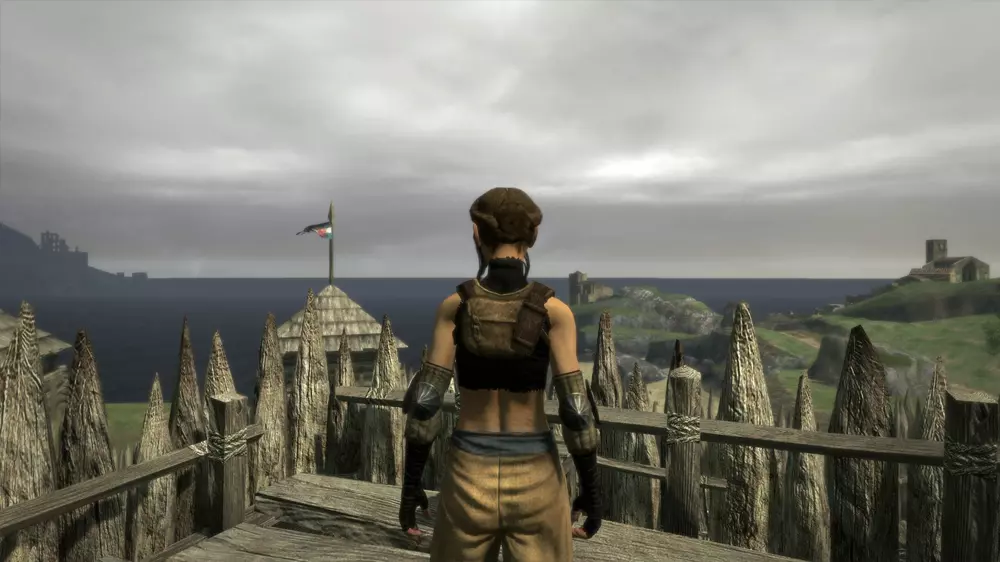
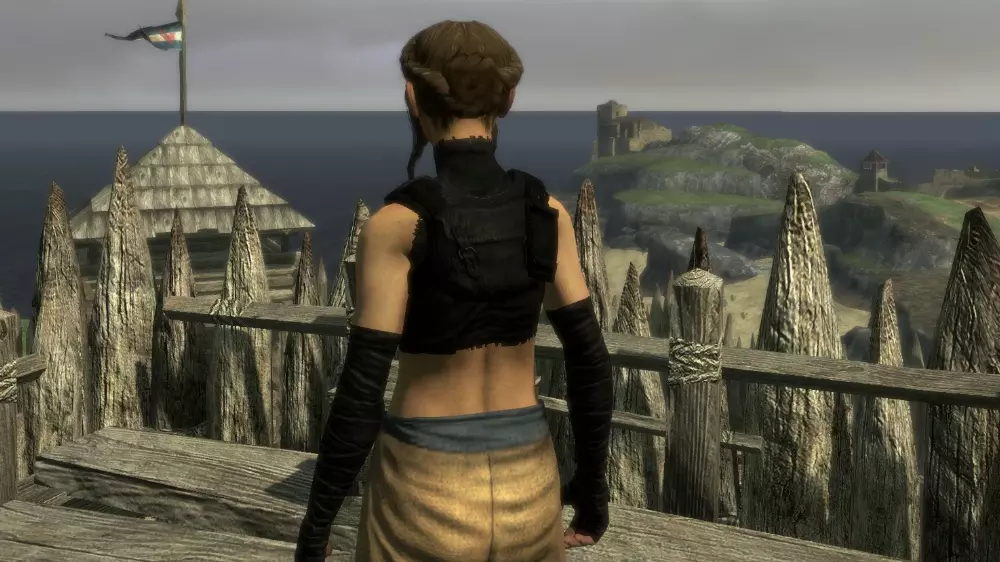
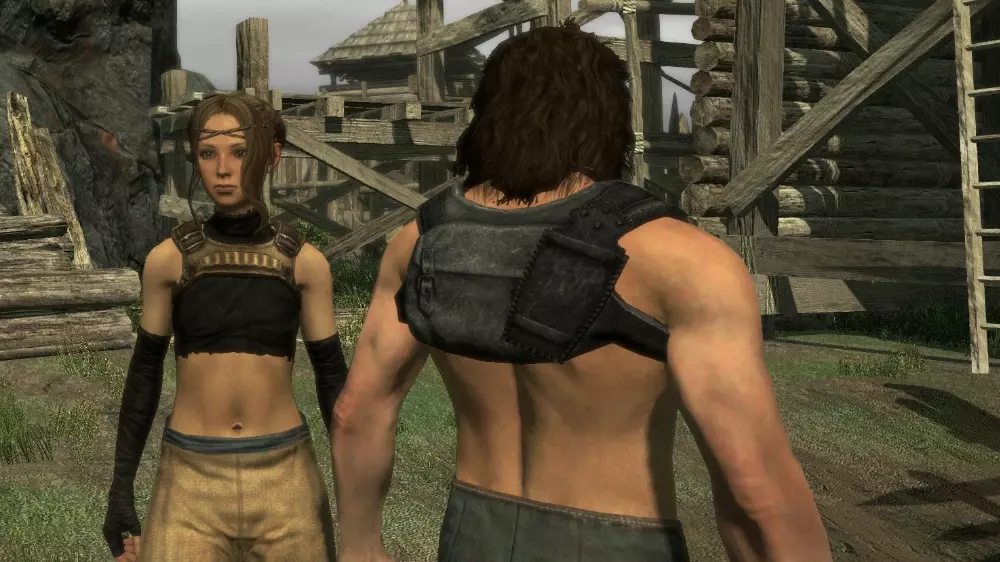
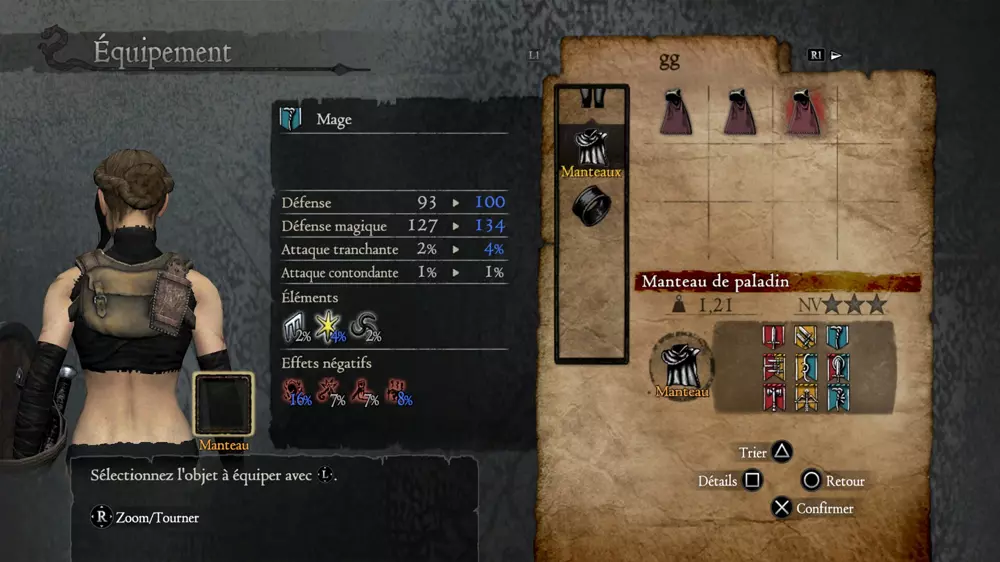
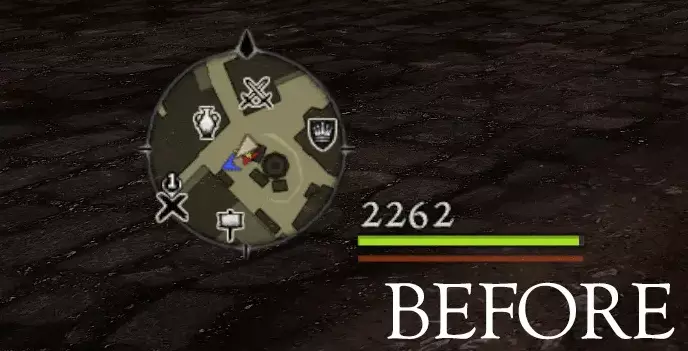
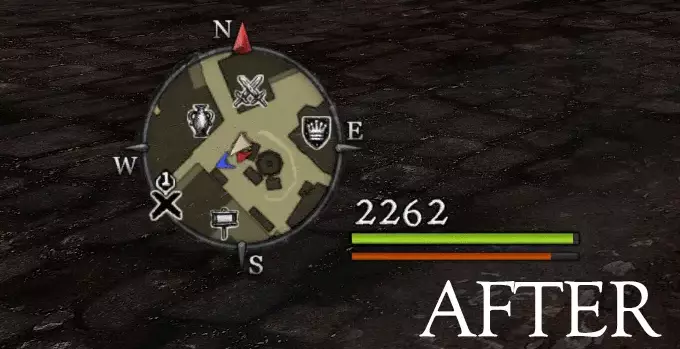
由MANDALORE创作 高清生命值 - 自定义界面纹理与图标大修 此模组提升了生命值(经验值和金币同样适用)数字、血条、各类图标以及小地图标记的纹理质量
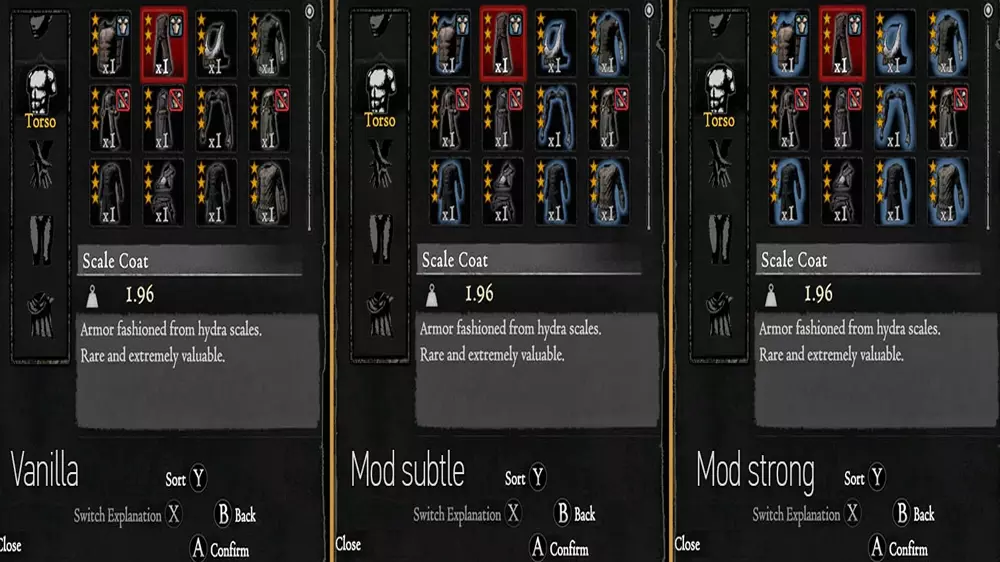
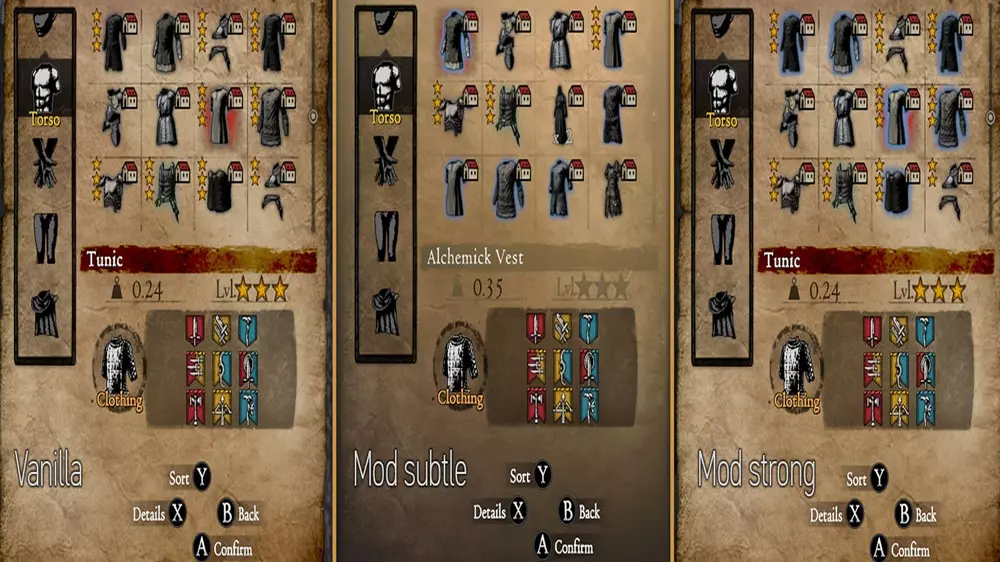
由vj88制作 简易服装库存ID 小型便利模组,为服装库存图标添加蓝色发光效果,让你无需选择或悬停即可轻松区分它们。 这对新玩家可能最有用,但即使我在主机上多次通关游戏,这一点仍然让我有些困扰。 安装方法: 备份游戏安装目录中nativePC rom文件夹下的【game_main.arc】文件。 将模组解压到龙之信条:黑暗觉者主文件夹。
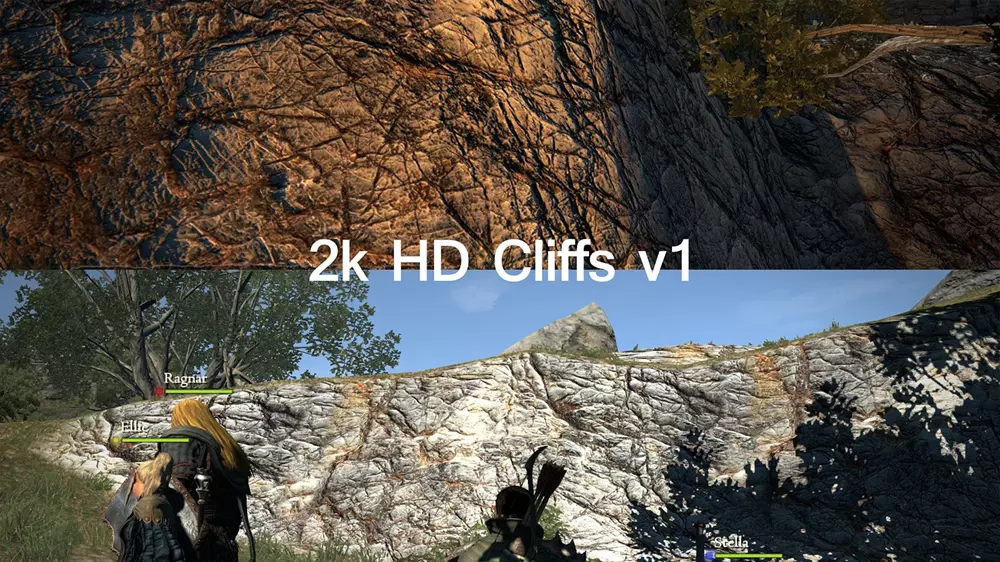
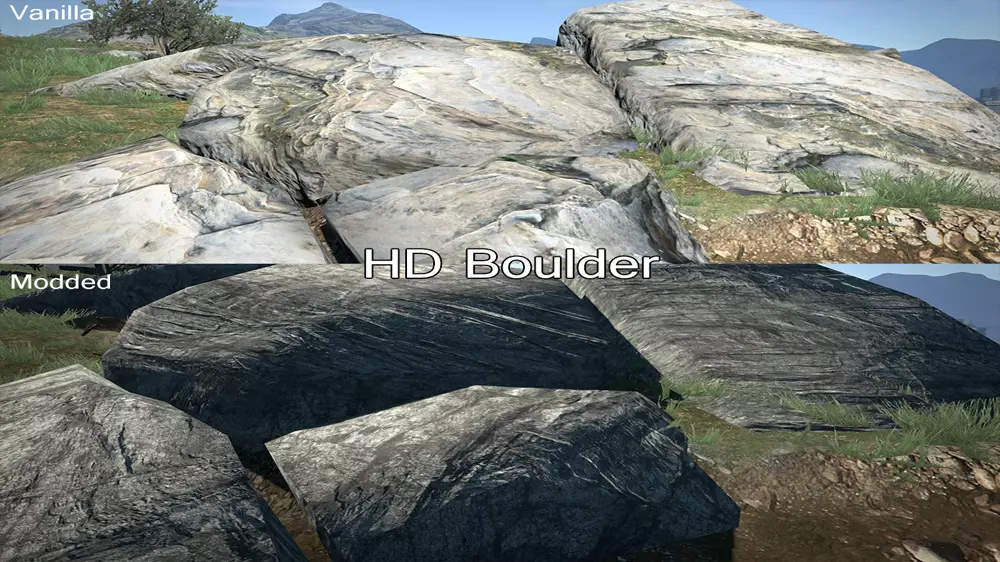
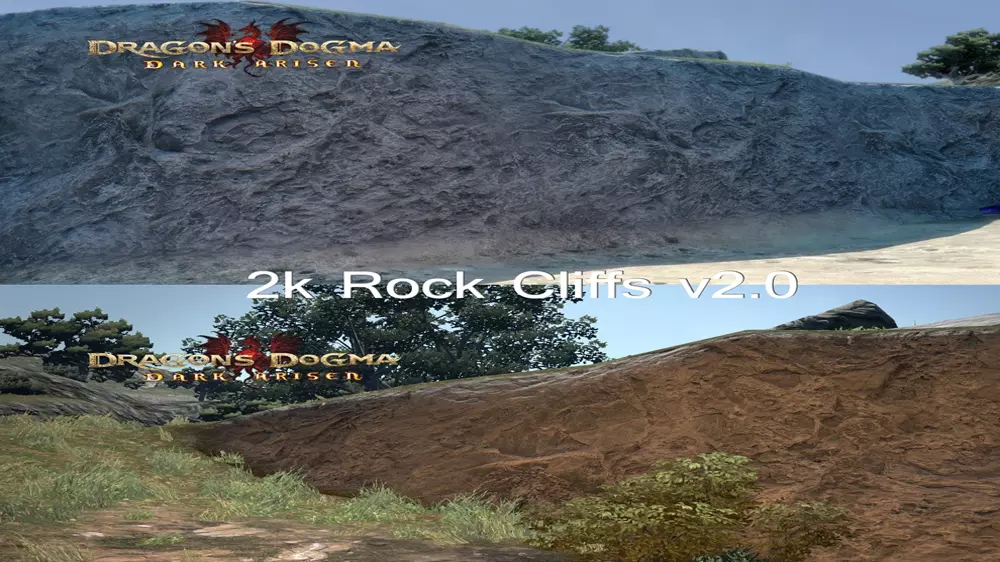
由Rivianbleidd创建 高清环境纹理大修 全新高清环境纹理 安装:将压缩包内容解压至你的DDDA nativePC rom stage stage100 area文件夹(除非下载页面/说明中有特别说明) 运行附带的.BAT文件。若出现任何错误或问题,右键以管理员身份运行。 原始文件的自动备份将保存在同一目录下的【4k backup folder】中。 等待屏幕显示【TEXTURE INSTALL COMPLETE!】 启动游戏(若已在游戏中,切换至新区域即可) 本页面其他纹理文件按相同步骤安装 卸载:从【4k backup】文件夹中恢复文件 兼容性:可与你可能已安装的任何现有纹理模组兼容请将此材质mod安装在其他材质mod之上。问题:部分材质在与低分辨率原版材质混合时可能会显示异常。
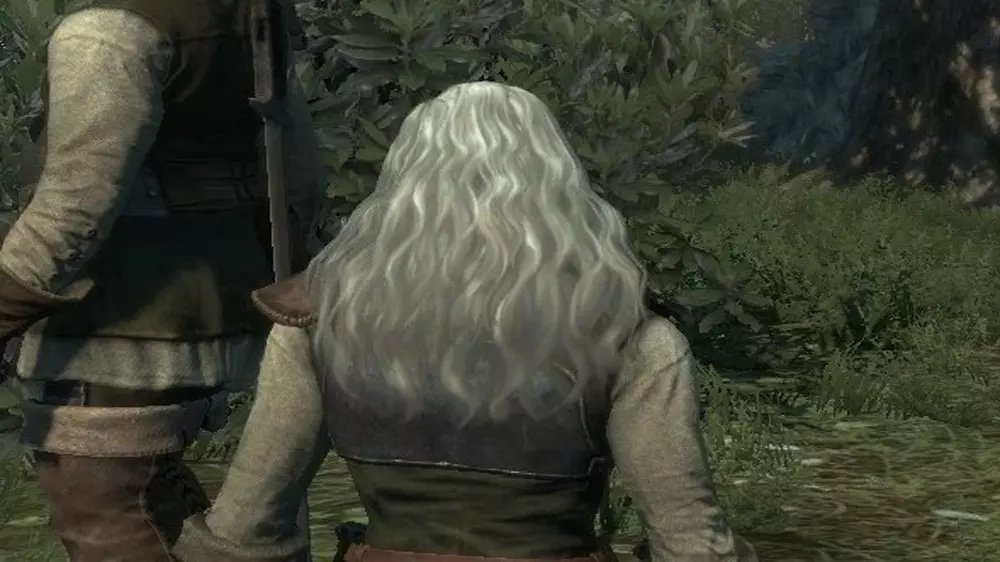
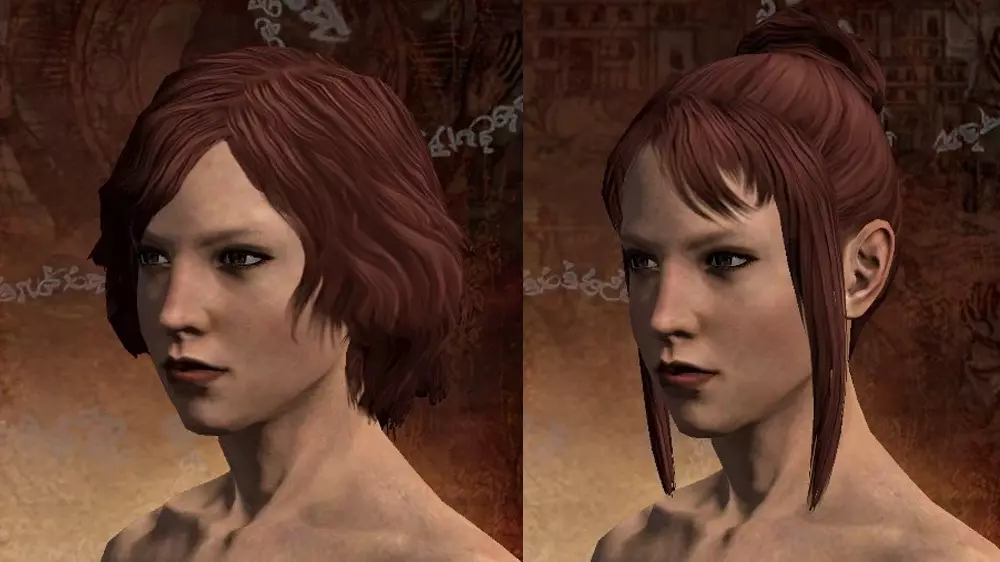
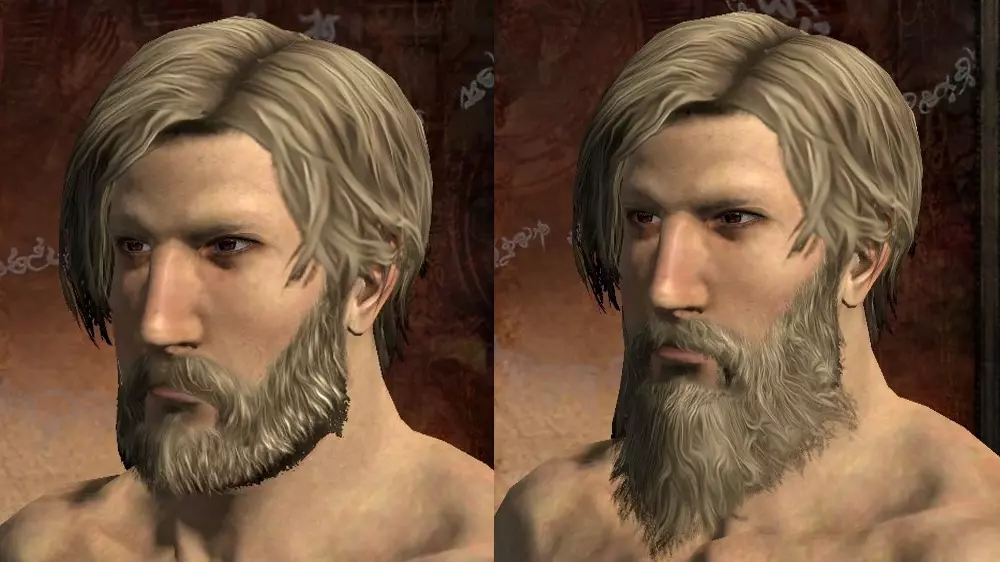
由Drogean制作 施法加速——巧言增幅强化 强化术士的巧言增幅,以实现更快的施法速度。 默认情况下,该增幅会使所有法术(法师、术士、魔弓手和秘骑士均受影响)的施法时间减少10%(并非之前认为的15%)。通过本文件,你可以将该数值提升至20%、50%或90%。 背包中携带 wyrmking's ring 所提供的施法速度加成(同样仅为10%,而非15%)不受本模组影响。不过,该戒指仍能在强化后的增幅基础上进一步缩短施法时间。 20%版本与 wyrmking's ring 搭配使用时,可达到维基百科所承诺的约30%施法时间提升。- 50%版本的施法速度提升非常明显,或许很适合那些觉得《龙之信条:黑暗觉者》中施法过程冗长或无聊的玩家。 - 90%版本基本上就是作弊了。配合戒指使用时接近瞬发——但“极陨星”仍需约一秒时间让施法条填充两次。这可能存在风险,详见下文。请注意,有玩家反馈敌人也可能装备了这个强化效果,因此面对某些施法者时,如此快的施法速度可能会让你陷入困境! 安装步骤: 1. 下载对应施法速度的.rar文件——20%、50%或90%。 2. 在你的《龙之信条:黑暗觉者》安装目录中,导航至nativePC/rom文件夹,并备份game_main.arc文件。 3. 将修改后的game_main.arc文件解压到该位置。卸载:删除或重命名已修改的game_main.arc文件,并恢复备份。 创建者:ParticleMage 扩展魔法骑士附魔:延长魔法骑士的增益效果持续时间。此模组并非作弊模组,旨在减少 buff 操作的繁琐感,同时仍将其作为战斗的一部分。附魔法术持续时间从30秒延长至40秒; trance 法术从45秒延长至80秒; invocation 法术从80秒延长至120秒。 创建者:Keelhauled MEGAHAIR AND BEARDS 2K:修改游戏中的头发纹理,原始文件分辨率为512x512像素,本模组提升至2048x2048像素。通过轻微放大和一些编辑,使头发看起来更好。
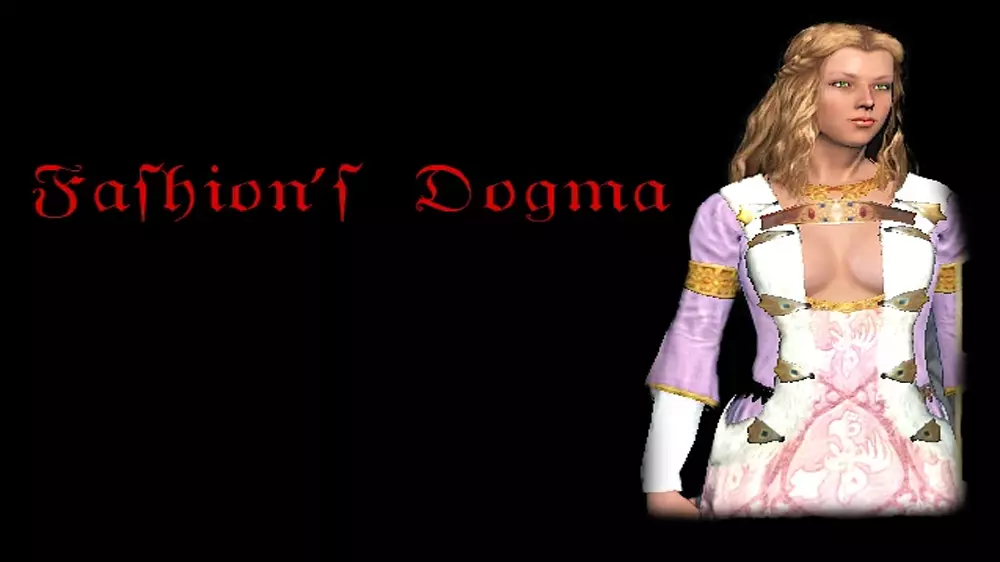
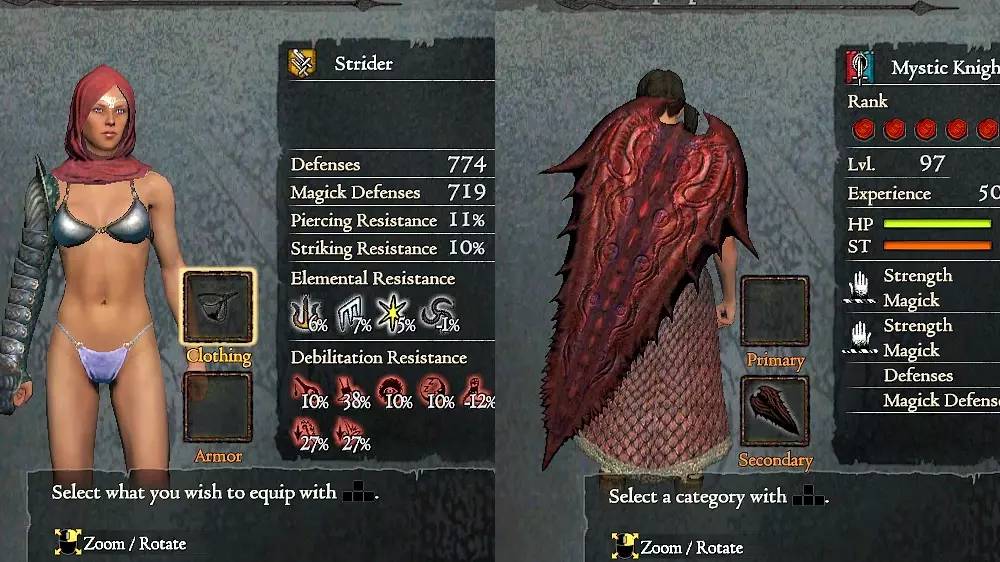
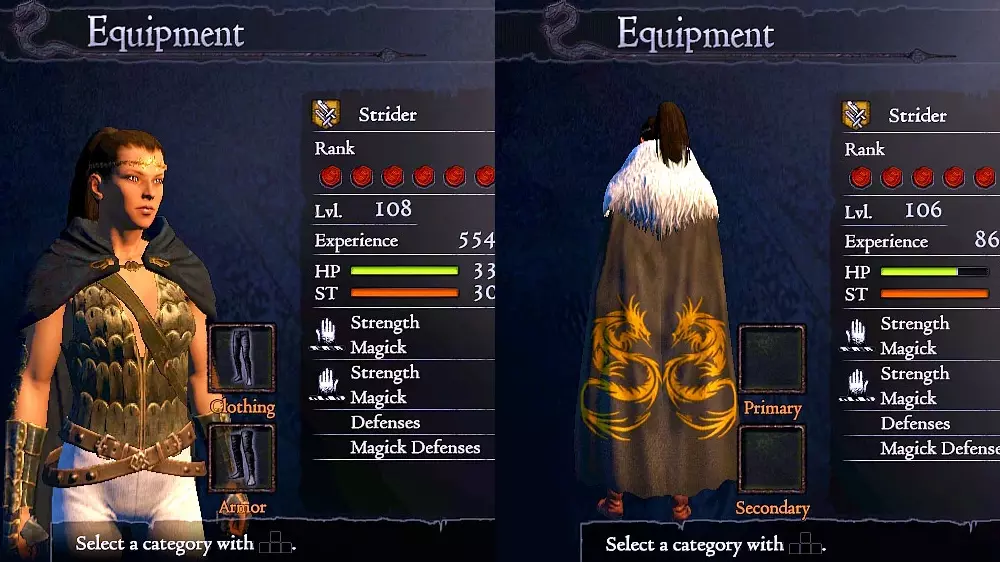
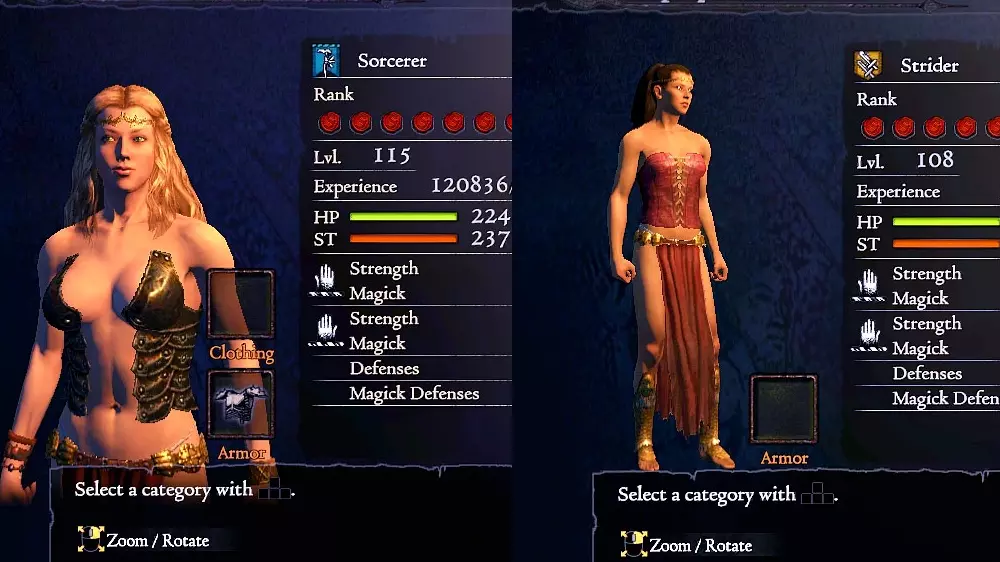
由Lukasborn13制作 时尚教条 这是一个为女性 arisen 和 pawn 角色提供盔甲与服装的合集。 安装方法: 1. 进入游戏根目录。 2. 解压压缩包。 3. 将【nativePC】文件夹复制到该目录中。
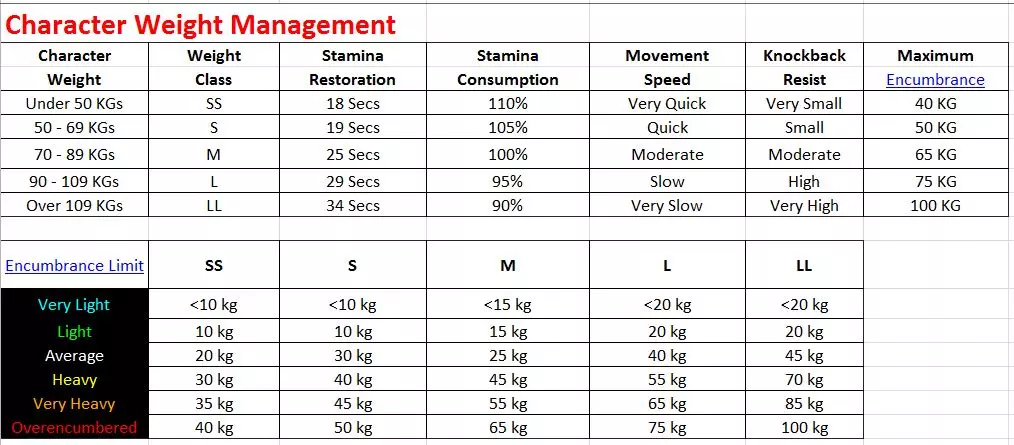
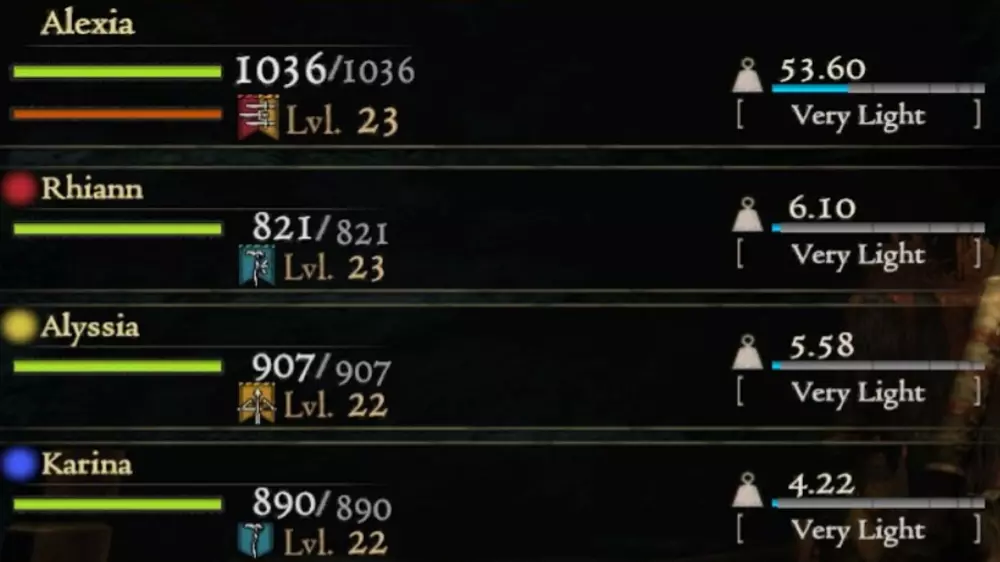
由sarchiapozzo创建 增加负重上限 根据您选择的下载版本,将 arisen 和 pawn 的负重上限提高2倍或5倍。
由ShadoWarrior创作 女性面部纹理优化 优化面部纹理
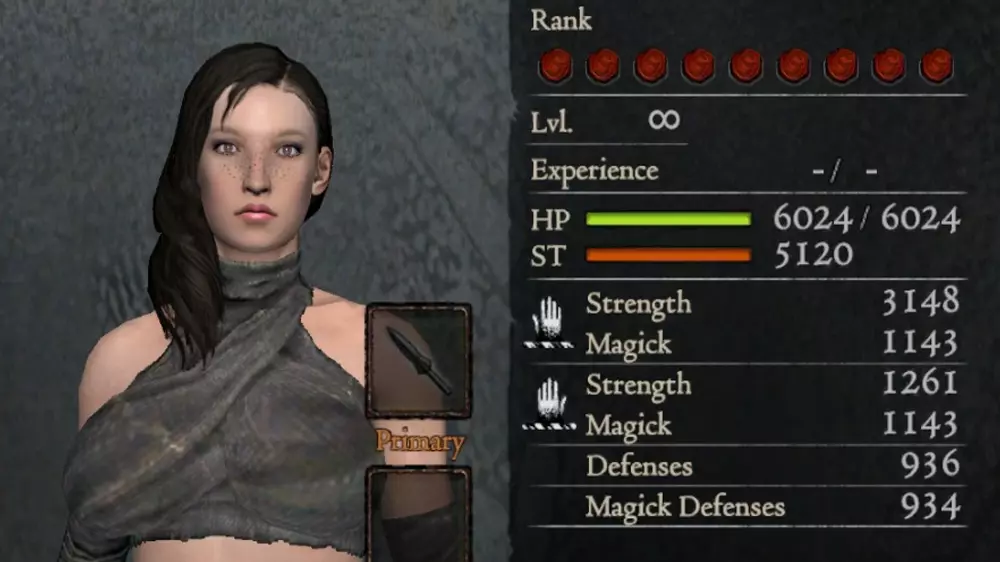
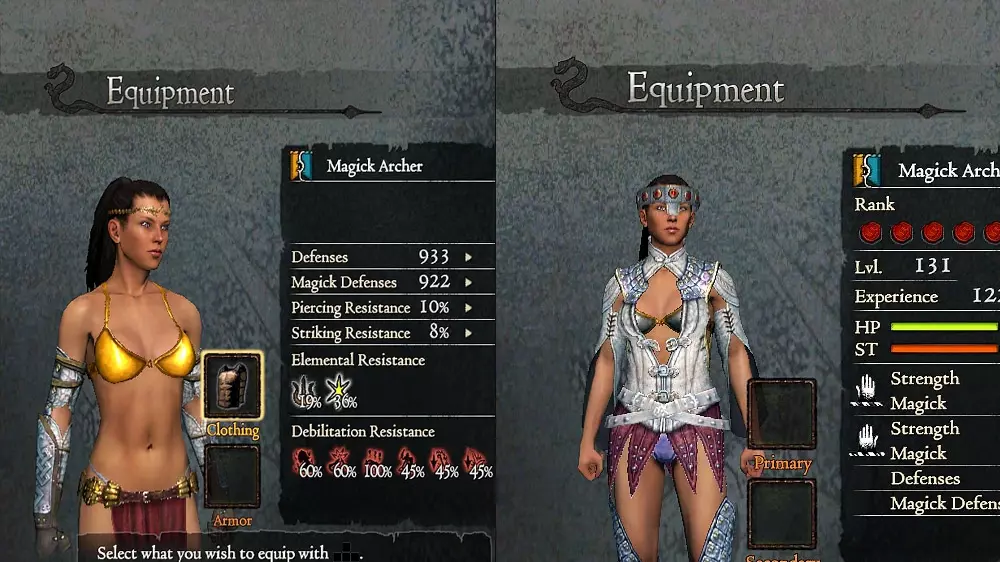
由LDKSuperDante创作 魔女之刃风格护甲套装 清凉护甲套装,带有尖刺元素。兼容大多数职业!仅限女性使用。
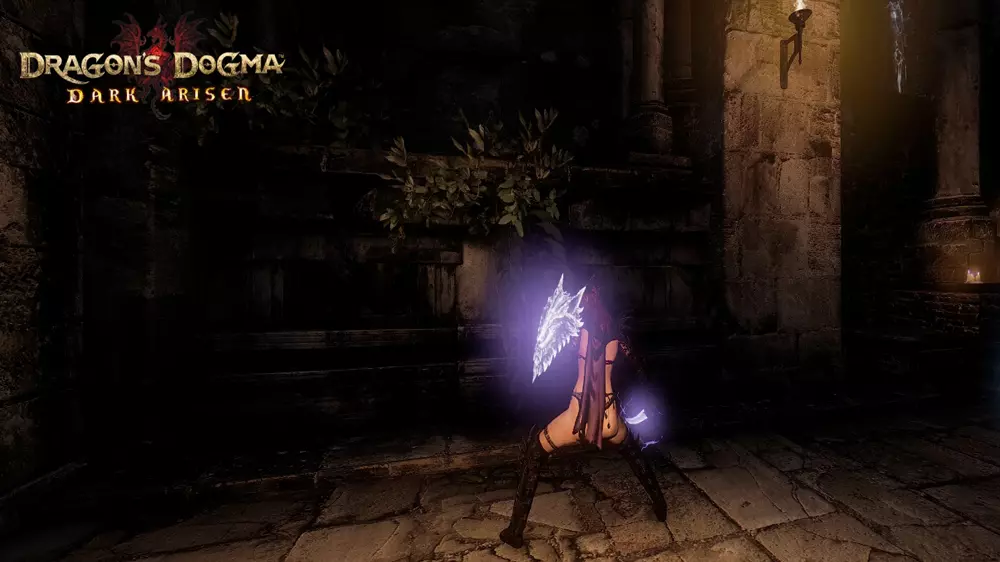
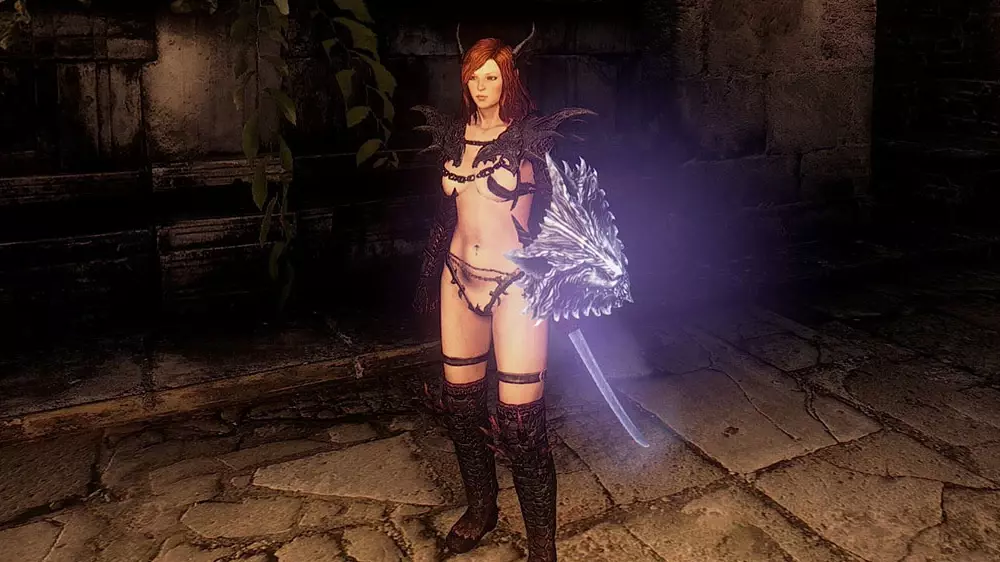
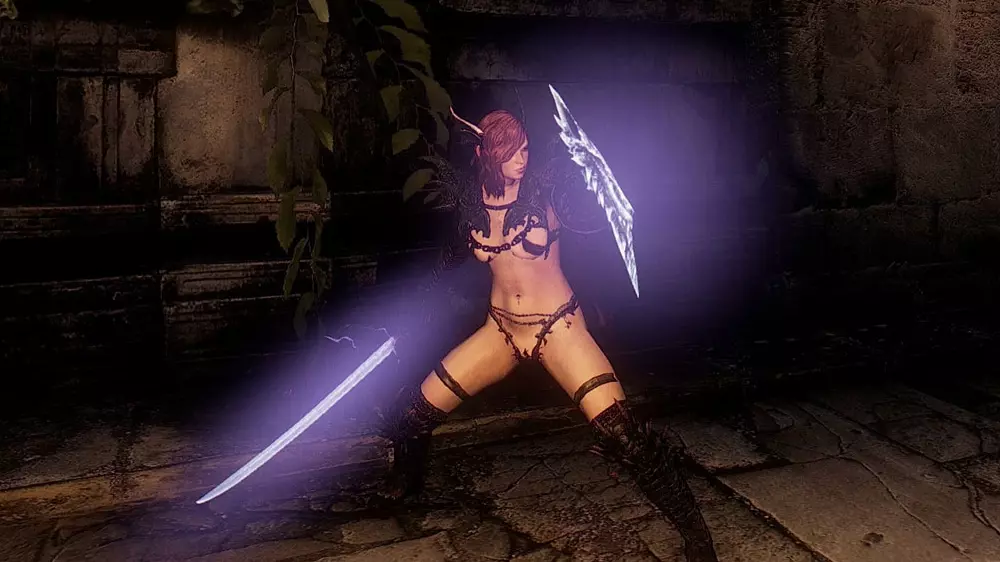
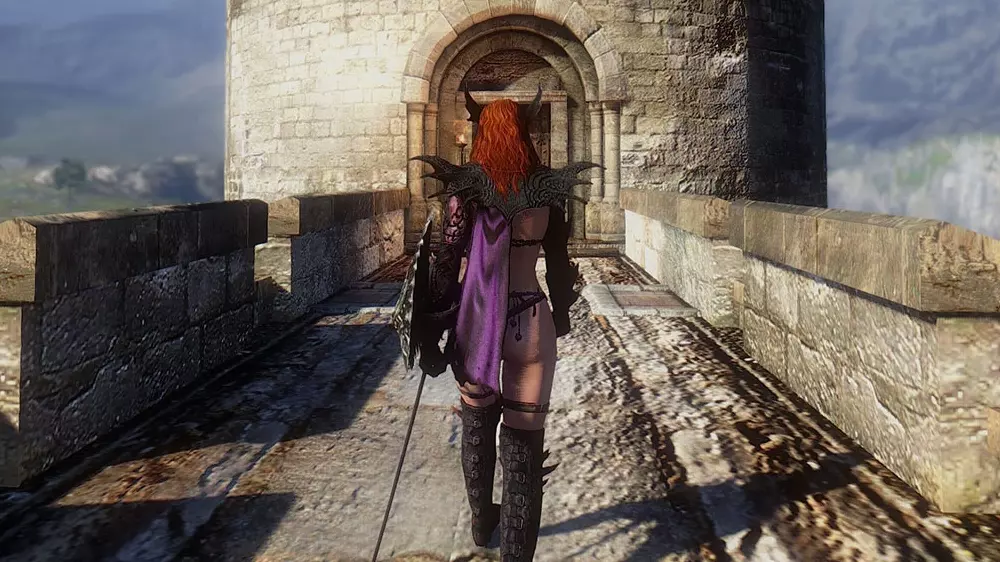
由LovelyLewdLad创作 【女性专用】地狱火铠甲替换外观 地狱火铠甲的替换外观 安装方法: 解压并粘贴至《龙之信条:黑暗觉者》的nativePC\rom\eq\a_body\f文件夹中 替换原始文件 【请记得备份文件】
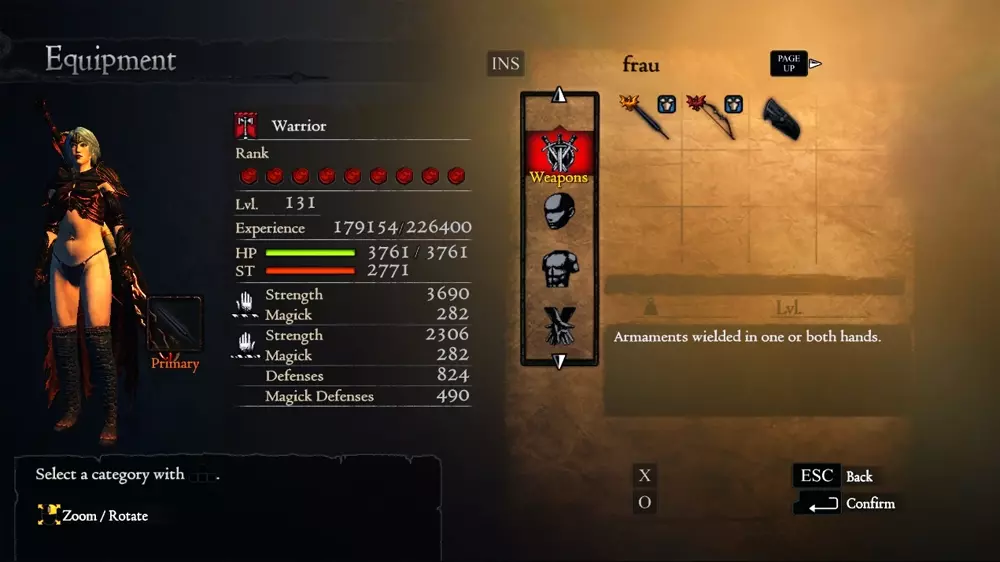
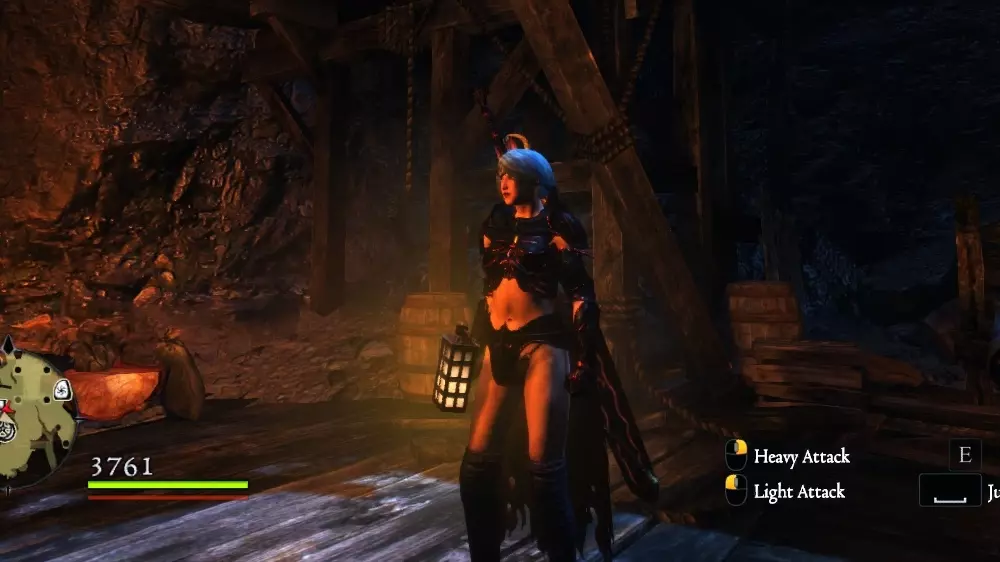
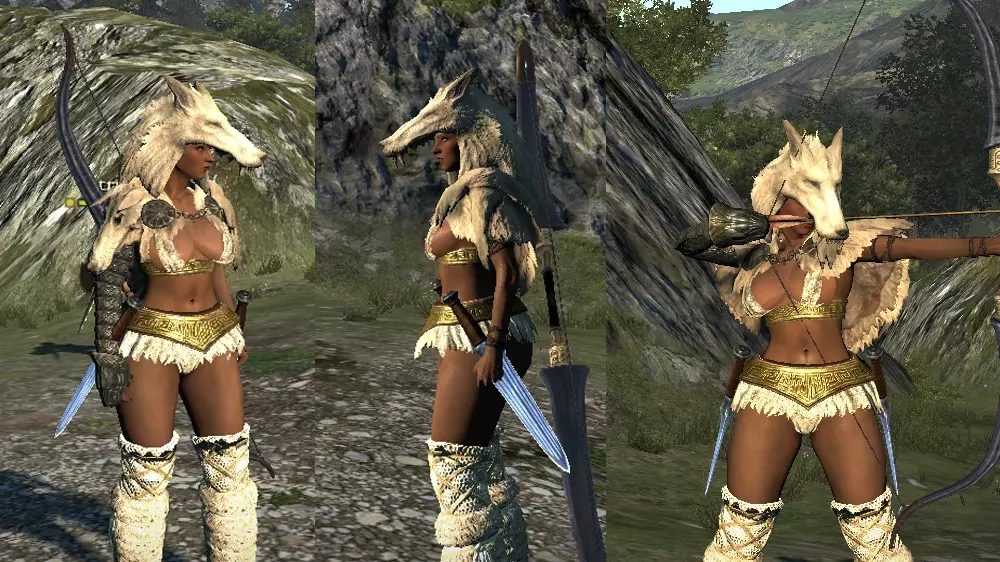
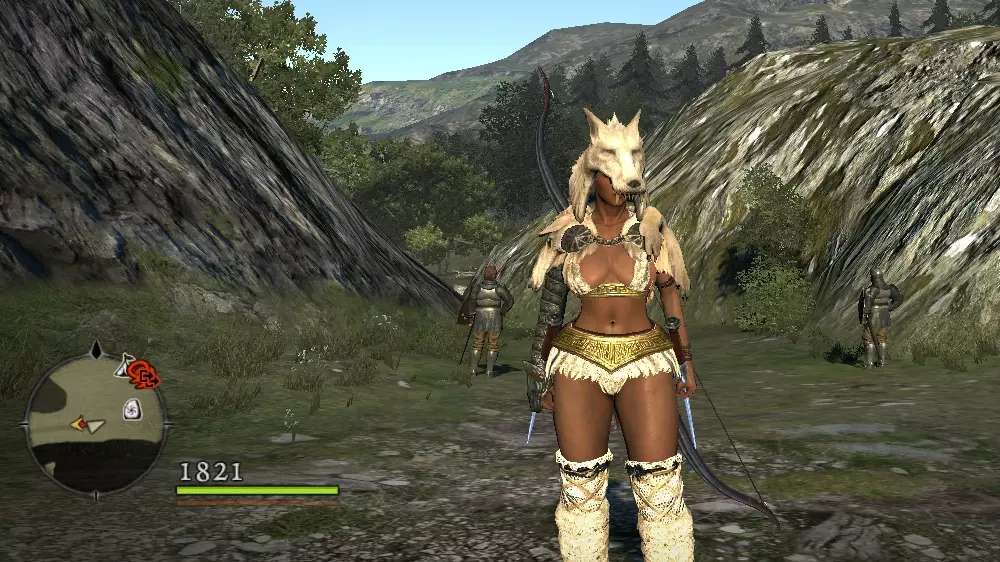
由linhcage创作 蛮族女王套装 这是一套灵感源自冰原狼/狼类服饰的套装。
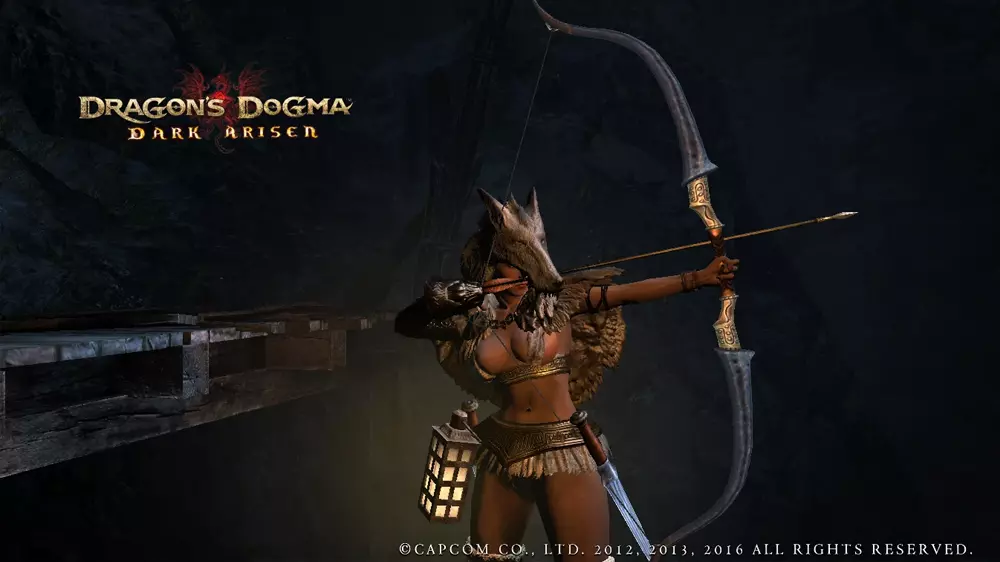
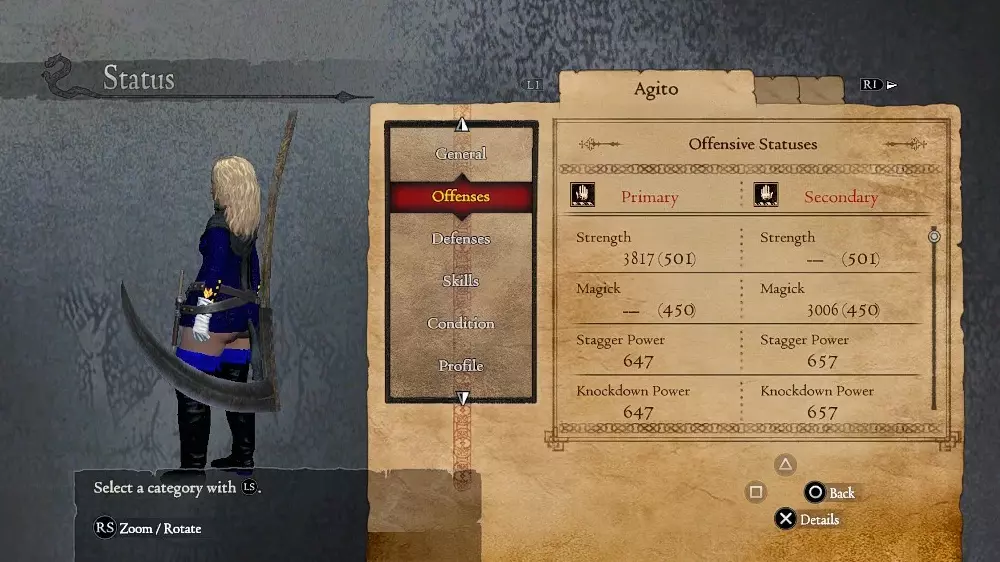
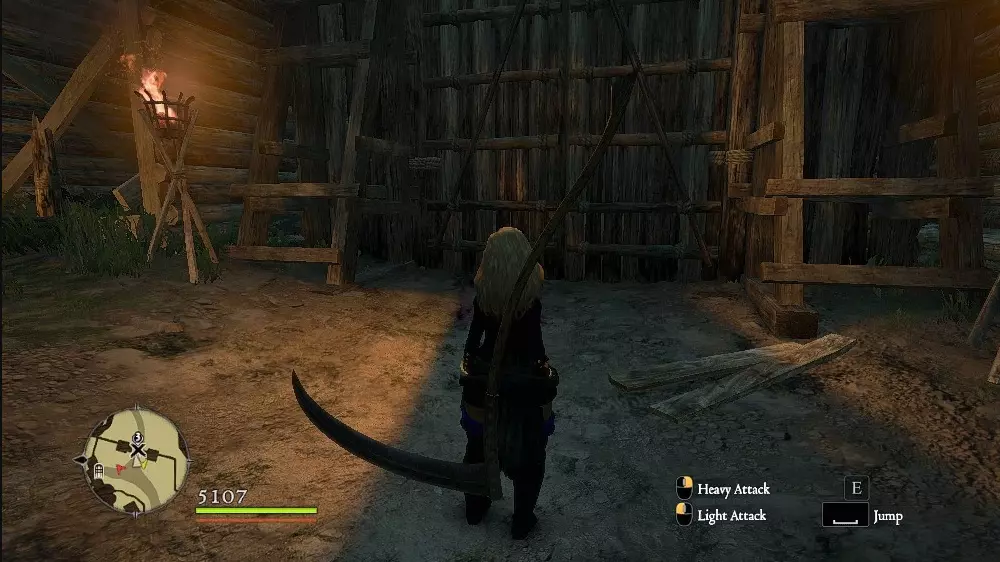
创建者 潜行者 死亡之镰
由Alibabad制作 锈蚀武器 锈蚀武器虽然有用,但外观丑陋。现在它们焕然一新。 将所有锈蚀武器替换为其他模型: - 锈蚀匕首 → 勇气之证 - 锈蚀剑 → 宽剑 - 锈蚀钉头锤 → 钉头锤 - 锈蚀巨剑 → 夺命者 - 锈蚀战锤 → 暗物质 - 锈蚀盾牌 → 格兰索伦盾牌 - 锈蚀魔法盾牌 → 骑士的荣耀 - 锈蚀法杖 → 受宠天篷 - 锈蚀奥术法杖 → 普通奥术法杖 - 锈蚀弓 → 猎人之弓 - 锈蚀长弓 → 定制长弓 - 锈蚀魔法弓 → 魔法师手杖 安装方法: 将nativePC文件夹粘贴到主目录中。
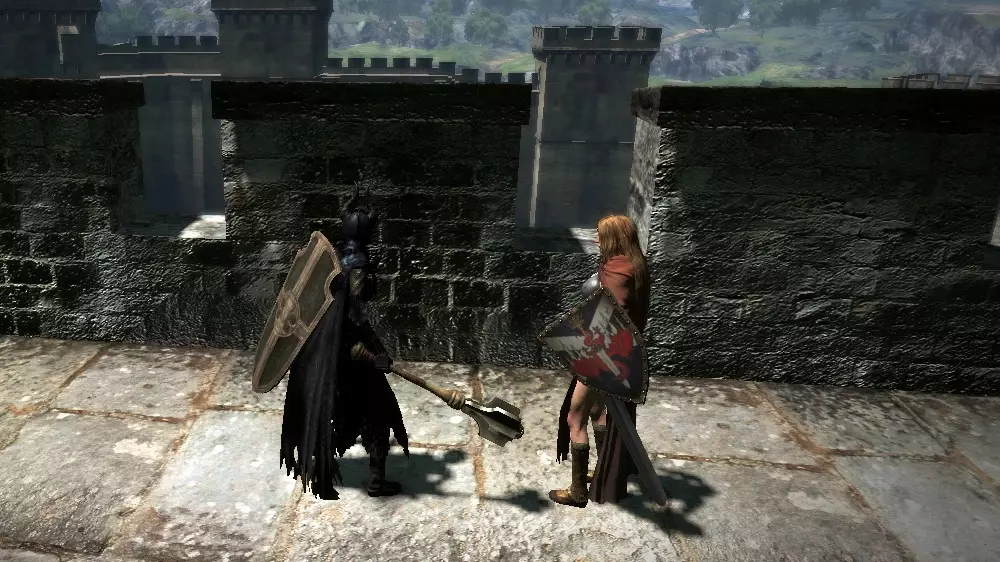
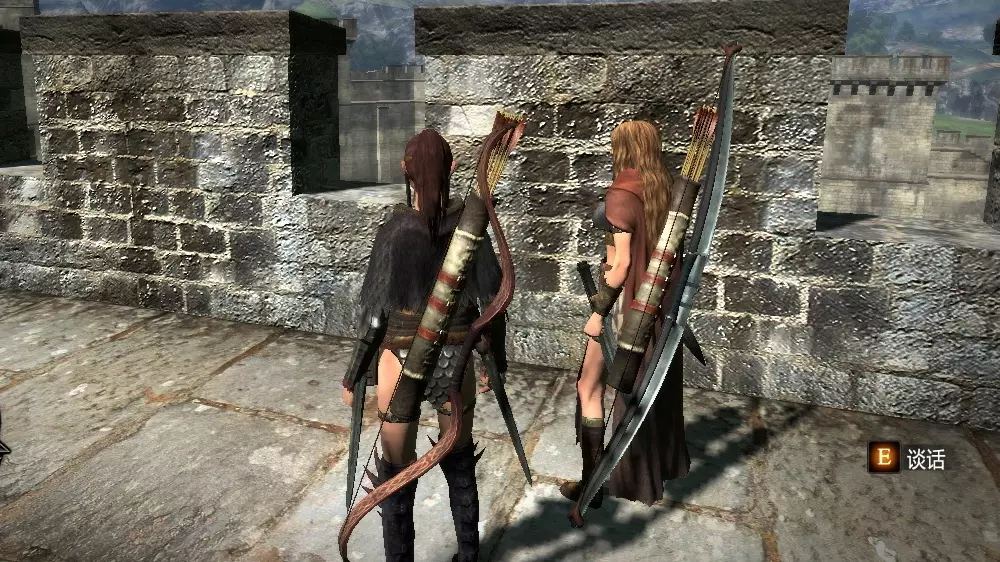
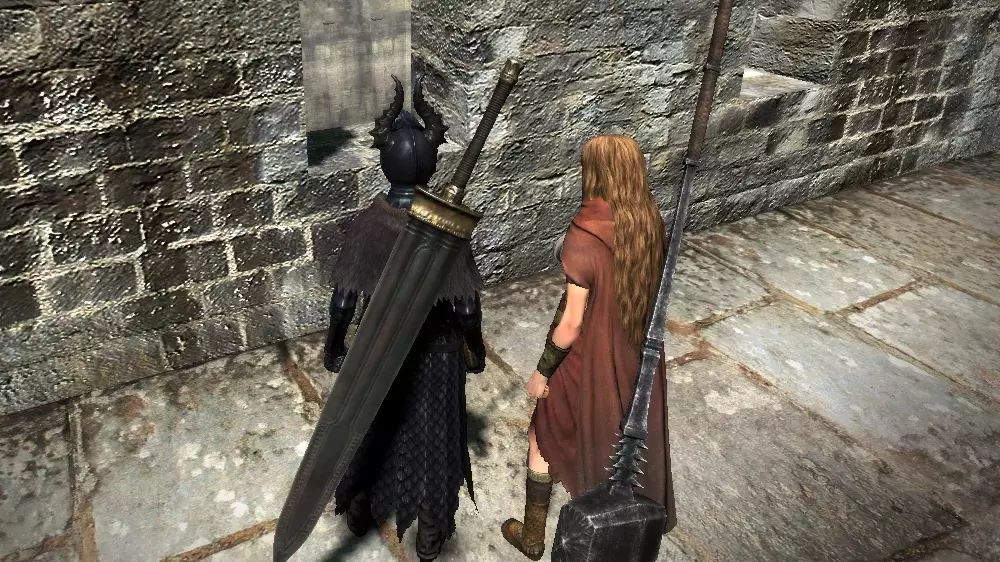
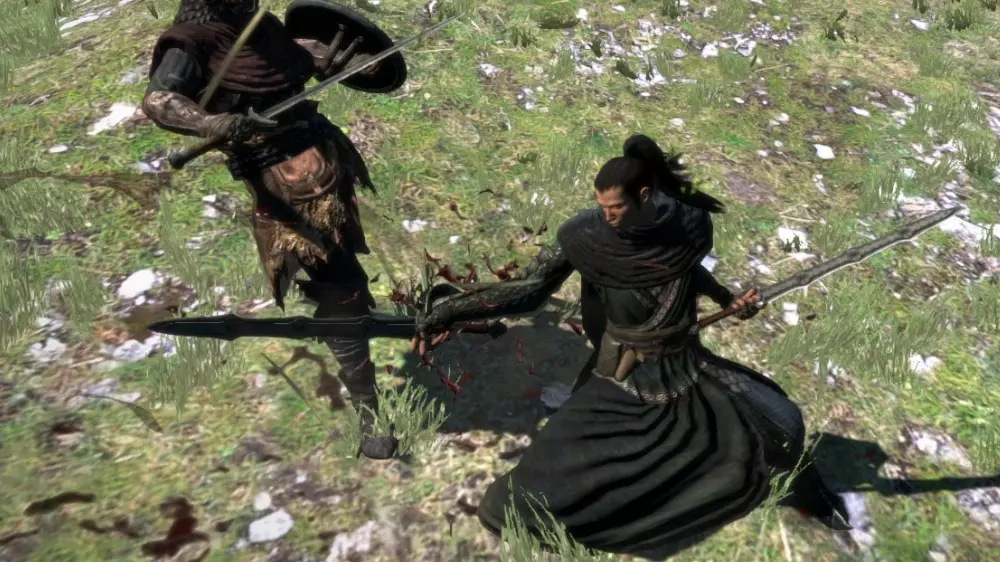
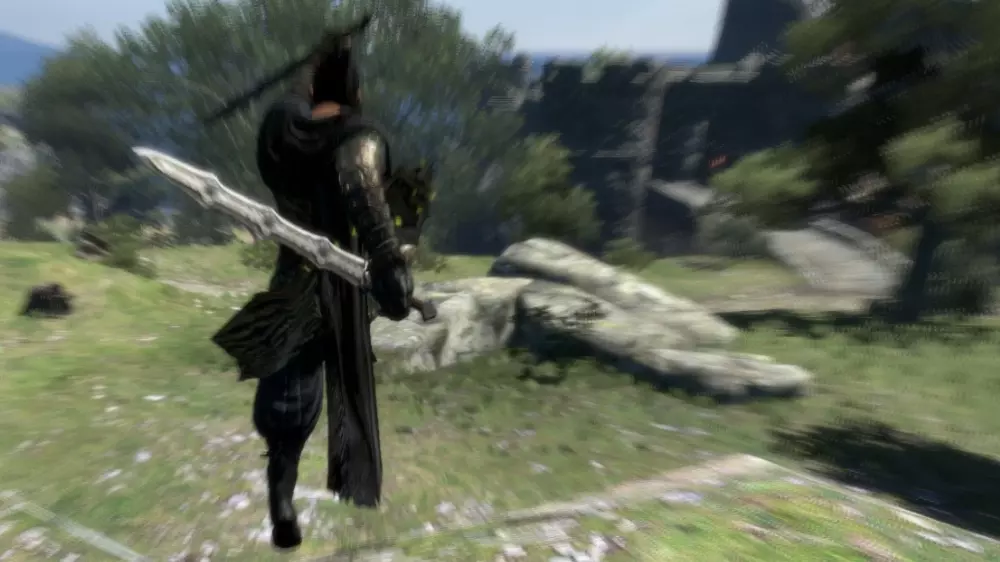
创建者:shaliye 【暗角移除器】 移除玩家相机的暗角效果,不会像ENB那样影响性能,同时保留过场动画中的暗角效果。 安装步骤: 1. 将此ZIP文件的所有内容解压到《龙之信条》文件夹中。该文件夹可通过在Steam上右键点击《龙之信条》,进入“属性”,选择“本地文件”选项卡,然后点击“浏览本地文件...”找到。 2. 下载ARCtool并将其解压到《龙之信条》文件夹。 3. 运行“Mod Installer - Vignette Remover v1”并按照说明操作,它会将你已安装的任何模组与此模组合并。不要跳过任何步骤。 卸载步骤: 将[Steam路径]steamappscommonDDDA Backup中的nativePC文件夹复制粘贴到[Steam路径]steamappscommonDDDA。由weaktofire制作 双波动剑 是否曾想让刺客/游侠双持长剑而非匕首? 这款简单的模型替换mod可将神圣剃刀替换为波动剑,助你实现愿望。 安装方法: 1. 备份原始dag005.arc文件,以便日后卸载。 2. 提取arc文件,并将其替换至Program Files Steam steamapps common DDDA nativePC rom wp w1路径下的原文件。 3. 启动游戏,享受武器的全新外观。
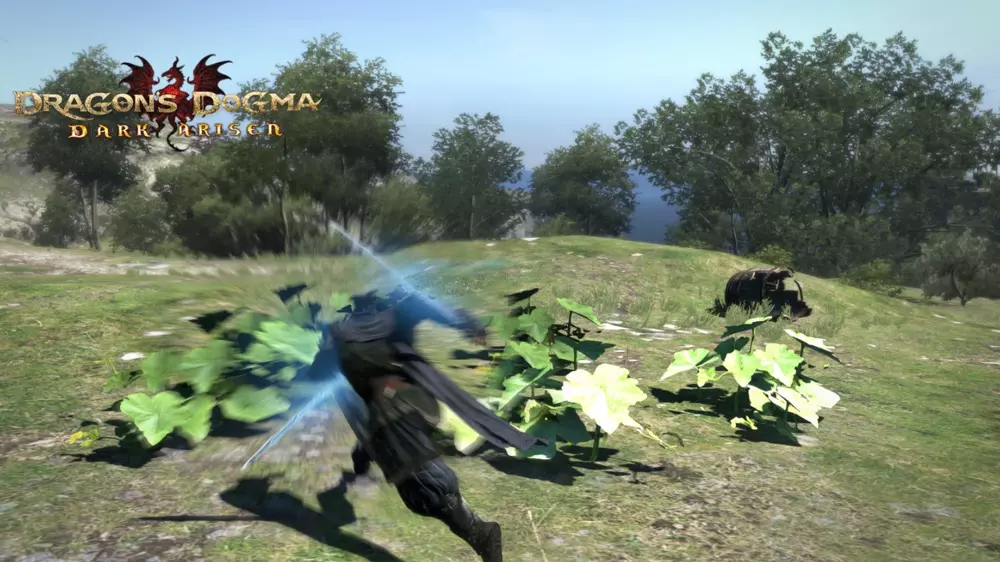
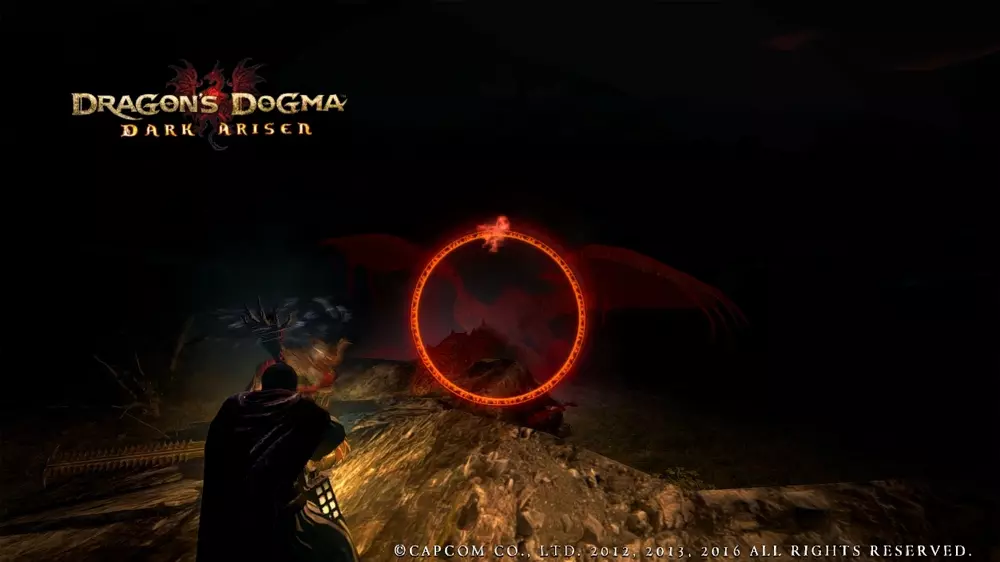
由KSlasher制作 改进版终焉仪式 这是法师所拥有的最具原创性的法术之一,但原版的应用范围相当狭窄,比如用于对付沉睡的蜥蜴人。现在情况不同了,这个法术无论是清理杂兵还是对抗更强大的敌人,都变得更加有效。 我提高了该法术两个版本的施法速度: 终焉仪式 ~3倍速 高等终焉仪式 ~4倍速 此外,我还略微提高了法球的移动速度,现在用键盘操控起来感觉更顺手了,不过对于游戏手柄的情况不太清楚(欢迎反馈)。此法术仍取决于你的魔法攻击力和敌人的暗属性抗性,因此理论上它不应该失衡,比如属性较低的法师也无法过快击杀强大的敌人,不过这一点仍需验证。我已让两个等级的法术在击杀时间上有所不同(顺便一提,原版中它们是相同的),因为这样感觉更平衡,但我也不确定。总之,这并非该法术的最终版本,我仍会对其进行调整。 安装方法: 将文件复制到【你的游戏文件夹】nativePC rom wp w1中,覆盖wan.arc文件。 【请务必备份】原始的wan.arc文件,以防你不喜欢修改后的效果并想要恢复到原版。
由Signette制作 高清界面物品及色彩 此mod将你背包中物品的分辨率更改为新的4K分辨率,且不会造成任何性能损失。 安装步骤: 1. 将game_main.arc文件复制粘贴到其他位置。 2. 使用Arc Extractor and Repacker和Image Viewer打开该文件(选择game_main.arc并点击提取)。 3. 此时你应该在同一位置看到一个名为game_main的文件夹。 4. 在我的压缩包中有一个名为game_main的文件夹,将其提取到与你现有的game_main文件夹相同的位置,并按是覆盖文件。 5. 现在你拥有一个包含我的mod的游戏文件夹。 6. 再次使用Arc Extractor,重新选择你复制的game_main.arc文件,这次点击重新打包。 7. 短暂加载后,你的game_main.arc文件现已完成mod安装。将其放入您的rom文件夹(C: Program Files(x86) Steam steamapps common DA nativePC rom),操作完成! 创建者:Marcmad 无披风穿模 我个人不喜欢披风在行走或奔跑时与腿部产生的穿模现象,因此决定修复这个问题。现在披风在移动时看起来非常美观。 让我们从我最喜欢的【炼金术披风】开始。 安装方法:将压缩包内容复制到游戏文件夹 创建者:BonusJZ 官方Ragna_Ikari Steam指南
https://steamcommunity.com/sharedfiles/filedetails/?id=3000054506 Rate, Reward & Add To Favorite!

更新日志 2023年7月27日 创建指南