换一换
换一换 


Forget about fixed values, learn to craft your setting according to your wheel and your style. It is possible that some direct force wheels or very special hardware could need special, different approach. But these simple steps should provide you with a happy baseline which is immersive and enhances your consistency. I had a 3 year old FFB profile and i found that was completely wrong so i started from scratch, it was slow but you should feel comfortable immediately, good settings wont set you back on lap times or overall feeling, on the contrary you should find turns that gave you headache surprisingly easy if you make improvements on your FFB settings. Where to start DISABLE: -Effects (Kerb, Road, Slip, ABS) for now, effects are just additional info on the surface but they will interfere with your feedback building process, as they will corrupt your spiking detection. -Both center boosts, but keep force feedback post processing enabled. If you nail the settings, you wont ever need center enhancement, and again if you start with any, you wont be able to set your baseline properly -Minimum force, this is extremely useful for finetuning, but not at start. -Enhanced understeer, you dont want any corruption, understeer will be perfectly reported on a good setup. -Experimental, maybe a super profesional wheel can model gyro effects, but even then this would be a late priority by far. PER WHEEL: Keep it clean of additional effects, centering springs and dampening, but please refer to comunity guidelines per maker/model. Setting max forces and filtering spikes CHOOSE YOUR BENCHMARK CAR: -After you have found your setup you will be able to dial any car or class with just one slider but still is preferable to use a car of a class you favor. As a personal recommendation kunos F40 is a good, difficult car to drive, the better your feedback, the sooner you will know it is going to bite you. GAIN -Set your gain (via wheel settings and ingame settings) to 100 UNLESS you are on a high end/direct drive wheel, be very careful on special hardware as super strong wheels are capable of injure. FILTER -Start on 0, at 100% gain it is surely wrong, but you need to increase this in baby steps. EARLY ROLLS -Start a testdrive slowly and check if the steering effort makes sense, surely you will feel void response and clacking on a logitech wheel, if the spiking is too hard it will bounce maybe even without driving, then increase filter in 10% increments until you get rid of self input, then add another 10%, this is a mandatory process where you need to clip those jarring that will produce input even if you are holding straight or wil corrupt your own input. So if you prefer stronger feedback this needs to be pretty high. Peak forces arent abundant on turning or countersteering unless the track is very bumpy or the car has insanely strong downforce with rock suspensions to cope with it. FILTERING DONE -Now that you are comfortable with your wheel not feeling like a chainsaw, go the nearest turn and oversteer like at speed so you have the mass and the speed of the car fighting your countersteer. Set the gain up or down as a rule of thumb it is better to adjust it on sim than on the wheel software. Just care for max effort for now. Minimum Force and Gamma=This is it -The next two settings are by far the most relevant, by a big margin, and where you need to invest the most, these two will make or break your experience. WHAT THEY DO -Minimum force: this is a ramp up of strength, you could view it as a static increase in weight never-go-below even when going straight, it will fix the void or empty feel which is very annoying and produce unwanted input because was difficult to anticipate sudden presence of forces when you had 0 before. But beware, going ham on minimum force will mask changes of load and will make you very solid going straight but will make you numb of load changes and transitions. As a matter of fact i got mine to 0.5%! and im not getting any problems with my most feared cars i never go out of load and oncenter feel is meaty. This is because our next guest the gamma, is a way smarter setting. I would recomend 1 digit values. -Gamma: Alright this is your best friend and i wish i got better info in time. As no wheel is perfectly linear (IE: sim sends to the wheel an increase of 30% load and your wheel gives you 20%, you are closer to understeer than you are feeling) this will change how the forces ramp up, lets say more eagerly or lazier. But there is no perfect setting, meatier curve 100<- will feel steadier but instead will slow down countersteering (logitech wheels are very sensitive in this matter) and a lazier curve ->100 will make your turning and corrections faster but emptier of feel. So start from 100, it is important that you havent overshoot your minimum force, as Gamma is a smarter setting more relevant to the entire static and transient forces spectrum. So if you feel steering a little sluggish for corrections, go a little above 100, but just a little as increasing this value will make your driving twitchy, so if you feel like going on rails, be sure to tame your gain or your minimum force closer to 0. The most desired effect is going lower on the gamma, as the steering will feel meatier, and your lines will be more consistent. There is no correct value but closer to 100 means purer response, even if its not perfectly linear. Too much below 100 will flatten dynamics and devoid yourself of useful feedback. By now you should be more aware of your 4 main sliders, with these perfectly balanced you should have info and feel steering load at constant radius turns, meaty turn-ins, informative unload when the tail is loosening out. What about the rest? WHY I DONT LIKE CENTER BOOST Whenever you are outside this patched zone, forces falls, and mastering the previous settings should give you all your oncenter needs. FINE, WHAT ABOUT EFFECTS Now feel free to increase them for a nice, immersive informative layer, they should never corrupt your input, i like them in a "be there" level. ENHANCED UNDERSTEER EFFECT Maybe a cheap wheel could find some use, but with proper settings you will never get suprised by understeer, you will know way sooner by the beatiful constant and turn in load AC is capable of.
FFB 移除不良设置!任何方向盘

2026-02-19 04:00:23
转载

导读
这篇帖子分享了适用于任何方向盘的FFB(力反馈)不良设置移除及基础调校方法,先指导禁用Effects、中心增益等干扰设置,再讲解选择基准车、设置最大力与过滤尖峰,重点调校最小力和Gamma这两个关键参数,帮玩家打造适配自身方向盘与驾驶风格的FFB设置,提升驾驶体验与圈速表现。


评论
共0条评论

FFB 设置示例
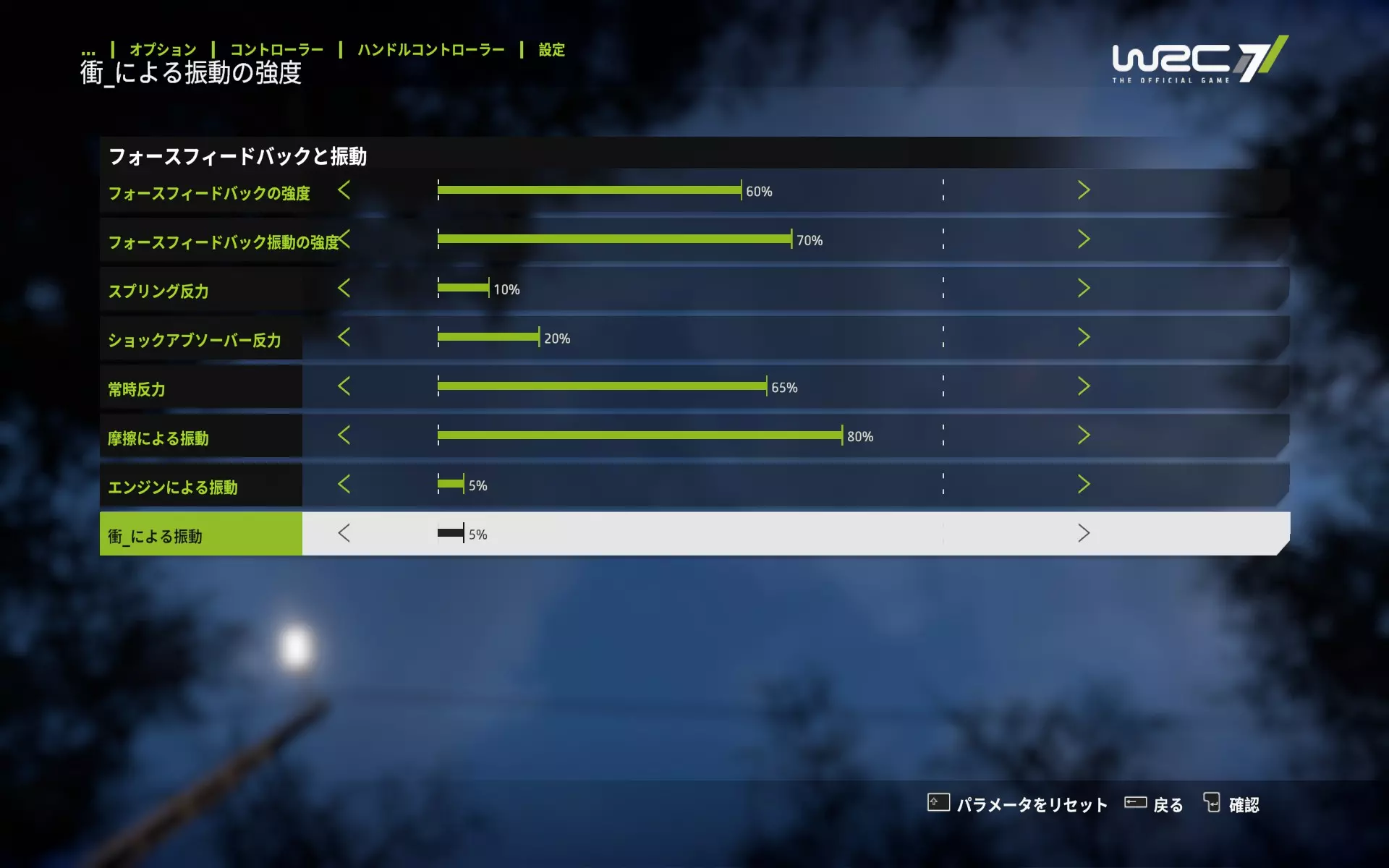
《世界汽车拉力锦标赛7》方向盘控制器力反馈(FFB)设置参考 以下是使用方向盘控制器游玩《世界汽车拉力锦标赛7》时的力反馈(FFB)设置示例。 推荐力反馈设置及…
2026-02-14 07:000赞 · 0评论
Moza R12 莞罎
Moza R12基座–最佳设置与配置 Moza R12是一款面向模拟赛车爱好者的强劲直驱基座。本指南将为你介绍如何在Moza Pit House和《勒芒终极赛》…
2026-02-20 01:000赞 · 0评论
暂无更多
最新更新
- 为rFactor 2和《神力科莎》创建赛道 — 我将为大家介绍一系列由我创建的指南,这些指南描述了使用Bob Track Builder和3DSimEd为《神力科莎》及rFactor 2创建赛道的流程。 概述…
- 如何像西格玛男性一样驾驶 — 本指南将教你如何从一名普通车手成长为真正的西格玛车手。 选择你的西格玛座驾 第一步永远是选择能给你带来最强气场的赛车。 这是非常重要的一步,所以请谨慎选择。
- 如何安装《神力科莎》的模组 — 最简单的模组安装方法 可下载模组的网站 可查找模组的位置 → Assetto World 部分模组可能存在问题(例如,模组本身导致的模型或纹理缺失)
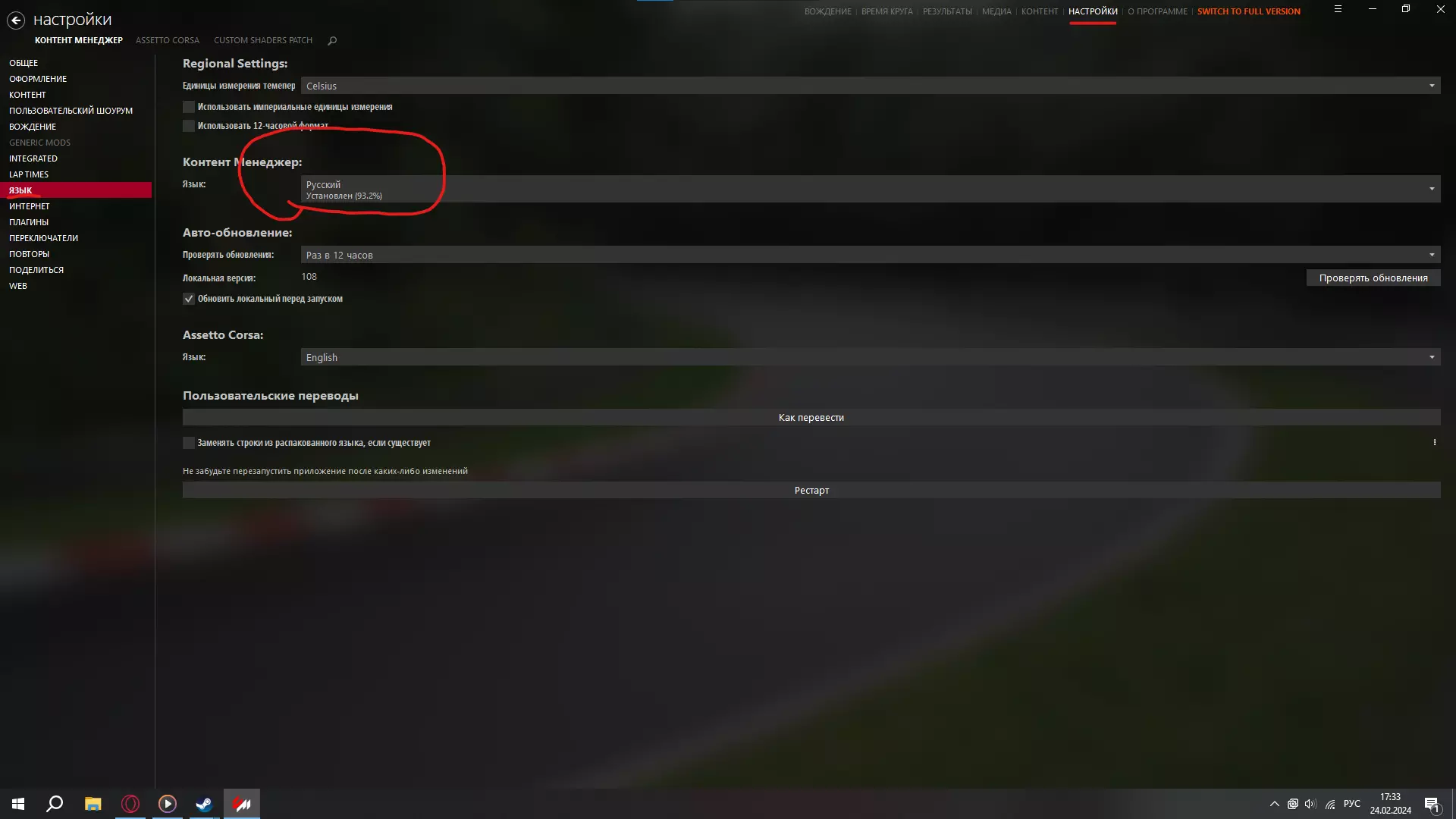
- 《神力科莎》俄文本地化补丁 V 1.0 — 《神力科莎》俄文语言设置详细指南 前言 大家好! 在购买正版之前,我花了很多时间玩盗版,我非常喜欢这款游戏,所以决定购买正版。但和大家可能遇到的情况一样,游戏中…
- 第一期AC指南 - 简单实用的设置参考表 — 转向过度与转向不足调校指南 转向过度
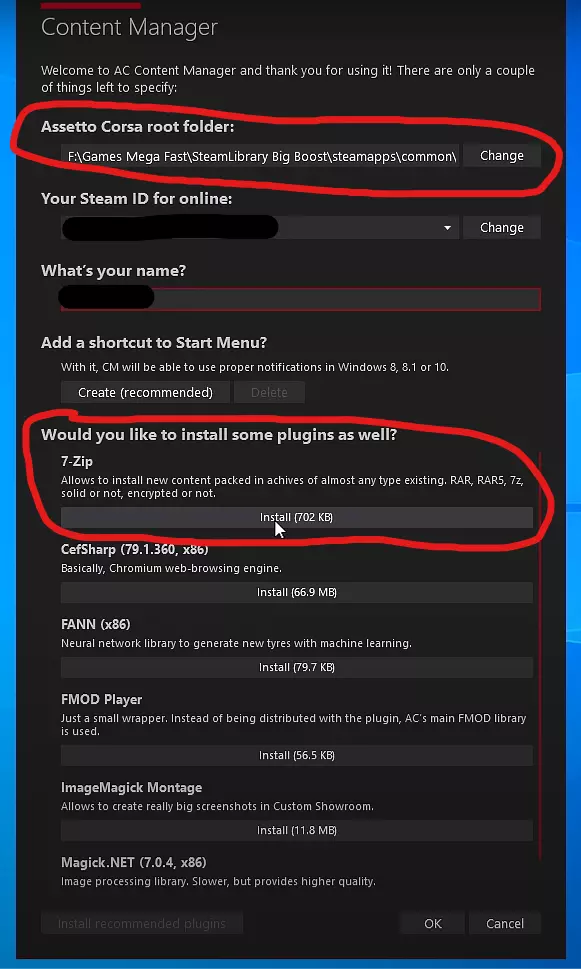
- 如何为《神力科莎》下载模组 — 如何为《神力科莎》下载模组及最佳模组推荐 步骤1 第一步是下载内容管理器。 内容管理器是一款替代启动器,强烈建议使用此启动器而非常规启动器。 安装后会弹出此菜单…
- 如何加速 — 本指南将告诉你如何加速。 步骤1: 踩下油门。 一如既往,我们下期再见。
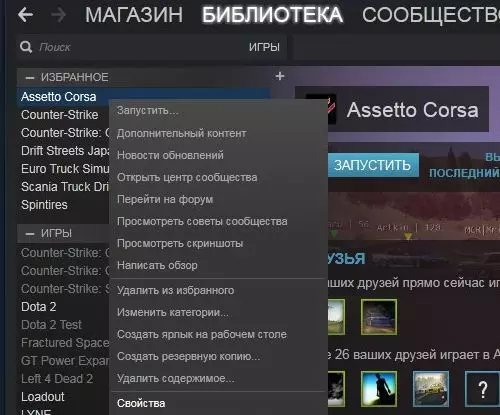
- 《神力科莎》中模组的安装方法 — 《神力科莎》模组安装方法 1. 进入库中找到《神力科莎》 2. 右键点击游戏
- SMP Racing 模组 — 启动你的引擎!SMP Esports的开发者们为模拟赛车爱好者准备了包含不同年代俄罗斯赛道和赛车的数据包。本指南将介绍如何下载、安装以及参与竞赛。 欢迎!(关于…
- 瑞恩·高斯林指南 — 有了这份指南,你将不只是追随瑞恩·高斯林在电影《亡命驾驶》中的脚步,还能亲身感受到那种让这个形象成为传奇的神秘与风格魅力。 如果你已认定自己就是瑞恩·高斯林,那…