换一换
换一换 


Things that helped me in my single player world. Trying to keep the game as vanilla as possible while also leading a busy life. Launch Options and Commands Ark>Properties>Launch Options type: -preventhibernation This makes sure that the whole map is rendered despite you not being in that zone. Dinos go into a hibernation state normally when not in render, which can mess with searching for dinos using this next command: In game hit TAB twice so you can see the whole command screen and type: cheat GetAllState <Creature ID> an example of this would be: cheat GetAllState Rhynio_Character_BP_C this command would tell you how many of that dino (in this case, Rhyniognatha) are in your map right now (be aware this includes tames) you can look up creature IDs using the dododex >>> Or~ there is this mod that does the exact same thing and shows you the location: https://steamcommunity.com/sharedfiles/filedetails/?id=1591643730&searchtext=respawn+timer cheat DestroyWildDinos this is a command that wipes all wild dinos from your map. Maybe you can force a spawn this way, but if its a rare spawn, it will take longer. Gigas, Rhynios, Charchs, and some others share a rare spawn. So if you notice one has spawned (perhaps by using the command GetAllState) and it isn't the one you wanted, you may need to do another dino wipe. RARE SPAWNS SHARE A SPAWN POOL!! Gigas, Charcas, Rhynios, and Quetzels share a spawn. They also take 24 irl hours to respawn after being killed/after a dino wipe. This bring up the next command: admincheat slomo <factor> Sets the speed of the passage of time on the server. <Factor> is a multiplier, so ‘1’ is normal, ‘2’ is twice the speed, and ‘0.5’ is half speed. AN EXAMPLE: (admincheat slomo 100) this would speed up the game greatly, and help with respawn timers for resources and dinos. UNCHECK options>advanced settings> GIVE DEFAULT SURVIVOR ITEMS 🔳 (this stops the downloading of armor, saddle, dino, etc skins being put into your inventory any time you die) My Setup This setup may not be for you, but this may help for those with not much time on their hands: First, we are going to add something to the code of our game. Right Click on Ark>Manage>Browse Local Files>Shooter Game>Saved>Config>WindowsNoEditor>Game.ini This is the file we will add to. Open it and scroll to the bottom and add this line of text: BabyImprintMultiplier=5 This allows for 100% imprinting in far less time. Bigger dinos still need some work, but it should be evenly balanced with the rest of this setup. Ok quick burst list time: General Settings: Difficulty = 1.0 Structure Resistance = 0.0 (Brontos can stop breaking my stuff thanks. Also no accidental punch damage..) XP Multiplier = 2.0 Taming Speed = 5.0 Harvest Amount = 2.0 (2.5 for official settings) DINO & PLAYER HEALTH RECOVERY = 3 (not necessary, but I hate waiting to heal) Non Dedicated Tether Distance = 100 (good for not getting pulled around the map when playing with friends) Enable Crosshair ☑️ Max Difficulty ☑️ Use Singleplayer Settings ☑️ Disable Structure Placement Collision ☑️ (not necessary but I like to build) Allow Flyer Speed Leveling ☑️ (Argy go nyoom) Advanced Settings: Allow Anyone Imprint Cuddle ☑️ (sharing is caring) Lay Egg Interval = 1.0 Mating Interval = 0.2 Mature Speed = 10.0 (needed for Rex to have time to imprint) Baby Cuddle Interval Multiplier = .05 Baby Cuddle Grace Period Multiplier = 10 Lose Imprint = .015 (aint nobody got time fo dat) Stat Scale = 5 (3 is probably better balanced tho) Night Time Speed = 3.0 (shorter nights means more time to play) Show Floating Damage Text ☑️ Allow Raid Dino Feeding ☑️ (this lets you keep/feed the Titanosaur you worked so hard to tame) Supply Crate Loot Quality = 3 (Ascended fixed the loot crates for a reason)Misc Settings: TOGGLE PVE AND PVP AS NEEDED: remember pvp will enable cryosickness, which leaves dinos unconscious if you take them out of their cryopods in too quick of succession to another dino, pve disables this, but you wont be able to un-alive your own dinos for xp, material gathering, or if needed to thin the crowd a bit CHECK UNDER MODS FOR CONVENIENT MOD FOR CRYOSICKNESS AND SORTING BABIES AND MUTATIONS! UNDER ADVANCED>ACTIVE EVENT: If you want something from one of the events you can activate it using this guide: https://help.akliz.net/docs/enable-ark-survival-evolved-events TRY OUT SETTINGS The best way to know if you like certain settings is simply to try them out. Play with settings yourself, I for instance prefer a slower decomp time, so my food doesn't spoil as quickly. Mods? Some people prefer not to use mods when playing a game. I respect that. I, however, will gladly take use of quality of life mods or mods that make the process of playing a game a bit less grindy. That being said, here are some I can recommend with the links: Note Tracker: for those who do not have the maps memorized yet: https://steamcommunity.com/sharedfiles/filedetails/?id=1631378184 Awesome Spyglass: an awesome quality of life mod, definitely recommend: https://steamcommunity.com/sharedfiles/filedetails/?id=1404697612 Reusable Plus: great for the start of a new game and for reusable bolas, parachutes, and grapples. No need to weigh down your inventory! https://steamcommunity.com/sharedfiles/filedetails/?id=693416678 Ultra Stacks: Because I don't need 1,693,254 stacks of prime meat in my inventory, thank you: https://steamcommunity.com/sharedfiles/filedetails/?id=761535755 Dino Tracker: Lost your dino? Know they aren't dead, but not sure where they are? Don't waste you valuable time, use this mod instead! https://steamcommunity.com/sharedfiles/filedetails/?id=924933745 That's all the ones that would keep things pretty simple. These next ones are not necessary, but can be useful. Definitely Mods Okay so here are some mods that widely change the game, but in a good way? If you are only looking for quality of life mods, this section is not for you. S+ Structures: this mod give you the blueprints to already in game items, just better versions of them. Whether they have more inventory space, or don't take gas and electricity to run, or just look better and snap to place, its just a really good mod for builders, also comes with omni tools to transport large amounts of items and custom structures to attend your dinos and crops, etc: https://steamcommunity.com/sharedfiles/filedetails/?id=731604991 I find it really well balanced when it comes to resources needed. Dino Storage V.2: This is the mod I mentioned earlier when it comes to avoiding cryosickness even in pvp and to have a much easier time sorting babies and mutations. HIGHLY RECOMMENDED: https://steamcommunity.com/sharedfiles/filedetails/?id=1609138312 Upgrade Station v1.8i: use your materials and upgrade your tools, and then augment them(augment station included in mod) to fine tune your upgrades! Done right with a higher crafting skill (i.e: after upgrading to ramshackle, you can simply create a blueprint with the blueprint station addon (comes with the mod) and craft over and over until you get a high durability, high damage item that is still cheap to repair) https://steamcommunity.com/sharedfiles/filedetails/?id=821530042 Better Beacons 2.0: Okayyyyy these ones are kinda cheesy.. But they tried their hardest to make it fair, and once again, they are making changes to the loot table in Ascended. I don't think its a coincidence. I DON'T NEED A COMPASS BLUEPRINT GAME!! THANKYOUVERYMUCH! https://steamcommunity.com/sharedfiles/filedetails/?id=506506101 https://steamcommunity.com/sharedfiles/filedetails/?id=3108122319 You can use one or the other, I wouldn't recommend you use both at the same time. Some mods that just make sense: MarniiMods Hairstyles: I'm a chica with short hair and I have made it my ENTIRE identity. I don't want my hair long irl, I don't want it long in game. Thankfully this mod gives you options, and also comes with a Stylist Table that you can make a potion to stop you eyebrows from going caveman. Among other things of course. https://steamcommunity.com/sharedfiles/filedetails/?id=2357644511I like to customize my character, and if you do too here are some mods for that:Clothing Mod: https://steamcommunity.com/sharedfiles/filedetails/?id=2658259820 (easier on the download speed than the Cliffans ones) I removed the Cliffans wardrobe as it needs an update to function properly. A repost from earlier, explained in "Launch Options and Commands". If you have no time to search for dinos (ESPECIALLY rare spawns). https://steamcommunity.com/sharedfiles/filedetails/?id=1591643730&searchtext=respawn+timer Fixing Mods? Here's what I learned! If a mod isn't working for you but it is for others, likely the files corrupted on download. Here are some steps to fix that. FIRST! Favorite the mod you are trying to download (so it's easy to find later) and unsubscribe from it. Go to: D: SteamLibrary steamapps common ARK ShooterGame Content Mods You can also reach the Ark folder by right-clicking your game>Manage>Browse Local Files Ok, now go to the Steam workshop where you mod is. Look up at the url under STORE LIBRARY COMMUNITY PROFILE The URL looks like: https://steamcommunity.com/sharedfiles/filedetails/?id=812655342 This is the URL for Automated Ark. Do you see the numbers on the end?This shows the number sequence would be this: 812655342. Go back to your mods folder and find the file with the name exactly the same as the number sequence, delete the folder entirely. Now that the mod is no longer on your computer, you have a clean slate to try downloading it again! Go back to the workshop and subscribe to the mod, wait for it to download, and when you boot up Ark make sure to wait until it longer says "Installing Mods" in the lower right-hand corner. Hopefully that helps, I will be adding to this post as I find more things I may want to remember in the future, or I think may help others! Tips and Tricks Tips and tricks to make things go more smoothly, and a good reminder for the future! Please comment below if you have any good tips for new/busy players. Thanks for reading, and happy hunting! ^///^ You can attach one jar of honey to a fishing rod, and it will NEVER SPOIL. This way, you can always be prepared for a Liopleurodon! RHYNIOGNATHA TIP- All of the currently known cravings for host creatures include: Giga eggs Carchars eggs Quetzal eggs Golden hesperornis eggs All kibbles Shadow steak saute Fria curry Enduro stew Focal chilli Lazarus chowder Veggie cakes Black pearls Achatina paste Gasoline Element Rhino horns Ammonite bile Bee honey Battle tartarBe prepared before trying to tame! Rhyniognatha is a late-game tame! To get 100% host quality the dino needs to have a drag weight of over 650, so your options are Brontos, Gigas, and Carchas. I guess a rock golem or a space whale might work too but you can't breed those without mods so there's not much purpose to using them as a host. _____________________________________
技巧、窍门与模组

2026-02-22 03:01:42

导读
这篇《方舟:生存进化》单人游玩技巧帖,分享了实用启动选项、游戏指令,如-preventhibernation防止恐龙休眠、cheat GetAllState查询恐龙数量等,还推荐了多款提升游戏体验的模组,以及适合忙碌玩家的游戏设置调整方案,助力高效游玩。

评论
共0条评论

上帝模式 方舟生存进化上帝模式怎么开 上帝模式开启方法
方舟生存进化这款游戏中可以实现上帝模式,玩家可以自由操控世界。很多玩家都想知道方舟生存进化上帝模式怎么开?游戏中的上帝模式可以为玩家带来很好的游戏体验,玩家就可…
2025-12-12 04:370赞 · 0评论

《我的世界》物品掉落翻倍挑战怎么做?指令/模组使用教程与挑战结局分享
《我的世界》物品掉落翻倍挑战,没想到最后竟然是这样的结局!挑战过程中,通过特殊指令或模组让怪物和矿石掉落物翻倍,本以为能轻松致富,结果却遇到了意想不到的麻烦和惊…
2026-07-19 21:070赞 · 0评论

方舟指令 方舟生存进化时间加速指令是什么 方舟生存进化时间加速指令分享
有很多玩家想知道方舟生存进化时间加速指令到底是什么?那么今天的文章里面,小编就来给大家进行详细的介绍,在方舟生存进化这款游戏中,大家在刚开始体验的时候,时间是由…
2025-11-15 20:040赞 · 0评论
上帝模式 方舟生存进化上帝模式怎么开无限耐久 上帝模式开启方法 已推荐
方舟生存进化上帝模式怎么开,上帝模式的开启可以帮助玩家获取一些特权,但是不少玩家不清楚如何开启上帝模式,今天小编就为大家带来方舟生存进化上帝模式开启方法,希望可…
2025-09-18 13:490赞 · 0评论

《方舟生存进化》萌新必看指令大全!NxArk耐心方舟PVP教学系列-指令教学攻略
2026-06-24 06:390赞 · 0评论

自制 当 我 尝 试 在 地 铁 跑 酷 输 指 令
-
2025-10-03 22:180赞 · 0评论

我的世界 在我的世界minecraft如何科学使用【出生点】和【复活点】?超多细节干货!
—————————————————————————————— 1.重生点为Y轴最高处方块,但床的重生点例外。 2.新玩家死亡后的重生点最开始是空的,需要指令来让…
2026-01-08 02:400赞 · 0评论

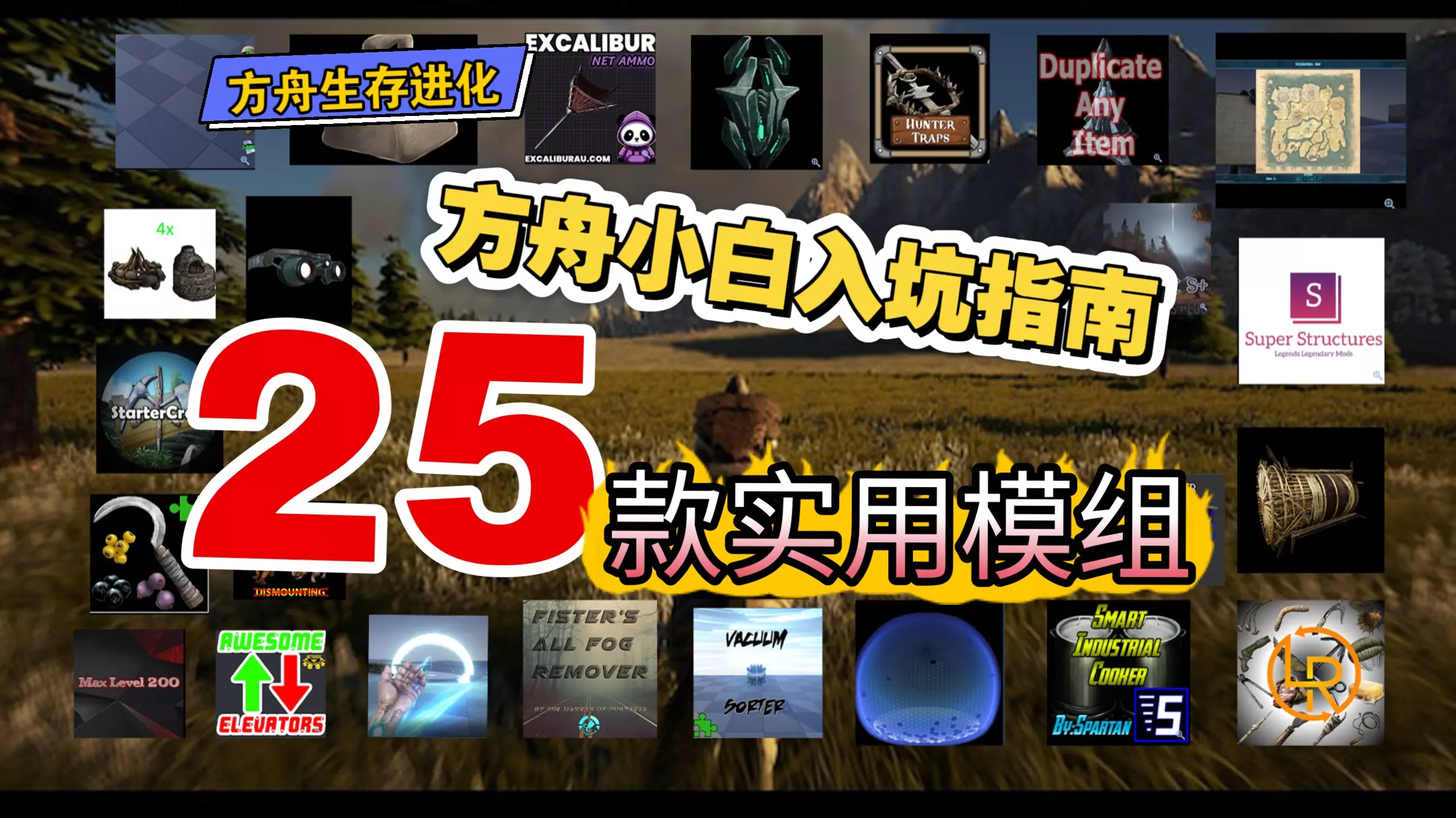
《方舟生存进化》模组怎么加?黑木推荐第27期:小白入坑必备模组清单,强烈安利!
-
2026-06-14 16:010赞 · 0评论
生存游戏 4K【方舟生存进化】新手教程:孤岛战斗龙,肯定有你喜欢的:恐狼、剑齿虎、大地懒、羽暴龙、霸王龙、棘背龙、南方巨兽龙、鲨齿龙
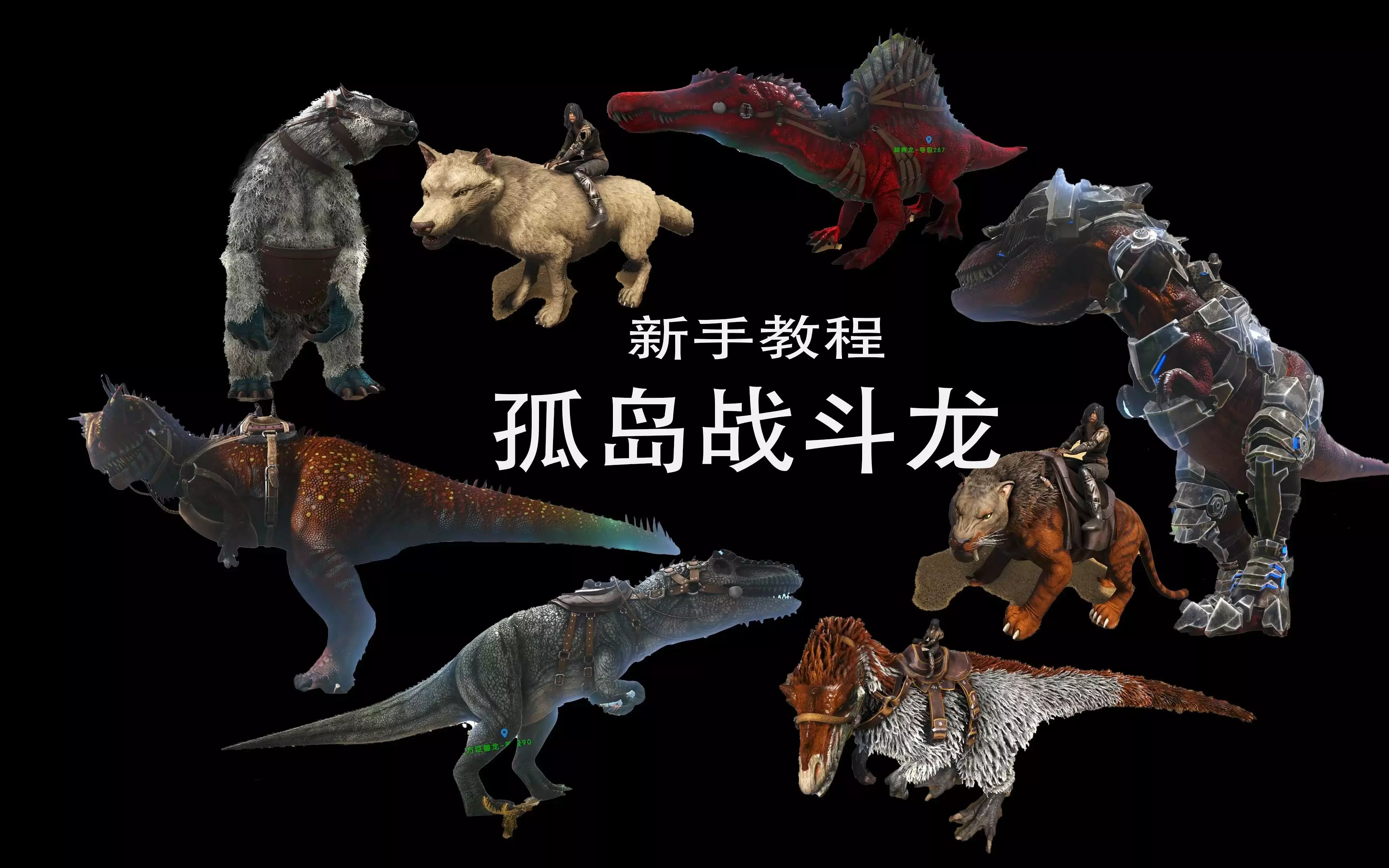
我是老实人,给的量比较大(主要是懒得一个一个往上传),所以视频比较长,但是已经尽我所能缩减时常了 本期用到的所有模组,这期视频都有介绍:【4K【方舟生存进化】这…
2026-01-01 08:230赞 · 0评论
方舟生存进化 【方舟】焦土4:我们不偷,我们只是蛋的搬运工
游戏:方舟生存进化 模组:awesome spyglass(创意工坊ID1404697612); RG+ Stack 5000-90(创意工坊ID2968414…
2025-12-18 00:270赞 · 0评论
暂无更多
最新更新
- 方舟生存进化忘忧在哪个地牢 — 在《方舟:生存进化》(ARK: Survival Evolved)这款以史前生物、硬核生存与开放世界探索为核心的沙盒游戏中,“忘忧”并非官方设定中的地牢名称、B…
- 《方舟创世二07》方舟打工鼠,赶路养龙全靠它!
- 《方舟创世二06》直面史前巨兽,驯服南方巨兽龙!
- 《方舟创世二05》方舟帝鳄:放风筝驯龙法,轻松拿下河流霸主
- 《方舟创世二04》驯服无敌鲨齿龙,巨型食人花降临
- 《方舟创世二03》小小满级霸王龙,轻松拿捏收入麾下!
- 《方舟创世二02》抓捕飞行恐龙翼龙,获得传说级电锯!
- 【猹某】方舟年度游戏史低折扣终于来了,萌新最佳入坑时机,全面入手攻略技巧教程! — -
- 《方舟创世二01》战甲配恐龙,我就是这片大陆最靓的仔!
- 【猹某】你要毁了这个游戏吗?方舟史上最毁灭性更新,模组全部失效!