换一换
换一换 


Much more friendly-reading site on Github Page (With Lame Humorous Sense) For Expedition 1-4, please use the re-run expeditions data. https://chrisn1992.github.io/Expedition-Replay-NMS/ Changelist: Since I'm pretty busy with life and work working on multiple projects and jobs at once, I don't really have time to actively update wall-of-text version, especially Steam guide. I will instead actively update expedition data on my Github Page which saves a lot of time editing contents and also give a better approach, avoiding tampering system date&time. The Github Page can be found on the header of the Guide. Version: 1.0: Initial Content 1.1: Update with cache file for Offline mode from Expedition 1 (Pioneer) [See Steps section] 1.2: Update with cache file for Offline mode from Expedition 2 & 3 [See Steps section]; remove "Instant unlock" section due to duplication of other guides; updated title 1.3: Update with cache file for Offline mode from Expedition 4 [See Steps section] 1.4: Update with cache file for Offline mode from Expedition 5 (1-Rerun) [See Steps section] 1.5: Update with cache file for Offline mode from Expedition 6-7 (2/3-Rerun) [See Steps section] 1.6: Update with cache file for Offline mode from Expedition 8 (4-Rerun) [See Steps section] 1.7: Update with cache file for Offline mode from Expedition 9 (5) [See Steps section]; 1.8: Update with cache file for Offline mode from Expedition 10 (6) [See Steps section]; 1.9: Moved to GitHub Pages, Update Script to Start with "almost" full slots to avoid incompatible starting slots from pre-Waypoint, always spawn at ship, always starting with Capital ship. Expedition Update Since update 3.3(namely Expedition), Hello Games gives us all Travellers a chance to explorer the Universe together. Expedition is a community-driven time-limited event which has multiple phases and sub-missions for us to complete and explore the secret of Universe. We have gone on 3 expeditions so far, new expeditions are coming on the way. Background Because it is community-driven and time-limited events, we will not be able to revisit the past expeditions due to the nature of events without a trick. Steps What do you need? For the people who cannot afford to finish all milestones before the deadline, you need your intact Expedition save game. For the people who comes late to the expedition, who has their save converted, you need a spare save slot. What to do? Download and replace file in the path with: %APPDATA% Roaming HelloGames NMS st_[yourSteamId64] cache SEASON_DATA_CACHE.JSONExpedition 1[raw.githubusercontent.com] Expedition 2[raw.githubusercontent.com] Expedition 3[raw.githubusercontent.com] Expedition 4[raw.githubusercontent.com] Expedition 5 (1-Rerun)[raw.githubusercontent.com] Expedition 6 (2-Rerun)[raw.githubusercontent.com] Expedition 7 (3-Rerun)[raw.githubusercontent.com] Expedition 8 (4-Rerun)[raw.githubusercontent.com] Expedition 9 (5)[raw.githubusercontent.com] Expedition 10 (6)[raw.githubusercontent.com] Put your computer into completely offline by turn off Internet connection/or put Steam into Offline Set your system clock to the time range of the specific expedition(see below table) Expedition Start Time End Time 1 Monday, March 1, 2021 12:00:00 AM UTC Monday, May 17, 2021 12:00:00 AM UTC 2 Monday, May 17, 2021 01:00:00 PM UTC Monday, May 31, 2021 02:00:00 PM UTC 3 Wednesday, September 8, 2021 01:00:00 PM UTC Monday, October 18, 2021 10:00:00 AM UTC 4 Wednesday, October 20, 2021 12:00:00 PM UTC Monday, November 22, 2021 10:00:00 AM UTC 5 (1-Rerun) Wednesday, November 24, 2021 2:00:00 PMUTC Tuesday, December 7, 2021 2:00:00 PM UTC 6 (2-Rerun) Wednesday, 8 December 2021 2:00:00 PM Tuesday, 21 December 2021 2:00:00 PM 7 (3-Rerun) Wednesday, 22 December 2021 2:00:00 PM Tuesday, 4 January 2022 2:00:00 PM 8 (4-Rerun) Wednesday, 5 January 2022 14:00:00 Wednesday, 19 January 2022 14:00:00 9 (5) Thu Feb 24 2022 11:00:00 Tue Apr 04 2022 23:59:00 10 (6) Thu Apr 14 2022 10:00:00 Mon May 23 2022 00:00:00 Get into the game and enjoy Pros & Cons Pros You can play Expedition at any time you want on your save, with no pressure on your mind as long as you play the save in completely offline and Date set to permitted time range. No obstructed by other players buildings, no laggy spikes because of the Multiplayer. Cons You have to repeat all the steps each time you load your Expedition save. You have to go completely offline. No building obstruction is also backfiring: while in Online Multiplayer, other players' buildings may give you better advantages for a head-start, while in offline, you have to do it on your own( it is like you are playing a normal save) Notes During Expedition 2, you may encounter an issue that you cannot obtain the Myth Beacon from Quick Silver vendor. If it happens, you will need to give yourself the Myth Beacon by using any inventory editor you can find.
【如何利用漏洞】重温过往的远征

2026-03-02 03:31:46
转载

导读
这是一篇《无人深空》重温过往远征的攻略帖,介绍了利用Github Page的缓存文件,无需篡改系统时间即可重温1-10期远征的方法,还说明了各版本更新内容、操作步骤及优缺点,核心主关键词为无人深空远征,Github Page远征攻略。

评论
共0条评论

《无人深空》12年后玩家找到E3预告片起始星球,十周年远征彩蛋揭秘
《无人深空》十周年纪念远征“Our Journey Continues”上线后,玩家发现远征起始星球名为Oria V,发现者一栏显示hellogames-sea…
2026-09-18 14:100赞 · 0评论
《无人深空》10周年大更新“宇宙”上线,太空玩法全面革新
《无人深空》迎来十周年,Hello Games 推出名为“宇宙(COSMOS)”的大型 7.0 更新来庆祝这一纪念日。新内容主要是大规模重做游戏的太空部分,如今…
2026-09-10 02:400赞 · 0评论
《无人深空》老传统!肖恩·默里神秘表情暗示十周年“宇宙”更新将至
熟悉的预热方式又来了!Hello Games创始人肖恩·默里延续多年传统,在社交平台发布神秘表情,暗示《无人深空》备受期待的十周年纪念“Cosmos(宇宙)”大…
2026-09-06 18:100赞 · 0评论

《无人深空》被骂三年后逆袭:团队坚持更新,终成口碑神作
《无人深空》主创肖恩·默里近日回顾了 Hello Games 走出首发丑闻阴影的关键节点。他坦言,游戏发售后的头几年,尽管团队持续推出大规模免费更新,却始终无法…
2026-09-02 12:300赞 · 0评论
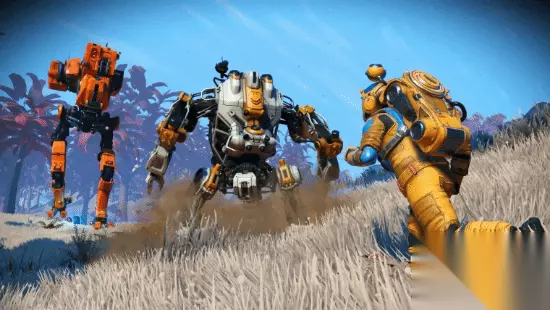
《无人深空》更新终有尽头?创始人坦言会有结束的一天
近日,Hello Games联合创始人Sean Murray在接受GamesRadar采访时,聊到了《无人深空》发售十周年后的未来规划。他坦言,虽然团队还在持续…
2026-09-02 12:170赞 · 0评论
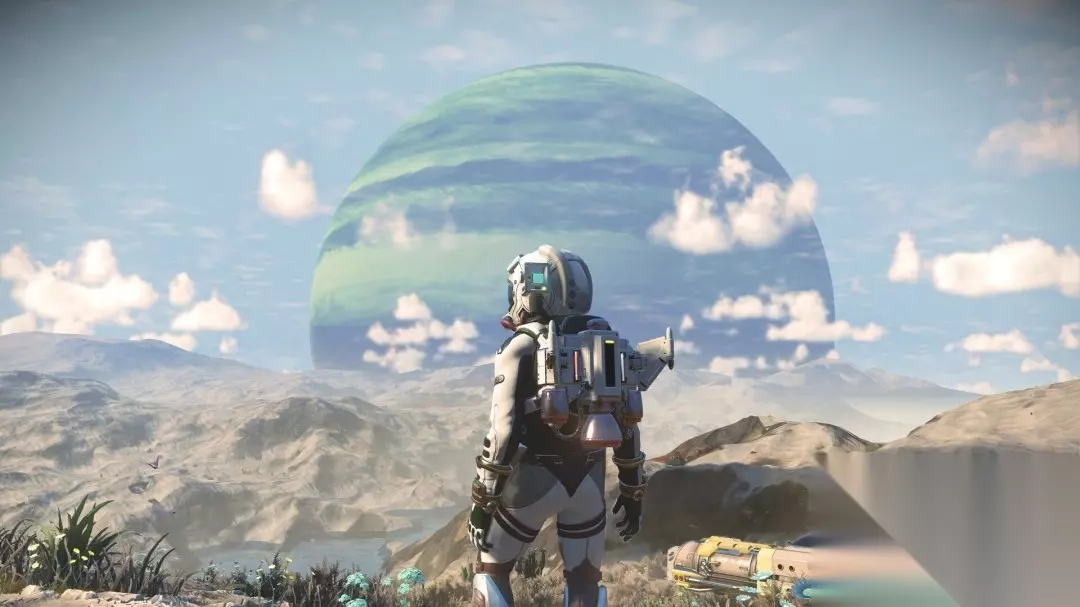
《无人深空》创始人自曝常玩2016初版,称其有独特魅力
Murray表示,他在玩《无人深空》1.0版本时,能感受到一种"神秘的银河频率",那是一种介于独立游戏、AA级和AAA级之间的独特空间感。"我个人真的很享受玩它…
2026-09-02 12:140赞 · 0评论
《无人深空》10周年40次更新,持续运营GOAT,2026在线峰值创新高
在《无人深空》迎来发售十周年之际,游戏的同时在线玩家数在2026年达到了新的峰值。Hello Games创始人肖恩·墨菲将这段经历形容为一场“狂野之旅”:从最初…
2026-09-02 11:460赞 · 0评论
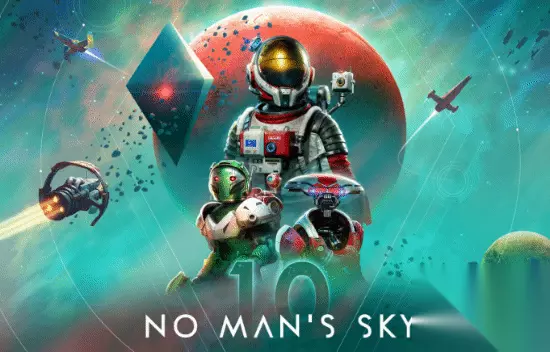
《无人深空》十周年庆典:玩家探索星球不足1%,新更新COSMOS预告
2026年8月9日是《无人深空》发售十周年。开发商Hello Games发布了十周年预告片,并在公开信中表示,十年间玩家累计探索的星球还不到总数的1%。 官方视…
2026-09-02 11:460赞 · 0评论
《无人深空》十周年纪念宣传片发布:从万人唾弃到万众瞩目
8月9日,《无人深空》迎来十周年。为庆祝这一里程碑,Hello Games 发布了新预告片,回顾过去十年成就,并公布了下一个大型更新“COSMOS”。
2026-09-02 11:450赞 · 0评论

《无人深空》制作人:损失几亿也无所谓,坚持只做免费更新
Hello Games的制作人肖恩·默里表示,即便《无人深空》因不推出付费DLC或微交易而损失巨额收益,他也毫不在意。他在接受GamesRadar+采访时强调,…
2026-09-02 11:450赞 · 0评论

暂无更多