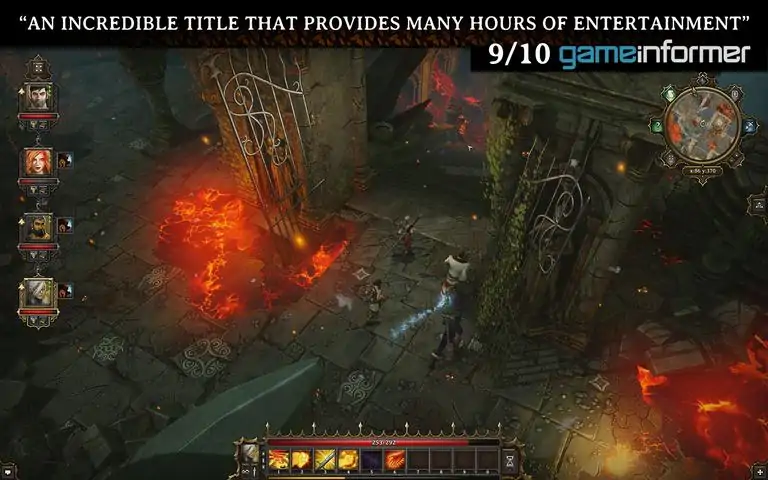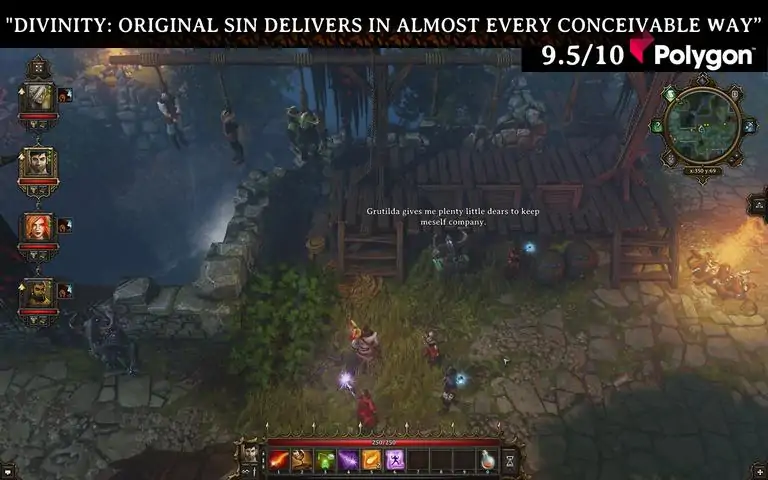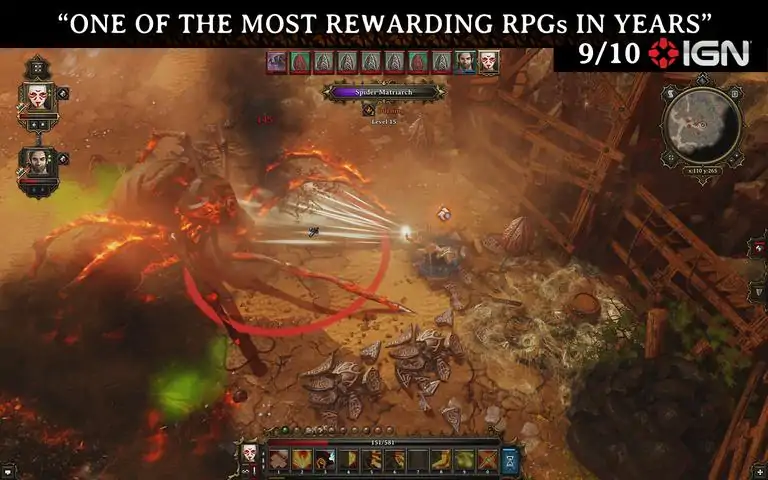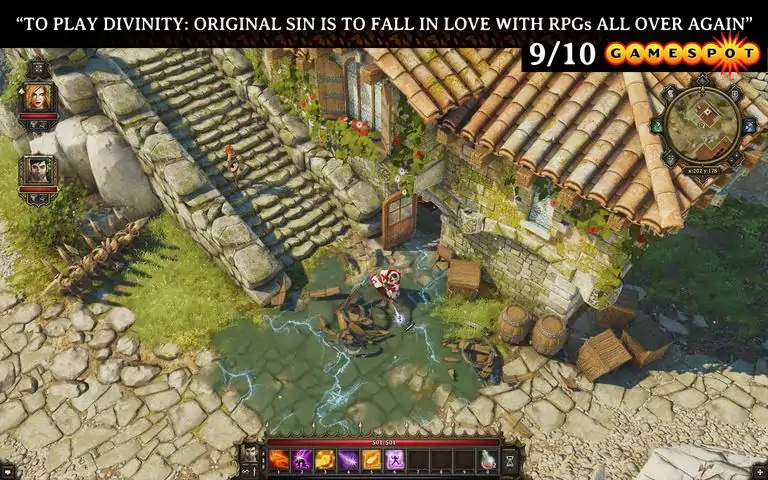

Gather your party and get ready for a new, back-to-the-roots RPG adventure! Discuss your decisions with companions; fight foes in turn-based combat; explore an open world and interact with everything and everyone you see. Join up with a friend to play online in co-op and make your own adventures with the powerful RPG toolkit. In Divinity: Original Sin you take on the role of a young Source Hunter: your job is to rid the world of those who use the foulest of magics. When you embark on what should have been a routine murder investigation, you suddenly find yourself in the middle of a plot that will rattle the very fabric of
本指南将介绍如何为《神界:原罪》(经典版)设置神界引擎(编辑器)。
简介
警告:
打开编辑器和主线故事模组将会剧透游戏内容!如果您希望在不被剧透的情况下完成游戏,请不要打开编辑器/主线模组!打开主线模组时请勿保存,这可能会损坏游戏及数据/关卡!
信息:
本指南将说明如何为《神界:原罪》(经典版)设置编辑器。您可以在Steam客户端的“库->工具”中找到名为“The Divinity Engine”的编辑器。使用该编辑器需要已安装游戏《神界:原罪》(经典版)。
建议使用8GB内存和64位操作系统来运行编辑器。较低配置的设备也能运行,但如果配置过低,可能无法打开所有关卡。第一步
启动编辑器后,你首先会看到的是这个:只需点击确定。
步骤2
接下来你会看到这个。其余设置可稍后更改(目前暂不需要,后续会进行说明)。
首先点击【GameDataPath】,选择你的《神界:原罪》数据文件夹:
...SteamApps common Divinity - Original Sin Data
若已填写完成,点击【EditorDataPath】并选择:
...SteamApps common Divinity - Original Sin Data Editor
(你也可以复制上一个路径并追加“ Editor”)
然后点击确定。
步骤3
接下来你应该会看到以下内容:现在你已准备好使用神界引擎创建模组啦!查看下一份编辑器指南,了解如何开始制作模组。