换一换
换一换 


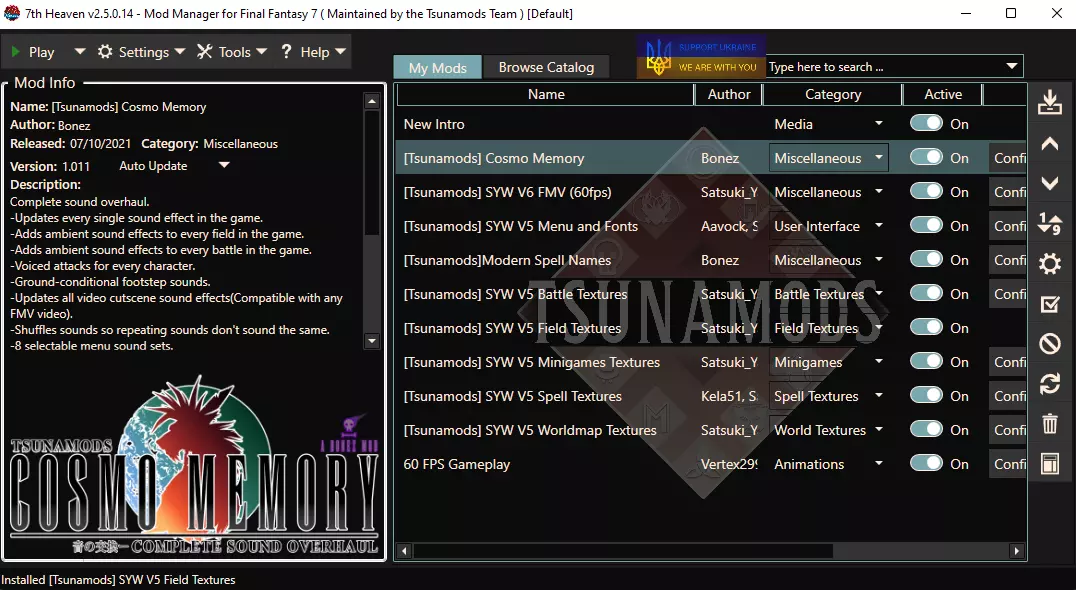
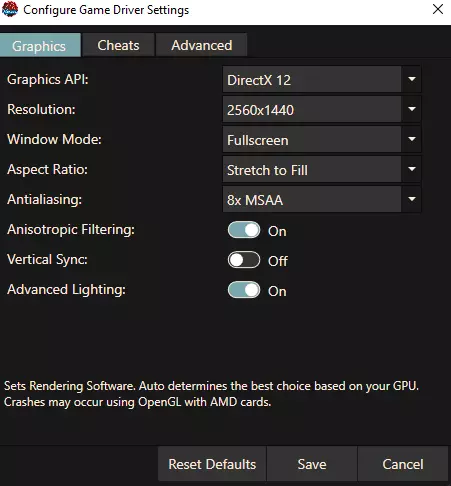
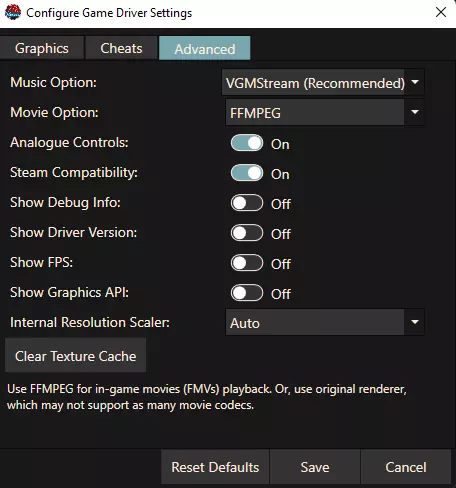
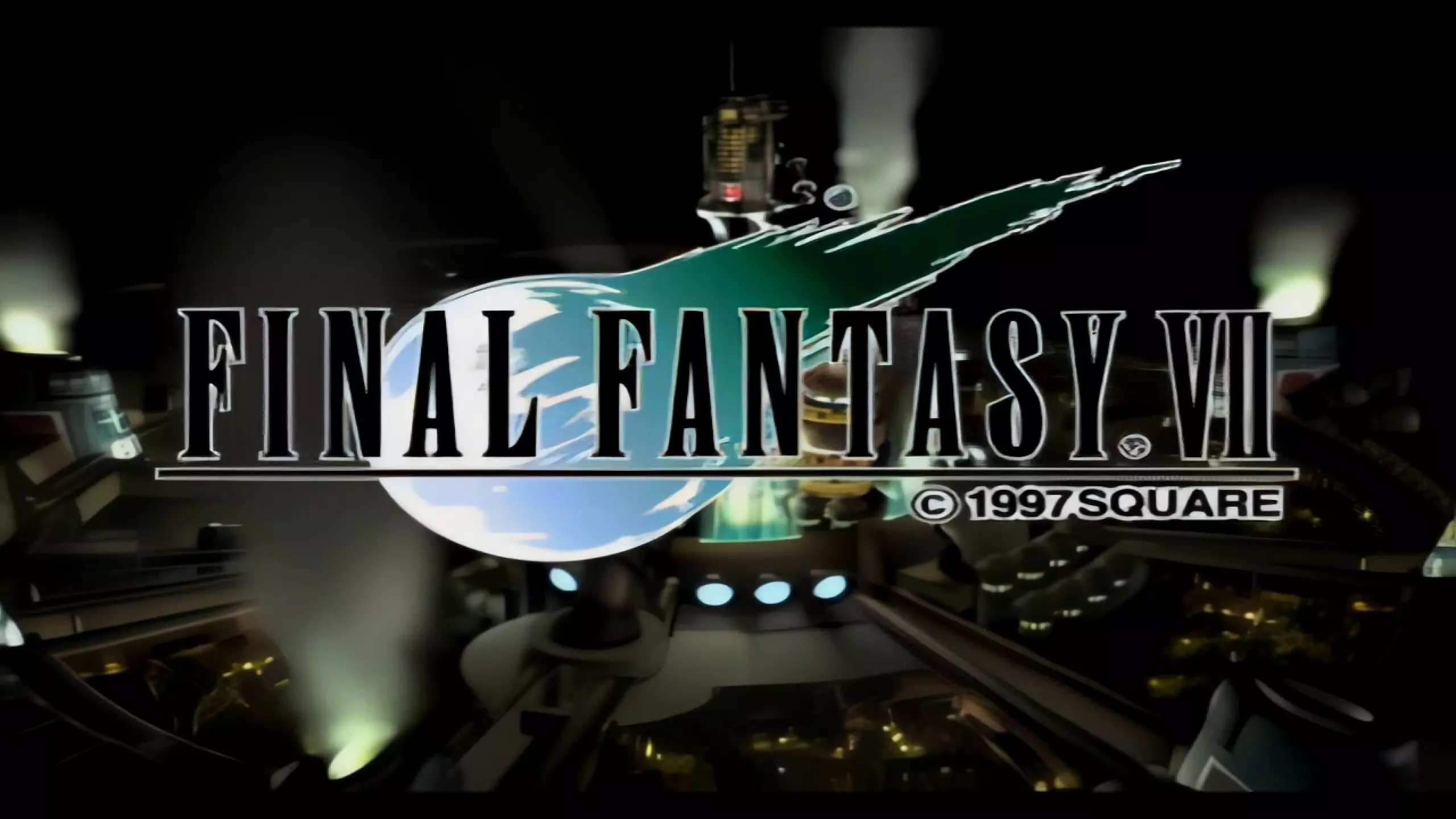
自从《最终幻想7 重制版》在Epic平台发布后,我就一直在研究它的模组。以下是我整理的一些优质模组列表,同时也包含了针对原版《最终幻想7》的模组部分。如果有任何问题,可以在评论区告诉我! 常见问题解答 1. 我需要先玩原版《最终幻想7》吗? 不需要,但如果玩过原版,能提升你的游戏体验。不过,如果你对克劳德和萨菲罗斯的了解仅来自《任天堂明星大乱斗》,也能理解剧情。我建议你在通关《最终幻想7 重制版》后,去Steam玩带模组的原版,或者游玩iOS/Android的移动版。 2. 《最终幻想7 重制版》需要多长时间通关? 大约40小时左右。 3. Intergrade是什么意思?Intergrade和Intermission有什么区别?有DLC吗? Intergrade是《最终幻想7 重制版》的PS5次世代升级版本名称。Intermission指的是包含在本体游戏捆绑包中的尤菲DLC,包含2个章节。 第二章什么时候发布?总共有多少部分? 《最终幻想7 重制版》第二章几天前刚发布了预告片。已确认这是一个三部曲游戏。 这是完整游戏吗? 是的!可以把它看作是在玩续作而不是重制版,每一部分的灵感都来自原版PS1《最终幻想7》的每张光盘内容。 有更简单的方法来完成这一切吗? Nexus Mods有一个名为Vortex的启动器,可以实现mod的一键安装和版本更新。 使用《最终幻想7 重制版》的FF7hook mod还能获得成就吗? 可以!由于这些模组仅解锁游戏已有的虚幻4引擎开发者设置,Steam不会认为你在以不符合成就解锁条件的方式编辑文件。 《最终幻想7》《最终幻想8:重制版》和《最终幻想9》的Steam模组资源 但我只想要原版《最终幻想7》更精美的重制版! 没问题。可以了解一下7th Heaven和Tsunamods,用于对Steam版原版《最终幻想7》进行模组化。 下面是我当前在模组管理器中使用的7th Heaven模组列表,以及FFNx.dll的游戏驱动设置。我推荐7th Heaven和FFNx的预览版,因为它们更新更频繁,并且能提供更多功能。如果遇到不稳定的情况,请切换到稳定分支。我的列表中的第一个模组只是对原始启动标志的放大版本,而非该模组自带的标志。若有人需要,可以留言。如果在第七天堂启动器中启用该选项并让Steam在后台保持开启状态,Steam成就仍会正常记录。以下是一些游戏截图,展示最终效果可能的样子。
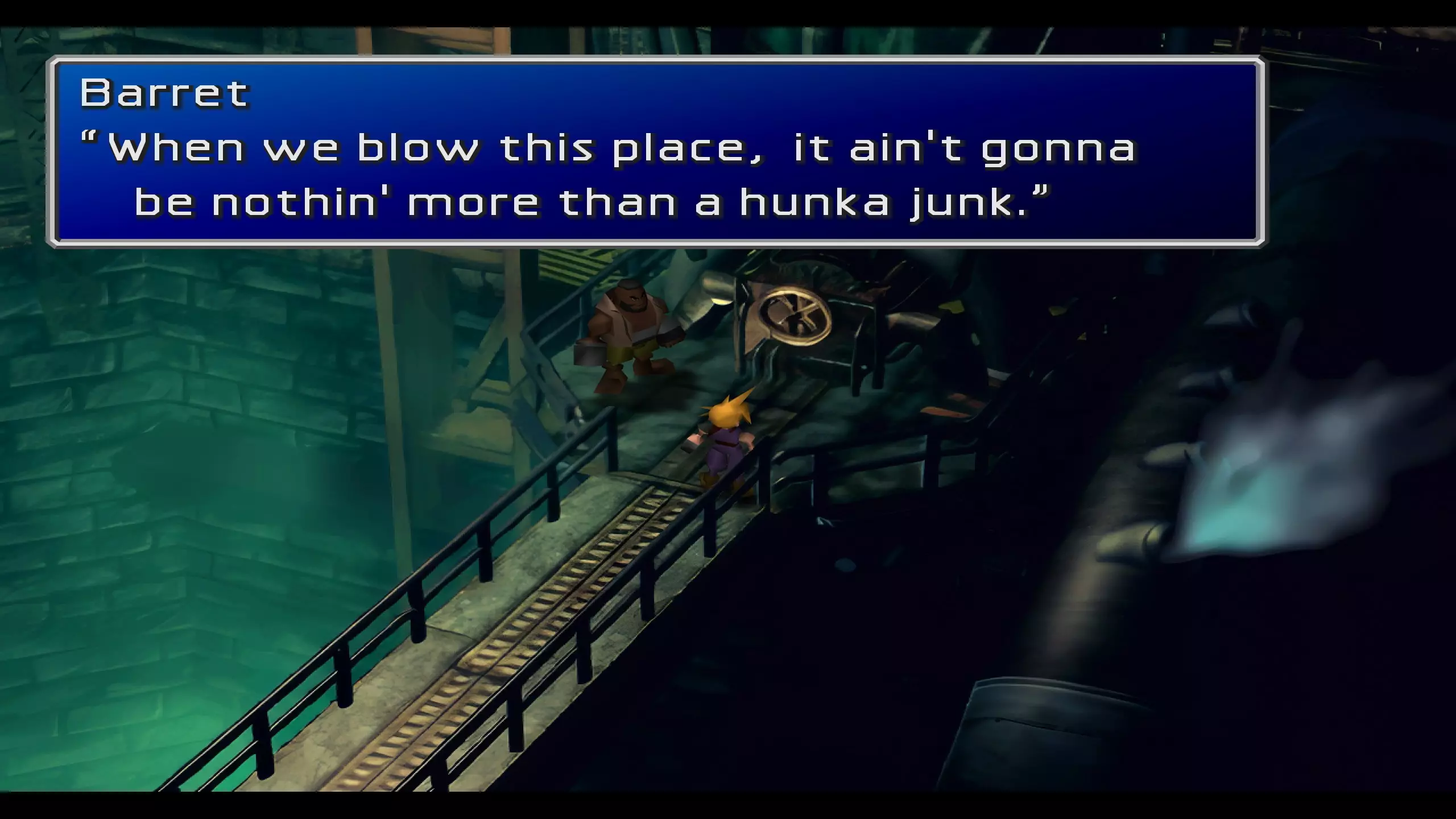
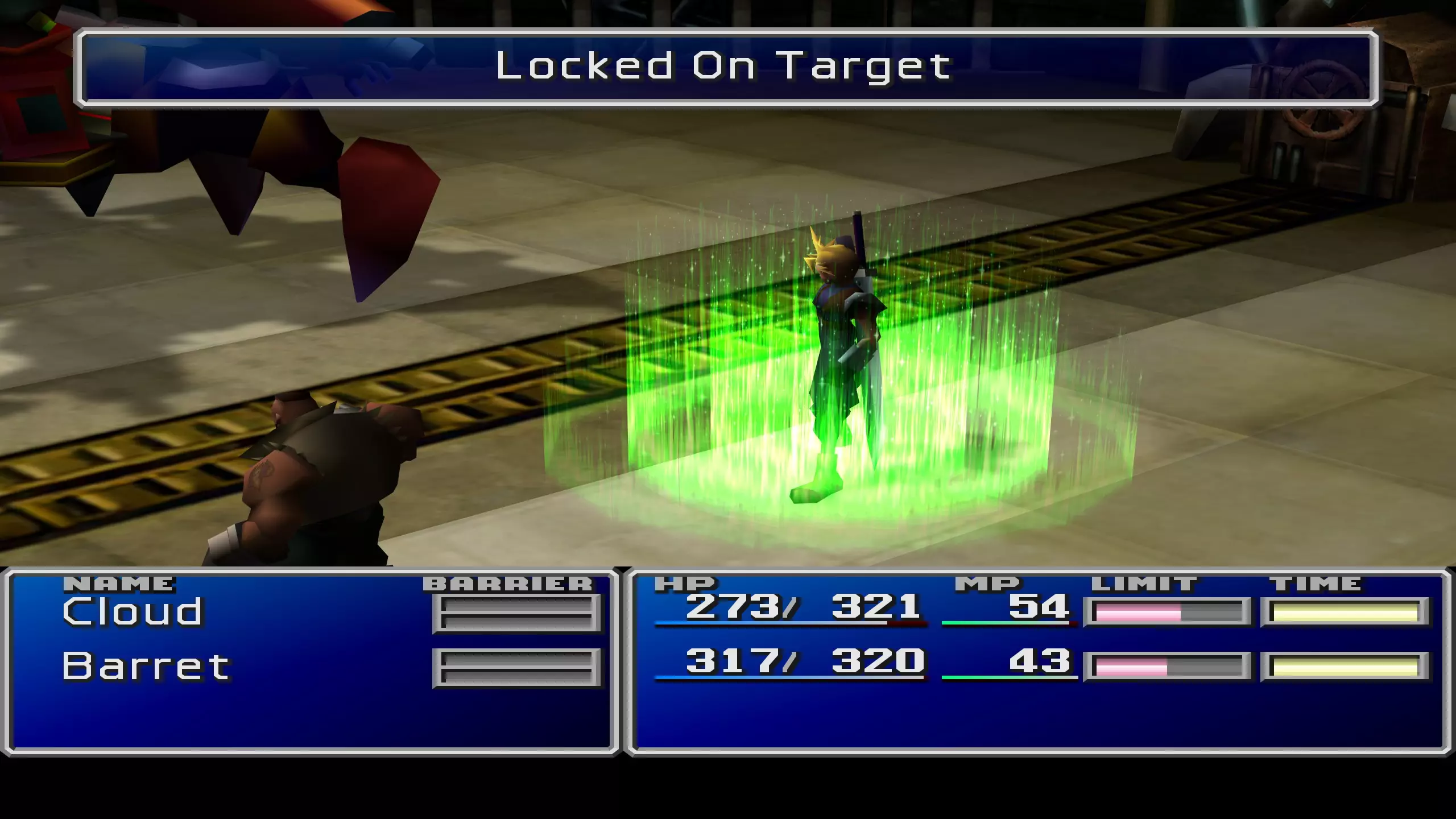
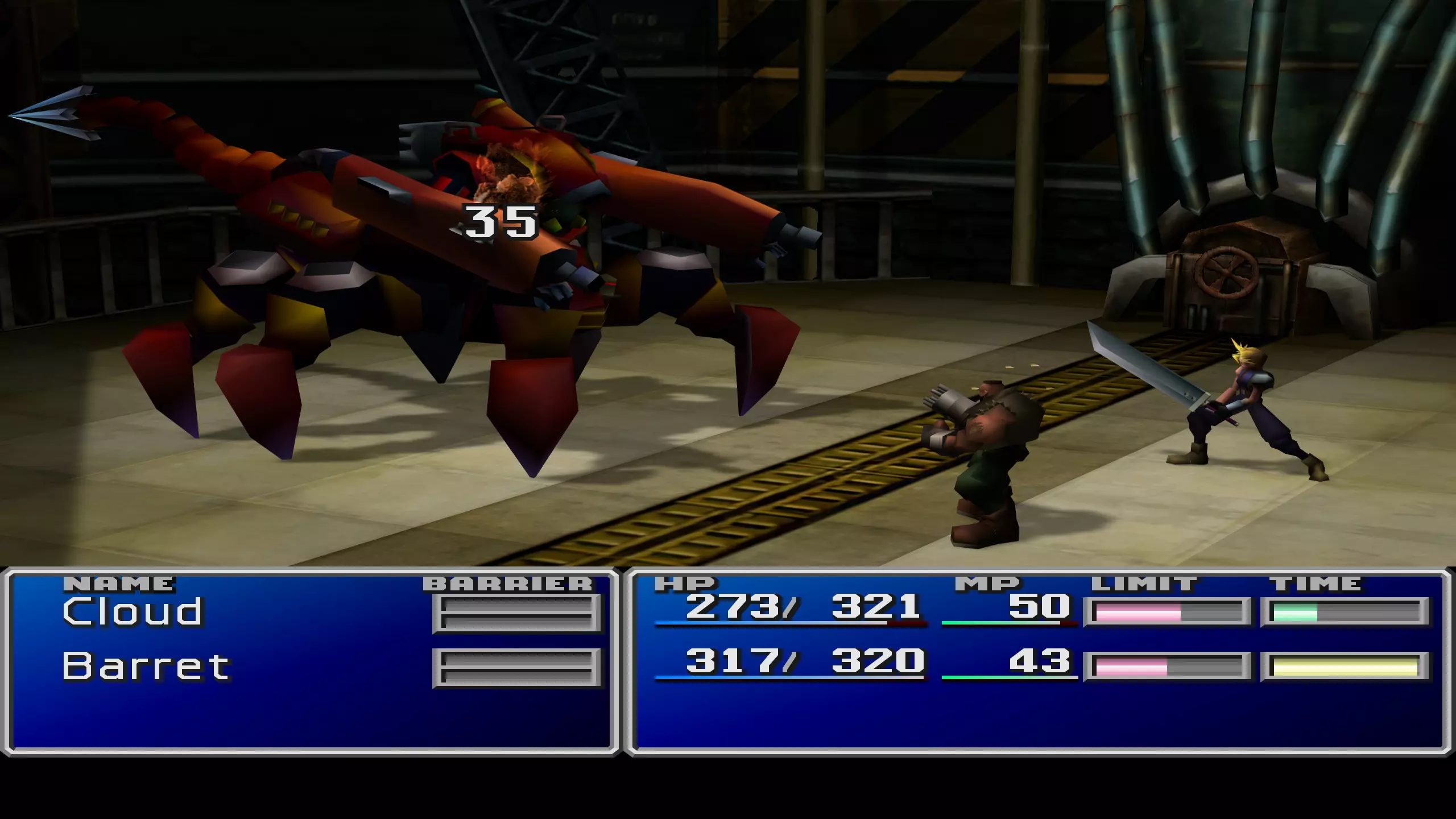
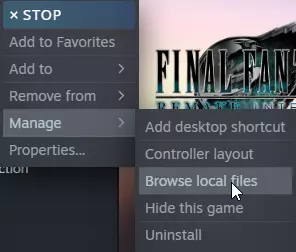
Are there any mods to improve FFVIII: Remastered or FFIX? Sure are. Here are some great resources: Final Fantasy VIII and VIII: Remastered: MCINDUS Mods for FFVIII and VIII Remastered on Patreon[www.patreon.com] https://steamcommunity.com/sharedfiles/filedetails/?id=1853489359 Final Fantasy IX: https://sites.google.com/view/moguri-mod/home Ultra-widescreen support, multi-monitor support & FOV adjustments Flawless Widesreen[www.flawlesswidescreen.org] Download and install the above installer. As per pcgamingwiki[www.pcgamingwiki.com]: Use Flawless Widescreen. This may result in FMVs being heavily cropped. A workaround is to tap F11 to switch to Windowed mode and also use the Flawless Widescreen hotkey (Ctrl+Alt+Z by default) to disable the fix during the cutscene. Tap F11 again and re-enable the fix with the hotkey when the cutscene ends to restore the fix and Borderless Fullscreen mode.[1] You can simplify the process by changing the hotkey in Flawless Widescreen to also be F11. Modding FF7R Part 1 and Intergrade Step 0: Make sure your graphics driver is up to date with 511.65 or above if on NVIDIA. There was a specific patch in the driver confirmed to fix FF7R stutters as per NVIDA reps: https://www.reddit.com/r/nvidia/comments/si564s/nvidia_told_me_today_that_the_new_driver_51165/ Also make sure you set your framerate to 90 or 120fps to disable the dynamic rez settings SqEx baked in for some reason. Step 1: Follow linked instructions to install FF7hook mod from Nexus Mods: https://www.nexusmods.com/finalfantasy7remake/mods/74 Extract and install the above to the path of your Steam install directory: End Binaries Win64 folder. Engine.ini and xinput.d should live in the same folder as the exe. Pay attention to the sample engine.ini. The next step will have us copying and pasting into it. Step 2: Follow the settings at pcgamingwiki [www.pcgamingwiki.com] and edit your engine.ini files as desired by copy and pasting code entries into engine.ini with notepad. Don’t forget to hit save. Step 3: Optional tweaks for additional graphically fidelity for high or low end cards can be found at: https://www.nexusmods.com/finalfantasy7remake/mods/98 Optional 4K Texture pack, recommended for 8GB VRAM+: https://www.nexusmods.com/finalfantasy7remake/mods/804 Optional Enhanced NPC Texture Fix from more detailed PS4 release: https://www.nexusmods.com/finalfantasy7remake/mods/451 Optional stutter fix for FMV’s. Available in EN and JP. https://www.nexusmods.com/finalfantasy7remake/mods/111 Step 4: Fixed button prompts in game per controller: Xbox prompts[www.nexusmods.com] PS4[www.nexusmods.com] PS5[www.nexusmods.com] Coming over from PS4 or PS5? Here are some save files to unlock hard mode and chapter selects: Save game files: FF7R 100% - https://www.nexusmods.com/finalfantasy7remake/mods/148 Intergrade 100% - https://www.nexusmods.com/finalfantasy7remake/mods/134 You've reached the bottom of this guide. Here's a mod for Sailor Moon outfits[www.nexusmods.com] just because you're awesome for reading this far. There's infinite possibilities to reskin on Nexus and for men or women of culture as well. Misc mod suggestions from the comment section that work really well with this guide Less Obnoxious Grunting in Cutscenes[www.nexusmods.com] I can't personally vouch since I play with the JP voices but a comment said it helped the EN voices. FOV 90 Plus[www.nexusmods.com] See what you've been missing! ^shout out to BioSan for the recommends Troubleshooting Some instructions might be out of date on Nexus Mods and may still be referencing the Epic version. For the Steam edition, I believe leaving both of the files from the ffviihook mod in the same folder as ff7remake_.exe under End Binaries Win64 is all you need to do, then make the desired edits to the resulting engine.ini file there. Now if you make your tweaks and you find your changes to engine.ini aren’t working, try creating a folder path structure as below, based on the notes from the ffviihook mod: “Game will now read from the standard UE4 INI files such as Engine.ini / Input.ini / etc, if they're inside the "Documents My Games FINAL FANTASY VII REMAKE Saved Config WindowsNoEditor " folder (WindowsNoEditor may need to be created) - see the included Engine.ini for how to set up automatic CVar changes etc.” If your dev console isn't showing: If the console doesn't show up for some reason or your keyboard doesn't contain a Tilde key, you can rebind the console key by creating a "Documents My Games FINAL FANTASY VII REMAKE Saved Config WindowsNoEditor Input.ini" file, with the following inside it: [/script/engine.inputsettings] ConsoleKeys=P Make sure game is closed before saving that - once it's in place launch the game again and press P at the menu, hopefully the console should show for you! You can try changing P to any other key you like, most seem to work, but some like the F1-F12 keys seem to have issues for whatever reason. I've also heard that something related to Engine.ini / DefaultEngine.ini files may prevent console from showing properly - not really sure why that would be so, but if you still can't access console maybe try removing any previous INI mods first (including any .PAK file mods, like most previous INI tweaks were stored in), apparently this has worked for some people. Additional modding resources and Discord links NexusMods[www.nexusmods.com] Tsunamods[www.tsunamods.com] Qhimm Modding Forums[forums.qhimm.com] Nexus Mods Discord[discord.gg] Tsunamods Discord[discord.gg] Moogles & Mods Discord[discord.gg] Qhimm FF Modding Forums Discord[discord.gg] MCINDUS Mods[discord.gg]