换一换
换一换 


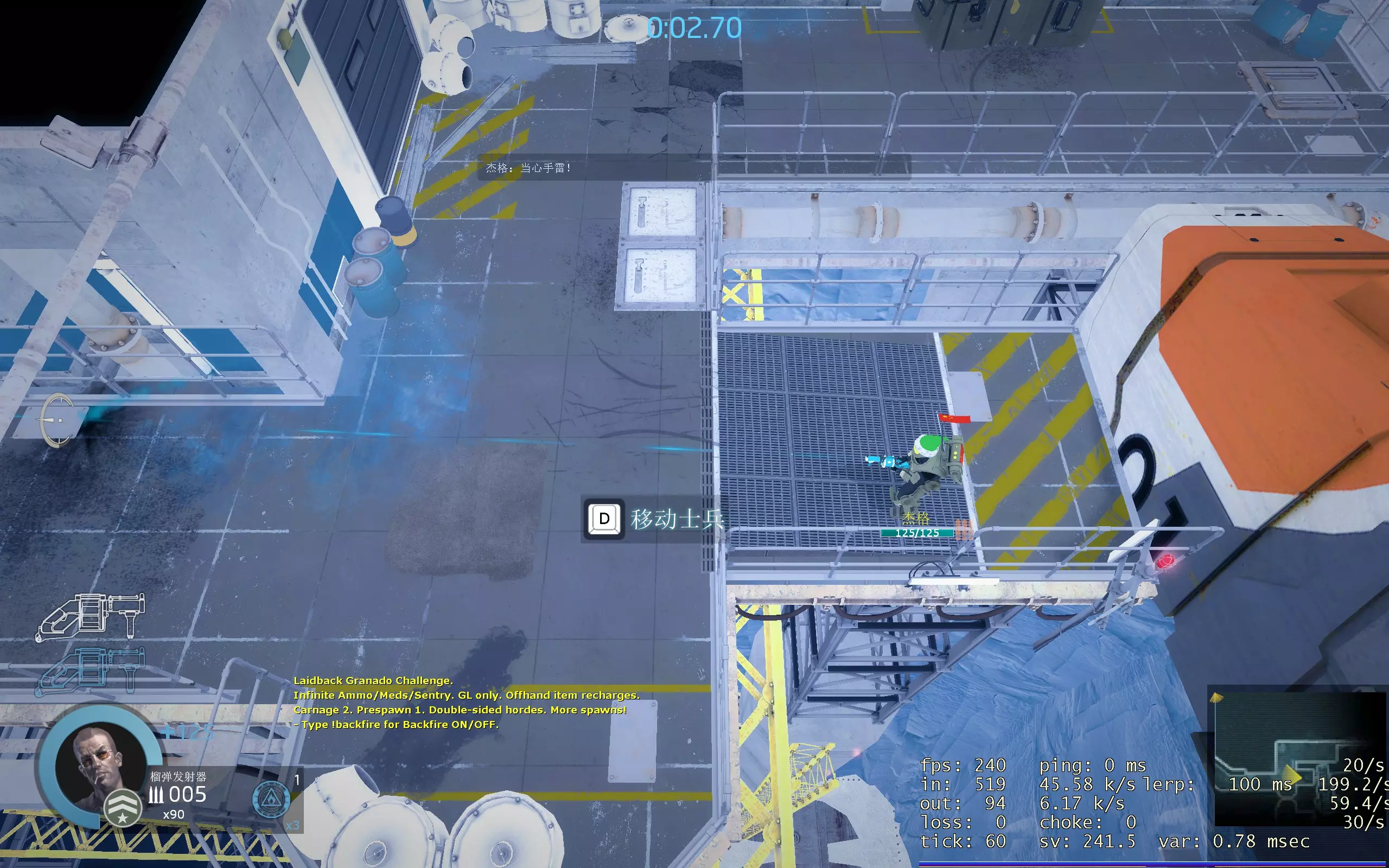
Here you will find config files that pros use for playing on the hardest difficulties. Using these configs it will be easier to master the skill of using grenade launcher, chainsaw and overall the game will feel more responsive. autoexec.cfg All the files below can be downloaded here[www.dropbox.com]. Firstly create autoexec.cfg, example: C: Program Files (x86) Steam steamapps common Alien Swarm Reactive Drop reactivedrop cfg autoexec.cfgIf your Steam is installed in different location, use your own path. Put this into your autoexec.cfg: // network client settings cl_interp_ratio 0// lower interpolation to see the actual drone position, default 2 cl_interp 0// disables interpolation, other marines may, default 0.1 rate 120000// network bandwidth ~120 KBps, default 30000 cl_cmdrate 100// how many times per second your client sends data to server, default 30 cl_updaterate 59.94 // how many times per second your client recieves data from server, default 20 r_maxdlights 4// limit dynamic lights to 4, default 32. This makes framerate more stable. Dynamic lights are muzzle flashes from rifles, and fire on map. // visual settings asw_camera_shake 0// disables camera shake when explosions are close mat_grain_enable 0// disables film grain effect mat_motion_blur_enabled 0// disables motion blur effect(when camera moves too fast) mat_bloom_scalefactor_scalar 0 // disables bloom effect mat_depth_blur_strength_override 0 // disables depth blur effect mat_vignette_enable 0// disables "darkening" on the sides of the screen rd_health_effect 0// disables red screen blinking when low on health rd_hearbeat 0 // disables heart beating sound when low on health asw_marine_death_cam_slowdown 0 // disables game slowdown when marine dies // network server settings(if you host server from your game) net_splitpacket_maxrate 120000// if you host, other players will have smoother game sv_maxrate 120000// if you host, other players will have smoother game newmapsettings.cfg Open file C: Program Files (x86) Steam steamapps common Alien Swarm Reactive Drop reactivedrop cfg newmapsettings.cfgRemove what's in it and put this: // all settings here are default, except fps_max and several cvars moved to autoexec.cfg mat_grain_scale_override 1.5 mat_local_contrast_enable 1 ai_no_steer 1 crosshair 1 r_flashlight_topdown 1 r_flashlightscissor 0 fx_glass_velocity_cap 600 cam_idealyaw 0 cam_idealpitch 90 cam_idealdist 412 fov_desired 75 c_maxpitch 360 c_maxdistance 1000 cl_retire_low_priority_lights 1 mat_grain_enable 0 // disables grain effect mat_vignette_enable 0 // disables darkening of the screen corners effect // recommended to put this double the refresh rate of your monitor, 60 Hz = fps_max 120 fps_max 120 loadouts.cfg Create file C: Program Files (x86) Steam steamapps common Alien Swarm Reactive Drop reactivedrop cfg loadouts.cfgPut this inside it: //-------Default Loadouts------- //-----Sarge----- asw_default_primary_0 3 // Vindicator asw_default_secondary_0 20 // Grenade Launcher asw_default_extra_0 10 // ECA //-----Jaeger----- asw_default_primary_4 3 // Vindicator asw_default_secondary_4 20 // Grenade Launcher asw_default_extra_4 11 // Fire Mines //-----Vegas----- asw_default_primary_7 18 // Chainsaw asw_default_secondary_7 20 // Grenade Launcher asw_default_extra_7 10 // ECA //-----Faith----- asw_default_primary_2 9 // Tesla Cannon asw_default_secondary_2 11 // Medical Gun asw_default_extra_2 7 // Freeze Grenades //-----Bastille----- asw_default_primary_6 9 // Tesla Cannon asw_default_secondary_6 11 // Medical Gun asw_default_extra_6 7 // Freeze Grenades //-----Wolfe----- asw_default_primary_5 15 // Minigun asw_default_secondary_5 7 // Ammo asw_default_extra_5 10 // ECA //-----Wildcat----- asw_default_primary_1 15 // Minigun asw_default_secondary_1 7 // Ammo asw_default_extra_1 10 // ECA //-----Crash----- asw_default_primary_3 20 // Grenade Launcher asw_default_secondary_3 7 // Ammo asw_default_extra_3 10 // ECA Conclusion For better mouse responce it is recommended to play in full screen, go to game's Main Menu: Options - Video - Display Mode - FullscreenOptions - Video - Advanced Settings - Wait for Vertical Sync - Disabled As the result of these settings it is easier to play. More accurate alien positions help to not self nade, also it's easier to work with chainsaw, because you see alien positions more accurately. As a negative part some players may move jittery on your screen, also it puts more stress on your internet bandwidth. Thanks to Bounty for the configs provided.
专业玩家配置

2026-02-15 22:00:11

导读
这是《Alien Swarm Reactive Drop》的专业玩家配置教程,提供autoexec.cfg、newmapsettings.cfg、loadouts.cfg三个配置文件的设置代码与存放路径,优化网络、视觉、帧率等表现,提升榴弹发射器、电锯操作手感,还给出全屏、关闭垂直同步的鼠标响应优化建议。

评论
共0条评论

专业人士配置
Здесь приводятся файлы конфигов которые используют профи для игры на самых высок…
2026-02-16 04:000赞 · 0评论

APEX英雄 【27赛季/ APEX】去阴影 干净画面 设置教学
我用夸克网盘给你分享了「画质文件.rar」,点击链接或复制整段内容,打开「夸克APP」即可获取。 /~6cda395jOm~:/ 链接:https://pan.…
2026-04-29 19:080赞 · 0评论

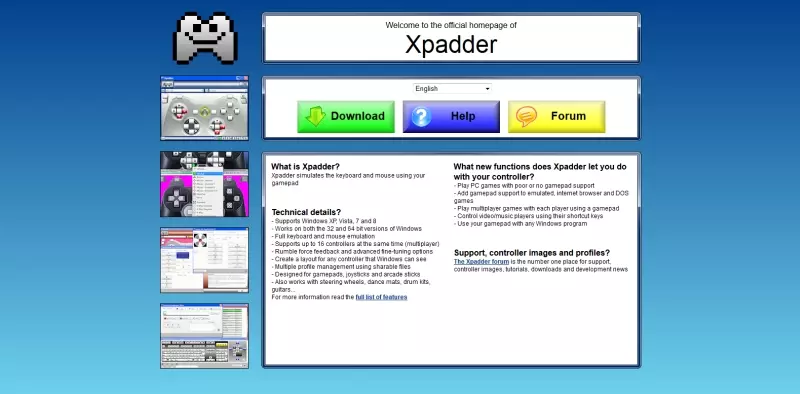
《Darkout》Xpadder配置文件
本指南将教你如何设置Xpadder、安装适用于《黑暗降临》的个人配置文件以及应用《黑暗降临》主题。 什么是Xpadder? 你可能会问Xpadder是什么,它是…
2026-03-21 13:000赞 · 0评论
中樱桃 彩虹岛中樱桃配置怎么导入
在彩虹岛这款游戏中,樱桃配置的导入是玩家经常需要操作的一个环节,它能够帮助玩家快速调整和优化游戏设置,提升游戏体验。但是,对于新手玩家来说,如何正确导入樱桃配置…
2025-11-18 10:230赞 · 0评论

提升你的《求生之路2》体验(精选内容合集)
各位热爱猎杀僵尸的朋友们,大家好!我想为大家呈现一系列配置文件、插件、指南、视频等内容,旨在全面提升你们的《求生之路2》游戏体验。希望大家能喜欢,或者不喜欢也行…
2026-04-02 20:020赞 · 0评论

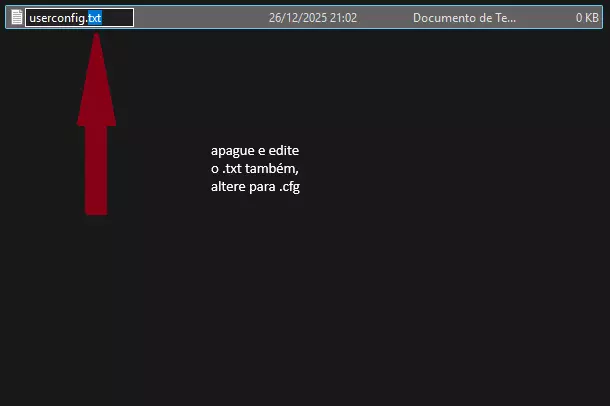
如何在《反恐精英1.6》中创建和运行CFG文件
创建《反恐精英1.6》的配置文件(.cfg)过程简单,但需注意文件名以便游戏自动识别。 正确创建和重命名文件的步骤: 1. 打开路径:C: program fi…
2026-02-15 07:000赞 · 0评论
王国保卫战:前线 游戏本地设置文件和统计参数文件的作用
继上篇帖子后详细说明slot.lua之后,继续来讲global.lua和settings.lua的用法。 一句话说明整体作用: settings.lua:游戏的…
2026-04-01 10:000赞 · 0评论
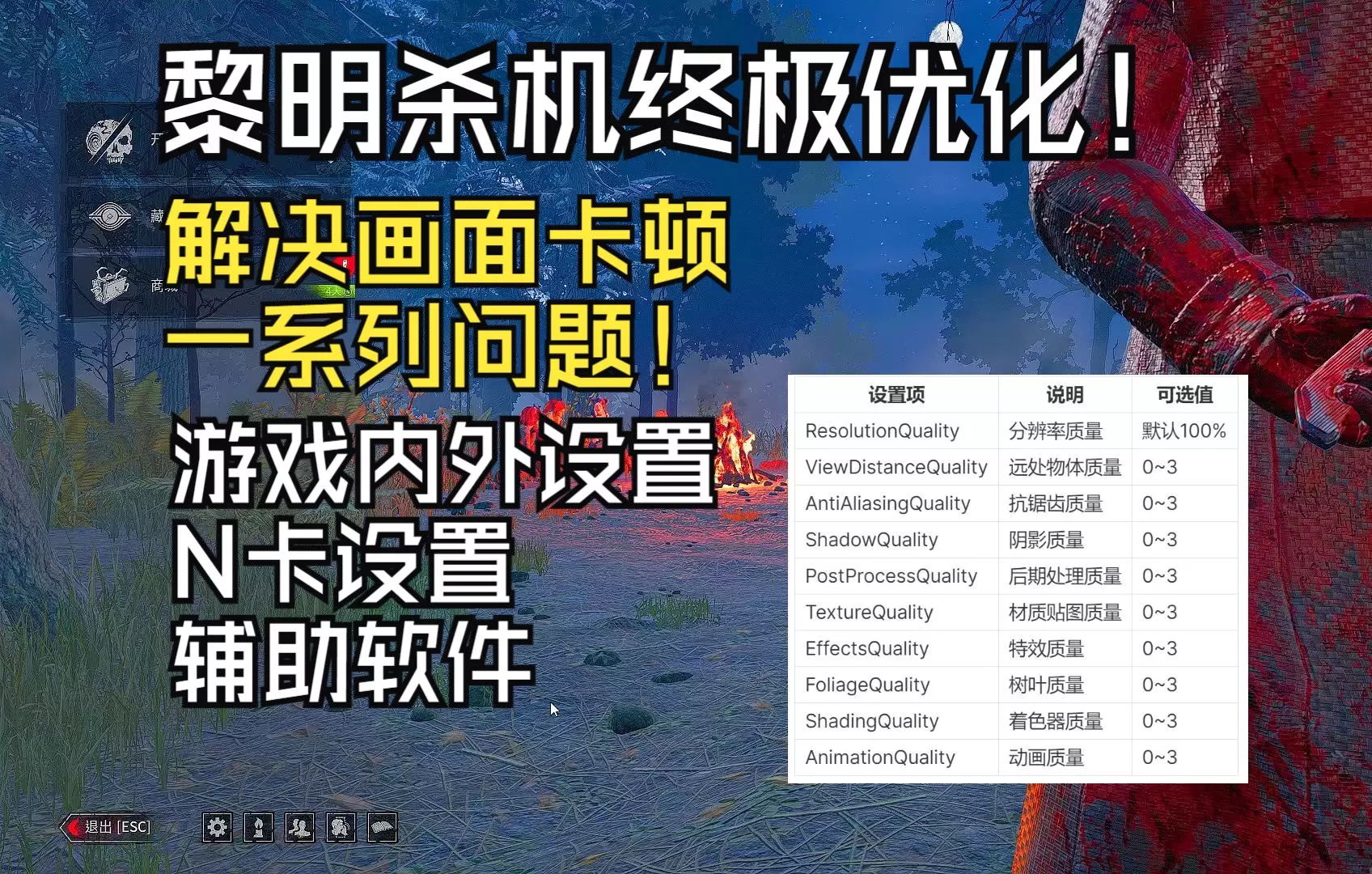
卡顿 黎明杀机终极优化!画质优化、游戏内优化、卡顿优化、辅助软件
Steam:%localappdata%\DeadByDaylight\Saved\Config\WindowsClient epic:%localappdat…
2025-12-14 15:220赞 · 0评论
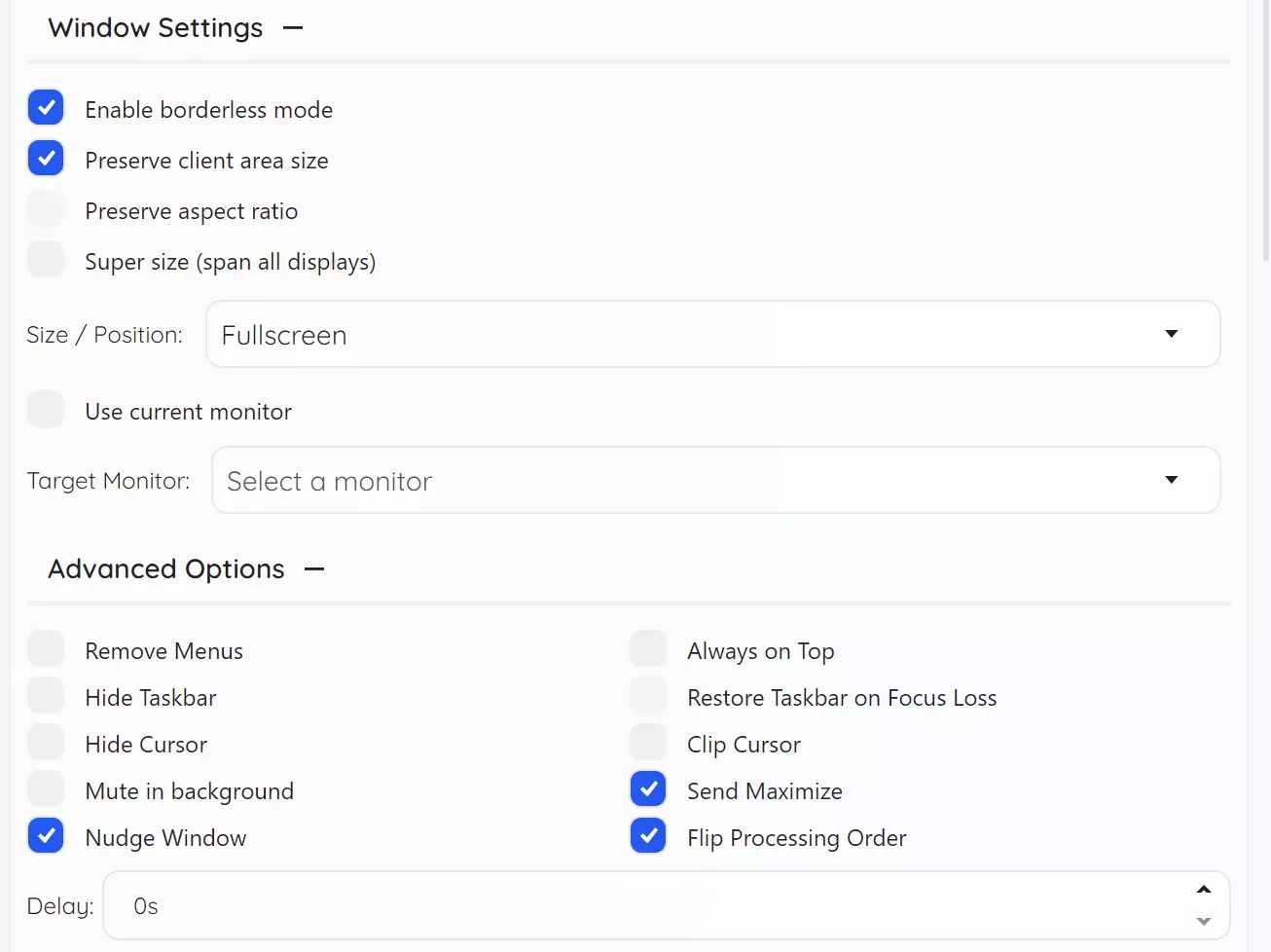
Borderless Gaming v1.0.23
朋友们, 本次更新修复了前两次版本更新中引入的一些问题。我之前尝试修复旧版虚幻引擎游戏的问题,结果意外导致新版游戏出现故障。为避免陷入反复调试以实现所有功能自动…
2025-10-04 13:030赞 · 0评论
暂无更多
最新更新
- 《AS:RD》2026年4月20日“向上攀登”更新内容 — 《Alien Swarm: Reactive Drop》生日更新内容 1. 今年的生日庆祝规模相对较小,因为许多核心贡献者正忙于其他项目,但我们仍有许多改进内容…
- 机器人基础 — 你将学习: 如何添加/移除机器人 机器人装备相关信息 机器人语音指令/热键 机器人对周围事件的反应方式 机器人控制台指令 其他非必要信息 简介——杰拉尔德·布鲁…
- 专业人士配置 — Здесь приводятся файлы конфигов которые используют профи для игры на самых высок…
- 《异形丛生:反应下降》服务器搭建指南 — 搭建并设置游戏专用服务器(Dedicated Server)的指南。 前言 目前网络上的中文《Alien Swarm: Reactive Drop》服务器搭建教…
- 最高难度入门基础指南 — 本指南面向新玩家或有一定经验的玩家,旨在帮助他们学习如何游玩《Reactive Drop》。尽管本指南侧重于最高难度(Brutal-Asalto-Fuego a…
- Battle-Tested 成就指南 — 一份为解锁成就而“了结此生”的方法清单! 简介 显然,不少玩家在游戏中难以找到25种不同的死亡方式来解锁“身经百战”成就。所以我来为社区贡献一份“死亡指南”,告…
- 制作材料完全指南 — 游戏内所有制作材料的完整列表! 如何获取制作材料 制作材料可在任务中找到,随机生成于地图各处。你能找到的材料各不相同,且稀有度各异。 批量材料 批量材料完整列表…
- 官方感染指南 — Infection is a Deathmatch Challenge/Game Mode that officially became a part of t…
- 速通成就获取指南 — 本指南将帮助你完成速通成就。 前言 为准备完成速通成就,你可以参考以下指南: 速通指南 高级游戏技巧:《反恐精英:反应行动》 以下所有信息均来自个人经验及上述指…
- 如何以第一人称视角游玩 — 如何启用和禁用第一人称视角的简易指南 启用开发者控制台 确保已启用开发者控制台。 你可以通过进入选项,然后选择键盘和鼠标来启用它。