换一换
换一换 


Захожу я в игру, что я вижу вокруг? 6 кадров! Какого х###а!? When I enter the game, what do I see around me? 6 frames! What the f##k!? И другие чудеса этой "замечательной" игры от "замечательной" конторы Ubisoft! And other wonders of this "wonderful" game from the "wonderful" Ubisoft office! FPS Drops. У данной игры есть весьма предвзятый античит, имя ему-BattlEye, и он весьма остро реагирует на наличие различных программ эмулирующих девайсы, а это:Womic-эмуляция микрофона с помощью телефона, x360CE-эмулятор контроллера Xbox 360, vJoy Device-эмулятор кнопок контроллера Xbox 360 для клава-мыши, Scptool-скрипт-программа для подключения контроллера Dualshock 3, при присутствии данных программ ФПС был от 6 до 15, а при нажатии Alt+Tab резко возвращался в норму, а удаление этих программ неожиданным образом вернуло ФПС в норму, и из-за такого дерьма пришлось менять контроллер! Также есть решение из комментариев от пользователя "I love Chapman" по отключению Режима Игры в системе. Чтобы выключить режим игры в Windows 10, откройте "Параметры" (значок шестеренки в меню "Пуск"), выберите "Игры", затем "Игровой режим". Переведите переключатель "Использовать режим игры" в положение "Выкл.". Подробная инструкция: 1. Откройте Параметры: Нажмите кнопку "Пуск" (значок Windows) и выберите значок шестеренки, чтобы открыть "Параметры". 2. Перейдите в раздел "Игры": В окне "Параметры" найдите и выберите раздел "Игры". 3. Выберите "Игровой режим": В левой панели выберите "Игровой режим". 4. Выключите режим игры: В разделе "Параметры игрового режима" переведите переключатель "Использовать режим игры" в положение "Выкл.". После этих действий режим игры будет отключен. ------------------------------------------------------------------------------------------------ This game has a very biased anti-cheat, its name is BattlEye, and it reacts very sharply to the presence of various programs emulating devices, and this:Womic-microphone emulation using a phone, x360CE-Xbox 360 controller emulator, vJoy Device-Xbox 360 controller button emulator for mouse keys, Scptool-script program for connecting the Dualshock 3 controller, in the presence of these programs, FPS was from 6 to 15, and when Alt+Tab was pressed, it abruptly returned to normal and the removal of these programs unexpectedly returned the FPS to normal, and because of such ♥♥♥♥, I had to change the controller! There is also a solution from the comments from the user "I love Chapman" to disable the Game Mode in the system. To turn off the game mode in Windows 10, open Options (the gear icon in the Start menu), select Games, then Game Mode. Turn the "Use game mode" switch to the "Off" position. Detailed instructions: 1. Open the Settings: Click the Start button (Windows icon) and select the gear icon to open Options. 2. Go to the "Games" section: In the "Options" window, find and select the "Games" section. 3. Select "Game Mode": In the left panel, select "Game Mode". 4. Turn off the game mode: In the "Game mode settings" section, turn the "Use game mode" switch to the "Off" position. After these actions, the game mode will be disabled. Logout. За чуть более чем год игры была одна единственная проблема, но иногда у неё слегка менялось название - FALSE START, иногда с числом 20 или 30 в конце. Помогло следующее: Идём по пути C/Users/Username/Documents/TheCrewMotorfest, находим все файлы с наименованием Binding и Cache и сносим их к чертям. На какое-то время помогает, но поскольку игра использует автообновления, то файлы потом перекачиваются. Также для устранения данной ошибки и ошибки подключения и заполнения лобби в Grand Race и Demolition Royale можно применить ВПН или запрет от BF6: https://github.com/xModern54/zapret-bf И более новая проблема, о которой мне поведал мой друг Millllkity буквально после приобретения полного издания игры, называется MISHAP_WRONG и куча разных добавок от OUT OF GAS до SUSPENSION(Последнее попалось в моём случае), у друга эта беда при запуске вроде как ушла, но у меня появлялась постоянно, помогло решение переустановки античита BattlEye, это можно сделать следующим образом, открываем папку с игрой, удаляем папку BattleEye, и через проверку целостности файлов качается эта папка снова, на какое-то время это спасёт, ещё можно обновлять игру через ВПН. ------------------------------------------------------------------------------------------------------ For a little over a year, the game had one single problem, but sometimes its name changed slightly - FALSE START, sometimes with the number 20 or 30 at the end. The following helped: We follow the path of C/Users/Username/Documents/TheCrewMotorfest, find all the files with the name Binding and Cache and demolish them to hell. It helps for a while, but since the game uses auto-updates, the files are then downloaded. Also, to eliminate this error and the error of connecting and filling the lobby in the Grand Race and Demolition Royale, you can apply a VPN or a zapret from BF6.: https://github.com/xModern54/zapret-bf And the newer problem, which my friend Millllkity told me about literally after purchasing the full edition of the game, is called MISHAP_WRONG and a bunch of different additions from OUT OF GAS to SUSPENSION.(The latter came across in my case), this trouble seemed to go away from a friend at startup, but it appeared to me all the time, the solution to reinstall the BattlEye anti-cheat helped, this can be done as follows: open the game folder, delete the BattleEye folder, and after checking the integrity of the files, this folder swings again, it will save for a while, you can still update the game via VPN. Request. У меня большая просьба по сведениям о работоспособности данной игры на Steam Deck, так как собираюсь брать эту портативку, но никаких сведений о игре на ней нет, а у моего друга DeathRunner игра и вовсе ни на компе, ни на Deck не работает. ------------------------------------------------------------------------------------------- I have a big request for information about the performance of this game on the Steam Deck, since I'm going to take this portative, but there is no information about the game on it, and my friend DeathRunner's game does not work at all on the computer or on the Deck. ------------------------------------------------------------------------------------------- P.S. Буду рад ещё возможным предложениям по решениям проблем в этой игре в комментариях. ------------------------------------------------------------------------------------------- P.S. I will be glad to hear more possible suggestions for solving problems in this game in the comments.
帧率下降!登出!错误!

2026-02-18 10:00:08
发布在《飙酷车神:轰鸣盛典》
转载

导读
用户反馈育碧旗下游戏存在帧率下降、登出、报错等问题,指出BattlEye反作弊程序会因Womic等设备模拟软件导致FPS骤降,还分享了删除相关软件、关闭Windows游戏模式等解决办法;同时提及FALSE START、MISHAP_WRONG等报错的应对方案,最后询问该游戏在Steam Deck的运行情况。

评论
共0条评论

BUG 艾尔登法环报错-无法运行-无反应-闪退-黑屏-白屏-应用程序无法正常启动(0xc0000005)
直播间地址:http://live.bilibili.com/6475950
2026-05-20 02:370赞 · 0评论
录屏 我要让所有二重螺旋玩家看到这绝望的一幕
哈哈,真没招了
2026-01-09 08:500赞 · 0评论
哈利波特 霍格沃兹之遗游戏打不开,一直报错?我算研究明白了咋回事了!
霍格沃兹游戏打不开?半分钟帮你解决问题!
2025-11-03 10:240赞 · 0评论
王者荣耀世界 【王者荣耀世界】进不去闪退报错全汇总1.0!王者荣耀世界进不去,配置不足,闪退,报错,fatalerror报错,错误代码,显存不足,着色器优化闪退等全问题解决
【王者荣耀世界】进不去闪退报错全汇总1.0!王者荣耀世界进不去,配置不足,闪退,报错,fatalerror报错,错误代码,显存不足,着色器优化闪退等全问题解决
2025-09-12 21:500赞 · 0评论
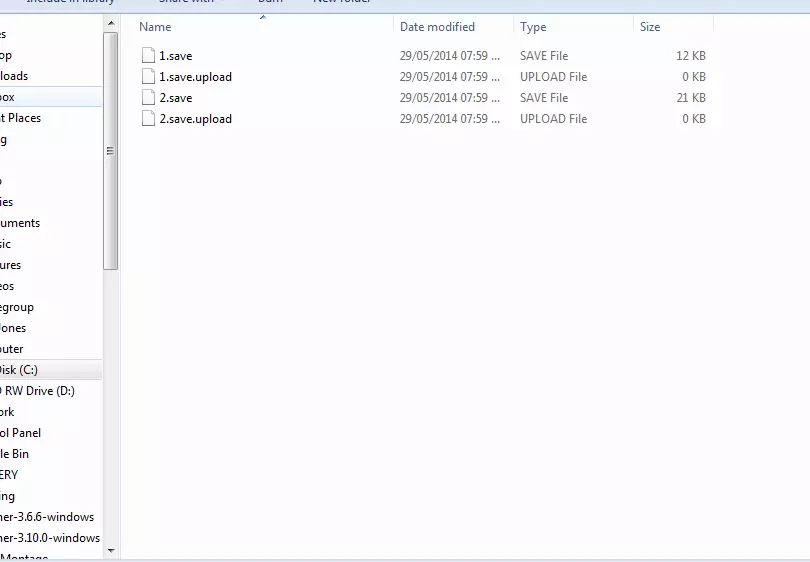
如何获取多个游戏存档
育碧不允许玩家创建多个游戏存档,这确实挺让人困扰的。下面我会教大家如何获取多个存档,不过遗憾的是,此方法仅适用于PC端。 教程步骤: 首先,你需要到达一个你想要…
2026-02-19 10:000赞 · 0评论
《看门狗》全成就指南
在如今这个高度互联的世界,芝加哥依托着美国最先进的计算机网络ctOS运行。 可使用Ctrl+F检索 前言《看门狗》在线合约相关问题解决方法 在线合约解锁时间: …
2026-02-18 04:000赞 · 0评论

跑酷 熊大快跑已经过时了,首富都在玩疯狂兔子:无敌跑跑
2:11有好东西😃
2026-02-07 05:030赞 · 0评论

孤岛危机3秘籍 孤岛危机秘籍 孤岛危机3秘籍教学
玩家在游戏中扮演一名特种部队成员(Boatman),在热带岛屿上执行任务并设法生存下来。《孤岛危机的制作团队是育碧的子公司UbisoftGames工作室》,这款…
2025-10-25 10:270赞 · 0评论
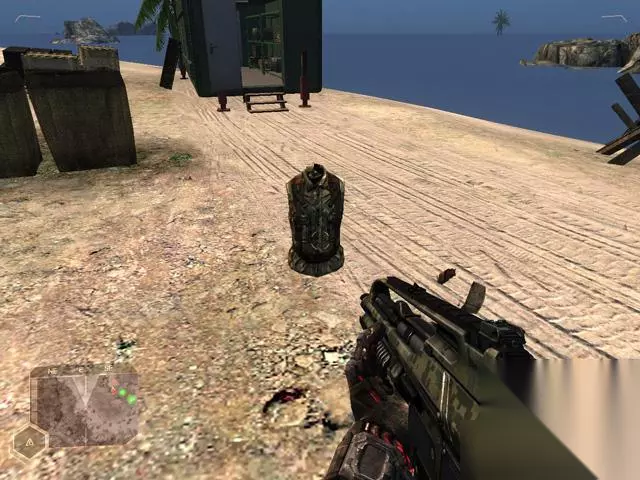
孤岛惊魂原始杀戮 孤岛惊魂 原始杀戮 图文全剧情流程攻略 全任务攻略
《孤岛惊魂:原始杀戮》图文全剧情流程攻略,全任务攻略(含“全剧情流程”“主线任务”“支线任务”“系统解析教程”“玩法难点说明”) By枫红一刀流
2025-07-22 01:210赞 · 0评论

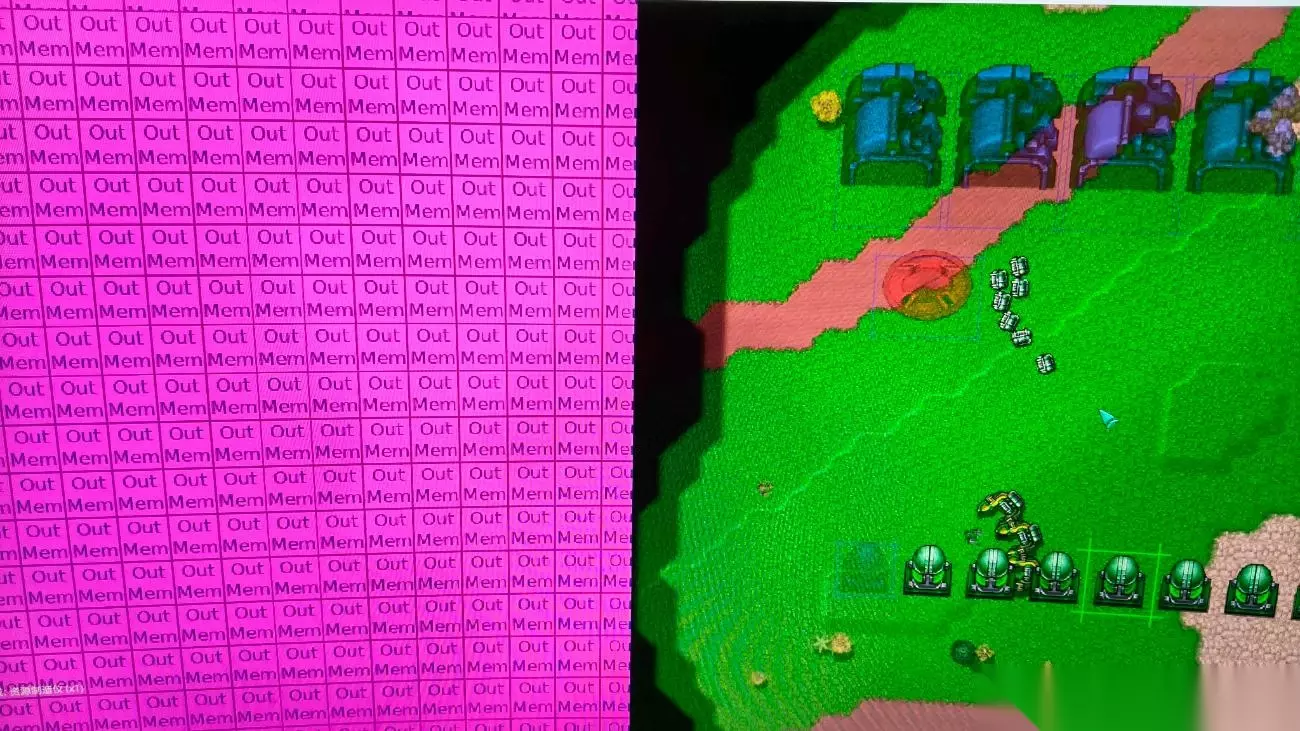
铁锈战争求助 铁锈战争怎么回事 铁锈战争问题解决 大佬解惑
《铁锈战争》游戏求助!大佬们,这是怎么回事?遇到问题卡关了,求大佬解惑,帮忙分析一下原因和解决办法!
2026-06-01 07:000赞 · 1评论
暂无更多
最新更新
- 《飙酷车神:轰鸣盛典》本周动态 - 5月26日 — 兰博基尼精选车辆 欢迎阅读“飙酷车神周闻”文章!每周我们都会为你带来《飙酷车神:轰鸣盛典》的每周新内容,助你开启新一周的游戏体验!
- 《飙酷车神:轰鸣盛典》本周资讯 - 5月12日 — 阿波罗的奥德赛 欢迎阅读“飙酷车神周闻”文章!每周我们都会为你带来《飙酷车神:轰鸣盛典》的周更新内容,助你轻松开启新一周的游戏旅程!
- 《飙酷车神:轰鸣盛典》本周资讯 - 4月21日 — 《飙酷车神:轰鸣盛典》每周动态 欢迎阅读“本周飙酷车神动态”文章!每周我们都会为你带来《飙酷车神:轰鸣盛典》的周更新内容,助你轻松开启新一周的游戏体验!
- 《飙酷车神:轰鸣盛典》本周动态 - 4月14日 — 速度穿越 欢迎阅读《飙酷车神周刊》!每周我们都会为你带来《飙酷车神:轰鸣盛典》的周更新内容,助你轻松开启新一周的游戏旅程!
- 《飙酷车神》本周资讯 - 4月7日 — 锻造竞速 欢迎阅读“飙酷车神周闻”文章!每周我们都会为你带来《飙酷车神:轰鸣盛典》的每周新内容,助你开启新征程!
- 《飙酷车神:轰鸣盛典》本周资讯 - 3月31日 — 《飙酷车神:轰鸣盛典》每周资讯 欢迎阅读“飙酷车神每周资讯”文章!每周我们都会为你带来《飙酷车神:轰鸣盛典》的周更新内容,助你轻松开启新一周的游戏旅程!
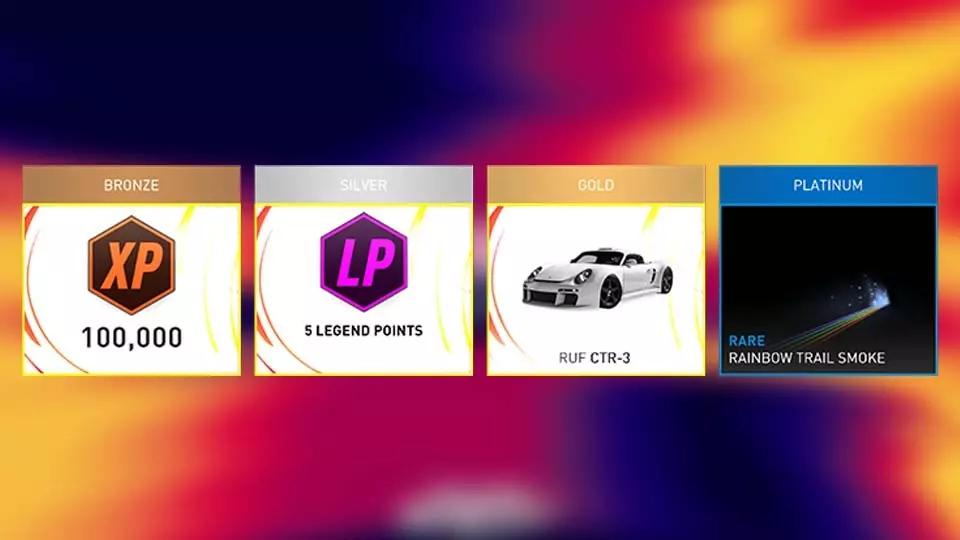
- 《飙酷车神》本周动态 - 3月24日 — 回归本源 欢迎阅读《飙酷车神》周刊!每周我们都会为你带来《飙酷车神:轰鸣盛典》的周更新内容,助你轻松上手! 巅峰赛 巅峰赛信息与奖励 100000游戏币 5个传…
- 《飙酷车神:轰鸣盛典》限时90%折扣:加入盛典的绝佳时机! — 《飙酷车神:轰鸣盛典》限时9折优惠:加入盛典的绝佳时机!
- 《飙酷车神:轰鸣盛典》官方直播 — 查看《飙酷车神:轰鸣盛典》Steam商店页面上的直播!
- 《飙酷车神》本周资讯 - 3月17日 — 美国对决 欢迎阅读“飙酷车神周刊”文章!每周我们都会为你带来《飙酷车神:轰鸣盛典》的每周新内容资讯,助你轻松启程!巅峰赛 巅峰赛信息与奖励:50000游戏币、2…