换一换
换一换 



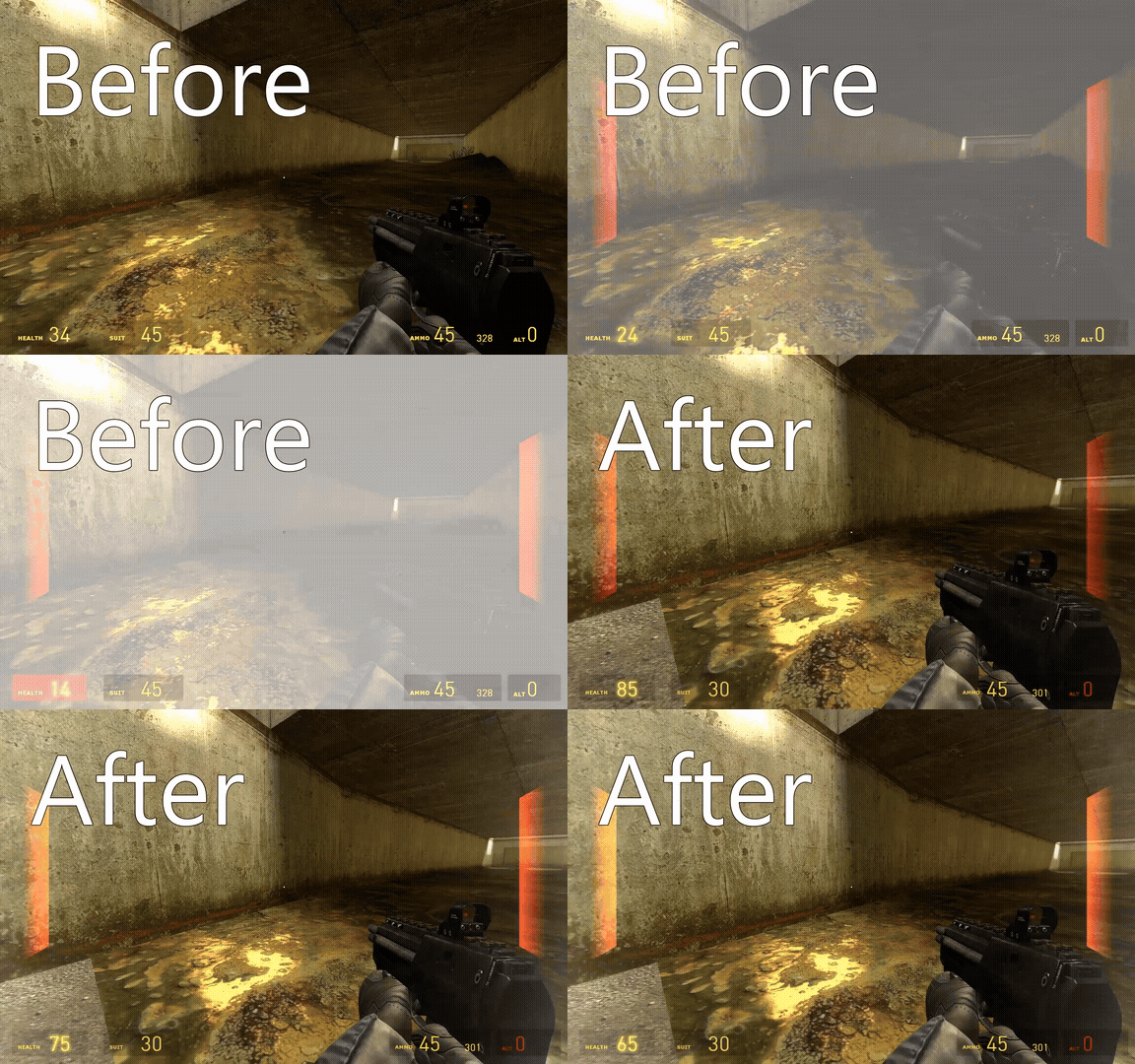
普通截图制作指南 模组 没有模组寸步难行。 1. **这是非常重要的模组——Ragdoll Mover**,没有它你会感到很困难。它可以翻转布娃娃,使其不受物理引擎推动的影响。(其详细使用方法可在Youtube上查看) 2. **你需要装饰类或渲染类模组**,这样图片才能色彩丰富且制作精良。 例如:[Extended Render] Environment Soft Lens-flare Nikolai's Water Retexture 3. **你需要道具效果**。若想让角色射击或受伤时的效果更清晰,以下这些模组会很合适:Ryu-Gi's Muzzleflash Props(枪口闪光道具)、Ryu-Gi's Blood Effect Props(血液效果道具)、Ryu-Gi's Bullet Tracer Prop(子弹轨迹道具)。此外,若追求更逼真的血液和受伤效果,Borrowed Blood 模组会是不错的选择。
技术特点 截图会占用磁盘空间 1. 如果您保存了截图但之后不喜欢它,请先:在Steam中删除该截图,然后从其保存的文件夹中删除。 2. 在电脑上创建一个单独的文件夹,以便您可以轻松删除或使用截图。 3. 若要与他人分享游戏中的截图,需先在您的账户上将截图设为公开可见。(这是Steam的条件之一) 美景 1-选择合适的截图角度,以展现完整场景。 2-使用天气类模组。例如:Storm fox或其他天气效果或阳光效果模组。 3-如果拍摄的不是照片而是视频,使用“电影摄像机”模组(俄语原版名称)。
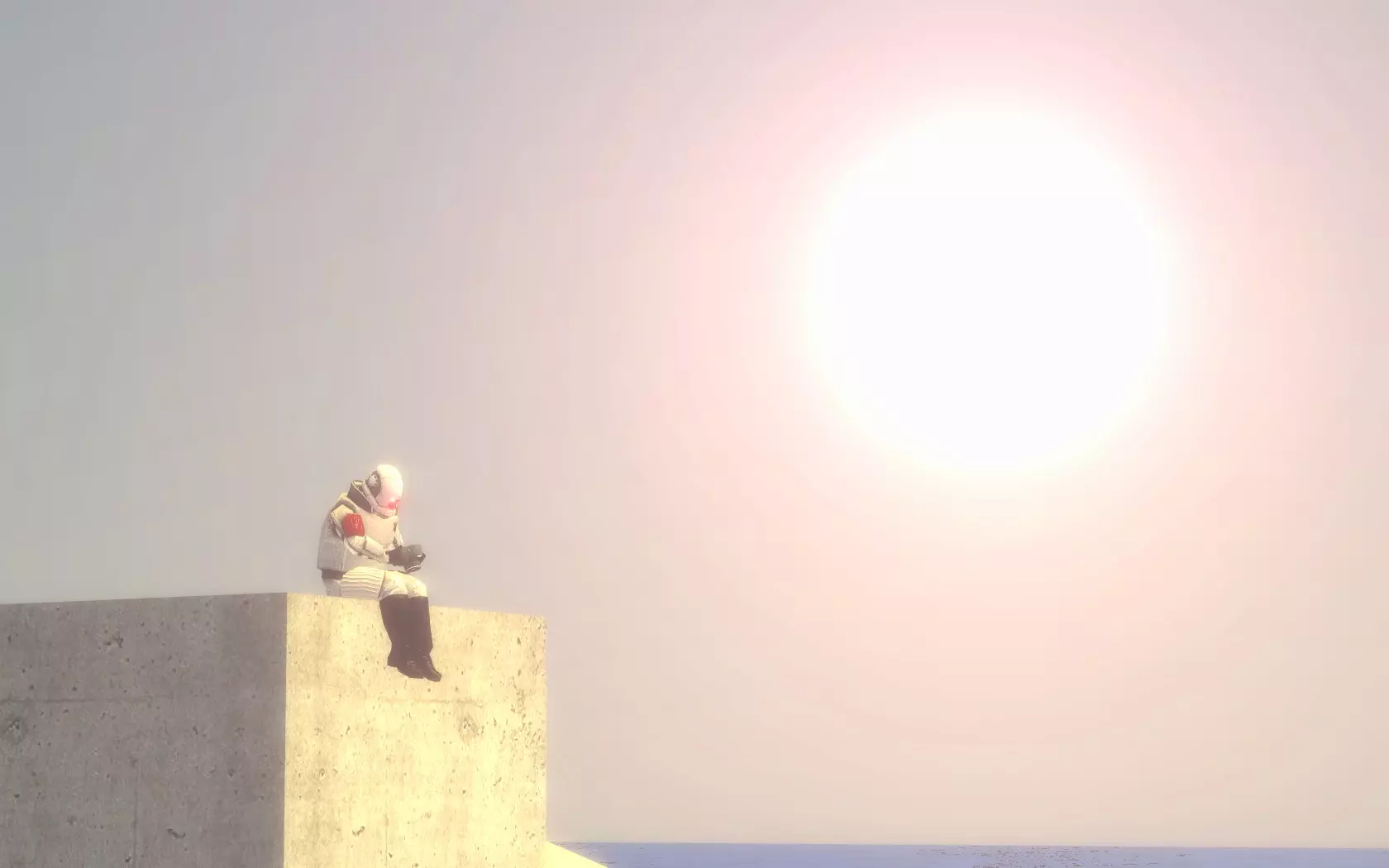
模组链接 https://steamcommunity.com/sharedfiles/filedetails/?id=1132466603 https://steamcommunity.com/sharedfiles/filedetails/?id=576560900 https://steamcommunity.com/sharedfiles/filedetails/?id=127986968 https://steamcommunity.com/sharedfiles/filedetails/?id=104575630 https://steamcommunity.com/sharedfiles/filedetails/?id=1096782485 https://steamcommunity.com/sharedfiles/filedetails/?id=1096822321 https://steamcommunity.com/sharedfiles/filedetails/?id=1447817258 https://steamcommunity.com/sharedfiles/filedetails/?id=1431205752 https://steamcommunity.com/sharedfiles/filedetails/?id=259527457 https://steamcommunity.com/sharedfiles/filedetails/?id=162900485 https://steamcommunity.com/sharedfiles/filedetails/?id=289448471 https://steamcommunity.com/sharedfiles/filedetails/?id=1525218777 https://steamcommunity.com/sharedfiles/filedetails/?id=142146606 https://steamcommunity.com/sharedfiles/filedetails/?id=575471954 https://steamcommunity.com/sharedfiles/filedetails/?id=575502526 https://steamcommunity.com/sharedfiles/filedetails/?id=575782268 https://steamcommunity.com/sharedfiles/filedetails/?id=124024144 不必安装所有这些模组,尤其是其中一些模组并不兼容。