




 换一换
换一换 


当我开始玩游戏时,发现帧率不超过34,玩起来很不舒服。在一个讨论中,我找到了一个提高每秒帧数的方法。修改配置文件后,进入游戏发现帧率达到了50到60! 进入文档中的my games文件夹,依次打开UnrealEngine3、ZC2Game、Config文件夹,找到ZC2SystemSettings文件。打开ini文件,用记事本打开,按住CTRL键并按F键,在搜索栏中分别输入DynamicLights、DynamicShadows、OneFrameThreadLag,并将其值设置为: DynamicLights=False DynamicShadows=False OneFrameThreadLag=True 设置完成后保存。 然后进入文档中的my games UnrealEngine3 ZC2Game Config ZC2Engine。打开ini文件,用记事本编辑,按住CTRL键并按下F,在搜索栏中分别输入bSmoothFrameRate、MinSmoothedFrameRate、MaxSmoothedFrameRate、bSmoothFrameRate、MinSmoothedFrameRate、MaxSmoothedFrameRate,并将其值修改为: bSmoothFrameRate=FALSE MinSmoothedFrameRate=0 MaxSmoothedFrameRate=0 bSmoothFrameRate=FALSE MinSmoothedFrameRate=0 MaxSmoothedFrameRate=0 完成后保存。 祝您游戏愉快。
提升《奇诺冲突2》的帧率

2026-03-18 19:00:11
发布在Zeno Clash 2
转载

导读
本文分享了提升《奇诺冲突2》帧率的具体方法,通过修改游戏对应配置文件里的DynamicLights、bSmoothFrameRate等参数,可将原本不超34的帧率提升至50-60,解决游戏卡顿问题,提升游玩体验。

评论
共0条评论

《奇诺冲突2》徽章指南
所有【奇诺冲突2】徽章,可通过合成一套【奇诺冲突2】集换式卡牌获得。 阶段,等级,经验值,描述 阶段等级经验值描述
2026-03-20 01:000赞 · 0评论

所有战斗技巧 | 奇诺冲突2
如果你忘记了从教程中学到的一些战斗招式,这里就是帮你回忆的好地方! 为什么要做这个指南? 万一你在激烈的战斗中忘记了某些想用来对付敌人的招式,不必退出游戏重新开…
2026-03-19 19:000赞 · 0评论

获得成就End of the Line
本指南将介绍如何在《奇诺冲突2》中获取“End of the Line”成就。 获取“End of the Line”成就 要在《奇诺冲突2》中获得“End o…
2026-03-19 22:000赞 · 0评论
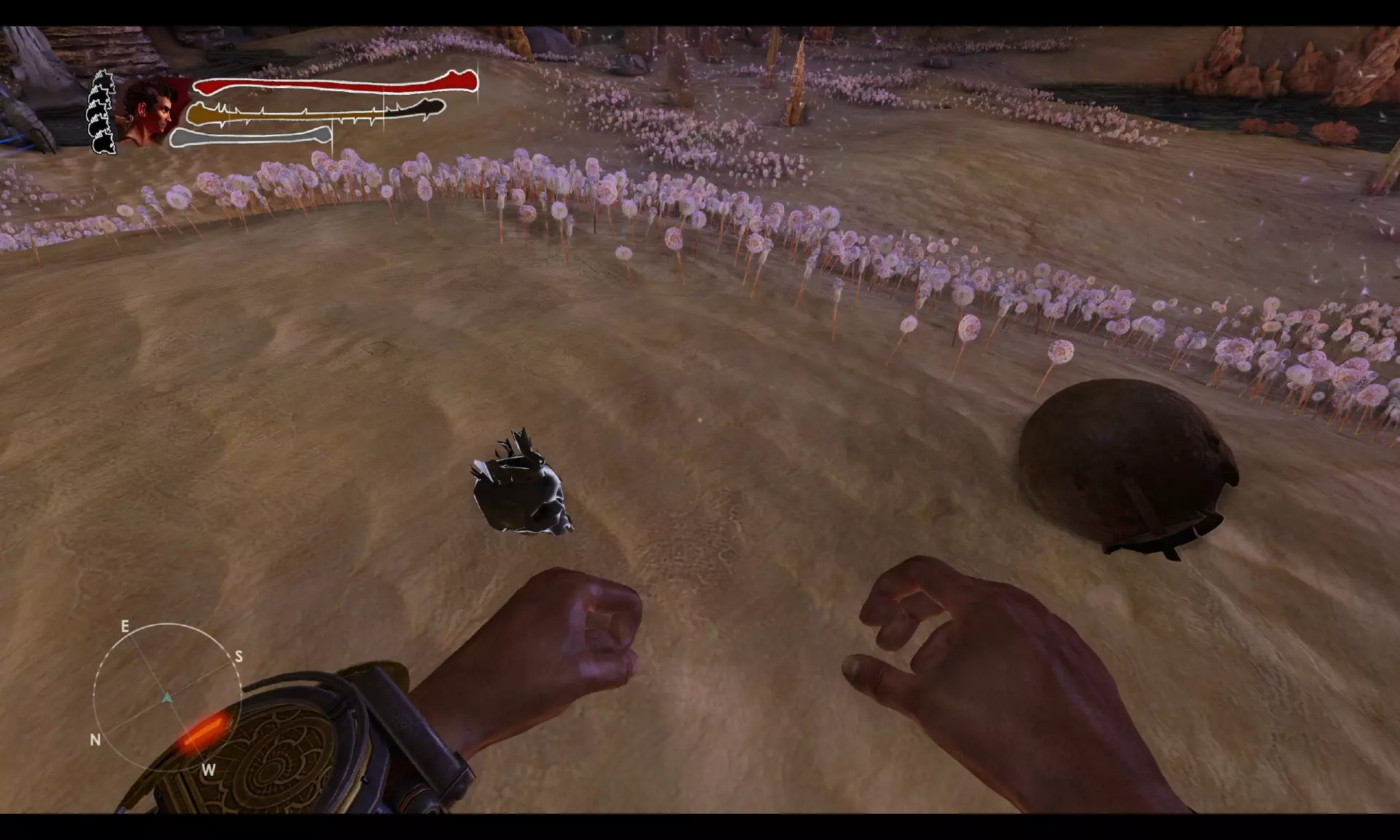
《奇诺冲突2》成就
成就达成 剧情成就 将在游戏过程中解锁。
2026-03-19 16:000赞 · 0评论

《奇诺冲突2》全成就达成
大家好!欢迎阅读本指南,我将为大家讲解如何100%完成《奇诺冲突2》! 成就 剧情成就 - Corwid Pupil:完成教程。 - Jail Break:从监…
2026-03-20 01:000赞 · 0评论
界面关闭/自由视角
本指南将为你介绍如何关闭游戏中烦人的HUD,以及如何开启“自由视角”模式。 前言 我想,许多玩《奇诺冲突2》的玩家都注意到了游戏中相当精美且令人印象深刻的场景。…
2026-03-19 22:000赞 · 0评论
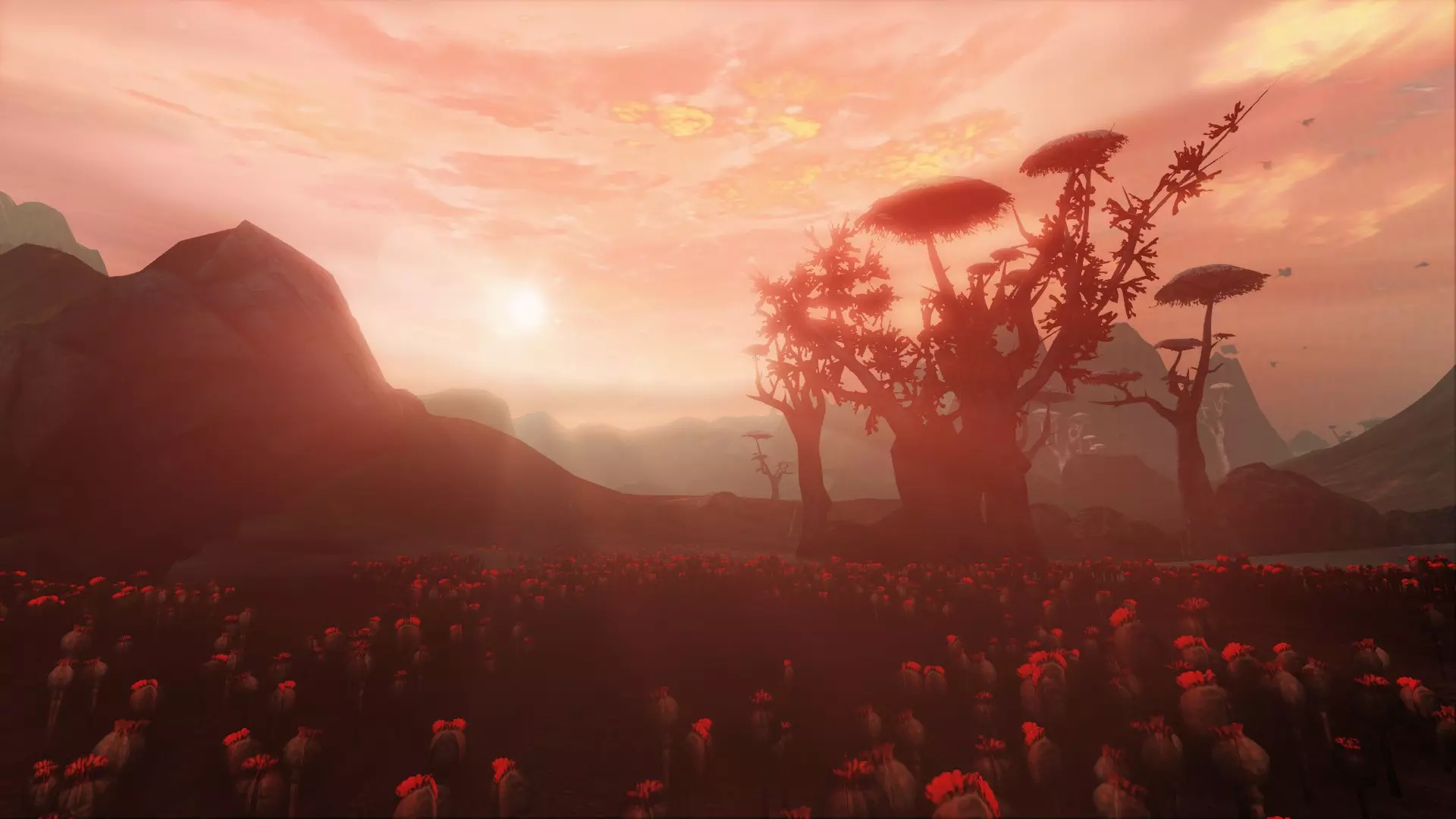
《奇诺冲突2》游戏流程视频
《奇诺冲突2》游戏流程视频 前言 《奇诺冲突2》是ACE Team于2013年推出的游戏。 作为系列续作,游戏在画面表现上有所提升,带来了新的游戏玩法,剧情也更…
2026-03-19 04:000赞 · 0评论
攻略教程 深空之眼保姆级反河蟹小开关教程
2026-05-03 15:360赞 · 0评论
提高地图的最大缩放级别。
部分玩家可能仍觉得最大缩放级别过小,以下是增大缩放的方法。 操作步骤: 1. 完全关闭游戏,此修改必须在游戏未运行时进行。 2. 进入以下目录:%localap…
2026-04-02 01:000赞 · 0评论
提升并优化帧率(有效)
《 Realm Royale Reforged》优化指南:无需外部程序,仅用记事本即可实现最大程度优化 基本设置(游戏内) 基础设置:这是最基础的部分,尽管看似…
2026-03-31 04:000赞 · 0评论
暂无更多
最新更新
- 《奇诺冲突2》全成就达成 — 大家好!欢迎阅读本指南,我将为大家讲解如何100%完成《奇诺冲突2》! 成就 剧情成就 - Corwid Pupil:完成教程。 - Jail Break:从监…
- 《奇诺冲突2》徽章指南 — 所有【奇诺冲突2】徽章,可通过合成一套【奇诺冲突2】集换式卡牌获得。 阶段,等级,经验值,描述 阶段等级经验值描述
- 获得成就End of the Line — 本指南将介绍如何在《奇诺冲突2》中获取“End of the Line”成就。 获取“End of the Line”成就 要在《奇诺冲突2》中获得“End o…
- 界面关闭/自由视角 — 本指南将为你介绍如何关闭游戏中烦人的HUD,以及如何开启“自由视角”模式。 前言 我想,许多玩《奇诺冲突2》的玩家都注意到了游戏中相当精美且令人印象深刻的场景。…
- 飞蛾、图腾与立方体:线性流程攻略 — 全收集品指南,一站式攻略。本指南格式便于你在单次游玩过程中全程使用。 攻略 完成酒吧内的战斗。留意楼上的【牛面人】;稍后你需要回来找他获取一个【立方体】。离开酒…
- 所有战斗技巧 | 奇诺冲突2 — 如果你忘记了从教程中学到的一些战斗招式,这里就是帮你回忆的好地方! 为什么要做这个指南? 万一你在激烈的战斗中忘记了某些想用来对付敌人的招式,不必退出游戏重新开…
- 《奇诺冲突2》成就 — 成就达成 剧情成就 将在游戏过程中解锁。
- 所有飞蛾位置 — 这是一个展示游戏中所有飞蛾的视频指南。它们是飞蛾支线任务和成就【Lepidopterist】的必要条件。视频指南
- 所有立方体位置 — 一个视频攻略,展示了进入【最后的坟墓】所需的全部八个立方体。同时还提供了文字攻略!
- 《奇诺冲突2》游戏流程视频 — 《奇诺冲突2》游戏流程视频 前言 《奇诺冲突2》是ACE Team于2013年推出的游戏。 作为系列续作,游戏在画面表现上有所提升,带来了新的游戏玩法,剧情也更…



