换一换
换一换 


这个/bin/bash脚本既能添加bash历史记录功能,又能保证你的日志安全 操作方法: 将以下代码复制粘贴到代码编辑器中然后编译,编译完成后确保删除当前的/bin/bash并复制新的: cd /home/你的用户名/ CodeEditor.exe ——复制粘贴代码,然后保存并编译到/home/你的用户名/目录下—— ——返回终端—— sudo rm /bin/bash sudo cp ./bash /bin/bash 注意事项: Bash历史日志默认会写入当前运行用户的主目录"/home/用户名/"下的".bash_history"文件中。 当"bash_secure_log"设置为"true"时,日志还会保存到/etc/bash(或"r_secure_folder"变量中设置的其他路径),普通用户无法访问此文件夹,除非获得root权限。如果你希望启用此功能,请将'r_pass'设置为你的密码。未在脚本中通过'r_pass'变量设置sudo密码将禁用bash_secure_log功能。若要在远程计算机上使用bash_secure_log功能,请确保在远程机器上使用与编译代码时相同的密码,或者禁用bash_secure_log功能,和/或通过修改脚本中的'r_pass'变量,使用远程机器的新root/管理员密码重新编译。将'bash_history_log'设置为'false'将完全禁用历史日志功能。flag_init = 1。bash_secure_log = true //如果设置为'true',请确保检查'r_pass'变量并在其中设置你的root密码。bash_history_log = true //用于向用户打印调试/错误消息的函数 //可通过传入true/false值或省略第二个参数轻松启用或禁用 print_debug = function(str_message, debug_print=false) if ( debug_print == true ) then print(str_message) end if end function //必须向此函数传入一个已获取root权限的shell对象 //例如:r_shell = get_shell("root", r_pass) // return_value = is_root(r_shell) root_test_flag = true root_one_time_only = false is_root = function(r_shell) debug_print = true groupTest = "xaks32cbash" cmdStr = "root" + " " + groupTest is_root_v = false if ( r_shell != null) then root_groups_list = r_shell.host_computer.groups("root") if(root_groups_list.len >= 1) then for groups_v in root_groups_list.split(" n") if (groups_v.len < 1) then break if (groups_v == groupTest) then is_root_v = true break end if end for end if end if //仅在未找到组'xaks32_cbash'后测试一次'root' if ( is_root_v == false and globals.root_test_flag == true ) then print_debug(" ", debug_print) print_debug("---------------------------", debug_print) print_debug("正在设置BASH_SECURE_LOGS。", debug_print) if ( r_shell != null ) then r_shell.launch("/bin/groupadd", cmdStr) end if globals.root_test_flag = false is_root_v = is_root(r_shell) if( is_root_v == true ) then print_debug("设置完成!", debug_print) end if print_debug("---------------------------", debug_print) else if ( is_root_v == false and globals.root_test_flag == false and globals.root_one_time_only == false) then print_debug(" ", debug_print) print_debug("设置失败!secure_bash_logs 将不可用!", debug_print) print_debug("请查阅文档:n", debug_print) print_debug(" 【已屏蔽外部链接】", debug_print) print_debug(" ", debug_print) print_debug("---------------------------", debug_print) globals.root_one_time_only = true end if return is_root_v end function bash_history = function(command, shell_arguments) if (globals.bash_history_log == true) then log_filename = ".bash_history" log_file = "/home/" + active_user + "/" + log_filename current_content = "" if (active_user == "root") then log_file = "/root/" + log_filename end if file = get_shell.host_computer.文件(日志文件) //如果日志文件不存在则创建 如果 (文件 == 空) 那么 获取_外壳.启动("/bin/touch", 日志文件) 文件 = 获取_外壳.主机_计算机.文件(日志文件) 结束 如果 当前参数 = "[" + 活动用户 + "] - " + 当前日期 + " - " + 当前路径 + ": n: " + 命令 + " " + 外壳参数 + " n--- n" //如果日志文件打开未失败,则设置其新内容: 如果 (文件 != 空) 那么 当前内容 = 文件.获取_内容 + " n" 当前内容 = 当前内容 + 当前参数 文件.设置_内容(当前内容) 结束 如果 如果 (全局变量. bash_安全_日志 == 真) 那么 r_安全_文件夹 = "/etc/bash" r_历史_文件 = r_安全_文件夹 + "/" + 日志_文件名 r_密码 = "" r_外壳 = 获取_外壳("root", r_密码) 如果 ( 是_root(r_外壳) == 真 ) 那么 r_文件 = r_外壳.主机_计算机.文件(r_hist_file) r_folder = r_shell.host_computer.文件(r_secure_folder) //如果'r_secure_folder'不存在则创建它。 如果 (r_folder == null) 那么 r_shell.启动("/bin/mkdir", r_secure_folder) r_folder = r_shell.host_computer.文件(r_secure_folder) 结束 如果 //确保在文件已被删除或尚不存在的情况下创建文件。 如果 (r_folder.is_folder == true) 那么 如果 (r_file == null) 那么 r_shell.启动("/bin/touch", r_hist_file) r_file = r_shell.host_computer.文件(r_hist_file) 结束 如果 结束 如果 如果 (r_file != null) 那么 //检查权限是否已更改,如果已修改则将其改回 如果 (r_file.permissions != "-rwx------") 那么 r_shell.启动("/bin/chmod", "-R" + " " + "o-rwx" + " " + r_secure_folder) r_shell.launch("/bin/chmod", "-R" + " " + "g-rwx" + " " + r_secure_folder) end if r_contents = r_file.get_content r_contents = r_contents + current_args r_file.set_content(r_contents) else print(" n--bash_secure_log 已禁用-- n") end if end if end if end if end function Bash = function() if (flag_init == 1) then globals.flag_init = 0 print("===========================================") print("=============XAKS32 黑客终端============") print("===========================================") else print(" n===========================================") end if deviceName = get_shell.host_computer.get_name promptCurrentFolder = deviceName + "]: " + current_path + "$" if (active_user == "root") then promptCurrentFolder = deviceName + "]: " + current_path + "#" else if (current_pathif (.indexOf(home_dir) != null) then promptCurrentFolder = deviceName + "]:~" + current_path.replace(home_dir, "") + "$" end if output = user_input("[" + active_user + "@" + promptCurrentFolder + " n" + current_date + " n> ", false, false, true) if (output.len == 0) then return listCmd = output.trim.split(" ") command = listCmd[0] shellArgs = "" if (listCmd.len > 1) then listCmd.remove(0) shellArgs = listCmd.join end if if (command == "exit") then exit if (command == "clear") then clear_screen else cmdPath = GetFinalPath(command) print(" ") //不要用单个" "代替" ";使用'sudo'时不会添加换行符 bash_history(command, shellArgs) output = get_shell.launch(cmdPath, shellArgs) if output and output !如果 1 则 打印(输出) 结束 如果 结束 函数 获取最终路径 = 函数(命令) 路径 = [当前路径, "/bin", "/usr/bin"] 对于 i 在 范围(0, 路径.长度 - 1) 如果 i == 0 则 绝对路径 = 获取绝对路径(命令) 否则 绝对路径 = 路径[i] + "/" + 命令 结束 如果 命令文件 = 获取外壳.主机电脑.文件(绝对路径) 如果 (命令文件 != 空) 则 返回 绝对路径 结束 对于 返回 命令 结束 函数 当(真) 外壳() 结束 当
Bash历史记录和安全日志功能

导读
这是一款兼具Bash历史记录与安全日志功能的/bin/bash脚本,介绍了其替换系统bash的操作方法,说明日志默认写入用户主目录的.bash_history,设置相关参数后可启用仅root能访问的安全日志存储,还提及功能启用、禁用的相关配置要点。


评论
共0条评论

安全脚本 - 因为安全并非首要之事。
本指南提供了一个用于保护游戏内家用电脑或服务器安全的脚本。 路径/安全漏洞说明: 过去两年,我无需费力进行黑客攻击就能轻松得手。原因很简单,人们经常使用通用或低…
2026-03-22 10:000赞 · 0评论

基础脚本漏洞利用
本指南将说明如果你完成了教程任务却不知道接下来该做什么。 简介 游戏更新了新的【漏洞利用】机制后,旧程序已从游戏中移除,你无法再使用教程中提供的那些程序。 在制…
2026-03-22 10:000赞 · 0评论
脚本小子的网络忍者养成指南
由脚本小子为脚本小子们打造 成为网络忍者
2026-03-22 10:000赞 · 0评论
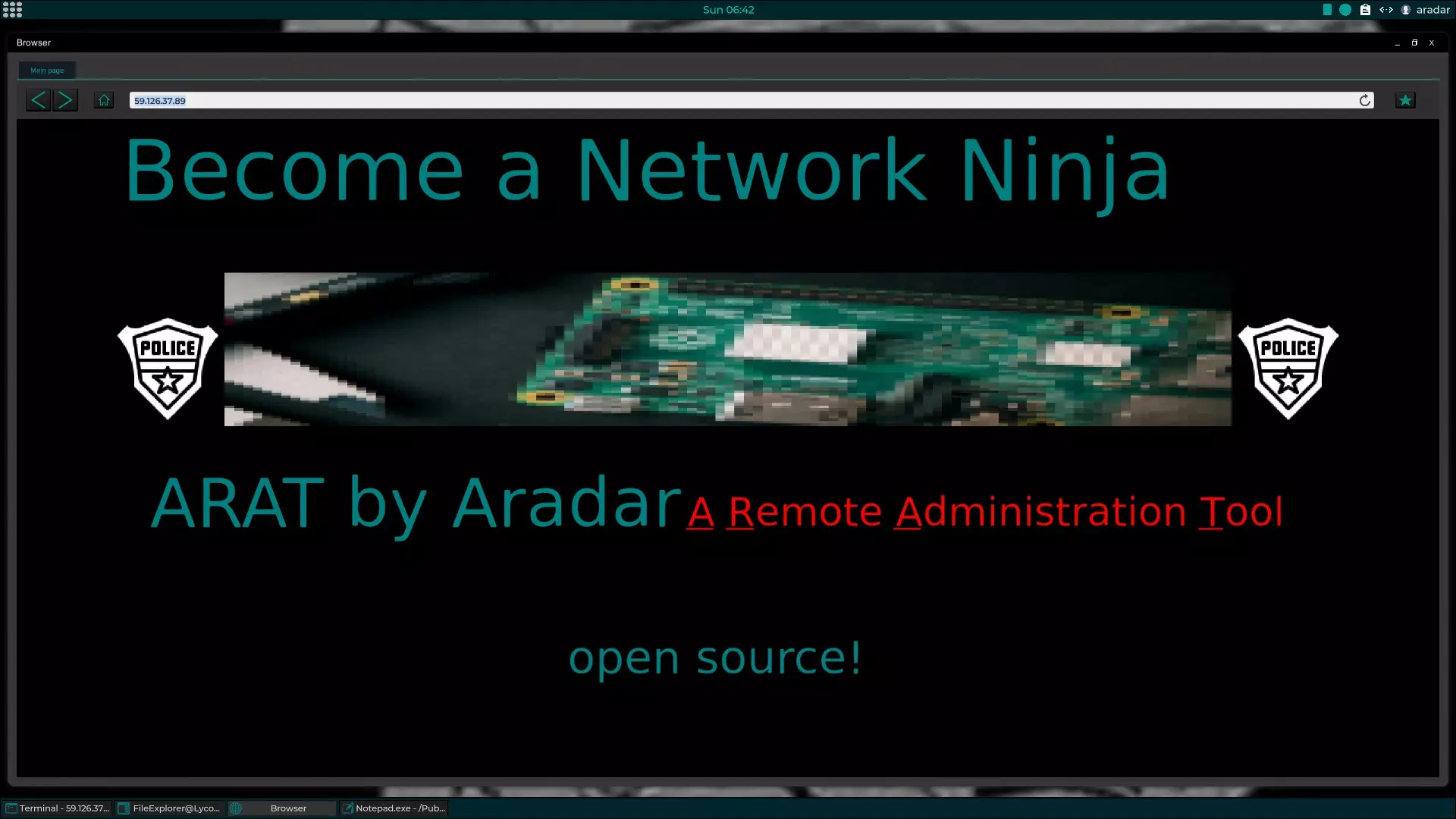
简易无线网络自动破解
在本指南中,我想分享每次重置存档后运行的第一个脚本。它会自动破解最佳的无线网络并连接,此外还会创建一些我后续脚本常用的文件夹。这个脚本简单易懂,你也可以轻松添加…
2026-03-22 07:000赞 · 0评论
离开教程后的首次攻击
帮助无从下手的新玩家开始第一次攻击 前言 目前版本(v0.8)的教程中只会进行WiFi密码破解,随后注册邮箱即可进入黑客商店,导致新玩家接取第一个任务之后难以下…
2026-03-22 07:000赞 · 0评论
《Grey Hack》基础 - 如何测试软件是否存在恶意程序
如何处理你并非完全信任的软件的基本概述 本指南将让你具备一些判断某款软件是否可能包含恶意元素的基本能力。 如果你对本指南中的某些网络渗透步骤不太清楚,可以参考底…
2026-03-22 04:000赞 · 0评论

黑客指南 v0.8(翻译版)
系统操作指南、游戏基础、提示与建议…… (本指南使用翻译工具翻译,并进行了个人修改) 官方英文指南 本指南,确切地说是另一篇指南的翻译版本,旨在帮助俄语玩家了解…
2026-03-22 04:000赞 · 0评论

Bash历史记录和安全日志功能
这个/bin/bash脚本既能添加bash历史记录功能,又能保证你的日志安全 操作方法: 将以下代码复制粘贴到代码编辑器中然后编译,编译完成后确保删除当前的/b…
2026-03-22 04:000赞 · 0评论
Metaxploit入门 - 又名如何摆脱付费漏洞利用
一份教你摆脱预打包漏洞工具的付费束缚和合规枷锁的指南。卸下你的辅助轮,坐上精英黑客的高座(享受过这般视野后便会重重摔落)。 装备
2026-03-21 19:000赞 · 0评论

黑客手册【土耳其语版】(v0.8.5版本黑客指南)
系统攻击相关信息、游戏信息、提示与技巧。 所需工具 系统中已安装的工具 whois:可详细获取服务器所有者信息,用于获取域名、姓名、邮箱、电话号码等信息。 Sc…
2026-03-21 13:000赞 · 0评论
暂无更多