换一换
换一换 


It can seem daunting at first, but it's really pretty easy once you wrap your head around the essentials, so I wrote this guide in easy to understand terms to get you going with "Tobey's BepInEx + MelonLoader Pack for Supermarket Simulator" My hope is to help alleviate some, or all those issues one might have using, or understanding Mod Applications. No pics or vids, just plain English. My current Mod List is at the end of this guide. If this guide has helped you, please give a like.👍 Special thanks to all those that helped make this the most Awarded, Favorited & Liked Guide for this game in such a short time.😎 Getting Started: I use 7-Zip to Zip/Unzip files. You can find it here: 7-Zip[www.7-zip.org]🏆 All Mods for this game should have this Mod Application: Tobey's BepInEx + MelonLoader Pack for Supermarket Simulator[www.nexusmods.com]👍 The reason why this Dual Mod Application was created is because some Mods require BepInEx, and others require MLLoader, and the creator of this application combined them both into one application. Don't confuse these two. The Mod Author of a particular Mod, should tell you which one to use. Notice:I am assuming you have a basic understanding of navigating Windows Explorer, and know your way around Zip Extraction Apps. If not, then save yourself the aggravation, and don't read any further. This is not a guide for Windows Explorer & Zip Extraction Apps. Posting Comments/Questions in another language is just plain RUDE, and will be DELETED. Let's Begin. On your hard-drive, navigate to the game. This should be: Steam>steamapps>common>Supermarket Simulator.The files I'm going to ask you to create, is just a safe place to download, and store your Mods for this game. Nothing more, nothing less. You CAN'T Activate/Install Mods to the game from here. R/Click on Supermarket Simulator, then select New Folder, and name it Nexus Mods. This is where you'll put all your Nexus Mods. R/Click on Nexus Mods, then select New Folder, and name it Tobey's BepInEx. This is where you'll download, and keep the Master Zip File for Tobey's BepInEx. R/Click on Nexus Mods once again, select New Folder, and name it Stock Manager. This is where you'll download, and keep the Master Zip File for Stock Manager. I have just showed you how I prep, and setup Nexus Mods for this or any other game. Now let's get it to work. When Done, Your File Directory Should Look Like This, Concentrating Only On The Folders You've Just Created:Supermarket Simulator (Main Directory) ->Nexus Mods (This is just a place to safely download, and keep your Mods) -->Stock Manager (RDC Stock Manager Zipped should be here) -->Tobey's BepInEx (Tobey's BepInEx + MelonLoader Pack Zipped should be here) Using Tobey's BepInEx + MelonLoader Pack for Supermarket Simulator. Go to the folder you just made for Tobey's BepInEx: R/Click & Drag the Zipped File for Tobey's BepInEx file to Supermarket Simulator Main Directory, and let go of the R/Click, and when asked select Copy (Not Move). Now R/Click on Tobey's BepInEx + MelonLoader Pack for Supermarket Simulator Zip File that you just put in the Supermarket Simulator Main Directory, and hover over 7-Zip, more selections will appear to the right. Select EXTRACT HERE. ⚠️DO NOT UNZIP TOBEY ANYWHERE ELSE BUT THE MAIN GAME DIRECTORY. IT WILL NOT WORK THAT WAY. Once it's Unzipped, you can safely delete the Zipped File for Tobey in Supermarket Simulator Main Directory, because you should have the Master File stored in the Nexus Mods>Tobey's BepInEx Folder you created earlier. Launch the game as you would normally do. This will set up Tobey, and all of its associated Files & Folders. You won't see anything happen while in the game, but I'd suggest you stay on the games main menu for about a minute, and then quit the game. Go back to your hard-drive where the game is installed, and you should now see 2 new folders in the Main Directory called BepInEx & MLLoader. Along with that, you should also see a folder called Plugins In The Main Directory. Click it, and you should see the file called Tobey.BepInExMelonLoadWizard.MLPlugin.dll This means that Todey was installed successfully. If you don't see it, you didn't follow my instructions correctly. Now it's time to use your new found Mod "RDC Stock Manager" Before we do that, I'd suggest you expand the folders BepInEx & MLLoader. It will make the next steps easier. BepInEx will have 5 folders within. The one you'll need is plugins. MLLoader will also have 5 folders within. The one you'll need is Mods. Using Windows Explorer, This Is What The Directories Look Like:Supermarket Simulator (Main Directory) ->BepInEx -->cache -->config -->core -->patchers -->plugins (This is where Mods for BepInEx go) ->MLLoader -->MelonLoader -->Mods (This is where Mods for MLLoader go) -->Plugins -->UserData -->UserLibs Getting Mods To Work: The Mod we're working on today is called: RDC Stock Manager[www.nexusmods.com] Download it, and put it in the Nexus Mods>Stock Manager folder we created earlier. Now R/Click on the Stock Manager Zip File, and hover over 7-Zip, more selections will appear to the right. Select Extract Here. This Mod uses MLLoader, so drag the Stock Manager.dll file, and copy it to the MLLoader>Mods Folder. If done correctly, your Order Screen should look like this: https://steamcommunity.com/sharedfiles/filedetails/?id=3215300501 Other Mods may use BepInEx. In that case just drag the .dll file, and copy it to the BepInEx>plugins Folder. My Mods. ⚠️NOTICE:I haven't played since before the June 27th Update, so my Mod list may be Obsolete, or Incompatible with the current version. Right now I'm having way too much fun with Avatar: Frontiers Of Pandora. As with all Mods, use them at your own risk, and make sure they are updated with the current version of the game. I can not confirm if Mods disable Achievements, because I never waste my time chasing them, but there are those on the forum that say "They Don't Effect Achievements" You Must Have These 2 Applications For Mods To Work:7-Zip[www.7-zip.org] (Or Equivalent Zip Extractor) Tobey's BepInEx + MelonLoader Pack for Supermarket Simulator[www.nexusmods.com] At the end of each Mod:B=Uses BepInEx M=Uses MLLoader T=Requires ✨Texture Replacer Mod (Many Texture Mods Won't Work Without It) ✨Texture Replacer - B[www.nexusmods.com] 4 Tier Narrow Shelf - B[www.nexusmods.com] 5 Tier Narrow Shelf - B[www.nexusmods.com] 5 Tier Shelf - B[www.nexusmods.com] 24 Hour Time- B[www.nexusmods.com] All Textures You'll Need - T[www.nexusmods.com] Better Cashiers - B[www.nexusmods.com] Better Ceiling Lights - T[www.nexusmods.com] Better Checkout Choices - M[www.nexusmods.com] Checkout Theme - M[www.nexusmods.com] Clock Speed - B[www.nexusmods.com] EZ Delivery - M[www.nexusmods.com] Market Always Open - B[www.nexusmods.com] More Cashiers - B[www.nexusmods.com] More Restockers - B[www.nexusmods.com] More Customers - B[www.nexusmods.com] More Freezers - B[www.nexusmods.com] New Streets & Sidewalks - T[www.nexusmods.com] Night Glow - M[www.nexusmods.com] No Max Order Limit - M[www.nexusmods.com] Pause Restockers - M[www.nexusmods.com] Placement Nudge - B[www.nexusmods.com] Photo Mode - B[www.nexusmods.com] Real US Brands - T[www.nexusmods.com] Smart Pocket Boxes - B[www.nexusmods.com] RDC Stock Manager - M[www.nexusmods.com] Storage Expansion - M[www.nexusmods.com] Store Customizer - M[www.nexusmods.com] Upright Freezers - B[www.nexusmods.com] If this guide has helped you, please give a like.😎👍
如何为《超市模拟器》安装模组

2026-02-15 13:00:06

导读
这是一篇《超市模拟器》的模组安装教程,详细介绍了使用Tobey's BepInEx + MelonLoader Pack这款整合模组工具的安装步骤,以及RDC Stock Manager等模组的安装方法,还分享了作者的模组列表,帮助玩家完成《超市模拟器》的模组安装。


评论
共0条评论

《超市模拟器》模组怎么用?超详细模组安装教程与实用模组推荐,轻松提升游戏体验
《超市模拟器》模组安装与使用教程来了!模组下载网址:https://www.nexusmods.com/ 必备基础模组: Tobey's BepInEx x M…
2026-06-09 14:370赞 · 0评论

如何安装模组
以下是《超市模拟器》的简易Mod安装指南。 安装Mod框架前,请务必备份存档。存档位置:C: Users "用户名" AppData LocalLow Nokt…
2026-02-15 16:000赞 · 0评论
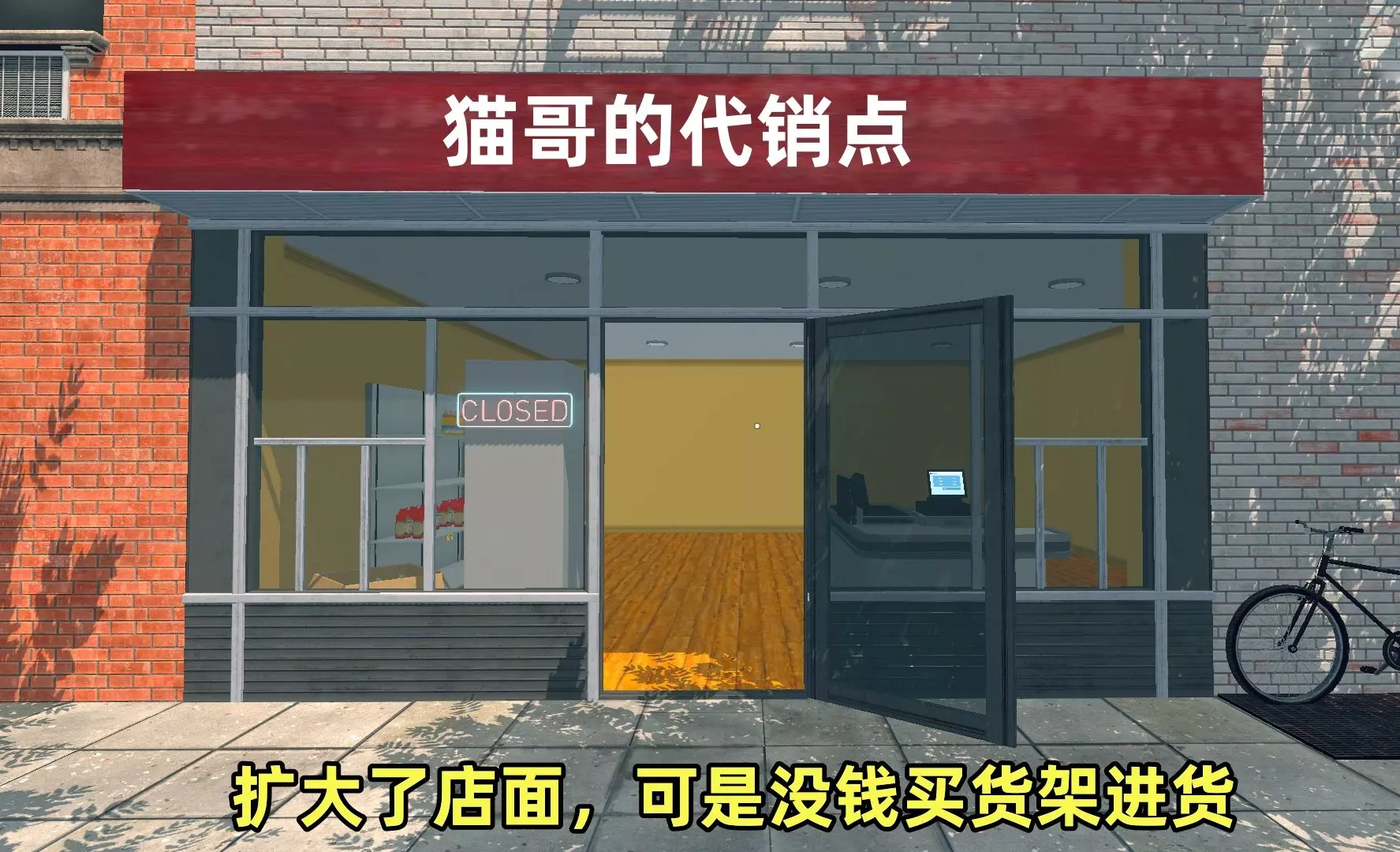
《超市模拟器》怎么玩?扩大店面后没钱进货怎么办?超市经营技巧与赚钱攻略
游戏名:Supermarket Simulator 超市模拟器:攒钱扩大了店面,可是没钱买货架进货,还得慢慢经营
2026-06-13 03:040赞 · 0评论
《房东模拟器》搞笑视频!顶流主播CaseOh玩超市模拟器直播精华,全程爆笑合集【熟肉】
https://www.youtube.com/watch?v=B7P1DZwn9_I&t=24s 翻译/后期:我
2026-06-09 14:330赞 · 0评论
《超市模拟器》怎么玩?一块面包开局挑战,从零打造赚钱超市攻略
来源:https://www.youtube.com 上传日期:20260213 博主ambiguousamphibian在《超市模拟器》玩了个绝活儿挑战:只用…
2026-06-06 08:020赞 · 0评论

《房东模拟器》超市模拟器怎么玩?第五期转攻农产品市场,经营策略与赚钱技巧分享
2026-06-06 03:040赞 · 0评论
《超市模拟器》v1.2.4中文版怎么下载?保姆级教程+一键直装包 免安装学习版获取攻略
2026-05-26 21:040赞 · 0评论
模拟经营 有钱了奖励自己一辆新车【超市模拟器】09双人实况
名称:超市模拟器 Supermarket Simulator 其他标签:3D,模拟经营,沉浸式模拟 联机方式:在线合作 暂无试玩版 支持中文
2026-05-12 05:050赞 · 0评论
模组 超市模拟器,新玩家如何在不使用模组的情况下快速成为暴发户
尝试过自己配音,但是声音太难听了呜呜呜
2026-05-12 05:040赞 · 0评论
《超市模拟器》1.2.5版本更新内容
《超市模拟器》1.2.5版本更新内容 1. 改进: ① 为面包师增加了切换选项,以提升自定义程度。 ② 优化了面包师行为,使其优先烘焙货架上库存不足的产品。 2…
2026-03-26 10:560赞 · 0评论

暂无更多
最新更新
- 《超市模拟器》1.2.8版本更新内容 — 《超市模拟器》1.2.8版本更新内容 1.主要改动: 彻底重写了补货员系统,以解决诸如补货员卡住、箱子悬空以及其他行为相关问题。 2.改进与优化: ①新增快速保…
- 《超市模拟器》1.2.7版本更新内容 — 《超市模拟器》1.2.7版本更新内容 1. 修复与改进: ① 增加了对储物架加载的额外检查,以更好地处理特殊的商店布局情况。 ② 修复了清洁工在清洁污渍时若发生…
- 《超市模拟器》1.2.6版本更新内容 — 《超市模拟器》1.2.6版本更新内容 1. 修复了加载期间基础DLC初始化的问题。 2. 修复了加载时储物架可能消失的问题。 3. 修复了加入多人游戏会话时出现…
- 《超市模拟器》1.2.5-4版本修复公告 — 《超市模拟器》1.2.5-4热修复公告 1. 本次热修复将解决鼠标光标消失的问题。 2. 这将是目前最后一次热修复,接下来我们将专注于提供定期更新和补丁。 修复…
- 《超市模拟器》1.2.5-3版本修复公告 — 《超市模拟器》修复公告 我们非常抱歉! 我们知道部分玩家受到了近期存档文件问题的影响,对于由此带来的不便,我们深表歉意。 我们相信这些问题现已解决,但如果您在最…
- 《超市模拟器》1.2.5-2版本修复公告 — 《超市模拟器》1.2.5-2版本修复公告 1. 修复了家具复制问题。 请注意,首次加载存档时,可能仍会出现已复制的家具,请手动将其移除。
- 《超市模拟器》1.2.5-1版本热修复公告 — 《超市模拟器》1.2.5-1版本修复公告 1.
- 《超市模拟器》1.2.5版本更新内容 — 《超市模拟器》1.2.5版本更新内容 1. 改进: ① 为面包师增加了切换选项,以提升自定义程度。 ② 优化了面包师行为,使其优先烘焙货架上库存不足的产品。 2…
- 《超市模拟器》1.2.4版本更新内容 — 《超市模拟器》1.2.4版本更新内容 1. 修复了电灯开关消失的问题。 2. 修复了市场标签页中产品数量显示为0的问题。 3. 修复了家具箱复制的问题。 4. …
- 《超市模拟器》1.2.3版本更新内容 — 《超市模拟器》1.2.3版本更新内容 1.本次更新带来了多项修复与改进,旨在提升您的游戏体验。 2.《超市模拟器》修复公告 1. 修复了地板和油漆盒缺失的问题 …