换一换
换一换 


Hola, este es un tutorial de como tener bastante dinero, tiendas al máximo y trabajadores apenas empezar, este truco funcionará y lo mejor es que no son ni 5 minutos, y si funciona te invito a apoyarme. Con estos pasos podrás obtener el Platino o el 100% del Juego If you didnt understand spanish, go to the other secction for your idiom, and i splain you Español 1. Windows + R / Colocar Ejecutar en el buscador de Windows 2. Escribirás el siguiente comando appdata y entras a la carpeta LocalLow 3. Entras a la Carpeta NoktaGames, luego Supermarket Simulator 4. Van a salir varios archivos con fechas, recomiendo guardar la partida antes de hacer todo esto 5. Seleccionar el último archivo ( eso se ve en el nombre ) por ejemplo 25-08-2024 13-31-22, siempre el último archivo creado, copia y pega este archivo en tu escritorio u otra carpeta etc, por si cometes algún error. 5. Puedes buscarlo bajando o colocar F3 y buscar cada comando. 6. Entra al archivo de la carpeta ( el de respaldo no obviamente xd ), y vas a bajar a la parte que dice Money, en el que editarás solo los números, por ejemplo Money: 23.99885, edita los números sin borrar comas y puntos. 7. Ahora que lo cambiaste irás a Files o Archivo y guardas. 8. Para saber como subir los niveles de las otras cosas como por ejemplo el Storage, tendrás que bajar a donde sale Storage, modificar el Purchases y en vez de false colocar true, sin borrar la coma que sale y subir el nivel a 99. 9. Para los empleados tienes que modificar el cashiersdata y colocar tal cual en el [1,2,3,4 10. Lo mismo para RestockersData, colocar en el [1,2,3,4 11. Para el Nivel de tienda tendrás que buscar CurrentStoreLevel y colocar 99 (sin borrar la coma que ya estaba). 12. Para Finalizar dale a Files o Archivo y guardar e inicia el juego, si te falla es porque borraste alguna coma o punto. Eso es todo gracias, espero sirva de algo y les ayude mucho, se agradece cualquier apoyo. :) English 1. Windows + R / Place Run in Windows Finder 2. You will write the following command appdata and enter the LocalLow folder 3. Go to the NoktaGames Folder, then Supermarket Simulator 4. Several files with dates will appear, I recommend saving the game before doing all this 5. Select the last file (that is seen in the name) for example 08-25-2024 13-31-22, always the last file created, copy and paste this file on your desktop or another folder, etc., in case you make any mistake. mistake. 5. You can search for it by going down or placing F3 and search for each command. 6. Enter the file in the folder (the backup one, not obviously xd), and you will go down to the part that says Money, in which you will edit only the numbers, for example Money: 23.99885, edit the numbers without deleting commas and periods . 7. Now that you have changed it, you will go to Files or Archive and save. 8. To know how to raise the levels of other things such as Storage, you will have to go down to where Storage appears, modify the Purchases and instead of false put true, without deleting the comma that appears and raise the level to 99. 9. For employees you have to modify the cashiersdata and place it as is in [1,2,3,4 10. Same for RestockersData, place in [1,2,3,4 11. For the Store Level you will have to search for CurrentStoreLevel and enter 99 (without deleting the comma that was already there). 12. To finish, click Files or File and save and start the game. If it fails, it is because you deleted a comma or period. That's all, thank you, I hope it is of some use and helps you a lot, any support is appreciated. :) French 1. Windows + R / Placer l'exécution dans le Finder Windows 2. Vous écrirez la commande suivante appdata et entrerez dans le dossier LocalLow 3. Accédez au dossier NoktaGames, puis à Supermarket Simulator 4. Plusieurs fichiers avec des dates apparaîtront, je recommande de sauvegarder le jeu avant de faire tout cela 5. Sélectionnez le dernier fichier (qui apparaît dans le nom) par exemple 25-08-2024 13-31-22, toujours le dernier fichier créé, copiez et collez ce fichier sur votre bureau ou dans un autre dossier, etc., au cas où vous faites une erreur. erreur. 5. Vous pouvez le rechercher en descendant ou en plaçant F3 et rechercher chaque commande. 6. Entrez le fichier dans le dossier (celui de sauvegarde, pas évidemment xd), et vous descendrez jusqu'à la partie qui dit Money, dans laquelle vous éditerez uniquement les chiffres, par exemple Money : 23.99885, éditez les numéros sans supprimer virgules et points. 7. Maintenant que vous l'avez modifié, vous allez accéder à Fichiers ou Archiver et enregistrer. 8. Pour savoir comment augmenter les niveaux d'autres choses comme le Stockage, vous devrez descendre là où le Stockage apparaît, modifier les Achats et au lieu de faux mettre vrai, sans supprimer la virgule qui apparaît et augmenter le niveau à 99. 9. Pour les employés vous devez modifier les données des caissiers et les placer telles quelles dans [1,2,3,4 10. Idem pour RestockersData, placer dans [1,2,3,4 11. Pour le niveau magasin, vous devrez rechercher CurrentStoreLevel et saisir 99 (sans supprimer la virgule qui s'y trouvait déjà). 12. Pour terminer, cliquez sur Fichiers ou Fichier, enregistrez et démarrez le jeu. Si cela échoue, c'est parce que vous avez supprimé une virgule ou un point. C'est tout, merci, j'espère que cela vous sera utile et vous aidera beaucoup, tout soutien est apprécié. :)
如何达成游戏100%完成度

2026-02-16 01:00:19

导读
这是一篇《Supermarket Simulator》(超市模拟器)的游戏修改教程,教玩家通过修改本地存档文件,快速获得大量金钱、将商店等级拉满、解锁全部员工,以此达成游戏100%完成度,还提供了西、英、法三种语言的操作步骤。


评论
共0条评论

模拟经营 超市模拟器:加mod教程,如此简单就解决了忙碌的工作
游戏名:Supermarket Simulator 超市模拟器mod获取: 链接:https://pan.baidu.com/s/1ftgPffxrOVAqLu…
2026-05-04 04:061赞 · 0评论
《房东模拟器》怎么玩?超市模拟器最高画质全流程实况,模拟经营类游戏攻略与技巧分享
→相关游戏:《Supermarket Simulator》 →帅桃补充:这是一款第一人称视角的模拟经营游戏,让你沉浸式体验超市运营的每一个细节,从进货、上架到收…
2026-06-20 11:460赞 · 0评论
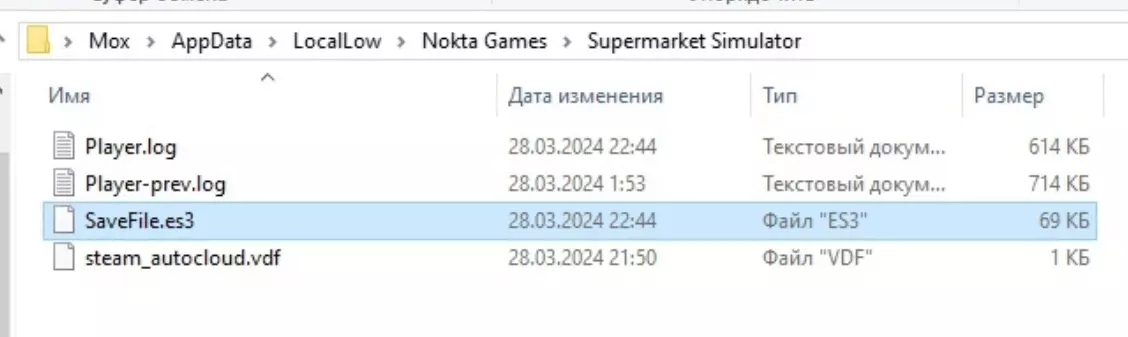
游戏存档编辑(金钱、商店等级等)
在完全享受游戏之前,千万不要使用本指南。阅读和使用本指南的风险由您自行承担! 路径在哪里? 进入任意文件夹,输入路径: C: Users 您的电脑名称 AppD…
2026-02-15 07:000赞 · 0评论
超市基础
能节省你时间和精力的信息。 序章 你好,旅行者。今天你将成为一家温馨小店的店主。在所有美味食物被吃完之前,让我们先了解一下经营的基础知识,让游戏体验更加清晰明了…
2026-02-15 22:000赞 · 0评论
本地市场更新
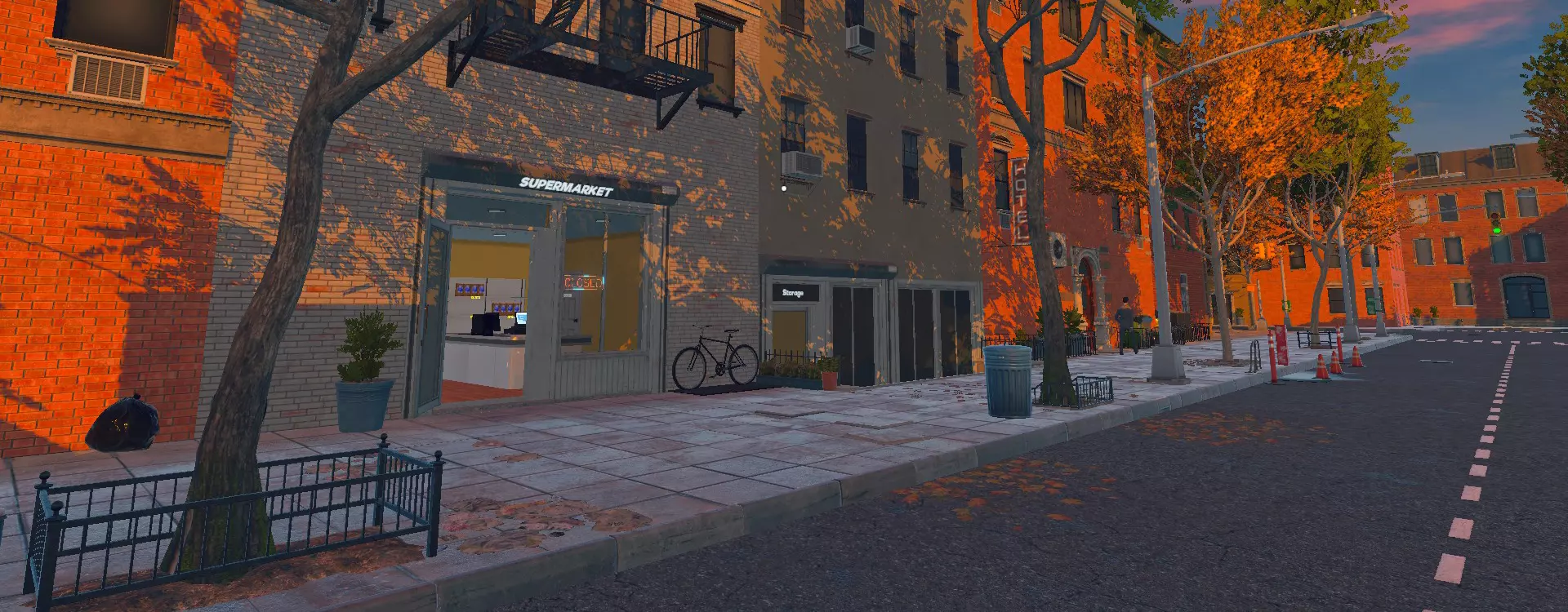
各位商人!我们很高兴发布又一个重大更新!新增内容:本地市场!
2026-02-13 09:000赞 · 0评论

全成就指南
大家好,本指南旨在帮助大家解锁全部成就(针对喜欢达成游戏100%完成度的玩家)。希望本指南能为你提供帮助,至少能让你了解更多关于游戏成就的信息。 游戏玩法相关成…
2026-03-25 10:000赞 · 0评论

游戏100%完成度(全成就)
本指南将介绍获取《Oneiros》全部21个成就的方法。 注意!包含剧透内容! 前言 引用自《Oneiros》:事物并不总是它们看起来的样子。
2026-03-22 19:000赞 · 0评论

寻找和我一样通关游戏100%的人
达成100%游戏完成度的标准: - 获得所有鲨鱼形态 - 完成所有任务 - 击败所有Boss - 收集所有收藏品 - 将所有内容升级至满级 - 体验所有身体部位…
2026-03-22 13:000赞 · 0评论

互动地图
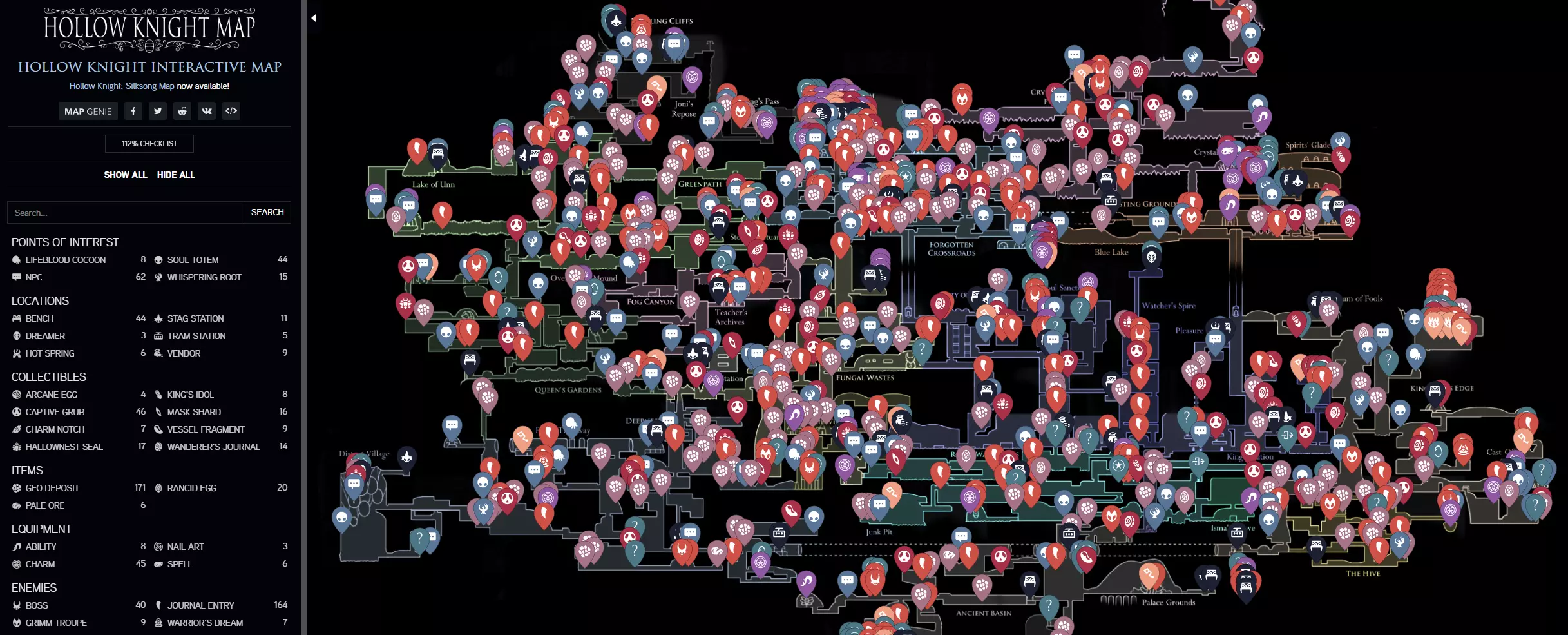
我为你呈现这个很棒的网站,专为想要达成100%完成度、寻找 Boss、物品、资源、收集品、地点等内容的你而打造! 简介 如果你在寻找特定内容,可以使用筛选器中的…
2026-02-20 01:000赞 · 0评论
《 Gris》指南
本指南包含游戏的所有成就。 本指南译自英文,由HolyCookie创作,此次翻译仅为方便西班牙语用户。 简介 欢迎阅读《GRIS》100%西班牙语指南,本指南包…
2026-02-14 19:002赞 · 0评论

暂无更多
最新更新
- 《超市模拟器》1.2.8版本更新内容 — 《超市模拟器》1.2.8版本更新内容 1.主要改动: 彻底重写了补货员系统,以解决诸如补货员卡住、箱子悬空以及其他行为相关问题。 2.改进与优化: ①新增快速保…
- 《超市模拟器》1.2.7版本更新内容 — 《超市模拟器》1.2.7版本更新内容 1. 修复与改进: ① 增加了对储物架加载的额外检查,以更好地处理特殊的商店布局情况。 ② 修复了清洁工在清洁污渍时若发生…
- 《超市模拟器》1.2.6版本更新内容 — 《超市模拟器》1.2.6版本更新内容 1. 修复了加载期间基础DLC初始化的问题。 2. 修复了加载时储物架可能消失的问题。 3. 修复了加入多人游戏会话时出现…
- 《超市模拟器》1.2.5-4版本修复公告 — 《超市模拟器》1.2.5-4热修复公告 1. 本次热修复将解决鼠标光标消失的问题。 2. 这将是目前最后一次热修复,接下来我们将专注于提供定期更新和补丁。 修复…
- 《超市模拟器》1.2.5-3版本修复公告 — 《超市模拟器》修复公告 我们非常抱歉! 我们知道部分玩家受到了近期存档文件问题的影响,对于由此带来的不便,我们深表歉意。 我们相信这些问题现已解决,但如果您在最…
- 《超市模拟器》1.2.5-2版本修复公告 — 《超市模拟器》1.2.5-2版本修复公告 1. 修复了家具复制问题。 请注意,首次加载存档时,可能仍会出现已复制的家具,请手动将其移除。
- 《超市模拟器》1.2.5-1版本热修复公告 — 《超市模拟器》1.2.5-1版本修复公告 1.
- 《超市模拟器》1.2.5版本更新内容 — 《超市模拟器》1.2.5版本更新内容 1. 改进: ① 为面包师增加了切换选项,以提升自定义程度。 ② 优化了面包师行为,使其优先烘焙货架上库存不足的产品。 2…
- 《超市模拟器》1.2.4版本更新内容 — 《超市模拟器》1.2.4版本更新内容 1. 修复了电灯开关消失的问题。 2. 修复了市场标签页中产品数量显示为0的问题。 3. 修复了家具箱复制的问题。 4. …
- 《超市模拟器》1.2.3版本更新内容 — 《超市模拟器》1.2.3版本更新内容 1.本次更新带来了多项修复与改进,旨在提升您的游戏体验。 2.《超市模拟器》修复公告 1. 修复了地板和油漆盒缺失的问题 …