换一换
换一换 


Official Translation https://crowdin.com/project/ark-survival-evolved/invite Quick Guide: How To Localize ARK! Please contribute to our Work-In-Progress Localizations @ https://crowdin.com/project/ark-survival-evolved , the ARK Community thanks you!! As of v235, ARK now supports user-created localizations and custom fonts! 1. In the Windows game, you'll find a new app here: Tools LocalizationManager LocalizationManager.exe Run it, check the languages you wish to work on, and then click "Update Archives from Manifest" to update your language's set of strings with the latest global strings from the game, then click "ArchiveFiles->XLS" to generate an Excel spreadsheet of all the localizations (separated by Tabs if you wanna work on more than one language at a time). This export process takes a couple minutes, so give it time and it will eventually say "completed" on the status panel. Then you can upload that XLS to Google Docs or whatnot for easy group editing. 2. When you're ready to reimport new localizations, click "XLS->Archive Files" and then choose your XLS, and it will import and integrate the localization data for the checked languages. (Alternatively, you can skip the XLS phase entirely and iterate directly on the localization text files here: " ShooterGame Content Localization Game YOURLANGUAGE ShooterGame.archive", but they're pretty awkwardly formatted so spreadsheet is easier typically for translators to view. You must still do the "Generate Game Files From Archives" in the next step anyway,.) 3. Next, click "Generate Game Files From Archives" and it will actually prepare the corresponding shipping binary localization data for the checked languages for display in-game. (this " ShooterGame Content Localization Game YOURLANGUAGE ShooterGame.locres" binary file is what is actually used in-game for speed) The localization files themselves are located here, in whatever language subfolder you want to specify: " ShooterGame Content Localization Game YOURLANGUAGE " There are no hardcoded language directory names, so whatever language subfolder name you want yours to be, you just then run the game with the following commandline: ShooterGame Binaries Win64 ShooterGame.exe -culture=yourlanguage (Ideally yourlanguage is the corresponding two-character language code from the standard here: http://www.lingoes.net/en/translator/langcode.htm ) For example, for Spanish (which we've not yet translated!): ShooterGame Binaries Win64 ShooterGame.exe -culture=es Finally, to implement custom fonts, just replace any TTF (from " Engine Content Slate Fonts " ) with a same-named TTF in your language's subdirectory, and they will override the corresponding Font. There are also some "distance field" UASSET fonts that can be be reimported cooked out of the DevKit to be overriden: /ShooterGame/Content/OldAssets/UI/HUD/Roboto18.uasset /ShooterGame/Content/OldAssets/UI/HUD/Roboto51.uasset /ShooterGame/Content/OldAssets/UI/HUD/SansationBold18.uasset /Engine/Content/EngineFonts/Roboto51SlateFont.uasset /Engine/Content/EngineFonts/RobotoDistanceField.uasset /Engine/Content/EngineFonts/HandwritingDistanceField.uasset Specifically grab the latest ARK Dev Kit from GitHub (v235), and open each of those Font assets in the Dev Kit. Goto the "Import Options" properties of each Font, change the "Font Name" to whatever Font you want to reimport as, and change the Unicode range to whatever is appropriate for your font (for Russian, it's 0-451 for example). Then right-click the Font asset the Content Browser and select "Reimport". You can iterate on how the Font looks by playing the game in PIE while you Reimport, adjusting the settings until it looks good with some test language text. After the Font has reimported satisfactorily, save it, and then right-click and choose "Quick Cook Single Asset". Select an output folder, and then go ahead and copy the Font Asset from the Output folder (it'll export into a Output ShooterGame * subdirectory, so ignore all the subdirectories and copy the Font asset file directly) into your Localization Language's folder (without any further subfolders). That Font UASSET will then override the corresponding one from the original game! To distribute your localization, just zip up your Localization language's subfolder and then be sure to tell your players where to extract it, namely into here: " ShooterGame Content Localization Game " You're welcome to rename the multi-line string in the Join Session menu to give credit to the people doing the localizing. We forgot to add a dedicated Credits text field for that, but we will soon :) Once enterprising groups get going with localization, we'll edit this post with sticky links to good work-in-progress localizations! Have fun and soon we'll be providing some big bounties for quality localizations in every (real world :) language under the sun! Good luck all, and happy multi-lingual surviving to you! Contact info If your language is not available and want to add your language please contact StudioWildCard or Neizan vía Skype, Discord or Private Message IF YOU SEE SOME GENERAL BUG AND DO YOU WANT REPORT THIS GO TO: https://docs.google.com/spreadsheets/d/1JUnUZa1_ijFi9Stv9fmyRAy6qcEIpl04e2JrY8k1Jb0/edit?usp=sharing (or Discord or Skype) (Translation related, like LocalizationManager or Manifest bugs) You can help us translating our wiki too in: http://ark.gamepedia.com/ARK_Survival_Evolved_Wiki ------------------------------------------------------------------------------------------------------------------------- Join us at Discord to share your translation feedback (or contact for support and announcements): https://discord.gg/0v6XOfkSHoKUQRAJ and Join us at Skype to share you translation feedback: https://join.skype.com/m0Hp3wk06cLI
《方舟:生存进化》生存者竞技(ARK: Survival of the Fittest)

2026-02-15 13:00:18

导读
《方舟:生存进化》自v235版本起支持用户创建本地化内容与自定义字体,本文详细介绍了使用LocalizationManager工具进行游戏本地化翻译的操作步骤,包括导出翻译表格、导入翻译内容、生成游戏可用文件的方法,还说明了自定义字体的替换方式,同时号召玩家前往指定平台参与本地化贡献。


评论
共0条评论

游戏中文配音为什么不好听?专业投入不足是主因,翻译腔问题如何解决
然而,当一款投入数亿元开发的重量级作品中出现生硬、失真的中文配音时,玩家的沉浸体验往往在瞬间被打破。尽管部分高质量的中文配音广受赞誉,但仍有相当数量的游戏因配音…
2026-06-15 06:400赞 · 0评论

中文字幕 (中字) s&box上手指南-主菜单各类基础功能介绍
https://www.youtube.com/watch?v=NNaDFcck3vs 由于目前本地化内容的缺失,很多朋友可能拿到游戏后会对主菜单的一些内容不知…
2026-04-29 23:320赞 · 0评论
《迷失随机》乌克兰语本地化
《迷失随机》乌克兰语文本本地化。 作者: Галицький Розбишака。 致谢
2026-04-07 19:000赞 · 0评论
《内饭盒》乌克兰语化工具
《内饭盒》乌克兰语本地化补丁(由“Кавунові переклади”提供) - 从英语翻译而来。 信息更新至2025年12月5日 - 本地化补丁将替换英语。…
2026-04-06 19:000赞 · 0评论
本地化指南
本指南将帮助你为游戏添加自己的语言。 开始操作: 1. 打开游戏的安装文件夹。 2. 打开“data”文件夹。 3. 复制“lang_en”文件。 4. 粘贴复…
2026-04-06 01:000赞 · 0评论
钢铁之师:诺曼底44 葡萄牙语翻译
由我完成的翻译。 整个战役内容,包括教程、战役对话文本、地图目标文本、游戏内外菜单。 还需要一些修订,因为我尚未解锁所有地图。 《钢铁之师:诺曼底44》葡萄牙语…
2026-04-05 22:000赞 · 0评论

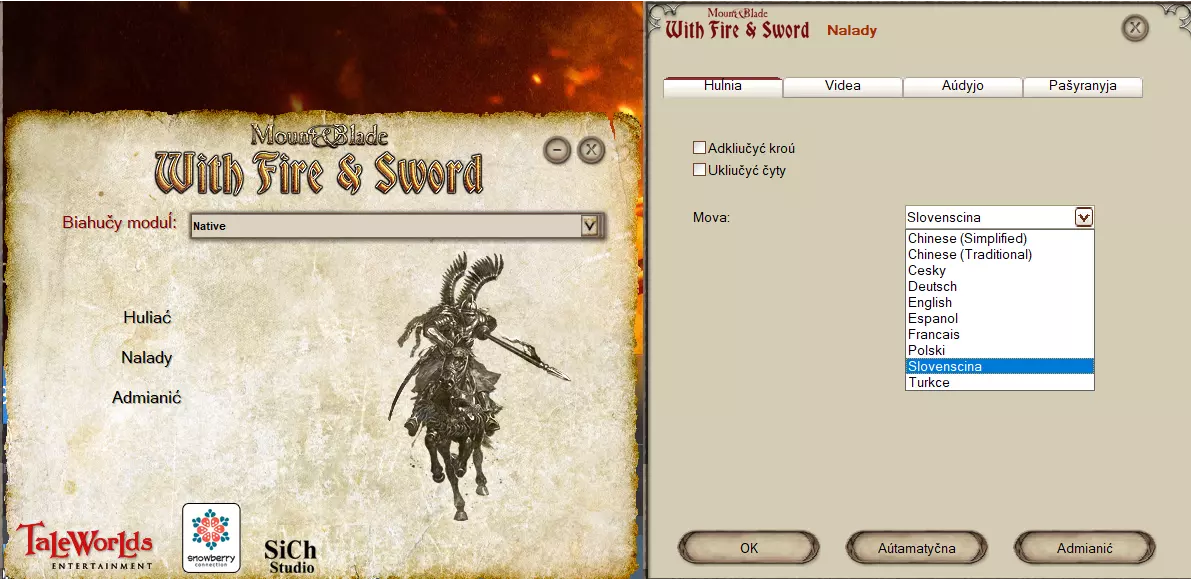
《骑马与砍杀:火与剑》的白俄罗斯语模组(Thrapis制作)
《骑马与砍杀:火与剑》游戏全文翻译 说明 1.下载本地化文件 2.将4个文件夹(Modules、languages、Data、Textures)解压到游戏根目录…
2026-04-02 10:000赞 · 0评论
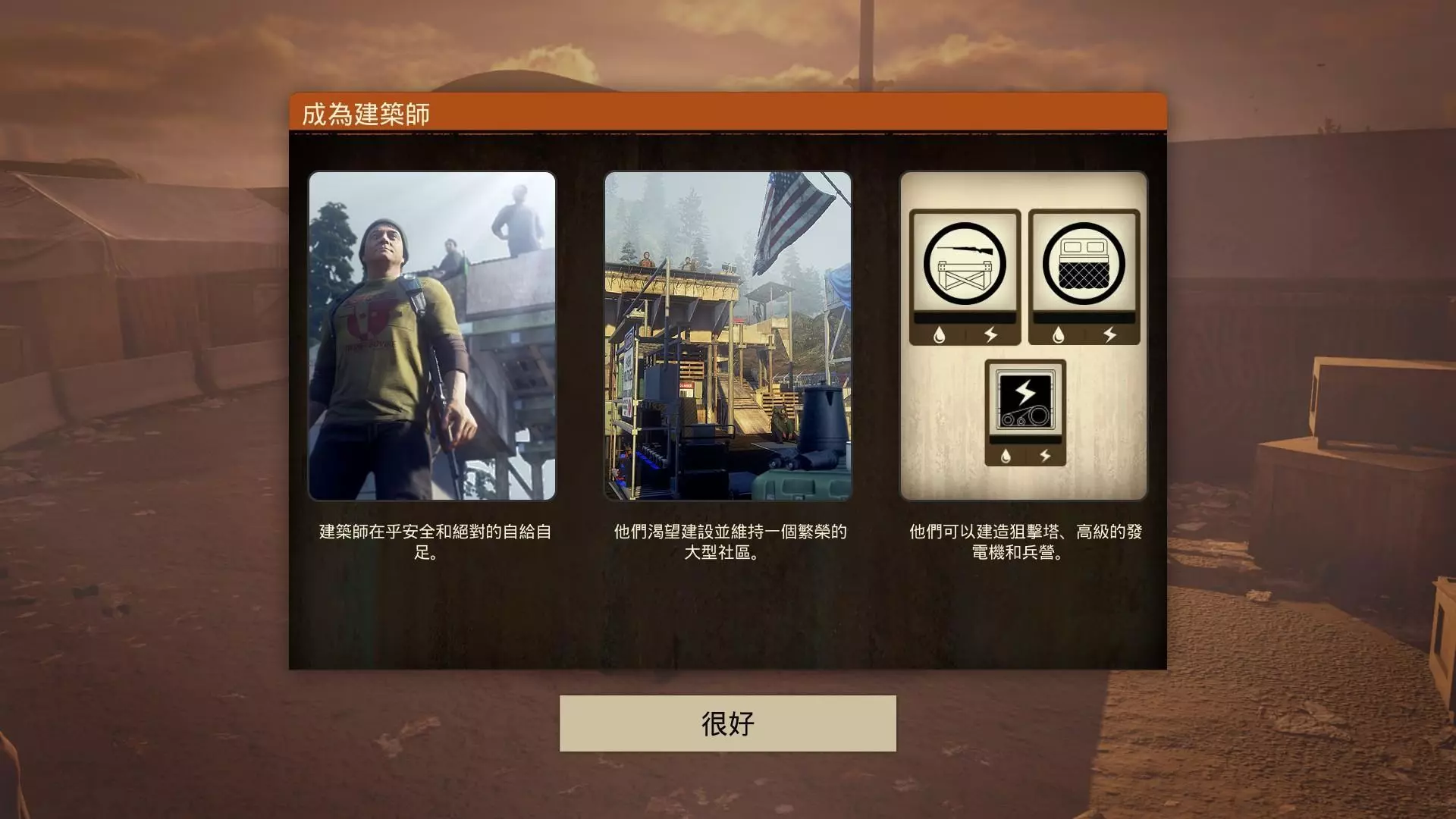
繁体中文化
感谢官方推出简体中文版,但很可惜没有繁体中文版,所以我只好自己做一个。 前言 还记得我吗?不记得就算了。每当有大作出来时我都会手痒做个繁中版,这次也是因为这样所…
2026-04-01 22:000赞 · 0评论
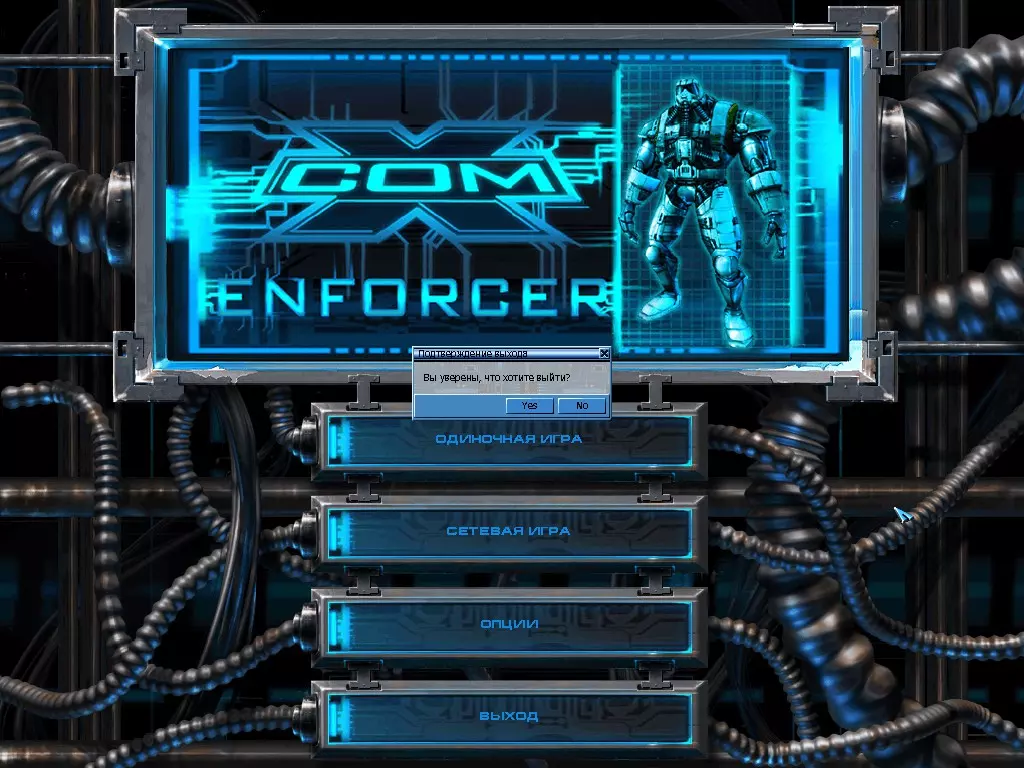
X-COM: Enforcer 游戏俄文本地化补丁
X-COM: Enforcer游戏文本与语音汉化补丁 安装说明 1.下载汉化补丁。 2.将压缩包解压至Steam steamapps下的游戏安装文件夹,并同意替…
2026-04-01 01:000赞 · 0评论
《猫头鹰男孩》支持法语!
终于有法语版本的游戏了! 为游戏准备翻译 为了能玩到法语版的《猫头鹰男孩》,需要完成以下两个步骤来启用额外语言。 第一步是启用“本地化”模式。 你可以通过将“o…
2026-04-01 01:000赞 · 0评论

暂无更多
最新更新
- 如何在《方舟:适者生存》中戏耍其他玩家和部落 — 你是否厌倦了那些全力以赴的玩家和强力角色?大家玩得不尽兴,还频繁死亡?那么这份指南就是为你准备的! 任何玩家都知道,一旦感到无聊,就该捣乱了!在一个能让你创建自…
- 如何驯服 Boss(2021年有效) — 无法识别或无法翻译,已删除。
- 俄语社区 — (内容包含外部链接,已按规则删除)
- 空洞骑士 - 5小时 — 这是一份快速且安全地完成5小时速通成就的指南,无需使用漏洞。我是fireb0rn,曾无伤通关这款游戏,并多次获得【Any% No Major Glitches】…
- 如何赢得适者生存 — 成为最后一个存活下来的人。仅此而已。
- 如何制作枪支?【秘密方法】 — 直接制作它
- 指南:Steam游戏的规范设置 — 《方舟:适者生存》Steam版界面美化 前言 如果你和我一样是个追求完美的细节控,那么你肯定也对库中那些毫无生气的游戏空白图标感到厌烦。本指南将告诉你如何解决这…
- 首个SOTF部落旗帜包!300+免费旗帜可供下载。(包含多种内容,如宝可梦、方舟、政治、梗图等) — Updated: Version: 1.1.2 | Patchnotes and Download below! 50 new Flags | 300+ fre…
- 实用键盘快捷键 — 实用的键盘快捷键,助你快速管理物品栏! 物品栏 丢弃一整组物品:将鼠标悬停在物品上 + 按 O 键 转移一整组物品:将鼠标悬停在物品上 + 按 T 键(例如从储…
- 如何像我一样在1800分的游戏大厅获胜 — 与罗宾组队