换一换
换一换 


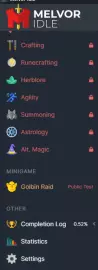
Are you new to Melvor Idle and wondering where to start? This beginner’s guide is designed to help you get the most out of your journey. From gathering essential resources and mastering skills to diving into combat and optimizing your progression, this guide covers everything you need to know. Learn about: The best strategies to train your first skills. How to effectively prepare for combat and choose your style. Managing resources and using the Mastery system. Tips to organize your bank and make long-term progress. Whether you’re aiming to become a skilling expert or a combat master, this guide has something for you. If you’re finding the game overwhelming or want to make faster progress, this is the perfect starting point. Note: This guide is still a work in progress! If you think something is missing or if you need more explanation on a specific topic, please leave a comment and I’ll be sure to update the guide as soon as possible. 1. What is Melvor Idle? Melvor Idle is an incremental game inspired by RuneScape. It features combat, skilling, dungeons, and mastery systems. You can play entirely offline or actively engage to optimize your progression. Your ultimate goal is to complete the Completion Log by mastering all skills, defeating powerful foes, and collecting unique items. 2. Choosing Your Game Mode At the start of the game, you’ll choose between several modes: Standard: No penalties for death. Ideal for new players. Hardcore: Permadeath mode. Your save file is deleted if you die, making this mode suitable for veterans. Adventure: Limited bank space with item drops on death. Offers a different challenge. For beginners, Standard Mode is recommended while you learn the game’s systems. 3. Understanding the Interface Melvor Idle has an intuitive layout divided into key sections: Skills Tab: Train your skills (e.g., Woodcutting, Fishing, Mining). Combat Tab: Fight enemies, bosses, and explore dungeons. Shop Tab: Spend gold to buy items, upgrades, or bank slots. Bank Tab: Organize your inventory and manage items. Completion Log: Track your progress, mastery, and collectibles. Take some time to explore these tabs so you’re familiar with their functions. 4. Early Game Priorities 4.1 Focus on Gathering Skills First Begin with resource-gathering skills to establish a steady supply of materials: Woodcutting: Collect logs for Firemaking and Crafting. Start with Normal Trees and upgrade to Oak. Fishing: Catch Shrimp, Herring, and Trout to cook food, which will be essential for combat. Mining: Mine Copper and Tin to smelt Bronze Bars for crafting armor and weapons. Progress to Iron and Steel as you level. 4.2 Unlock Processing Skills After gathering resources, train processing skills: Firemaking: Burn logs to gain experience and clear inventory space. Cooking: Cook fish to create food that heals your character in combat. 4.3 Begin Training Combat Once you have food and basic gear, start combat. Focus on one combat style (Melee, Ranged, or Magic) to simplify progression: Melee: Beginner-friendly and uses easily crafted gear. Ranged: Ideal for staying out of harm’s way but requires arrows. Magic: Versatile but depends on runes, which may take time to collect. Avoid high-level enemies early on; stick to low-level monsters for steady progress. 5. Skill Training Guide 5.1 Gathering Skills Mining: Focus on Copper and Tin first. Smelt Bronze Bars for early weapons/armor and progress to Iron. Woodcutting: Harvest Normal Trees, then move on to Oak and Willow for faster experience gain. Fishing: Catch Shrimp, then advance to Herring and Trout. Stockpile food for combat. 5.2 Processing Skills Firemaking: Burn logs as you gather them. Higher-tier logs provide more experience. Cooking: Cook all the fish you gather. Start with Shrimp and move to higher-tier fish as you unlock them. 5.3 Mastery System Each skill has a Mastery Level tied to individual items or activities. Train mastery by repeatedly performing specific tasks. Higher mastery provides bonuses, such as faster gathering or reduced failure rates. 6. Combat Basics Combat is a core mechanic in Melvor Idle, allowing you to defeat enemies and earn valuable loot. Here’s how to get started: 6.1 Choose Your Combat Style There are three combat styles: Melee: Focuses on close-range attacks. Ideal for beginners due to its simplicity. Ranged: Requires bows and arrows but allows you to attack from a distance. Magic: Uses spells powered by runes. Versatile but resource-dependent. Pick one style to specialize in initially. Equip gear and weapons matching your chosen style. 6.2 Combat Tips Always bring food to heal during combat. Cooked fish works well early game. Focus on defeating low-level enemies like Chickens or Cows to build experience. Upgrade your gear regularly. Use Smithing to craft weapons and armor. 7. Progression Tips 7.1 Manage Your Resources Keep your bank organized to avoid wasting time searching for items. Upgrade bank slots when you can afford it. 7.2 Check the Completion Log The Completion Log tracks your achievements, pets, and mastery progress. Use it as a guide for long-term goals. 7.3 Use the Shop Wisely Spend your gold on essential upgrades, such as better tools or gear. Avoid wasting gold on unnecessary items early on. 8. Conclusion Melvor Idle is a game of patience and optimization. Focus on building a strong foundation in resource gathering and gradually transition to combat as you level up. Remember, progression can be slow at first but becomes rewarding as your skills improve. 引用自 Deelt:If you found this guide helpful, please give it a like or an award! Thanks for reading, and Happy Skilling! Good luck, adventurer, and enjoy your journey in Melvor Idle!
《梅尔沃放置》新手指南

2026-02-19 16:00:15
转载

导读
这是一篇《梅尔沃放置》(Melvor Idle)新手指南,介绍了这款类RuneScape的增量游戏,涵盖游戏模式选择、界面认知、前期技能养成、战斗入门、资源管理等内容,能帮助新手快速上手,提升游戏进度,目前该指南仍在更新中。


评论
共0条评论

MOD 【梅尔沃放置】深渊DLC流程攻略01-何时购入、必备模组MOD、解锁流程
《梅尔沃放置》2024年6月13日的步入深渊DLC……不能不说开局是真的很苦涩。 数值放大实际为了使劲抬高门槛,防玩家逃课最狠的一集。 24.6.25少量编辑优…
2026-05-12 14:340赞 · 0评论

《越野狂飙》指南
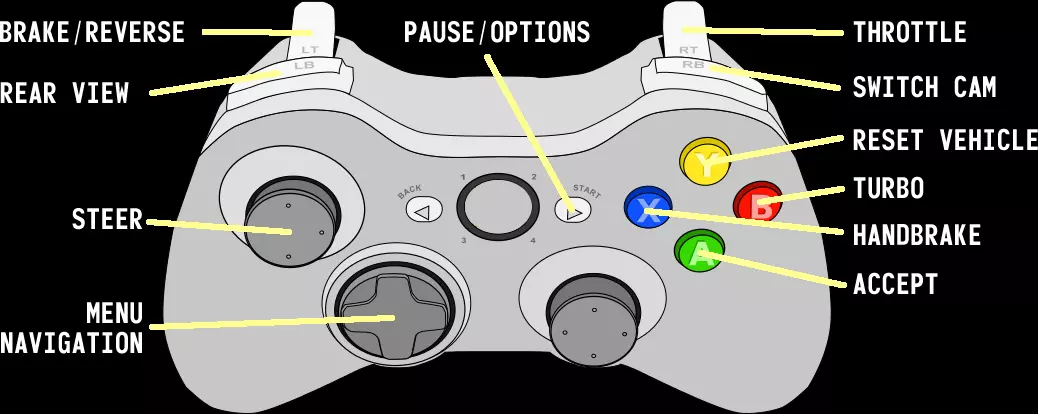
《Savage Offroad》新手基础指南 总览 操作控制
2026-03-27 01:000赞 · 0评论
《梅尔沃放置》设置中文的方法:进入游戏后,在主菜单找到“Options”(选项),点击进入后选择“Language”(语言),在语言列表中找到“简体中文”并选中,保存设置即可切换为中文界面。
《梅尔沃放置》如何选择中文 首页时,将页面滚动到最下方,在左下角点击中间的文字按钮,即可选择中文。 难点在于必须在首页操作,游戏中无法选择,且需要拖动到页面最底…
2026-02-19 13:000赞 · 0评论

《梅尔沃放置》100%成就(全成就指南)
本指南将详细介绍如何获取《梅尔沃放置》的全部成就。 简介 以下是本游戏成就的快速概览及其他实用信息: 基础游戏:86个 DLC:0个 可错过:0个 无法获取:0…
2026-02-19 07:000赞 · 0评论

梅尔沃放置怎么玩 梅尔沃放置战斗攻略 梅尔沃放置核心机制 梅尔沃放置技能等级上限
【攻略适用:标准模式】在冒险模式中,其他技能等级上限不能超过战斗等级上限,这是《梅尔沃放置》的核心机制之一。 哎呀,已经过了元宵节了,那就祝大家龙年一年都安安康…
2026-05-22 23:070赞 · 0评论

steam 《梅尔沃放置》战斗:近战1-80级+通关熔岩洞窟!超详细全流程教学!装备推荐!思路技巧!
【攻略适用模式:标准模式】 战斗的坑好难填啊!!!1个视频做了14个小时可怎么办?
2026-05-16 16:420赞 · 0评论

MOD 【梅尔沃放置】玩累了就直接睡觉!MOD推荐#03-自动作业&强化幸运篇
《梅尔沃放置》的自动作业与强化幸运类MOD介绍。 这类模组对游戏体验改变更大,会减少玩家操作量和游戏内容体验量,但不破坏核心流程。 能做到紧贴理论上限的收益效率…
2026-05-12 14:320赞 · 0评论

某些节庆、恶搞奖杯
我猜有些人会好奇吧…… 废话少说。 这件事其实很简单,所以我们就长话短说。大部分《梅尔沃放置》的成就目标都非常明显,直接写在成就描述里了,除了以下几个比较模糊的…
2026-02-18 16:000赞 · 0评论

steam 纯新向!刚出新手村该干啥?《梅尔沃放置》游戏终极目标?核心玩法技巧? 两大步玩转梅尔!
【说明——攻略适用模式:标准。UP是本体+双DLC】 连更三天纯新手向,应应景……
2026-01-12 19:330赞 · 0评论

模拟经营 《梅尔沃基础课》星象学/第一讲!为啥大佬起手都练星象?基本概念+练级思路+易忽略要点+热门Q&A!steam高分神作攻略教程
【说明——攻略适用模式:标准。UP是本体+双DLC】
2026-05-12 14:340赞 · 0评论

暂无更多
最新更新
- 冒险模式完全指南:如何挂机地下城 — The only guide u need to pickup the game, and be ready to idle the volcanic dung…
- 寻找梅特兰蒂斯 — 寻找梅特兰蒂斯 线索1 考古可以发现线索1
- 冒险模式快速赚钱技巧 — 开启盗窃之旅 开启你的盗窃任务,目标是接近男性,再接触女性。 从女性那里你可以获得博比袋和宝石项链,每条项链价值4000-10000金币。 努力获取精致钱袋、潜…
- 《梅尔沃放置》 — 梅尔沃放置游玩心得 购入价格 Melvor Idle 25.20元 https://store.steampowered.com/app/1267910 Mel…
- 修改你的梅尔沃放置存档文件 :) — 如何修改你的存档文件 梅尔沃游戏文件修改…… 之前的指南已经变得毫无用处了……因为我收到了太多关于修改游戏文件的广告…… 所以希望这个指南不会没用吧? 步骤一:
- 新手指南 — 开发中的指南,译自游戏英文维基。这里仅包含游戏的基本信息。 未来我会尝试单独撰写技能相关的指南。 已翻译的部分包括:界面、基础技能使用、离线进度(AFK)、战斗…
- 《梅尔沃放置》新手指南 — Are you new to Melvor Idle and wondering where to start? This beginner’s guide i…
- [过时] 使用模组(脚本与扩展)- 简体版 — 《梅尔沃放置》Steam版简易Mod(即脚本和扩展程序)安装指南 本指南已过时!跨平台Mod支持现已成为游戏内置功能。使用Mod只需登录您的云账户并点击【Mod…
- 《梅尔沃放置》设置中文的方法:进入游戏后,在主菜单找到“Options”(选项),点击进入后选择“Language”(语言),在语言列表中找到“简体中文”并选中,保存设置即可切换为中文界面。 — 《梅尔沃放置》如何选择中文 首页时,将页面滚动到最下方,在左下角点击中间的文字按钮,即可选择中文。 难点在于必须在首页操作,游戏中无法选择,且需要拖动到页面最底…
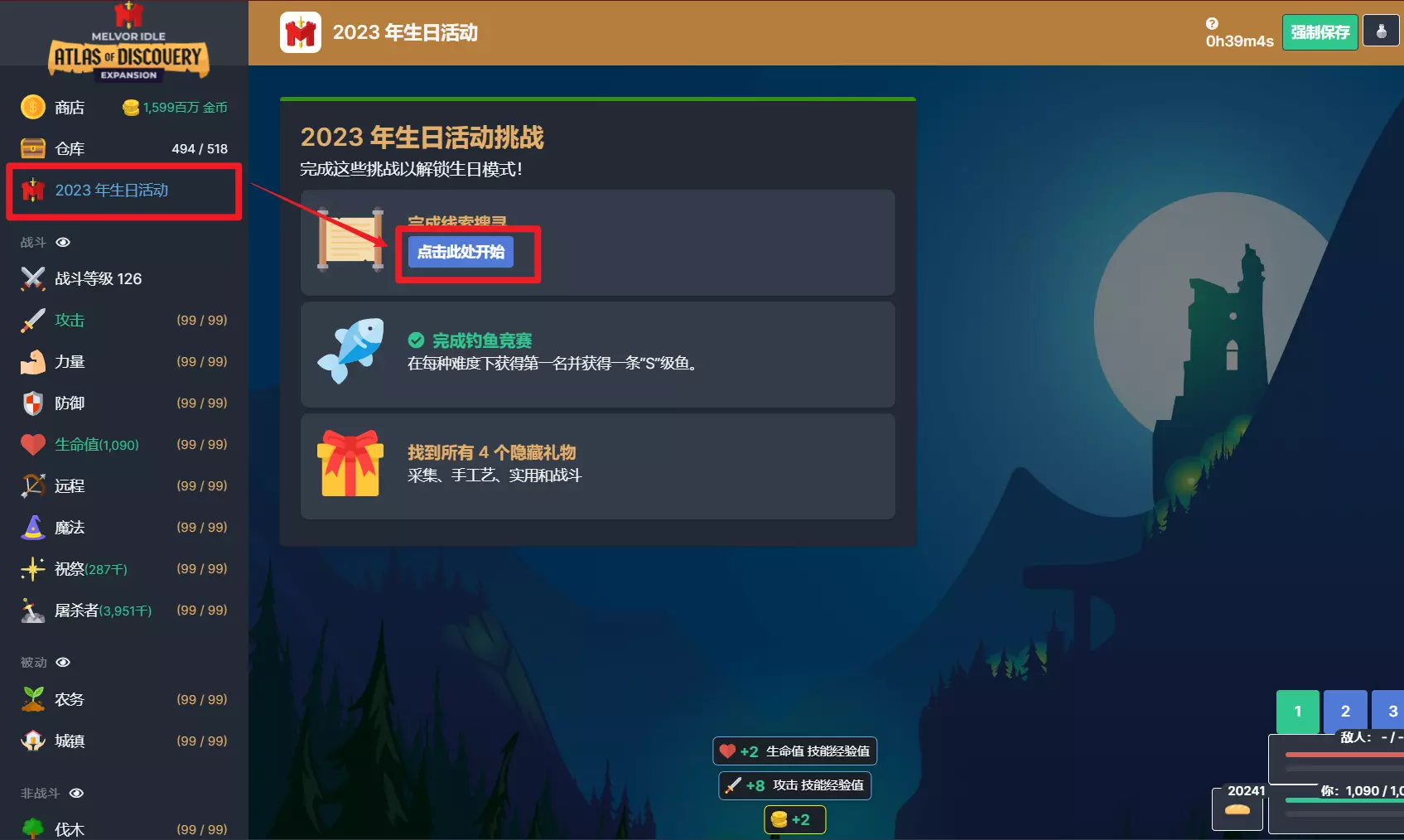
- 2023年生日活动中文指南 — 这个活动感觉相当不灵敏,跳不出来可以反复退出进入游戏试试。 我按这个办法做完了,有错误欢迎评论指出。 以及,我没做黑色防剧透,如果担心剧透就先自己尝试吧! 祝大…