换一换
换一换 



Many players are facing technical hurdles due to security requirements. I’ve put this guide together to help you ensure your PC is 100% ready and to solve that specific BIOS reporting bug that prevents the game from launching. Step 1: The Essential Requirement (GPT Partition) Secure Boot will not function if your drive is using an older partition style (MBR). Right-click the Start Button and select Disk Management. Right-click on Disk 0 (where Windows is installed) and select Properties. In the Volumes tab, look for Partition Style. It MUST say GUID Partition Table (GPT). If it says MBR, Secure Boot cannot be enabled without converting the drive first! Step 2: Enabling TPM 2.0 (PTT/fTPM) Before fixing Secure Boot, make sure your security module is active. Most modern anti-cheats require this hardware handshake to verify your PC. Enter BIOS and look for Settings or Advanced. Find Intel Platform Trust Technology (PTT) or AMD fTPM and set it to Enabled. If you don't see these, look for a "Security Device Support" option. Step 3: Solving the BIOS Reporting Bug (Secure Boot) Many users face an issue where the BIOS says "Enabled" but Windows reports it as "Disabled". This usually means the BIOS is stuck in "Setup Mode". Here is how to force it to "Active": Restart your PC and enter the BIOS (tap the Delete key). Under the Boot tab, ensure CSM Support is set to Disabled. Open the Secure Boot menu. Change "Secure Boot Mode" from Standard to Custom, then immediately change it back to Standard. When the prompt "Install Factory Default Keys" appears, select YES. Press F10 to Save and Exit. [/list] Step 4: Final Verification in Windows Don't wait for a crash to find out if it worked. Check your status now: Press Win + R, type msinfo32, and hit Enter. Look for Secure Boot State. It should say On. Also, verify that BIOS Mode says UEFI. Frequently Asked Questions (FAQ) Q: What exactly is UEFI mode? A: Think of it as the modern "brain" of your motherboard. It replaced the old-school BIOS. It’s faster, supports larger drives, and is required for the security features (Secure Boot) that this game needs to run. Q: Will switching to UEFI break my other games or apps? A: No. Most modern apps and games don't even know it's there once Windows starts. In fact, many newer games (like Valorant) already require it. It can even give you a slight FPS boost in some cases! Q: Does EVERY drive need to be GPT? A: No, but it's safer. Some motherboards allow storage drives to be MBR as long as the boot drive is GPT, but others are pickier. However, if you are stuck with a "Disabled" Secure Boot status despite turning it "On," those MBR drives are the likely culprits. On many Gigabyte/Aorus boards, the BIOS may force CSM Support to stay active if it detects any MBR drive, which blocks Secure Boot from working. If you're stuck, use the diskpart command to check all your disks and convert the ones without an asterisk! Q: My BIOS says Secure Boot is "Enabled," but the game still won't launch. Why? A: This is usually because your BIOS is in "Setup Mode" instead of "User Mode." Follow Step 2 of this guide to refresh your Factory Keys. Q: Can I turn Secure Boot off after the game starts? A: No. The game’s anti-cheat checks for this constantly. If you turn it off, the game will either refuse to launch or kick you back to the menu. Q: What if my PC won't boot after I switch to UEFI? A: This only happens if your Windows was installed on an old "MBR" partition. If that happens, just go back into BIOS and turn CSM Support back to Enabled. Then, follow Step 1 of this guide to convert your disk to GPT first. Q: I use a Linux dual-boot setup and the UEFI thing would mess with my distro. Any other way? A: If you don't want to mess with your main UEFI settings every time you switch between OSs, here are possible workarounds: Separate Drive: Install Windows on its own separate SSD while keeping your Linux drive untouched. When you want to play Highguard, you just enable Secure Boot in your UEFI and boot into that specific SSD drive. It keeps your Linux partition safe from Windows updates! Dual BIOS (check if your MB support this): Many modern motherboards support multiple UEFI profiles. You can set Profile 1 to Legacy/CSM for your Linux setup and Profile 2 to UEFI Mode with Secure Boot enabled for Highguard. Just swap the profile in your UEFI dashboard and you're good to go! Q: Does UEFI mode affect how Linux runs on my PC? A: Most modern Linux distros (Ubuntu, Fedora, etc.) run perfectly fine in UEFI mode. The issue is usually only with Secure Boot. By using the methods above, you can keep your UEFI environment stable for work while still meeting the requirements for the game. Q: Why do I need to do all this? Is the game bugged? A: The developers intentionally required Secure Boot and TPM 2.0 to prevent "bootkit" cheats. This is a design choice to ensure a fair experience, with less cheaters, not a bug. The only bug this guide fixes is a common reporting issue where your BIOS says a setting is "Enabled," but Windows still sees it as "Disabled" or "Setup Mode". Q: Is this anti-cheat too invasive? A: Like Valorant, Highguard uses kernel-level protection. If you aren't comfortable with these deep-level requirements, that’s totally fair.
TPM 2.0/安全启动指南

导读
这是一份《TPM 2.0/安全启动指南》,针对玩家因安全要求无法启动游戏的问题,提供了四步操作:确认硬盘为GPT分区、开启TPM 2.0、解决BIOS安全启动报告bug、在Windows中验证状态,还解答了UEFI模式、双系统兼容等常见疑问,帮助玩家满足游戏反作弊的硬件安全要求。

Highguard
34帖子
评论
共0条评论

TPM 2.0/安全启动指南
我制作本指南是为了帮助你确保电脑100%准备就绪,并解决那个烦人的导致游戏无法启动的BIOS错误。 步骤1:基本要求(GPT分区) 如果你的磁盘采用旧格式(MB…
2026-02-14 22:000赞 · 0评论

使命召唤7玩不了 《使命召唤 黑色行动7》未启用SecureBoot 完整解决指南来了
233乐园手游网 2025年11月13日:最近不少玩家在启动《使命召唤:黑色行动7》时,都被“未启用SecureBoot”的错误提示拦在了游戏门外。明明硬件配置…
2025-11-27 02:140赞 · 0评论
如何开启安全启动,以便《战地风云6》无错误运行
《战地6》需要开启安全启动(Secure Boot)。了解如何在Windows 10和Windows 11的BIOS中快速激活安全启动,以修复游戏启动错误。安全…
2026-02-19 20:010赞 · 0评论
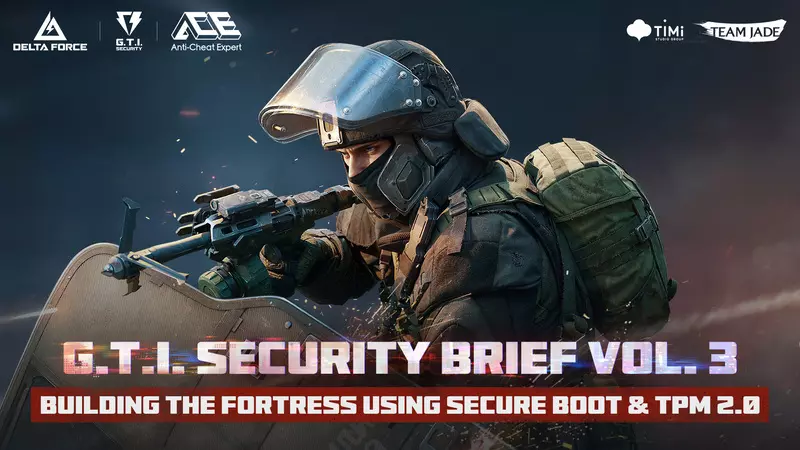
G.T.I.安全部门 | 三角洲部队安全简报第三卷
构建基于安全启动和TPM 2.0的防御堡垒 各位玩家, 在之前的简报中,我们讨论了如何通过DMA Shield来阻止“外部”硬件威胁。今天,我们将目光转向内部。…
2025-12-19 11:570赞 · 0评论
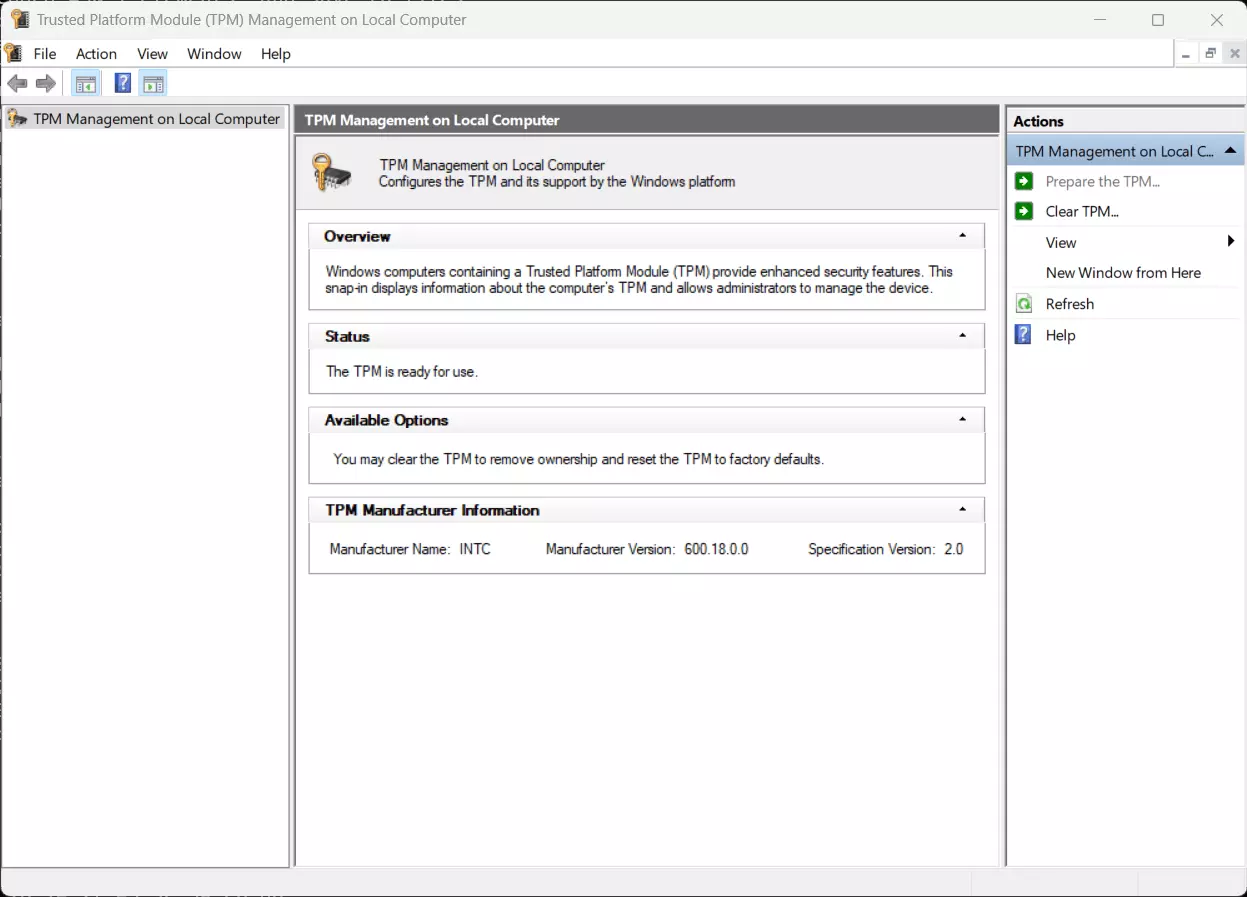
TPM 2.0 和安全启动
使用Windows 11的电脑可能已启用这两项安全功能,因为它们是该操作系统的必要要求。如果TPM被禁用或启用了旧版TPM(1.0 - 1.2),Windows…
2026-02-13 06:010赞 · 0评论
《使命召唤:战区2》 RICOCHET反作弊系统 第五赛季更新内容
Protecting the Call of Duty experience is #TeamRICOCHET’s highest priority. Chea…
2025-08-07 22:140赞 · 0评论
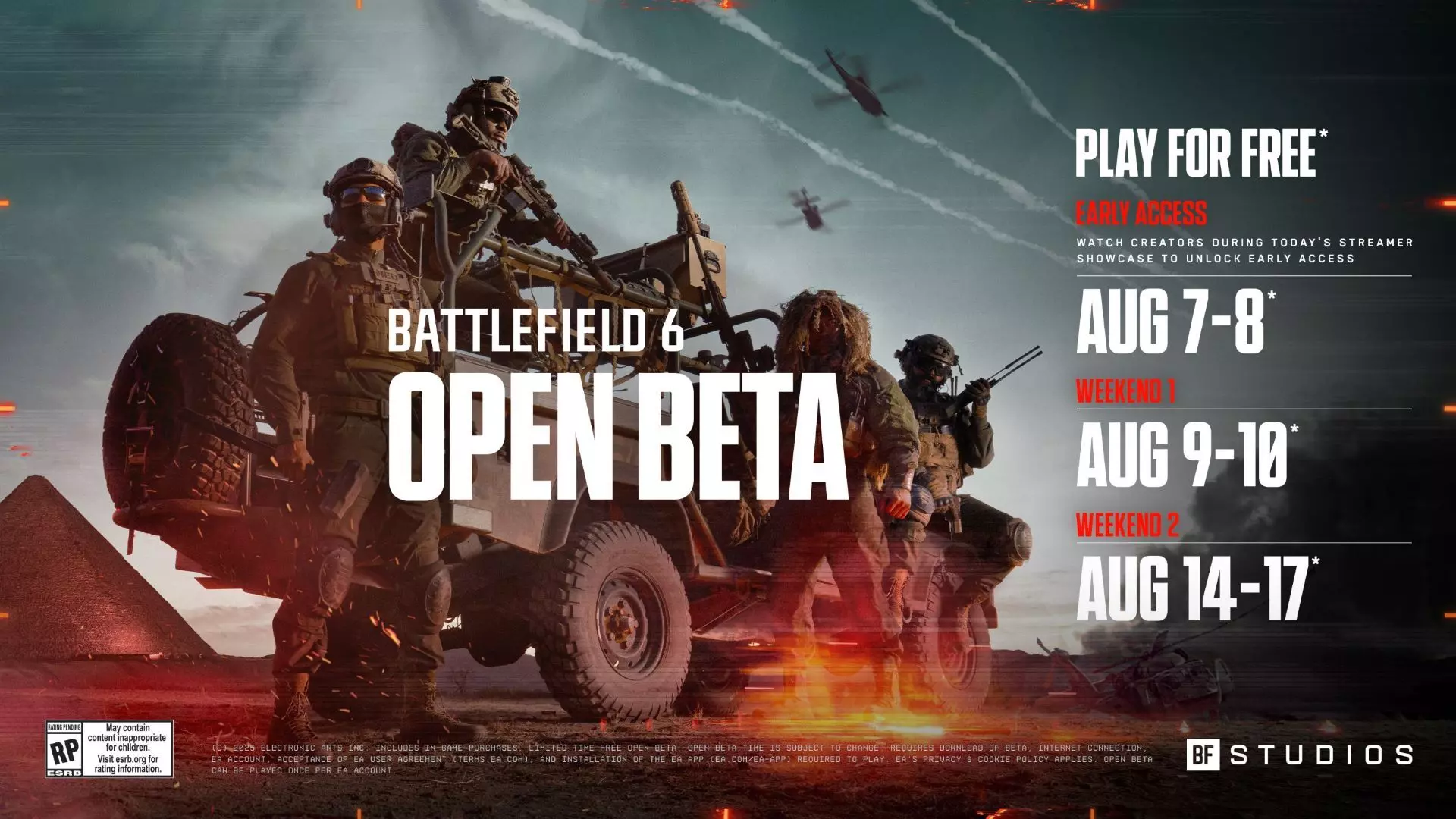
战地风云6 开放测试
前往前线。《战地风云》史上最大规模的开放测试现已上线,仅开放两个周末,分别为8月9-10日和14-17日。准备好在多张地图和多种模式中展开激战,无论何种游玩风格…
2026-02-13 09:000赞 · 0评论
G.T.I. 安全 | 在你的电脑上启用安全启动和TPM
最近,有部分玩家反馈在游戏中看到要求启用“安全启动”和“TPM”的弹窗(如下图所示)。这是Windows 10和Windows 11的安全功能,用于确保电脑在启…
2025-12-24 10:250赞 · 0评论
香肠派对外挂科技是什么?包子科技制作进程揭秘,游戏安全与反作弊机制解析
-
2026-05-23 07:320赞 · 0评论
G.T.I.安全部 | 违规处罚公告
各位行动者, 《三角洲行动》安全团队致力于维护公平的游戏体验,将对查实存在作弊行为或违反服务条款的玩家采取相应限制措施。 作为开发者,我们深知为《三角洲行动》玩…
2026-03-31 03:100赞 · 0评论
暂无更多
最新更新
- 60 FPS 限制修复 — 由于某些原因,最大帧率设置在部分系统上无法正常生效。 1. 打开路径:C: Users USERNAME AppData Local Highguard Sav…
- 如何永久从你的游戏库中移除游戏 — 游戏卸载简易指南 如何卸载游戏 1.点击帮助,进入Steam客服,然后点击【Highguard】
- 如何开始玩《Highguard》 — 帮助我解决安全启动(Secure Boot)问题并开始在线游戏的方法。 步骤1:电脑基本要求 如果您的磁盘使用旧样式的MBR(主引导记录)分区,安全启动将无法正…
- Highguard | 你需要的最后一份指南 — 本指南将为你介绍这款游戏的所有内容以及你需要了解的一切。 游戏 无。 游戏玩法 结论 吸食芬太尼都比玩这破玩意儿健康。
- TPM 2.0/安全启动指南 — 我制作本指南是为了帮助你确保电脑100%准备就绪,并解决那个烦人的导致游戏无法启动的BIOS错误。 步骤1:基本要求(GPT分区) 如果你的磁盘采用旧格式(MB…
- 如何通过Highguard — 如何通过Highguard 流程 结束
- 如何成为宇宙中最伟大的高等守卫玩家 — 在这份顶级指南中,我将为你展示如何成为《Highguard》历史上最伟大的Highguard玩家的技巧和窍门 步骤1: 结束 希望你觉得这份指南非常有用! 说真…
- 如何游玩《Highguard》 — 如何在海卫一上游玩 步骤1
- 如何射击 — 点击左键 重要提示 点击左键
- 如何停止游玩《Highguard》[精简版] — 目前没有《Highguard》的官方中文译名,无法按照规则完成汉化。