换一换
换一换 



This guide is for those who would like to edit Story Mode houses in Sandbox Mode. Introduction This guide is for those who would like to edit Story Mode houses in Sandbox Mode. Though the steps here are laid out in a simplistic manner, please be careful when performing these actions. Be certain you understand what you are supposed to do before doing it. - CyberDiva Launching File Explorer in Windows If your game is launched, shut it down. Being in-game when you are copying files over could potentially cause issues with your game that you do not want. Be safe! Shut it down! Open your File Explorer on your computer. * If you have the yellow folder icon on the bottom bar of your screen (the one with the Windows logo on it), you can single left click that to open what you need. * Otherwise, press the Windows key and type File. The first result should be File Explorer. Open it. Finding the Story Mode Houses Folder If your game is launched, shut it down. Being in-game when you are copying files over could potentially cause issues with your game that you do not want. Be safe! Shut it down! If you have purchased the house in the game first: Go to C: Users <username> AppData LocalLow Frozen District House Flipper 2 Profiles <number> Houses If you have not purchased the house in the game first: Go to C: Users <username> AppData LocalLow Frozen District House Flipper 2 Profiles <number> Jobs * If you transfer the house from the Jobs folder instead of the Houses folder, you will have to remove all quests for the job, etc. in addition to your other edits. Additionally, the house will not necessarily be the same house that is offered for sale. I recommended that you use the Houses folder. If you need to, change the "C" to the appropriate drive letter. Replace the <username> with the username assigned to your profile on your computer. Oftentimes it is a shortened version of that computer username. If you see them, you will never use the Default or Public folder here. For example, I might have three folders when I open the Users file on my system: Default, Public, and Workpc. Workpc would be my computer profile. In the House Flipper 2 files, your profiles are numbered in these files. You will need to replace the <number> with the appropriate number. "0" is usually the first profile you created on the game. "1" would be the second profile you created, "2" the third profile, and so forth. Unpurchased houses will not show in the file. Once inside the Houses folder, you will see the files for the Story Mode houses. Important: If the file does not show up in your Houses folder, you need to enter Story Mode, enter the house, do one thing, and SAVE. At that point, a file will be generated in the Houses folder for you. Likewise, if inside the Jobs folder, you will see the files for the Jobs. Select the file of the house that you wish to place into Sandbox Mode. You will notice that each filename has an @ symbol followed by a set of numbers. If you only have one copy of the file you want in this folder, you can ignore the numbers in the filename, as they are irrelevant to you. You may have more than one file of the same house. This is not uncommon. If you need to decipher which one you want, you can check the numbers following the @ symbol on the filename. The first set of numbers before the underscore ( _ ) symbol is actually a date. The first four numbers are the year, followed by the month and then the day of the month. So, the file called WOSP@20241112_210752.house would be the Great Charity Mansion from the date of November 12, 2024. When you have the correct file, copy the file you want with either (a simple Ctrl + C after single left clicking on it) or (right-click the file and click Copy). List of Game File Names - "Houses" Folder The current filenames for each house as of this writing are: FILENAME ACTUAL HOUSE NAME LOCATION D1-0 Starter house Peaceys' Family Home Pinnacove Suburbs HJ1-1 House under renovation Lavender House Pinnacove Suburbs HJ1-2 Small blue house Blue Bungalow Pinnacove Suburbs HJ1-3 Old house with basement More Than a Trailer Pinnacove Suburbs HJ1-4 Narrow one-story house Over the Garage Pinnacove Suburbs HJ1-5 Hoarders aftermath Compact House Pinnacove Suburbs HJ1-6 Mother-son conflict Verdant Nook Pinnacove Suburbs HJ1-7 House with workshop Timber House Pinnacove Suburbs HJ1-8 Children's mess Sunny Bungalow Pinnacove Suburbs HJ1-9 New Year resolutions House Left Behind Pinnacove Suburbs HJ1-11 The old market Old Marketplace Pinnacove Suburbs HJ1-12 Christmas disaster Very Merry House Pinnacove Suburbs HJ1-14 Dirty laundry A Dirty Laundromat Pinnacove Suburbs HJ1-15 Christmas Comedy House From a Movie Pinnacove Suburbs HJ2-1 Old beach restaurant Closed Restaurant Crayfish Coast HJ2-2 Floating house Former Houseboat Crayfish Coast HJ2-3 House on the Beach Crayfish Coast HJ2-4 When the kids moved out Waterfront House Crayfish Coast HJ2-5 House on Stilts Crayfish Coast HJ2-6 Destructive wave Flooded Summer House Crayfish Coast HJ2-7 Old costal gem Coastal Residence Crayfish Coast HJ2-8 Faded with age Seaside Cottage Crayfish Coast HJ2-9 Broker's fall Modern Beach House Crayfish Coast HJ2-10 Forgotten hostel Seaside Resort Crayfish Coast HJ2-11 Redbeards hideout A Sinking Business Crayfish Coast HJ2-12 Haunted amusement park A Closed Amusement Park Crayfish Coast HJ3-1 Taken over by nature In Harmony with Nature Coralroot Forest HJ3-2 Forest hotel Woodland Hostel Coralroot Forest HJ3-3 Abandoned barn Old Barn Coralroot Forest HJ3-4 Cabin in the woods Forest Cabin Coralroot Forest HJ3-5 After winter heating Cobblestone House Coralroot Forest HJ3-6 Overgrown construction Desolate Villa Coralroot Forest HJ3-7 The forgotten one Charming Hideaway Coralroot Forest HJ3-8 House with hidden secrets Modern Bungalow Coralroot Forest HJ3-9 Red riding hood A Fairytale House Coralroot Forest HJ3-10 Student pool party Summer House with a Pool Coralroot Forest HJ3-12 Mad scientists lab A Victorian Mansion Coralroot Forest HJ3-13 Badly prepared House with a Bunker Coralroot Forest HJ4-1 Bohema apartment Bohemian Apartment Old Pinnacove HJ4-2 Small cinema Small Theater Old Pinnacove HJ4-3 School full of magic Vacant Private School Old Pinnacove HJ4-4 Manor renovation The Alligator Bar Old Pinnacove HJ4-6 Auction House A Auctioned Auction House Old Pinnacove HJ4-7 Hostile neighbours A Double Trouble Old Pinnacove TrevorHouse Trevor's Mansion Pinnacove Suburbs WOSP Great Charity Mansion Pinnacove Suburbs Finding the Sandbox Mode Houses Folder With your desired house file already copied, go to C: Users <username> AppData LocalLow Frozen District House Flipper 2 Profiles <number> Sandbox Houses Paste the file into the new folder with either (a simple Ctrl + P) or (right-click inside the folder and click Paste). Once the file is in the Sandbox Mode folder, start your game and go into Sandbox Mode. Under the My Projects category (seen at the top of your screen), you will find the filename of the file you just placed into your Sandbox mode waiting for you to open it.
如何在沙盒模式中放置故事模式的房屋

导读
这是《房产达人2》的操作指南,详细介绍了将故事模式房屋放到沙盒模式的步骤:先关闭游戏打开文件资源管理器,再根据是否购买房屋找到对应故事模式房屋文件夹,复制目标房屋文件,最后粘贴到沙盒模式房屋文件夹,重启游戏即可在沙盒模式的我的项目中找到该房屋。

评论
共0条评论

新手沙盒模式
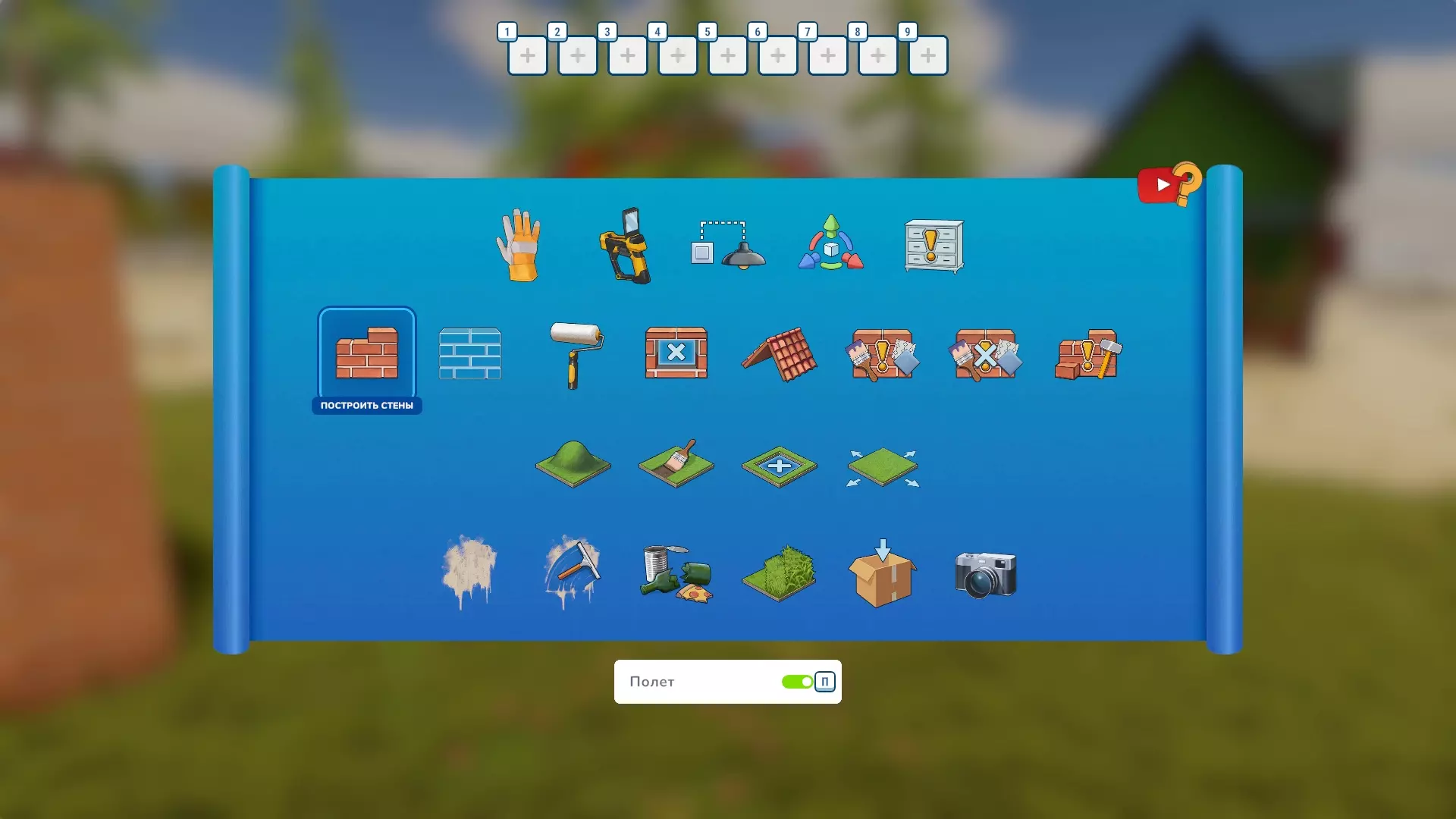
嗨,各位房产翻新爱好者!准备好打造你的第一个待翻新房屋了吗?这份指南将帮助你更深入地了解沙盒模式中的工具,尤其是那些你初次见到的工具。 前言 大家好,今天我将尝…
2026-02-15 10:000赞 · 0评论
屋顶基础指南
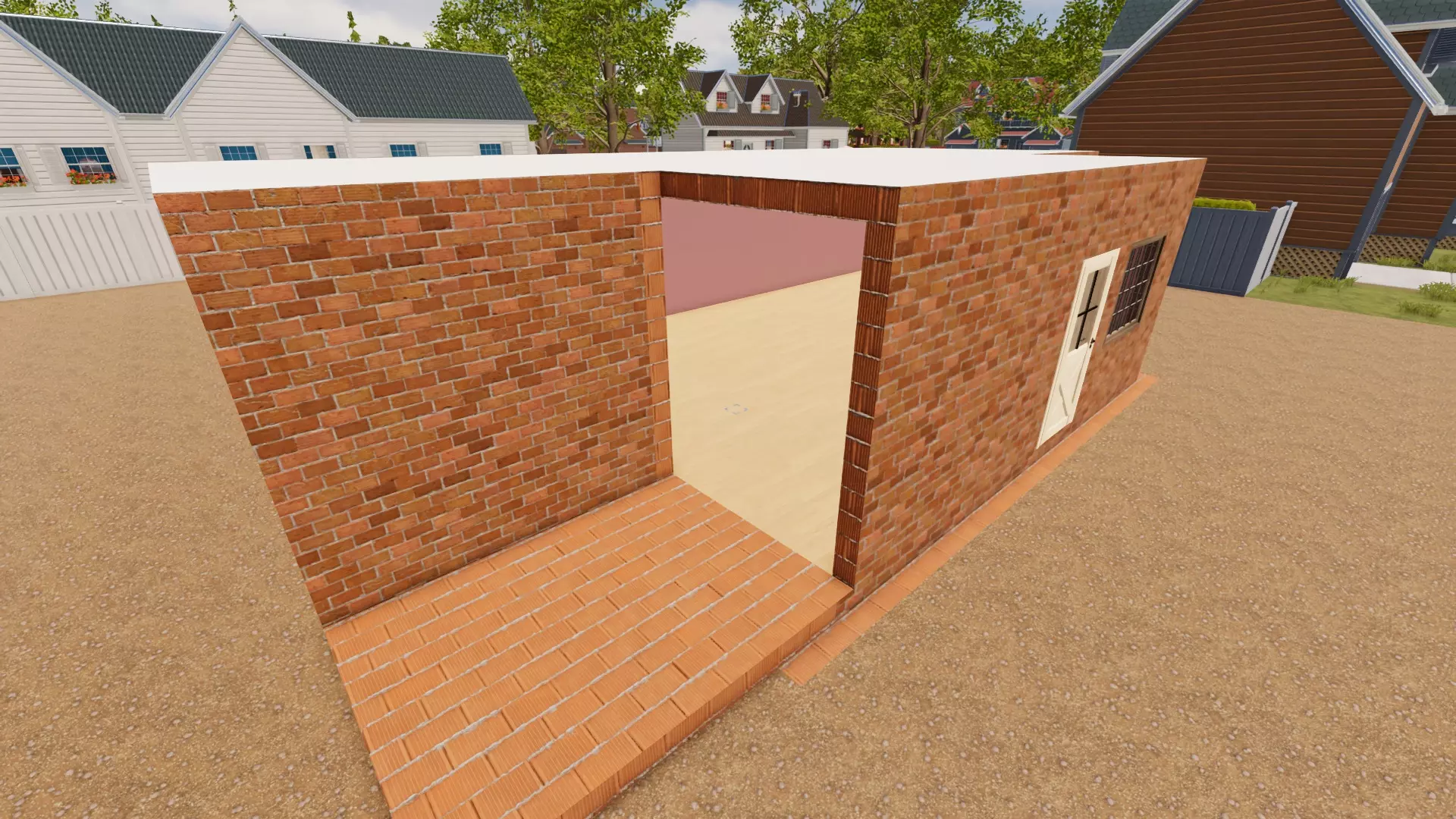
屋顶轻松入门指南 开始之前 欢迎来到你最糟糕的噩梦——《房产达人2》中的屋顶建造!希望本指南结束后,你能准备好尝试放置屋顶,甚至进行更具创意的设计。我建议你先在…
2026-02-15 10:000赞 · 0评论
《房产达人 2》1.11.3版本维护更新
《房产达人 2》更新内容 1. 修复: ① 修复了一个罕见的反射无法刷新的问题。 2. 其他: ① 四月初,皮纳科夫将迎来一位魔术师,他会用帽子表演让垃圾消失的…
2026-03-23 15:020赞 · 0评论

《房产达人2》社区指南 + Dreampainters 新闻!
各位房产达人! 许多玩家都非常喜欢《房产达人2》Steam社区“指南”板块中的社区攻略。 我们想重点推荐其中的一些攻略,希望能鼓励更多有经验的玩家分享自己的游戏…
2026-03-20 19:100赞 · 0评论
《房产达人2》开发者:我们是谁以及我们如何开展工作?
各位房产达人! 最近我们注意到,关于我们的运营方式、正在开发的项目,有时甚至是合作对象,出现了不少传言!今天,我们想带大家走进幕后,看看《房产达人2》以及我们参…
2026-03-14 20:010赞 · 0评论
《房产达人2》故事模式技巧与窍门
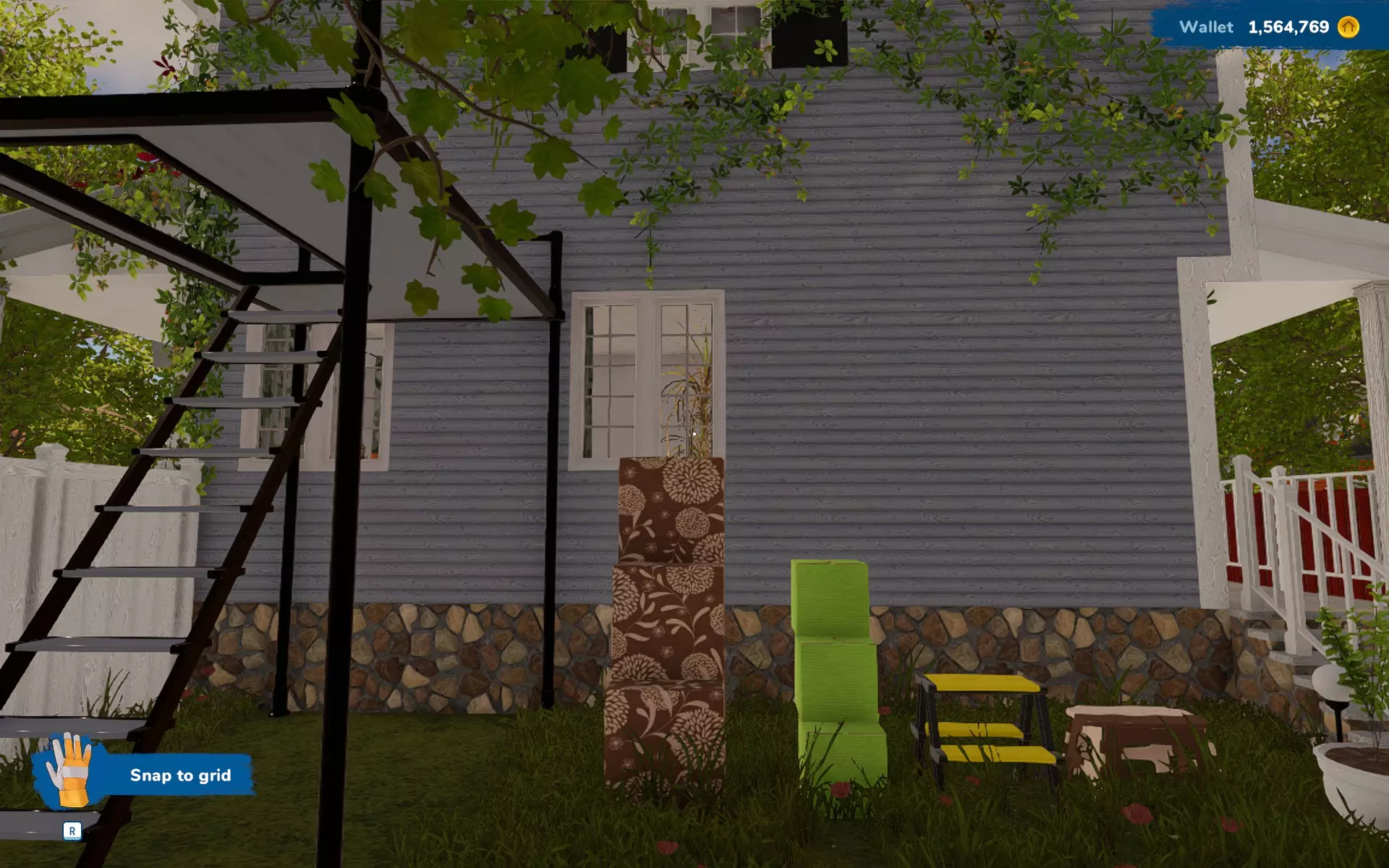
房屋翻新与任务攻略技巧。部分技巧配有截图说明。2024年9月29日更新新增技巧。 通用技巧 工具快捷键如下: 1. 空手(仅左下角显示图标) 2. 出售/翻新工…
2026-02-15 19:000赞 · 0评论
《房产达人2》房屋平面图
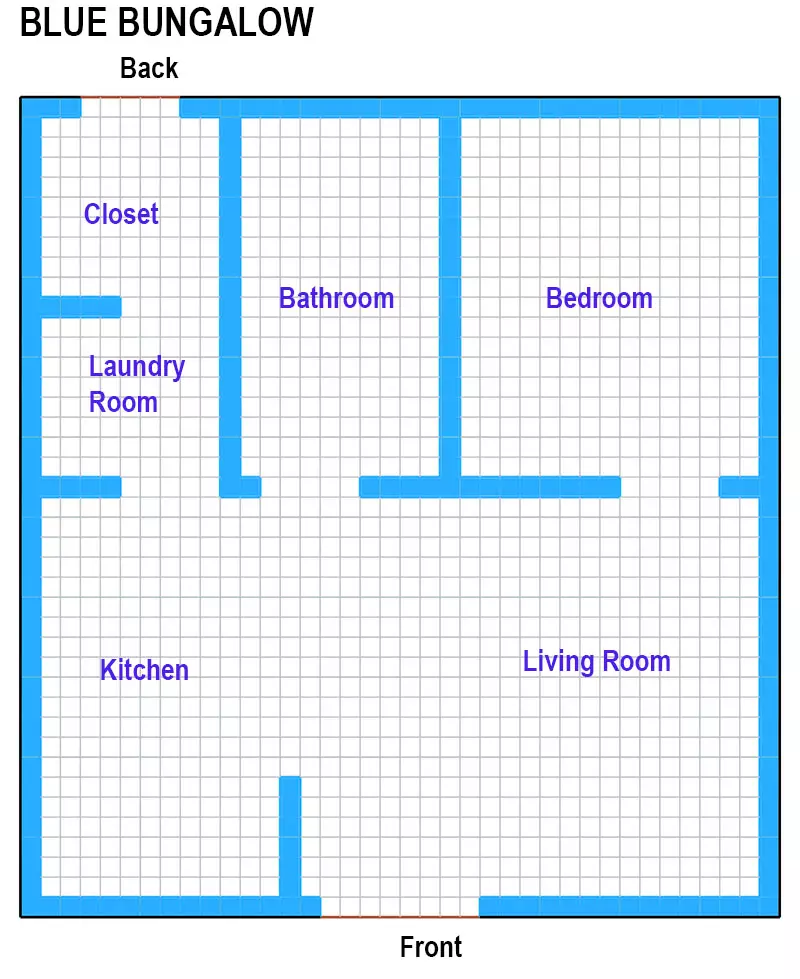
想了解《房产达人2》中的那些平面图吗?怀念第一代游戏里的小地图?别担心,平面图来啦!这里完整展示了《房产达人2》中的所有平面图! 皮纳科夫郊区 本节中的房屋位于…
2026-02-15 10:000赞 · 0评论
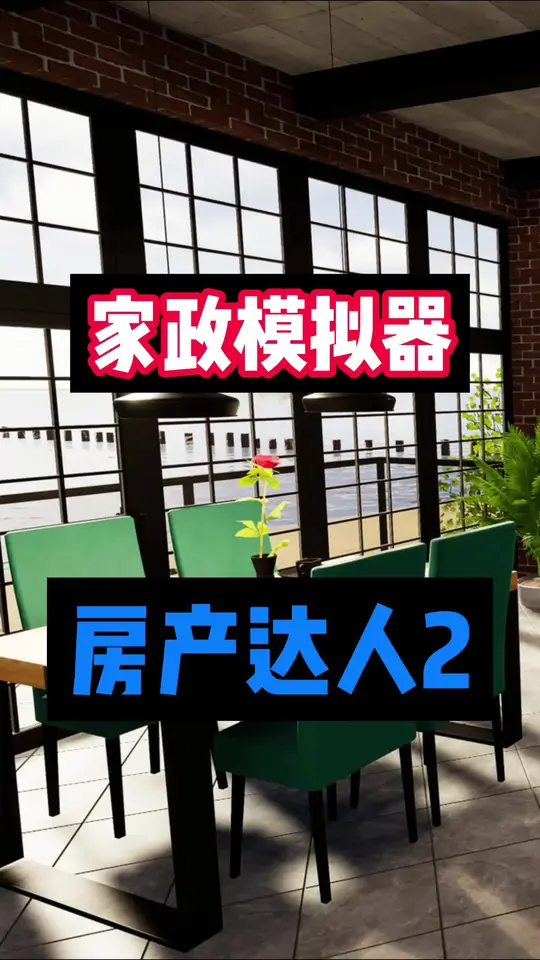
家政装修模拟器《房产达人2》
2026-02-04 06:414赞 · 0评论
《房产达人2》宠物DLC即将推出!
毛茸茸伙伴回归! 原版《房产达人》的宠物DLC大受欢迎,这清楚地表明:成千上万的玩家都喜欢在翻新房屋时,有毛茸茸的伙伴陪伴在身边,所以我们来了!
2025-09-28 20:030赞 · 0评论
别墅轮换游戏2与普通版对比 单机攻略《房产达人2》前后两代区别
房产达人2目前已经上线,游戏和1代的差别非常之大,1代只是简简单单的装修房子去卖房子,2代就不一样了,那是任务剧情都有了,两个区别还是蛮大的,不过更推荐玩2代。…
2025-08-08 23:450赞 · 0评论
暂无更多
最新更新
- 房产达人2樱花DLC上线 和风家屋建设模拟 房产达人2新DLC怎么玩 樱花DLC内容介绍 — 《房产达人2》樱花DLC上线Steam/PS5/Xbox!收获特别好评的家装模拟游戏《房产达人2》全新樱花DLC正式发布,带来沉浸式和风主题家屋建设与翻新模拟体…
- 《房产达人2》樱花DLC现已正式发售! — 《房产达人2》“樱花”DLC(Sakura DLC)及免费的“买家2.0”更新现已登陆PC、PlayStation和Xbox平台! 玩家只需花费 ¥54.99 …
- 🌸《房产达人2》樱花DLC发布日期及价格公布 + 👑《房产达人》传奇周末活动! — 🌸《房产达人2》樱花DLC发售日期及价格公布! 我们原本计划先通过大量的抢先预览内容来小小地(或者说大大地!)吊吊大家的胃口,然后在樱花季结束前公布这个令人兴…
- 由于内容包含赠送相关措辞,已按规则处理。 — 自发布至今已近8年,经历了8个DLC的推出以及无数次更新和补丁后,原版《房产达人》终于可以在你的(或你朋友的!)Steam库中找到一个舒适的位置——4月3日至6…
- 《房产达人 2》1.11.3版本维护更新 — 《房产达人 2》更新内容 1. 修复: ① 修复了一个罕见的反射无法刷新的问题。 2. 其他: ① 四月初,皮纳科夫将迎来一位魔术师,他会用帽子表演让垃圾消失的…
- 《房产达人2》社区指南 + Dreampainters 新闻! — 各位房产达人! 许多玩家都非常喜欢《房产达人2》Steam社区“指南”板块中的社区攻略。 我们想重点推荐其中的一些攻略,希望能鼓励更多有经验的玩家分享自己的游戏…
- 《房产达人2》开发者:我们是谁以及我们如何开展工作? — 各位房产达人! 最近我们注意到,关于我们的运营方式、正在开发的项目,有时甚至是合作对象,出现了不少传言!今天,我们想带大家走进幕后,看看《房产达人2》以及我们参…
- 现在有一百万玩家加入我们了!感谢各位玩家! — 亲爱的房产翻新者们! 我们最近收到通知,《房产达人2》在Steam上的玩家数量已达到100万!✨ 我们简直不敢相信翻新社区已经发展得如此壮大,非常感谢大家的支持…
- 故事模式指令 — 以下是一些能让故事模式体验更轻松的指令,不会影响成就或其他内容。 按F11打开控制台菜单。 时间相关 speed-double - 使玩家速度翻倍。 speed…
- 《房产达人2》及DLC全成就达成(EN/FR) — 若有新增成就,本指南将进行更新。 100%难度:2/10 时长:约20小时+DLC约6小时 游戏数量:1 祝你解锁成就顺利!