换一换
换一换 


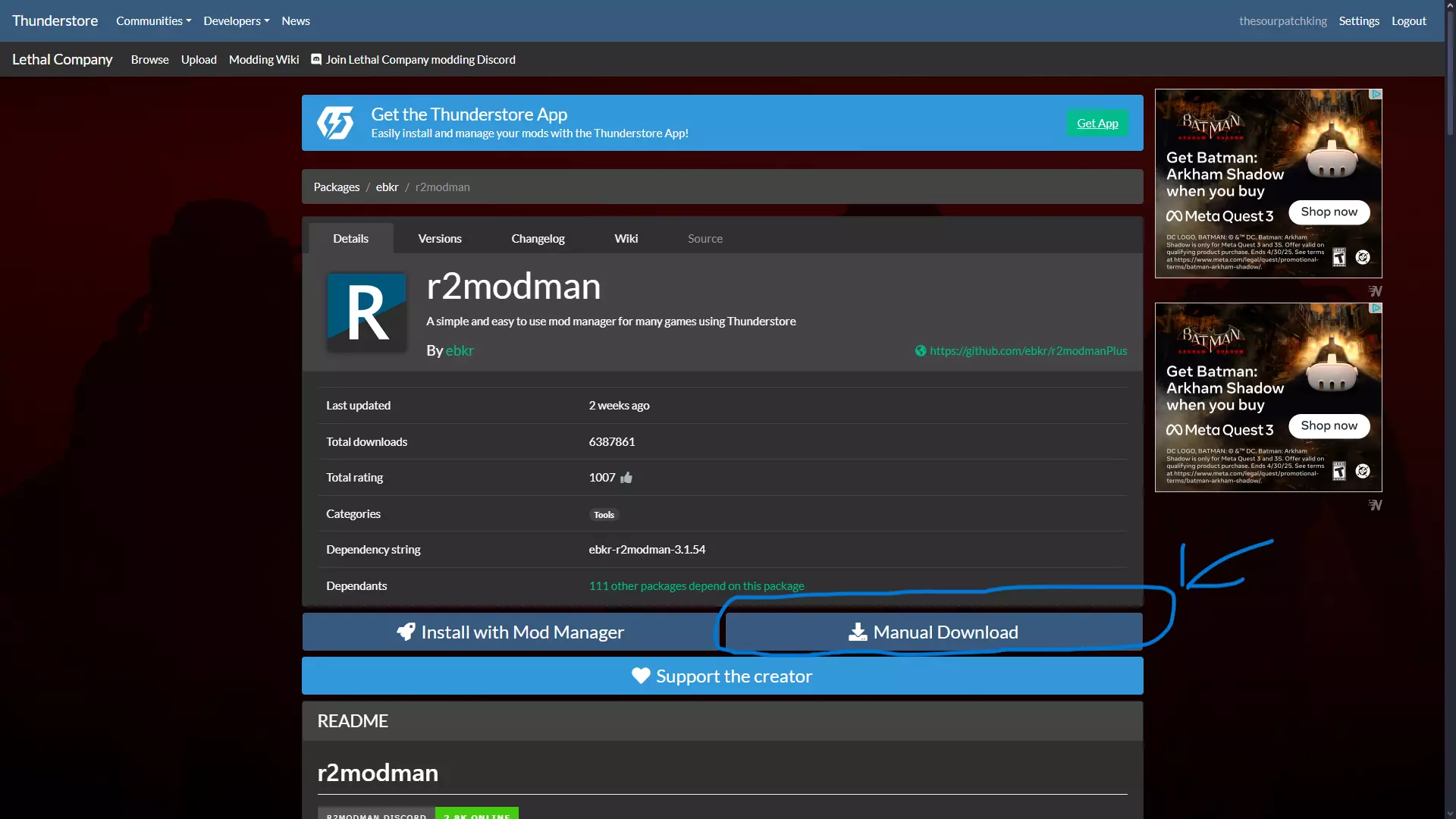
In this guide I'm gonna teach you how to easily mod Fallout New Vegas. Mod manager In this guide I'm gonna teach you how to easily mod Fallout New Vegas. You have 2 main mod managers: Vortex and MO2 (Mod organizer 2) Personally I like to use Vortex and that is how I will teach you first: Vortex install Go to https://www.nexusmods.com/ and create a free account. Click on the option mods at the top of the website and then download the Vortex mod manager on the right top. Once the download is done, install vortex onto your PC and open the program. In vortex go to the tab games on the left side and search for the game ''Fallout New Vegas'' and click on manage, Vortex will then ask you to tell it where the game is installed on your system and might want you to restart the program. When that is done, reopen Vortex and minimize it. Now Vortex is ready to use. MO2 install For MO2 go to https://www.nexusmods.com/skyrimspecialedition/mods/6194 and click on files, then download the latest version by clicking on manual download. When it's downloading you have to run the exe. to install the program, I would recommend to make a folder for it on your desktop and install it directly in there. When you start the program up for the first time, it will ask you what game you want to manage and where it is located. Now MO2 is ready to be used. Installing mods Now go back to the Nexus website and use the search bar to find the game Fallout New Vegas. Then scroll down to mods and click ''view all'', as of writing this guide there are 37,256 mods for Fallout New Vegas on the website. Find yourself a mod you like and click on it, it will open the mod page and show you a description, some pictures. When you find a mod you like, click on files, click on mod manager download and then slow download. It will give you popup asking if you allow it to download it to vortex, it will also give you the option to auto allow it. When you download it, it will maximize Vortex and start downloading the file in it. When done go to the tab mods and click on the blue button to install the file. Then enable the mod and now you are ready to play with the mod installed. You can start the game like normal in steam or click left top in vortex on the game banner on the play button. For MO2 you will have to manual download the file and drag it to the square on the left side of the MO2 program, just under profile. Then left click on the file you just downloaded and click install. Script extender Go to https://github.com/xNVSE/NVSE/releases/ then scroll down to assets and download ''nvse_6_3_10b.7z'' (name might change if there is a later version of the NVSE) Once downloaded, just drag it into vortex, the same way you did for the main ttw file and install it. There is a chance that vortex already installed it for you, but to be sure you have the latest version, click replace file. Or you can let vortex download this. https://www.nexusmods.com/newvegas/mods/67883 New Vegas Script Extender (NVSE xNVSE) You only need one of the two, not both as they do the same thing Essential mods Now for essential mods: https://www.nexusmods.com/newvegas/mods/70801 Improved Console (NVSE) https://www.nexusmods.com/newvegas/mods/65906 Console Paste Support https://www.nexusmods.com/newvegas/mods/77415 ROOGNVSE Plugin https://www.nexusmods.com/newvegas/mods/58277 JIP LN NVSE Plugin https://www.nexusmods.com/newvegas/mods/66927 JohnnyGuitar NVSE https://www.nexusmods.com/newvegas/mods/72541 ShowOff xNVSE Plugin https://www.nexusmods.com/newvegas/mods/66537 NVTF - New Vegas Tick Fix https://www.nexusmods.com/newvegas/mods/66347 lStewieAl's Tweaks and Engine Fixes https://www.nexusmods.com/newvegas/mods/80993 lStewieAl's Engine Optimizations https://www.nexusmods.com/newvegas/mods/71973 Combat Lag Fix (NVSE) https://www.nexusmods.com/newvegas/mods/84823 VATS Lag Fix https://www.nexusmods.com/newvegas/mods/80666 ActorCause Save Bloat Fix https://www.nexusmods.com/newvegas/mods/71336 kNVSE Animation Plugin https://www.nexusmods.com/newvegas/mods/57174 UIO - User Interface Organizer https://www.nexusmods.com/newvegas/mods/68714 FNV Mod Limit Fix 4GB Patcher This mod is not needed to play, but extremely recommended. https://www.nexusmods.com/newvegas/mods/62552?tab=description 4GB patcher The 4GB patcher can only be installed manually, so go to the files tab and download first ''4GB Patcher'' manual, and then slow download. When the download is done, extract it and move the FNVpatch to your fallout new vegas root folder. If you don't know how to find it, go to your steam library and go to Fallout New vegas, then click on the cog on the right, go to files and then browse local files. When you have the FNVpatch in your root folder, double click it and a batch file will open, give it a couple seconds to patch and it then will tell you to press any button to close the batch file. Now the game is from 2GB patched to 4GB, if you use texture mods, this will make it less likely to crash the game (Try to use as many 1K textures where possible) TTW (optional install) You want to play TTW (Fallout 3 and Fallout New Vegas Combined into one game with one save file)? Use this guide I made to install it: https://steamcommunity.com/sharedfiles/filedetails/?id=3492310568 IMPORTANT Notes Three IMPORTANT Notes: 1. make sure to see if a mod needs a requirement, on the description page it will tell you if and what is needed for the mod to work, it will then also give you the links to the mods. 2. make sure you check the amount of plugins you are using, you can see it in Vortex under the tab plugins and then look in the top right where it says active for MO2 it shows on the right side next to active. Your max is 255 plugins, not every mod will add plugins (Usually texture mods don't, but mods that add content do) 3. It is highly recommended to use 1K texture mods, the game has a 2GB cache and with the 4GB patcher will double that cache. when this cache goes over the 2GB or 4GB it will crash the game, textures will fill this cache up fast. https://steamcommunity.com/sharedfiles/filedetails/?id=3498442654