换一换
换一换 


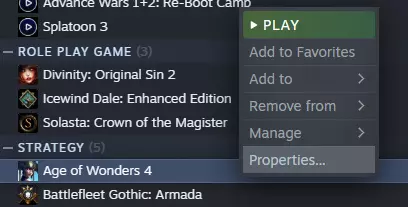
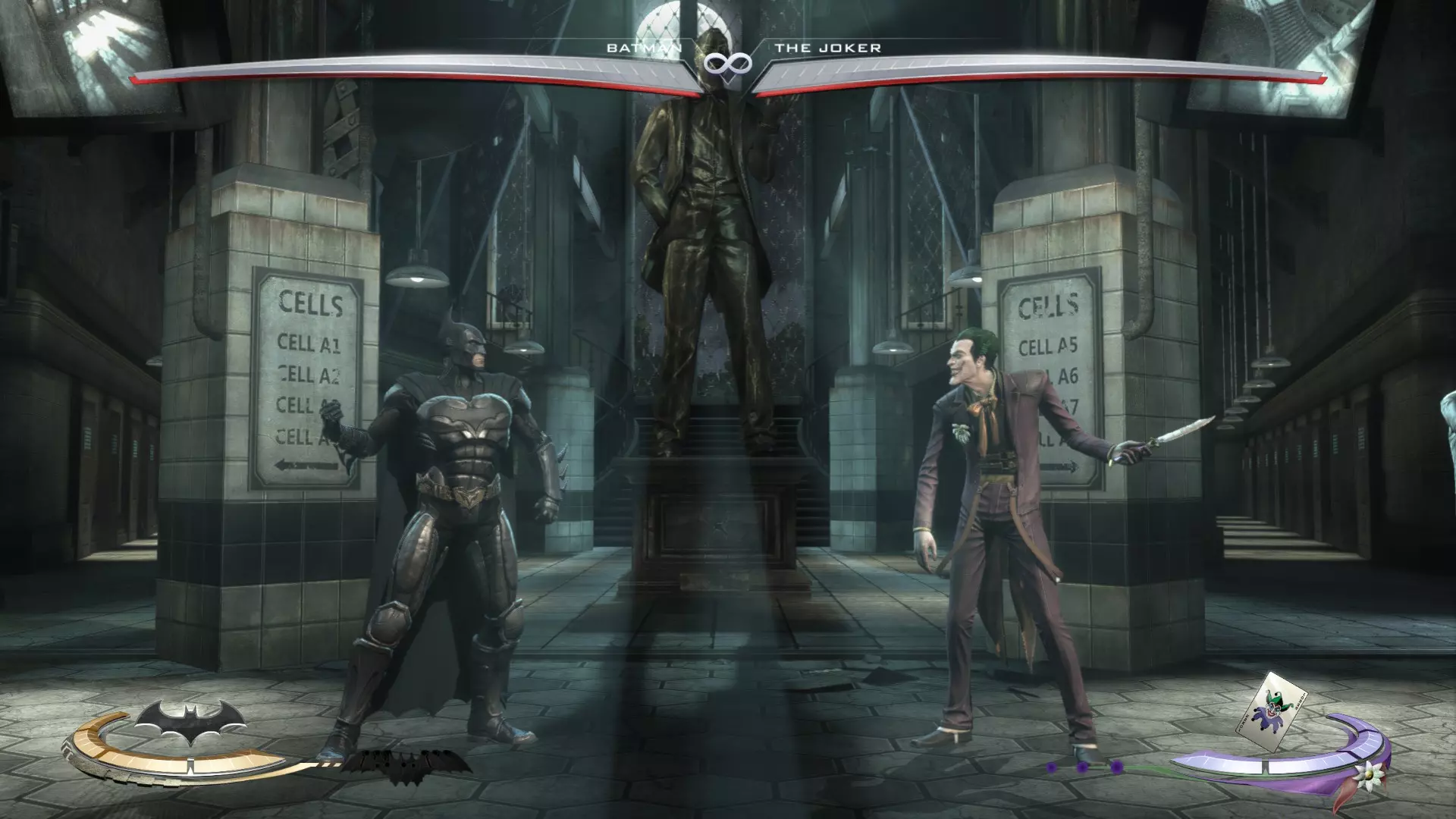
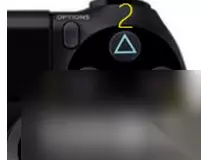
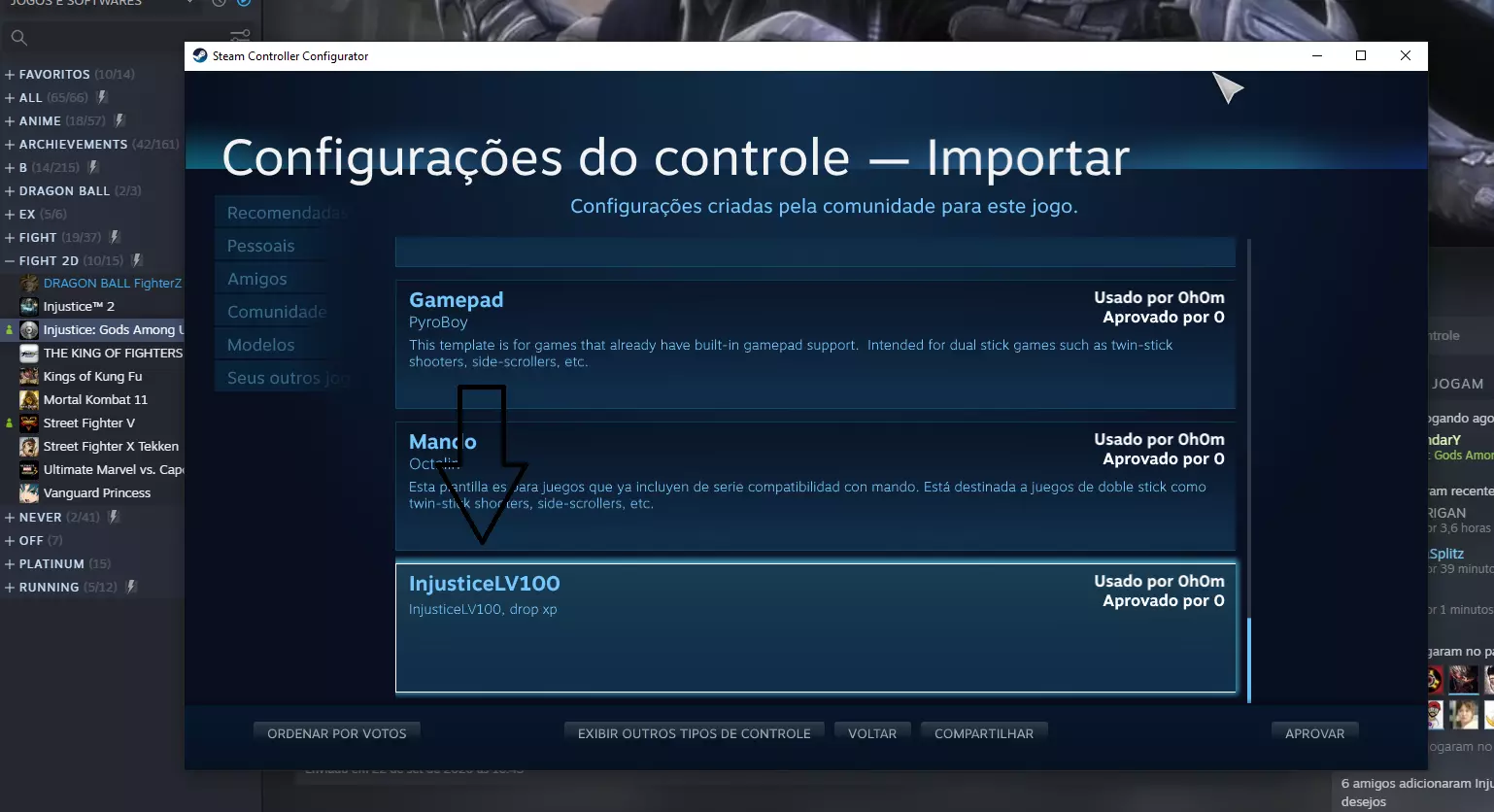
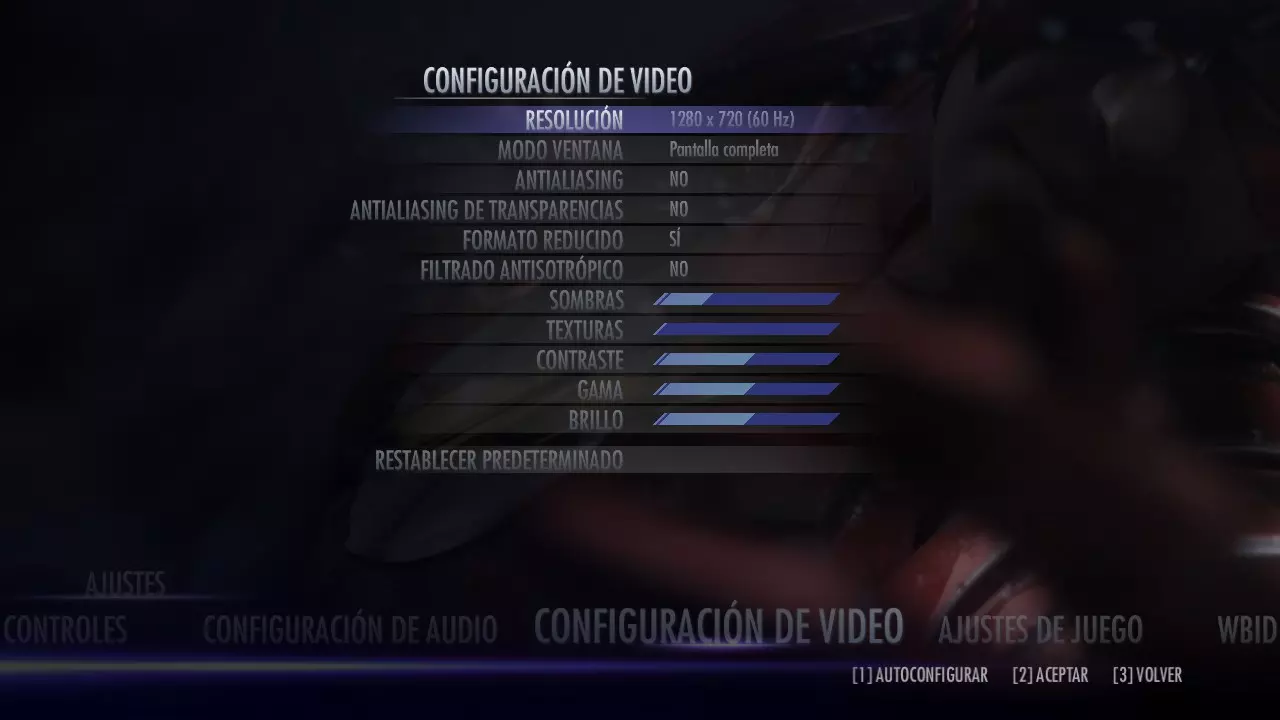
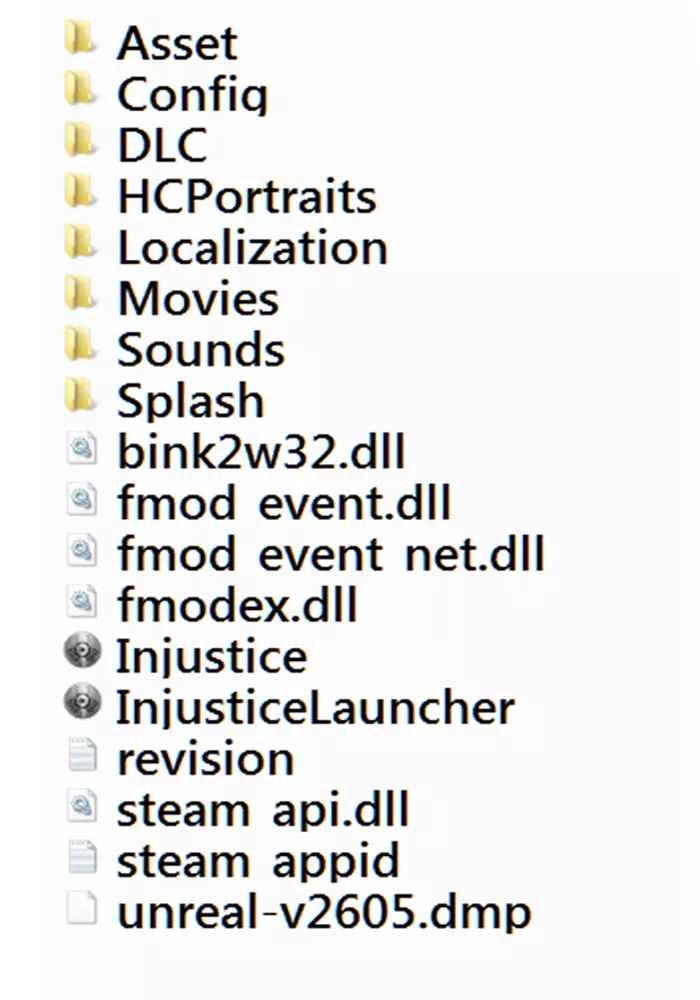
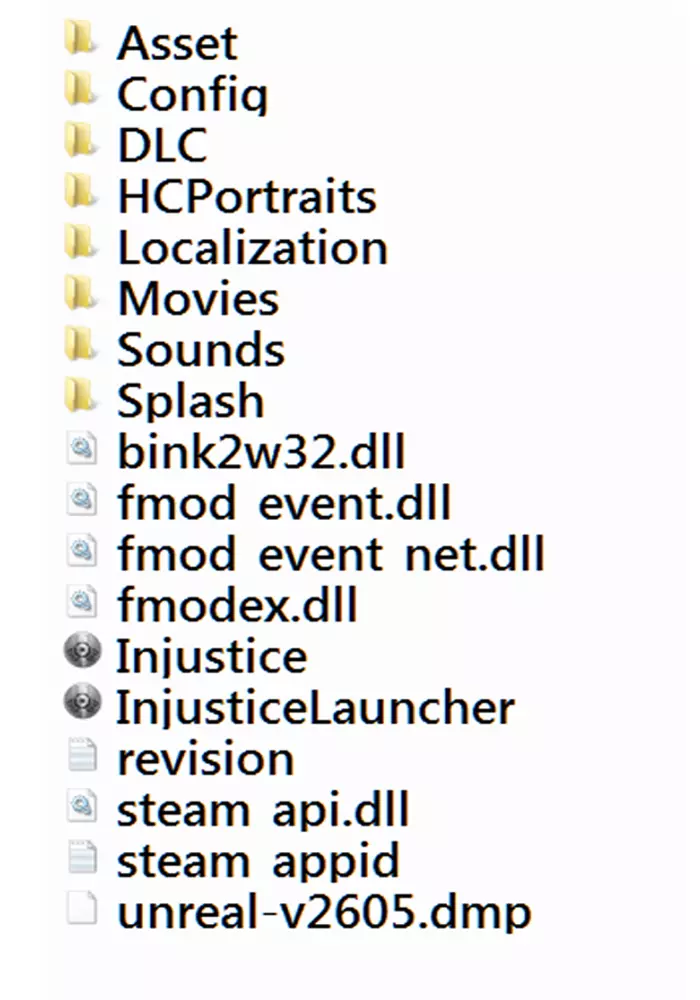
TROUBLESHOOTING INJUSTICE: PING YELLOW - MEDIUM FPS PING RED - LOW FPS PING GREEN - IDEAL FPS 60 unfortunately the WBID server has been disabled , reply from warner bros games THE GAME WON'T OPEN: Delete the colassed file from the config folder and the injustice exe and injustice laucher in the game and then set to check the integrity of the files and wait for steam to download these files again and start Delete OPTIONS file IN FOLDER -AppData-Roaming-injustice (YOU HAVE TO MARK THE OPTION: SHOW HIDDEN FILES AND FOLDERS) install all versions of visual c reinstall the direct X do not open the game by laucher and yes by the image on steam or executable _______________________________________________________________________________________________________________________________________________________ NO ONE IN THE ROOMS: If you can not see anyone in the rooms ,was for some file in your game folder, like an emulator control any file in the game folder makes you can not see anyone in the rooms in online mode remove the files ______________________________________________________________________________________ NO SOUND FROM THE VOICES OF THE CHARACTERS: See if your audio card is not in 5.1 or 7.1 and switch to stereo , i.e. 2.0, go to the control panel of your audio card and leave in stereo ______________________________________________________________________________________ INPUT LAG : This game has a region block, try to play with people from your country or nearby countries and if you have some file control emulator or something in the game folder remove because you can not see the other players in the rooms, to invite a friend to a match go to a room and invite , or go to multiplayer - online and then private game and invite through steam The game server is bad so the delay in the controls ___________________________________________________________________________________ GAME CLOSES WHEN INVITING FRIENDS VIA STEAM This is a bug that happens to some people and others do not try to enter a room in online mode and invite your friend directly through the room and not through steam ___________________________________________________________________________________ CONTROLLER CRASHING: Use an xbox controller or a controller emulator, if you use a controller that does not recognize it as an xbox controller the controls will swap and numbers will appear instead of the letters of the xbox control NEVER USE A CONTROL EMULATOR INSIDE THE GAME FOLDER, LIKE X360 CE BECAUSE ANY FILE INSIDE THE GAME FOLDER MAKES YOU NOT SEE THE OTHER PLAYERS INSIDE THE ROOMS OF THE ONLINE MODE try using your own STEAM emulator or Motion in joy offline CLICK HERE: https://www.youtube.com/watch?v=hejOBYUNhZg _______________________________________________________________________________________________________________ LOCATION OF THE.INI FILE TO MANUALLY CHANGE THE RESOLUTION C: Users'YOUR USER NAME- AppData-Roaming-injustice - OPTIONS (YOU HAVE TO MARK THE OPTION: SHOW HIDDEN FILES AND FOLDERS) _________________________________________________________________ LOW FPS: (THE RECOMMENDED SPECIFICATIONS OF THIS GAME ARE NOT CORRECT ,THE PC VERSION USES TOO MUCH PROCESSOR BECAUSE IT IS POORLY OPTIMIZED) I DO NOT RECOMMEND DUAL CORE PROCESSORS !!! 1- try to decrease the shadow or disable it or put it in half 2- delete the colassed file from the config folder and the injustice exe and injustice laucher in the game and then choose to check the integrity of files wait for steam download these files again and start the game 3- NVIDIA - go to the nvidia control panel - program settings (NOT GLOBAL SETTINGS FOR IT WILL CHANGE ALL GAMES)then put in add choose injustice.exe(NOT LAUCHER, THE EXE) go to maximum pre rendered frames choose:use 3d application settings NOW THE MOST IMPORTANT THING THAT SERVES TO SOLVE THE DROPS IN FPS OF THE GAME GO TO VERTICAL SYNC AND SET TO OFF AND SET TO APPLY AND START THE GAME POWER MODE: MAXIMUM PERFORMANCE 4- AMD - Open the Radeon Software, go in the games part, choose the injustice (you have to have opened the game before) then in adjusting the performance of the game, up to the gpu setting enable, advanced control - left click mouse left click on the last state of your video card and put set to minimum, then apply changes 5-try an older version of your video card drive 6-try with an offboard video card 7-check if it is not incompatibility with the operating system, try to put the exe as admin and in compatibility mode with windows seven ____________________________________________________________________________________________________________ XBOX CONTROL BUTTONS FAILURE click on the injustice image in your library and go to properties then use steam input setting select no then restart steam , If you want to use the control buttons of injustice in your library, go to properties and then use the input configuration of steam, select no. mapped, but this emulator is only for controls that are not xbox so in your case you don't need to, but if it doesn't work you can put a configuration global xbox configuration _____________________________________________________________________________ to find people from your country to play online, come to the injustice chat :InjusticeCatwoman: https://s.team/chat/iKmnphqt :InjusticeCatwoman: default game files, extra files must be removed
玩家:(
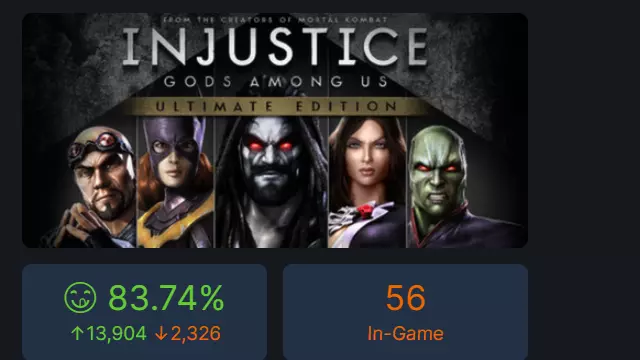
不义联盟聊天 寻找来自你国家的人在线游玩,请来不义联盟聊天

无法翻译的内容,已删除。