换一换
换一换 



Updated guide for simple automation in Mr. Mine, heavily inspired by others work but fixes most of the problems introduces with the recent updates. Intro I in no way take credit for most of the work, just fixing what was broken. Make sure you back up your files before making any changes so that you can always revert back to the original in need, or comment the old code with "//" or "/* */". Files are located in your steam game folder. Probably in "C: Program Files (x86) Steam steamapps common MrMine". Resources Automatically sell resources when full Auto Sell File to modify: resources/app/Shared/mineralmanagement.js Function to modify: getUsedMineralCapacity() Replace: function getUsedMineralCapacity() { capacity = cachedCountsTowardsCapacityAndValue.reduce((sum, resource) => sum + resource.numOwned, 0) if(!isSimulating) { if(mutecapacity == 0 && isCapacityFull()) { capacityFullAudio.play(); } } } With: function getUsedMineralCapacity() { capacity = cachedCountsTowardsCapacityAndValue.reduce((sum, resource) => sum + resource.numOwned, 0) if(!isSimulating) { if(mutecapacity == 0 && isCapacityFull()) { capacityFullAudio.play(); } if(mutecapacity == 1 && isCapacityFull()) { sellAllMinerals(0); } } } TLDR: Add an "if" statement that checks if resources are full and alarms is set to off, then sells everything. Auto Sell Moon Resources File to modify: resources/app/Shared/mineralmanagement.js Function to modify: sellAllMinerals() Replace: function sellAllMinerals(tab) { //need to set up for isotopes? var moneyPriorToSale = money; if(tab == 0) { for(var i = 1; i < 13; i++) { sellMineral(i); } } else if(tab == 1) { for(var i = 18; i < 27; i++) { sellMineral(i); } } var totalSaleProceeds = money - moneyPriorToSale; if(totalSaleProceeds > 100000000000000000n) { questManager.getQuest(55).markComplete(); } } With: function sellAllMinerals(tab) { //need to set up for isotopes? var moneyPriorToSale = money; if(tab == 0) { for(var i = 1; i <= 17; i++) { sellMineral(i); } } else if(tab == 1) { for(var i = 18; i < 27; i++) { sellMineral(i); } } var totalSaleProceeds = money - moneyPriorToSale; if(totalSaleProceeds > 100000000000000000n) { questManager.getQuest(55).markComplete(); } } TLDR: Change the index range to include the moon resources when selling all by changing the condition from "< 13" to "<= 17". Combat Battle automation IMPORTANT FOR BOSS FIGHTS: If you have the "Auto collect chest reward" configured, you will need to hold the "SHIFT" key when you kill the boss to collect the chest normally and move on to the next stage of digging, else you will not move on and you will loop and need to fight the boss again. Auto Attack File to modify: resources/app/popups/BattleWindow.js Function to modify: render() Replace: this.context.fillStyle = "#dddddd"; this.context.globalAlpha = 0.8; this.context.fillRect(weaponChargeX, weaponChargeY, (weaponChargeWidth * pcentAtk), this.boundingBox.height * .05); this.context.globalAlpha = 1; With: this.context.fillStyle = "#dddddd"; this.context.globalAlpha = 0.8; this.context.fillRect(weaponChargeX, weaponChargeY, (weaponChargeWidth * pcentAtk), this.boundingBox.height * .05); this.context.globalAlpha = 1; atk(bi); TLDR: Add a line "atk(bi);" to automate attack with each weapon when ready. Auto start fight File to modify: resources/app/Shared/battle.js Function to modify:spawnBattleOnFloor() Replace: function spawnBattleOnFloor(spawnY, spawnX) { if(battleWaiting.length == 0 && depth > 303) { if(!isDepthWithoutWorkers(spawnY)) { newNews(_("Miner #{0} is being attacked at Depth {1}km!", spawnX, spawnY), true); var somePrand = battleSpawnRoller.rand(0, 100); var whichFromTable = 0; if(somePrand < 5) { whichFromTable = 2; } else if(somePrand < 25) { whichFromTable = 1; } var spawnMonDetails = monstersOnLevels[Math.floor((spawnY - 300) / 10)][whichFromTable]; battleWaiting = [spawnX, spawnY, spawnMonDetails[0], spawnMonDetails[1]]; } } } With: function spawnBattleOnFloor(spawnY, spawnX) { if(battleWaiting.length == 0 && depth > 303) { if(!isDepthWithoutWorkers(spawnY)) { newNews(_("Miner #{0} is being attacked at Depth {1}km!", spawnX, spawnY), true); var somePrand = battleSpawnRoller.rand(0, 100); var whichFromTable = 0; if(somePrand < 5) { whichFromTable = 2; } else if(somePrand < 25) { whichFromTable = 1; } var spawnMonDetails = monstersOnLevels[Math.floor((spawnY - 300) / 10)][whichFromTable]; battleWaiting = [spawnX, spawnY, spawnMonDetails[0], spawnMonDetails[1]]; onWorkerClicked((battleWaiting[1] + 5 - currentlyViewedDepth), battleWaiting[0]); } } } TLDR: Simulates clicking on the attacked worker by adding the line "onWorkerClicked((battleWaiting[1] + 5 - currentlyViewedDepth), battleWaiting[0]);" Chest automation Chest collection automation Auto open new chest File to modify: resources/app/Shared/src/chest/ChestService.js Function to modify: spawnChest() Replace: spawnChest(spawnDepth, source = Chest.natural, type = ChestType.basic, miner = -1) { var isCollectable = (source == Chest.natural || source == Chest.superminer) && !this.isChestCollectorFull(); var collectionRoll = (chestSpawnRoller.rand(1, 100) <= this.getStoredChestsChance()); let chanceOfCollision = (this.chests.length + 1) / (depth / 10); //this is here to simulate how chest spawns acted in the old system. var canSpawnInWorld = source != Chest.natural || !chestSpawnRoller.boolean(chanceOfCollision); console.log("spawnChest - "+canSpawnInWorld+" - "+chanceOfCollision+" - "+collectionRoll); if(isCollectable && collectionRoll) { this.storeChest(type); return true; } else if(canSpawnInWorld) { //check if miner already has a chest or is an invalid index if(miner < 0 || this.getChest(spawnDepth, miner) || miner > workersHiredAtDepth(spawnDepth)) { var availableMiners = this.getAvailableMiners(spawnDepth); var minerIndex = rand(0, availableMiners.length - 1); miner = availableMiners[minerIndex]; } var newChest = source.new(source, spawnDepth, miner, type); this.chests.push(newChest); return newChest; } return false; } With: spawnChest(spawnDepth, source = Chest.natural, type = ChestType.basic, miner = -1) { var isCollectable = (source == Chest.natural || source == Chest.superminer) && !this.isChestCollectorFull(); var collectionRoll = (chestSpawnRoller.rand(1, 100) <= this.getStoredChestsChance()); let chanceOfCollision = (this.chests.length + 1) / (depth / 10); //this is here to simulate how chest spawns acted in the old system. var canSpawnInWorld = source != Chest.natural || !chestSpawnRoller.boolean(chanceOfCollision); console.log("spawnChest - "+canSpawnInWorld+" - "+chanceOfCollision+" - "+collectionRoll); if(isCollectable && collectionRoll) { this.storeChest(type); return true; } else if(canSpawnInWorld) { //check if miner already has a chest or is an invalid index if(miner < 0 || this.getChest(spawnDepth, miner) || miner > workersHiredAtDepth(spawnDepth)) { var availableMiners = this.getAvailableMiners(spawnDepth); var minerIndex = rand(0, availableMiners.length - 1); miner = availableMiners[minerIndex]; } var newChest = source.new(source, spawnDepth, miner, type); this.chests.push(newChest); this.presentChest(spawnDepth); return newChest; } return false; } TLDR: Add a line "this.presentChest(spawnDepth);;" to automatically click a new chest. Auto collect chest reward File to modify: resources/app/Shared/src/chest/ChestService.js Function to modify: presentChest() Replace: presentChest(spawnDepth, workerNum = -1) { let chest = this.getChest(spawnDepth, workerNum); if(typeof chest == "undefined" && metalDetectorStructure.level >= 5) { chest = this.getChestsAtDepth(spawnDepth)[0]; } if(!isSimulating && !keysPressed["Shift"] && chestService.chestPopupEnabled) { openUiWithoutClosing(ChestWindow, null, chest); } else { this.giveChestReward(chest); newNews(_("You got {0} from a Chest!", chestService.getChestRewardText()), true); } trackEvent_FoundChest(chest.type) } With: presentChest(spawnDepth, workerNum = -1) { let chest = this.getChest(spawnDepth, workerNum); if(typeof chest == "undefined" && metalDetectorStructure.level >= 5) { chest = this.getChestsAtDepth(spawnDepth)[0]; } if(keysPressed["Shift"]) { openUiWithoutClosing(ChestWindow, null, chest); } else { this.giveChestReward(chest); newNews(_("You got {0} from a Chest!", chestService.getChestRewardText()), true); } trackEvent_FoundChest(chest.type) } TLDR: Modify the condition " if(keysPressed["Shift"])" so that it will always give the reward automatically unless you hold the "SHIFT" key. This fixes the treasures chests that will collect infinitely if you click on them, using the "SHIFT" key allows you to open the popup normally (cave, scientists, monsters...). Credit Thank you for getting me on the right track, feel free to steal my stuff or make it better. https://steamcommunity.com/sharedfiles/filedetails/?id=2573032703
《自动化》V0.4更新内容

导读
这是《Mr. Mine》游戏的《自动化》V0.4更新指南,基于前人成果修复了版本更新带来的问题,提供了资源自动售卖、战斗自动化、宝箱自动收集等功能的代码修改教程,包含对应修改文件、函数及替换代码,还提醒玩家修改前备份文件。


评论
共0条评论

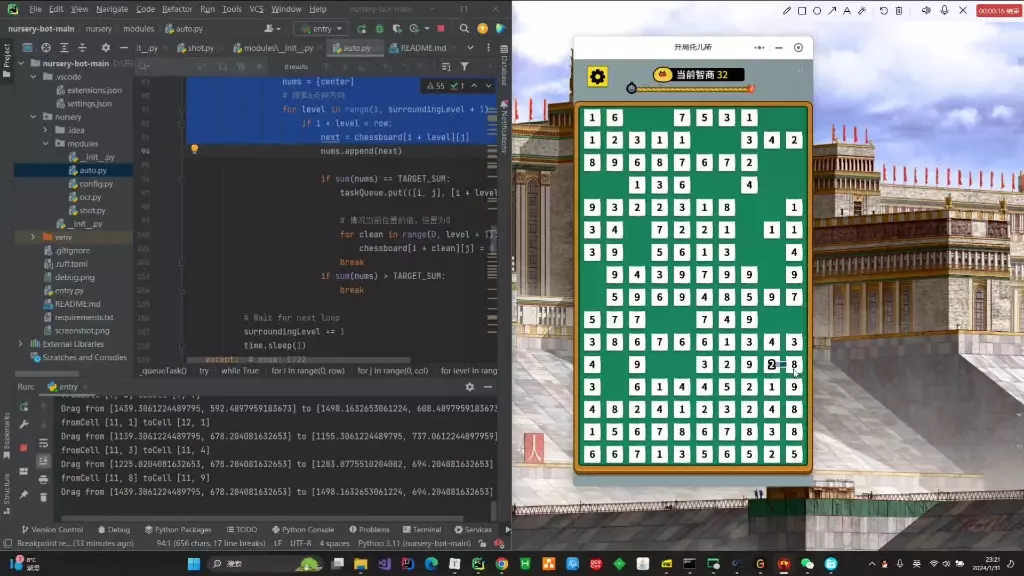
搞笑 开局托儿所遇见Python
2026-02-04 22:440赞 · 0评论
武器价值提升10倍 - v0.20
让所有武器的价值提升10倍 下载 下载以下文件 解压
2026-02-18 22:000赞 · 0评论
所有科学家都是传奇 - v0.20
所有科学家都是传奇人物。 他们的死亡概率较低。 挖掘持续时间为1、2、3或4分钟。
2026-02-19 01:000赞 · 0评论

终极自动化指南(战斗、宝箱、出售及更多功能)
《我的矿工先生》自动化终极指南! 宝箱自动拾取 目的:避免手动拾取所有这些优质宝箱 目标文件:resources/app/Shared/src/chest/Ch…
2026-02-18 19:000赞 · 0评论

超级矿工 - 简易指南
超级矿工简易指南:最新大型更新新增超级矿工介绍
2026-02-19 10:000赞 · 0评论

《剑士》自动化指南
《剑士》工作自动化系统完全指南,包括小队与城镇管理,以及如何远程控制和了解你的帝国动态。该指南能处理99.9%的微管理操作。 简介 本指南旨在帮助你充分利用《剑…
2026-02-18 10:000赞 · 0评论
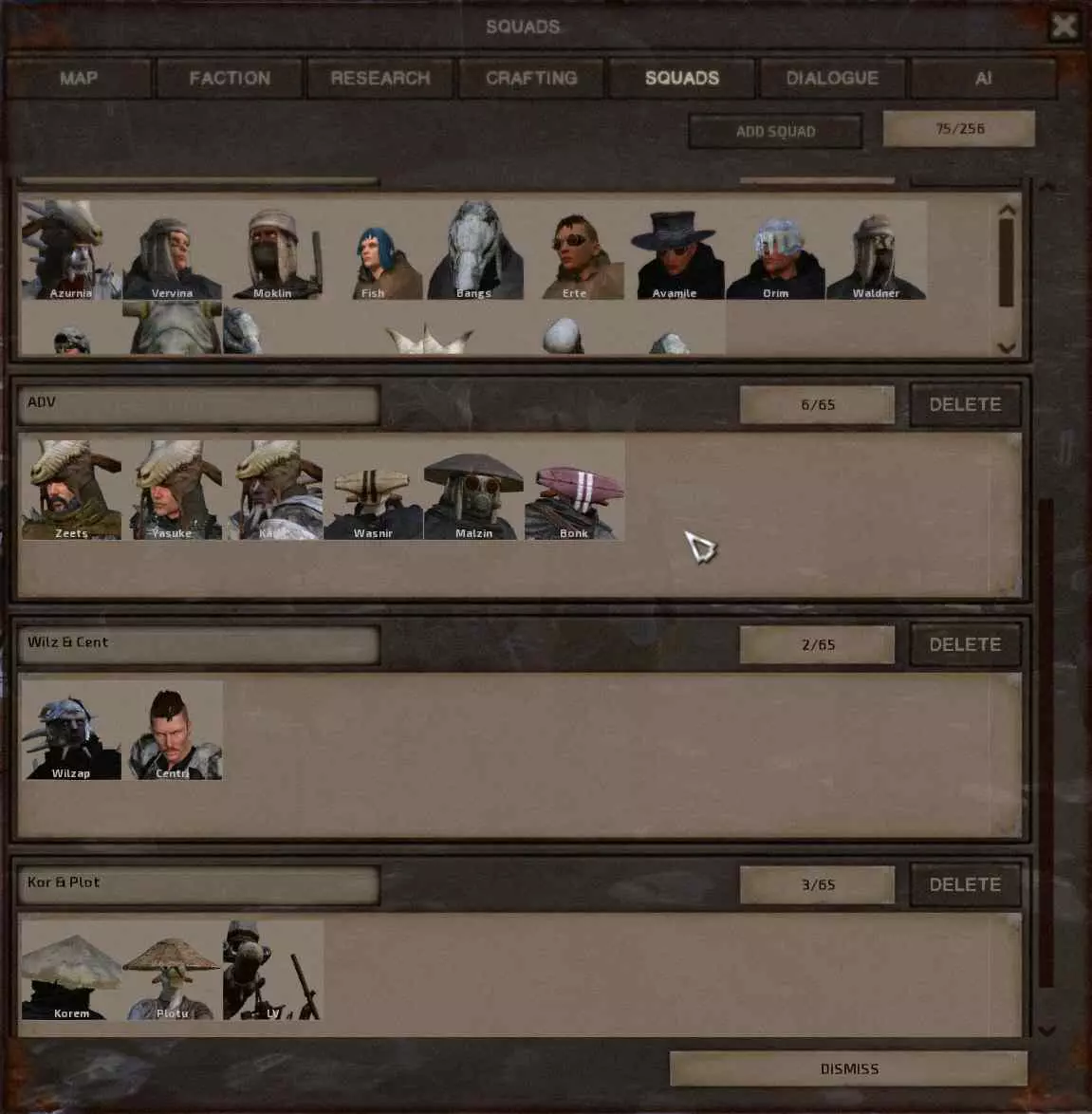
猫咪街机厅
《An Arcade Full of Cats》2025年2月7日更新指南(完整游戏+DLC)
2026-04-08 04:000赞 · 0评论

代码 【Hades】哈迪斯自定义游戏流程代码修改介绍
2026-01-16 03:120赞 · 0评论
高质量 「MT管理器」逐步击破法教你获取软件会员功能|17(补)
2025-12-07 13:470赞 · 0评论
魔力宝贝复兴回归攻略 魔力宝贝复兴怎么玩 魔力宝贝复兴回坑指南 魔力宝贝复兴最新更新
魔力宝贝复兴回归玩家怎么玩?看到有不少朋友最近回坑,大家关心的问题比较集中,我制作了一份专门针对回归玩家的攻略,希望能帮到各位。 目前游戏虽有不少资料站,但针对…
2026-05-21 10:010赞 · 12评论
暂无更多
最新更新
- 《Mr.mine》部分数据说明 — 科学家稀有度 0-12 挖掘物说明 挖掘物名称 效果 无印编号 无印数值 +编号 +数值 ++编号 ++数值 无尽矿工加速剂 ?%提升矿工速度 0 5 54 7…
- 找到下一个不明飞行物出现的时间 — 一个快速的JavaScript脚本,用于显示下一个不明飞行物(UFO)何时会出现在太空中(地球和月球之间) 简介
- 1分钟内获得成就(83/98) — 1个存档文件中包含83个成就。
- 武器 - 武器完整列表 — 战斗机制改动后所有武器的详细说明。 大多数武器的效果都比较直观,但有些武器实际表现比看起来更强,而有些则远比看上去更垃圾。 战斗机制 游戏采用基于卡牌系统的基础…
- 《自动化》V0.4更新内容 — Updated guide for simple automation in Mr. Mine, heavily inspired by others work…
- 如何达成《Mr.Mine》的100%完成度? — 想要在几秒钟内达成《Mr. Mine》的100%完成度吗?那么本指南就是为你准备的! 要在几秒钟内完成游戏,你需要在游戏开始时点击这个按钮:
- 如何成为最厉害的矿工? — 这里我将告诉你如何免费成为最棒的矿工,无需短信和注册!!!1!!! 引言 《我的世界》这款游戏真的非常酷且有趣,是消磨时间和排解无聊的绝佳方式。在这份详细指南中…
- 所有改进免费!- v0.20 — 让所有购买都免费,即使尚未发现矿物 制作中心、魔像、机器人MK等的升级 人员招聘及其升级(地球和月球) 地下城的宝石和武器 反应堆 实验室增益(延长持续时间)
- 所有成就 | 我的矿工先生 | 100%(作弊方法) — 在《Mr.Mine》中最快完成成就的方法。获得100%成就所需时间:15分钟。你好。这是一种相当不正当的获取所有成就的方式,无论如何都需要修改游戏代码。
- 模组制作、编辑 | 石油、建筑材料、容量 — 修改那些通常需要等待很久才能获取的内容指南! 简介 还在寻找那些建筑材料吗? 石油生产是不是要花很长时间? 让我来帮你解决! 石油生产与产能 进入你的游戏目录:…