换一换
换一换 


I see so many players and streamers being in pain from inefficient, slow core probe scanning. Here's a bunch of tips to make you a PRO SCANNER in no time. Core-Scan like a Pro. NOW! Here are some quick and easy tips on how you can speed up and simplify your scanning with core probes. Please note this guide does not cover combat scanner probes which require different tactics sometimes. This guide assumes you fly a ship with the usual scanning bonuses, like a scan frigate, T3 cruiser with CovOps subsystem or similar. All of it still holds true for non-specialized scanning but you may need to decrease the scan radius in smaller steps. Let's start! Always use 'Pinpoint formation'. Once set it will alway be chosen by default when you launch your probes. Spread formation is utterly useless for core probing purposes. First, do a full system scan. Depending on system size this can be from 16ly (small systems) to multiple 32ly scans (very big systems). The normal case is 16ly to cover most if not all sites. If there are only a few outside the scan radius it's better to chose 16 since this often saves you a whole scan on the covered sites. Then you can still do another 16ly to cover the remaining few. USE KEYBOARD SHORTCUTS to scan and change the radius. There are mousewheel actions which are slower and require more hand action. Try it out if you like, then go keyboard :D Bind: Scan, increase radius, decrease radius. That's it, the rest you do with your mouse. Doubleclicking on the system display switches between perfect topdown and perfect from-the-side view. This is IMPORTANT for the next step and much faster and precise than messing around freestyle click-and-dragging the mouse. A doubleclick is all you need (!) After the initial 16/32 ly scan, select a site to scan down. First, click once on the site to focus the camera. If you do not do this, the next steps might place your 'scan cube' slightly off the site. Now click and drag the cube side that is facing you. In topdown view it's the top side, in side view it's whatever side is facing you. Do this once in either topdown or side view until it aligns with the site. (the cube should be roughly on top of the red dot of the site) Then doubleclick switch to sideview. This time you do NOT use the cube side facing you but instead the big arrows extending from the cube, to position the cube on top of the site. Why? Because you already fixated 2 dimensions in the previous step. Using a cube side now would only risk to offset it again. Instead, use the arrows which only ever change the cube position in ONE dimension, which is the only one left. This is the power! This is the fastest and ONLY way you should ever, ever position your 'scan cube'. Freestyle moving with your mouse without using the topdown/side view approach is ridiculously slow and imprecise. Move down radius to 8ly if initial scan used a 32ly radius and down to 4ly if initial was 16ly. Remember to do the first alignment (in 2 dimensions) using the cube side facing you, then in the next step use the ARROWS to finalize its location. After you scanned the first scan with a 4/8ly radius its position will be more accurate. With a scan-bonus ship: decrease radius by 2 notches. Unless the site position changed drastically during your previous scan, in which case you may need to turn down only 1 notch. Without scan bonuses: decrease by 1 notch. Use your keyboard shortcut to do this. It's much faster than clicking in the UI and faster than using the ALT-mousewheel action. Particularly because ALT is a long way left of your mouse while you can bind all relevant keys to somewhere near your ENTER key. This may sound pedantic but it will save you many hours of lifetime during your Eve Online career. Keep the key bindings near your mouse so you can move and modify the scanning in a relaxed way without ever shifting your hands. I have bound increase and decrease to + and -, respectively, 'Scan' to the key directly between those. (EU keyboard) Repeat the cube move step (see 2 above) using topdown and side view and the clickdrag of the cube side facing you. The reason why you never use a different side is easy: The one facing you only moves the cube in the correct 2 dimensions for the view (one dimension is fixed which makes positioning so easy). With a 2-4 ly radius you should already see many sites for what they are and can decide if you want to continue or ignore that site. Wormholes in particular are usually discovered at 4ly radius, unless the site position jumped a lot in the previous step. If you continue, go down 1-2 notches (this comes with experience and differs by type of site) to get the final warp-to result. For example, wormholes usually get warp-to status after a 1ly radius scan while relic and data sites often require 0.5 to 0.25 ly radius because their signature is smaller. For the next site you want to scan, return to 8ly radius. Unless you didn't catch it in the initial scan, in which case you might need to 16/32 ly once more. Using Sisters of Eve probes over the regular ones gives you a small but noticeable bonus to scan strength. Their launcher and probes are not that expensive so if you scan a lot, be sure to use the Sister's variants. Last but not least, don't forget to collect your probes when you are done. Give it a try and see how your scanning becomes so much more comfortable. Good luck, capsuleer!
专业扫描 [核心探针]

2026-02-15 22:00:10
发布在EVE Online
转载

导读
这是一篇《星战前夜》(Eve Online)核心探针扫描专业指南,介绍了核心探针扫描的高效技巧,包括使用精准阵型、全星系扫描、绑定键盘快捷键、利用视图切换定位扫描立方体等,帮助玩家快速掌握专业核心探针扫描方法,提升扫描效率。


评论
共0条评论

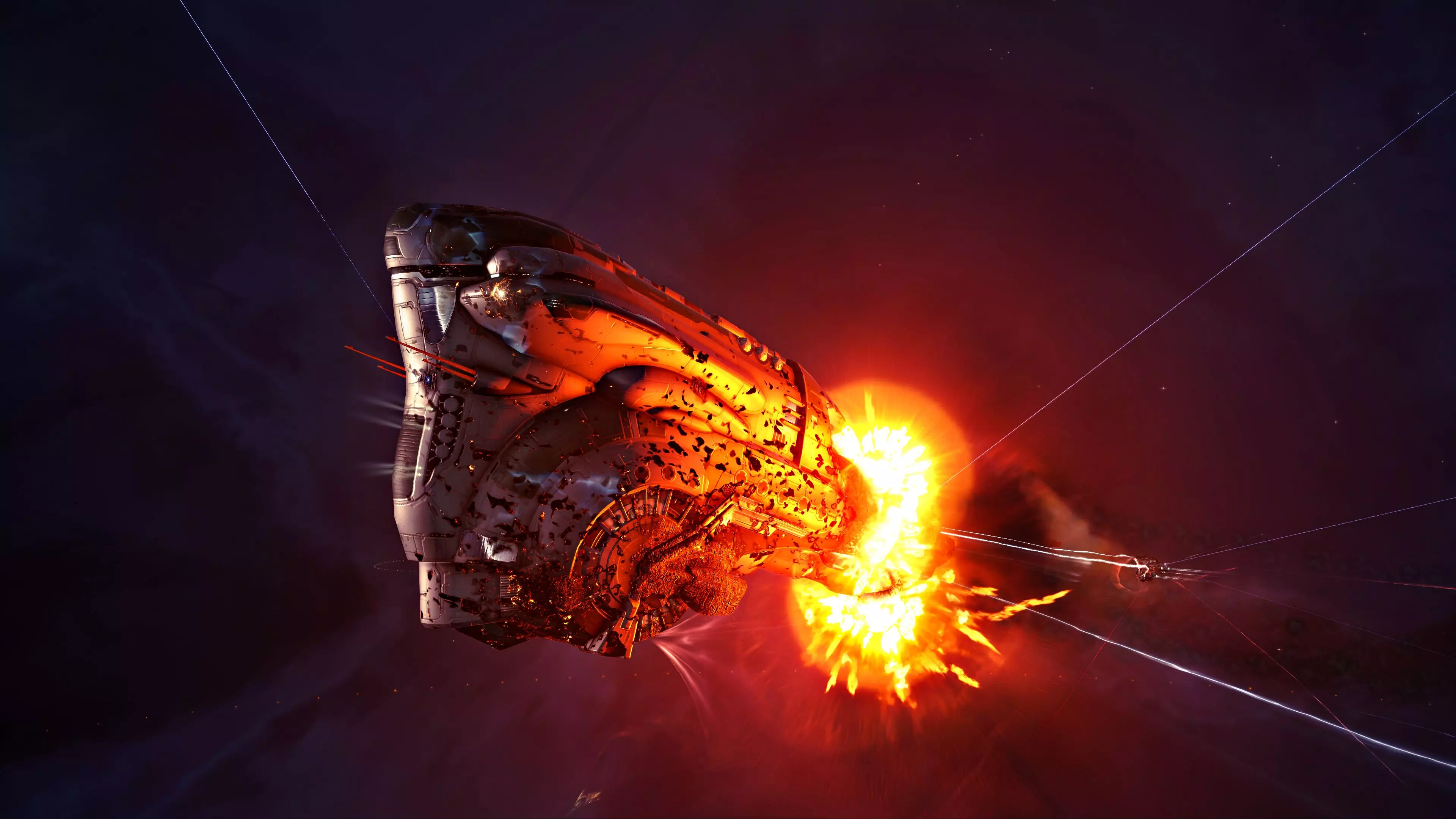
《EVE Online》战争摇篮扩展包6月9日上线
TL;DR 《星战前夜》战争摇篮资料片于6月9日上线 通过军事行动,每位克隆飞行员都能影响帝国战争的走向 通过头衔与成就追踪并展示你的功绩 新手空间是供新手磨练…
2026-05-15 18:070赞 · 0评论
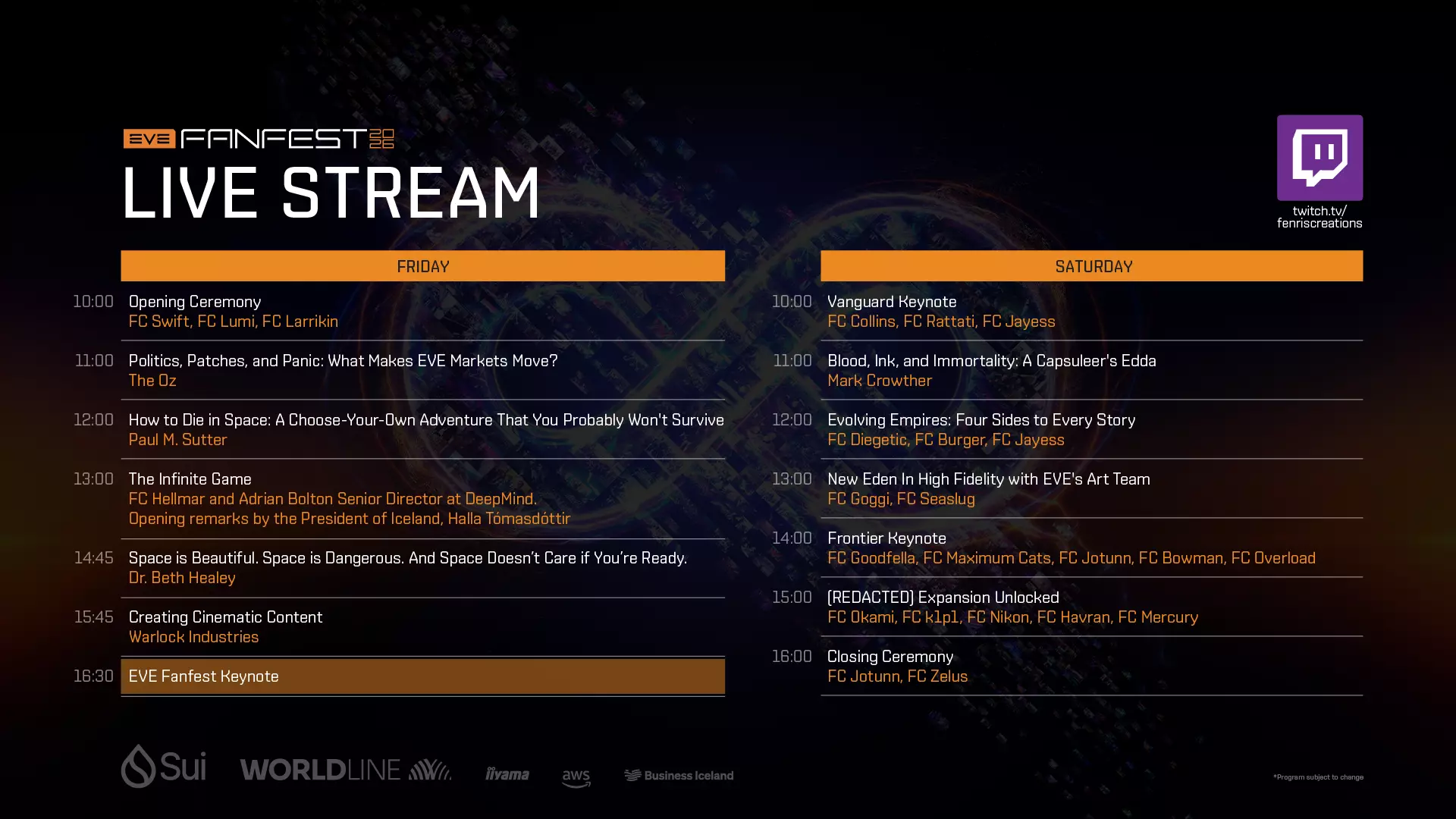
EVE Fanfest 2026——加入我们的直播活动
全球的舰长们, 次佳选择是加入直播,直播将于5月15日周五10:00 UTC开始。与其他舰长、战争克隆人和骑手一同观看演讲、访谈、专题讨论、嘉宾发言和主题演讲。…
2026-05-13 16:000赞 · 0评论
《星战前夜》克隆飞行员日23:战争之路即将到来
克隆飞行员们, 在吉塔星门灾难发生后,整个新伊甸的动荡达到了前所未有的程度,各大帝国也已做好了相互开战的准备。目前,脆弱的统合部协议暂时阻止了冲突的爆发,但全面…
2026-04-21 14:120赞 · 0评论

阿提奥斯冲突
克隆飞行员们, 在新伊甸,没有什么能比得上战争的体验。《星战前夜:晨曦》中大型冲突背后的规划、后勤、领导力和坚韧精神,不断创造出那些在实现之前看似不可能的时刻。…
2026-04-17 13:050赞 · 0评论
序章介绍
热情的舰长们, 我们一直在寻找改善早期游戏体验的方法,因为尽管新伊甸是一个广阔而深邃的世界,充满了美景、自由和奥秘,但对新玩家来说也可能有些令人却步。 为了帮助…
2026-04-14 13:350赞 · 0评论
《EVE Online》催化剂重大更新
克隆飞行员们, 《星战前夜》催化剂扩张的重大更新现已上线,本次更新带来了平衡性调整、航母飞行员的新机遇以及对新伊甸多个领域的针对性改进。 本次更新重点在于强化舰…
2026-03-23 10:400赞 · 0评论
盖伦特选举正在进行中!
克隆飞行员们, 盖伦特联邦正在选举新总统,民主的机制已然启动。现在是你塑造联邦未来并从中获得丰厚回报的机会。 截至4月16日,你可以接受挑战来支持你所选择的候选…
2026-03-20 17:480赞 · 0评论

《EVE Online》声望与恶意攻击更新内容
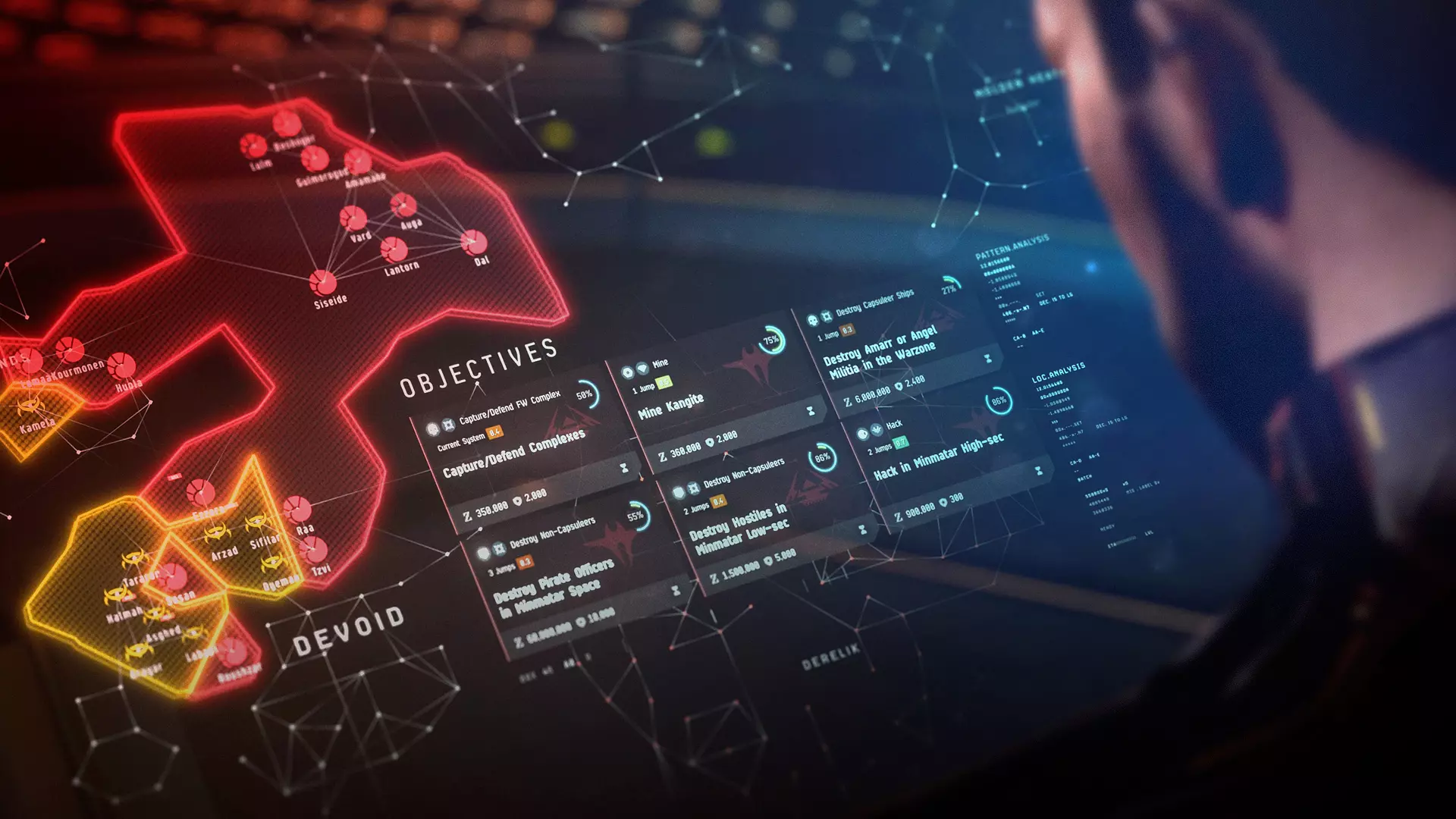
飞行员们, 即将到来的夏季资料片的一部分内容是引入军事行动,同时致力于让势力战争对新老玩家都更具吸引力和易上手性。为实现这一目标,目前正着手解决两个关键问题,这…
2026-03-11 09:280赞 · 0评论
EVE伤害图表
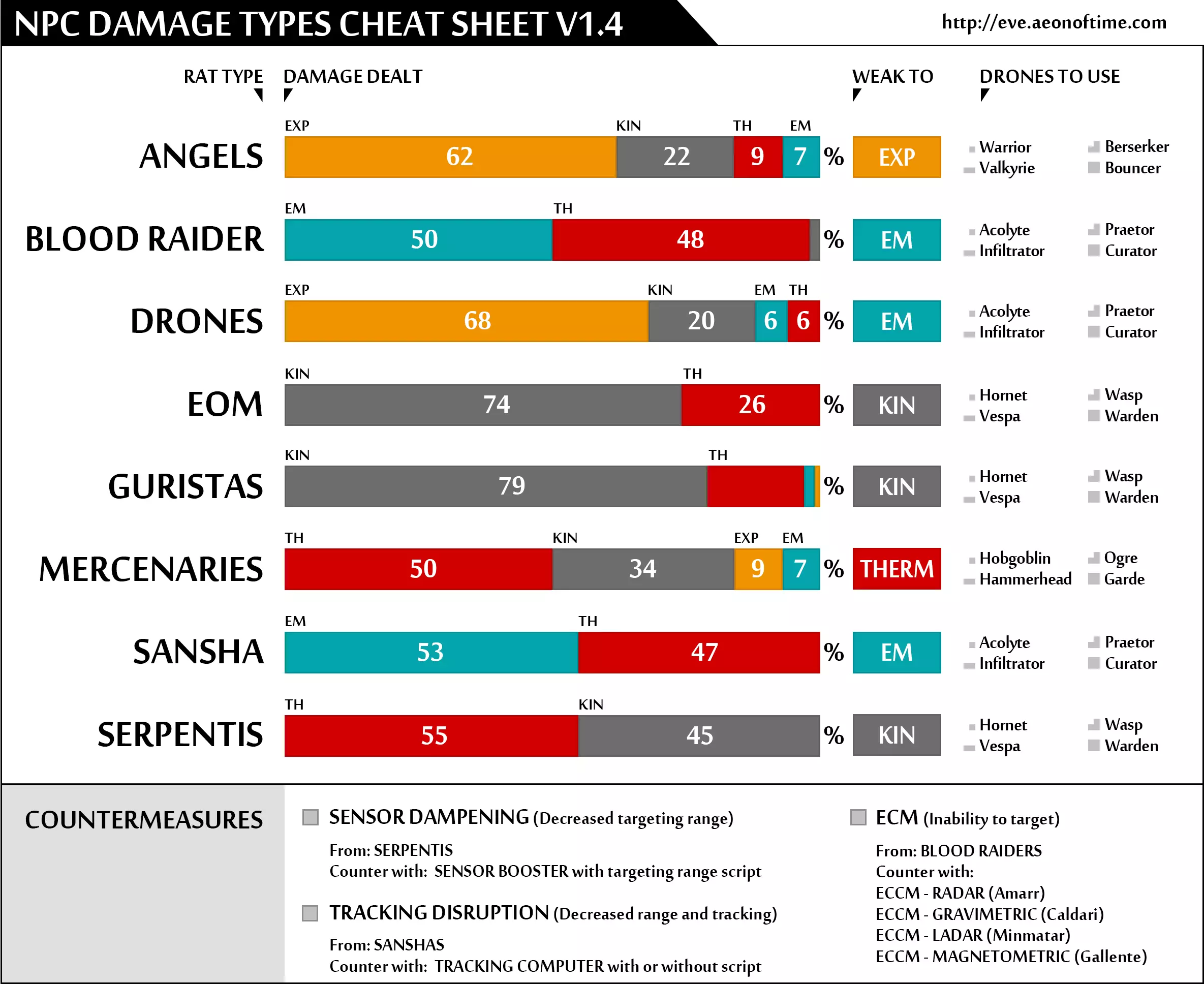
这些优质图表并非由我制作,但它们不太容易找到,所以我将它们整理成了一份Steam指南,以便于使用和保存,避免它们随着时间流逝而丢失。NPC伤害类型图表
2026-02-16 04:000赞 · 0评论
高安全蛇怪战斗地点指南
一个包含13个部分的视频系列,详细介绍了每个高安全性的天蛇集团战斗地点。本指南提供了每个战斗地点的预期内容,包括刷新模式和可能的战利品掉落。如果你在盖伦特星域并…
2026-02-16 01:000赞 · 0评论
暂无更多