换一换
换一换 


Liftoff: FPV Drone Racing allows you to stream drone telemetry data to external locations. That way, you can analyze flights, or diagnose issues with external programs that interface with Liftoff. Introduction Liftoff: FPV Drone Racing allows you to stream drone telemetry data to external locations. This way you can analyze flights or diagnose issues with external programs that interface with Liftoff. Who is this for? The Drone Telemetry feature is not something the average Liftoff: FPV player will find a use for. It is however, useful to players wanting some extremely detailed feedback or researchers interested in analyzing a drone's behavior, to plot out data in other software, or to train certain data models for A.I. Setup The Drone Telemetry feature can be enabled by placing a file in a specific directory. This location depends on the operating system running Liftoff: Windows: C: Users %userprofile% AppData LocalLow LuGus Studios Liftoff macOS: ~/Library/Application Support/LuGus Studios/Liftoff/ Linux: ~/.config/unity3d/LuGus Studios/Liftoff/ Linux (when Steam is installed as a flatpak): ~/.var/app/com.valvesoftware.Steam/.config/unity3d/LuGus Studios/Liftoff Within this directory, create a new file named TelemetryConfiguration.json to enable the drone telemetry. Currently there is no way to enable or configure this feature from within Liftoff itself. This might be added in a future update. Configuring the telemetry data The Drone Telemetry data stream is configured using the TelemetryConfiguration.json file. We'll go over each of the parameters in this section. The example configurations section below provides a few practical examples. Before diving into the different configuration possibilities, first let's define the types of data you can expect to receive on the data stream. Each component will state what type of value it will be. This will be important for when you parse the data on your end. So let's sum them up below: float - a single precision floating point number, 4 bytes long. int - an integral number, 4 bytes long. byte - a single byte. There are two main parameters that can be configured: The data end point: all telemetry data are sent over a UDP packet stream. The EndPoint value allows you to configure where it is sent to. This value is formatted in IP end point notation, e.g. 127.0.0.1:9001, where you specify the intended IP address and port number. The stream format: you can configure which telemetry data points you're interested in, as well as the sequence in which they are sent. The StreamFormat string array defines the sequence. The supported data points and their data layout are listed below. Note: Liftoff uses a left-handed, Y-Up coordinate system: the positive x-axis points to the right, the positive y-axis points up, and the positive z-axis points forward. Timestamp (1 float) - current timestamp of the drone's flight. The unit scale is in seconds. This value is reset to zero when the drone is reset. Position (3 floats) - the drone's world position as a 3D coordinate. The unit scale is in meters. Each position component can be addressed individually as PositionX, PositionY, or PositionZ. Attitude (4 floats) - the drone's world attitude as a quaternion. Each quaternion component can be addressed individually as AttitudeX, AttitudeY, AttitudeZ and AttitudeW. Velocity (3 floats) - the drone's linear velocity as a 3D vector in world-space. The unit scale is in meters/second. Each component can be addressed individually as SpeedX, SpeedY, or SpeedZ. Note: to get the velocity in local-space, transform it[math.stackexchange.com] using the values in the Attitude data stream. Gyro (3 floats) - the drone's angular velocity rates, represented with three components in the order: pitch, roll and yaw. The unit scale is in degrees/second. Each component can also be addressed individually as GyroPitch, GyroRoll and GyroYaw. Input (4 floats) - the drone's input at that time, represented with four components in the following order: throttle, yaw, pitch and roll. Each input can be addressed individually as InputThrottle, InputYaw, InputPitch and InputRoll. Battery (2 floats) - the drone's current battery state, represented by the remaining voltage, and the charge percentage. Each of these two can be addressed individually with the BatteryPercentage and BatteryVoltage keys. Note - these values will only make sense when battery simulation is enabled in the game's options. MotorRPM (1 byte + (1 float * number of motors)) - the rotations per minute for each motor. The byte at the front of this piece of data defines the amount of motors on the drone, and thus how many floats you can expect to find next. The sequence of motors for a quadcopter in Liftoff is as follows: left front, right front, left back, right back. Note that this data stream is only available for drones that are actively being simulated by Liftoff. It won't work for drones being spectated in multiplayer or during a replay session. Modifying the configuration while in-game Each time the drone is reset, Liftoff will check whether the telemetry configuration file has been changed, and reload it if so. This allows you to tweak and change parameters without restarting Liftoff. If the configuration file contains an error, Liftoff will display a popup message after the drone has been reset. Fix the error, reset the drone again, and the new telemetry configuration will be loaded. Example configurations Some example configurations of the TelemetryConfiguration.json file. Everything A configuration that will send over all telemetry data to a local end point. { "EndPoint": "127.0.0.1:9001", "StreamFormat": [ "Timestamp", "Position", "Attitude", "Velocity", "Gyro", "Input", "Battery", "MotorRPM" ] } The total size of each data frame being sent would be 97 bytes. Horizontal position over time A configuration that will only send the position of the drone in the XZ-plane, along with the timestamp, to an end point in the local network. { "EndPoint": "192.168.1.6:6808", "StreamFormat": [ "Timestamp", "PositionX", "PositionZ" ] } The total size of each data frame being sent would be 12 bytes. From input to gyroscope A configuration that correlates input axes to the drone's gyroscope, without a timestamp. { "EndPoint": "127.0.0.1:9001", "StreamFormat": [ "InputPitch", "GyroPitch", "InputRoll", "GyroRoll", "InputYaw", "GyroYaw" ] } The total size of each data frame being sent would be 24 bytes.
升空:无人机遥测

2026-02-19 19:00:08

导读
《升空:无人机遥测》介绍了Liftoff: FPV Drone Racing的无人机遥测功能,该功能可将无人机遥测数据传输至外部,适合需详细反馈的玩家、研究人员用于分析无人机行为、训练AI模型等,还说明了不同系统下的开启及配置方法。


评论
共0条评论

下载实验分支,同时保留公开分支 - 适用于Windows系统
使用SteamCMD下载《Liftoff》的实验分支,同时保留公共分支。 前言 参与测试可能会很无聊,因为多人游戏大厅里没有多少玩家,而且你也无法参加锦标赛。通…
2026-02-20 16:000赞 · 0评论
使用Turnigy Evolution遥控器玩《升空》
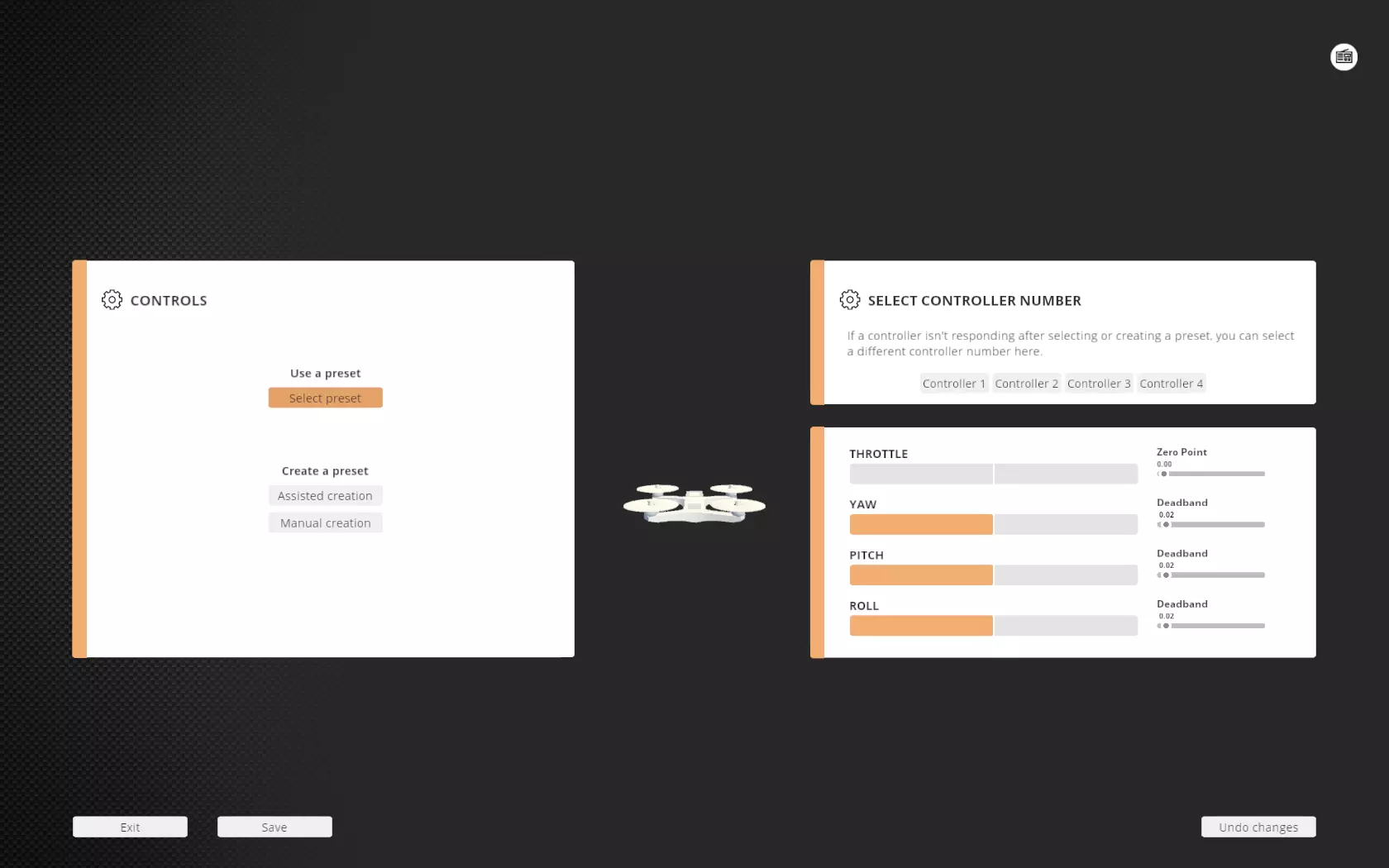
如何设置你的Turnigy Evolution飞行控制器与《Liftoff》的快速指南 简介 这是一份关于如何在《Liftoff》中设置Turnigy Evol…
2026-02-20 13:000赞 · 0评论
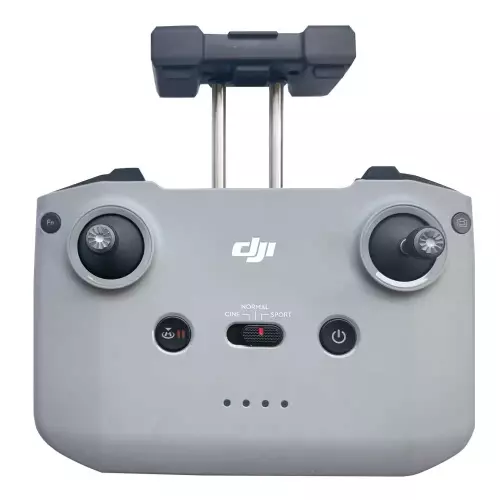
如何连接大疆RC-N1遥控器?
本指南将逐步介绍如何将最受欢迎的遥控器DJI RC-N1(用于DJI Mini 2、Mini 3、Air 2、Air 2S等无人机)连接到电脑。你将能够在像《L…
2026-02-20 13:000赞 · 0评论
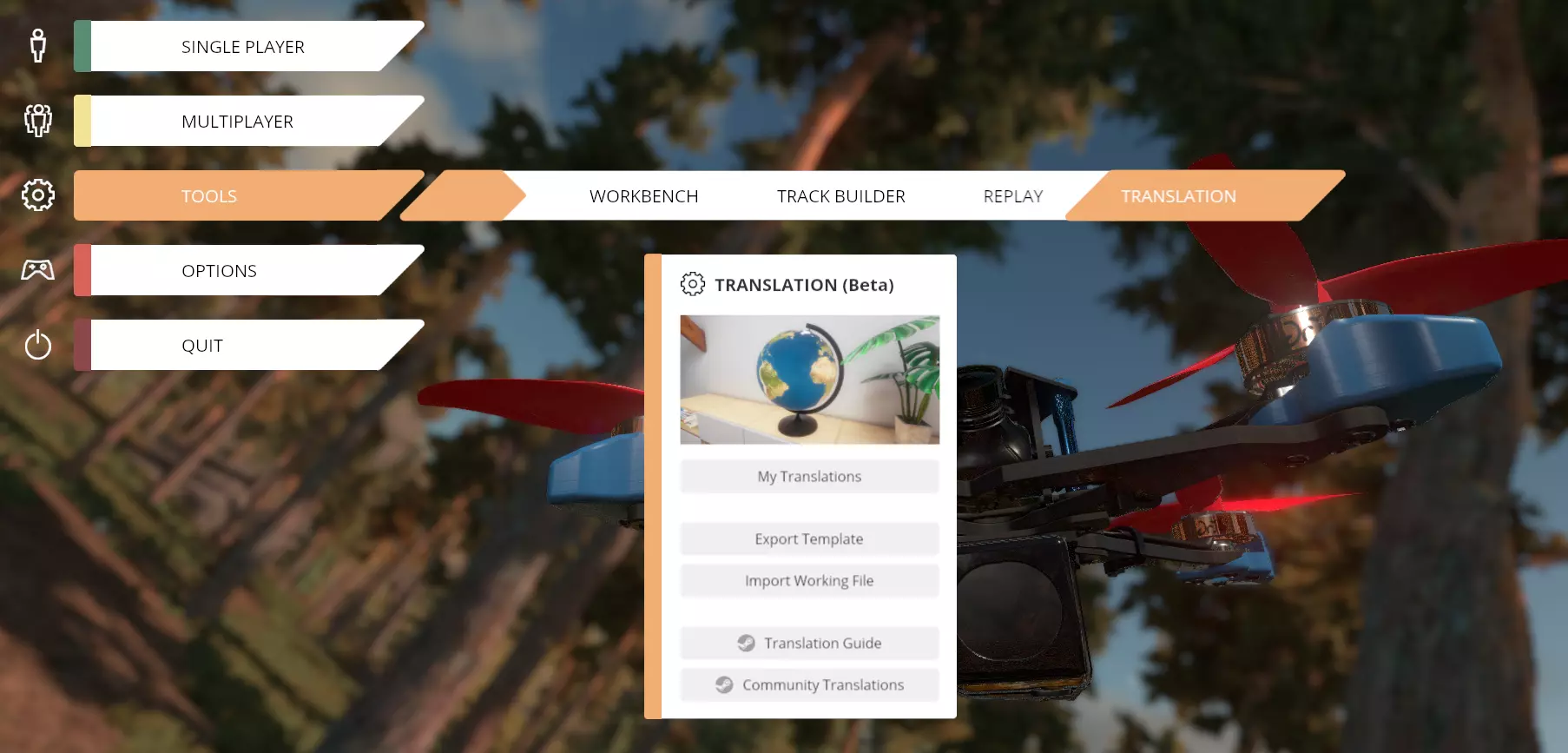
官方翻译工具指南
Liftoff翻译工具官方指南 简介 我们正在推出Liftoff翻译工具的测试版。现在你可以创建自己的游戏翻译了!
2026-02-20 10:000赞 · 0评论
复活节彩蛋寻找
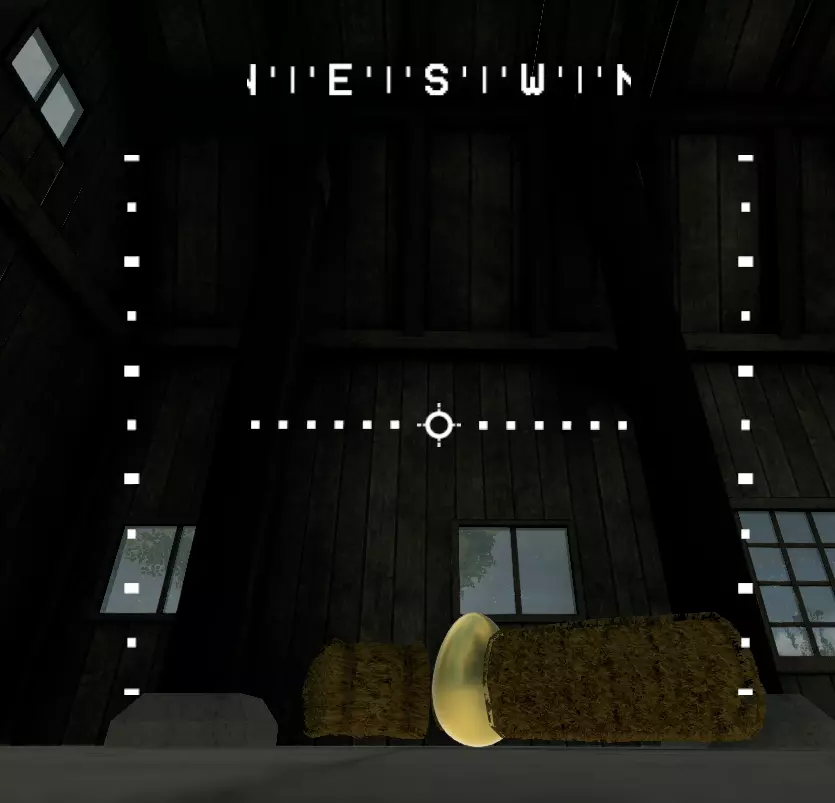
Straw Bale地图上彩蛋的位置 彩蛋1/6 第一个彩蛋位于谷仓内,从门口飞进去很容易就能看到。
2026-02-20 07:000赞 · 0评论
《Liftoff》全成就指南
这是一份帮助你获取这款精彩FPV模拟器所有成就的指南! 简介 已更新至1.5.8版本(包含新的永冻地图)- 35/35个成就 本指南并非教你如何飞行,而是分享一…
2026-02-20 04:000赞 · 0评论

控制模式
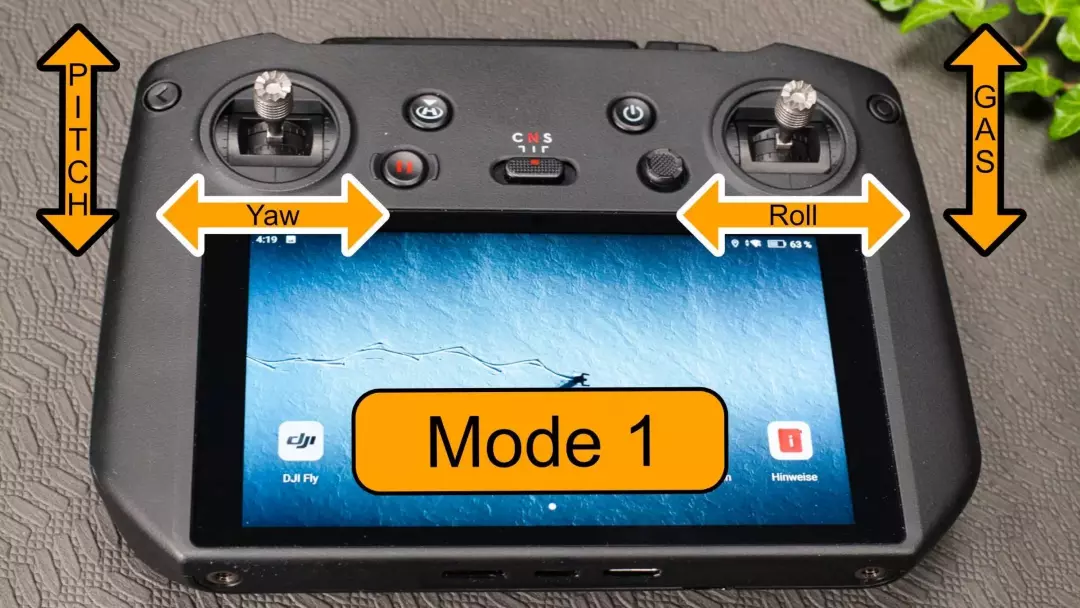
在本指南中,我将介绍无人机的不同控制类型。 具体需要控制哪些方面呢? 对于有过无人机飞行经验的人来说,无人机的基本飞行功能基于四个动作是理所当然的。这些动作被分…
2026-02-20 04:000赞 · 0评论
彩蛋搜寻
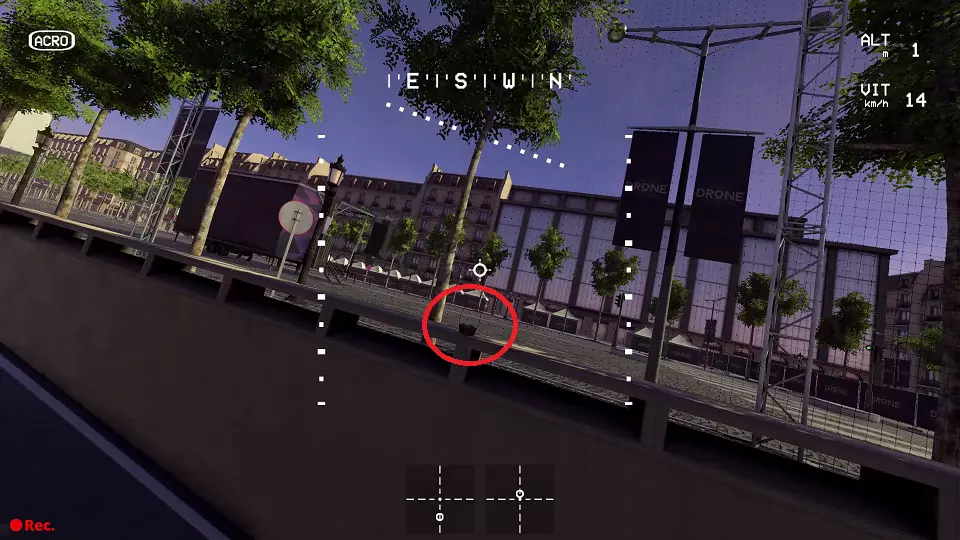
如何达成【Easter Egg Hunting】成就 彩蛋位置: 1. 在巴黎无人机节关卡中开始自由飞行 2. 根据以下图片开始寻找彩蛋 I/VI 在隧道入口处
2026-02-20 01:000赞 · 0评论
《Liftoff》成就指南
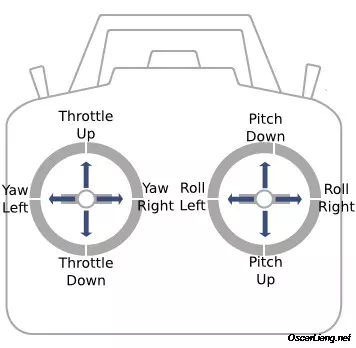
《Liftoff》成就获取指南 已更新包含新成就。 希望你能喜欢! 简介 大家好!《Liftoff》是一款第一人称视角(FPV)无人机模拟器,大多数人用它来磨练…
2026-02-19 22:000赞 · 0评论
《Liftoff》玩法(版本:0.2)
《Liftoff》游玩指南(虽尚未完成,但已具备基础内容,故予以公开) 本指南适用于希望游玩包括《Liftoff》在内的FPV无人机模拟器,以及进行VRChat…
2026-02-19 22:004赞 · 1评论
暂无更多