换一换
换一换 




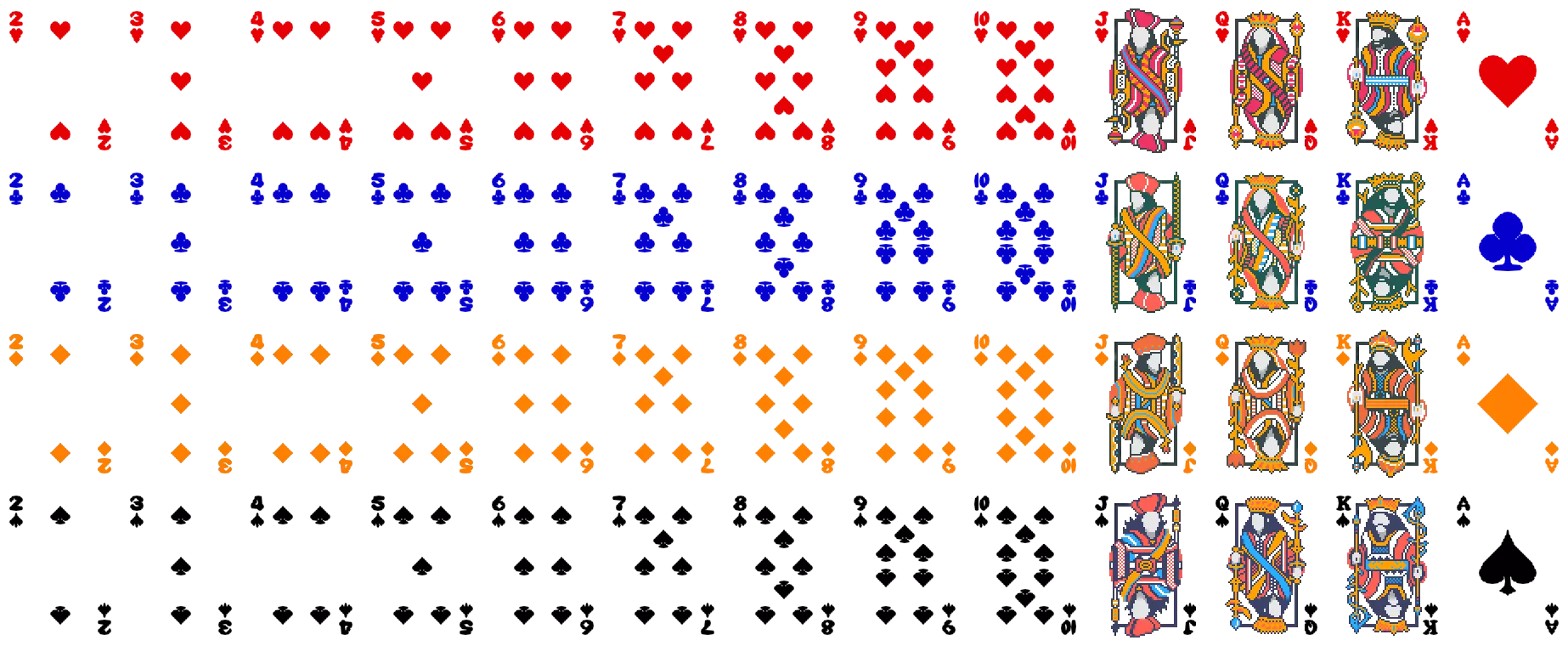
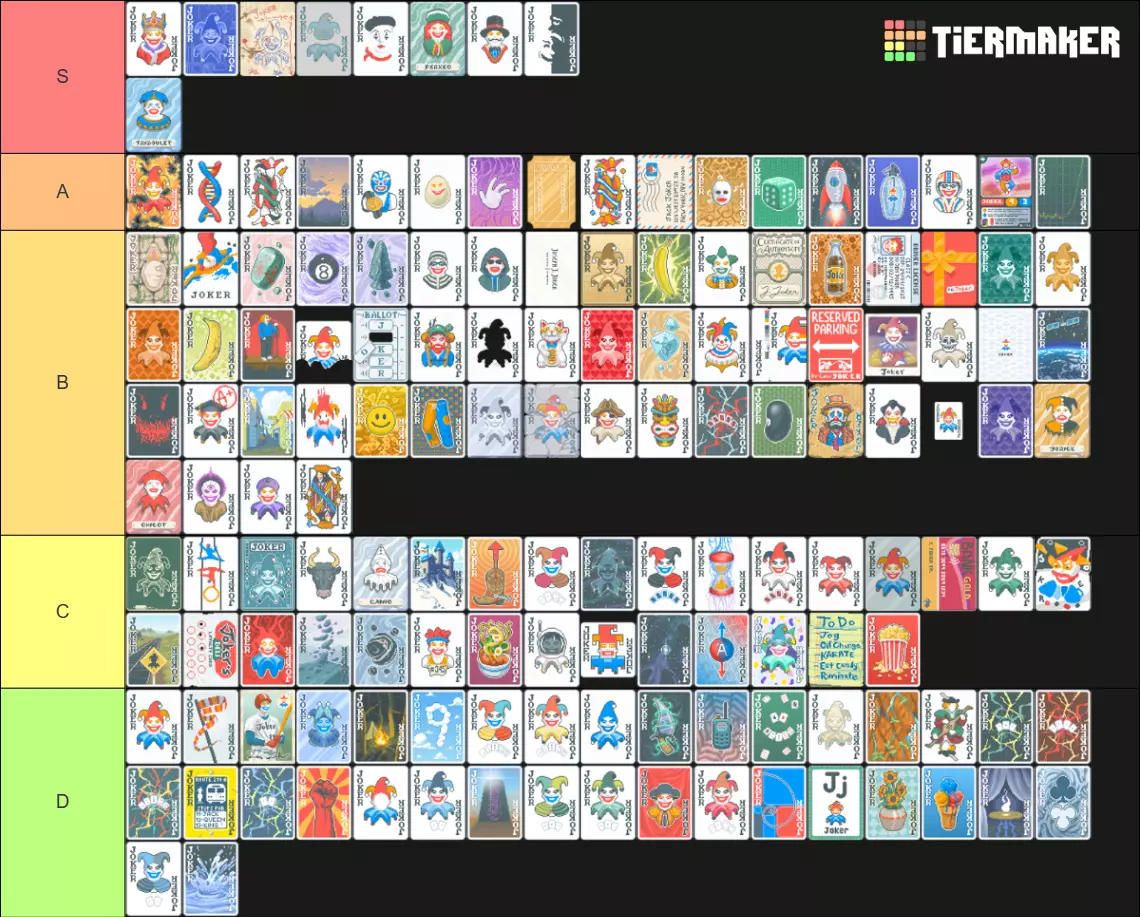
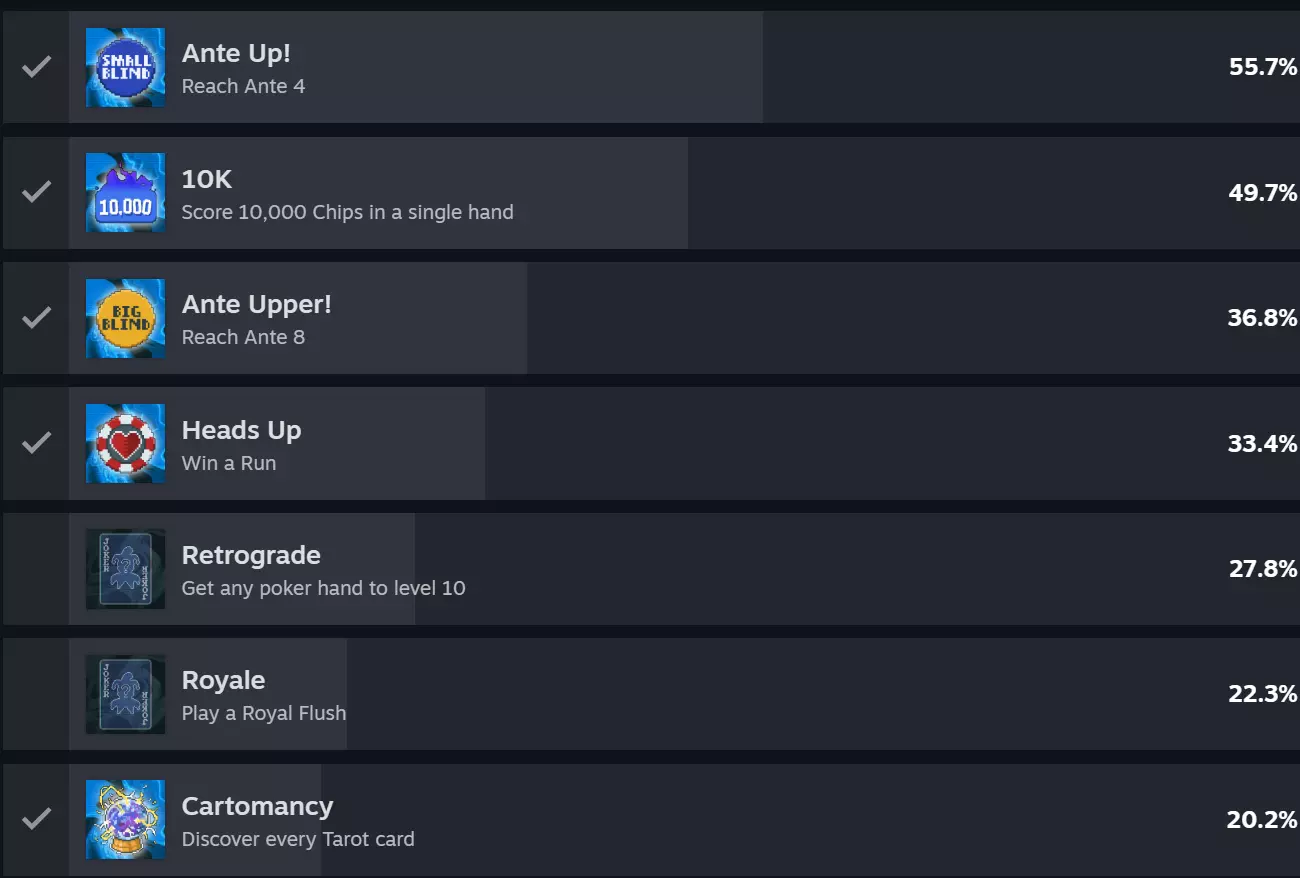
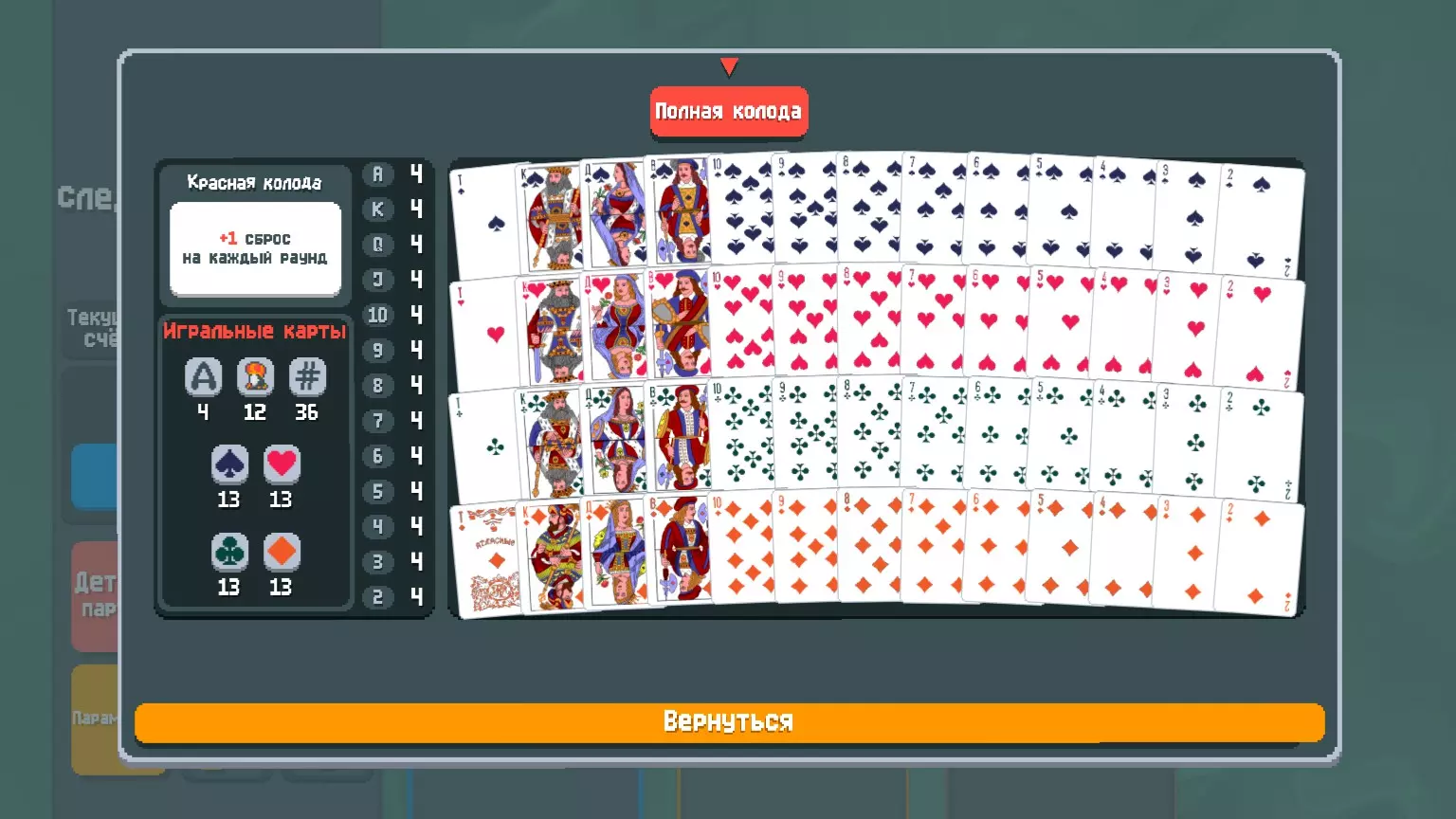
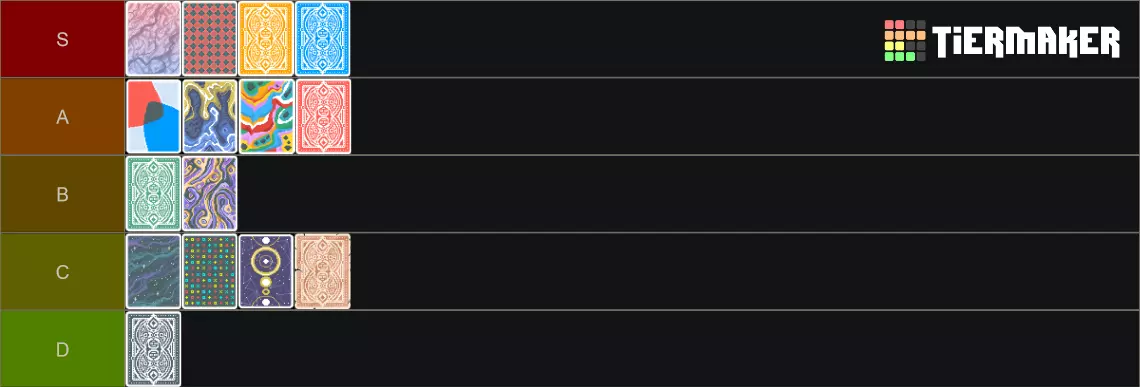
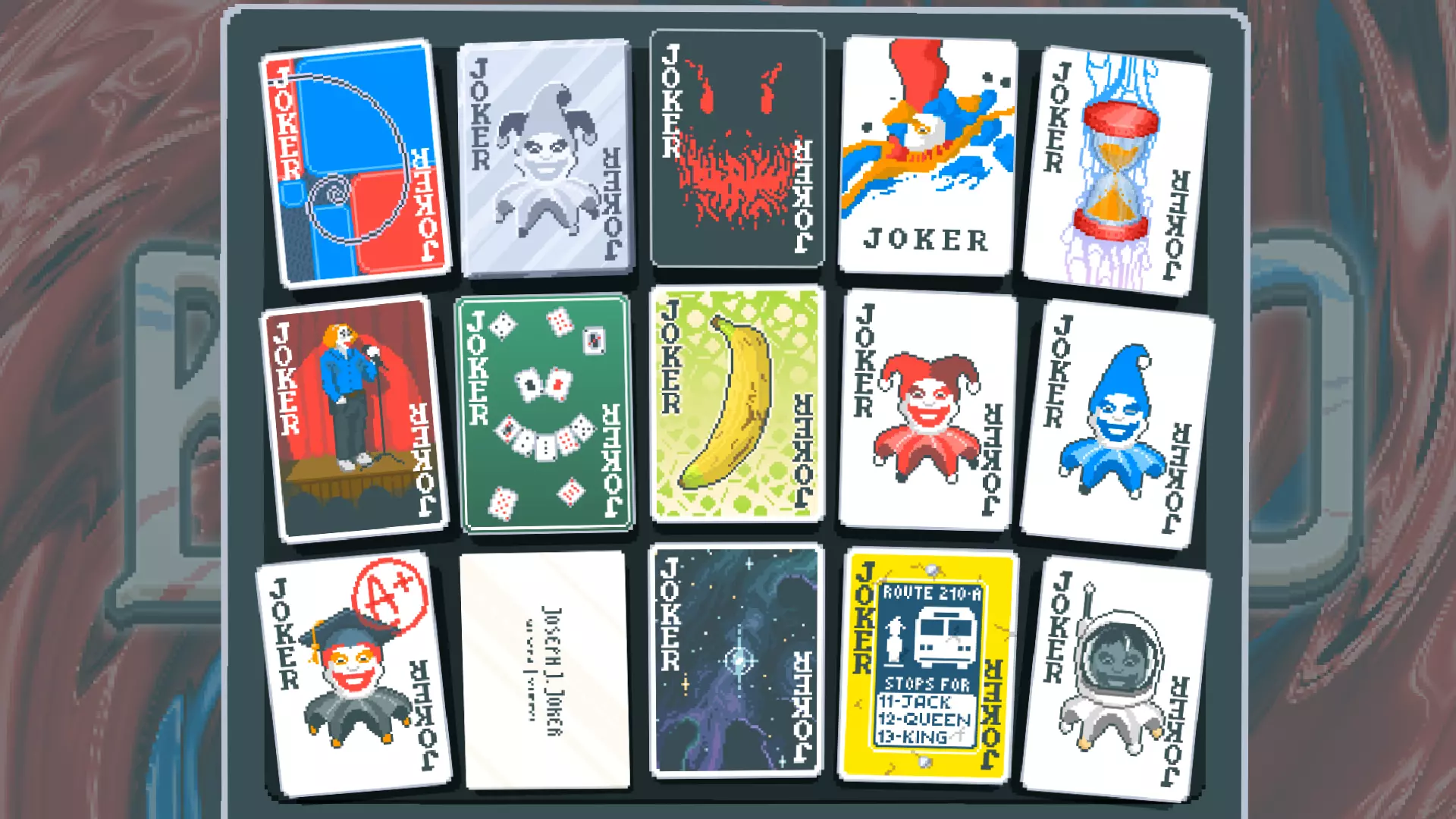
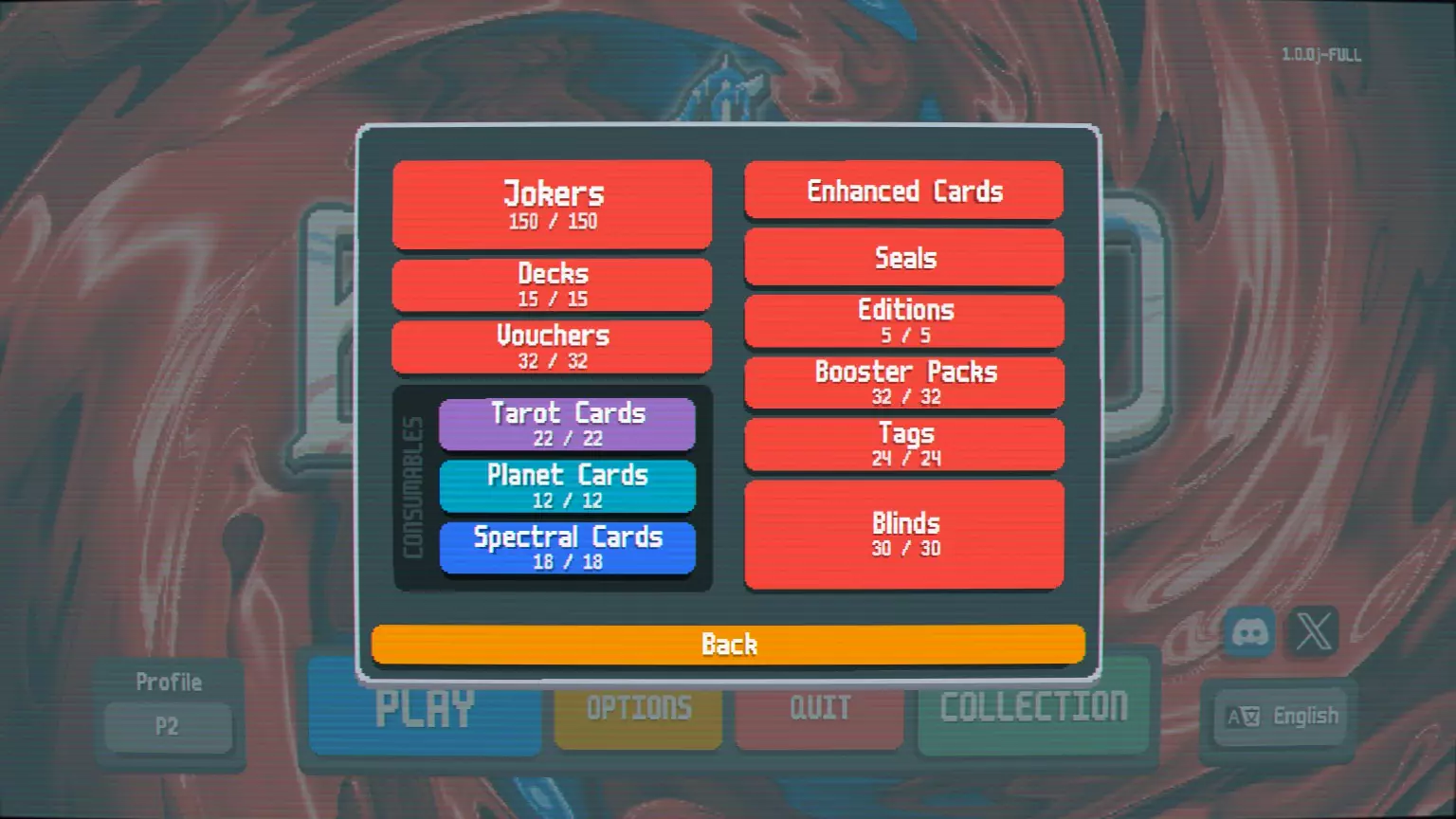
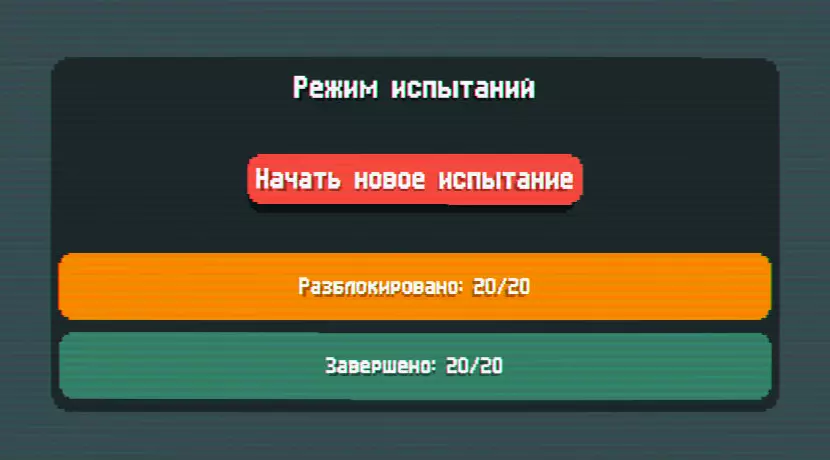
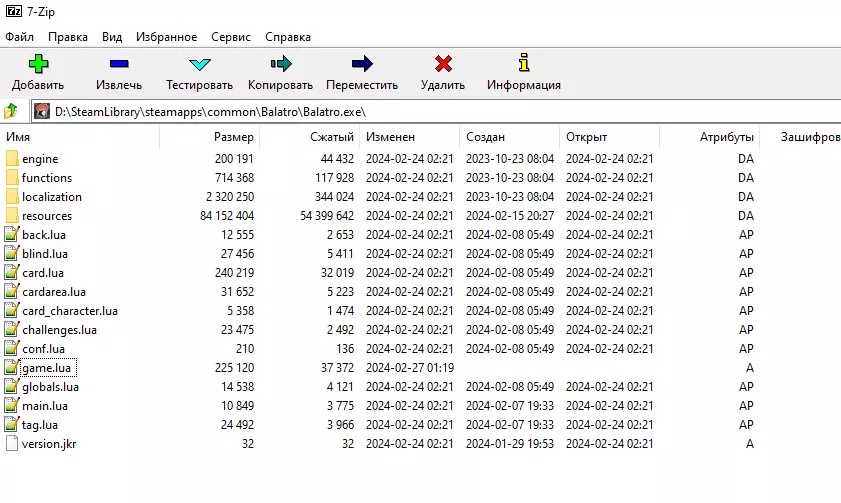
This is a comprehensive, beginner friendly guide to modding Balatro. I also included step by step instructions, and modding options :) The Basics Never modded before? Well this is one of the easiest types of games to start off on. We are going to 1) Install Lovely 2) Install Steammoded and 3) put mods into the mods folder Step 1: Download Lovely-Injector Here is the GitHub for the Lovely-Injector: https://github.com/ethangreen-dev/lovely-injector You will need to click on "latest release" and download the file for your system (direct link to releases here: https://github.com/ethangreen-dev/lovely-injector/releases Follow the Instructions under "Manual Installation" On your web browser (ex. Google chrome) you may have to go to your "Privacy and Security" tab and click on the "No protection" option. You only have to do this for this first step, because of how Lovely injects the dll file I've copied the Manual Installation instructions here: Open the .zip archive, copy version.dll into the game directory. You can navigate to the game's directory by right-clicking the game in Steam, hovering "Manage", and selecting "Browse local files". After this step you can change your Chrome protections back to normal Step 2: Download Steamodded Next, we will install Steammodded. Here is the link to the Steammodded Github: https://github.com/Steamodded/smods/wiki/ Scroll down to "Installing Steamodded" on the Github page I've copied the instructions here: Click to download the latest source code in Method (3a): Direct download section of the Github page Extract the download zip file. In your file explorer, navigate to Balatro's save directory: Windows: %AppData%/Balatro; Ex. Local Disk (C:) Users Username AppData Roaming Balatro Create a folder named Mods if it doesn't already exist. Open your Mods folder. Inside the extracted zip file, you should find a directory named Steamodded-main. Move this folder into your Mods folder. You also paste all your Mods into this same Mods folder later on. Step 3: Download some mods I usually make a separate folder to hold all of my downloaded mods (and want to change them out later). Then I copy the mods I want into the Balatro "mods" folder 1. Go to the Balatro page on Nexusmods: https://www.nexusmods.com/balatro/mods/ Copy the mods that you want into the Balatro Mods folder (You will need to unzip them. Then put either the folder or the .lua file over there, whatever it gives you when you unzip it) I usually search by "Endorsements" on Nexus, and then read reviews on forumns for what I want 2. Here are some more mods, on Github, created by GilliGalli: https://github.com/Steamodded/smods/tree/main/example_mods/Mods The achievementsenabler.lua mod (if you want to be able to run mods and have steam achievments still unlock): https://github.com/box304/Balatro_mods 3. In game, click on the purple "Mods" button and select/deselect the mods you want to run (after downloading mods in the following steps) Recommended Mods - GilliGalli Here are the mods that I personally recommend: From the GilliGalli page:[/b] https://github.com/Steamodded/smods/tree/main/example_mods/Mods Edit: GillGalli seems to have removed some of his mods for this game 1. EscapeExitButton.lua (adds escape button) 2. MoreSpeeds.lua (and set in-game speed to "3" in the options menu) 3. AchievmentsEnabler.lua (so your steam achievements work): https://github.com/box304/Balatro_mods) Edit: Here is the main Balatro Github modding page: https://github.com/jie65535/awesome-balatro You need .lua files to put in your mods folder Extra Decks if you want (not as necessary) 1. Deckof4s.lue (not as interesting, but adds an extra deck) 2. LabyrinthDeck.lua (extra deck) 3. UltimateRandom.lua (pretty overpowered but interesting to learn how some of the mechanics of seals, Enhancements, and Editions interact) 4. AbsoluteDeck.lue (pretty overpowered/broken polyglass set) Recommended Mods - Nexus From the Nexus page (definitely recommend): I think that you can run at most the Pokermon mod + Jojos tarots + a card texture pack at the same time before those 3 override anything else for graphic mods 1. Pokermon : I wouldn't consider running a "modded Baltro" without it: https://www.nexusmods.com/balatro/mods/58 This is one of my favorite mods. It is well written with good descriptions, effects, and combinations. It's pretty well balanced, and works together with base Balatro really well. There are lots of additional pokemon, with evolution effects, as well as cards that affect type or give you a tarrot. 2. FasterCashOut.lua: https://www.nexusmods.com/balatro/mods/15 This is another staple, needed so the wait time between rounds isn't as long. 3. Faster Planet Card Animation: https://www.nexusmods.com/balatro/mods/43 Same as above, but for planet animations instead 4. Stickers Always Shown: https://www.nexusmods.com/balatro/mods/24 Necessary, to help keep track of what jokers you need for some of the later steam achievements. I also like that you get to see the highest level ante you won with each joker with, while in game. 5. JoJo Tarot Designs and Sailor Moon Celestial Deck: https://www.nexusmods.com/balatro/mods/76 Beautifully designed, and are a huge improvement over base game tarot designs in my opinion. Note that if you are using Pokermon, that the Pokemon texture files will override the Celestial planets, but you will still be able to see the JoJo Tarrots. 6. Finally, pick a card texture pack of your choice, to complete the modding experience 7. Set Seed Bypass (needed if you want to re-run runs, and have it count for steam achievments/unlocking cards): https://www.nexusmods.com/balatro/mods/5?tab=description Bonus Tips 1. Don't forget that in the options tab in Balatro, you can select what version of the "Face Cards" you want to be shown while in game 2. Don't forget to change you in-game speed to "3" 3. During a run, you can click on "options" -> "collections" to see what the pokemon cards and their evolution do 4. Next to "New run" there is also "Challenge" mode for some additional game types 5. Yellow Deck, Green Deck, and then Checkered decks are more fun and easier to win on when you are new to the game 6. Whether "Wheel of Fortune" is truly 1/4 who knows 7. Some stage 2 evolution Pokemon might be stronger than stage 3 ¯ _(ツ)_/¯ 8. Tier lists don't define the best choice in your run, your Jokers and then cards need to combo together 9. The basic beginner combination is: 1+ chips Joker, 1 Economy Joker, and the rest on +mult/xmult 10. Telescope and Grabber Vouchers are S tier 11. High Card, Pair, 2 Pair, and Full House builds are all viable in this game! Try them out as you are learning the game and on lower ante levels first! 12. Have fun! Questions? Comments Leave Below

Like this guide? Please, follow MY GUIDES for future updates and more information