换一换
换一换 


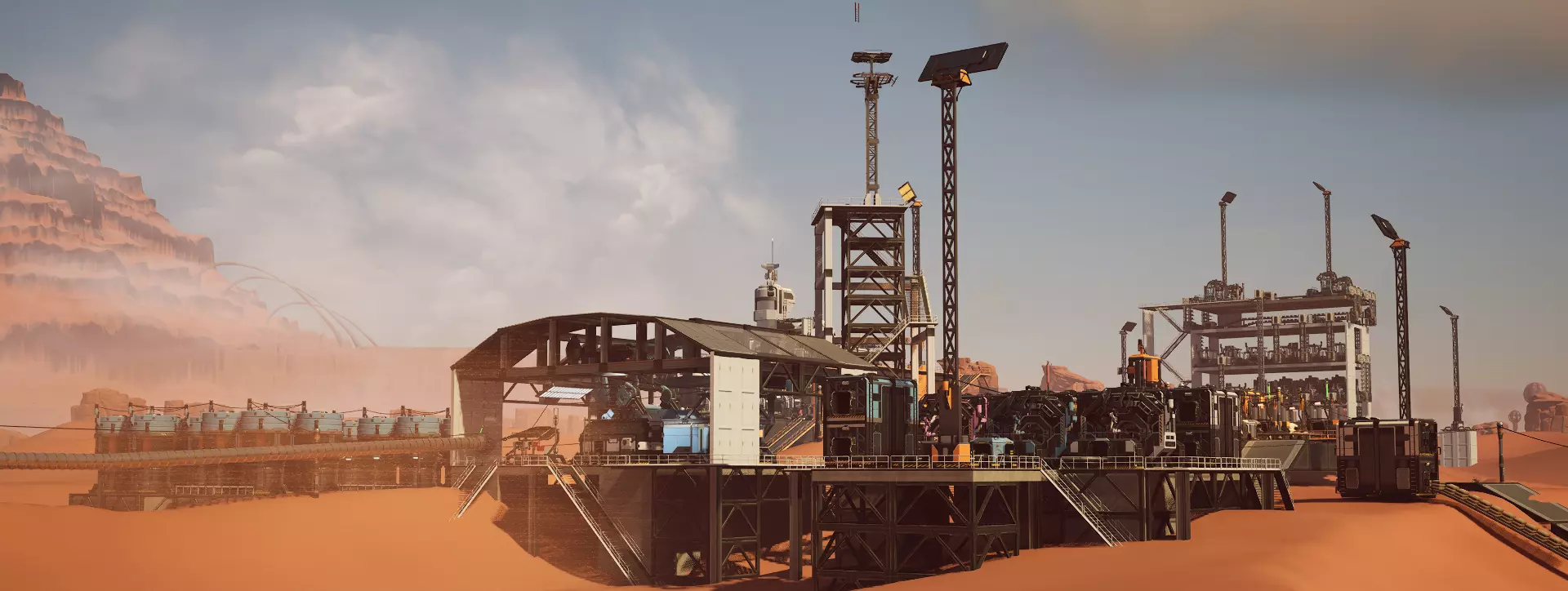
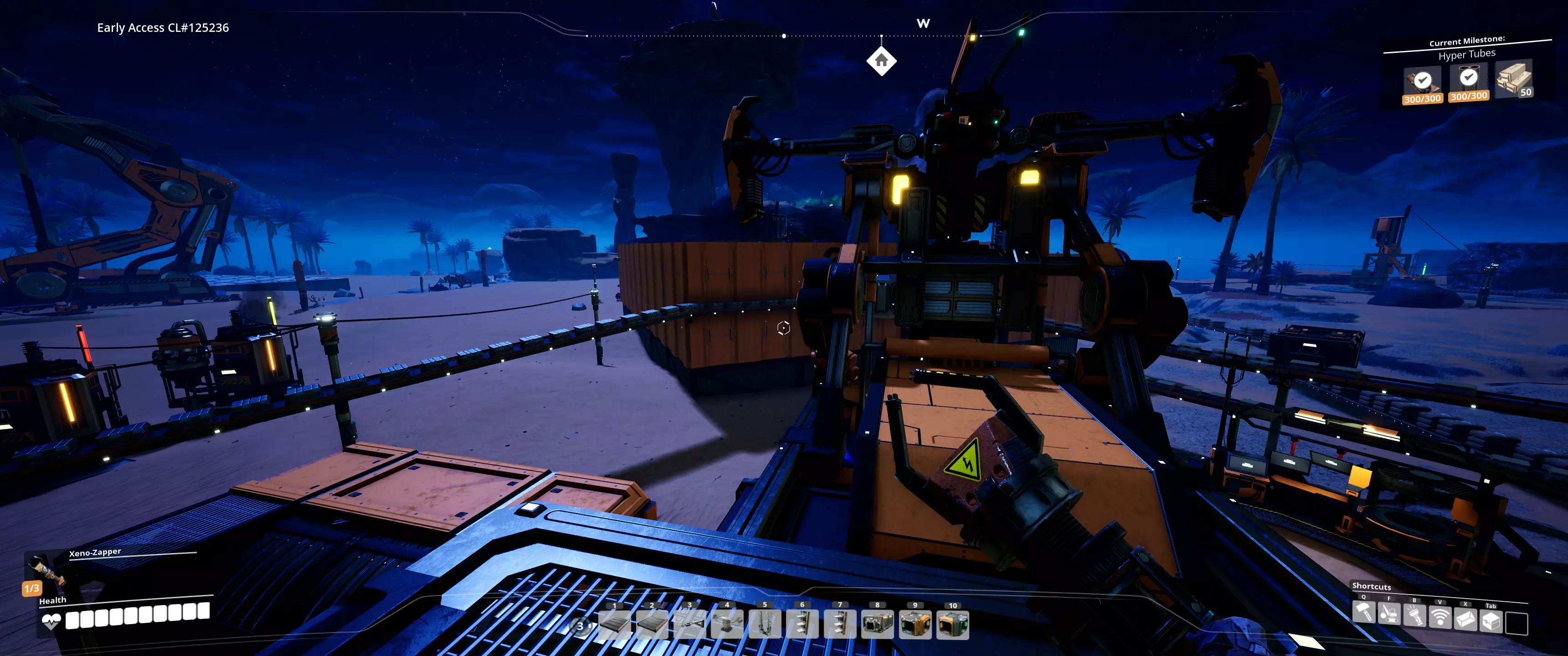
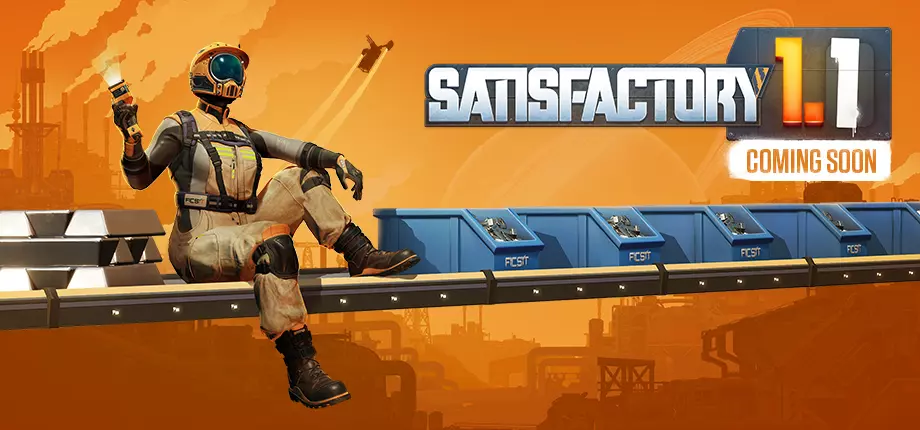
Hi Pioneers! Today it’s the release of our first content update since leaving early access and we would like to introduce you all to our newest features with our 1.1 update! This update is available right now on the Experimental version of the game, so before trying it out it’s always good to BACKUP YOUR SAVES This is how you can access the Experimental version: Steam: Right clicking the game > Properties > Betas > Beta Participation > Experimental Epic: Go to your library and download the Experimental version Why Experimental? Since the 1.0 release, we want to continue delivering a stable experience on the default version of the game Using experimental allows us to polish everything up some more before releasing it to everyone and potentially including some side effects which might affect the current experience Also, as usual this update is quite big in terms of changes as we’ve been working alongside with Fishlabs ( https://fishlabs.de ) for a few years now They have designed and implemented the controller support in preparation for the Console release (Yes, Satisfactory is coming to consoles if you didn’t know already) with our blessing and collaboration This update includes many years worth of work so as usual, if you find anything unexpected or something that was working before suddenly does not work anymore, please let us know over at our QA Site https://questions.satisfactorygame.com/ Your posts are incredibly helpful and your feedback is always appreciated, But for now let’s dive into the new content <3 1.1 New features: Controller support We are very excited to finally announce controller support available in Satisfactory, with both Xbox and DualSense™ controllers supported To get started, connect your controller and go into the Options menu > Controls > General > Select Controls > Controller > Apply Photo Mode There’s been a major overhaul to the existing Photo Mode adding brand new UI and Settings Including a multitude of new filters, effects, poses, frames, colour adjustments, camera lens controls to tweak to your liking, there’s a huge number of possibilities to get the ideal shot of you and your factories or you and your friends in multiplayer There’s also a dolly mode so you can create small transitions and videos or anything your creativity allows, as well as multiple grid and crop settings for aspect ratios You can also decouple the camera to move it around within a range of the pioneer and toggle visibility options for the Pioneer or even have the option to have the Pioneer’s helmet follow the camera around Crash Site Dismantling You will also now will finally be able to clean up debris from Crash Sites from your biomes and get some extra resources for your efforts by doing so Just remember that you must open and retrieve the Hard Drive inside the Crash Site first to be able to dismantle everything Personnel Elevator To expand your traversal options for Pioneers in larger factories, you can now build and use the new Personnel Elevator Once you do the initial elevator placement, you will be able to zoop vertically to desired your elevation and add as many Elevator Floor Stops as you wish to match with your factory design You will be able to customize the names for each floor as well as the icons and colours for each button that you can press to access each floor so you can keep track of exactly where each stop leads Advanced Game Settings No Fuel setting The highly requested “No fuel” option has finally been added to Advanced Game Settings, so you if you enjoy playing with AGS, you no longer have to do extra steps when using vehicles Trains Buffer Stops We’re introducing a new mechanic for trains, when manually driving a Train and reaching the end of the railway, Trains will now derail entirely and you will have to interact with the train in order to get it back on the rail, similar to how Train Collisions work To prevent this, you now must place Buffer Stops at the end of Railway paths, Including Train Stations, that you intend to manually drive through QOL Left-handed Path and Block Signals Both Path signals and Block signals now have a “Left Side” and “Right Side” build mode that can be alternated by pressing R when having the hologram active Railways rework Railways have gotten some major improvements with their implementation, so they should be a lot nicer and better to build overall than ever Buildings Logistics Conveyor Wall Hole New Conveyor attachment that can be freely placed on any Wall (And Windows!) allowing for conveyors to pass through to allow for more customization. A big improvement compared to the existing Conveyor walls with a fixed placement for connections Conveyor Lifts - Splitter and Merger support The Splitter and Mergers capabilities have now improved, and they can now be attached to Conveyor Lifts, allowing more modularity to your vertical builds Splitters or Mergers will attach to both the Input or Output of a Conveyor Lift, as well to any point in-between, for extra flexibility in your builds Priority Merger This is a new type of Merger that allows you to prioritize which one of its active inputs should be output first There are 3 levels of priority to choose, so if two inputs share the same level of priority, the output will alternate between taking from each input, allowing you to control the output of your factories much more carefully Conveyor Throughput Monitor A brand-new conveyor attachment that monitors the number of parts traveling through a conveyor belt and displays it on its screen, requires a full minute of gathering data to display the most accurate results You can now leave some of the calculations to this handy buildable and see at a glance if you’re producing your desired amount of parts on your factory QOL Pipeline Build Modes Straight After hearing the warm reception over the straight conveyor belt build mode, we have now added it for Pipes so you can finally create the perfectly organized setup without relying on manual placement Curved Not only that, but we also included a Curved build mode for those times when you might need additional angles in your pipeline setup Transport Hypertubes Hypertube Junctions Three-way hypertube junction that can be placed on its own, or attached to another hypertube junction or a hypertube support Once placed, it allows you to connect a hypertube to its 3 different paths When traveling inside a hypertube, you can change paths by pressing E when approaching a junction to select which one of the routes you want to traverse through Hypertube Branch Can be placed in a Hypertube to split it into two separate paths, the resulting branching path can only be accessed by traveling through the longer segment due to its shape Useful for connecting existing hypertube networks to newly built ones It can be built on its own, on top of an existing hypertube or attached to a hypertube support or junction Architecture New Architectural Pieces There are new architectural pieces that you can build with the update to allow for more expression when designing your factories, all accessible from the AWESOME Shop New Beams: H-Beam Shelf Beam Round Concrete Beam Braided Cable (it’s a beam) Braided Cable Cluster (it’s also a beam) New Misc.: Roll-Up Gate (FICSIT, Concrete, Steel) Road Barrier Corner Basic Shelf Unit Large Vent Large Fan QOL Automatic connections of Conveyor, Pipes and Railways in Blueprints There is now a new “Auto Connect” build mode for Blueprints that you can select by pressing R when having a Blueprint Hologram out When using this mode, any blueprint that contains Conveyor, Pipes or Railways will try to automatically connect to any available inputs/outputs on the other end, which you can visually confirm before placing by hovering over with the blueprint hologram Flashlight now works while inside Hypertubes Long requested QOL for traveling inside Hypertubes during nighttime with improved visibility Drone movement and pathing improvements Many improvements to drone movement and pathing which should improve the way drones interact with their automated routes Conveyor poles and Pipeline supports now have soft clearance This will help adjust the placement even more in limited spaces as they can now overlap with other buildables Nudging can now be done vertically as well Major request since the introduction of nudging, you can now Nudge vertically with Page Up/Page Down Removed max distance limit on Nudging You can freely really refine the placement of all your buildings without having to rely on precise aiming since we have now removed the distance limit on nudging Visual Improvements Falling Trees Expanding to the polish of our foliage, Trees will now gracefully fall after being cut by the chainsaw with all new effects Spore & Gas Pillar VFX Spore and Gas Pillar visual effects have gotten an overhaul to improve their look Explosive Rebar and Nobelisk VFX Continuing with our polish, the explosion effects created by the Explosive Rebar and the Nobelisk have received a new improved look as well Power Slugs VFX Also received some polish so you can marvel at as you pick them up before you unavoidably turn them into power shards Audio Improvements Dynamic occlusion system for foundations and walls Factory sounds will now be occluded and muffled if they are behind walls or other obstacles Different buildings will also change the way the sounds occlude, for example glass or metal. Audio indoor detection system and local acoustic context Factory and player sounds will now behave differently if the player is indoors, The HUB now has a unique audio setup as well Player related sounds will now change dynamically depending on your surroundings for example high ceilings, tight corridors or inside caves. Voice Chat Attenuation Now has different strength levels adjustable in settings Attenuation now uses mid-side stereo positioning rather than just ducking specific frequencies Narrative We have now also expanded on the narrative from 1.0 with the inclusion of many, many more ADA voice lines for new and old content and interactions Bug Fixes There are many bugfixes that we could not properly do during 1.0 as well as improvements that are currently being tested in experimental, which will carry over to 1.1 For more info on the changes that will carry over from current Experimental please check the links below: https://store.steampowered.com/news/app/526870/view/512951942084822988?l=english https://store.steampowered.com/news/app/526870/view/498313608291156664?l=english Dedicated Server - Port Forwarding Updates If you have Host a dedicated server, you should definitely give the next block a read as many new improvements have been added to allow for extra flexibility since the last update on Experimental We have updated the Port Allocation Strategy in Reliable Messaging New features: Explicit Port Configuration A new -ReliablePort= command-line parameter allows explicit port selection. The value must be an integer between 0 and 65535. If specified, the server will attempt to bind to this port and fail to initialize if the port is unavailable. Default and Configurable Port Ranges The following settings in Engine.ini control port allocation: [/Script/ReliableMessaging.ReliableMessagingTCPFactory] PortRangeBegin=8888 PortRangeLength=512 ExternalPortRangeBegin=-1 The server will attempt to bind within [PortRangeBegin, PortRangeBegin + PortRangeLength). By default, the server starts at port 8888 and tries up to 512 ports until it finds an available one. Client Awareness & NAT Handling Clients must connect to the correct port, but port remapping (e.g., via NAT/firewall rules) can break this. To address this, the server now communicates the listening port to clients during the initial handshake. If external port remapping is used, the server must be aware of the external port via: The ExternalPortRangeBegin config setting (for remapped ranges). The -ExternalReliablePort= command-line parameter (for explicitly mapped ports). Server Host Requirements (TL;DR) If hosting a single server, port 8888 TCP must be open by default. If hosting multiple servers, a range of ports starting from 8888 TCP (by default) must be open. The server will attempt up to 512 ports before failing (configurable). If port remapping (NAT/firewall) is used, the server must be configured accordingly; otherwise, clients won’t be able to connect. Logging is in place to help server maintainers verify the allocated ports.
1.1版本更新现已在测试服推出!

导读
《幸福工厂》1.1版本更新已在测试服推出,此次更新由开发团队与Fishlabs合作打造,新增手柄支持、拍照模式、坠毁点拆解等大量新内容,还对铁路、物流建筑、管道等进行优化,同时公布了游戏将登陆主机平台的消息,玩家可按指引在Steam或Epic获取测试版本,遇问题可反馈至指定QA站点。


评论
共0条评论

周末特惠 - 享7折优惠!
《幸福工厂》折扣活动开启,截止至6月12日17:00 UTC(12:00 CDT),可享30%优惠!此外,全新1.1版本更新将于下周6月10日正式发布!
2025-06-06 09:450赞 · 0评论
“特殊顾客”赢得第三次社区投票
感谢所有参与最新社区投票的玩家! 【特殊顾客】以142287票获胜。司机以125314票位居第二,警察改进以117677票紧随其后,位列第三。 - 摩托车手 -…
2026-04-26 04:250赞 · 0评论

以防你错过了:未来游戏展
你看了昨天未来游戏展的特别公告吗?未来游戏展在科隆国际游戏展前不久举办,是一个聚焦游戏界一些最令人期待的即将推出的游戏和项目的数字展示活动。今年,我们很高兴能加…
2025-08-21 15:000赞 · 0评论

《哈迪斯2》为什么不上主机平台?哈迪斯2有PS版吗?哈迪斯2有Switch版吗?PS和NS玩家失望
《哈迪斯2》为什么不上主机平台?PS和NS玩家感觉被冒犯了!作为备受期待的续作,很多主机玩家都在期待《哈迪斯2》登陆PS5、PS4或Switch,但目前官方消息…
2026-06-01 19:010赞 · 12评论
#三角洲行动 用手柄玩三角洲行动是什么体验?主机平台好玩吗?
2025-08-14 06:330赞 · 0评论
无人公园的狂野内存有多大 《UNYIELDER》内存需求说明
UNYIELDER游戏对内存的最低需求为4GB,存储空间需要2780MB,推荐我们预留多一些内存空间,以便游戏能够更加流畅且高质量的运行。 UNYIELDER内…
2025-10-15 13:050赞 · 0评论
试玩版将开放至正式发布日,支持手柄操作,包含成就系统及更多内容
一些不错的更新: 1. 试玩版 - 试玩版将持续开放至发售日(8月15日),甚至可能提前一些时间! 2. 手柄支持 - 现已全面支持。Xbox、PS4、PS5手…
2025-04-10 12:300赞 · 0评论
泰坦陨落2现在入坑合适吗 泰坦陨落2终极版值得买吗 泰坦陨落2手柄支持怎么样
《泰坦陨落2》现在入坑合适吗?从《GVG》和《解限机》过来的玩家,想问问大佬们现在入坑时机如何,以及终极版值不值得买? 还有就是游戏对手柄的支持怎么样,操作手感…
2026-06-01 20:330赞 · 9评论
手柄支持对大家来说有多重要……
我现在正处于最后阶段,但控制器支持的问题快把我搞疯了。有些功能上控制器能正常工作,但在其他功能上却会完全崩溃。我或许能解决控制器支持的问题,但这可能需要更长时间…
2025-04-18 22:110赞 · 0评论
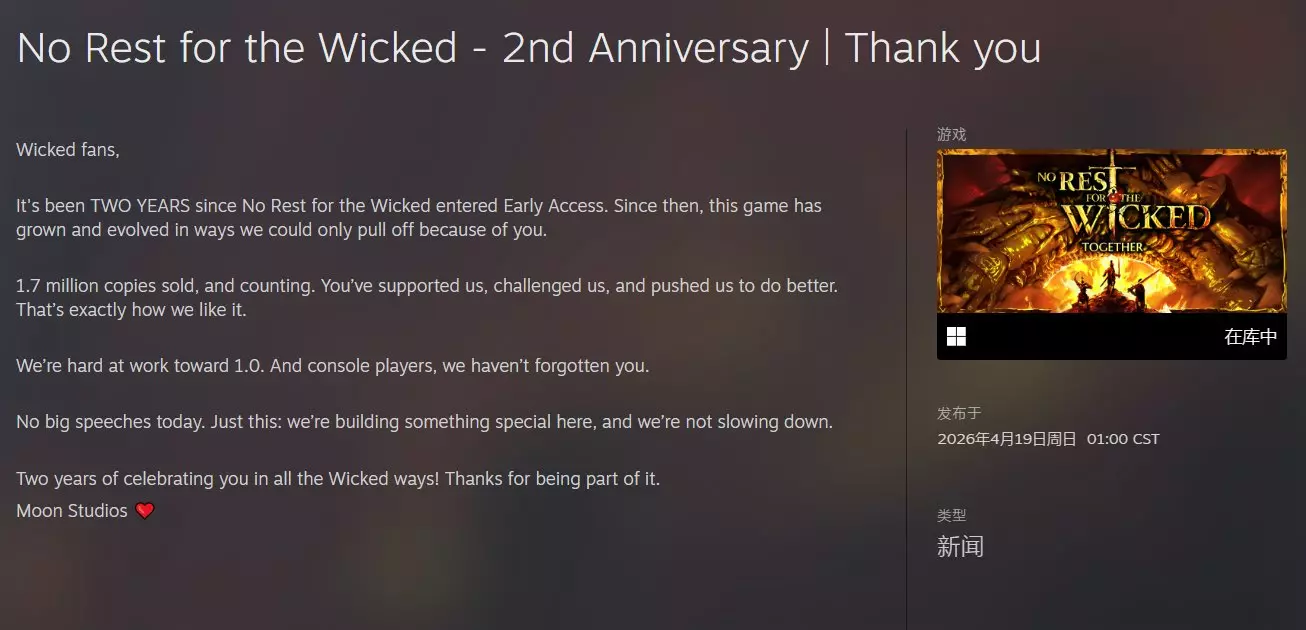
《恶意不息》累计销量突破170万份!1.0正式版正在全力开发
《恶意不息》抢先体验二周年纪念视频公开! 游戏全球累计销量已突破170万份,并且该数字还在不断增长。 团队正全力为1.0正式版的内容进行开发努力! 正式版价格将…
2026-04-20 08:020赞 · 0评论
暂无更多
最新更新
- 《幸福工厂》1.2 实验性热修复版本 v1.2.2.2 更新内容 — 各位先锋们! 大家好,这里是又一个小型热修复补丁,希望能解决所有遗留的重大问题。 输入被阻止的问题相当棘手,所以如果你们在其他地方遇到此类问题,请通过我们的QA…
- 《幸福工厂》1.2 实验性热修复版本 v1.2.2.1 更新内容 — 各位先锋们! 大家好,今天我们为所有使用实验版的玩家推出一个热修复补丁,该补丁将解决上一个更新中出现的大部分问题。 对我们来说,了解此补丁是否引入了新问题至关重…
- 《幸福工厂》1.2实验性版本更新 - V1.2.2.0 — 各位先锋们! 大家好,距离上一个补丁已经有段时间了,不过这次我们带来了大量修复,这些修复应该能解决目前发现的大部分问题和崩溃情况,希望能让1.2实验版更加稳定。…
- 如何快速通过 hypertube( hypertube )移动 — 目前游戏中最快的移动方式。 建造 首先你需要建造一条 hypertube 支架线路,每个支架后需要留出一个间隔。支架可以放置任意数量,但这一点需要小心,因为可能…
- 运输规划:一种系统方法 — 继《一名系统工程师玩转幸福工厂》之后,本指南将探讨如何规划与游戏内传送带和载具能力相匹配的运输系统。本指南不涉及美观或建造技巧,而是专注于帮助你根据具体情况选择…
- 如何创建Windows专用服务器 — 本指南介绍了如何在Windows系统上运行专用服务器、进行设置以及控制台命令列表。 欢迎辞 本指南直观展示了如何通过Steam客户端在Windows系统上运行《…
- 使用Steam的自定义控制器支持 — 为不支持控制器的游戏映射控制器!在《幸福工厂》中使用Xbox控制器 简介 2023年如何为《幸福工厂》设置控制器。出于无障碍需求,我需要控制器支持,对于大多数不…
- 生产计算表 - 德语 — 用于计算生产综合体所需建筑的计算表格。 版本 V1.0.0.2 Build 367101 - 2024年9月21日 计算表格 - 德语 这是一个根据需求计算生产…
- 如何通过幸福工厂结识女生 — 和女生聊天时,可以试试这样说:你是更新5吗?因为我想获得你的权限。
- 《幸福工厂》1.2实验性更新 - v1.2.1.0 — 各位先锋们!我们非常高兴看到大家在体验版中享受1.2版本更新,也十分感谢大家至今提供的所有反馈以及报告的所有漏洞,因此今天我们准备了一系列修复内容:)如果你们听…