
 换一换
换一换 




《机甲战士5:雇佣兵》模组化指南:打造更佳游戏体验 简介

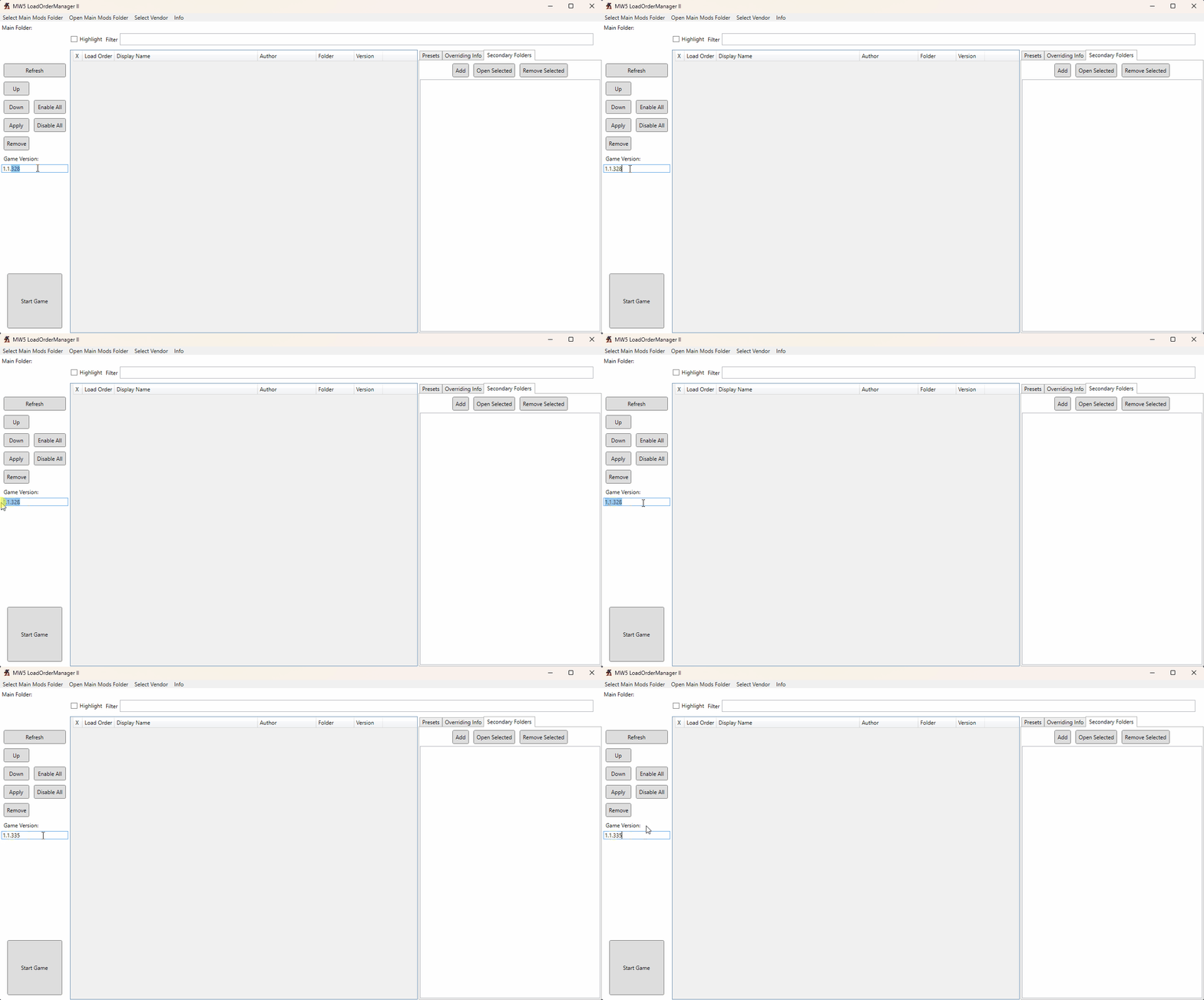
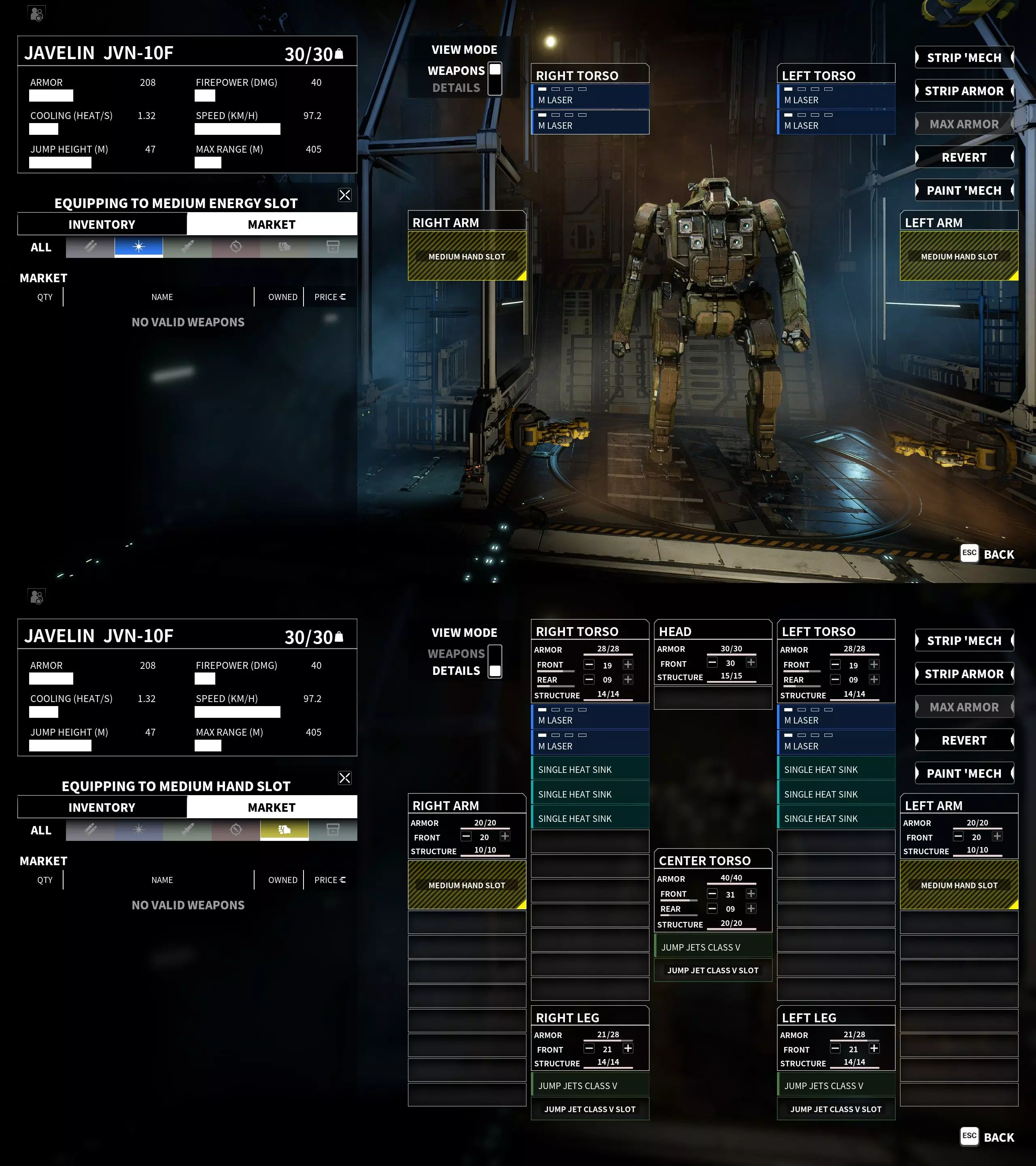
Welcome to my Mechwarrior 5 Steam page. On this page you'll find useful information on how to modify the game. I made this page mainly for my own amusement, and for me to refer to. I shared it to be helpful to others. If you have any questions, please post them in the comments section. Note to self: look at including audiostash[www.nexusmods.com] UPDATE 21/9/25: at some point I will update this, I am waiting for the dust to settle after the new DLC launch, once it's been patched a bit I will look at a new modlist. For the moment consider this list a bit out of date, but it should probably work ok still. Modding Basics In order to install a mod in MW5, you typically need to download a zip file from the Nexus, then unzip the contents into the game's modding directory. The default directory is: C: Program Files Epic Games MW5Mercs MW5Mercs ModsSo an example mod file structure might be: C: Program Files Epic Games MW5Mercs MW5Mercs Mods Cockpit_HD <mod files>Note that you might need to create the Mods directory as it might not already exist. Adding your mod's files to this directory does not activate the mod within the game. It only makes the mod appear in the mod list in-game. You must then go to the mod list and check the box next to the mod's name in order to activate it. This will activate the mod's files so that they can modify the game. You should restart the game after doing this. Mods have an order to them, which dictates which mods take priority when there are conflicts. Usually the game will handle mod order issues automatically, so you don't need to worry about them. Manually sorting mods is generally not advised with MW5, unless you really know what you're doing or are using mods that advise it. None of the mods in my recommended list require manual sorting. Mods Overview The names that mods have in the in-game menu can sometimes be completely different to the mod's name on the Nexus, so I have noted these in each mod's description. If you install the complete list, you will see mod conflicts for Yet Another Mechlab and MechNormal_HD - this is normal so don't worry. MW5 Mod Compatibility Pack: https://www.nexusmods.com/mechwarrior5mercenaries/mods/168Allows certain mods to work with each other correctly. In-game name: MW5Compatibility Source HD Texture: https://www.nexusmods.com/mechwarrior5mercenaries/mods/139Modifies the appearance of the cockpit, and the outside appearance of mechs. In-game name: Cockpit_HD, MechNormal_HD, MechNormal_HD_DLC Mod Options: https://www.nexusmods.com/mechwarrior5mercenaries/mods/537Allows players to customize mod options for certain mods. In-game name: Mod Options Immersive Overheat and Power-Up Warnings: https://www.nexusmods.com/mechwarrior5mercenaries/mods/700Improves the overheat/power-up phases so that they are more immersive. Currently conflicts with the mod 'Cockpit Glass'. In-game name: CockpitOverheat Color Heat Gauge: https://www.nexusmods.com/mechwarrior5mercenaries/mods/420Improves the heat gauge so that it goes yellow then red as heat maxes out. In-game name: ColorHeatGauge Improved Mech Shader: https://www.nexusmods.com/mechwarrior5mercenaries/mods/222Improves the appearance of mechs. (Dull version recommended) In-game name: MechShaderV2 Portrait and HUD distortion effect: https://www.nexusmods.com/mechwarrior5mercenaries/mods/132Improves the appearance of comms messages when they appear in-game. (Green version recommended) In-game name: Portrait_effect Yet Another Weapon: https://www.nexusmods.com/mechwarrior5mercenaries/mods/165Adds a ton of lore-friendly weapons to the game, improving weapon diversity. In-game name: YetAnotherWeapon Yet Another Mechlab: https://www.nexusmods.com/mechwarrior5mercenaries/mods/459Improves the in-game Mechlab, allowing a far greater degree of customization for mechs. This is by far the most important mod on this list. In-game name: YetAnotherMechlab 330's Pilot Overhaul: https://www.nexusmods.com/mechwarrior5mercenaries/mods/477Vastly improves the NPC pilot system. In-game name: PilotOverhaul vonBiomes 15: https://www.nexusmods.com/mechwarrior5mercenaries/mods/441A superb mod that vastly increases the diversity of biomes that players encounter in the game. In-game name: vonBiomes vonHUD - Complete HUD Overhaul and Battlegrid Updates: https://www.nexusmods.com/mechwarrior5mercenaries/mods/585Improves the game's HUD (Heads-Up Display). In-game name: vonHUD Harmonic Warfare: https://www.nexusmods.com/mechwarrior5mercenaries/mods/823Vastly improves the game's in-game music. In-game name: HarmonicWarfare TTRulez_AIMod2: https://www.nexusmods.com/mechwarrior5mercenaries/mods/269?tab=descriptionVastly improves the behaviour of enemy mechs and lance mates in combat. In-game name: TTRulez_AIMod2 MW5 Portrait Overhaul: https://www.nexusmods.com/mechwarrior5mercenaries/mods/879Improves the diversity of pilot portraits. In-game name: MW5_Portrait_Overhaul Star Map Mouse Over - Mission Logos: https://www.nexusmods.com/mechwarrior5mercenaries/mods/150Improves the Star Map display to show critical information for available missions. In-game name: SMMO Shush Ryana: https://www.nexusmods.com/mechwarrior5mercenaries/mods/846Prevents an NPC from providing redundant information during missions. In-game name: ShushRyana Recommended Mods That I Don't UseYet Another Weapon Clan Yet Another Equipment Collection Yet Another Clan Mech Coyote's Missions (requires load order setup, ask on the YAML Discord for more details) Mod Setup The first step is to install all the mods in my recommended mod list (the section above this one). Follow the instructions carefully, and don't forget to enable all the mods in the Mods menu at the initial menu screen (before you load into a game). Once you have enabled the mods and restarted the game client, you should notice that the menu music has changed from the default music. If it has not changed, then you messed something up and should restart the process. Assuming you installed all the mods correctly, you can now begin setting up the game correctly. I will be making a set of recommendations to create what is, in my opinion, the optimal gameplay experience for a challenging playthrough of the campaign mode. You are, of course, welcome to make your own adaptations to these to suit your own needs. Tip: ensure you turn off Ray-Tracing in the Graphics section because it sometimes gets turned on by default and it's terrible in this game. Main Menu SettingsFrom the main menu, go to the Settings screen and click the Gameplay tab to start. Gameplay Tab Enable Arm Lock: off 'Mech Control Mode: 'Mech Control Mode Enable Throttle Decay: off Torso Counter Rotation: off Enable Minimap Lock North: off Enable Crosshair Cooldown Pips: off Mirror Paper Doll: off Enable Vibration: off Aim Assist: off View Mode: Cockpit Camera Toggle Sprint: on Gameplay Tab, Pilot Overhaul Hiring Hall, Pilot Wage Modifier: 0.5 (default: 1.00) All other settings on default Mod Options Tab, Yet Another Weapon All settings on default Mod Options Tab, Yet Another Mechlab All settings on default Mod Options Tab, vonBiomes All settings on default Mod Options Tab, vonHUD All settings on default In-Game Menu (load a savegame then press Escape, and go to YAML GAME SETTINGS) Click Load Preset: Balanced? Difficulty, 'Mech and Pilot Upkeep Multiplier: 5.00 (default: 2.00) Difficulty, Pay Upkeep For Cold Storage: unchecked (default: checked) All other settings on defaultYet Another Mechlab Quirk TweakI recommend the following manual Quirk tweak in addition to the above settings in order to create a challenging experience. As with the previous settings, you can choose to disregard this tweak, or use your own settings if you wish. Find your MW5Mercs installation under your Steam installation directory. Then go into your Mods directory, then into the YetAnotherMechlab files, and find the Quirks.JSON file inside Resources. For example: A: Steam steamapps common MechWarrior 5 Mercenaries MW5Mercs Mods YetAnotherMechlab Resources Quirks.JSON Load this file in a text editor such as Notepad++. Search for the keyword 'Rugged'. You should find two entries titled Rugged1 and Rugged2. Change the following value in both entries: "upkeepCostMulti": 0.XChange the number to 0.9 for Rugged1, and 0.8 for Rugged2. This alters the benefit of the first Rugged quirk from a 50% reduction in upkeep costs to a 10% reduction, and the second Rugged quirk from a 67% reduction to a 20% one. This results in the quirks still being valuable, but less game-breaking from a financial perspective.