换一换
换一换 


如果没有模组,《坎巴拉太空计划》会是一款未完成的游戏。过去几年,社区对游戏的贡献几乎与开发者相当(甚至更多),如今模组数量众多,新手很容易迷失其中。这是我整理的最核心且值得推荐的模组。前提
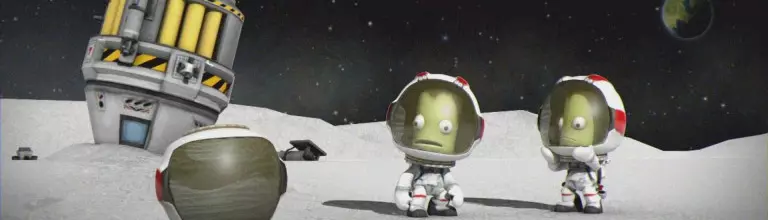
《坎巴拉太空计划》是一款略显粗糙的游戏,它就像是用胶水和绳子勉强拼凑起来的代码,靠一个“燃煤发动机”驱动。安装模组更像是一项手工活,必须投入心血和细心。 游戏本身的特性使其不太稳定,但这也带来了易于修改的优势。因此,现在的模组数量多得数不清,我能想象到新手在现有的分享平台上搜索和选择模组时会遇到不少困难。 每次重新玩这款超棒的太空模拟游戏时,我自己也会遇到麻烦。安装模组前总得先做一番搜索,确认它是否为最新版本、是否与当前《坎巴拉太空计划》版本兼容,或者是否需要进行任何集成设置。本指南旨在与大家分享我的搜索成果,列出最值得推荐的模组并提供查找它们的正确链接。
注意! 如果你从未在《坎巴拉太空计划》中安装过模组,建议你在安装前先了解相关知识。 例如,Jorjimodels制作的《模组入门指南》就是一个不错的参考。 欢迎推荐你认为应该列入此处的模组,或纠正我的英语错误! 列表01 - 实用工具

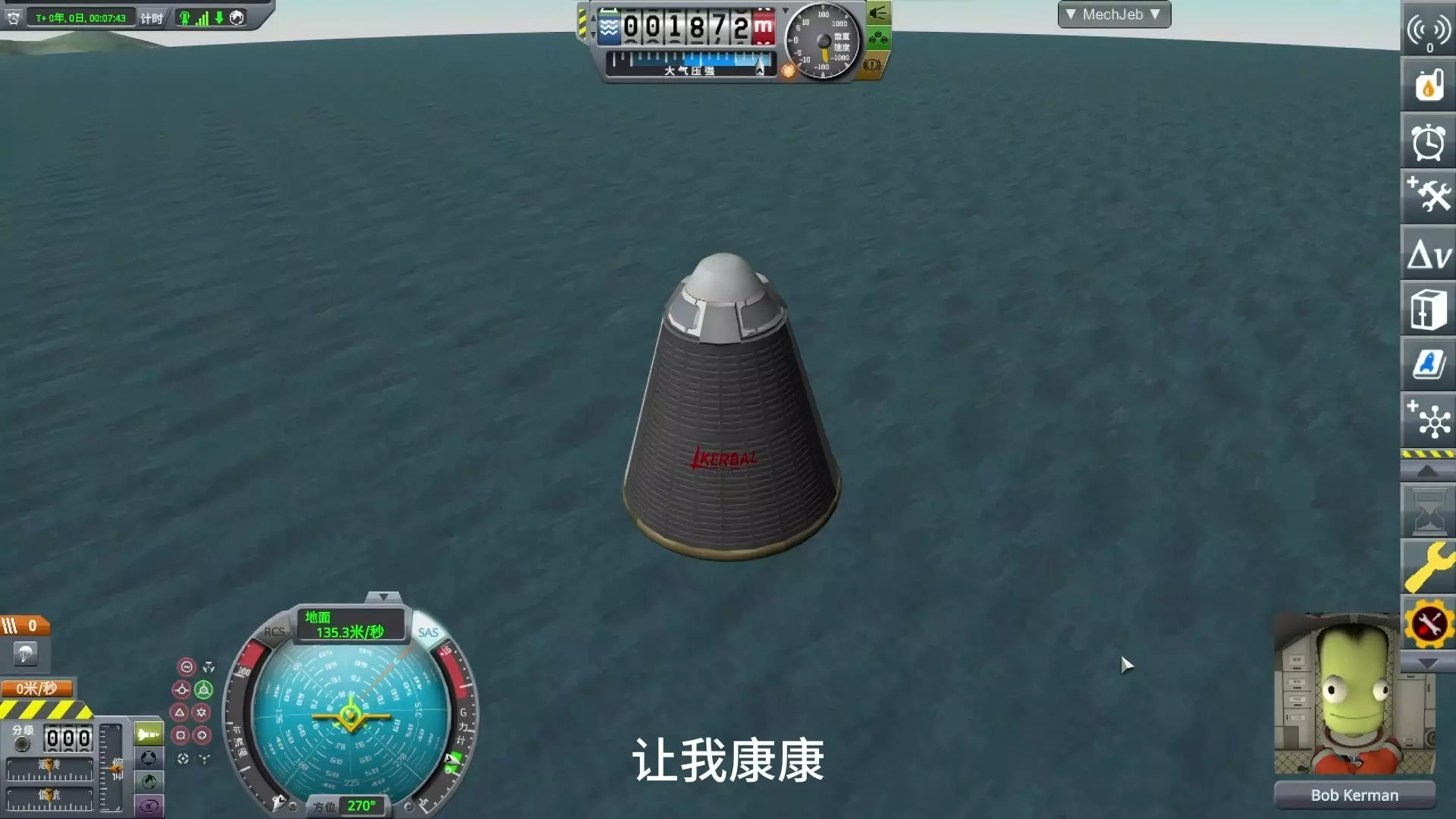
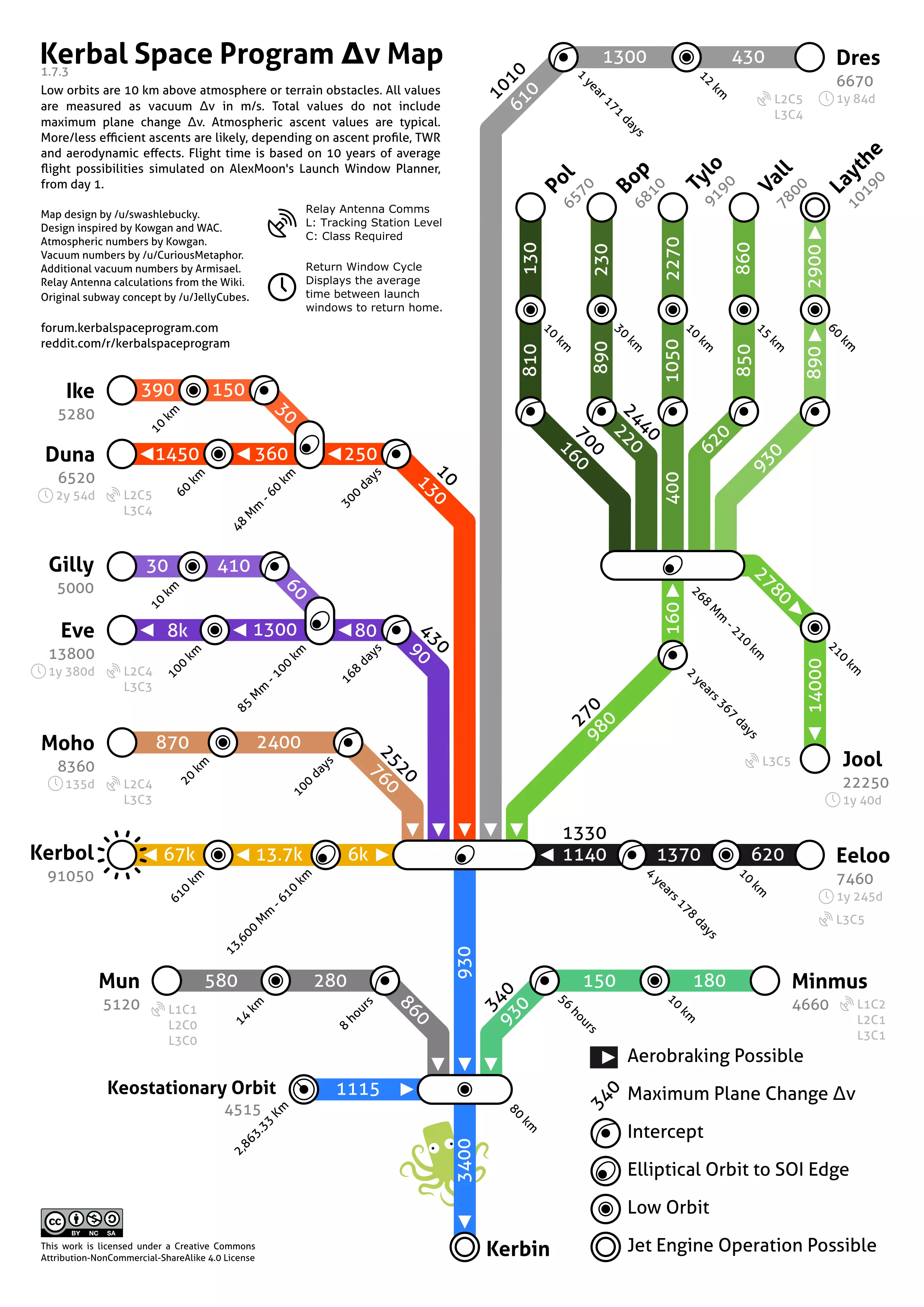
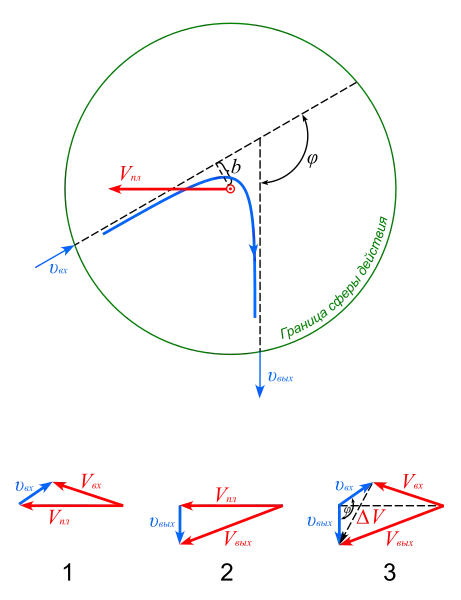
最必要的模组是那些提供和管理游戏内事件数据的模组。这些模组能帮助你更好地了解情况,从而让你能够高效且精准地做出决策。无端的灾难固然有趣,但有时你可能还是想避免它们,对吧? 【Kerbal Engineer Redux】 核心必备。它会添加数据表,提供关于航天器、飞行状态、大气层、轨道、机动节点、星际转移等必要的详细信息和数据。这些数据在游戏的各个方面都至关重要:任务规划、航天器建造、高效飞行、精确设定和执行机动。数据表可完全自定义,你可以选择所需的数据字段,简洁且无多余装饰。 在生涯模式中,你需要为航天器添加一个小部件才能显示数据,但有一个设置可以绕过此要求,让数据表始终显示。 如果你需要更多帮助,MechJeb模组提供了与KER模组相同的功能,还增加了自动驾驶功能。 轨迹:大气预测它会显示穿过大气层的预测轨迹,在再入大气层或大气制动操作中非常有用。毕竟,如果你连撞击地点都无法预测,还算什么航天机构呢? 注意:在生涯模式中,轨迹要等到跟踪站升级(圆锥曲线补丁)后才会显示。 RCS建造辅助在组装航天器时,此模组会实时显示已安装的RCS推进器平衡情况。RCS用于精确控制,但如果在组装过程中不够注意,可能会产生相反效果,导致航天器像拉力赛车一样漂移。该模组能帮助你了解自己建造的是宇宙飞船还是拉力赛车。此模组是一款行星际转移规划工具。只需输入出发地和目的地,界面就会进行计算并显示相关数据:相位角、出发与到达日期、逃逸速度和角度等。一个实用的“猪排图”会显示ΔV( delta-V,即速度增量),方便你自行选择日期。 如果你想要更简洁和自动化的工具,Astrogator可能更适合你。 无论如何,社区ΔV地图都是个不错的选择。 列表02 - 外观类

可以说开发者并未将视觉享受作为优先事项,但不必担心:《坎巴拉太空计划》的优秀社区制作了大量内容,让克尔博星系变得十分美丽。不过,外观类模组的使用需要谨慎。对于配置较低的电脑,安装过多此类模组可能会导致性能大幅下降,因此要找到适合自己的限度。 EVE-Redux 必备模组。EVE为行星大气层添加了精美的云层,还在坎星的暗面添加了稍逊一筹的城市灯光。该模组被广泛使用,并被包含在其他外观类模组中。在这些模组中,无疑值得一提的是Stock Visual Enhancement(它是一个包含自定义设置和纹理的合集,依赖EVE和Scatterer等其他模组)。 Scatterer 该模组添加了强大的视觉大气效果,例如雾、太阳光线,以及看起来像水而非蓝色绒布的海洋,带来了显著的视觉提升。但遗憾的是,这些显著的变化也需要消耗大量的电脑资源。 Parallax使用新着色器替换所有默认行星的表面纹理。地面表面将看起来更复杂且多岩石。你的漫游车对此不会满意,尤其是小型漫游车。此模组的目标是在游戏世界的实时渲染过程中添加使用行业标准图像后期处理效果的功能,从而在常规使用中提升视觉保真度,或通过专门配置的配置文件实现特定的电影级效果。该模组可自定义行星、天空盒、坎巴拉航天员等默认纹理。不包含自定义纹理。 Chatterer:添加通信设备的杂音和哔哔声、任务控制中心与坎巴拉航天员之间的无意义对话、舱外活动呼吸效果、风声等音效。如果你觉得坎巴拉小人说话太多,可以通过设置界面进行调整。 如果你还想有更多对话内容,可以查看Chatterer Extended。 【Stock Waterfall Effects】 这是一套为原版引擎配置的真实火箭尾焰效果。 使用前需要安装Waterfall和B9PartSwitch。 LIST03 - 游戏玩法

这类模组并非必需,是否使用取决于个人喜好。我们讨论的是那些会改变游戏规则、增加游戏复杂度并引入更多真实元素的模组。其主题范围广泛,包括生命维持、天线范围、扫描、空气动力学、新机械等等。可以肯定的是,使用这类模组后,你在任务规划上需要投入更多精力,因此它并不适合所有人。选择权在你手中。 远程科技 无线电通信变得更加真实,但也不再是免费的了。发送方和接收方都需要具备足够范围和所需功率的天线以确保其正常运行。卫星、探测器以及其他任何无人航天器都需要与任务控制中心保持持续连接以接收指令。在这种情况下,你需要构建一个中继卫星网络来维持各处的无线电信号,并避免天体遮挡,这与现实情况相似。这是我最喜欢的模组,它已(部分)在1.2补丁中被官方采纳到游戏中。如果你正在寻找这样的挑战,那就继续安装这个模组吧,因为它在这方面仍然比基础游戏表现更好。SCANsatWiki 该模组为游戏新增了部件,主要是扫描仪。你可以为卫星配备这些扫描仪,以获取天体的详细高程图、资源图和生物群系图。 RasterPropMonitor(已适配) 驾驶舱内的显示屏被激活并具备功能。理论上,使用此模组后,你无需离开舱内视角(IVA)即可驾驶飞船。部分功能需要搭配其他模组才能使用,具体如下: • 地图显示需要【SCANsat】 • 飞船3D线框显示需要【Vessel Viewer Continued】 • 对接显示需要【Docking Port Alignment Indicator】 • 着陆ILS和HSI显示需要【NavUtilities】 • 降落伞交互需要【RealChute】 • 自动驾驶显示需要【MechJeb】 如果你喜欢舱内视角玩法,可以关注【MOARdV's Avionics Systems】和【TAC Life Support】你是否认为坎巴拉宇航员不应该在太空中免费生存?那么这款模组就适合你,因为它添加了食物、水、氧气、废物以及其他所有与生存相关的资源。 坎巴拉太空计划生活维持系统(Kerbalism) 这款模组扩展了坎巴拉太空计划的宇宙,超越了轨道常规操作,增加了(几乎)所有在太空中需要面对的工程挑战。生命维持系统、辐射、科学研究的新机制以及航天器维护。 坎巴拉附件系统(KAS) 这是一个有趣的游戏机制扩展,引入了管道(用于资源传输)、鱼叉、磁铁、绞盘、锚等多种功能。 坎巴拉库存系统(KIS)它为每个坎巴拉人和储物部件添加了一个物品栏,你可以在其中放置几乎所有东西。此外,工程师在舱外活动(EVA)时可以与航天器互动,并且使用合适的工具,他们可以随意拆卸或建造航天器。 旧航天器需要升级?将部件和几名工程师带入太空,你就能完成这项工作! Umbra Space Industries 上述链接包含USI模组的完整列表,这些模组主要侧重于殖民、资源提取和制造。我不是这些模组的玩家,但如果你比我更热衷于殖民题材,这些内容你应该去看看。 列表04 - 部分内容

Community has been generous in designing and crafting new parts to assemble your vessel. Do you feel the need of more variety? Then these are the mods for you. Stockalike Station Parts Redux[forum.kerbalspaceprogram.com]─────────────────────────────────────────────────────────────── Are your space plants looking miserable and rubbishy? This mod will make them shine with a glorious new style! A lot of modules with lots of usages to better junction and develop your space establishments. The downside is no one of the included command modules does support RasterPropMonitor mod. Surface Mounted Stock-Alike Lights for Self-Illumination[forum.kerbalspaceprogram.com]─────────────────────────────────────────────────────────────── Stock lights are oriented more on illuminating distant areas, so this mod fills the gap providing you three new lights to light up the vessel itself. Simple, well crafted and compact. If you are looking for classics position plane lights check out Aviation Lights[forum.kerbalspaceprogram.com]. RealChute[forum.kerbalspaceprogram.com]─────────────────────────────────────────────────────────────── A more realistic and versatile parachute set. Even more, this mod rewrites with a more realistic model all chutes behaviour, including stock ones. New possibilities are open, like using chutes to slow down airplanes. B9 Aerospace[forum.kerbalspaceprogram.com]─────────────────────────────────────────────────────────────── This pack adds a vast selection of new parts, introducing new spaceplane components such as new engines, cockpits, wings and fuselage systems, new structural components for orbital installations and colonies, and so on. Universal Storage II[forum.kerbalspaceprogram.com]─────────────────────────────────────────────────────────────── Apollo style storage modules pack, used to package a wide variety of resources. These parts interacts with a lot of other mods like TAC Life Support resources, as example. Kerbal Foundries -- Continued - Tracks and Wheels[forum.kerbalspaceprogram.com]─────────────────────────────────────────────────────────────── New wheels, caterpillars, and anti-g repulsors available to be equipped on your vehicles. DMagic Orbital Science[forum.kerbalspaceprogram.com]─────────────────────────────────────────────────────────────── New and diverse science experiments to be run during your missions. A LOT of science experiments. Bluedog Design Bureau[forum.kerbalspaceprogram.com]─────────────────────────────────────────────────────────────── A package containing over three hundred parts of all sorts, ranging from engines to science experiments, all with a kinda NASA style. Be aware that most parts of this mod are crafted by volounteers, so expect compatibility issues with mods like RasterPropMonitor or RemoteTech though. Notes I'll keep the links updated as much as possible alongside KSP and its mods developing. Here are some suggestion which I do recommend to newcomers to read: It is a good idea to backup a KSP fresh installation folder. Some mods may not be compatible to each other or may be installed wrong by mistake, in other words, using mods things may go badly in the wrong way and the game may not work anymore. If you have a backup you just have to delete the game folder and put back the fresh one in its place without having to download it again (do not forget to backup save game folder!). Don't install more than one mod at a time if you are not aware of its behaviour and compatibility. Going on step by step is always the best way, when you do not know a mod you should test it first to understand if it works properly. In this way you can keep track of what is working and what's not. CKAN[forum.kerbalspaceprogram.com] is an interesting mod manager developed by community. This little software lists (almost) all the mods, you just have to pick and it'll do anything else by itself including download, install and advice you of dependecies or conflicts; however, we can say for sure that installing mods on KSP is such a delicate task that deserve to be manually done. Some people use CKAN, others don't. I did use it for a long time and I've found it convenient, the choice is yours. Automatic updates and mods are not good friends. When a KSP update hits the release you have to be very careful because severe losses may happen. Why? Because when game version change, installed mods are no longer compatible until they gets updated too. In this scenery, loading a game without necessary mods affected vessels will be removed entirely; what is worst, KSP automatically save the game. Without a backup your vessels will be lost with no possible recover. It is an easy task to prevent such disgrace, just take one of the following actions: deactivate automatic updates for KSP, easy-peasy; before running the game recently updated, backup the save folder; start a new game and do not load older games until all necessary mods are updated and installed;Do not stop to these lists. Use this guide as a starting place and then search and test in the multitude of existing mods around this game. Take into consideration that most probably your favourite mod is not listed here and you are loosing some good fun time until you find it. All mods, their distribution and respective user licenses are under the responsibility of their respective owner. Details can be found on each mod page.