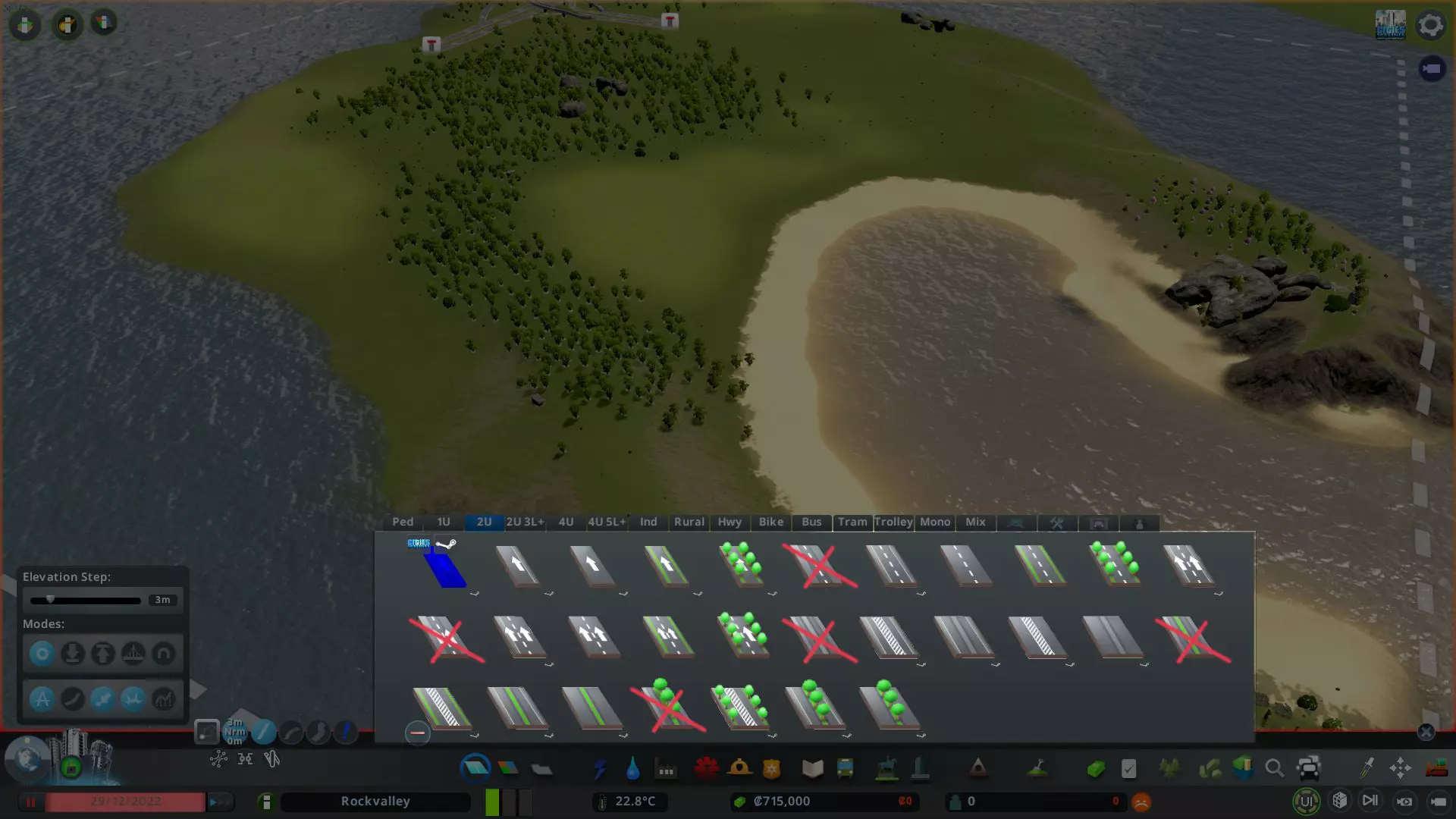
This guide will be updated when new features are added. Also read the FAQ What is this mod? This mod allows you to search, filter, select, and place assets. It also provides some extra info that are usually not available in vanilla game. Some assets are hidden in vanilla game and they can only be placed with this mod or other similar mods(props, station tracks, pillars, non-DLC airport runways, propless paths, etc.) However, Find It 2 does not control the actual "placing" step. It simply calls the in-game placing tool to handle the placing step. Some other mods, such as the anarchy mods, can alter the behavior of the in-game placing tool, but Find It 2 itself does not alter any placement mechanism. Required Mods Mods you need to get before you get Find It! 2: Harmony 2 (Mod Dependency): Some minor features in Find It 2 use Andreas Pardeike's Harmony patching library. Find It 2 uses boformer's Harmony 2 mod as a dependency. Incompatible Mods Mods you need to remove before you get Find It! 2: Find It! 1.5.4 - the original version. Not available on Steam workshop anymore. Use the game's content manager to remove it, and make sure it is deleted from your drive. Check if you have a "837734529" folder in your workshop download folder, delete it. On Windows the default steam workshop download folder path is C: Program Files (x86) Steam steamapps workshop content 255710 Find It! 2 [BETA] - the beta version of this mod Find It! -汉化版 - the Chinese translated version of the original Find It! 1.5.4 mod Semi-incompatible mods Mods you need to tweak before you use Find It! 2: Cities: Skylines Multiplayer (CSM) [Beta] - This mod can break Find It 2 and other mods that use xml serialization. Run the game as administrator may temporarily solve the incompatibility issue Installation Steam users should get this mod by subscribing it on Steam Workshop. Steam will automatically update the mod for you. Sometimes Steam is glitchy and it doesn't download the mod for you. Try to restart the Steam client. You can check if Steam really downloaded this mod for you by checking if you have a "2133885971" folder in your Steam Workshop folder. On Windows the default path is C: Program Files (x86) Steam steamapps workshop content 255710 You can also download this mod from Github[github.com] Epic and Origin users may be able to get this mod from Github, but I only own the game on Steam so I only tested this mod on Steam. Some minor features rely on Steam so they only work on Steam. Also you will need to manually update the mod in the future. After the mod is downloaded, start the game and go to the content manager. Make sure Find It 2 is enabled. Recommended Mods Mods that are not required, but many players use them together with Find It 2 to improve gameplay experience: ------------------------------ Growable placement mods(see the "Placing buildings using Find It 2" section in this guide). USE ONLY ONE at the same time: Ploppable RICO Revisited: Recommended. Go to its mod settings and enable the options for non-rico growables to mark them as historical Plop the Growables: This mod is not maintained anymore. Only use it if you're not using Ploppable RICO Revisited. Both mods can disable zone check and let you place growable buildings in unzoned area ------------------------------ If you don't want your hand-placed growables become abandoned(see the "Placing buildings using Find It 2" section in this guide) USE ONLY ONE at the same time: Advanced Building Level Control: Recommended. No Abandonment: This mod is not maintained anymore ------------------------------ Panel resizing mods. USE ONLY ONE at the same time: Yet Another Toolbar - its panel scaling feature has some limitations. Make sure you read its description Resize It - Resize It's scaling feature breaks Find It & Find It 2. Keep the scaling at 100% More Advanced Toolbar - potential compatibility issues not really fixable(see FAQ) Advanced Toolbar - can't use light background theme ------------------------------ Other mods: Picker: to locate placed assets in Find It 2's panel Mods you probably don't need if you have Find It! 2 Mods that have the same or similar features as Find It 2. They are compatible with Find It 2, so you don't need to remove them. But these mods are older mods that are no longer maintained. You probably don't need them if you already have Find It 2 Airport Roads: Airport Roads came out before Find It 1 and it was the only mod that allows you to place vanilla runways and taxiways. Last updated in 2018. You can find runways and taxiways in Find It 2 by searching "runway" and "taxiway". Sunset Harbor DLC added a new type of runway - "Aviation Club Runway" and it is only available in Find It 2. More Beautification: More Beautification came out before Find It 1 and it was the only mod that allows you to place props. More Beautification shows props in the game's default panels. Last updated in 2017. Search Box Mod: Search Box Mod came out before Find It 1 and it was the only mod that allows you to search for assets. Last updated in 2015. How to Use After you start the game, click the magnifying glass to open Find It 2's panel. Default keyboard shortcut is Ctrl + F
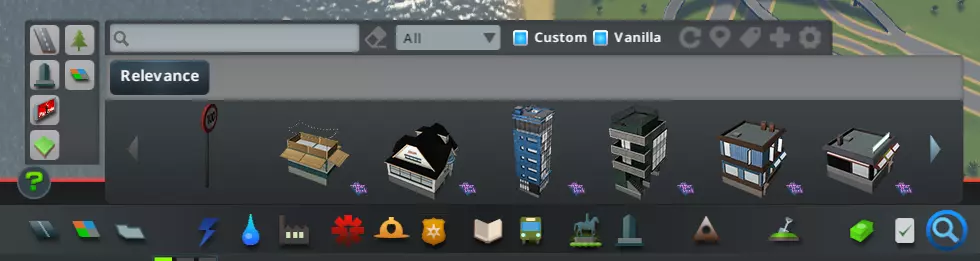
在搜索框中输入内容可进行关键词搜索。搜索将在资源名称、作者名称、资源类型、资源描述中查找关键词。
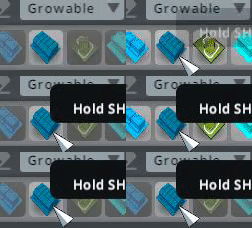
关键词搜索技巧 按建筑尺寸搜索:(尺寸)x(尺寸)、(尺寸)x、x(尺寸) 示例:4x3、12x、x2 ! - 排除搜索 示例:!restaurant 这将返回所有资产,但排除在任何数据字段(标题、描述、作者名称、自定义标签等)中包含“-restaurant-”的资产。 # - 仅按自定义标签搜索 示例:#restaurant 这将仅返回带有包含“-restaurant-”的自定义标签的资产。 $ - 排除带有特定自定义标签的资产(需要v2.7.1或更高版本) 示例:$test_tag 带有test_tag自定义标签的资产将被排除 可用于搜索未标记的新资产 + - 或搜索 示例:+weed +grass 这将返回所有在任何数据字段(标题、描述、作者名称、自定义标签等)中包含“-weed-”或“-grass-”的资产。示例:+japan +jp shop 这将返回所有在任意数据字段中包含“-japan-”或“-jp-”,并且必须在任意数据字段中包含“-shop-”的资源。 % - 按创意工坊ID搜索示例:%123456789 创意工坊ID位于资源的Steam创意工坊链接中。 仅可通过此前缀按创意工坊ID进行搜索。 您还可以在一次搜索中组合规则: 示例:#tag1 !hotel sway 2x2 +store +shop 这将返回同时满足以下所有条件的资源:带有包含“-tag1-”的自定义标签,任意数据字段中不得包含“-hotel-”,任意数据字段中必须包含“-sway-”,建筑尺寸为2x2,并且任意数据字段中必须包含“-store-”或“-shop-”。 道路搜索提示:网络选项卡多重选择搜索逻辑(需要2.6版本)。3个或以上标签时:按住Shift或Ctrl键可选择多个标签。Linux用户注意:由于未知原因,Linux系统需同时按住Shift和Ctrl键。道路类型+车道标志=与搜索。例如:小型道路与单行道。车道标志+车道标志=与搜索。例如:禁止路边停车与自行车道。道路类型+道路类型=或搜索。例如:中型道路或大型道路。使用此按钮可更改排序方式。
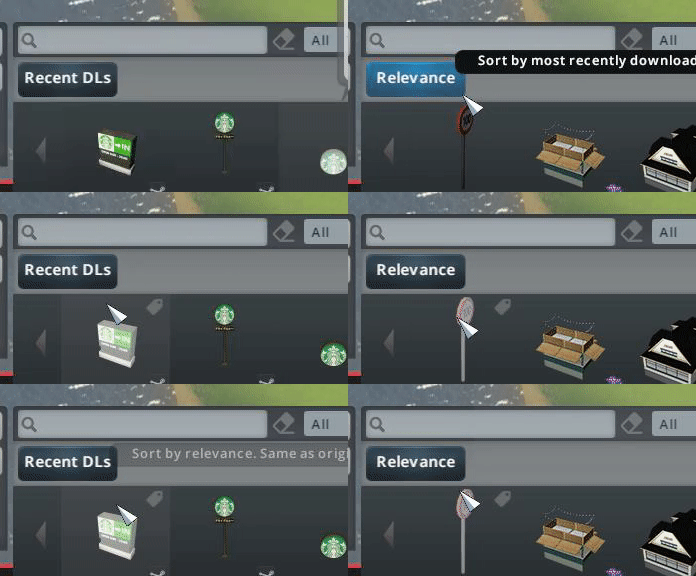
相关性 - 若未使用任何关键词,结果将按字母顺序排序。若存在关键词,则会通过加权评估函数计算每个资源的相关度分数,并根据该分数对资源进行排序。 例如,作者名称中的词语优先级高于资源描述中的词语。因此,若在搜索框中输入“sway”,由“sway”创作的资源将显示在名为“expressway”的资源之前。 最近下载 - 按资源文件的父文件夹创建时间戳排序。默认情况下,此排序方式仅适用于通过Steam创意工坊订阅下载的资源。若将从其他来源下载的本地自定义资源放入各自的文件夹中,该排序方式同样适用。许多用户界面组件在鼠标悬停时会通过工具提示说明其功能。本指南将跳过那些不言自明的功能。

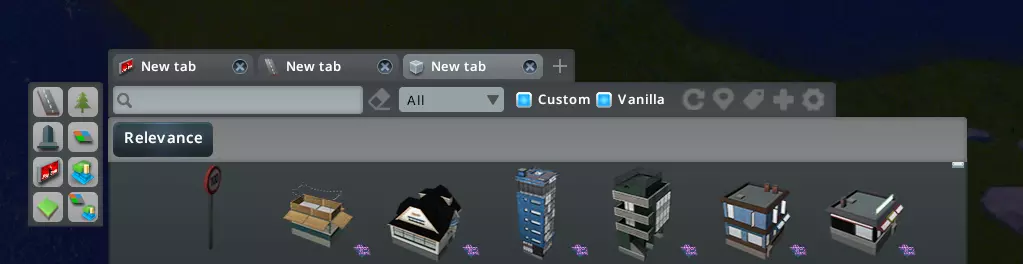
搜索标签功能的工作方式类似于网页浏览器的标签页。此功能可在快捷菜单弹窗中启用(需要2.7或更高版本)
再次点击已选择的筛选标签会跳回【全选】状态
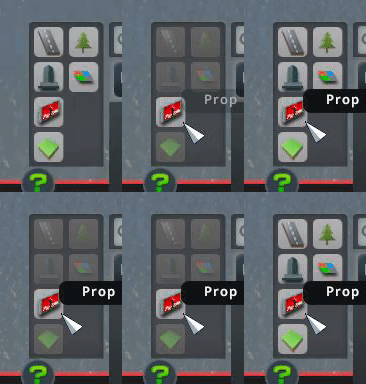
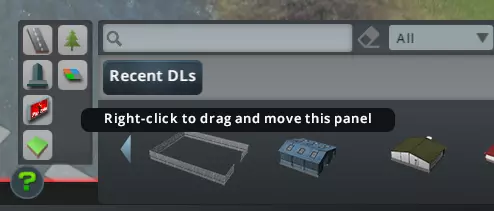
右键拖动资源类型面板可移动该面板。你也可以通过取消勾选快捷菜单弹窗中的对应选项来隐藏它。
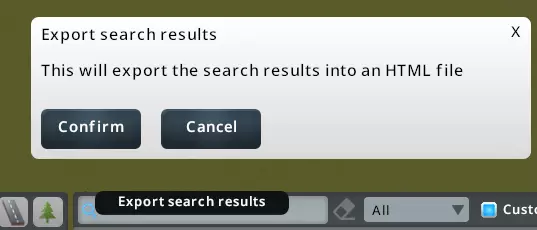
点击搜索输入框中的放大镜图标,即可将搜索结果导出为HTML文件(需要2.8.0或更高版本)
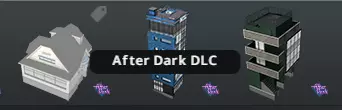
DLC资源上会有DLC图标。将鼠标移到图标上,会显示该DLC的名称。
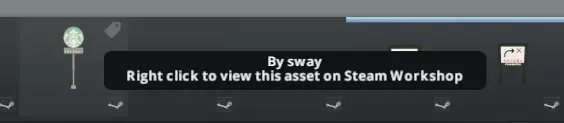
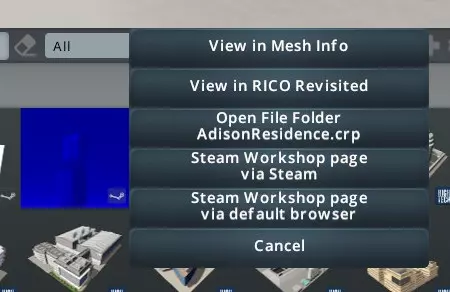
从Steam创意工坊下载的资源会带有Steam图标。将鼠标悬停在该图标上会显示作者名称。右键点击此图标可在Steam创意工坊中查看该资源。
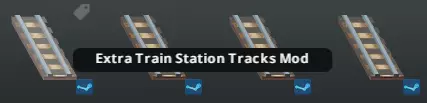
由模组动态生成的资源会带有蓝色的Steam图标。将鼠标移到该图标上,会显示模组的名称。
双击资源缩略图可打开快捷菜单(需v2.6或更高版本)
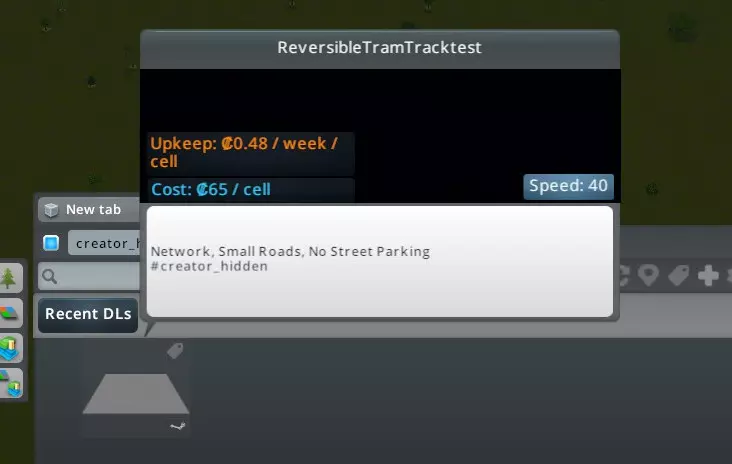
自定义标签和额外筛选器 请观看Czardus制作的YouTube短视频,了解如何使用自定义标签和额外筛选器面板。从3分11秒开始观看。 bad_thumbnail 如果某个资产的默认缩略图质量很差,可以为该资产添加自定义标签【bad_thumbnail】,Find It 2将尝试生成自定义缩略图。此功能并非适用于所有资产,且不适用于网络资产。若要恢复默认缩略图,请移除该自定义标签并重启游戏。 hidden 标记为【hidden】的资产将在未来的搜索中被隐藏。您可以使用此标签来隐藏依赖项资产(需要v2.8版本)。(适用于3.0及以上版本) 使用自定义标签面板查看标记为隐藏的资源 移除隐藏标签可使资源重新显示 创作者隐藏:模组设置中有一个选项,允许资源创作者定义和隐藏依赖资源(默认禁用,需要v2.8.3及以上版本) 若启用,描述中包含creator_hidden或#creator_hidden的资源将被排除在未来的搜索结果之外 这些资源始终可在额外筛选面板的创作者隐藏选项下访问
使用Find It 2放置建筑 Find It 2并不控制实际的“放置”步骤。它只是调用游戏内的放置工具来处理放置过程。其他一些模组,例如无政府状态类模组,可能会改变游戏内放置工具的行为,但Find It 2本身不会改变任何放置机制。 如果你是初次使用模组和自定义内容,建议先阅读AquilaSol编写的新手指南。 尤其要注意关于建筑的部分: 建筑有多种类型。主要分为可生长建筑和可放置建筑。 可生长建筑会在规划区域内生长,尺寸限制为4x4单位。它们的运作方式与游戏本体中的生长建筑相同。人们会像正常情况一样在其中生活、工作和购物。安装后,它们将被添加到可自动生长和出现的建筑列表中。 可放置建筑是无区域限制的建筑,但仅作为服务设施、公园或独特建筑发挥作用。这类建筑通常大于4x4。 可放置RICO模组为可放置建筑和可生长建筑添加了RICO功能,使其成为可用的住宅、商店、工厂和办公室。 可放置RICO建筑:如果您正在使用可放置RICO重制版模组,【Find It 2】将有一个额外的RICO标签,用于显示由RICO模组处理的RICO建筑。如果您未使用RICO模组,创意工坊中标记为RICO建筑的建筑将根据资产创作者选择的模板,在【Find It 2】中显示为服务设施、公园或独特建筑。可生长建筑 《Find It 2》不会禁用区域检查或修改任何模拟机制。游戏默认会移除未放置在正确区域的可生长建筑。您有以下三种选择: 1. 遵循原版模拟机制。在放置建筑前正确规划区域网格。例如,如果建筑是低密度住宅,需在其下方绘制低密度住宅区。若建筑未满足所有模拟要求(如工人或顾客不足),游戏可能会再次将其移除。您还需将建筑设为历史建筑,以防止未来升级再次改变其外观。 2. 使用【Ploppable RICO Revisited】模组:推荐。前往其模组设置,启用非RICO可生长建筑标记为历史建筑的选项 3. 使用【Plop the Growables】模组:仅在不打算使用RICO建筑时使用此模组 如果对游戏的管理部分不感兴趣,且不希望放置的可生长建筑被废弃,你可能还需要获取【Advanced Building Level Control】模组或【No Abandonment】模组 【Real Time】【Real Construction】及其他类似模组会影响建筑建造时间,阻止建筑即时放置。你需要调整它们的模组设置,否则尝试放置某些建筑时可能无法显示。【Building Themes】模组会移除放置在不同主题区域的可生长建筑。【Toggle It】模组具有隐藏建筑的功能性能优化 如果你的电脑配置较低但拥有大量资产,【Find It 2】的搜索速度可能会明显变慢。 你可以选择禁用部分功能来减少搜索延迟: 在模组设置中,你可以关闭即时文本搜索。

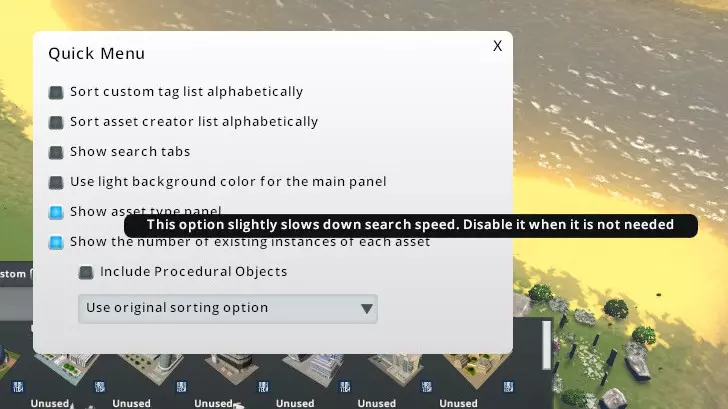
在快速菜单中,只有在确实需要时才应启用这两个选项。


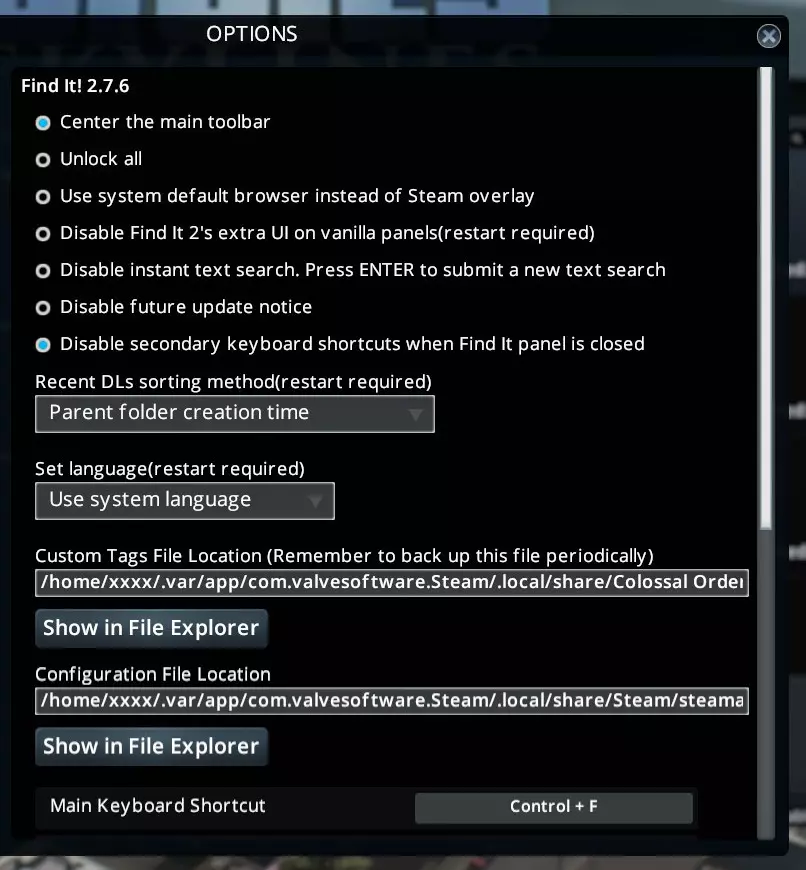
其他 记得查看模组设置页面
请记得阅读常见问题解答。 Linux 系统已知小问题: 在 Arch Linux 和 Ubuntu 20.10 系统的 Flatpak Steam 版本上测试发现: 1. 如果资源创作者最近更新了其资源,该资源会移至“最近下载”列表顶部。 2. “按住 SHIFT 键并点击”功能无法使用,在 Linux 系统上需同时按住 SHIFT 键和 CTRL 键才能生效,原因未知。 3. 自定义标签和额外筛选面板中的滚动条可能在刷新后消失,可使用鼠标滚轮上下滚动。