换一换
换一换 


probably everything you need to create your own config for the game, plus lots of binds and presets about 🇷🇺 русскоязычная версия руководства https://steamcommunity.com/sharedfiles/filedetails/?id=2200784065 credits:@harfilend - bugtracking what it is?it is a guide for creating your own config file for Counter-Strike: Source. instead of copy-pasting random configs from all around the internet, it is better to examine what each cvar do, how they all work together, what the syntax is, and come up with your own config and binds that will suit your hardware and playstyle well in that guide you will find: a glossary that explains what "cvars", "bind", "alias" and other jargon are custom-made bind to edit and paste examples of how those binds and cvars work a non-inclusive list of various cvars graphical presets, etc that guide is also works for Counter-Strike: Global Offensive, and Team Fortress 2, however cvars themselves are differ between various games if you want to thank me......then check my guide about fixing various game issues: launching, crashing, optimization, stuttering, gamepads, etc. the guide is huge, but the topic is broad to begin with https://steamcommunity.com/sharedfiles/filedetails/?id=1935376439 if you have done something wrong if game looks or acts weird after, say, a copy-pasting some bad config, then do the following: delete the file ...steam steamapps common Counter-Strike Source cstrike cfg config.cfgdelete the content of the file ...steam steamapps common Counter-Strike Source cstrike cfg autoexec.cfg- that shall fix 90% of all possible errors in your client glossary: cvars, autoexec, bind, alias, 1 cvarcvar (console variable) is a command that use execute. they may have two or more values, for example "sv_cheats" is a cvar that enables cheats. it has two values: sv_cheats "0" // disable sv_cheats "1" // enable"cl_dynamiccrosshair" is a cvar that changes a crosshair should behave (increasing/decreasing) while shooting/walking. it has the following values: cl_dynamiccrosshair "0" // disable cl_dynamiccrosshair "1" // changes its size on shooting & walking cl_dynamiccrosshair "2" // changes its size on walking only cl_dynamiccrosshair "3" // changes its size on shooting onlyyou can execute "cvars" in console itself or paste them in "autoexec" the list of all CSS cvars is located here autoexecautoexec is a file where you can paste various cvars and they will be executed each time you start the game (saving you a time) it is located in (manually create it if there is no such file): ...steam steamapps common Counter-Strike Source cstrike cfg autoexec.cfg two ways to write cvars in autoexec: each cvar on a separate line: r_rootlod "0" mat_queue_mode "2" mat_queue_report "0"...or multiple cvars on one line with ";" for separating them: r_rootlod "0"; mat_queue_mode "2"; mat_queue_report "0" in the "autoexec" file you can leave the comments, for example to remember which cvar does what. comments are separated with "//" sign. like this: cl_playerspraydisable "1" // disables players' sprays // stuff below is for a better ping cl_lagcompensation "1";cl_smooth "1" bindbind function allows to assign a cvar to a certain keyboard or mouse button. its syntax: bind "BUTTON" "CVAR(S) or FUNCTION" few examples: bind "N" "net_graph 2" - opens a Net-Graph panel with "N"-button bind "KP_5" "buy vesthelm; buy defuser" - buys "Bulletproof vest/helmet" & "Defuser Kit" with "numpad-5" bind "TAB" "incrementvar cl_interp 0.01 0.1 0.0025" - changes LERP from "0.01" to 0.1" with a step of 0.0025 with "TAB"-button most of buttons for binding are straightforward: "Q", "W", "E", "1", "2", "3", etc, however the naming of some buttons is not as obvious NUMPAD ( / ) KP_SLASH( * ) KP_MULTIPLY( - ) KP_MINUS ( 7 ) KP_HOME( 8 ) KP_UPARROW( 9 ) KP_PGUP( + ) KP_PLUS( 4 ) KP_LEFTARROW( 5 ) KP_5( 6 ) KP_RIGHTARROW( 1 ) KP_END( 2 ) KP_DOWNARROW( 3 ) KP_PGDN( Enter ) KP_ENTER( 0 ) KP_INS( . ) KP_DEL SPECIAL ( Insert ) INS( Home ) HOME( Page Up ) PGUP( Delete ) DEL( End ) END( Page Down ) PGDN ( Up Arrow ) UPARROW( Left Arrow ) LEFTARROW( Down Arrow ) DOWNARROW( Right Arrow ) RIGHTARROW MOUSE ( LMB ) MOUSE1( RMB ) MOUSE2( wheel-button ) MOUSE3( wheel down ) MWHEELDOWN( wheel up ) MWHEELUP( fourth mouse button ) MOUSE4( fifth mouse button ) MOUSE5 toggletoggle function allows to switch between two or more values of a cvar. its syntax: toggle CVAR STATE#1"STATE#2 STATE#3... if CVAR has only "0" and "1" values, then you can omit the "States" few examples: bind "V" "toggle voice_scale 0 0.25 0.5 0.7" - toggles the volume of incoming voice messages from "0%" to "25%" to "50%" to "100%" with "V"-button bind "L" "toggle cl_righthand" - toggles between "weapon-in-left-arm" and "weapon-in-right-arm" states with "L"-button incrementvarincrementvar function increases value of a cvar from one number to another with a determined step. its syntax: incrementvar CVAR INITIAL_STATE END_STATE STEP few examples: bind "TAB" "incrementvar cl_interp 0.01 0.1 0.0025" - changes LERP from "0.01" to 0.1" with a step of 0.0025 with "TAB"-button bind "INS" "incrementvar net_graph 0 3 1" - toggles between various screens of Net-Graph panel with "INSERT"-button aliasalias function allows to assign one or more cvar(s) and their values to a certain variable and then call those cvar(s) by calling that variable. its syntax: alias ALIAS_NAME "CVAR(S) or ANOTHER_ALIAS" example: alias crosshair_red "cl_crosshaircolor_r 255; cl_crosshaircolor_g 0; cl_crosshaircolor_b 0" alias crosshair_green "cl_crosshaircolor_r 0; cl_crosshaircolor_g 255; cl_crosshaircolor_b 0" alias crosshair_blue "cl_crosshaircolor_r 0; cl_crosshaircolor_g 0; cl_crosshaircolor_b 255" bind "J" crosshair_red bind "K" crosshair_green bind "L" crosshair_bluethe code above allows you to change the crosshair's color to red, green or blue by pressing "J", "K" & "L" "alias", at first, seems like a lacking function, but its true power shows up with a switchable-aliases (when you change the content of alias via a different alias), consider the code below: alias buffer crosshair_red; alias crosshair_red "cl_crosshaircolor_r 255; cl_crosshaircolor_g 0; cl_crosshaircolor_b 0; alias buffer crosshair_green" alias crosshair_green "cl_crosshaircolor_r 0; cl_crosshaircolor_g 255; cl_crosshaircolor_b 0; alias buffer crosshair_blue " alias crosshair_blue "cl_crosshaircolor_r 0; cl_crosshaircolor_g 0; cl_crosshaircolor_b 255; alias buffer crosshair_red" bind "J" bufferthe code allows you to use one button - "J" to cycle through red, green and blue crosshairs, it works like that: first we create the alias "buffer" and assign it to alias "crosshair_red" we press "J"-button and alias "buffer" is called, it in turn calls "crosshair_red" alias "crosshair_red" makes a crosshair red, but also changes the alias "buffer" - now it is assign to "crosshair_green" we press "J"-button a second time and alias "buffer" is called, but now it calls "crosshair_green" alias "crosshair_green" makes a crosshair green, but also changes the alias "buffer" to "crosshair_blue" we press "J"-button a second time and, as you get it now, alias "crosshair_blue" is called in the end of that code "crosshair_blue" assigns "buffer" back to "crosshair_red", forming a loop (or cycle) actionsactions are various action-commands that a player can do it the game, for example: forward back moveleft moveright jump duck speed (walk) use drop impulse 100 (flashlight) impulse 201 (spray) radio1 radio2 radio3 menuselect 1-9 attack (shoot) attack2 (weapon's alt mode) reload invnext (next item) invprev (prev item) lastinv (last used item) slot1 slot2 slot3 slot4 slot5 slot6 slot7 slot8 slot9 slot10 nightvision buymenu buyequip autobuy rebuy buy buyammo1 buyammo2 showscores showbriefing chooseteam pause glossary: cvars, autoexec, bind, alias, 2 waitwait is a function that pauses (waits) a certain amount of ticks before executing next cvar. its syntax: wait TICKS the tick a certain timespan that relies on your fps, so, say "wait 15" with 100 fps will act different than "wait 15" with 60 fps. in other words you need to test what tick works better on your hardware, so take your time to check your config wait is useful when you are creating a bind that will affect (or will rely upon) animation's end plus and minus (+ -)plus and minus signs (+ -) are special modifiers that executes a cvar or function when a certain button is pressed (+) or when it is released (-) example #1: alias +slowmo "host_timescale 0.2" alias -slowmo "host_timescale 1" bind "Q" +slowmothe code slowdowns time when the "Q"-button is pressed ("+slowmo") and restores the time to normal when "Q"-button is released ("-slowmo") example #2: alias +jumpDuck" +jump; +duck;" alias -jumpDuck" -jump; -duck;" bind "ALT" +jumpDuckthe code allows to jump-duck when the "ALT"-button is pressed PS, we do not use the code below, because character will jump-and-duck non-stop: bind "ALT" +jump; +duck; various binds, 1 quick-buying weapon and equipmentyou can create a bind for quick-buying various weapon and equipment; the list of publishable goods is: pistols: "glock" (9x19mm Sidearm) "usp" (KM .45 Tactical) "p228" (228 Compact) "fn57" (ES Five-Seven) "elite" (.40 Dual Elites) "deagle" (Night Hawk .50c) smgs: "mac10" (Ingram MAC-10) "tmp (Schmidt Machine Pistol) "mp5" (KM Sub-Machine Gun) "ump45 (KM UMP45) "p90" (ES C90) rifles: "galil" (IDF Defender) "ak47" (CV-47) "sg552" (Krieg 552) "famas" (Clarion 5.56) "m4a1" (M4A1 Carbine) "aug" (Bullpup) snipers: "g3sg1" (D3/AU-1) "sg550" (Krieg 550 Commando) "scout" (Schmidt Scout) "awp" (Magnum Rifle) shotguns: "m3" (Leone 12 Gauge Super) "xm1014" (Leone YG1265 Auto Shotgun) etc:"m249" (M249) grenades: "flashbang" (Flash Grenade) "smokegrenade" (Smoke Grenade) "hegrenade" (HE Grenade) equip:"vest" (Bulletproof Vest) "vesthelm" (Bulletproof Vest & Helmet) "defuser" (Defuse Kit)"nvgs" (Nightvision) the example of bind that utilizes a Numpad and special buttons: bind "KP_INS" "buy vesthelm; buy vest; buy defuser" bind "KP_DEL" "buy hegrenade; buy flashbang; buy flashbang; buy smokegrenade" bind "KP_ENTER" "buy vesthelm; buy vest; buy hegrenade; buy flashbang; buy defuser; buy flashbang; buy smokegrenade" bind "KP_END" "buy awp" bind "KP_DOWNARROW" "buy mp5navy" bind "KP_PGDN" "buy famas; buy galil" bind "KP_LEFTARROW" "buy scout" bind "KP_5" "buy p90" bind "KP_RIGHTARROW" "buy aug; buy sg552" bind "KP_PLUS" "buy m4a1; buy ak47" bind "KP_HOME" "buy usp" bind "KP_UPARROW" "buy glock" bind "KP_PGUP" "buy deagle" bind "KP_SLASH" "buy m3" bind "KP_MULTIPLY" "buy xm1014" bind "KP_MINUS" "buy g3sg1; buy sg550" radio commandswith a proper bind you can send a radio commands with one button include that code into the autoexec: alias clear "slot10; wait 5; slot10" alias +r_coverme "radio1; menuselect 1" alias -r_coverme "clear" alias +r_youtakethepoint "radio1; menuselect 2" alias -r_youtakethepoint "clear" alias +r_holdthisposition "radio1; menuselect 3" alias -r_holdthisposition "clear" alias +r_regroup "radio1; menuselect 4" alias -r_regroup "clear" alias +r_followme "radio1; menuselect 5" alias -r_followme "clear" alias +r_takingfire "radio1; menuselect 6" alias -r_takingfire "clear" alias +r_go "radio2; menuselect 1" alias -r_go "clear" alias +r_fallback "radio2; menuselect 2" alias -r_fallback "clear" alias +r_sticktogether "radio2; menuselect 3" alias -r_sticktogether "clear" alias +r_getinposition "radio2; menuselect 4" alias -r_getinposition "clear" alias +r_stormthefront "radio2; menuselect 5" alias -r_stormthefront "clear" alias +r_reportin "radio2; menuselect 6" alias -r_reportin "clear" alias +r_roger "radio3; menuselect 1" alias -r_roger "clear" alias +r_enemyspotted "radio3; menuselect 2" alias -r_enemyspotted "clear" alias +r_needbackup "radio3; menuselect 3" alias -r_needbackup "clear" alias +r_sectorclear "radio3; menuselect 4" alias -r_sectorclear "clear" alias +r_inposition "radio3; menuselect 5" alias -r_inposition "clear" alias +r_reportingin "radio3; menuselect 6" alias -r_reportingin "clear" alias +r_itsgonnablow "radio3; menuselect 7" alias -r_itsgonnablow "clear" alias +r_negative "radio3; menuselect 8" alias -r_negative "clear" alias +r_enedown "radio3; menuselect 9" alias -r_enemydown "clear" after that, bind a needed radio-command to a button you want: bind "" +r_roger // roger that bind "" +r_negative // negative bind "" +r_coverme // cover me bind "" +r_followme // follow me bind "" +r_go // go-go-go bind "" +r_stormthefront // storm the front bind "" +r_takingfire // taking fire, need assistance bind "" +r_needbackup // need backup bind "" +r_enemyspotted // enemy spotted bind "" +r_enemydown // enemy down bind "" +r_holdthisposition // hold this position bind "" +r_inposition // I am in position bind "" +r_sticktogether // stick together, team bind "" +r_regroup // regroup, team bind "" +r_fallback // team, fall back bind "" +r_reportin // report in, team bind "" +r_reportingin // reporting in bind "" +r_sectorclear // sector clear bind "" +r_youtakethepoint // you take the point bind "" +r_getinposition // get in position and wait for my go bind "" +r_itsgonnablow // it's gonna blow! firing modswith some binds you can make weapon to shoot in semi-auto, 2-burst fire or 3-burst fire. it is, however, a bit laggy and a proper realization depends on hardware and current fps - but still such bind is just an intriguing proof of concept: include that code into the autoexec: alias w_modeSemiAuto w_modeSemiAuto_ON; alias w_modeSemiAuto_ON "bind mouse1 w_modeSemiAuto_DO; alias w_modeSemiAuto w_modeSemiAuto_OFF;" alias w_modeSemiAuto_DO "+attack; wait 15; -attack;" alias w_modeSemiAuto_OFF "bind mouse1 +w_modeRegular; alias w_modeSemiAuto w_modeSemiAuto_ON;" alias w_mode2BurstFire w_mode2BurstFire_ON; alias w_mode2BurstFire_ON "bind mouse1 w_mode2BurstFire_DO; alias w_mode2BurstFire w_mode2BurstFire_OFF;" alias w_mode2BurstFire_DO "+attack; wait 15; -attack; +attack; wait 15; -attack;" alias w_mode2BurstFire_OFF "bind mouse1 +w_modeRegular; alias w_mode2BurstFire w_mode2BurstFire_ON;" alias w_mode3BurstFire w_mode3BurstFire_ON; alias w_mode3BurstFire_ON "bind mouse1 w_mode3BurstFire_DO; alias w_mode3BurstFire w_mode3BurstFire_OFF;" alias w_mode3BurstFire_DO "+attack; wait 15; -attack; +attack; wait 15; -attack; +attack; wait 15; -attack;" alias w_mode3BurstFire_OFF "bind mouse1 +w_modeRegular; alias w_mode3BurstFire w_mode3BurstFire_ON;" alias +w_modeRegular "+attack"; alias -w_modeRegular "-attack"; after that, bind a needed firing mode to a button you want: bind "" w_modeSemiAuto; // switch between regular fire and semi-auto bind "" w_mode2BurstFire; // switch between regular fire and 2-burst bind "" w_mode3BurstFire; // switch between regular fire and 3-burst inside the code increase/decrease "wait" for whatever number that will work the best with your FPS; also think about giving yourself some indication of what current mode is (maybe changing crosshair's color?) null-cancel movementwhen you hold "A" & "D" buttons at the same time, then a character stops a movement and stays in a place. null-cancel movement allows you to continue move in whichever direction was the last include that code into the autoexec: alias m_empty "" alias +m_nullCancelMovementForward "-back; +forward; alias m_nullCancelMovementForwardT +forward" alias -m_nullCancelMovementForward "-forward; m_nullCancelMovementBackwardT; alias m_nullCancelMovementForwardT m_empty" alias +m_nullCancelMovementBackward "-forward; +back; alias m_nullCancelMovementBackwardT +back" alias -m_nullCancelMovementBackward "-back; m_nullCancelMovementForwardT; alias m_nullCancelMovementBackwardT m_empty" alias m_nullCancelMovementBackwardT m_empty alias m_nullCancelMovementForwardT m_empty alias +m_nullCancelMovementLeft "-moveright; +moveleft; alias m_nullCancelMovementLeftT +moveleft" alias -m_nullCancelMovementLeft "-moveleft; m_nullCancelMovementRightT; alias m_nullCancelMovementLeftT m_empty" alias +m_nullCancelMovementRight "-moveleft; +moveright; alias m_nullCancelMovementRightT +moveright" alias -m_nullCancelMovementRight "-moveright; m_nullCancelMovementLeftT; alias m_nullCancelMovementRightT m_empty" alias m_nullCancelMovementLeftT m_empty alias m_nullCancelMovementRightT m_empty bind "W" +m_nullCancelMovementForward bind "S" +m_nullCancelMovementBackward bind "A" +m_nullCancelMovementLeft bind "D" +m_nullCancelMovementRight various binds, 2 jump & throw a grenadea grenade must be in your arm alias "+g_jumpThrowGrenade" "+jump; -attack;" alias "-g_jumpThrowGrenade" "-jump" bind "" +g_jumpThrowGrenade jump & duck at the same timealias +j_jumpDuck "+jump; +duck;" alias -j_jumpDuck "-jump; -duck;" bind "" +j_jumpDuck bunnyhopbind "MWHEELUP" +jump; bind "MWHEELDOWN" +jump toggleable bunnyhopalias j_bunnyHopToggle j_bunnyHop_ON; alias j_bunnyHop_ON "bind MWHEELUP +jump; bind MWHEELDOWN +jump; alias j_bunnyHopToggle j_bunnyHop_OFF;" alias j_bunnyHop_OFF "bind MWHEELUP invprev; bind MWHEELDOWN invnext; alias j_bunnyHopToggle j_bunnyHop_ON;" bind "" j_bunnyHopToggle unzooming a sniper rifleshoots from sniper rifle, changes to next weapon, then back to a sniper rifle need to edit "wait" command according to your FPS alias +w_unzoomSniperRifle "+attack; wait 5; invnext; wait 50; lastinv; wait; -attack; wait" bind "" +w_unzoomSniperRifle fast knife attackhold a button to draw a knife and continuously attack; when you release a button knife will be switched back to a previous weapon alias +w_fastKnifeAttack "slot3; +attack2" alias -w_fastKnifeAttack "-attack2; lastinv" bind "" +w_fastKnifeAttack toggleable rapid fire for semi-auto weaponsget a Dual Elites and scroll with a mouse wheel - you will be surprised alias w_rapidFire w_rapidFire_ON; alias w_rapidFire_ON "bind MWHEELUP +attack; bind MWHEELDOWN +attack; alias w_rapidFire w_rapidFire_OFF;" alias w_rapidFire_OFF "bind MWHEELUP invprev; bind MWHEELDOWN invnext; alias w_rapidFire w_rapidFire_ON;" bind "" w_rapidFire say "cover me" on reloadingbind "" "+reload; wait 25; radio1; menuselect 1; wait 10; slot10; wait 5; slot10; wait 25; -reload" assign grenades on the buttons 4-5-6bind "4" "use weapon_flashbang" bind "5" "use weapon_hegrenade" bind "6" "use weapon_smokegrenade" AFK modecharacter will stay in place and spins around alias m_afk rm_afk_ON alias m_afk_ON "cl_yawspeed 350; +left; alias m_afk rm_afk_OFF" alias m_afk_OFF "cl_yawspeed 210; -left; alias m_afk rm_afk_ON" bind "" m_afk clear all decals on movementbind "W" "+forward; r_cleardecals" bind "S" "+back; r_cleardecals" bind "A" "+moveleft; r_cleardecals" bind "D" "+moveright; r_cleardecals" filtering "damage" messages in console brighterthat config will make all messages in console about you dealing or receiving a damage brighter than other messages, allows to quickly see who you hit and who hit you con_filter_enable "2"; con_filter_text "Damage"; con_filter_text_out ""; net-graph & budget panel net-graphnet-graph reports your current ping, LERP, and other network-related data include that code into the autoexec: net_graph "0" net_graphshowinterp "1" net_graphshowlatency "1" net_graphtext "1" net_graphpos "2" net_scale "8" net_graphheight "64" net_graphproportionalfont "0" after that, bind it to a button you want (toggleable method): alias n_NetGraph n_NetGraph_ON; alias n_NetGraph_ON "net_graph 2; alias n_NetGraph n_NetGraph_OFF;" alias n_NetGraph_OFF "net_graph 0; alias n_NetGraph n_NetGraph_ON;" bind "" n_NetGraph or use that bind to show net-graph whenever you hold "TAB" button alias +n_NetGraphTab "net_graph 2; +showscores"; alias -n_NetGraphTab "net_graph 0; -showscores"; bind "TAB" "+n_NetGraphTab" budget panelbudget panel is advanced debugging module that reports current GPU usage and onload include that code into the autoexec: budget_panel_height "600" budget_panel_width "350" budget_panel_y "5" budget_panel_x "5" budget_background_alpha "160" texture_budget_panel_height "300" texture_budget_panel_width "350" texture_budget_panel_y "610" texture_budget_panel_x "5" texture_budget_background_alpha "160" budget_bargraph_background_alpha "10" budget_bargraph_range_ms "11" budget_show_history "1" budget_history_numsamplesvisible "1000" budget_panel_bottom_of_history_fraction "0.15" texture_budget_panel_bottom_of_history_fraction "0.15" budget_history_range_ms "100" budget_show_peaks "1" budget_averages_window "30" after that, bind it to a button you want: alias b_showbudget b_showbudget_ON; alias b_showbudget_ON sv_cheats 1; +showbudget; +showbudget_texture; alias b_showbudget b_showbudget_OFF; alias b_showbudget_OFF sv_cheats 0; -showbudget; +showbudget_texture; alias b_showbudget b_showbudget_ON; bind "" b_showbudget; performance presets there are four performance presets (low, normal, high, ultra) for pasting in the autoexec file. feel free to combine various parts of presets with each other (for example textures from Ultra and lighting from Normal) low graphics// ragdolls cl_ragdoll_physics_enable 0; ragdoll_sleepaftertime 0; // textures mat_picmip 2; mat_filtertextures 0; r_3dsky 0; mat_bumpmap: 0; mat_specular: 0; mat_phong: 0; mat_compressedtextures 1; mat_use_compressed_hdr_textures 1; // level of details r_rootlod 2; r_lod 2; lod_TransitionDist -1; r_staticprop_lod 3; r_renderoverlayfragment 0; cl_detaildist 0; cl_detailfade 0; // anti-aliasing mat_antialias 0; mat_aaquality 0; // filtering mat_trilinear 0; mat_forceaniso 1; // lighting r_dynamic 0; r_maxdlights 0; r_worldlights 0; r_worldlightmin 0.0038; r_hunkalloclightmaps 1; r_rimlight 0; r_ambientboost 0; r_ambientmin 0; mat_filterlightmaps 0; r_lightaverage 0; mat_disable_lightwarp 1; mat_reducefillrate 1; muzzleflash_light 0; cl_c4dynamiclight 0; r_PhysPropStaticLighting 0; // shadows r_shadows 0; r_shadowrendertotexture 0; r_shadowmaxrendered 0; r_flashlightdepthtexture 0; // decals r_decals 0; mp_decals 0; r_decalstaticprops 0; r_drawmodeldecals 0; r_maxmodeldecal 0; r_decal_cullsize 1024; r_decal_cover_count 0; r_decal_overlap_area 1; r_decal_overlap_count 0; // props cl_phys_props_enable 0; cl_phys_props_max 0; r_propsmaxdist 1; cl_phys_props_respawndist 3000; cl_phys_props_respawnrate 120; // particles cl_particle_batch_mode 2; mat_reduceparticles 1; r_drawflecks 0; // water r_waterforceexpensive 0; r_WaterDrawReflection 0; r_waterforcereflectentities 0; r_WaterDrawRefraction 0; cl_show_splashes 0; r_cheapwaterstart 0; r_cheapwaterend .1; // ropes r_drawropes 0; rope_rendersolid 0; rope_smooth 0; rope_subdiv 0; rope_collide 0; rope_wind_dist 0; r_ropetranslucent 0; // sound snd_pitchquality 0; snd_disable_mixer_duck 1; snd_async_fullyasync 0; snd_mix_async 0; snd_spatialize_roundrobin 3; // extra mat_colcorrection_disableentities 1; cl_jiggle_bone_framerate_cutoff 0; hud_achievement_glowtime 0; cl_ejectbrass 0; cl_drawmonitors 0; normal graphics// ragdolls cl_ragdoll_physics_enable 1; ragdoll_sleepaftertime 1.5; // textures mat_picmip 1; mat_filtertextures 1; r_3dsky 1; mat_bumpmap: 1; mat_specular: 1; mat_phong: 0; mat_compressedtextures 1; mat_use_compressed_hdr_textures 1; // level of details r_rootlod 1; r_lod -1; lod_TransitionDist 800; r_staticprop_lod -1; r_renderoverlayfragment 0; cl_detaildist 1200; cl_detailfade 400; // anti-aliasing mat_antialias 1; mat_aaquality 0; // filtering mat_trilinear 1; mat_forceaniso 2; // lighting r_dynamic 0; r_maxdlights 0; r_worldlights 0; r_worldlightmin 0.0004; r_hunkalloclightmaps 0; r_rimlight 0; r_ambientboost 0; r_ambientmin 0; mat_filterlightmaps 1; r_lightaverage 0; mat_disable_lightwarp 1; mat_reducefillrate 1; muzzleflash_light 0; cl_c4dynamiclight 1; r_PhysPropStaticLighting 0; // shadows r_shadows 1; r_shadowrendertotexture 1; r_shadowmaxrendered 6; r_flashlightdepthtexture 1; // decals r_decals 256; mp_decals 64; r_decalstaticprops 1; r_drawmodeldecals 1; r_maxmodeldecal 10; r_decal_cullsize 128; r_decal_cover_count 4; r_decal_overlap_area 0.4; r_decal_overlap_count 3; // props cl_phys_props_enable 0; cl_phys_props_max 0; r_propsmaxdist 1; cl_phys_props_respawndist 3000; cl_phys_props_respawnrate 120; // particles cl_particle_batch_mode 1; mat_reduceparticles 1; r_drawflecks 1; // water r_waterforceexpensive 0; r_WaterDrawReflection 1; r_waterforcereflectentities 0; r_WaterDrawRefraction 0; cl_show_splashes 1; r_cheapwaterstart 0; r_cheapwaterend .1; // ropes r_drawropes 1; rope_rendersolid 1; rope_smooth 0; rope_subdiv 1; rope_collide 0; rope_wind_dist 0; r_ropetranslucent 0; // sound snd_pitchquality 0; snd_disable_mixer_duck 0; snd_async_fullyasync 1; snd_mix_async 1; snd_spatialize_roundrobin 1; // extra mat_colcorrection_disableentities 0; cl_jiggle_bone_framerate_cutoff 20; hud_achievement_glowtime 0.25; cl_ejectbrass 1; cl_drawmonitors 0; high graphics// ragdolls cl_ragdoll_physics_enable 1; ragdoll_sleepaftertime 3; // textures mat_picmip 0; mat_filtertextures 1; r_3dsky 1; mat_bumpmap: 1; mat_specular: 1; mat_phong: 1; mat_compressedtextures 0; mat_use_compressed_hdr_textures 1; // level of details r_rootlod 0; r_lod -1; lod_TransitionDist 800; r_staticprop_lod 0; r_renderoverlayfragment 1; cl_detaildist 1200; cl_detailfade 0; // anti-aliasing mat_antialias 4; mat_aaquality 2; // filtering mat_trilinear 1; mat_forceaniso 8; // lighting r_dynamic 1; r_maxdlights 6; r_worldlights 4; r_worldlightmin 0.0002; r_hunkalloclightmaps 0; r_rimlight 1; r_ambientboost 1; r_ambientmin 0.5; mat_filterlightmaps 1; r_lightaverage 1; mat_disable_lightwarp 0; mat_reducefillrate 0; muzzleflash_light 1; cl_c4dynamiclight 1; r_PhysPropStaticLighting 1; // shadows r_shadows 1; r_shadowrendertotexture 1; r_shadowmaxrendered 18; r_flashlightdepthtexture 1; // decals r_decals 1024; mp_decals 256; r_decalstaticprops 1; r_drawmodeldecals 1; r_maxmodeldecal 25; r_decal_cullsize 32; r_decal_cover_count 4; r_decal_overlap_area 0.4; r_decal_overlap_count 5; // props cl_phys_props_enable 1; cl_phys_props_max 20; r_propsmaxdist 900; cl_phys_props_respawndist 3000; cl_phys_props_respawnrate 120; // particles cl_particle_batch_mode 1; mat_reduceparticles 0; r_drawflecks 1; // water r_waterforceexpensive 0; r_WaterDrawReflection 1; r_waterforcereflectentities 1; r_WaterDrawRefraction 1; cl_show_splashes 1; r_cheapwaterstart 100; r_cheapwaterend 300; // ropes r_drawropes 1; rope_rendersolid 1; rope_smooth 1; rope_subdiv 2; rope_collide 0; rope_wind_dist 500; r_ropetranslucent 1; // sound snd_pitchquality 1; snd_disable_mixer_duck 0; snd_async_fullyasync 1; snd_mix_async 1; snd_spatialize_roundrobin 0; // extra mat_colcorrection_disableentities 0; cl_jiggle_bone_framerate_cutoff 65; hud_achievement_glowtime 0.5; cl_ejectbrass 1; cl_drawmonitors 1; ultra graphics// ragdolls cl_ragdoll_physics_enable 1; ragdoll_sleepaftertime 3; // textures "mat_picmip -1; mat_filtertextures 1; r_3dsky 1; mat_bumpmap: 1; mat_specular: 1; mat_phong: 1; mat_compressedtextures 0; mat_use_compressed_hdr_textures 0; // level of details r_rootlod 0; r_lod 0; lod_TransitionDist 800; r_staticprop_lod 0; r_renderoverlayfragment 1; cl_detaildist 3000; cl_detailfade 0; // anti-aliasing mat_antialias 8; mat_aaquality 4; // filtering mat_trilinear 1; mat_forceaniso 16; // lighting r_dynamic 1; r_maxdlights 32; r_worldlights 4; r_worldlightmin 0; r_hunkalloclightmaps 0; r_rimlight 1; r_ambientboost 1; r_ambientmin 1; mat_filterlightmaps 1; r_lightaverage 1; mat_disable_lightwarp 0; mat_reducefillrate 0; muzzleflash_light 1; cl_c4dynamiclight 1; r_PhysPropStaticLighting 1; // shadows r_shadows 1; r_shadowrendertotexture 1; r_shadowmaxrendered 32; r_flashlightdepthtexture 1; // decals r_decals 2048; mp_decals 512; r_decalstaticprops 1; r_drawmodeldecals 1; r_maxmodeldecal 50; r_decal_cullsize 0; r_decal_cover_count 8; r_decal_overlap_area 0.9; r_decal_overlap_count 8; // props cl_phys_props_enable 1; cl_phys_props_max 300; r_propsmaxdist 1200; cl_phys_props_respawndist 1500; cl_phys_props_respawnrate 60; // particles cl_particle_batch_mode 1; mat_reduceparticles 0; r_drawflecks 1; // water r_waterforceexpensive 1; r_WaterDrawReflection 1; r_waterforcereflectentities 1; r_WaterDrawRefraction 1; cl_show_splashes 1; r_cheapwaterstart 150; r_cheapwaterend 700; // ropes r_drawropes 1; rope_rendersolid 1; rope_smooth 1; rope_subdiv 7; rope_collide 1; rope_wind_dist 1000; r_ropetranslucent 1; // sound snd_pitchquality 1; snd_disable_mixer_duck 0; snd_async_fullyasync 1; snd_mix_async 1; snd_spatialize_roundrobin 0; // extra mat_colcorrection_disableentities 0; cl_jiggle_bone_framerate_cutoff 1; hud_achievement_glowtime 0.5; cl_ejectbrass 1; cl_drawmonitors 1; hud overallcl_software_cursorwhat cursor's icon should be used? 0: OS cursor 1: in-build engine cursor-cl_drawhuddisplay HUD 0: disable 1: enableuse that command if you need to make a screenshot without HUDcl_c4progressbardisplay C4 progress bar on defusing 0: disable 1: enable-cl_nowinpanelshow a MVP popup (at the end of the round) 0: disable 1: enable-hud_takesshotsmake a screenshot of scoretable at the end of the match 0: disable 1: enable-cl_drawmonitorsshow images in the in-game monitors (like in Office) 0: enable 1: disable- quick infohud_deathnotice_timefor how many seconds an info about kills must stay 0-20: seconds-hud_drawhistory_timefor how many seconds an info about picked up weapon must stay 0-20: seconds-scr_centertimefor how many seconds a notification must stay 0-20: secondsnotifications are messages about: weapon has been switched to burst-/single-/automatic- mode, bomb had been planted, Ts or CTs wincl_hudhint_soundplay a sound when notifications appear 0: disable 1: enable-cl_showpluginmessagesshow server's plugins messages 0: disable 1: enable-spec_scoreboard show a scoreboard when you was killed 0: disable 1: enable-cl_disablefreezecamshow a freeze-frame of the player who killed you (death cam) 0: enable 1: disable- radardrawradardisplay radar 0: disable 1: enable-cl_radaralpharadar's transparency 0: fully transparent 1-254: the level of transparency 255: fully solid-cl_radar_lockedradar's rotation 0: radar is locked and does not rotate 1: radar rotates with player's movements- achievementshud_achievement_trackershow achievements' tracker (in top-left corner, the description and achievement' counter) 0: disable 1: enable-hud_achievement_descriptionshow the achievements' description in achievements' tracker 0: disable 1: enable-hud_achievement_counthow many achievements to show in achievements' tracker 0-5: the number of achievements-hud_achievement_glowtimefor how many seconds the achievement in achievements' tracker must glow when you increased its counter 0-10: secondsthat glow has negative impact on some videocardscl_show_achievement_popupsshow achievements' popups they are unlocked (in the top-center) 0: disable 1: enable- weaponshud_fastswitchchanging the weapon without an extra mouse click 0: disable 1: enable-cl_autowepswitchauto-switching to the picked up weapon 0: disable 1: enable-cl_righthandin what hand a weapon should be 0: left 1: right-cl_wpn_sway_interpthe power of weapons' swaying (tilting), when looking around 0: no swaying 0.01 - 0.99: various power of swaying 1: maximum swaying-cl_ejectbrasseject bullets from the guns after shots 0: enable 1: disable- enemy's namehud_showtargetidshow the enemy's name when you aim at him 0: disable 1: enable-hud_showtargetposwhere exactly to show the enemy's name 0: center 1: upper-left corner 2: upper-right corner 3: lower-left corner 4: lower-right corner- players' modelscl_minmodels use the same model for all Ts amd CTs 0: disable 1: enablevery helpful for easier distinction between friends & foes and saves a bit of FPS on low-end PCscl_min_tuse that model for all Ts 1: Phoenix Connection 2: Elite Crew 3: Arctic Avengers 4: Guerilla Warfare-cl_min_ctuse that model for all CTs 1: Seal Team 2: GSG-9 3: SAS 4: GIGN-cl_jiggle_bone_framerate_cutoffmake models' parts realistically bounce or wiggle on movement, for example the long hairs or breasts (jiggle-bones) 0: disable 1: enable 2-300: auto-disable if current FPS is lower than this number- mouse & crosshair mousesensitivitymouse sensitivity 0.0-5.0: the number-m_rawinputignore Windows's and drivers's mouse acceleration (raw mouse input) 0: disable 1: enable-m_customaccelthe algorithm for in-game mouse acceleration 0: disable 1: acceleration = min(m_customaccel_max, pow(raw_mouse_delta, m_customaccel_exponent) * m_customaccel_scale + sensitivity) 2: ...ditto but scales by m_pitch m_yaw 3: acceleration = pow(raw_mouse_delta, m_customaccel_exponent - 1) * sensitivityhas no effect if "m_rawinput: 1"zoom_sensitivity_ratioratio of mouse sensitivity when using a sniper scope 0.0-5.0: the numberfor example, if you use "0.5" it will mean "when using a sniper scope a mouse sensitivity should be half of regular"cl_yawspeedthe speed of +left/+right lookout 0-1220: the number-cl_pitchspeedthe speed of +lookup/+lookdown lookout 0-1220: the number- crosshaircrosshairshow crosshair 0: disable 1: enable-cl_observercrosshairshow crosshair in a spectator mode 0: disable 1: enable-cl_crosshairsize the size of crosshair 0-20: the number-cl_crosshairspreadscalethe farness of crosshair's lines 0.0-5.0: the number-cl_crosshairthicknessthe thickness of crosshair's lines 0.0-5.0: the number-cl_dynamiccrosshairshould a crosshair is being increased/decreased on shooting/walking 0: disable 1: change its size on shooting/walking 2: change its size on walking 3: change its size on shooting-cl_crosshairdotshow a small dot in the middle of crosshair 0: disable 1: enable-cl_crosshairusealphamake a crosshair transparent 0: disable 1: enable-cl_crosshairalphathe level of transparency 0: fully transparent 1-254: the number 255: fully solid-cl_crosshaircolorthe color of crosshair 0: green 1: red 2: blue 3: yellow 4: cyan 5: custom-cl_crosshaircolor_rhow much red a crosshair must be 0: no red color in crosshair 1-254: the number 255: the max red color in crosshairworks only with "cl_crosshaircolor 5"cl_crosshaircolor_ghow much green a crosshair must be 0: no green color in crosshair 1-254: the number 255: the max green color in crosshairworks only with "cl_crosshaircolor 5"cl_crosshaircolor_bhow much blue a crosshair must be 0: no blue color in crosshair 1-254: the number 255: the max blue color in crosshairworks only with "cl_crosshaircolor 5" for "cl_crosshaircolor_r", "cl_crosshaircolor_g" and "cl_crosshaircolor_b" use some online resource to find a color that suits you the most, for example colorspire[www.colorspire.com]. I play with the following violet color: cl_crosshaircolor_r 160; cl_crosshaircolor_g 40; cl_crosshaircolor_b 255; few examples of custom crosshairs: cl_crosshairsize 5; cl_crosshairspreadscale 0; cl_crosshairthickness 0.5; cl_crosshairdot 0; cl_crosshairsize 5; cl_crosshairspreadscale 1; cl_crosshairthickness 0.7; cl_crosshairdot 0; cl_crosshairsize 5.5; cl_crosshairspreadscale 0.3; cl_crosshairthickness 2; cl_crosshairdot 1; cl_crosshairsize 4; cl_crosshairspreadscale 0; cl_crosshairthickness 1; cl_crosshairdot 0; cl_crosshairsize 2; cl_crosshairspreadscale 0.5; cl_crosshairthickness 0.5; cl_crosshairdot 0; cl_crosshairsize 2; cl_crosshairspreadscale 0.5; cl_crosshairthickness 0.9; cl_crosshairdot 0; cl_crosshairsize 4.5; cl_crosshairspreadscale 1; cl_crosshairthickness 0.3; cl_crosshairdot 1; cl_crosshairsize 1; cl_crosshairspreadscale 0; cl_crosshairthickness 4; cl_crosshairdot 0; cl_crosshairsize 0; cl_crosshairspreadscale 0.3; cl_crosshairthickness 1.9; cl_crosshairdot 1; cl_crosshairsize 500; cl_crosshairspreadscale 0.3; cl_crosshairthickness 0.5; cl_crosshairdot 0; local server & bots server configurationmp_roundtimetime per round 0.0-9.0: minutes-mp_buytimebuy time 0.0-9.0: minutes-mp_freezetimefreeze seconds 0-99: seconds-mp_round_restart_delayround restarts in this many seconds after win/lose 0-99: seconds-mp_startmoneystarting amount of money 800-16000: the number-mp_footstepshear the sound of footsteps 0: disable 1: enable-mp_flashlightallow the flashlights 0: disable 1: enable-sv_cheatsallow cheating 0: disable 1: enable- botsbot_addadd bot into the game-bot_add_ctadd CT-bot into the game-bot_add_tadd T-bot into the game-bot_quotathe max number of bots 0-99: the number-mp_autoteambalancebalance players/bots between teams 0: disable 1: enable-mp_limitteamsteam may have this many players more than the other team 0: disable (each team may have whatever number of players they want) 1-99: the number-bot_join_after_playerbots join after human joined 0: disable 1: enable-bot_defer_to_humanbots do not rescue hostage/plant bomb/disarm bomb 0: disable 1: enable-bot_mimicbots mimic every command from the player 0: disable 1: enable- debugging cl_showfpsreport FPS (frames per second) 0: disable 1: enable 2: enable, with more details-cl_showposreport current location, speed and angle of view 0: disable 1: enable-cl_showbatteryreport the battery info 0: disable 1: enable-cl_show_num_particle_systemsreport the number of active particles 0: disable 1: enable-snd_showreport what sounds are played 0: disable 1: enable-snd_profilereport current DPS modules in play (in console) 0: disable 1: enable-snd_async_spew_blockingreport about what sounds being loaded async (in console) 0: disable 1: enable-cl_showerrorreport about network-prediction errors 0: disable 1: enable-sv_showimpactsreport current impacts and hitboxes 0: disable 1: enable- internet & connection rate, lerpratethe max speed for upload/download data from the server 0-131000: the number in bytes per secondcheck your Internet upload speed in bps (byte per second), get a 75% of it and put there; if you have the issues, try to take 65% of upload speed or 50%cl_cmdratethe maximum amount of packets (snapshots) per second you send from the server 20,30,50,66,100: the numbershould be the same value as server's "tickrate", usually it is either "66" (default value) or "100" (modded value); if your minimal FPS is lower than this value then you may encounter extra lagscl_updateratethe maximum amount of packets (snapshots) per second you receive from the server 20,30,50,66,100: the numberkeep the same as "cl_cmdrate"cl_interpthe lerp - that number of seconds (milliseconds) for client to calculates, observes and predicts objects positions according to the snapshots from server 0: auto-detect the value 0.001-1.000: secondideally, it should be as close to "0" as possible (like "0.0085"), but it depends on bandwidth and CPUcl_interp_ratiothat many snapshots at the time would be made (and compare against) before sending data to server 1-2: the numberit must be set to "1", unless you encounter some severe lags, then change to "2" correction, predictioncl_lagcompensationfix lags that happen due to various rate/lerps issues 0: disable 1: enable-cl_smoothlag-compensation (correction) 0: disable 1: enable-cl_smoothtimethe number of seconds to be considered enough to be compensated by "cl_smooth: 1" 0.01-2.00: the number-cl_pred_optimizeprediction algorithm 0: disable 1: use prediction if there is no updates from server 2: use prediction if there is no updates from server and server report an error-cl_predictweaponspredict weapon spread and firing 0: disable 1: enable-cl_predictpredict player movements and actions 0: disable 1: enable- packetsnet_maxroutablesplit a package into the smaller fragments if package's size is bigger than this size 576-1260: the number-net_maxfragmentsthe max allowable size of a single fragment 576-1260: the numbergood idea to have it the same as "net_maxroutable"net_compresspacketscompress the packages 0: disable 1: enable-net_compresspackets_minsizecompress the package only if its size is bigger than this 0-4096: the numbergood idea to have it as "net_maxroutable" + 1net_maxpacketdropdrop all packages with less that this amount of data 0: disable 1-15000: the data threshold-net_maxcleartimethe max number of seconds game can possible wait before sending the next packet 0.0-4.0: secondsnot recommending set it lower than "0.1" the high risk of data chokingnet_splitpacket_maxratethe max speed for upload/download data from the server for a single fragment 1000-1048576: the numberbest idea to keep the same as "rate" uploads, downloadscl_allowdownloadallow downloading of custom files from the server and other clients (maps, sprays, models, sounds...) 0: disable 1: enable-cl_downloadfiltertype of files game is allowed to download all: any files mapsonly: only maps nosounds: maps, sprays, models, everything, but not sounds none: nothing-net_maxfilesizedo not download files if their uncompressed size is higher that this MB 0-64: the number-cl_allowuploadallow uploading of custom files from your client (sprays, models...) 0: disable 1: enable-cl_resenddelay in seconds before the client will try to re-connect to server 1.5-20: secondsvalues below "3" tend to crash the gamecl_timeoutthe number of seconds game will wait before auto-closing a connection if there is no incoming server data 0.0-90.0: seconds- communication & chat communicationvoice_enablein-game voice transmission 0: disable (mute everyone) 1: enable (hear everyone)-voice_modenableallow using a mic 0: disable 1: enablevoice_forcemicrecordhow should the game detect a mic? 0: game detects a mic itself 1: game uses a mic provided by OS-cl_mute_all_commshow "muted players" feature works 0: you will not hear the voice of muted players 1: you will not hear the voice of muted players and will not receive chat from them- chatcl_showtextmsgshow in-game text messages (chat) 0: disable 1: enable-cl_chatfilterswhat messages shall appear in a chat 1: player X joined-leaved 2: player X changed name 4: players' messages 8: server messages 16: player X changed team 32: unlocked achievementsit is a bitwise operator: add up needed type of messages to create combos. for example use "27" (1 + 2 + 8 + 16) to receive all messages but players' ones and info about unlocked achievementshud_saytext_timehow many seconds chat messages should stay 0-20: seconds- sound overallsnd_surround_speakerstype of your sound system -1: auto-detect 0: headphones 1: 2 speakers 2: 2.1 stereo 3: 2.1 stereo + subwoofer 4: 4 speakers 5: 5.1 stereo 6: 5.1 stereo + subwoofer 7: 7.1 stereo-volumesound volume 0: mute 0.01-0.99: the exact volume 1: full-volume-snd_musicvolumemusic volume 0: mute 0.01-0.99: the exact volume 1: full-volume-snd_mute_losefocussound behavior when game is out-of-focus (ALT-TAB, for instance) 0: sound enabled 1: sound disabled- mixingdsp_enhance_stereomixing left/right sound channels for the better sound effect 0: disable 1: enablethe difference is very subtle and high-chance you will not hear that much difference on your PCsnd_disable_mixer_duckmixing sound algorithm 0: mix all sounds 1: mix only alike sounds"0" gives more realistic sound but uses more PC resources (bad for low-end PC)snd_mixaheadhow many seconds must pass in-between sound-effects to mix them 0.01-0.1: secondslower values may lead to distortions, noise & cracks; higher values lead to sound-delays and stuttering qualitysnd_pitchqualityhigh quality sound (interpolated) 0: disable 1: enable-dsp_slow_cpusound engine 0: Source's engine 1: the replica of openAL's HRTFopenAL's HRTF engine has better performance but sounds more dull. oddly, but the "dullness" helps to hear and determine the location of sound-effects (like footsteps) bettersnd_noextraupdateextra sound updates for old PCs 0: enable 1: disablemust be enabled only for low-end PCsnd_cull_duplicateswhat to do with duplicate sounds (aka soundscape_flush's duplicates) 0: play every of those sounds 1: play only one sound and delete others"1" is must be used for low-end PC asyncsnd_async_fullyasyncsound async 0: disable 1: enableasync must be used only if you have multi-core PCsnd_async_minsizethe amount of sound data that that will be played without async 0: disable that feature and async all sound 1-1048576: the exact amount of datathat feature is usefull for low-end PCs only, must be "0" otherwisesnd_mix_asyncstore all sound-effects in a separate CPU thread 0: disable 1: enableincreases performance on CPU with at least 4 threads spatializationsnd_spatialize_roundrobinthe number of in-game frames that must be enchanted by DSP filters (aka spatialization) 0: spatialize every frame 1: spatialize every 2nd frame 2: spatialize every 4th frame 3: spatialize every 8th framefaster spatialization makes the sound better, but drains CPU's power (on modern CPUs it not significant at all)snd_defer_tracewhat frame must be spatialized 0: the very first frame when sound-effect happened 1: the following frameusing "1" helps to improve performance on some CPUs, but you need to test it for yourself CPU & GPU multi-core supportthreadpool_affinityauto-detect multi-core CPU 0: disable (game will think you have a single-core CPU) 1: enable-mat_queue_modein what way game shall utilize a multi-core CPU -2: old auto-detect (do not use) -1: new auto-detect (use it) 0: disable multithreading 1: utilize one core for multiple threads 2: utilize multiple core for multiple threads-host_thread_moderun a host-session in the multi-core mode 0: disable 1: enable if CPU supports it 2: enable even if CPU does not support itthat cvar is known to be buggy as hell, better to turn it off and never user_queued_post_processinguse multi-threading for motion blur, HDR, bloom... 0: disable 1: enableif you have missed textures or game crashes, then set it to "0"r_queued_decalsuse multi-threading for decals 0: disable 1: enableglitched on some videocards, better to use "0"r_queued_ropesuse multi-threading for ropes 0: disable 1: enable-r_threaded_client_shadow_manageruse multi-threading for shadows 0: disable 1: enable-r_threaded_renderablesuse multi-threading for objects 0: disable 1: enableglitched on some videocards, better to use "0"r_threaded_particlesuse multi-threading for particles 0: disable 1: enable-cl_threaded_bone_setupuse multi-threading for animations 0: disable 1: enableglitched on some videocards, better to use "0"cl_threaded_client_leaf_systemuse multi-threading for leaves 0: disable 1: enableglitched on some videocards, better to use "0" preloadingcl_forcepreloadpreloads all textures and assets in VRAM 0: disable 1: enablemakes map loading longer and lead to more GPU usage, but makes gameplay smoother and reduce stutteringmat_forcemanagedtextureintohardwarestore all preloaded data in non-compressed format 0: disable 1: enableincreases GPU usage, but reduce stuttering even moremat_levelflushclear VRAM a new map loading 0: disable 1: enable-mat_bufferprimitivesclear primitives when object's meshes are drawn 0: disable 1: enablegame works like this: it takes primitives (the blocks of data) and draws an object after them (making a mesh), then it applies all textures and effects on the object and renders it in the game. that cvar allows to delete used primitives from VRAM. it is useful to clear the used memory and the only drawback is increased loading time graphics: overall render, framesr_fastzrejectthe rendering algorithm -1: hardware default 0: all rendering is done by GPU 1: CPU does the first pass of the frame, then GPU renders ituse "1" if you have fast CPU, otherwise use "0"; game may crash if you select wrong value herer_norefreshstore the previous frame output 0: disable (less GPU usage, more lags) 1: enable (more GPU usage, less lags)game may crash with value of "1"mat_dxleveldirectX graphical level 80: directX 8.0 81: directX 8.1 90: directX 9.0 95: directX 9.5-fps_maxthe artificial max limit of FPS 120: use that value if you have "m_rawinput: 1", OR if you have less than 300 FPS 300: use that value if you have "m_rawinput: 0", OR if you have more than 300 FPS do not use any other valuesit is not an actual FPS-limiter, but rather a compromise between video output and mouse input; the real need of that cvar is to stabilize how smooth your mouse cursor (aim) moves per the certain number of frames and reduce its "tearness"; mind that in-game FPS counter (like in NetGraph) shows the wrong FPS because of that cvar - you shall use other tools to determine a real in-game FPSmat_vsyncvertical synchronization 0: disable 1: enable-mat_postprocessing_combineexecute all post-processing effects (bloom, blur, antialiasing, filtering...) in one pass 0: enable 1: disable- upscale, downsamplingmat_viewportscalethe percent of render resolution from a native resolution 0.01-0.99: the number 1: a regular resolution (best quality)-mat_viewportupscaleupscaling of the resolution (enlarging textures to a native resolution) 0: enable 1: disableworks only if you have "mat_viewportscale" to anything but "1" distance-fogr_pixelfoguse advanced algorithm for the fog that covers far distance 0: disable (low quality) 1: enable (high quality)-r_pixelvisibility_partialutilize partial visibility algorithm 0: disable 1: enable- level of detailsr_rootlodthe max possible quality of models' details (models' arms, legs, fingers, clothes...) 0: high 1: normal 2: low-r_lodthe fading quality (changing at distance) of models' details -1: auto-detect 0: high 1: normal 2: low-lod_TransitionDistthe distance when models' details start fading -1: never fade models' details 0-2048: the distance in units-r_staticprop_lodthe quality of unmovable models' details (rocks, trees, crates, barrels...) -1: auto-detect 0: high 1: normal 2: low 3: very low-r_drawdetailpropsshow extra objects' details 0: disable 1: enable-cl_detaildistthe distance when extra objects' details will be rendered 0-4098: the distance in units-cl_detailfadethe distance when extra objects' details would be faded 0-4098: the distance in units- ragdollscl_ragdoll_physics_enableenable ragdoll physics for the dead bodies 0: disable (bodies will disappear after death) 1: enable-ragdoll_sleepaftertimethe seconds of ragdoll time 0-5: seconds-g_ragdoll_fadespeedhow fast ragdoll turns off (the amount of time between "being a ragdoll" and "being a prop") 0-2000: the number-g_ragdoll_lvfadespeedsame as above, but in low-violence mode (that is what "lv" stands for) 0-2000: the number- texturesmat_picmiptexture quality -1: best 0: normal 1: low 2: worst-mat_compressedtexturesuse compressed textures 0: disable (high quality) 1: enable (low quality)-mat_use_compressed_hdr_texturesuse compressed textures with extra HDR effect 0: disable (low quality) 1: enable (high quality)works only with "mat_compressedtextures: 1"r_3dskyuse advanced textures and effects for the terrains and environments (houses, palm leaves, clouds...) 0: disable 1: enable-r_renderoverlayfragmentrender extra textures on the walls and roads (posters, marks, traces of detonations...) 0: disable 1: enable-mat_mipmaptexturesuse low-quality textures at big distances 0: enable 1: disable-mat_filtertexturesthe blurring of textures (making them less pixaleted) 0: disable 1: enable-mat_parallaxmapadd a feeling of depth and roughness to some textures (sand, stone, clothes...) 0: disable 1: enable-mat_clipzoptimize all textures while drawing them on the screen 0: disable 1: enablethere is no point to use "0" at all. the only exception if your game crashes with it for some reasonsmat_colorcorrectionuse color correction algorithm for the textures 0: disable 1: enableit barely uses any resources, so better to set it to "0"mat_colcorrection_disableentitiesuse advanced color correction algorithm 0: enable (high quality) 1: disable (low quality)- filtering, anti-aliasingmat_trilinearthe initial quality of texture filtering 0: bilinear 1: trilinear-mat_forceanisothe level of texture filtering 0: disable texture filtering 1: 1X 2: 2X 4: 4X 8: 8X 16: 16X-mat_antialiasthe level of anti-aliasing 0: disable anti-aliasing 1: 1X 2: 2X 4: 4X 8: 8X-mat_aaqualitythe quality of anti-aliasing 0: low 2: medium 4: high-mat_alphacoveragethe quality of anti-aliasing for the overlapping surfaces 0: low 1: high- graphics: lighting, shadows, occlusion lightingr_dynamicrender dynamic lighting (from explosions, weapons...) 0: disable 1: enable-r_maxdlightsthe max number of dynamic lighting that can be rendered in once 0: disable (no dynamic lighting) 1-32: the number of dynamic lighting sources-r_lightcache_zbuffercacheuse advanced lighting system 0: disable 1: enableon some hardware "r_lightcache_zbuffercache 0" may crash the gamemat_reducefillrateuse advanced shader for lighting 0: enable 1: disable-r_lightaverageuse smoothing of lighting 0: disable 1: enable-r_worldlightsrender that many world lights (lamps, rays...) 0: disable all world lights 2: display simple world lights 4: display all world lights-r_worldlightminwhat type of world lights should be rendered (what their luminous must be) 0: render all world lights 0.0001-0.0007: render world types with that type of luminous 0.0008-0.9999: render only significant world lights 1: do not render world lights-r_hunkalloclightmapsuse in-game limit for source of lights (lightmaps) 0: disable 1: enable-mat_filterlightmapsuse better lights on textures (the filtering of ligthmaps) 0: disable 1: enable-r_PhysPropStaticLightingallow physical object to drop a shadow after being illuminated 0: disable 1: enable-mat_disable_lightwarpuse light warps (the algorithm that allows one light to overlap another one) 0: enable 1: disable-r_rimlightrender lights' reflection on the models 0: disable 1: enable-r_ambientboostrender reflected lights 0: disable 1: enable-r_ambientminthe quality of reflected light 0: disable (no reflected lights) 0.1-1.0: the volume of reflected lights (shader)-muzzleflash_lightallow weapon fire' to illuminate the environment 0: disable 1: enable-cl_c4dynamiclightallow C4 to illuminate the environment 0: disable 1: enable-r_dopixelvisibilityrender lamps with the light cone 0: disable 1: enable- shadows, flashlightr_shadowsrender shadows 0: disable 1: enable-r_shadowrendertotexturerender realistic shadows from the characters' models 0: disable 1: enableif you disable it you will get a spot-like shadows below characters' modelsr_shadowmaxrenderedthe number of realistic shadows that will be rendered per frame 0: disable (do not render realistic shadows at all) 1-32: the number of realistic shadowsany shadows above that threshold will be rendered as a spot-liker_flashlightrenderrender flashlight's light 0: disable 1: enable-r_flashlightdepthtexturerender realistic shadows by flashlight's light 0: disable 1: enable-r_flashlightmodelsrender flashlight light's effects on the models (glare, glance...) 0: disable 1: enable- occlusionr_occlusionuse occlusion system 0: disable 1: enableocclusion is system/process to draw extra shadows on models corners and surfaces for the realistic feelr_occludermincountthe number of occlusion system's sub-routes on a single object 1-10: the number of sub-routes (higher the number - bigger quality)-r_occludeemaxareado not use occlusion system for the big objects 0: disable 1: enable-r_occluderminareado not use occlusion system for the small objects 0: disable 1: enable-gl_amd_occlusion_workarounduse old occlusion system design for old AMD videocards 0: disable 1: enablemind, for very old videocards, circa 2003-2005 graphics: motion blur, HDR, bloom motion blurmat_motion_blur_enableddisplay a motion blur effect 0: disable 1: enable-mat_motion_blur_percent_of_screen_maxthe percentage of screen being blurred at once 1-100: the number-mat_motion_blur_strengththe intensity of a motion blur effect 0-20: the number-mat_motion_blur_rotation_intensitythe intensity of a motion blur effect when player looks around 0-32: the number-mat_motion_blur_forward_enabledthe intensity of a motion blur effect when player moves forward 0-32: the number-mat_motion_blur_falling_intensitythe intensity of a motion blur effect when player falls down 0-32: the number-mat_motion_blur_falling_minthe min percentage of screen being blurred at once when player is falling down 0-100: the number-mat_motion_blur_falling_maxthe max percentage of screen being blurred at once when player is falling down 0-100: the number- HDR, Bloommat_hdr_levelthe type of lighting/brightness dynamic range to be used 0: LDR (low) 1: LDR + extra bloom 2: HDR (high) + optional bloomif are going to use HDR, then configure "mat_non_hdr_bloom_scalefactor" & "mat_bloom_scalefactor_scalar" , otherwise it may mess with your eyes and aiming mat_autoexposure_maxthe max intensity of HDR 0-20: the number-mat_autoexposure_minthe min intensity of HDR 0-20: the number-mat_non_hdr_bloom_scalefactorhow intensive a HDR shader must be 0.0-20.0: the number-mat_disable_bloomrender a bloom effect 0: enable 1: disableworks only with "mat_hdr_level: 2"mat_bloomscalethe size of a bloom effect 0.0-5.0: the number-mat_bloom_scalefactor_scalarhow intensive a bloom effect must be 0.0-20.0: the number-r_bloomtintrthe amount of red color in a bloom effect 0.0-1.0: the number-r_bloomtintgthe amount of green color in a bloom effect 0.0-1.0: the number-r_bloomtintbthe amount of blue color in a bloom effect 0.0-1.0: the number-r_bloomtintexponenthow amplified (more brightness/saturation) the colors in a bloom effect 0.0-5.0: the number- graphics: decals, props, particles decalsr_decalsthe number of displayed decals (bullet holes, sprays, blood; some map graphics' like posters, trash, signs) 0: disable (do not show any decals at all) 1-4096: the number of decalssprays count as decals!mp_decalsthe number of displayed decals that were made by player's themselves 0: disable (do not show those decals) 1-4096: the number of decalsit is recommended to keep it at 1/4 of r_decalscl_playerspraydisableshow players' sprays 0: enable 1: disable-r_spray_lifetimethe number of rounds a spray will stay 0-20: the number-r_decal_cullsizedecal must be at least that size to be displayed in the game 0: disable (show all decals regardless of their size) 1-512: the minimum size of a decal-r_drawbatchdecalsuse batch-processing while drawing decals 0: disable (all new decals will be rendered at the same time) 1: enable (new decals will be rendered one after another)-r_decalstaticpropsshow decals on the static objects (for this game need to utilize extra lighting algorithm) 0: disable 1: enable-r_drawmodeldecalsshow decals on the models (for example, blood spatters) 0: disable 1: enable-r_maxmodeldecalthe number of decals on a single model (max possible number) 0: disable decals on the models (same as "r_drawmodeldecals 0") 1-4096: the number of decalscannot be higher than "mp_decals"r_decal_cover_countthe number of decals allowed to be drawn (layed) one above another (for realistic feel) 0: disable (new decal will overwrite one below it) 1-8: the number of decals-r_decal_overlap_countthe number of decals can overlap a single decal (before that decal will be completely overwritten 0: disable (counts as "r_decal_cover_count 0") 1-8: the number of decals-r_decal_overlap_areathe percent of decal that can covered by another decal (in other words decals must be that close so that one decal will layed at top of another one) 0: always allow overlapping (ignore any sizes) 0.01-1.00: the exact percentageworks only if "r_decal_cover_count" is set to anything but "0" propscl_phys_props_enableuse a separate sub-engine to calculate how props will behave 0: disable 1: enableprop is any physical object you can engage with, like barrels, coffee cups, plantscl_phys_props_maxthe number of props that would be affected by aforementioned engine 0-500: the number of props"0" is like setting "cl_phys_props_enable 0" only without performance boostcl_phys_props_respawnratethe number of times per tick engine shall re-drawn prop's positions 0: disable (same as "cl_phys_props_enable 0") 1-128: the number of timesevery tick (exact time varies between hardware) engine re-drawns prop's position, aka changing their position and destructionprops_break_max_piecesthe number of props' pieces (fragments) that will be affected by engine -1: prop's default amount (all fragments) 0-100: the number of fragments-func_break_max_piecessame as cvar above, only works with the different type of props on some outdated maps 0-100: the number of fragmentscannot be "-1"props_break_max_pieces_perframethe number of props' pieces (fragments) that will be affected by engine in a single frame -1: prop's default amount (all fragments) 0-100: the number of fragments-cl_phys_props_respawndistthe distance when prop's fragments will be temp removed from the map (if you don't see them) in order to increase FPS 0: disable (always render prop's fragments) 1-5000: the distance in units-r_propsmaxdistthe distance when prop's fragments will be no-longer affected by engine 0: disable (fragments are always affected) 1-5000: the distance in units- particlescl_particle_batch_modeuse advanced algorithm (better quality) for the particles 0: disable 1: enablemat_reduceparticlesreduce the number of particles 0: disable 1: enablethat option gives non-significant performance boost when "cl_particle_batch_mode 1"cl_new_impact_effectsuse better effects for bullet impacts at solid surfaces 0: disable 1: enableon some old hardware "1" may lead to disappearance of all particlesr_drawflecksdraw flecks (when a bullet hits the wall, for example) 0: disable 1: enable- graphics: water, ropes waterr_waterforceexpensiveuse high-quality shader for water 0: disable 1: enable-r_WaterDrawReflectionallow water reflections 0: disable 1: enable-r_waterforcereflectentitiesuse advanced algorithm (better quality) for water reflections 0: disable 1: enable-mat_wateroverlaysizethe number of samples used for water reflections 0: use 1 sample 1-256: use that many samples+1 (the higher number - the better quality)option was partly broken in one of the updates and was not fixed since then, but still...r_WaterDrawRefractionallow water refractions (a distorted image of the environment under the water ) 0: disable 1: enablecauses severe visual glitches on some videocards when set to 0cl_show_splashesshow water splashes 0: disable 1: enable-r_forcewaterleafoptimize quality/size of water effects 0: disable 1: enablethere is NO POINT to disable it at all, no matter what CPU/GPU you use; you shall disable it only for debugging purposer_cheapwaterstartthe distance when a cheap water should be rendered (see below) 0-2048: the distance in units-r_cheapwaterendthe distance when a cheap water should be stop rendered (and dull water should appear instead) 0-2048: the distance in unitsthere is three states of water in the game: "regular water" (with full effects), "cheap water" (with reduced effects to increase FPS) and "dull water" (just a shader of water with no effects what so ever). anything in distance below r_cheapwaterstart will be rendered as a "regular water", anything in between r_cheapwaterstart and r_cheapwaterend as a "cheap water", and at distance above r_cheapwaterend will be rendered as a "dull water", if a water is located at the distance above r_cheapwaterend, but you have a clear vision of it (it is in your POV), then it will rendered as "cheap water" regardless ropesr_drawropesdraw rope-like objects (cables, power-lines...) 0: disable 1: enable-rope_rendersoliduse advanced (better quality) algorithm to draw ropes 0: disable 1: enable-rope_averagelightuse advanced (better quality) algorithm to render lighting on ropes 0: disable 1: enable-rope_smooththe smoothing of ropes (kinda anti-aliasing) 0: disable 1: enable-rope_subdivwhen smoothing ropes, use that many "sub-ropes" to decrease jaggering (higher number - better quality) 0: disable 1-7: the number of "sub-ropes"-rope_smooth_enlargewhile smoothing ropes they unavoidably became smaller, that value allows to enlarge ropes to make them look normal again 0: disable enlargement 1-2: the number of enlargementdepending on your resolution various values may lead to various effects, but default value of "1.4" gives the most adequate resultrope_collideallow ropes to collide with the world 0: disable 1: enable-rope_wind_distthe distance when wind stop colliding with the ropes (gust) 0: disable (wind will not collide with the ropes) 1-1000: the distance in units-r_ropetranslucentallow ropes to be semi-transparent to increase their visual appeal 0: disable 1: enable- bogus cvars this is a list of cvars that are known to be included in various configs, but either have no real purpose (obsolete or outdated), or worthless, or plain destructive for the game. do not use them mp_usehwmmodels mp_usehwmvcdsare mistakenly stated as "boosting models quality", those cvars are, in fact, from Team Fortress 2 and do nothing in CSSr_eyes r_flex r_teeth r_eyemove r_eyegloss r_eyeshift_x r_eyeshift_y r_eyeshift_z r_eyesize blink_durationvarious "advanced facial animations" cvars that do not work in CSS at all (work in Team Fortress 2, tho)nb_shadow_distis said to do something with shadows, but that cvar is from Team Fortress 2 and related to path-finding algorithmviolence_ablood violence_agibsthose cvars are from/for Half-Lifeg_ragdoll_maxcount g_ragdoll_important_maxcountthose cvars are from/for Half-Life 2tracer_extra r_drawtracers_firstpersonCSS does not have tracers, so those cvars will never workr_drawviewmodel r_drawviewmodel viewmodel_fovwhile viewmodel is a common thing in CSGO, it does not work in CSScl_radartype cl_locationalphaoutdated cvars from CS16, do not work in CSScl_crosshairscale cl_scalecrosshair cl_legacy_crosshair_scale cl_legacy_crosshair_recoilsame as above, outdated from CS16mat_shadowstateoutdatedwindows_speaker_configoutdatedr_flashlightrendermodelsanother outdated; funny but I have found in some 2020 FPSbanana config (very low effort)fast_fogvolumethat cvar is real and was intended for changing the amount of distance-fog (to increase performance on low-end PC), but it does not work and, as far as I know, never worked; seems like a decade-long bug or just a placeholderr_maxnewsamples r_maxsampledistare told to boost quality of graphics, but actually do not work since 2008 and, originally, were related to texture filteringcl_ragdoll_collideoriginally allowed various ragdoll instances to collide with each other, but after a certain CSS patch it no longer workscl_interp_all cl_interp_npcsvarious configs state that those cvars somehow make connection better, however how does tweaking LERP modes can do is never explainedsv_forcepreloadthat cvar does not boost LERP, ping or connection in general - it is a server-side option that has nothing to do with clientsmat_envmapsize mat_envmaptgasizeare claimed to increase performance, but those cvars are, in fact, for debug purpose and do not affect the game in any wayrope_smooth_maxalpha rope_smooth_minalpha rope_smooth_maxalphawidth rope_smooth_minwidthvarious rope-related cvars that claim to boost performance, but it is not true, they do change the visual appeal of ropes, but not related to FPS in any waycl_detail_max_sway cl_detail_avoid_radius cl_detail_avoid_force cl_detail_avoid_recover_speedsame as above but for LODdsp_mix_max dsp_room dsp_spatial dsp_speaker dsp_vol_2ch dsp_vol_4ch dsp_vol_5ch dsp_volume dsp_water dsp_offare said to "boost sound quality", but are, in fact, sound-modules' volumes ("volume" not in term of "loudness", but in manner of "richness"); tweaking them just makes the sound worsesnd_duckerthreshold snd_duckerreleasetime snd_duckerattacktime voice_stealclaimed to be able to boost sound quality on Windows 8/10, but, actually, editing them leads to stuttersmat_dxlevel "100", "110"while mat_dxlevel is a real cvar that allows to change between various DirectX modes, it doesn't have "100" and "110" values (presumable for DirectX 10 and 11 support)threadpool_affinity "2", "4", "8"in various configs that cvar is said must to be set to the number of CPU cores ("2", "4", "8"), however it has no real purpose, because it supports only values of "0" and "1"mat_picmip "3"it said to support the value of "3" (supposedly, for very low quality), but that cvar does not have such value; furthermore, by assigning it to "3" (undefined value) you will reset it back to default value of "0" (good quality), which might be a total opposite of what you needmat_wateroverlaysizethat cvar does work in other Source-based games, but is broken in CSS. it is supposed to decrease/increase the quality of water reflections, but the actual function is not present and what it does is making engine to recalculate the water samples with no actual resultmat_max_worldmesh_verticesdo you know what vert-meshes are? if you do and believe that changing them somehow will make your game better, then go ahead and edit them, otherwise don't bother
创建良好的配置和按键绑定

2026-02-14 13:00:11

导读
这是一份《反恐精英:起源》自定义配置文件创建指南,也适用于《CS:GO》和《军团要塞2》。它讲解了cvars、bind等术语含义,提供自定义绑定示例、各类cvars列表、图形预设等内容,还给出了配置出错的解决办法,帮助玩家打造适配自身硬件与玩法的专属配置。


评论
共0条评论

创建良好的配置和按键绑定
пожалуй всё что нужно для создания своего собственного конфига для игры, а также…
2026-02-15 01:000赞 · 0评论

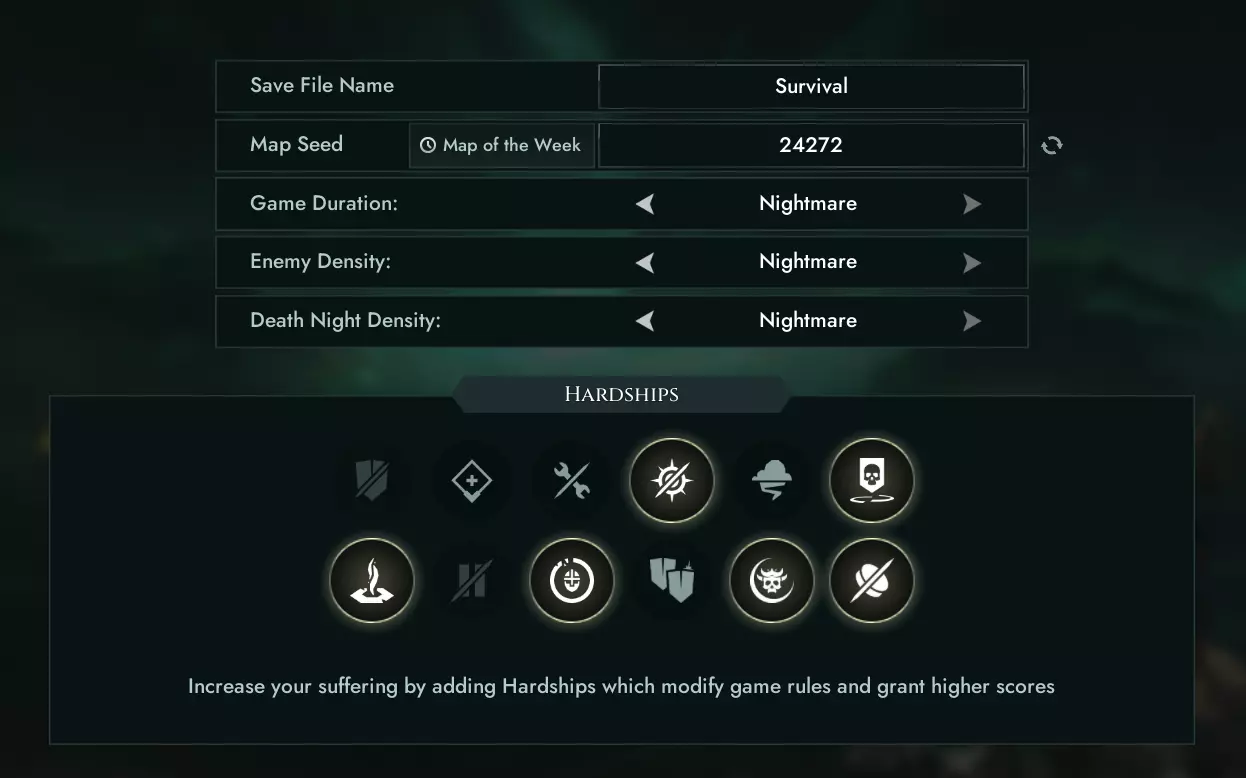
轻松达成600万积分成就指南
本文包含噩梦难度的技巧,并提供了一个种子/地图,以助你在单人求生模式中轻松达成【6 Million Points】成就。 介绍/难点 首先来谈谈设置。我会尽量简…
2026-04-06 19:000赞 · 0评论
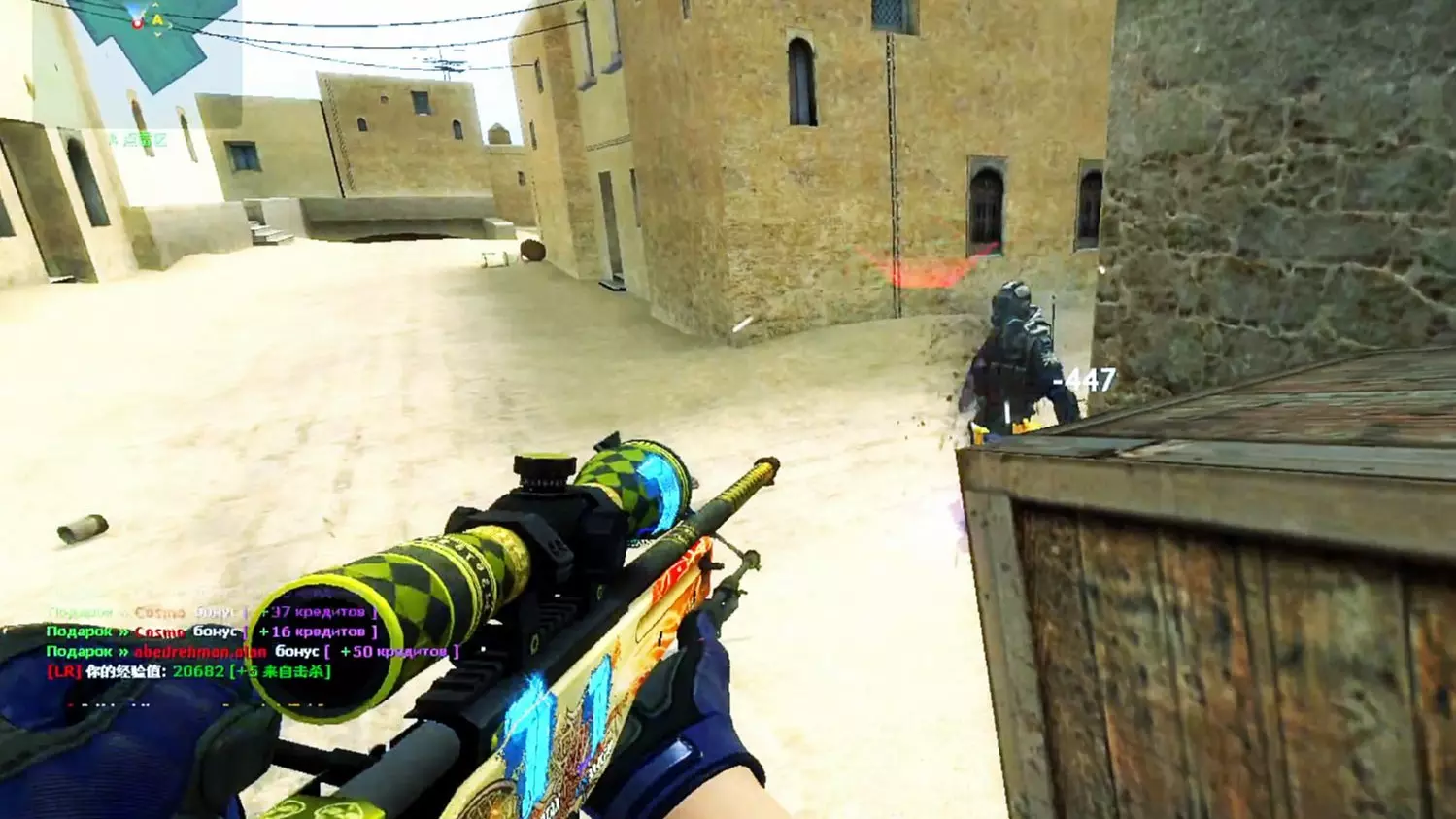
心惊肉跳的A包点残局 至少尽力活下来了
2026-02-09 07:0111赞 · 0评论
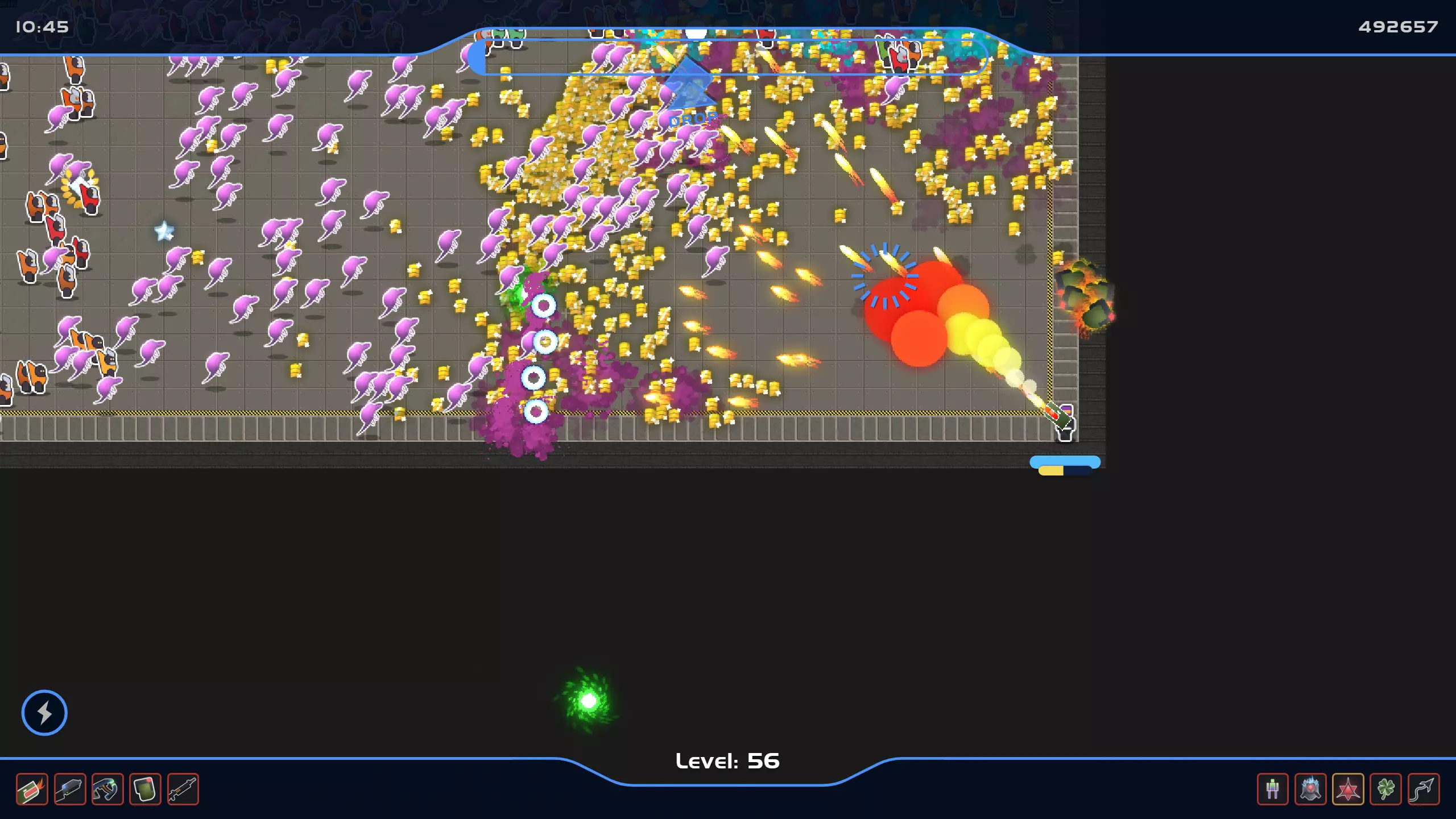
《Spartan Survivors》回收者与浴血奋战成就实用指南
本指南将介绍获取成就Reclaimer和Bloodbath的步骤 简介 在挑战成就Reclaimer和Bloodbath之前,你可能需要先解锁自定义模式,这会让…
2026-03-19 22:000赞 · 0评论
经典游戏 自从steam打骨折4块钱买了这游戏 都不怎么玩CS2了
游戏名Counter-Strike: Source,steam游戏。 游戏推荐BV18v411c7GN BV12H4y1i7qV BV1BC4y127AH BV…
2026-05-17 06:090赞 · 0评论
官方指南:自定义个人资料与控制设置
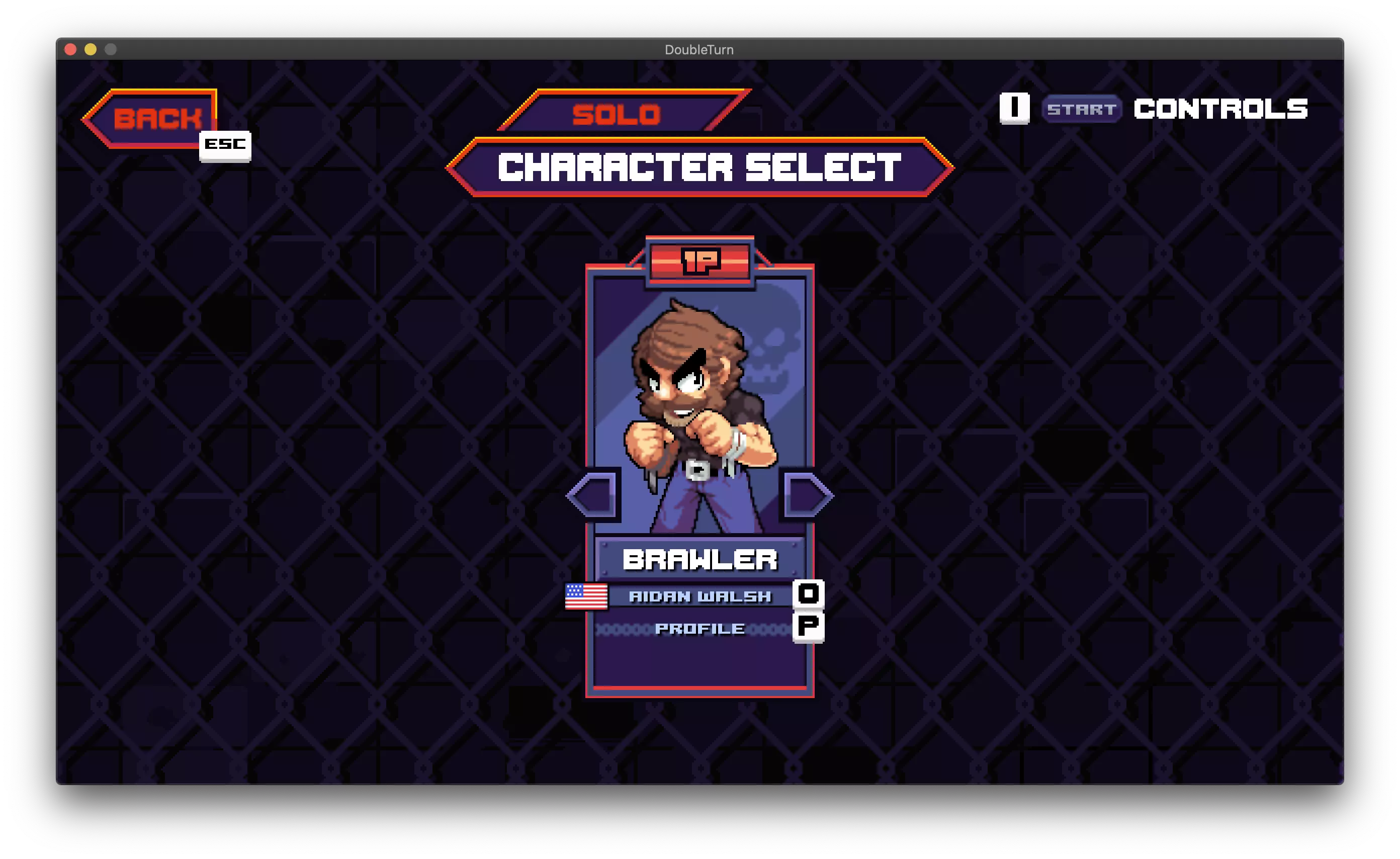
管理个人档案和设置自定义控制。 创建新档案 你可以在单人或对战模式的角色选择界面创建新档案。加入比赛后,你会看到与你的玩家编号对应的角色选择面板。在角色名称下方…
2026-04-05 07:000赞 · 0评论
配置指南
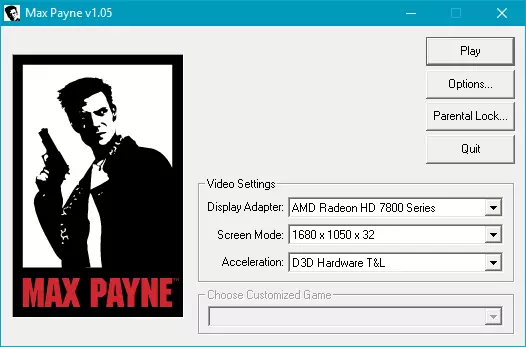
欢迎。 在本指南中,我们将把《黑暗地带》配置为意大利语并以最佳方式启动。 更改语言 Steam上仅有的两种可用语言是英语和法语。 通过使用意大利语翻译文件,尤其…
2026-02-15 16:000赞 · 0评论

《古墓丽影6:黑暗天使》设定指南
《古墓丽影6:黑暗天使》纯净安装设置指南 简介 《古墓丽影6:黑暗天使》于2003年发行。根据一些论坛的说法,同世代中画面最佳的游戏是《寂静岭3》。《古墓丽影6…
2026-04-06 07:000赞 · 0评论
生活品质基础(DC)
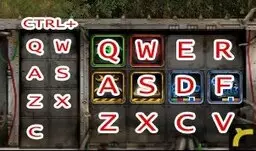
这份简易指南旨在帮助你对游戏进行配置,以获得更舒适的游玩体验,以及完成配置后如何更便捷地进行游戏。 我经常遇到需要这些信息的人,他们一旦了解后就觉得这些信息不可…
2026-03-25 19:000赞 · 0评论
三位一体攻略 《三位一体5 发条阴谋》图文攻略 全解密流程全收集攻略
《三位一体5:发条阴谋》图文攻略,全解密流程全收集攻略(含“主线流程”“经验收集指引”“信件/趣闻/外观收集攻略”)。《三位一体5:发条阴谋》是一款动作类冒险游…
2025-07-06 00:560赞 · 0评论
暂无更多
最新更新
- 如何获取成就"Охота за подарками" — 在本指南中,我将展示并解释如何获得成就“Охота за подарками” 开始 你好!在本指南中,我将展示如何在几分钟内获得稀有成就,无需其他程序(如SA…
- 反恐精英:起源 俄语配音 — 《反恐精英:起源》语音俄语化补丁 包含内容: - 机器人俄语语音 - 无线电指令俄语语音 - 人质俄语语音 说明: 我决定为《反恐精英:起源》制作俄语化补丁,只…
- 如果你是一名活跃的玩家,该如何保护视力。 — 朋友,如果你打开了这篇文章,说明你的视力确实有些问题。我来帮你。 首先: 擦一下显示器。没错,角落里可能积了些灰尘,形成了好看的图案,但如果你连续几周都盯着它看…
- Recogida de Regalos (Gift Grab) - 成就修复 — 在这份简短指南中,我将教你如何轻松且顺利地获取成就【Gift Grab】。 什么是【Gift Grab】成就? 这是一个需要收集对手死亡时掉落礼物的成就,该活动…
- 《反恐精英:起源》控制台命令 — Спасибо тем кто не проходит мимо и ставит лайк ;) Общие команды Инструкция по вв…
- 戴耳机的猫 — 戴耳机的猫,适合作为《反恐精英:起源》中帅气的头像,适用于2024-2025年 戴耳机的猫
- Sourcemod 的安装与设置 — Вы обзавелись собственным сервером на движке Source и теперь хотите стать полноп…
- 创建良好的配置和按键绑定 — пожалуй всё что нужно для создания своего собственного конфига для игры, а также…
- 反恐精英:起源 服务器垃圾信息 — 垃圾服务器指的是:当你进入这些服务器时,它们会安装一个脚本,该脚本会一直将你引导至同一个服务器,并且在服务器浏览器中还会生成带有虚假IP的服务器。如果你遇到这种…
- CS起源中文全成就指南+防俄语骚扰指南 — 这么经典的游戏居然没有真正的中文全成就指南,我来把这个空缺补上。前言 本文仅在Steam平台发布,其他平台出现的内容均为盗搬。由于游戏年代较为久远,目前缺乏成体…