换一换
换一换 


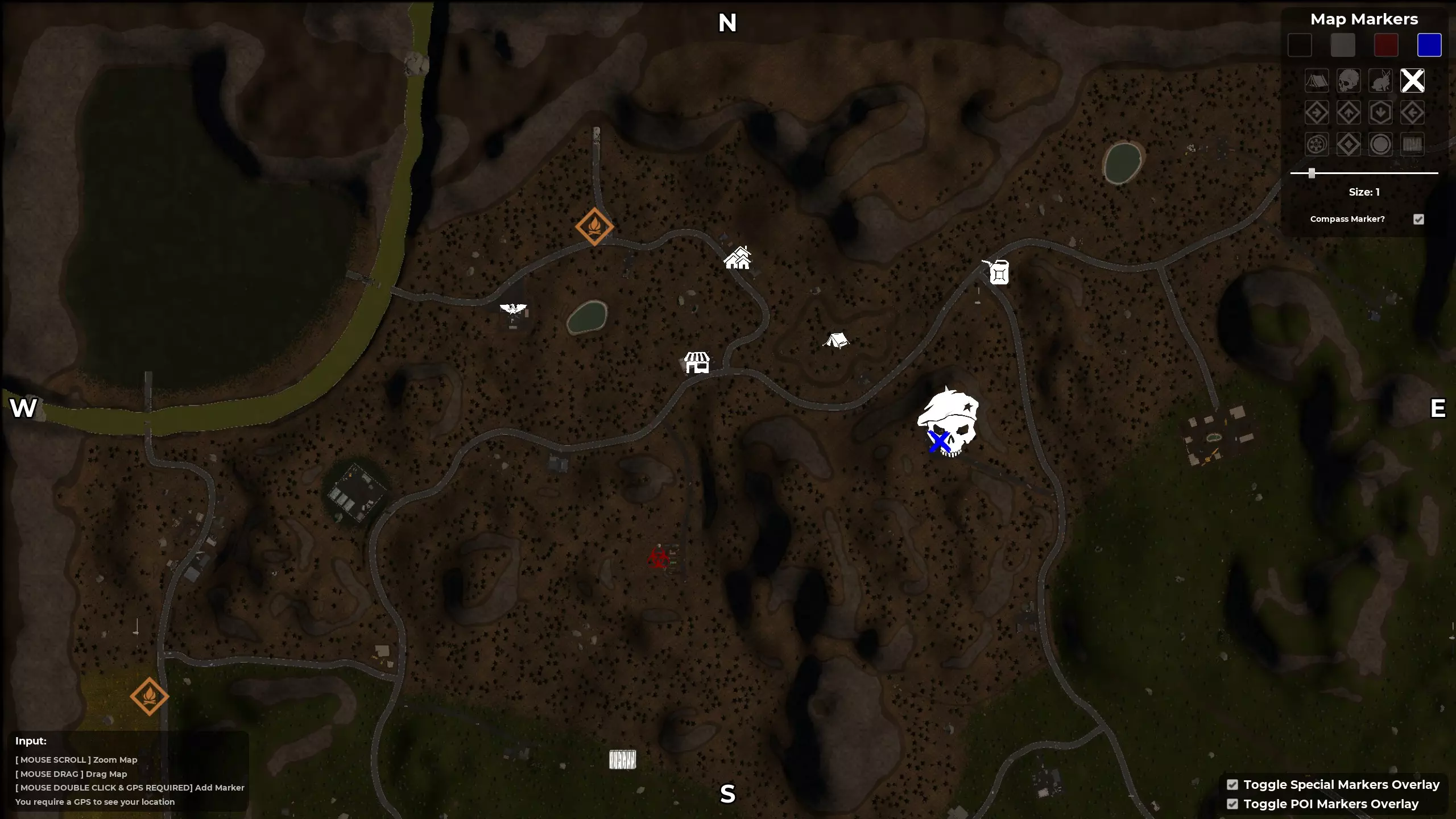
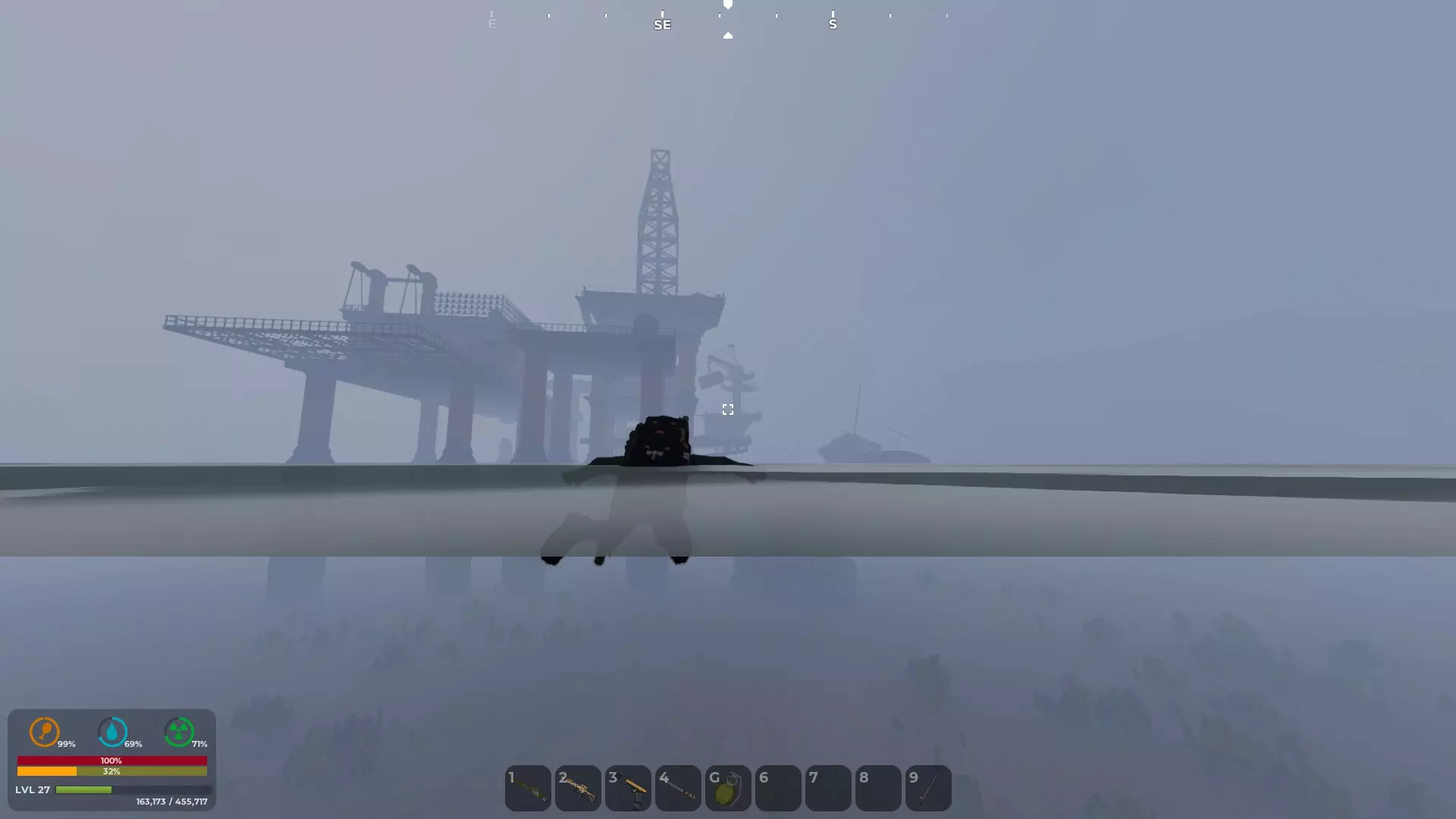
I have greatly improved the graphics in a few points: Grass, foliage and ground cutter no longer pop up. Fixed popping trees and bushes. Improved sky colors and cloud resolution optimized. Improved shadows, improved screen space reflections, optimized color in general. Ui scale adjusted (75%) and can be scaled to a different size as desired. Performance and lighting optimized and improved. Grass dynamic shadows disabled, better optics and performance. Grass smoother lod transition. Optimized fog density. Lod expanded and optimized for many details. Post process effects like motion blur, grain, chromatic aberration disabled. Faster Texture streaming. I have tested the performance and it should run very well on all current 3-series gpus, I have no fps drops. Go to the folder as follows: C:Users/Name/AppData/Local/SorrounDead/Saved/Config/Windows/Engine and add the following below (copy and drag) : [SystemSettings] r.Streaming.Boost=1 r.FastVRam.EyeAdaptation=1 r.bForceCPUAccessToGPUSkinVerts=1 r.ViewDistance=5 r.ViewDistanceScale=5 r.MaxAnisotropy=16 r.LandscapeLODDistributionScale=3 r.LandscapeLOD0DistributionScale=3 r.StaticMeshLODDistanceScale=0.01 grass.CullDistanceScale=4 grass.DisableDynamicShadows=1 foliage.LODDistanceScale=5 foliage.forcelod=2 foliage.ditheredLOD=0 foliage.MinimumScreenSize=0.00000001 foliage.MaxOcclusionQueriesPerComponent=128 foliage.MinInstancesPerOcclusionQuery=65536 grass.DensityScale=1.0 foliage.DensityScale=1.0 r.HLOD=1 r.HLOD.DistanceScale=2.0 r.HLOD.MaximumLevel=1 r.Emitter.FastPoolEnable=1 r.EmitterSpawnRateScale=2.0 r.MipMapLODBias=0 r.MaxQualityMode=1 r.DetailMode=2 r.MaterialQualityLevel=1 r.SkeletalMeshLODBias=-3 r.SkeletalMeshLODRadiusScale=0.01 r.LandscapeLODBias=-3 r.TessellationAdaptivePixelsPerTriangle=128 r.Water.WaterMesh.TessFactorBias=12 r.Fog=1 r.FogDensity=0.02 r.FogStartDistance=6 r.VolumetricFog.GridDivisor=30 r.VolumetricFog.GridPixelSize=8 r.VolumetricFog.GridSizeZ=64 r.VolumetricFog.Jitter=1 r.VolumetricFog.InjectShadowedLightsSeparately=1 r.VolumetricFog.InverseSquaredLightDistanceBiasScale=1.000000 r.VolumetricFog.LightFunctionSupersampleScale=2.000000 r.VolumetricCloud.HighQualityAerialPerspective=1 r.VolumetricRenderTarget=1 r.TranslucencyVolumeBlur=0 r.TranslucentLightingVolume=1 r.TrueSkyQuality=1 r.SkyLightingQuality=1 r.LightFunctionQuality=1 r.LightShaftQuality=1 r.LightMaxDrawDistanceScale=3 r.VolumetricCloud=1 r.VolumetricCloud.SkyAO=1 r.VolumetricCloud.SkyAO.Filtering=1 r.VolumetricCloud.ShadowMap=1 r.VolumetricCloud.ShadowMap.MaxResolution=2048 r.VolumetricCloud.SkyAO.MaxResolution=2048 r.VolumetricRenderTarget.Mode=1 r.SkylightIntensityMultiplier=0.4 r.SkyAtmosphere=1 r.SupportSkyAtmosphere=1 r.SkyAtmosphere.LUT32=1 r.SkyAtmosphere.FastSkyLUT=0 r.SkyAtmosphere.MultiScatteringLUT.HighQuality=1 r.SkyAtmosphere.AerialPerspectiveLUT.FastApplyOnOpaque=0 r.SkyAtmosphere.TransmittanceLUT.UseSmallFormat=0 r.SkyAtmosphere.AerialPerspectiveLUT.Depth=96 r.SkyAtmosphere.AerialPerspectiveLUT.DepthResolution=16.0 r.SkyAtmosphere.SampleCountMin=64.0 r.SkyAtmosphere.SampleCountMax=128.0 r.SkyAtmosphere.DistanceToSampleCountMax=128 r.ShadowQuality=5 r.Shadow.CacheWholeSceneShadows=1 r.Shadow.WholeSceneShadowCacheMb=500 r.Shadow.FilterMethod=0 r.Shadow.PointLightDepthBias=0.050000 r.Shadow.RadiusThreshold=0.01 r.Shadow.DistanceScale=3.0 r.Shadow.MaxNumFarShadowCascades=12 r.Shadow.CSM.MaxCascades=12 r.Shadow.TexelsPerPixel=16 r.Shadow.CSMDepthBias=20 r.Shadow.MinPreShadowResolution=4096 r.Shadow.MinResolution=4096 r.Shadow.MaxCSMResolution=4096 r.Shadow.MaxResolution=4096 r.Shadow.SpotLightTransitionScale=4096 r.Shadow.CSM.TransitionScale=2.0 r.Shadow.PreShadowResolutionFactor=1.0 r.CapsuleShadows=1 r.CapsuleMaxDirectOcclusionDistance=800.000000 r.CapsuleMaxIndirectOcclusionDistance=600.000000 r.CapsuleShadowsFullResolution=1 r.DistanceFieldShadowing=1 r.Shadow.PerObject=1 r.ContactShadows=1 r.AllowLandscapeShadows=1 r.Shadow.AllowForegroundShadows=1 r.AmbientOcclusionLevels=2 r.AmbientOcclusionMaxQuality=100 r.DistanceFieldAO=1 r.DFShadowQuality=3 r.DFFullResolution=1 r.HLOD.ForceDisableCastDynamicShadow=1 r.Shadow.FadeResolution=0 r.HighQualityLightMaps=1 r.LensFlareQuality=3 r.ParticleLightQuality=2 r.RefractionQuality=3 r.SSR.Quality=4 r.SSR.MaxRoughness=1 r.SSS.Scale=1 r.SSS.SampleSet=2 r.SSGI.Quality=4 r.DefaultFeature.AntiAliasing=2 r.PostProcessAAQuality=6 r.ScreenPercentage=100 r.TemporalAASamples=32 r.TemporalAACurrentFrameWeight=0.12 r.TemporalAAFilterSize=1.0 r.TemporalAACatmullRom=1 r.TemporalAAPauseCorrect=1 r.BloomQuality=3 r.EyeAdaptationQuality=3 r.Color.Mid=0.35 r.SceneColorFormat=4 r.TonemapperGamma=2.2 r.Tonemapper.Quality=3 r.TonemapperFilm=1 r.Tonemapper.Sharpen=0.33 r.FastBlurThreshold=0 r.MotionBlurQuality=0 r.MotionBlurQuality=0 r.MotionBlur.Amount=0 r.MotionBlurSeparable=0 r.DepthOfFieldQuality=0 r.DepthOfField.FarBlur=0 r.DefaultFeature.MotionBlur=0 r.SceneColorFringe.Max=0 r.SceneColorFringeQuality=0 r.MotionBlur.Max=0 r.Tonemapper.GrainQuantization=0 [/script/engine.localplayer] AspectRatioAxisConstraint=AspectRatio_MaintainYFOV [/script/engine.userinterfacesettings] ApplicationScale=0.75 If you don't see the appData folder, you have to activate advanced folder options: show all in the windows settings. Have fun with the new graphics. New Graphics Look:
《SurrounDead》更好的画质

2026-02-20 07:00:18
发布在SurrounDead
转载

导读
本文介绍了《SurrounDead》的画质优化方案,涵盖植被、光影、天空、UI等多方面优化,还给出具体配置代码及路径,测试显示3系列GPU运行无掉帧,能大幅提升游戏画质与运行表现。

评论
共0条评论

如何更快加载
本指南将教你如何通过跳过UE5视频来加快加载速度 跳过UE5启动画面 前往steamapps > common > SurrounDead > SurrounD…
2026-02-20 01:000赞 · 0评论
SurrounDead — 乌克兰语本地化(文本)
SurrounDead — 乌克兰语本地化(文本) 信息 SurrounDead — 乌克兰语本地化(文本) 作者:OTAMAH 版本:1.3 游戏版本:Pre…
2026-02-19 10:000赞 · 0评论
沙盒游戏 这7天简直舒服得难受丨SurrounDead丨末世生存
游戏:SurrounDead
2026-05-19 15:330赞 · 0评论
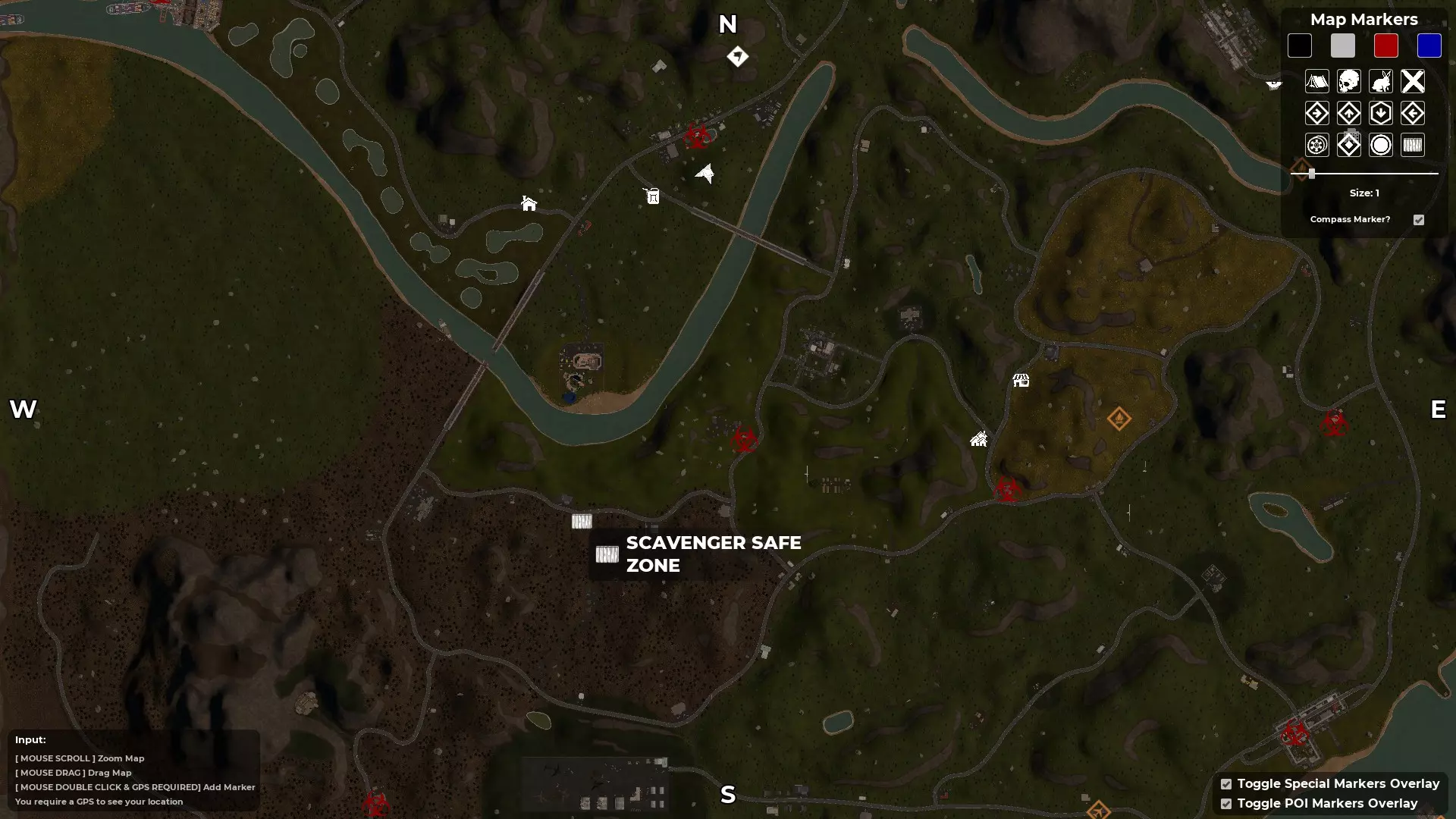
四个拾荒者安全区位置(附地图)
拾荒者安全区共有四个可能的位置,但在任意一次游戏流程中只有一个位置处于激活状态。不过,如果你正在寻找定居点管理员,以下地图将会有所帮助。 概述 - 四张地图 这…
2026-02-19 07:000赞 · 0评论
《SurrounDead》全成就指南
这是一份详细指南,介绍了获取《SurrounDead》所有成就的方法。无论你是从未玩过这款游戏,还是正在专门攻克成就,本指南都将告诉你如何全部解锁。 简介 致所…
2026-02-18 10:000赞 · 0评论

攻略 【SurrounDead】死亡缠绕攻略之开局设置详解
2026-05-14 08:130赞 · 0评论
steam原价48它就是神作 打折28也值得冲
游戏名SurrounDead(死亡环绕),steam打折截止3月27日。单人游戏无中文。
2026-03-21 18:320赞 · 0评论
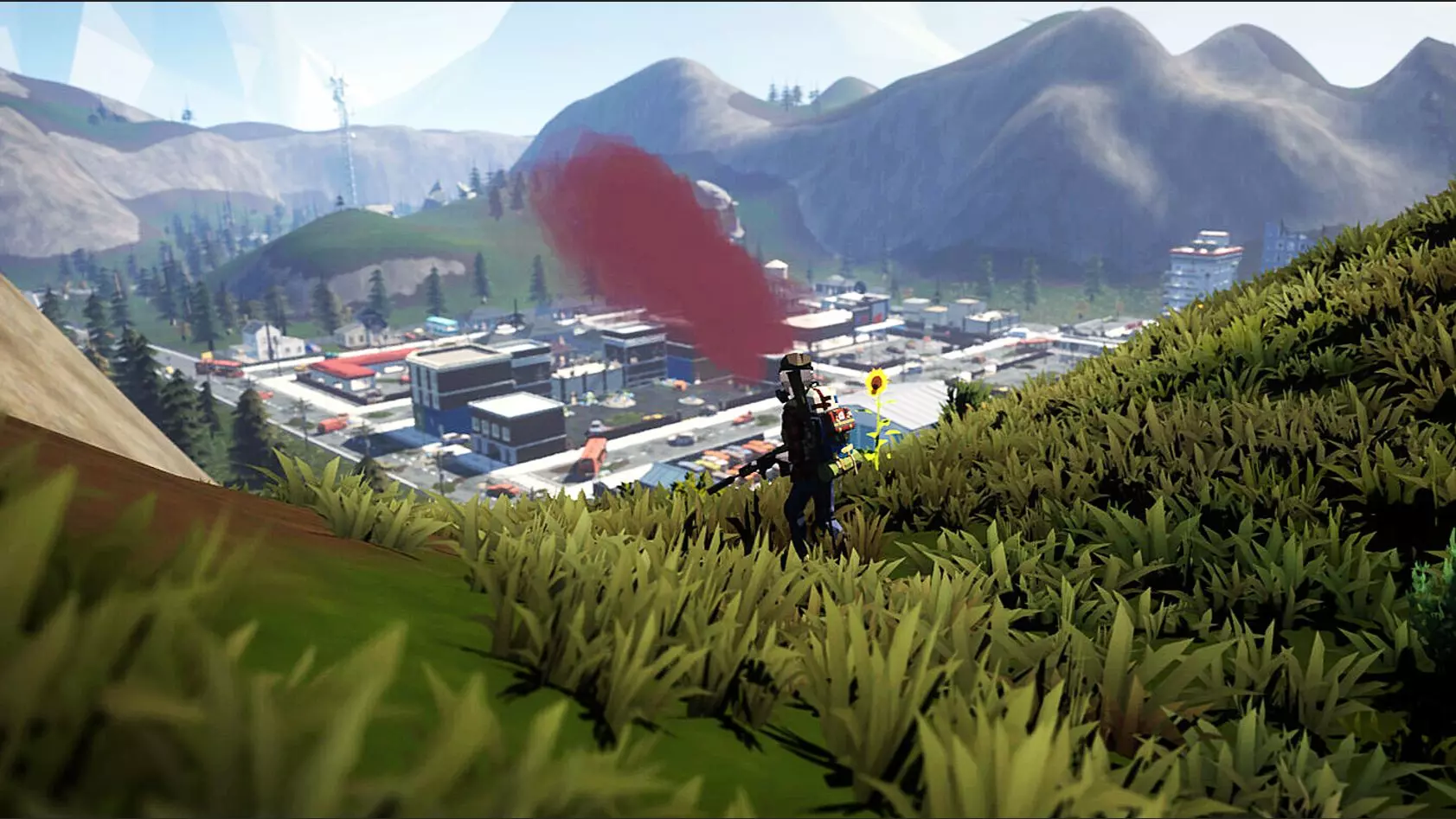
SurrounDead - 法语本地化
游戏《SurrounDead》法语翻译! 信息 SurrounDead — 法语本地化(文本) 作者:OTAMAH 版本:1.1 游戏版本:Preparatio…
2026-02-20 01:000赞 · 0评论
实用小物件
Стараюсь следить за новостями и поддерживать свое второе руководство с переводом…
2026-02-18 22:000赞 · 0评论
【SurrounDead】指南(已过时)
这是《SurrounDead》相关一切内容的终极指南。该指南仍在开发中,未来几天将添加更多内容。 地图 原始地图:
2026-02-18 10:000赞 · 0评论
暂无更多
最新更新
- SurrounDead:徽章等级 — 本指南展示了《SurrounDead》徽章的所有等级。 1级
- 《SurrounDead》全成就指南(2025) — 本指南的主要目标是详细解释所有可用成就以及获取它们的最佳方法。 简介 欢迎阅读, 本指南的主要目标是详细解释所有可用成就以及获取它们的最佳方法。其中包含解锁每个…
- 《SurrounDead》存储与载具数据指南 — Want to know which backpacks there are, which is largest or which is most space …
- 《SurrounDead》西班牙语本地化 — SurrounDead — 西班牙语本地化(文本) 信息 SurrounDead — 西班牙语本地化(文本) 作者:OTAMAH 版本:1.0 游戏版本:Pre…
- 载具刷新点与废金属位置 — 我将我在这两方面所做的工作整合到了一份指南中,以便在需要进行更改和更新时更加便捷。 (当前游戏版本:1.3.4b / 2023年2月19日) (指南最新更新时间…
- Surroundead 地图位置 — 此信息来自Surroundead的Fandom互动地图维基,但我已截图并用画图软件进行了编辑。位置 - 兴趣点
- 《SurrounDead》更好的画质 — I have greatly improved the graphics in a few points: Grass, foliage and ground …
- 任何玩家的绝佳入门之选 — This will help you on hitting spots all the way to current game and allows you t…
- SurrounDead 文本俄语化工具 — 文本翻译 安装 SurrounDead 0.7.1g 版本文本俄化补丁 2025年8月28日 要求: Steam游戏版本:0.7.1g(版本号19622939)…
- SurrounDead - 法语本地化 — 游戏《SurrounDead》法语翻译! 信息 SurrounDead — 法语本地化(文本) 作者:OTAMAH 版本:1.1 游戏版本:Preparatio…