换一换
换一换 



Инструкция по работе с UE для локализации VEIN. Для работы можно создать свой файл локализации или взять за основу другой. Далее на примере уже готового .pak с локализацией. Качаем UnrealEngine (любую версию, у VEIN 5.4.0, но можно и 5.6) в Epicgames, в нём есть UnrealPak.exe, дополнительно качаем UE4localizationsTool. Открываем командную строку Win+R->cmd В командной строке отправляем команду(Все директории должны быть предварительно созданы и пути у вас могут быть свои): & "C: Program Files Epic Games UE_5.6 Engine Binaries Win64 UnrealPak.exe" - Путь до UnrealPak.exe   "C: Temp Vein_RU_P.pak" - Путь до нужного ,pak для распаковки -Create="C: Temp paklist.txt" - Лист понадобиться для обратной упаковки Распакованный .pak будет содержать Game.locres, который нужно открыть через UE4localizationsTool и появиться доступ к редактированию строк. Могут быть проблемы с уже добавленными строками и их Hash. если оно вроде бы на русском языке в UE4localizationsTool, но в игре нет. Для этого понадобятся UE4SS и FModel, UE4SS скачать и закинуть по пути ...Steam steamapps common VEIN VEIN Binaries Win64 В UE4SS-settings.ini нужно изменить параметры: MajorVersion = 5 MinorVersion = 4 ; Для UE5.4 ConsoleEnabled = 1 GuiConsoleEnabled = 1 GuiConsoleVisible = 1 ; Чтобы видеть GUI UE4SS GraphicsAPI = dx12 ; Или dx11, если dx12 не работает (проверь в настройках игры, какой API используется) Запустить игру и в консоли UE4SS перейти во вкладку Dumpers и нажать Generate .usmap file. Файл Mappings.usmap(Он нужен будет для Fmodel для открытия .uasset) появится в той же папке Win64, рядом с exe. Запускаем FModel переходим в Settings, в строке Local Mapping File ставим крест и Mapping File Path указать путь до сгенерированного файла Mappings.usmap, это позволит открывать .uasset файлы игры. Чтобы открыть .uasset файлы игры, их нужно получить полностью распаковав все .pak игры по пути ...Steam steamapps common Vein Vein Content Paks Создайте .txt файл в папке с .pak в ...Steam steamapps common Vein Vein Content Paks Закиньте баш скрипт @echo off set UNREALPAK="C: Program Files Epic Games UE_5.4 Engine Binaries Win64 UnrealPak.exe" set OUTPUT="C: Temp VEIN_unpack_full" for %%f in (*.pak) do ( echo Распаковка %%f... %UNREALPAK% "%%f" -extract %OUTPUT% %AES% ) pause Переименуйте файл .txt в .bat и запустить от имени администратора баш скрипт, он распакует все .pak в нужную директорию OUTPUT. После этого переходим в FModel, выбираем раздел Directory->Selector, нажимаем на две стрелки (вниз-вверх) ADD UNDETECTED GAME, указываем путь до директории с распакованными файлами игры, имя любое по желанию. Далее в главном окне FModel, в разделе Archives выбрать Loading Mode - All, ниже нажать Load и у вас загрузит все директории с .uasset файлами. Теперь двойным кликом их можно открыть, найти нужны Key для UE4localizationsTool и нужный текст строки. Копировать нужно key и SourceString в UE4localizationsTool без ковычек при создании строки(Add New Row) "Namespace": "", "Key": "A5E755DE451DFD803C14B380180A3303", - Отсюда нам нужно A5E755DE451DFD803C14B380180A3303 "SourceString": "Bandana", - Отсюда нам нужно Bandana "LocalizedString": "Bandana" В UE4localizationsTool, когда мы уже открыли Game.locres мы может нажать на верхней панели Locres Operations и добавить новую строку через Add New Row в Namespace если он пустой в .uasset оставляем поле пустым, при этом нажимаем C, чтобы задать нулевой(0) Hash, далее из .uasset копируем key и вставляем его, нажимаем C генерируется нужный Hash, далее также с Value, копируем фразу без ковычек из SourceString или LocalizedString, нажимаем C генерируем Hash и нажимаем Add. В уже созданной строке мы можем менять текст как угодно, нужный Hash указан и текст в игре измениться, если не делать как выше, то с неверным Hash, текст не измениться в игре. Также есть проблема с текстом в .uasset для UE4localizationsTool, что к примеру длинная фраза и будет иметь формат ... flashing images, even if they have no history of epilepsy or seizures. r n r nThis game may contain flashing lights. r n r nIf you may be susceptible to photosensitive ... - r n r n значит нужно отступить, сделать абзац. Закиньте данную строку в блокнот и нажмите Enter удалив символы r n r n, скопируйте из блокнота текст и вставьте текст в Value при создании строки. Instruction for working with UE for localizing VEIN. You can create your own localization file or use an existing one as a base. Next, using an example of a ready-made .pak with localization. I apologize for any incorrect English for English-speaking users. Download Unreal Engine (any version; VEIN uses 5.4.0, but 5.6 works too) from the Epic Games Launcher. It includes UnrealPak.exe. Additionally, download UE4LocalizationsTool. Open the command prompt with Win+R -> cmd. In the command prompt, run the command (all directories must be created beforehand, and paths may vary): & "C: Program Files Epic Games UE_5.6 Engine Binaries Win64 UnrealPak.exe" - Path to UnrealPak.exe "C: Temp Vein_RU_P.pak" - Path to the .pak file to unpack -Create="C: Temp paklist.txt" - The list will be needed for repacking The unpacked .pak will contain Game.locres, which can be opened via UE4LocalizationsTool to access and edit strings. There may be issues with already added strings and their Hash. If it appears in Russian in UE4LocalizationsTool but not in the game. For this, you'll need UE4SS and FModel. Download UE4SS and place it in ...Steam steamapps common VEIN VEIN Binaries Win64 In UE4SS-settings.ini, change the parameters: MajorVersion = 5 MinorVersion = 4 ; For UE5.4 ConsoleEnabled = 1 GuiConsoleEnabled = 1 GuiConsoleVisible = 1 ; To see UE4SS GUI GraphicsAPI = dx12 ; Or dx11 if dx12 doesn't work (check the game's settings for which API is used) Launch the game, and in the UE4SS console, go to the Dumpers tab and click Generate .usmap file. The Mappings.usmap file (needed for FModel to open .uasset) will appear in the same Win64 folder, next to the exe. Launch FModel, go to Settings, check Local Mapping File, and in Mapping File Path, specify the path to the generated Mappings.usmap. This will allow opening the game's .uasset files. To open the game's .uasset files, unpack all .pak files from ...Steam steamapps common Vein Vein Content Paks Create a .txt file in the .pak folder at ...Steam steamapps common Vein Vein Content Paks Paste the batch script: @echo off set UNREALPAK="C: Program Files Epic Games UE_5.4 Engine Binaries Win64 UnrealPak.exe" set OUTPUT="C: Temp VEIN_unpack_full" for %%f in (*.pak) do ( echo Unpacking %%f... %UNREALPAK% "%%f" -extract %OUTPUT% %AES% ) pause Rename the .txt file to .bat and run the batch script as administrator. It will unpack all .pak into the OUTPUT directory. After that, in FModel, go to Directory -> Selector, click the two arrows (down-up) ADD UNDETECTED GAME, specify the path to the unpacked game files directory, name it anything you want. Then, in the main FModel window, in the Archives section, select Loading Mode - All, click Load below, and it will load all directories with .uasset files. Now, double-click to open them, find the necessary Key for UE4LocalizationsTool and the string text. You need to copy the key and SourceString into UE4LocalizationsTool without quotes when creating a string (Add New Row). "Namespace": "", "Key": "A5E755DE451DFD803C14B380180A3303", - From here, we need A5E755DE451DFD803C14B380180A3303 "SourceString": "Bandana", - From here, we need Bandana "LocalizedString": "Bandana" In UE4LocalizationsTool, once Game.locres is opened, you can click Locres Operations on the top panel and add a new string via Add New Row. If Namespace is empty in .uasset, leave the field empty, then press C to set zero (0) Hash. Next, copy the key from .uasset and paste it, press C to generate the needed Hash. Do the same with Value, copy the phrase without quotes from SourceString or LocalizedString, press C to generate Hash, and click Add. In an already created string, you can change the text as needed; the correct Hash is set, and the text in the game will change. If not done as above, with the wrong Hash, the text won't change in the game. There's also an issue with text in .uasset for UE4LocalizationsTool, for example, a long phrase might have the format ... flashing images, even if they have no history of epilepsy or seizures. r n r nThis game may contain flashing lights. r n r nIf you may be susceptible to photosensitive ... - r n r n means to make a line break, a paragraph. Paste this string into notepad and press Enter, deleting the r n r n symbols, copy the text from notepad, and paste the text into Value when creating the string.
使用虚幻引擎进行《噬血代码》本地化的操作指南

导读
这是一份使用虚幻引擎对《噬血代码》进行本地化的操作指南,涵盖下载所需工具、通过命令行用UnrealPak.exe解打包.pak文件,借助UE4localizationsTool编辑本地化字符串,以及解决Hash异常、文本显示异常等问题的具体操作步骤,核心工具包括UnrealPak、UE4localizationsTool等。

评论
共0条评论

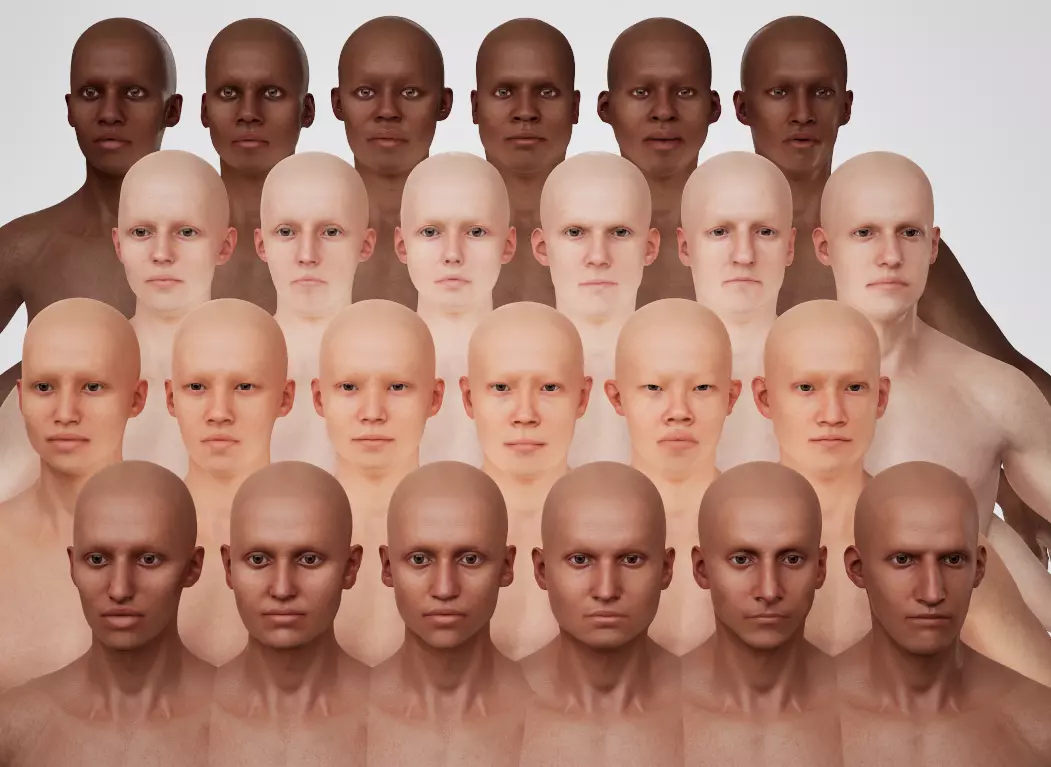
《噬血代码》头部预设相关公告
欢迎来到0.024版本发布后的首篇新闻公告。尽管存在一些漏洞,但目前反响相当不错,我们正积极着手准备首个热修复补丁。 热修复1 在过去几周的编程工作中,我们大致…
2026-06-01 14:100赞 · 0评论
《VEIN》0.024版本
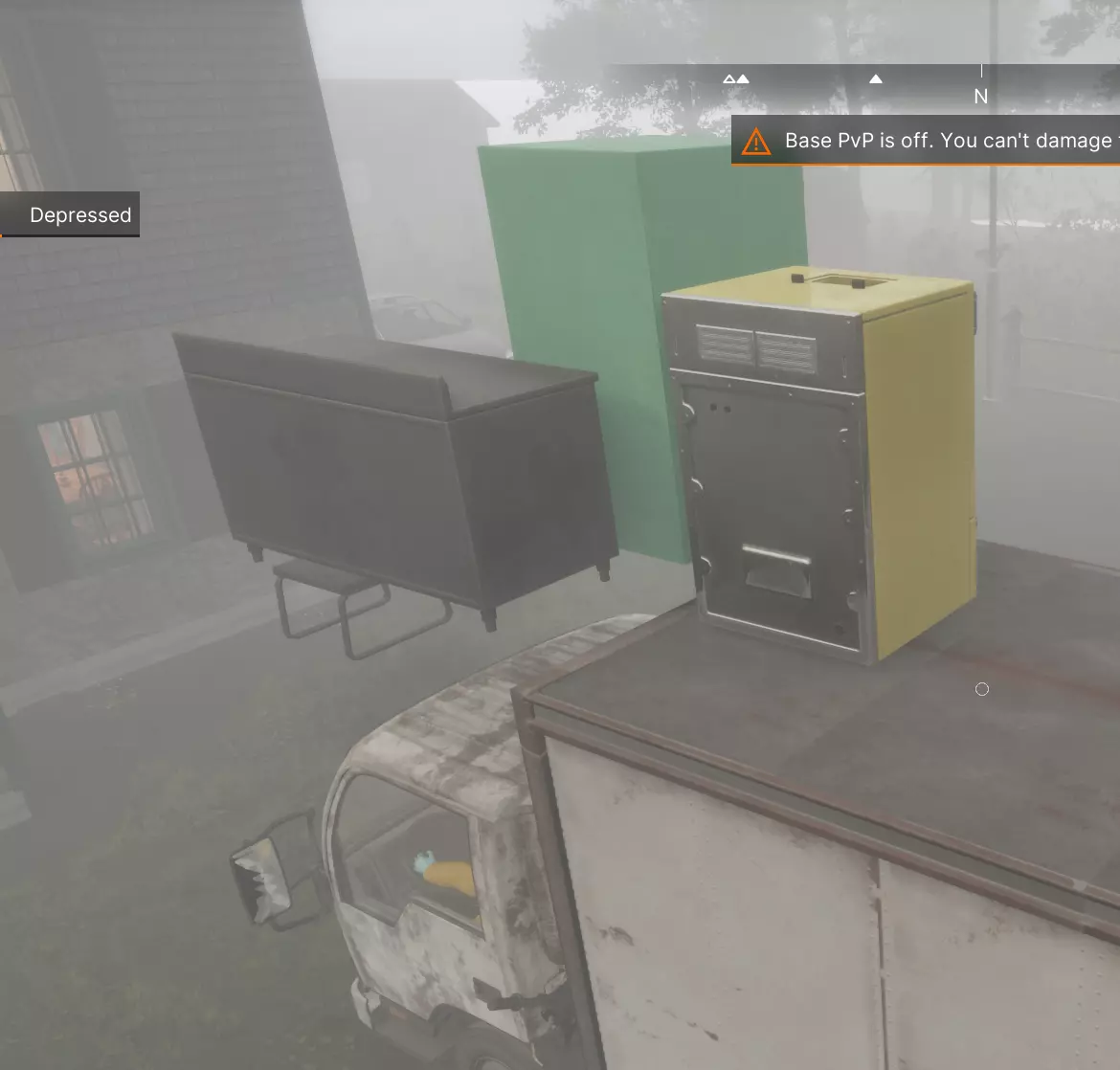
《VEIN》0.024版本现已在Steam上线。本次更新包含以下内容: 1. 首个大型地图扩展,新增超过60个地点 2. 状态数值重新平衡 3. 可生成的家具与…
2026-05-29 13:120赞 · 0评论

《噬血代码》新闻:潜鸟湖
大家好,欢迎收看我们常规的VEIN新闻更新!我们距离0.024版本已经非常接近了,所以过去几周的大部分工作都是打磨和修复漏洞,因为我们确实已经临近更新。每次更新…
2026-05-15 08:190赞 · 0评论
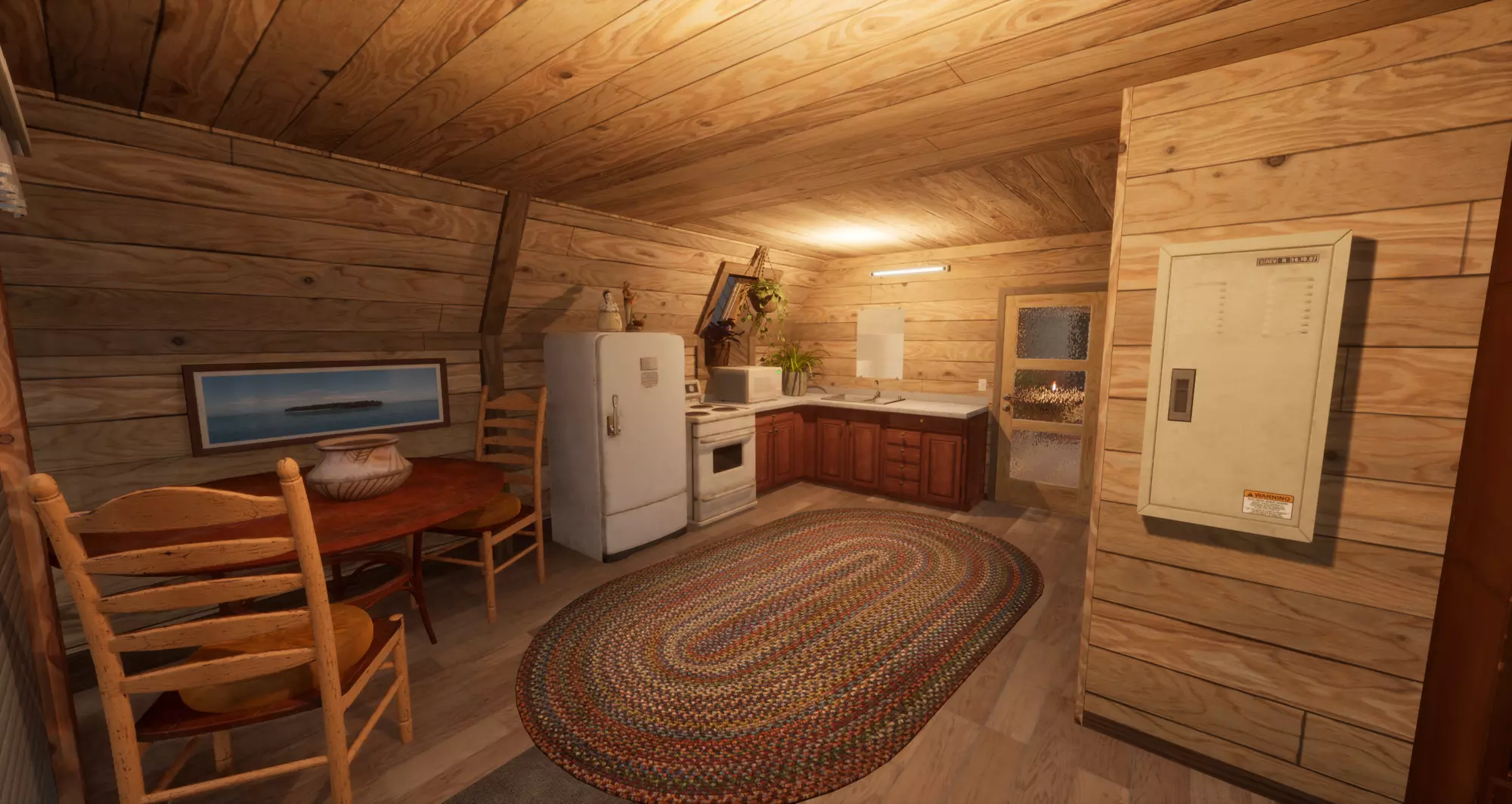
《噬血代码》每周更新:A形框架
《VEIN》每周更新内容 本周我们主要致力于后端修复和幕后改进,因此本次更新内容较少。 1. 为尚普兰谷新区域添加了大量新美术资源。这意味着我们需要检查每件新增…
2026-04-16 07:470赞 · 0评论
《噬血代码》每周更新:紧张战况
《VEIN》Hotfix 4 更新内容 1.修复了各种流体相关问题: ①使用带有流体源(如浴缸或水槽)的容器时,现在会优先使用流体源中储存的内容,而非水龙头的内…
2026-04-01 13:130赞 · 0评论
《VEIN》0.023版本-第4号热修复补丁发布
《VEIN》修复公告 1. 修复植物加载异常的问题 2. 修复非堆叠物品被选中时仍显示物品数量文本的问题 3. 优化距离检测算法 4. 修复缩放设置保存不一致的…
2026-03-31 10:170赞 · 0评论
《噬血代码》每周更新:编织之骨
大家好,欢迎来到又一期《VEIN》每周更新!目前工作室正在进行大量幕后工作,但我们很兴奋能向大家展示一些我们正在开发的内容。 首先,在上次每周更新后不久,我们发…
2026-03-25 12:440赞 · 0评论
《VEIN》0.023版本-热修复3已发布
修复了几处小崩溃问题 修复了驾驶载具撞向家具时,若提前下车,载具摧毁家具会导致的崩溃问题 修复了部分字体渲染问题
2026-03-19 15:100赞 · 0评论
《VEIN》0.023版本热修复2更新内容
添加俄语、德语、日语的部分翻译 修复鱼饵使用整个堆叠的问题 仅在物品栏发生变化时重置所选的物品栏筛选器 修复“隐形”管理员模式出现阴影的问题 修复日语区域设置无…
2026-03-19 07:420赞 · 0评论
《噬血代码》每周简报:伤员分类
《VEIN》Hotfix 2更新内容 1. 新增了更完善的崩溃报告功能,这将帮助我们更轻松地分类和修复崩溃问题(以及一般错误)。该功能会根据你的遥测设置自动运行…
2026-03-18 15:510赞 · 0评论
暂无更多