换一换
换一换 


How to optimize “Men of War Assault Squad 2” for the best graphics quality without losing frame rate (FPS) Minimum system requirements to reach the ideal result: Operating system: Windows X64 (Windows 10 is recommended) Processor: Intel Core i3 4000M or better AMD A8 7600 or better (Should have "integrated graphics")Single-core clock speed is essential in achieving the desired result. CPUs with higher frequency bring a better outcome to the table. This guide has no or insignificant effect on Intel Xeon or AMD Threadripper processors, due to their distinct design and structure Memory: 6GB of RAM Graphics: GeForce GTX 750Ti or better Radeon RX 580 or betterThis guide may not be beneficial for Nvidia Quadro or AMD FirePro family cards, as the performed tests on these pieces of hardware reached conflicting results on account of their special design and divergent development according to their purpose. Storage: HDD - 5400 RPM or better - 32MB cache or lager SSD – Any SSDIt's also recommended to have the game installed on a separate storage device from what the current operating system has been installed on. Display: 1920*1080 at max Solution: In simple language, CPU has an important role in processing data, calculating physical events such as explosions, force measurements, and their directions in the game. Since we can’t use more than 2 CPU cores (Core 0 and Core 1), we must decreese the amount of work those cores are going to do. -A- Processing enhancements Redirecting tasks from CPU to GPU => I. Nvidia graphics cards and chipsets: Step 1: Open the “Nvidia control panel.” Open the “3D Settings” from the left side tree menu. Select “Configure Surround, PhysX” Now on the “PhysX settings” change the processor to your graphics card. Press "apply" to save the change. Step 2: Open the “3D Settings” from the left side tree menu. Select “Manage 3D settings.” On the new window, switch to the “programs settings tab.” Select the game from the dropdown menu below “1. Select a program to customize”. If you can’t find the game, click on "add" next to the dropdown menu. Find and select the game from the list or use the browse and determine your game. After that, click on “Add Selected Program.” Below the “2. Specify the settings for this program”, find the “CUDA – GPUs” and open the dropdown menu next to it. Select “Use these GPUs” and mark the GPU/GPUs below there. Open the dropdown menu next to “OpenGL rendering GPU.” Change it to your graphics card. (Some graphics cards don’t have this option) Open the dropdown menu next to “Power management mode.” Change it to "prefer maximum performance." Press the apply to save settings. Step 3: Open your game. Open “Options.” On the “Video” change the “Graphics setting” to "Ultra." Check the “Vertical sync.” Change the “Antialiasing to “2x.” Press "apply." All done. => II. ATI/AMD graphics cards and chipsets Step 1: Make sure to have the latest version of "Nvidia PhysX" installed on your computer. Check Nvidia official website to acquire the installation package, if you don't have it. Step 2: On Windows, open “Settings” and click on “System.” Click and open “Display.” Scroll down to the bottom and click on “Graphics settings.” Below “Choose an app to set preferences,” open down drop menu and select “Classic app.” Click on browse and specify your game. Then click on OK. Now click on “options” and select “High performance.” Step 3: Open your game. Open “Options.” On the “Video” change the “Graphics setting” to "Ultra." Check the “Vertical sync.” Change the “Antialiasing to “2x.” Press "apply." All done. -B- Set priority and affinity Windows 10 users: Open "Task Manager." How to open "Task Manager" --> Simultaneously, press Ctrl+Shift+Esc keys. or --> Simultaneously, press Winkey+R keys, then type "taskmgr.exe and then press Enter. or --> Simultaneously, press Ctrl+Alt+Delete keys, then click on "Task Manager." or --> Simultaneously, press Winkey+X keys, then click on "Task Manager." or --> Right-click on the taskbar, then click on "Task Manager." Unfinished* FAQ: What should I expect from this guide? You should be able to smoothly play the game on the "Ultra" profile without shuttering. This includes a constant and stable frame rate from 35-60 frames per second in accordance with your hardware pieces and your display. I applied the guide. Is it essential for my friends to do the same if we want to play with each other on multiplayer/cooperative? No; however, if they do, they will likely experience a better game performance and higher FPS. This can be significant for the game hosts since the "Men of War Assault Squad 2" utilizes peer-to-peer network communications. Thus, the better corresponding peers, the smoother the game session will. Can I reach this quality and FPS with integrated Intel graphics or Intel HD graphic cards? No, never. Nonetheless, "Set affinity" might slightly improve their gameplay experience. Do I attain the same result when I'm playing the game with mods? It varies from mod to mod. Depend on the level of modifications and contents, the process of mod development, and the knowledge of the modder/s from the GEM engine, the result differs. Important Note: The combination of the following hardware achieves the best result and the minimum result from this guide: The best result on the combination of an "Intel CPU or AMD CPU + Nvidia GPU." The minimum result on the combination of an "Intel CPU or AMD CPU + ATI / AMD GPU." Nvidia graphics cards and chipsets owners reach a better result in comparison to ATI / AMD graphics cards and chipsets owners owing to some limitations. It's important to mention, most of the applicators who had "Intel" CPUs gained better results in the end. However, this conclusion is not universal or definite. I’m performing further tests on various hardware specifications. In case you achieved the expected outcome with the older HW specifications than mentioned, please inform me by leaving a comment below this guide. Example: CPU: CPU model full name Graphics: GPU model full name Storage: Storage model full name Average FPS: X FPS Plus a video that proves the claim, including rig specifications, in-game setting, and gameplay on a 4v4 map. Author: The guide was written by Amin All rights are reserved for the author. Any Use/Copy/Share without mentioning the source and author is prohibited.
最佳画质/帧率 - 《战争之人:突击小队2》

2026-02-17 19:00:19

导读
这是《战争之人:突击小队2》的画质帧率优化指南,先列出了达到理想效果的最低系统配置,再分英伟达、AMD显卡给出将CPU任务转至GPU的设置步骤,还提及CPU优先级设置方法,能让玩家在Ultra画质下获得35-60的稳定帧率。
评论
共0条评论

成就与新手建议
任务导航与对应成就。新手关于游戏【隐藏】机制的建议 简介 最初这只是个人使用的笔记,包含任务列表及其简要说明,方便以合作模式100%完成游戏。但现在这已整理成一…
2026-02-17 16:000赞 · 0评论
新手指南:我200多小时游戏后的心得
Написал это для тех, кто как и я искал инфу по игре, по механике и т.п. К собств…
2026-02-17 16:000赞 · 0评论

《战争之人:突击小队2》成就
《战争之人:突击小队2》全成就列表 简介 我曾深入研究过我们喜爱的这款游戏的成就,发现其数量多达415项,但仔细分析后发现,其中大多数成就只是针对不同国家的重复…
2026-02-17 19:000赞 · 0评论

独角兽的闪亮新手《战争之人:突击小队2》游戏指南
Men of War: Assault Squad 2 is not for the faint of heart. It is no Comany of He…
2026-02-17 16:010赞 · 0评论
《CarX Street》异环赛车焚诀怎么设置?低画质高帧率优化教程,解决卡顿提升流畅度
《CarX Street》异环赛车焚诀怎么设置画质帧率?录的视频恒定30帧,所以看不出30、60的区别。 请参考右上角的实时帧率显示,实测低画质+高帧率设置能有…
2026-06-27 07:430赞 · 0评论
前线以及如何应对
《战争之人:突击小队2》对新手不算友好,尤其是在前线模式中。 本指南将帮助新手,或许也能帮到更有经验的玩家,了解该游戏模式的机制。 前线模式是游戏的模式之一,但…
2026-02-17 16:000赞 · 0评论
购买指南:单位强度与排名总览
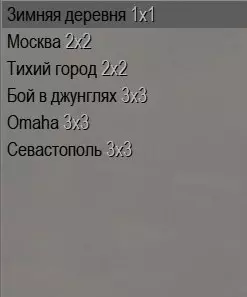
游戏中所有派系单位的完整列表,以及一个简单的颜色编码排名/分级系统,助你大致了解在突击区域多人游戏模式中应该购买什么和不应该购买什么。这是一份Jagd社区指南。…
2026-02-17 16:000赞 · 0评论
《战术小队》战争之人:突击小队2怎么玩?德军战役燃烧之境全流程通关攻略
《战术小队》相关游戏推荐:战争之人:突击小队2。本视频带来德军战役“燃烧之境”的全流程实录,从开局部署到最终胜利,详细展示战术指挥、兵种搭配与战场推进,助你掌握…
2026-06-18 13:530赞 · 0评论
《战争之人:突击小队2》三角洲部队模组怎么玩?黑鹰坠落摩加迪沙战役实战攻略
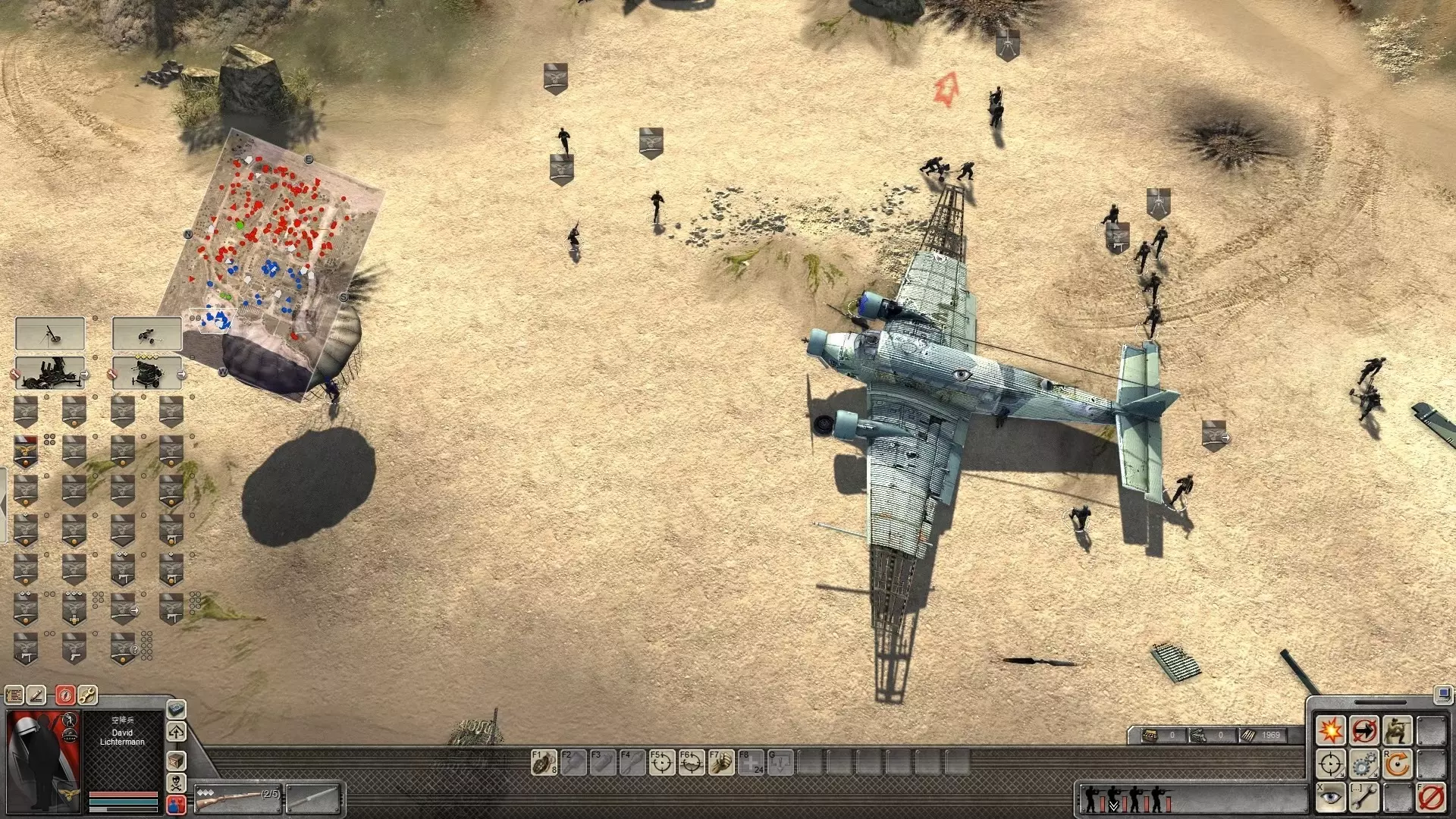
《战争之人:突击小队2》三角洲部队模组深度体验 Men of War: Assault Squad 2 Delta Force mod 游戏购买链接: http…
2026-06-07 13:430赞 · 0评论
《战争之人:突击小队2》编辑器地图指南
学习如何使用GEM编辑器创建自己的地图 欢迎
2026-02-17 16:000赞 · 0评论
暂无更多
最新更新
- 年轻男孩的课程 — Если ты знаешь все таблицы пробития и оружие каждого пехотинца в игре ,но продол…
- 德国轻武器列表 — 游戏内德国轻武器数据与解说 开篇 二战期间,德国制造了一些战争中最著名也最臭名昭著的武器。在战争的大部分时间里,德国步兵战术以班组级机枪为核心。基于这一情况,游…
- 略有帮助的信息 — 《战争之人》的bug确实很多,而且有大量内容只有沉迷这款游戏的玩家才会了解!知道如何精准投掷手榴弹,或是哪种枪械最为出色,这种感觉真是太棒了——咳咳,我说的就是…
- Robz模组俄文版指南:如何正确游玩? — Вы узнаете, чем отличается игра в самый популярный мод от ванили, какие юниты и …
- 如何在遭遇战和多人游戏中为派系添加载具 — 我将说明如何在遭遇战和多人游戏中为派系添加载具。 概述 我们将涵盖以下内容: 1. 文件 2. 在文件中查找 3. 需添加的内容 4. 最终成果 文件 要添加载…
- 最佳画质/帧率 - 《战争之人:突击小队2》 — How to optimize “Men of War Assault Squad 2” for the best graphics quality witho…
- UMW ASV 40K指南 — This is not a guide made by developers, but it is formed from experience and wha…
- 第一次世界大战时期的俄罗斯装甲车 — 本指南将介绍第一次世界大战时期俄罗斯的所有装甲车 :) 纳卡希泽
- 《战争之人:突击小队2》成就 — 《战争之人:突击小队2》全成就列表 简介 我曾深入研究过我们喜爱的这款游戏的成就,发现其数量多达415项,但仔细分析后发现,其中大多数成就只是针对不同国家的重复…
- 如何在数千名大学生中成为地下城主? — 内容包含不良信息,无法进行汉化处理。内容无法识别,已删除。内容包含低俗、不适当信息,无法进行有效汉化处理。游戏模式 游戏中共有多种模式:夺点(leather s…